Explore AI Image Editor AI Image Tools
Explore powerful AI Image Editor AI tools designed to edit, enhance and transform images instantly. Create professional visuals with advanced AI technology.
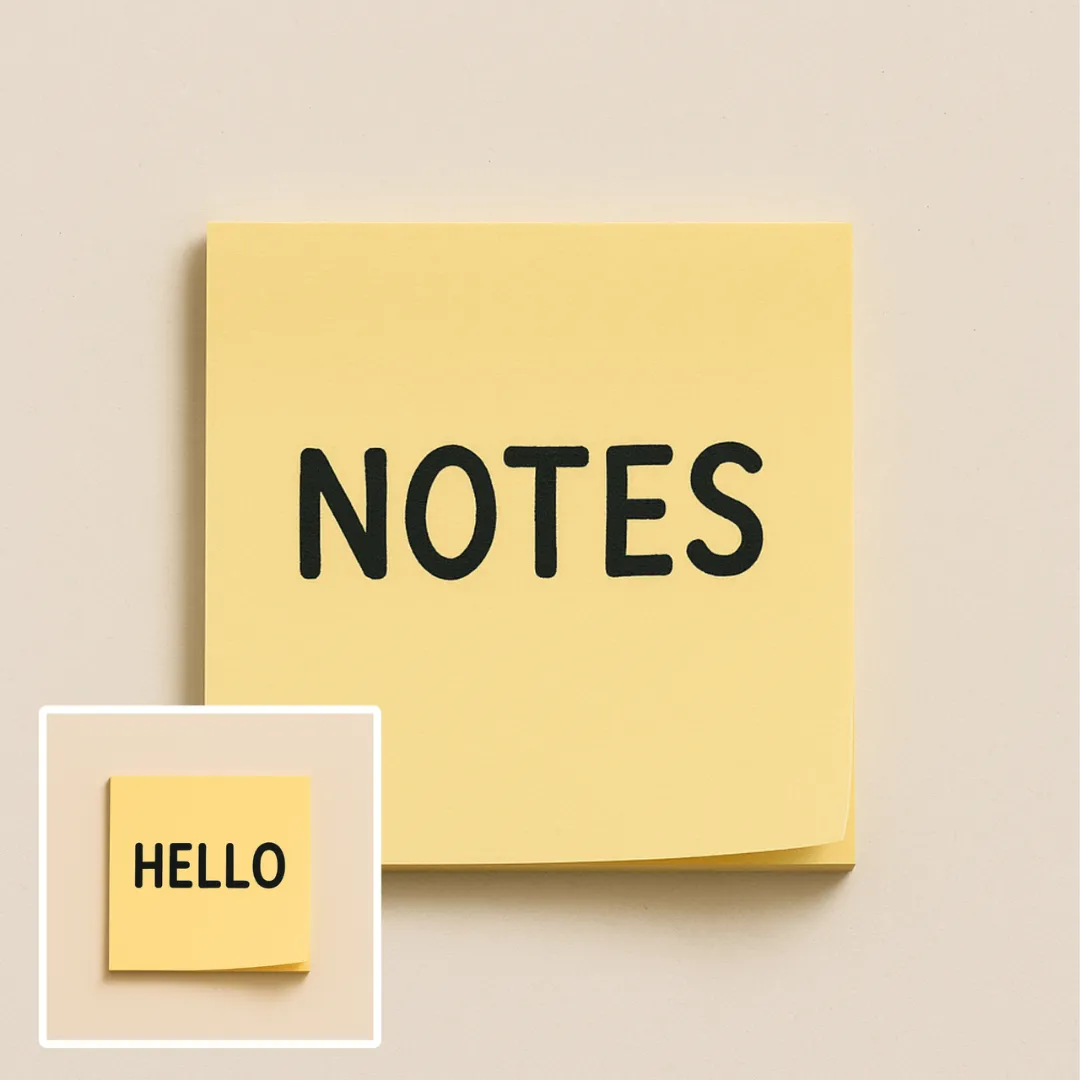
AI Edit Text in Image
Edit or remove visible text with AI Edit Text in Image while preserving the surrounding layout. Chec...
Try Tool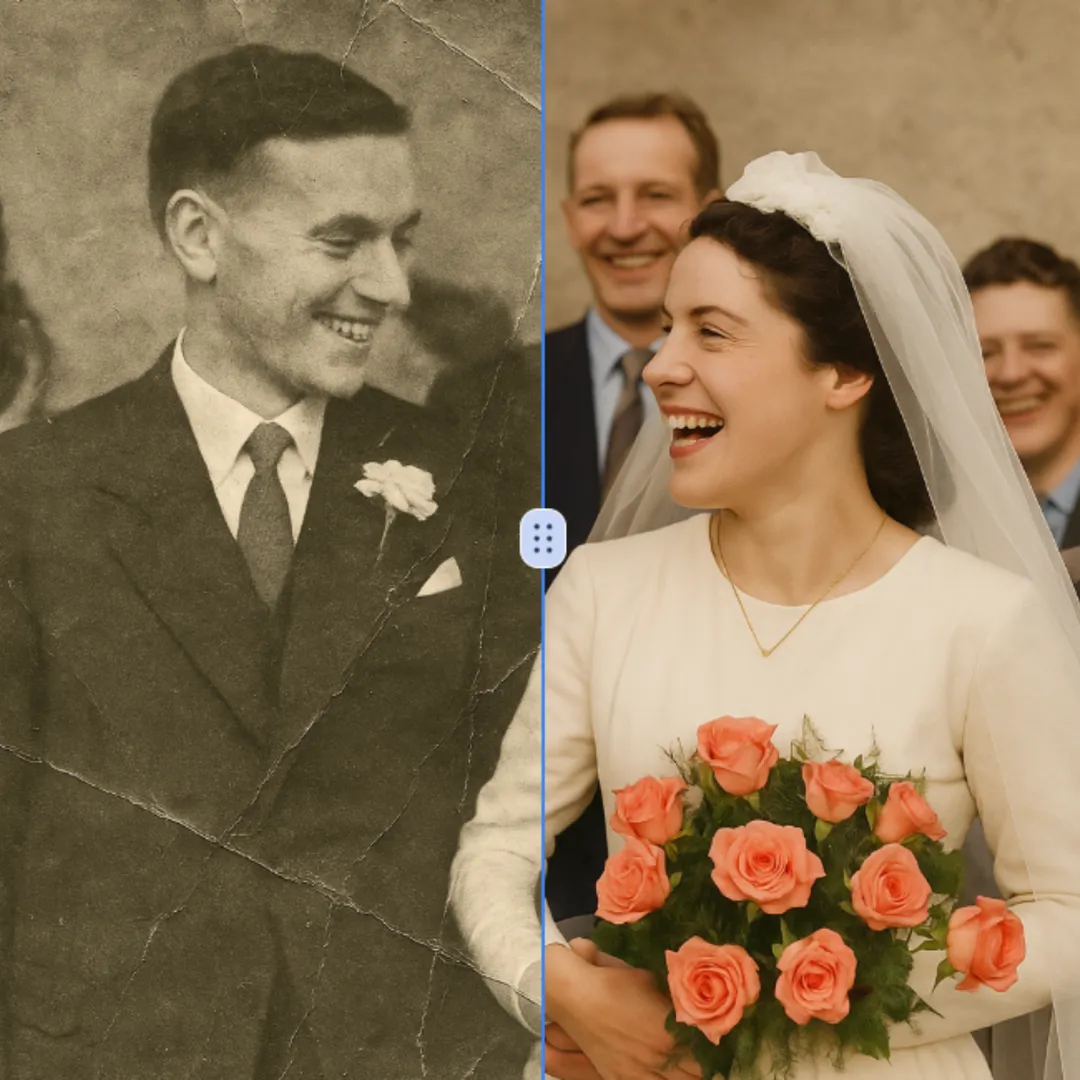
AI Photo Restoration
Improve visible image detail with AI Photo Restoration while keeping the original subject in view. C...
Try Tool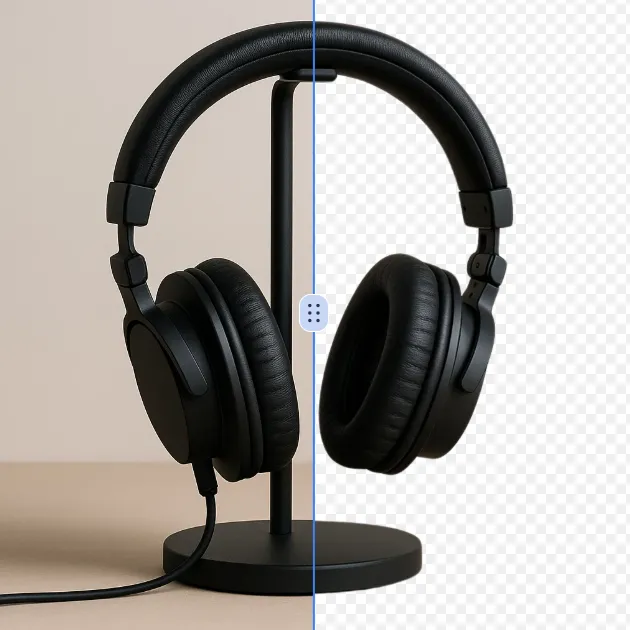
AI Background Remover
Remove a background from a photo or logo with AI Background Remover, then check subject edges, fine...
Try Tool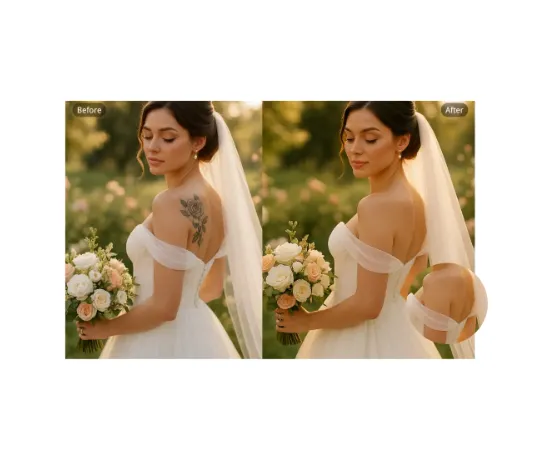
AI Remove Tattoo
Use AI Remove Tattoo to target an unwanted overlay or localized detail in an image. Compare the edit...
Try Tool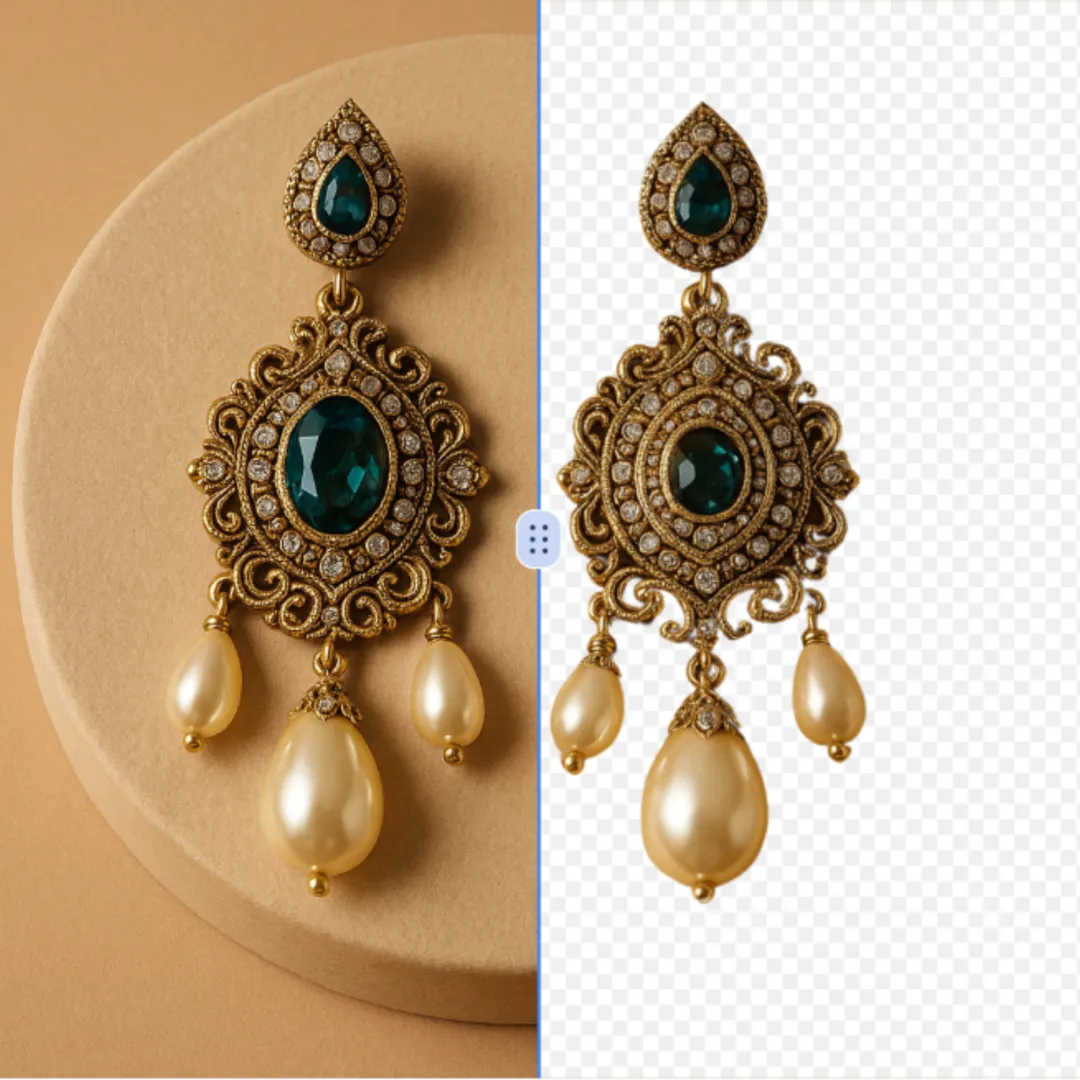
AI Cut Out Image
Create a clean cutout with AI Cut Out Image for transparent-image workflows. Review hair, fingers, p...
Try Tool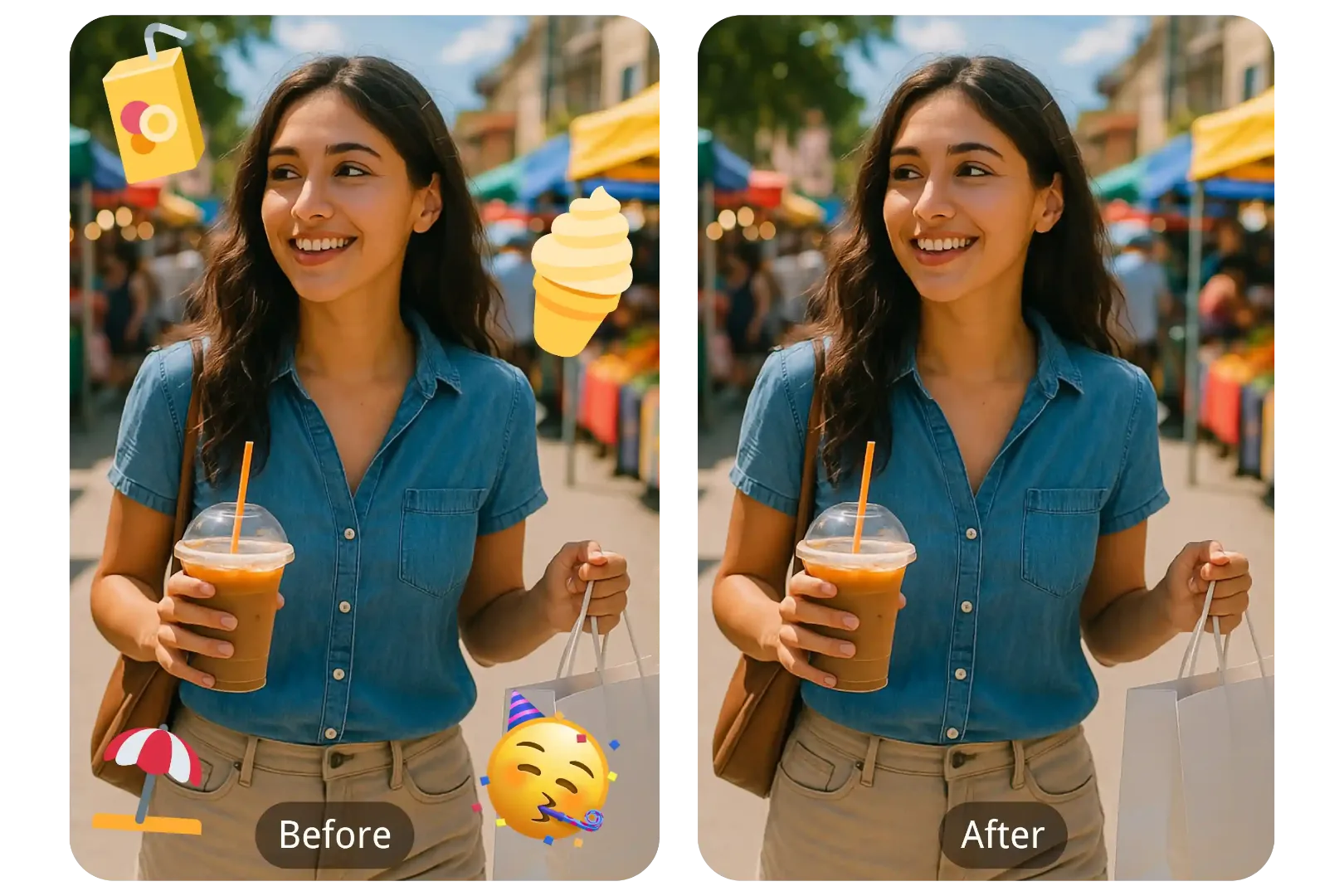
AI Emoji Remover
Use AI Emoji Remover to target an unwanted overlay or localized detail in an image. Compare the edit...
Try Tool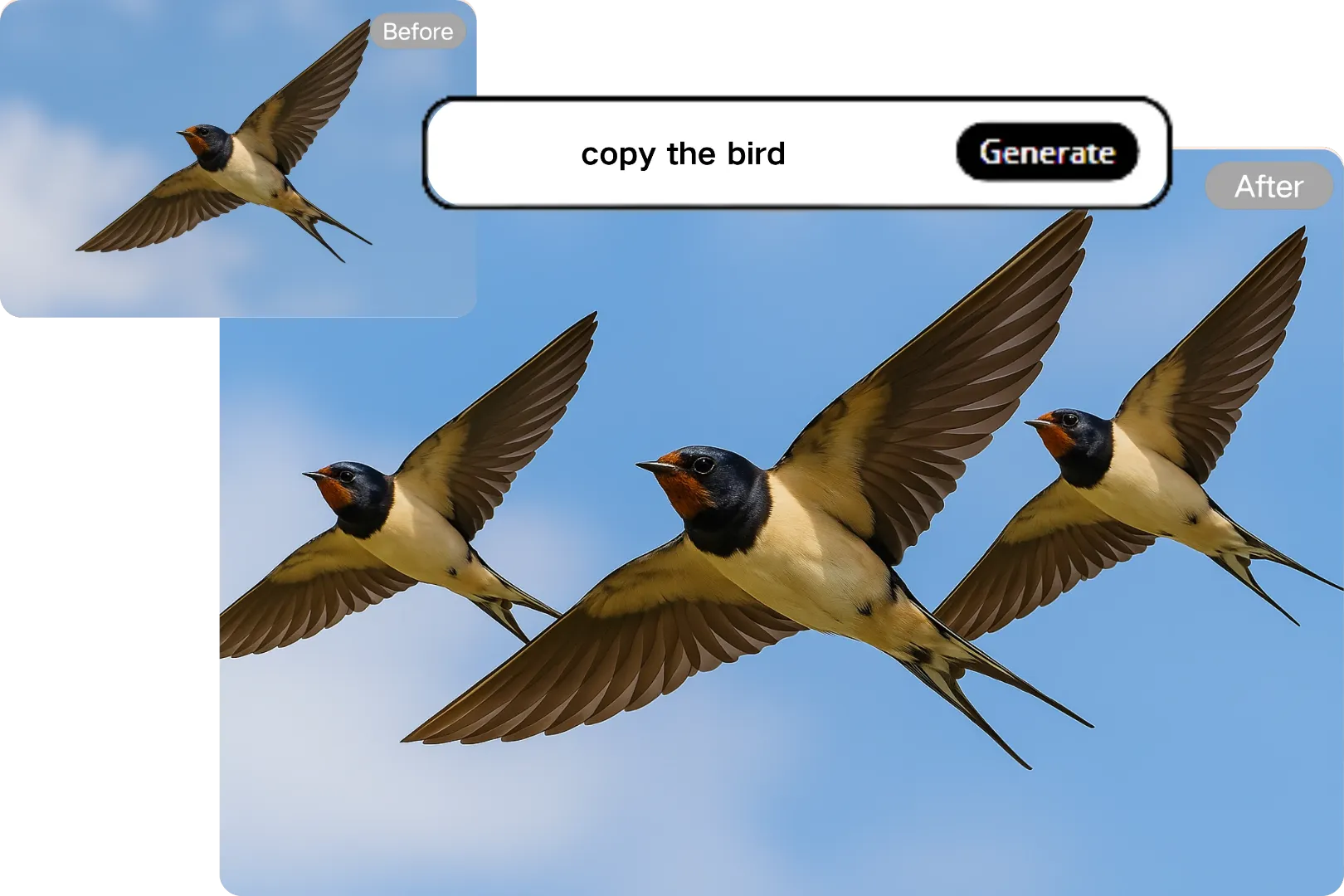
AI Clone Stamp Tool
Repair a photo by removing or replacing a selected object with AI Clone Stamp Tool. Keep the edit ar...
Try Tool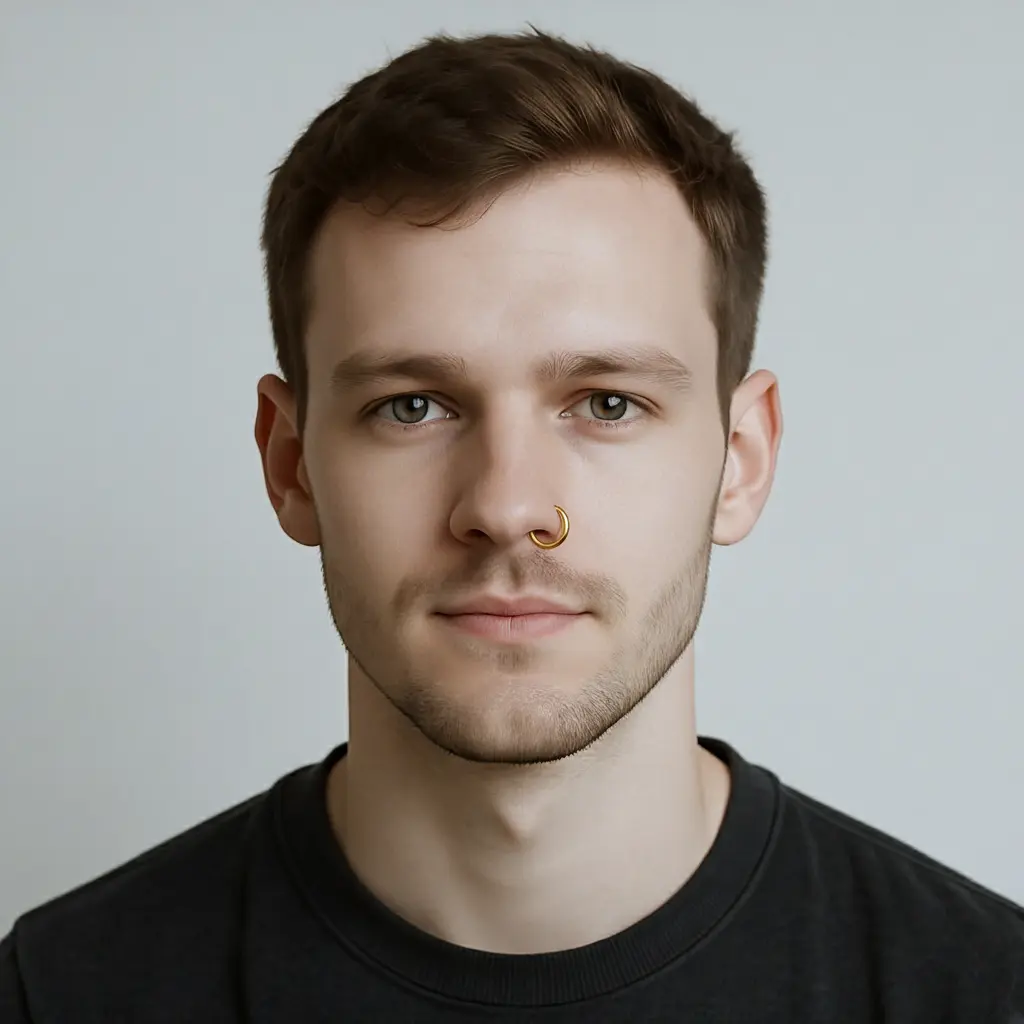
Nose Piercing Filter
Transform a source image toward the nose piercing filter look with Nose Piercing Filter. Describe th...
Try Tool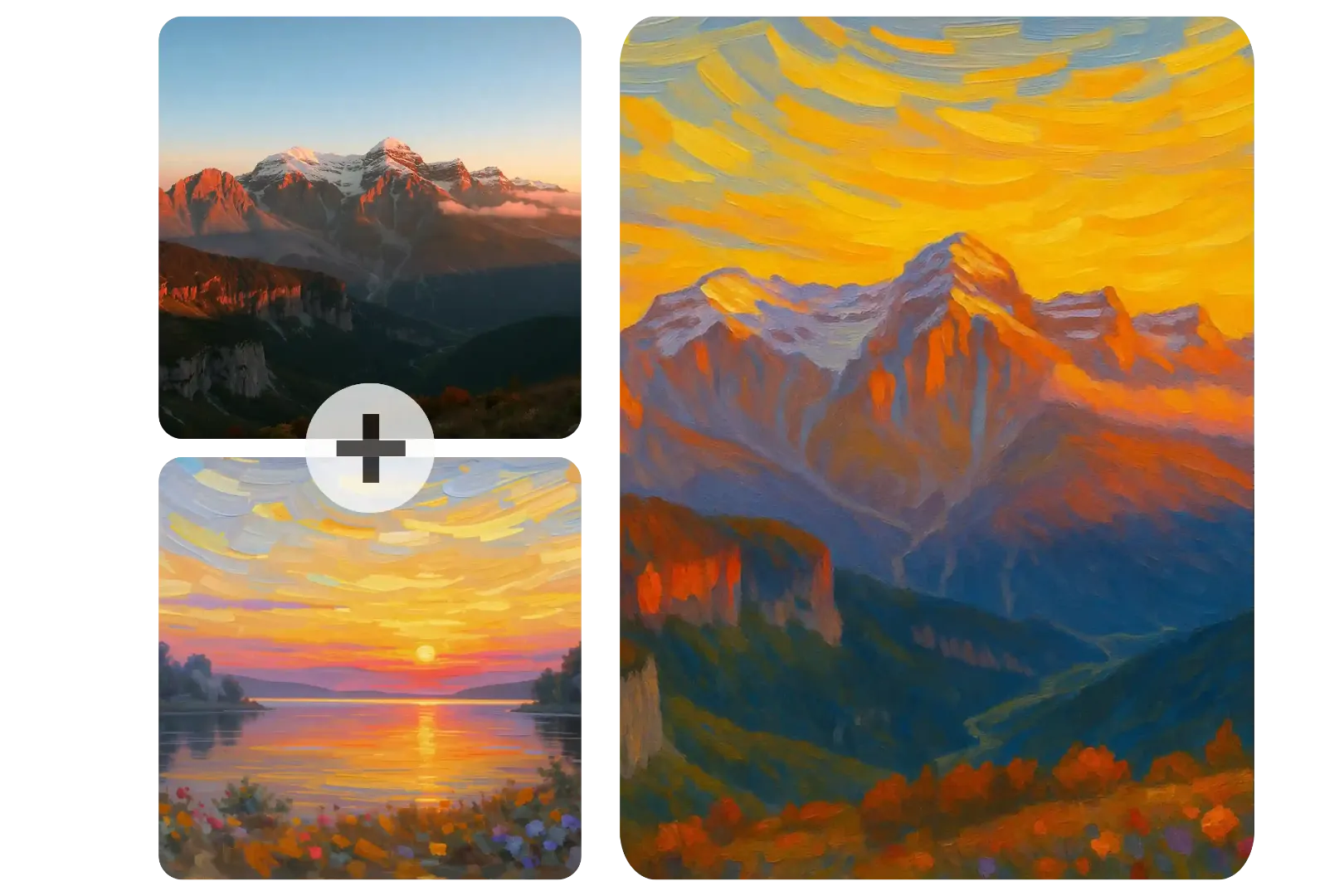
AI Image Combiner
Blend multiple reference images into one coherent composition with a focused prompt. Use the existin...
Try Tool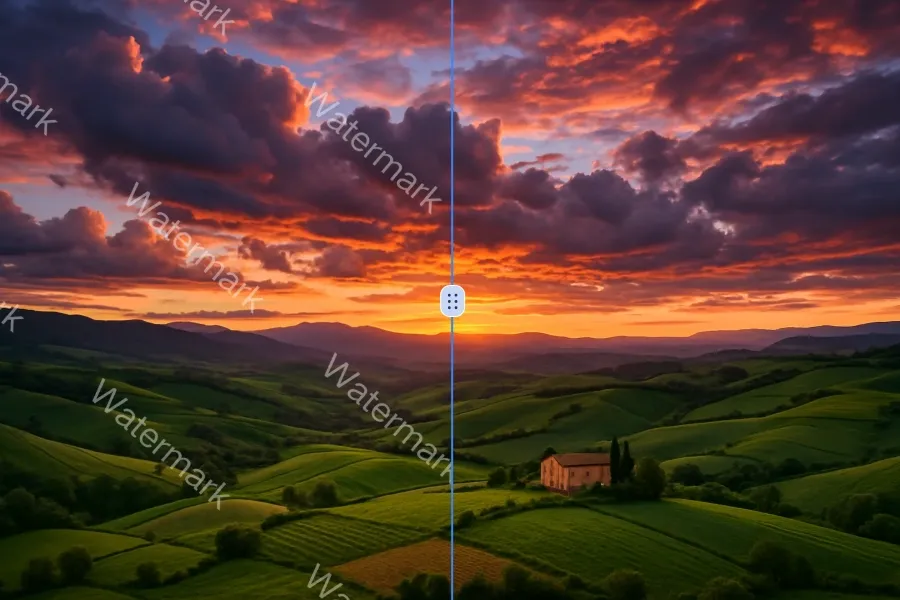
AI Watermark Remover
Use AI Watermark Remover to target an unwanted overlay or localized detail in an image. Compare the...
Try Tool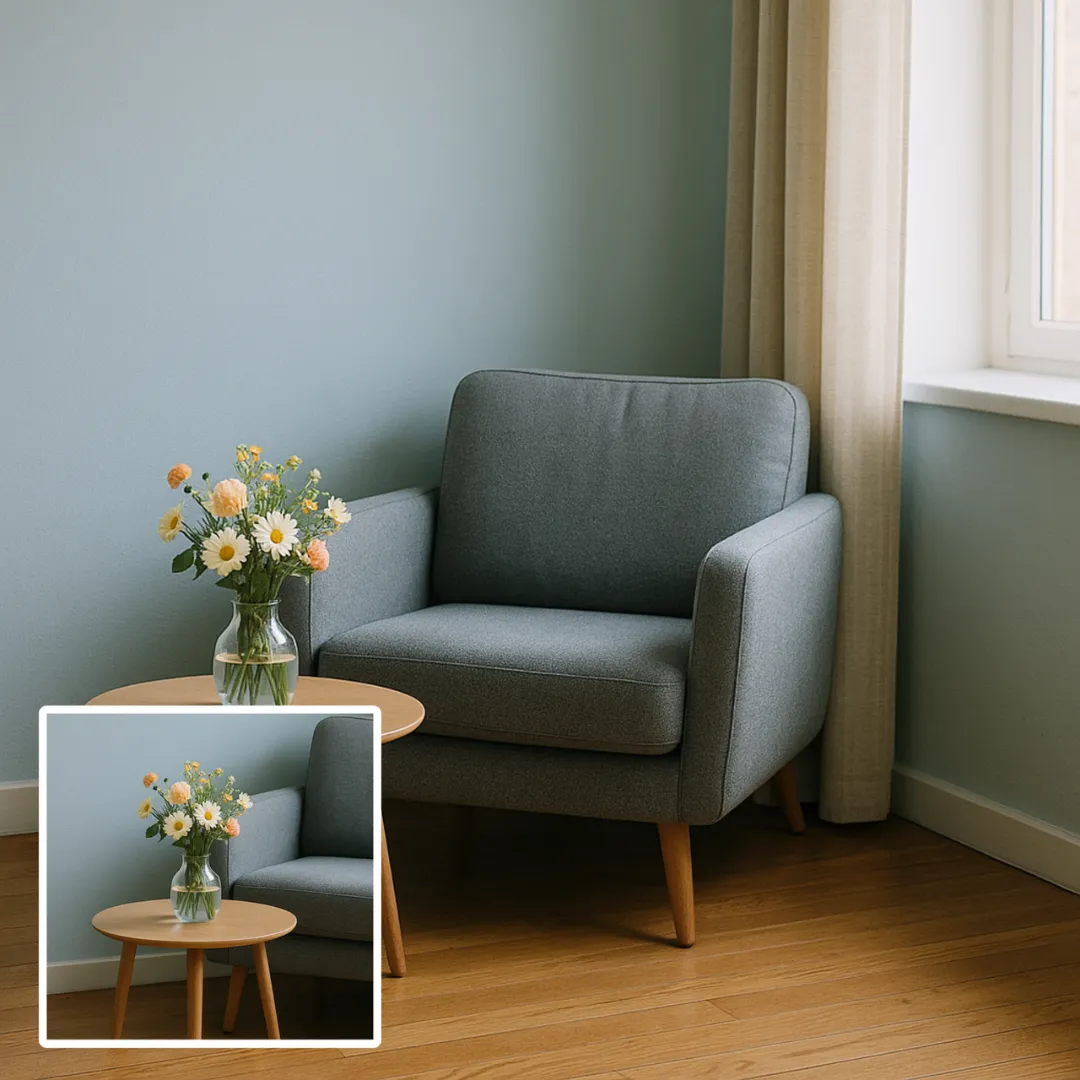
AI Image Extender
Preview the requested appearance change with AI Image Extender using a clear portrait. Compare facia...
Try Tool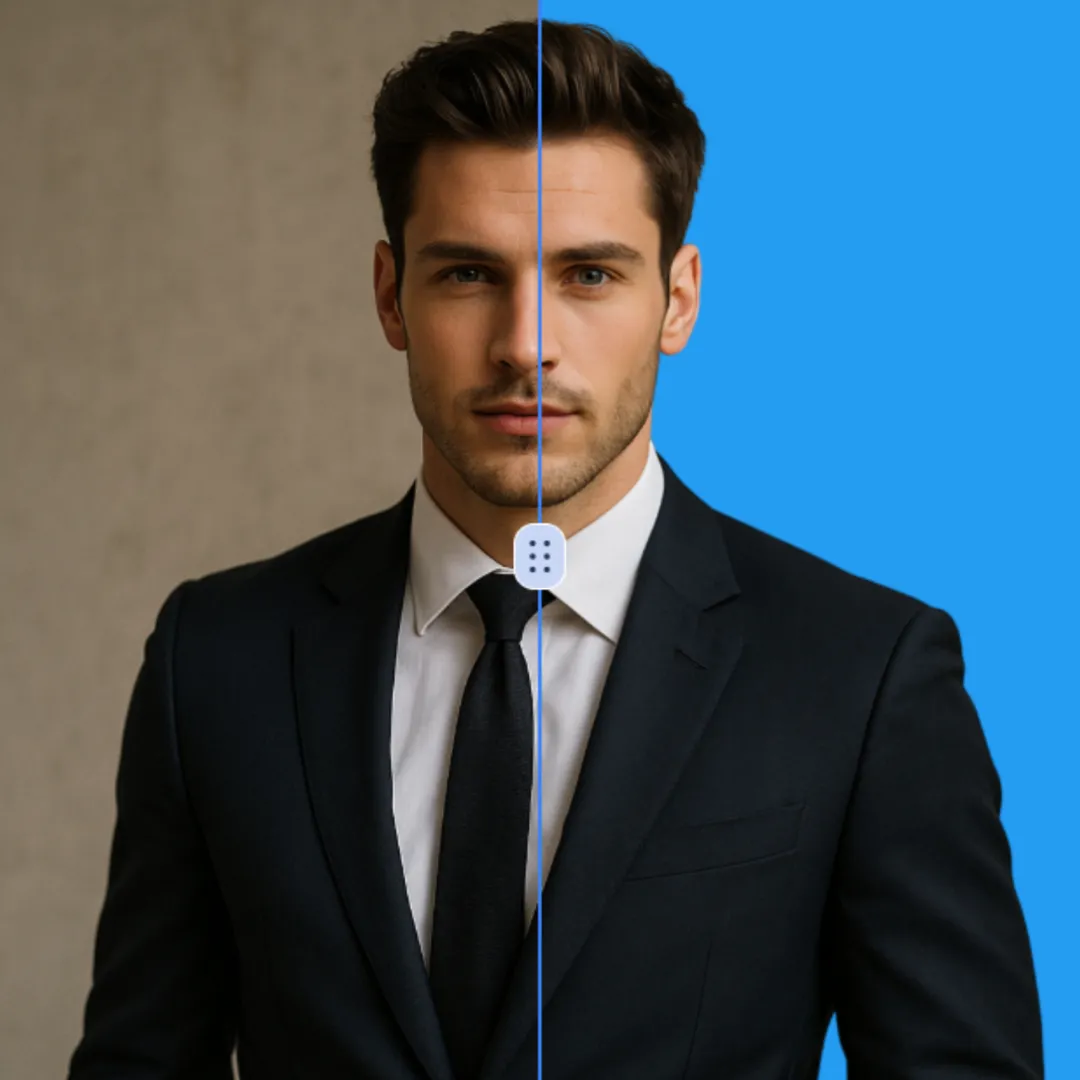
Change Background Color of Photo
Use Change Background Color of Photo to turn a suitable image or prompt into a focused visual result...
Try Tool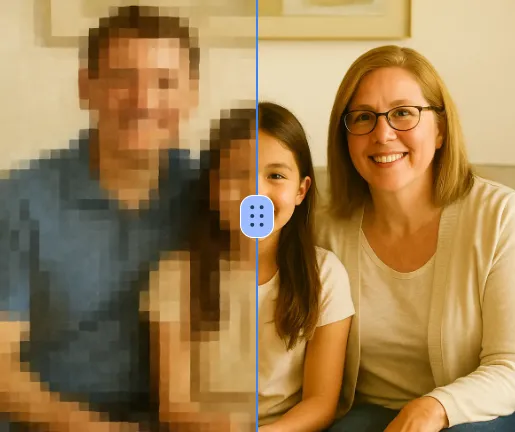
AI Unpixelate Image
Improve visible image detail with AI Unpixelate Image while keeping the original subject in view. Co...
Try Tool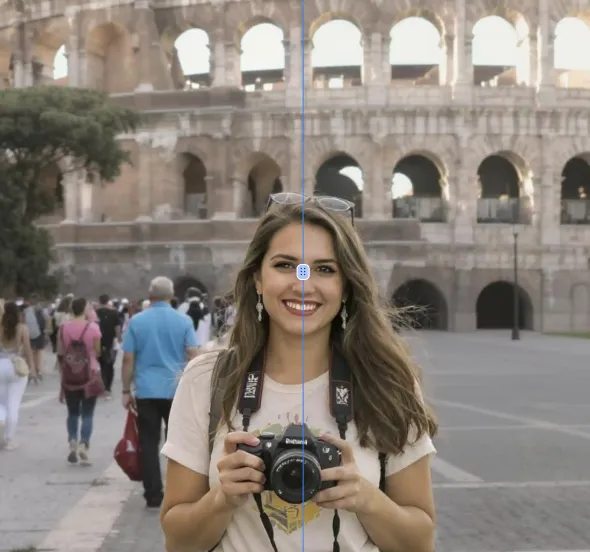
Remove People From Photos
Repair a photo by removing or replacing a selected object with Remove People from Photos. Keep the e...
Try Tool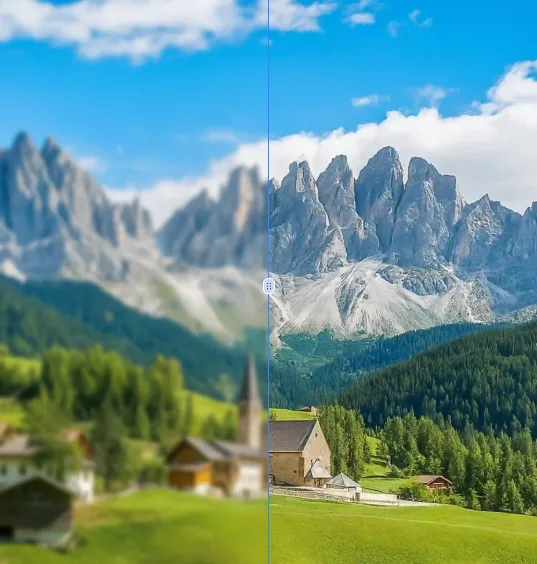
AI Unblur Image
Improve visible image detail with AI Unblur Image while keeping the original subject in view. Compar...
Try Tool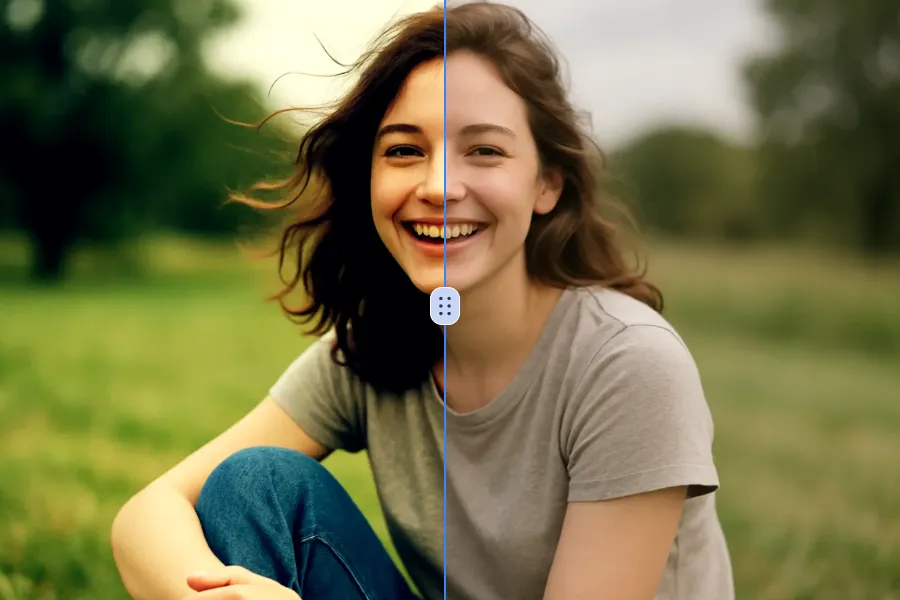
Remove Filter From Photo
Use Remove Filter from Photo to target an unwanted overlay or localized detail in an image. Compare...
Try Tool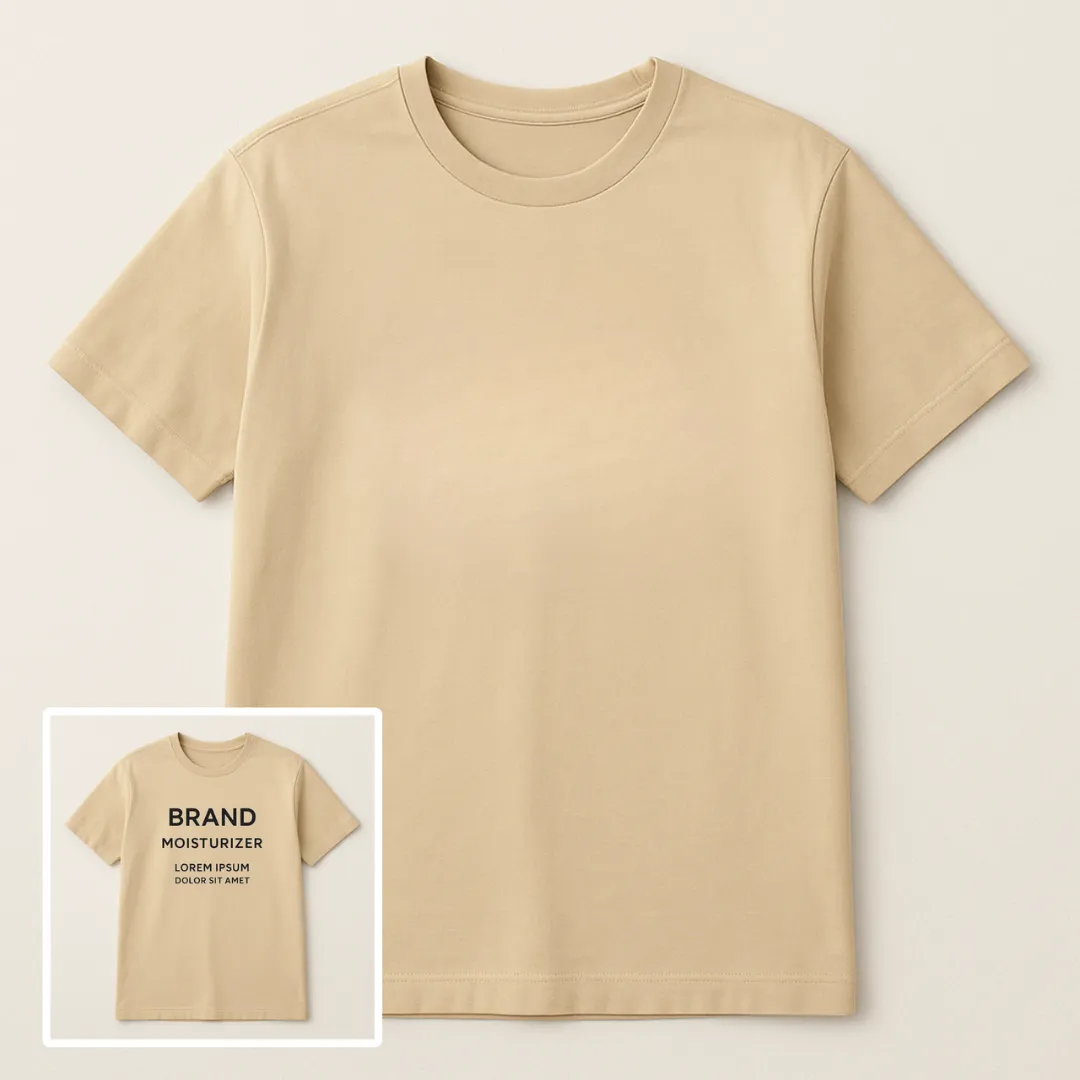
Remove Text From Image
Edit or remove visible text with Remove Text From Image while preserving the surrounding layout. Che...
Try Tool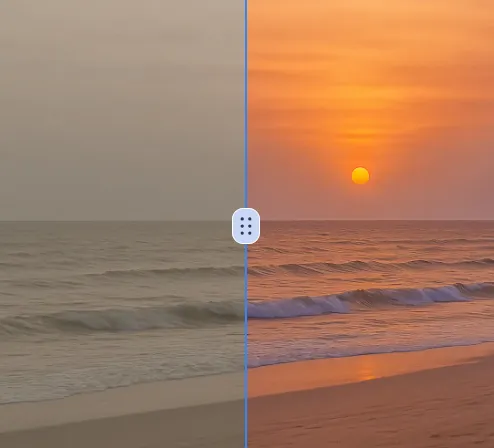
AI Photo Color Correction
Adjust the color direction of a photo with AI Photo Color Correction. Use a clear reference image, t...
Try ToolAI Photo Upscaler
Improve visible image detail with AI Photo Upscaler while keeping the original subject in view. Comp...
Try Tool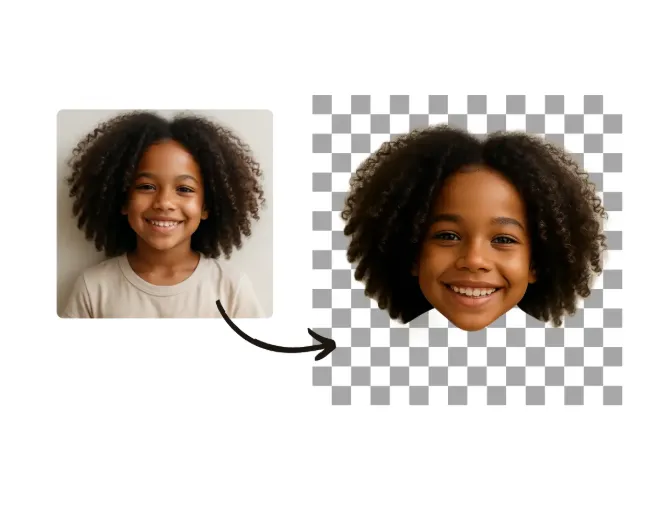
AI Face Cut Out
Create a clean cutout with AI Face Cut Out for transparent-image workflows. Review hair, fingers, pr...
Try ToolAI Generative Fill
Repair a photo by removing or replacing a selected object with AI Generative Fill. Keep the edit are...
Try Tool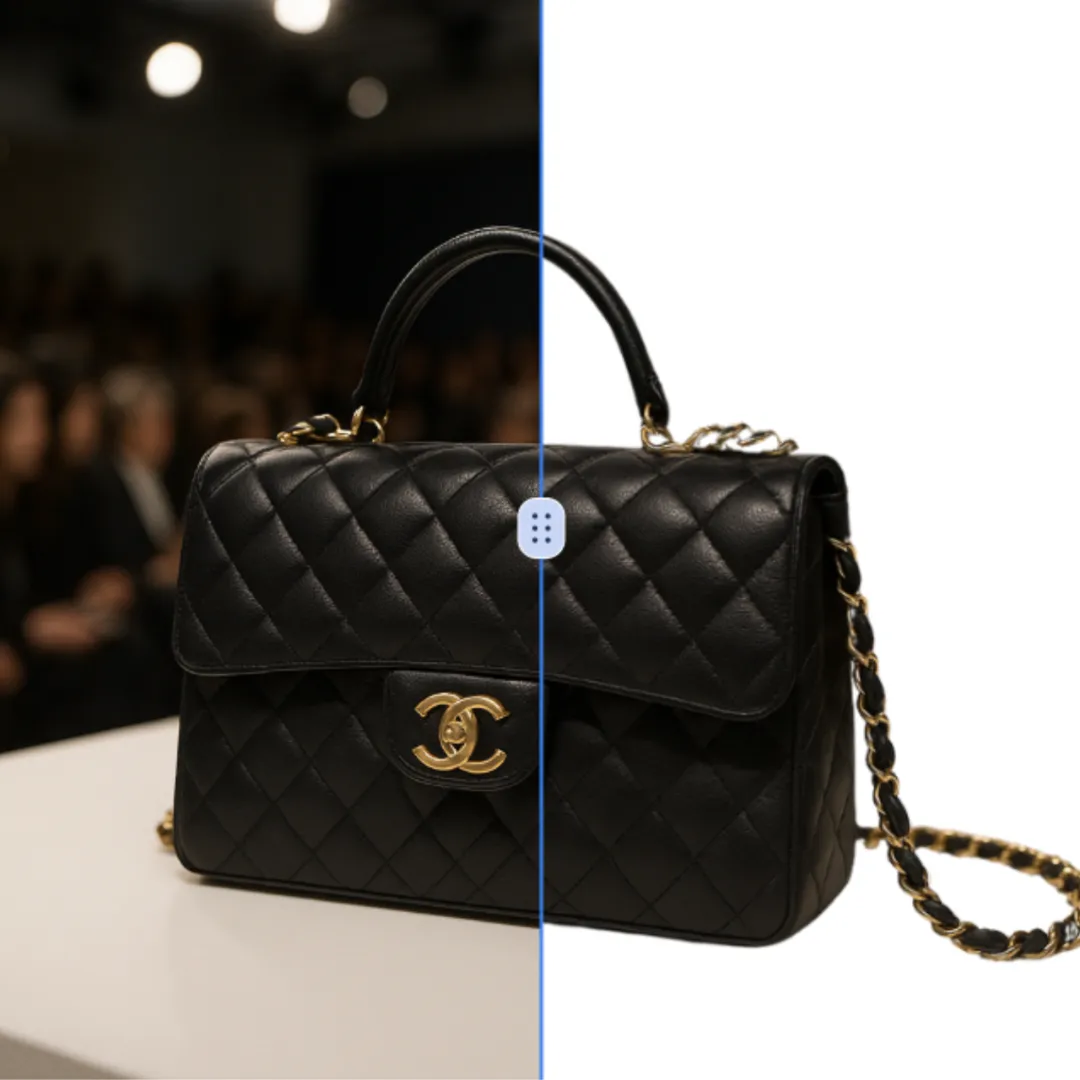
Add White Background to Photo
Use Add White Background to Photo to turn a suitable image or prompt into a focused visual result, t...
Try Tool
Remove White Background From Image
Remove a background from a photo or logo with Remove White Background From Image, then check subject...
Try Tool
Add Shadow to Image
Use Add Shadow to Image to turn a suitable image or prompt into a focused visual result, then inspec...
Try Tool
AI Blur Image
Apply a focused visual effect with AI Blur Image to change the mood or perspective of a photo. Check...
Try Tool
Logo Background Remover
Remove a background from a photo or logo with Logo Background Remover, then check subject edges, fin...
Try Tool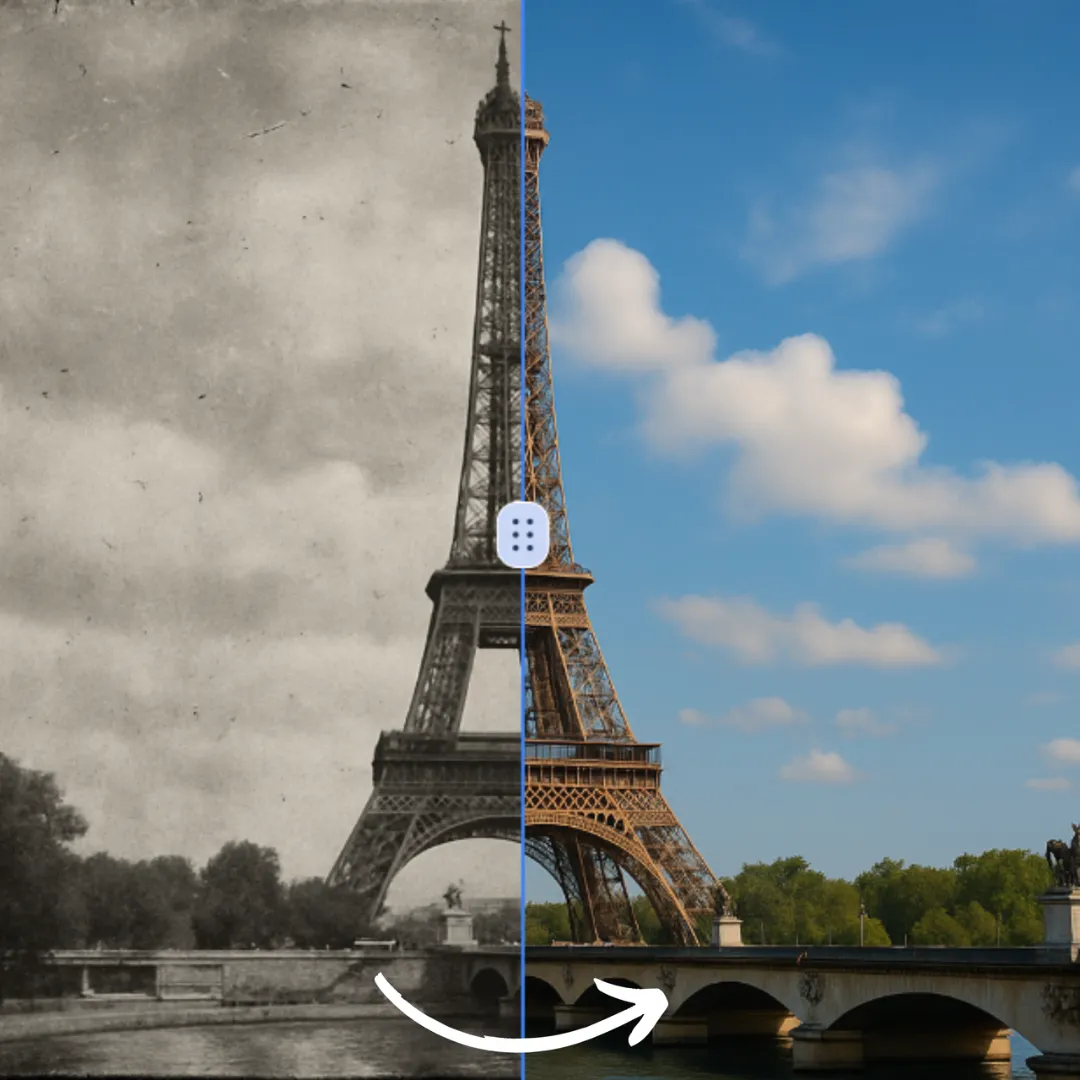
Black and White Photo to Color
Adjust the color direction of a photo with Black and White Photo to Color. Use a clear reference ima...
Try Tool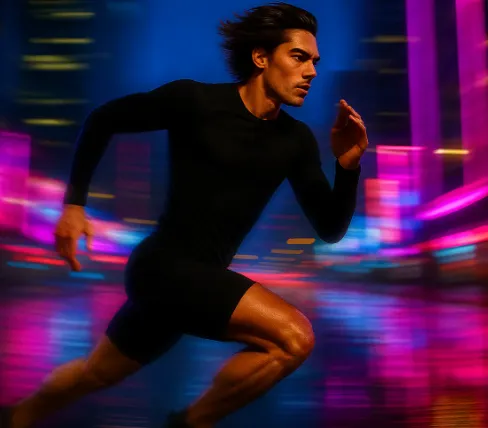
AI Motion Blur
Apply a focused visual effect with AI Motion Blur to change the mood or perspective of a photo. Chec...
Try Tool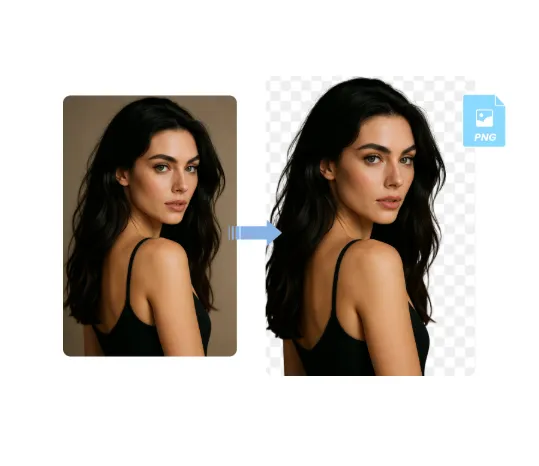
AI PNG Maker
Create a clean cutout with AI PNG Maker for transparent-image workflows. Review hair, fingers, produ...
Try ToolAI Character Consistency
Create character variations from permitted reference images and a focused prompt. Keep identity requ...
Try ToolAI Image Upscaler
Improve visible image detail with AI Image Upscaler while keeping the original subject in view. Comp...
Try ToolAI Style Transfer
Transform a source image toward the ai style transfer look with AI Style Transfer. Describe the targ...
Try ToolImage to Image AI Generator
Transform a reference image with a written instruction while keeping the source available for compar...
Try ToolText to Image AI Generator
Turn a written idea into a new image with a focused prompt. Describe the subject, setting, visual st...
Try ToolAI Generative Expand
Change the composition with AI Generative Expand by defining the source, target framing, and element...
Try ToolAI Image Color Changer
Recolour a product, object, garment, or selected visual element from an uploaded image. Specify what...
Try ToolAI Product Photo Kit
Create product photo variations from a real source image. Generate clean backgrounds, shadows, crops...
Try ToolAI Photo Restorer
Restore an old or damaged photo from a clear scan. Request specific repairs or subtle colourisation,...
Try ToolAI Sketch to Image
Transform a sketch into a more finished image with a focused prompt. Keep the important structure vi...
Try ToolWhat Are AI Image Editor AI Tools?
What Are AI Image Editor AI Tools?
AI Image Editor AI tools use artificial intelligence to assist with image processing tasks. They help users edit, enhance, transform, and generate images without requiring professional design software. Processing time and output quality vary by model, prompt, source image, and provider availability.
Key Features of AI Image Editor AI Tools
- Automated Processing AI-powered algorithms handle complex image editing tasks automatically, saving you hours of manual work
- No Design Skills Required Simple interfaces and intuitive controls make professional editing accessible to everyone
- Lightning Fast Results Use a guided AI workflow instead of rebuilding every edit manually in traditional software
- Consistent Quality Reuse the same prompt and settings for repeatable single-image edits; batch processing is not currently available
- Cost-Effective Choose one-time or monthly credits according to your workflow and review the current plan before generating
- Usage terms vary by model Review the selected model and current Terms of Service before commercial use.
How to Use AI Image Editor AI Tools
Choose the Right Tool
Browse the available AI Image Editor AI tools and select the one that fits your task or creative goal.
Upload or Provide Input
Upload an image or provide the necessary input required by the AI tool.
Generate Results with AI
Let the selected AI model process your request and review the generated result when it is ready.
Pro Tips for Best Results
- Use high-quality source images for better output quality
- Be specific and detailed in your text prompts or descriptions
- Experiment with different settings to find your preferred style
- Check the examples section for inspiration and best practices
- Save your favorite configurations for faster future editing
Why Use AI Image Editor AI Tools
AI-powered AI Image Editor tools provide a guided way to complete image tasks that may otherwise require professional software or technical skills. Users can generate, enhance, transform, and optimize visual content from a browser while choosing the model and reviewing the result before use.
Benefits for Different Users
📸 For Photographers
Streamline post-processing with AI-powered enhancements. Remove distractions, adjust backgrounds, and prepare client-ready images with less manual work.
🛍️ For E-commerce Sellers
Create professional product photos that convert. Remove backgrounds, enhance lighting, and maintain consistent styling across your entire catalog without hiring a photographer.
🎨 For Graphic Designers
Accelerate your creative process with AI assistance. Generate multiple variations quickly, experiment with styles, and focus on high-level creative decisions.
📱 For Social Media Managers
Create eye-catching visuals for posts, stories, and ads. No design skills needed - just describe what you want and let AI handle the rest.
🏢 For Marketing Teams
Produce marketing materials in-house without expensive agencies. Maintain brand consistency while reducing turnaround time from days to minutes.
👨🎓 For Content Creators
Enhance thumbnails, blog images, and video graphics. Stand out from the competition with professional-quality visuals that attract more viewers.
FAQ
AI Image Editor AI tools are software solutions powered by artificial intelligence that help users automate complex tasks such as image editing, enhancement, generation, or transformation. These tools simplify workflows and produce high-quality results quickly.
AI Image Editor AI tools can be used by designers, marketers, photographers, content creators, developers, and anyone who wants to improve visual content using artificial intelligence.
Many AI Image Editor AI tools offer free features or trial versions. Some advanced capabilities may require a premium plan depending on the platform.
No technical skills are required. Most AI Image Editor AI tools are designed with user-friendly interfaces that make them accessible for beginners.
AI Image Editor AI tools can perform tasks such as editing images, enhancing quality, generating visual content, applying artistic styles, and automating creative workflows.
AI tools help users save time, reduce manual work, and generate professional-quality results quickly, making them increasingly popular across creative and business industries.
Uploaded images and generated results are temporarily retained for the period described in our Privacy Policy. Public showcase display is optional when the consent control is shown. Review the Privacy Policy for current storage and deletion details.
Commercial use depends on the selected model, your source material, and the current Terms of Service. Review the terms before using an edited image in client work, advertising, or a marketplace listing.
The editor currently accepts JPEG, JPG, PNG, and WEBP images up to 10MB per file. Use a clear, well-lit source image for the most reliable result.
Results depend on the source image, prompt, selected model, and requested edit. Review the preview and refine the prompt when needed; we do not promise a fixed accuracy percentage.
Each generation uses the credits shown in the editor. Availability depends on your account balance and the selected model or resolution. Check the current plan and credit policy before generating.
Start Editing Images with AI
Use ImageFk AI tools to edit photos, remove backgrounds, enhance images and create stunning visuals instantly.
Try AI Image Editor Continue with Google