Nano Banana AI Prompt Library & Templates
Explore a curated collection of AI prompts and Nano Banana prompt templates designed to boost creativity, improve AI output quality, and simplify prompt engineering.
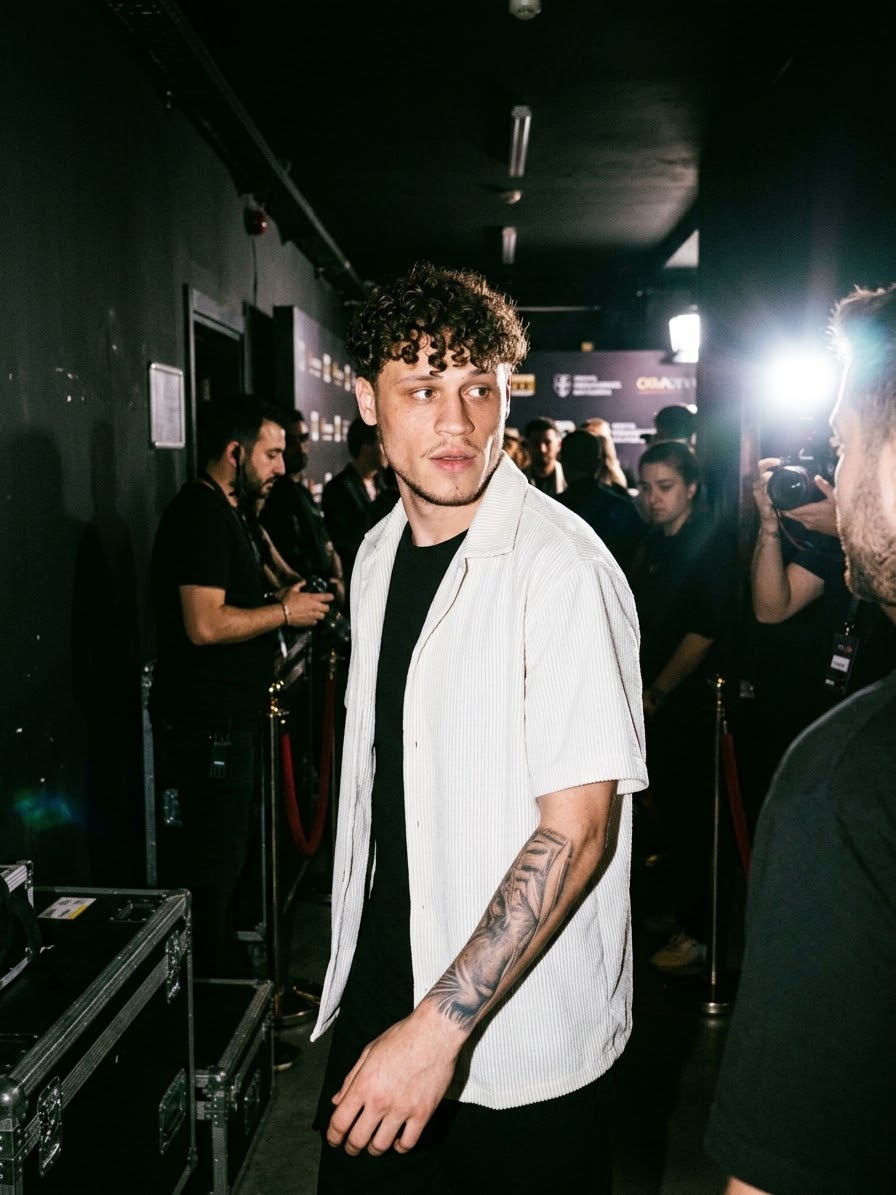
Seko
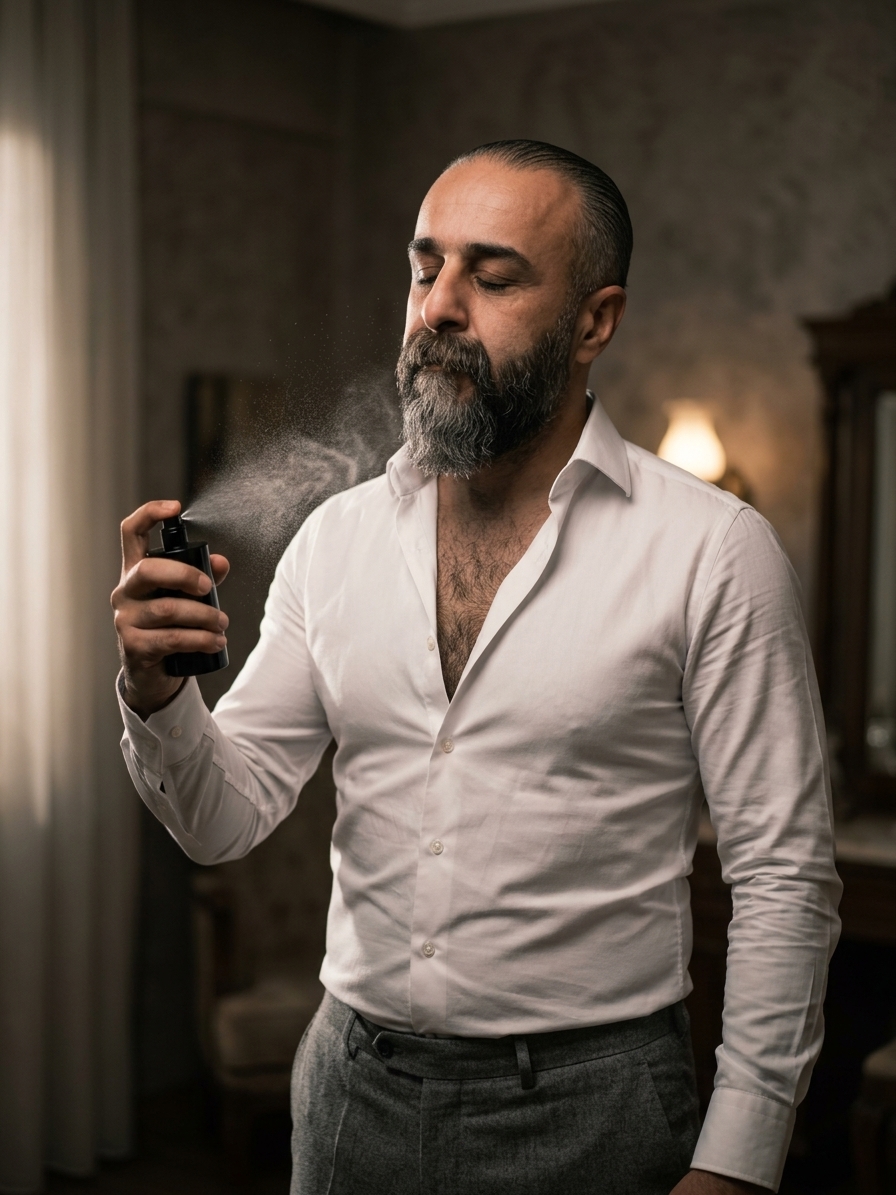
A Stylish And Handsome Man
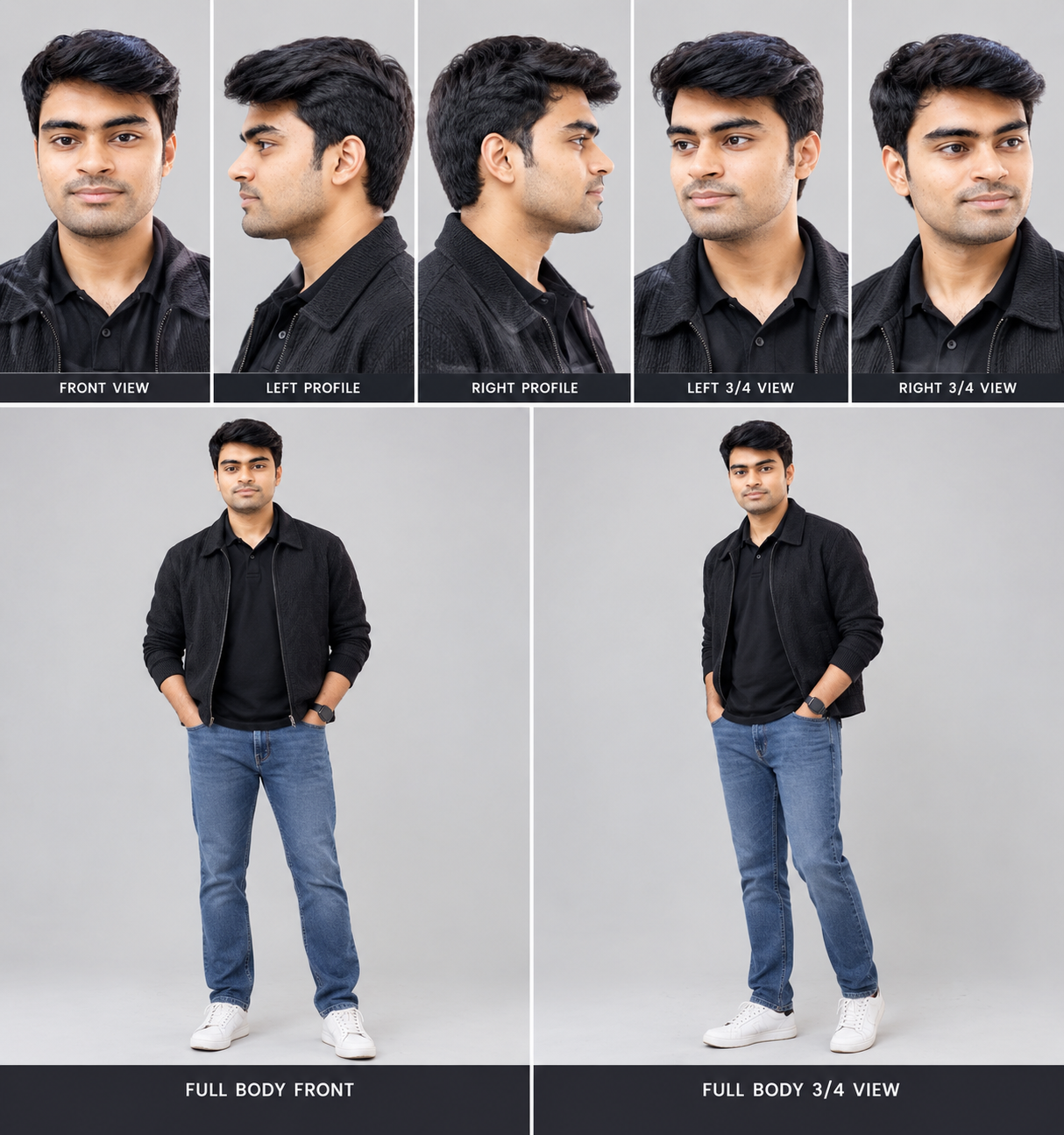
Kishor kumar
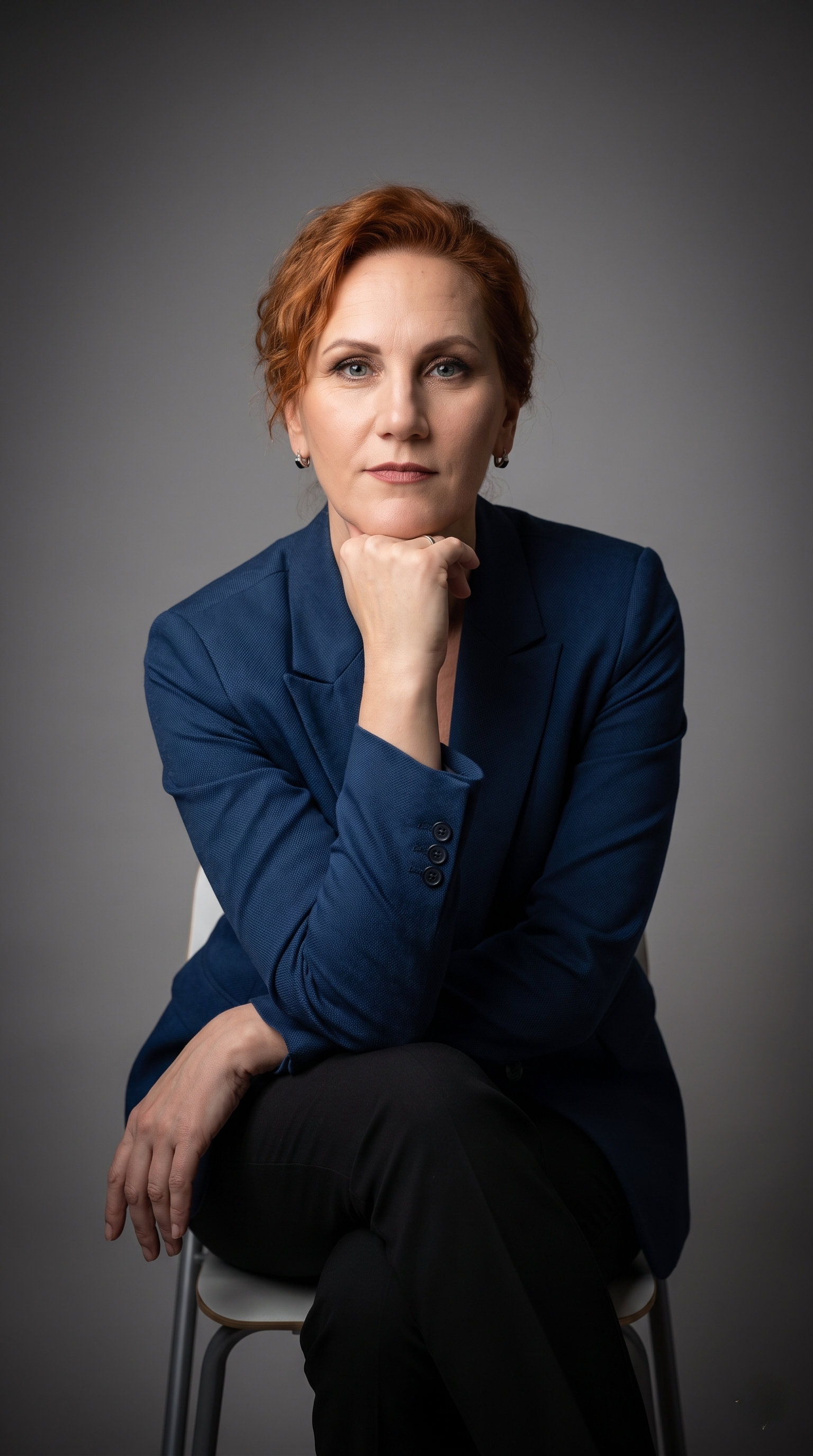
Business image
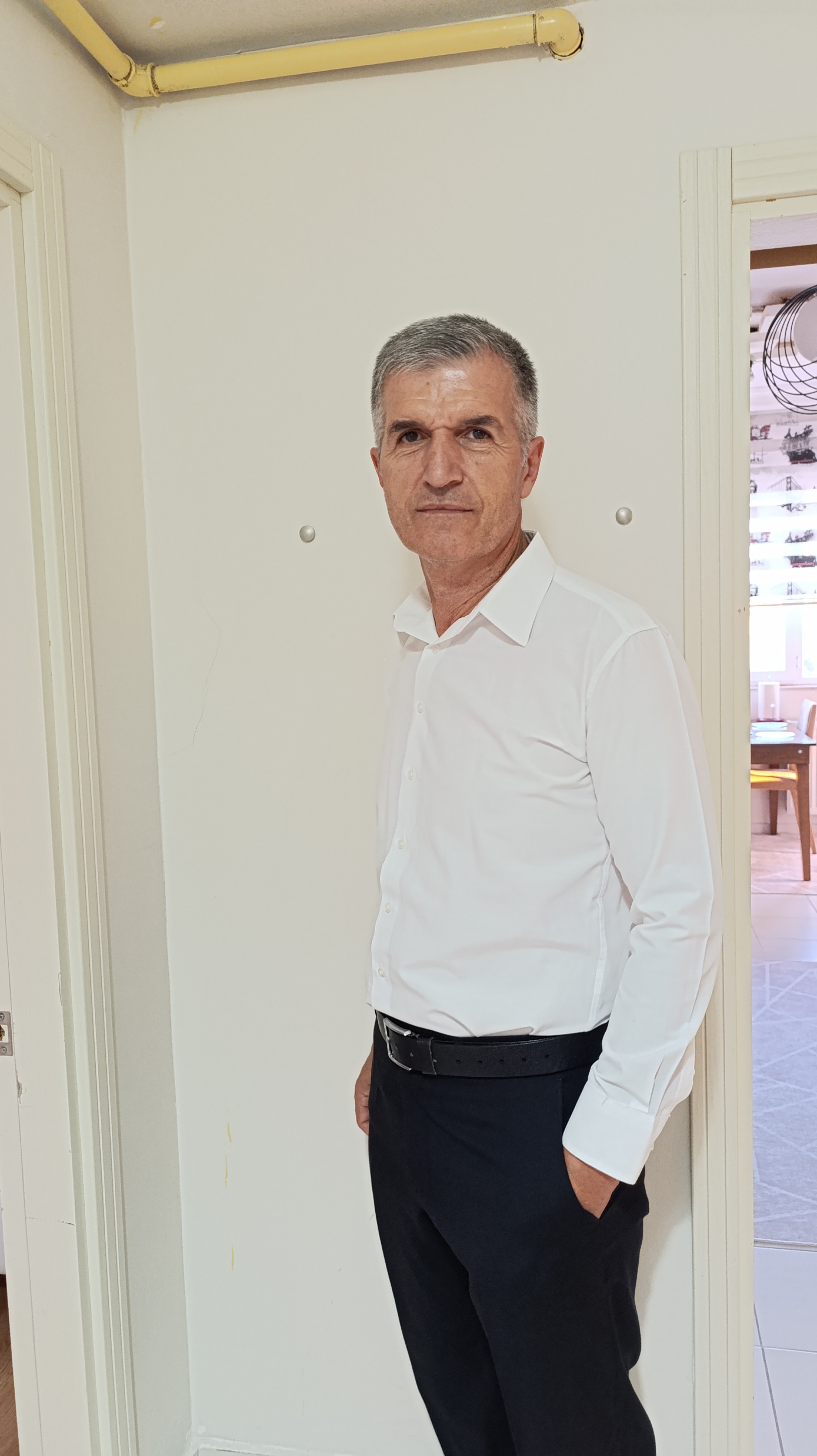
Murat
My wife
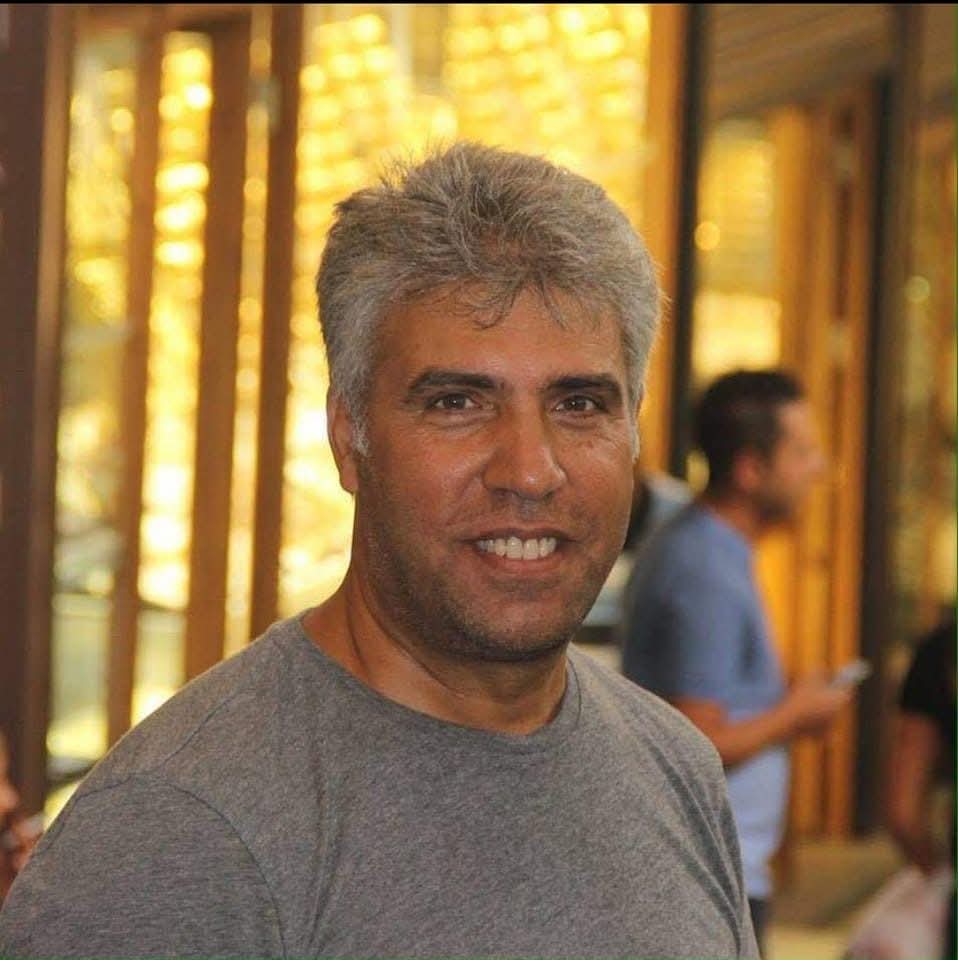
Benim
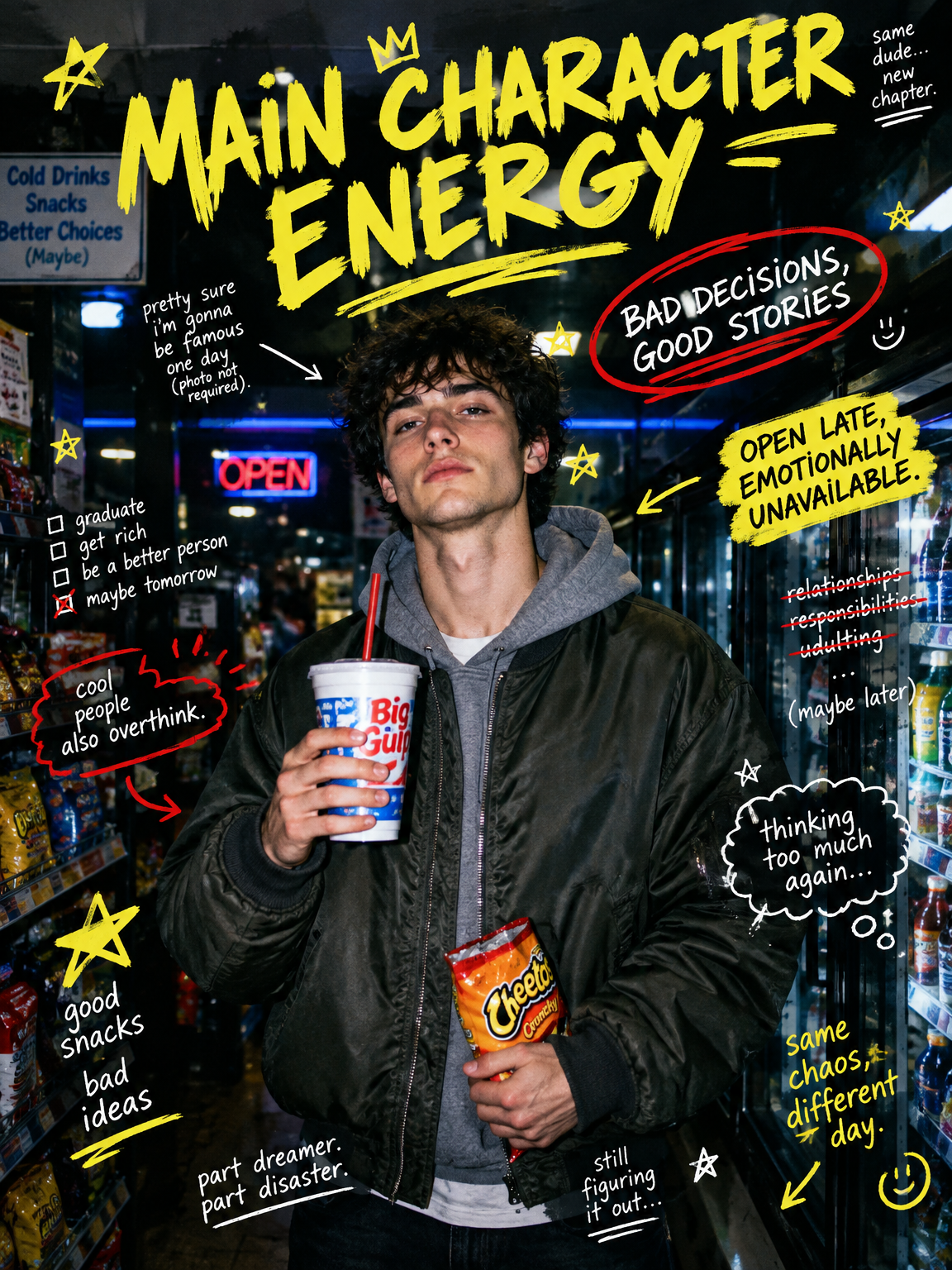
Beyond the Portrait
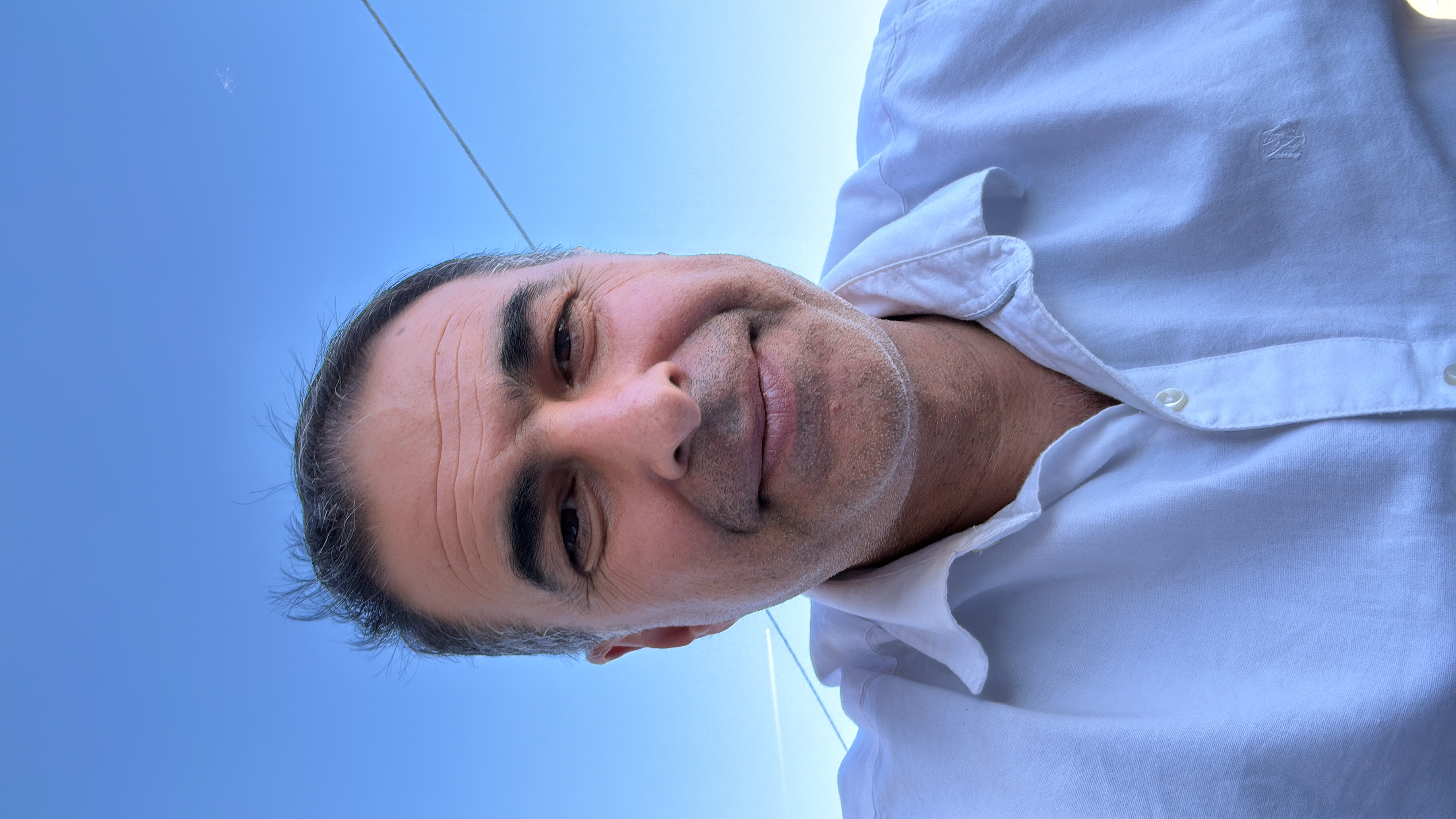
l

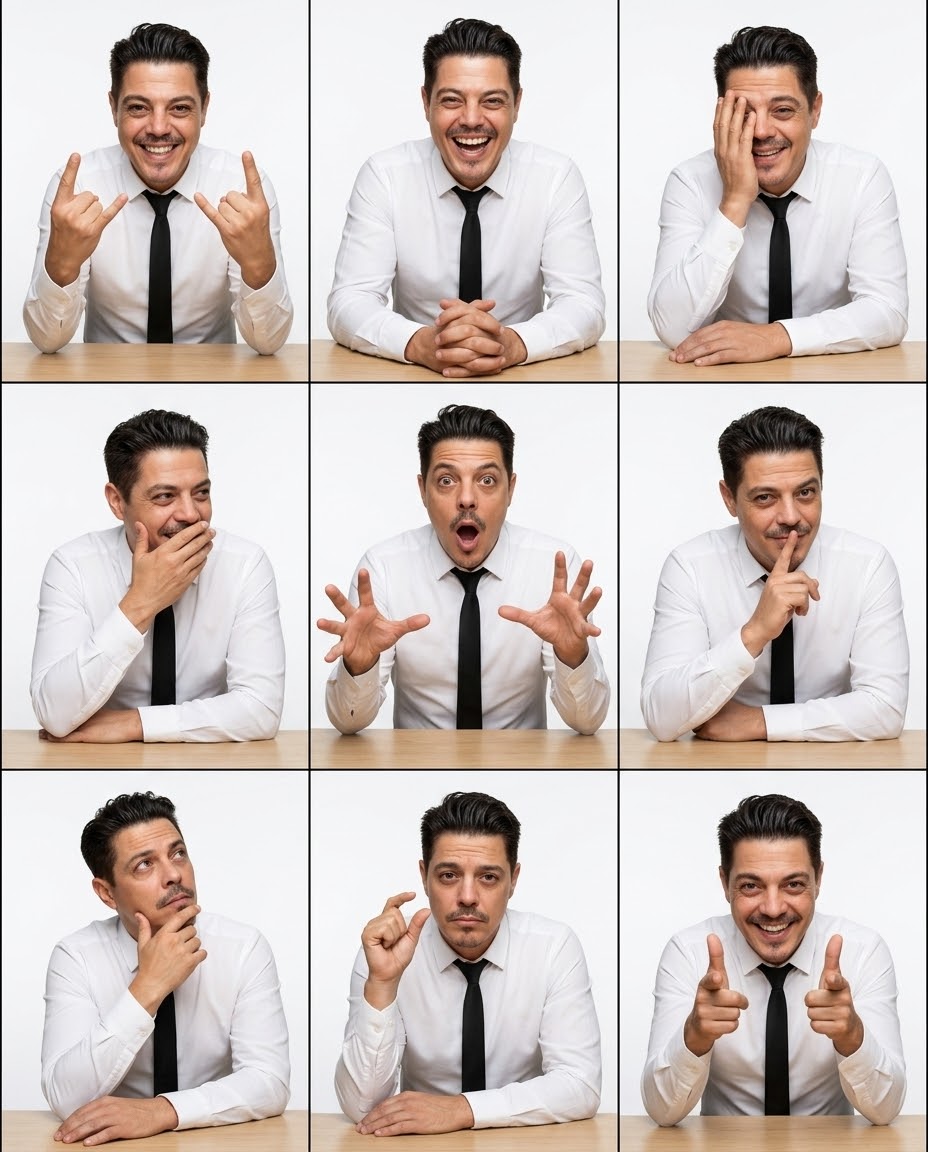
Mimikli Adam
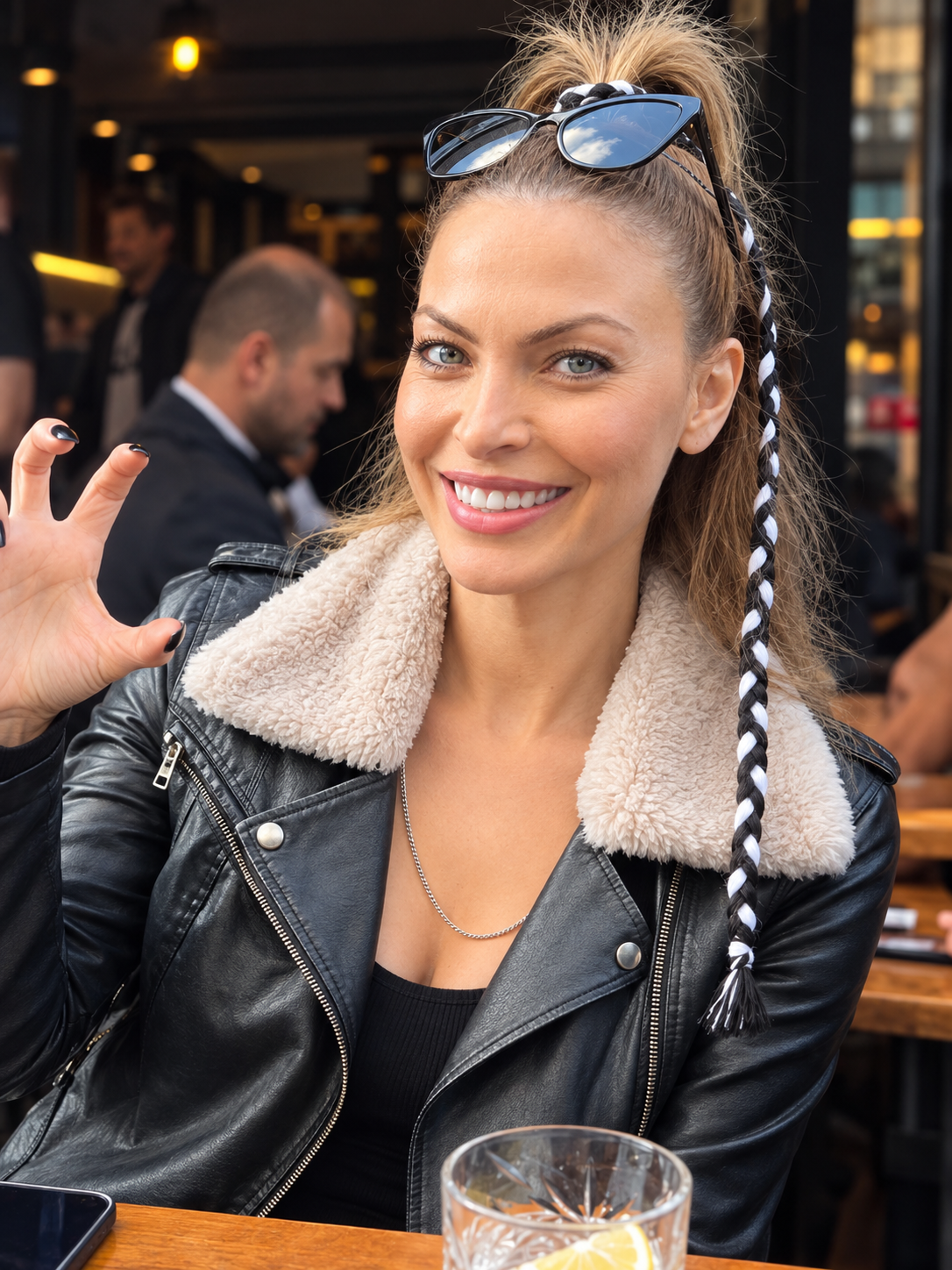
Ak
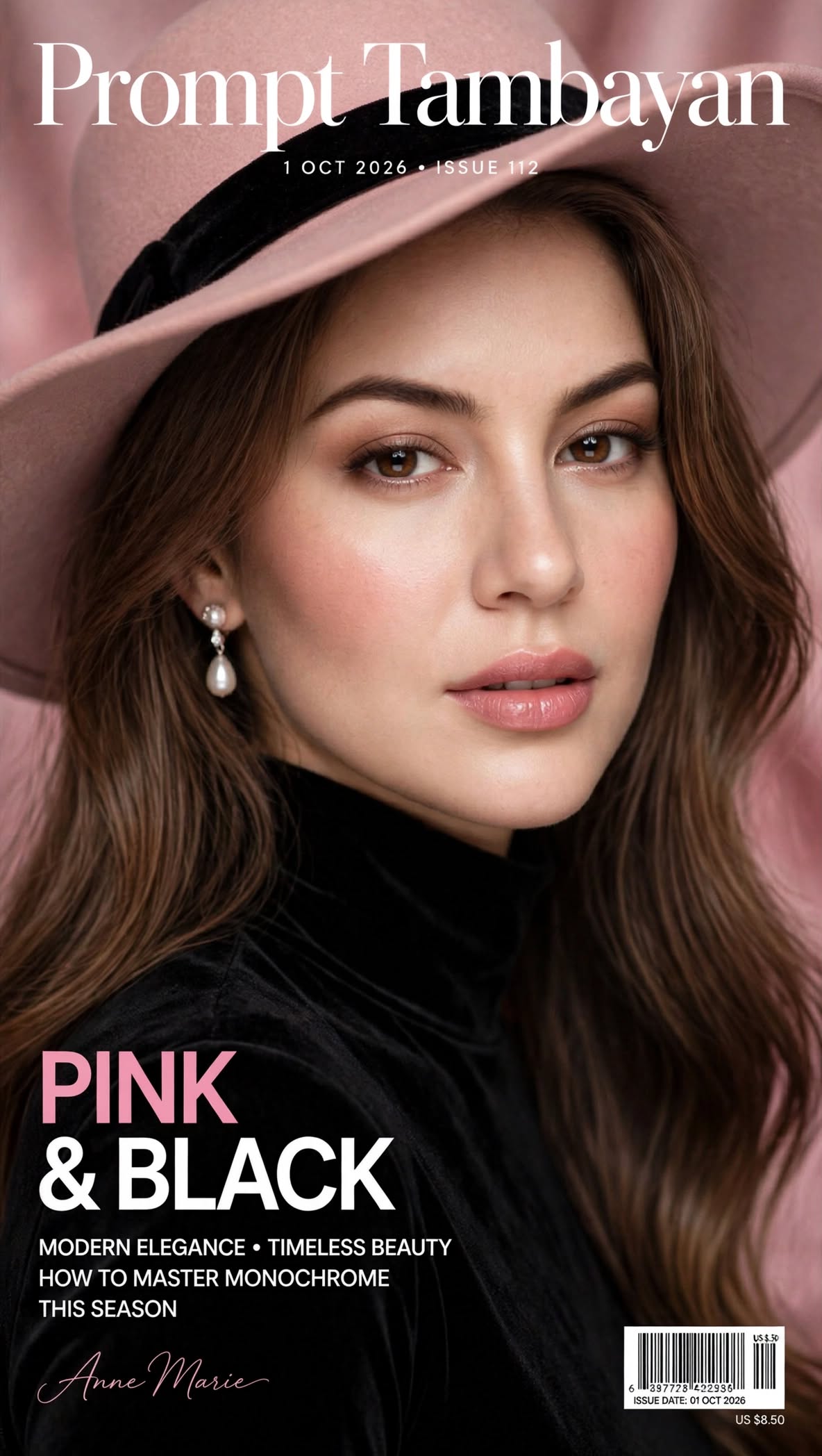
Cover girl
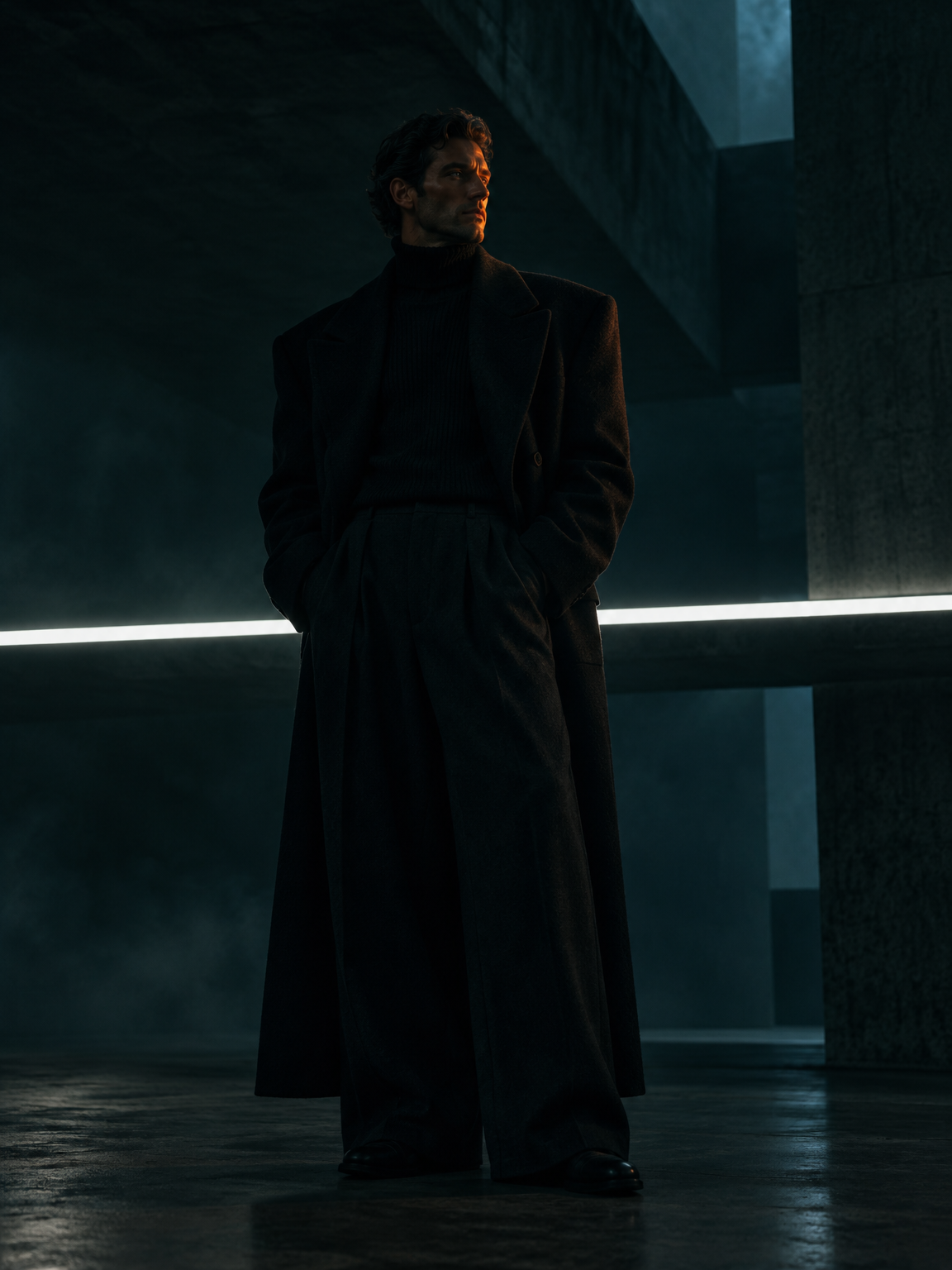
Shadows & Silhouettes
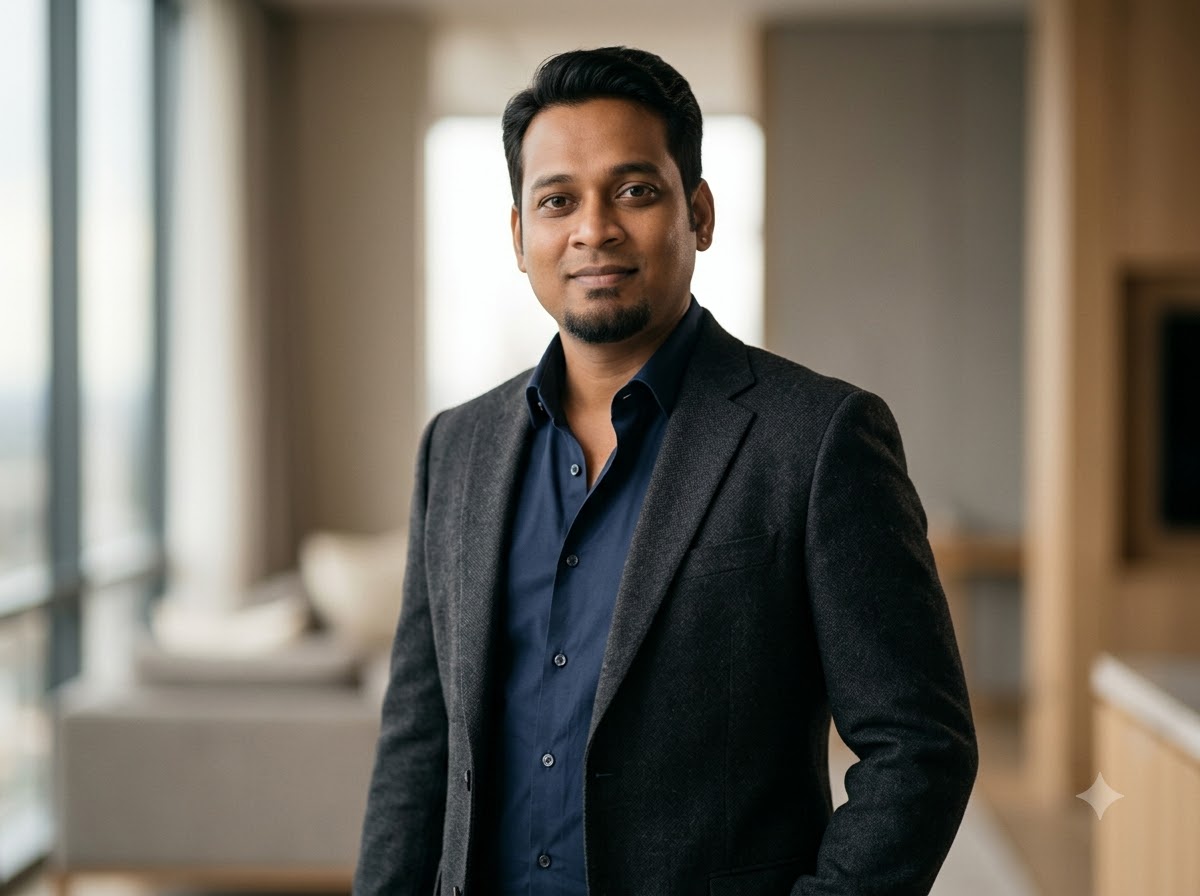
Professional photography
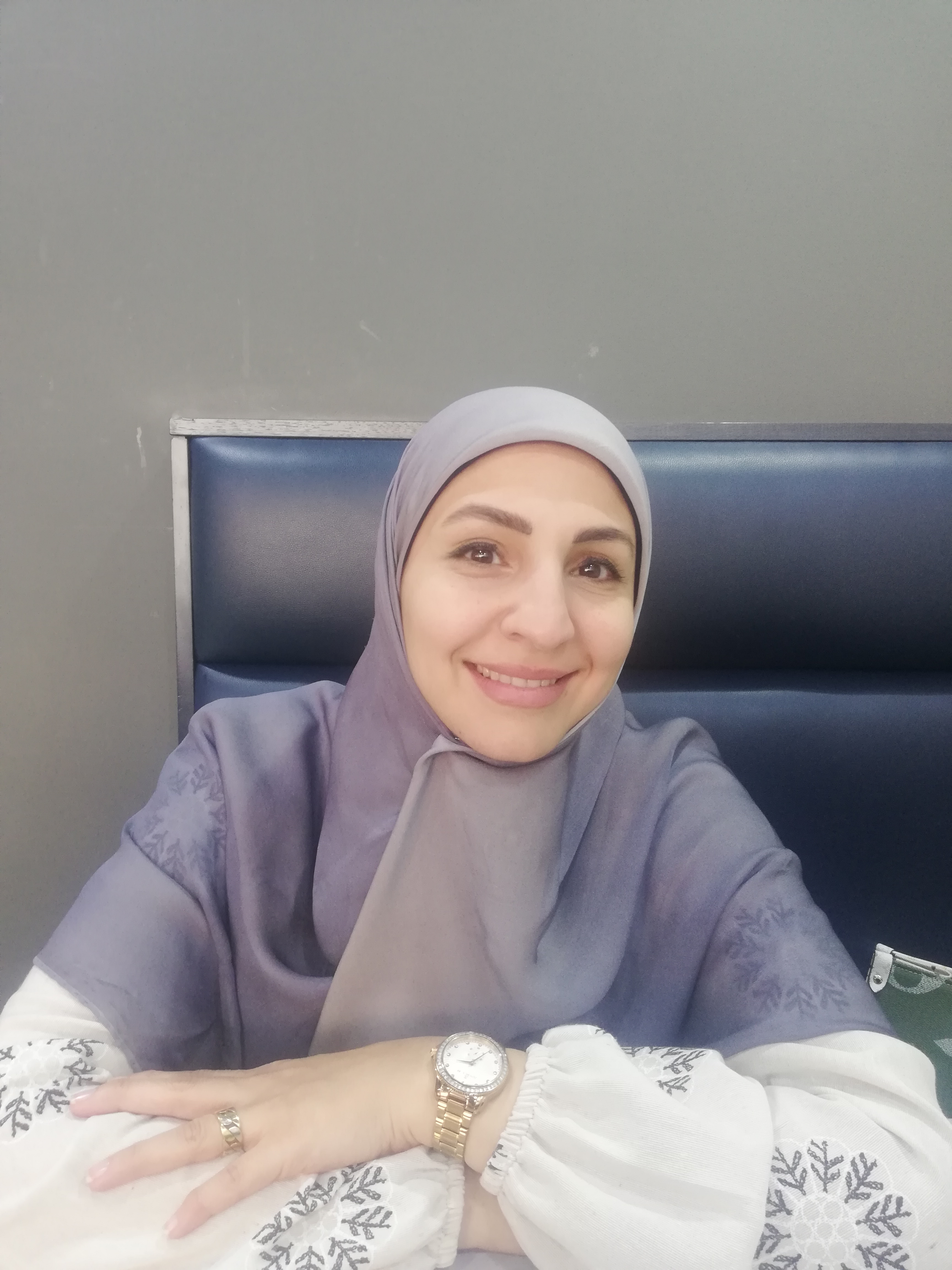
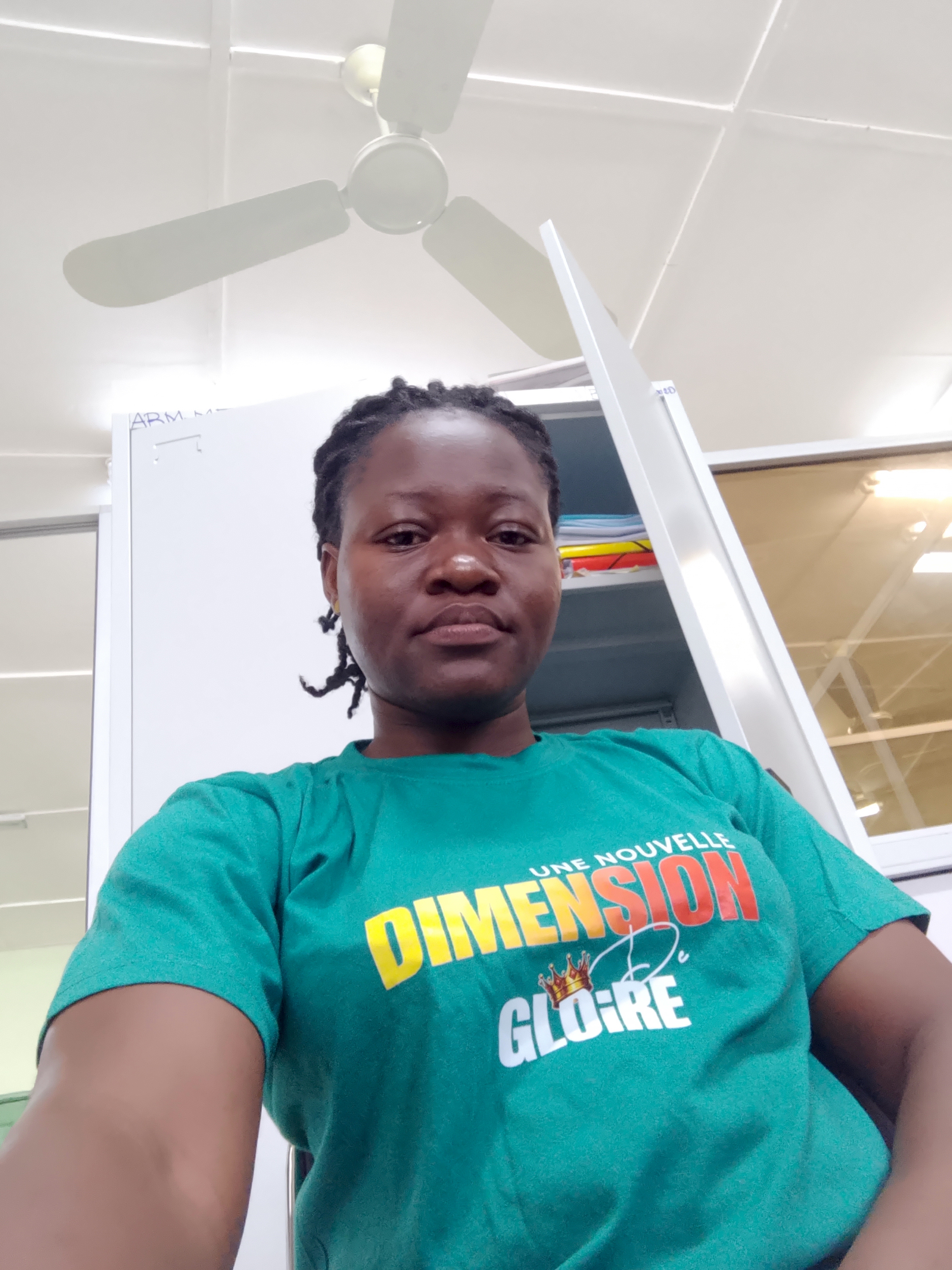
Crer une vido avec le texte ci dessous : en utilisant les images donnes

deneme
kado
Galip
Ferdi
Bekir1
nazo
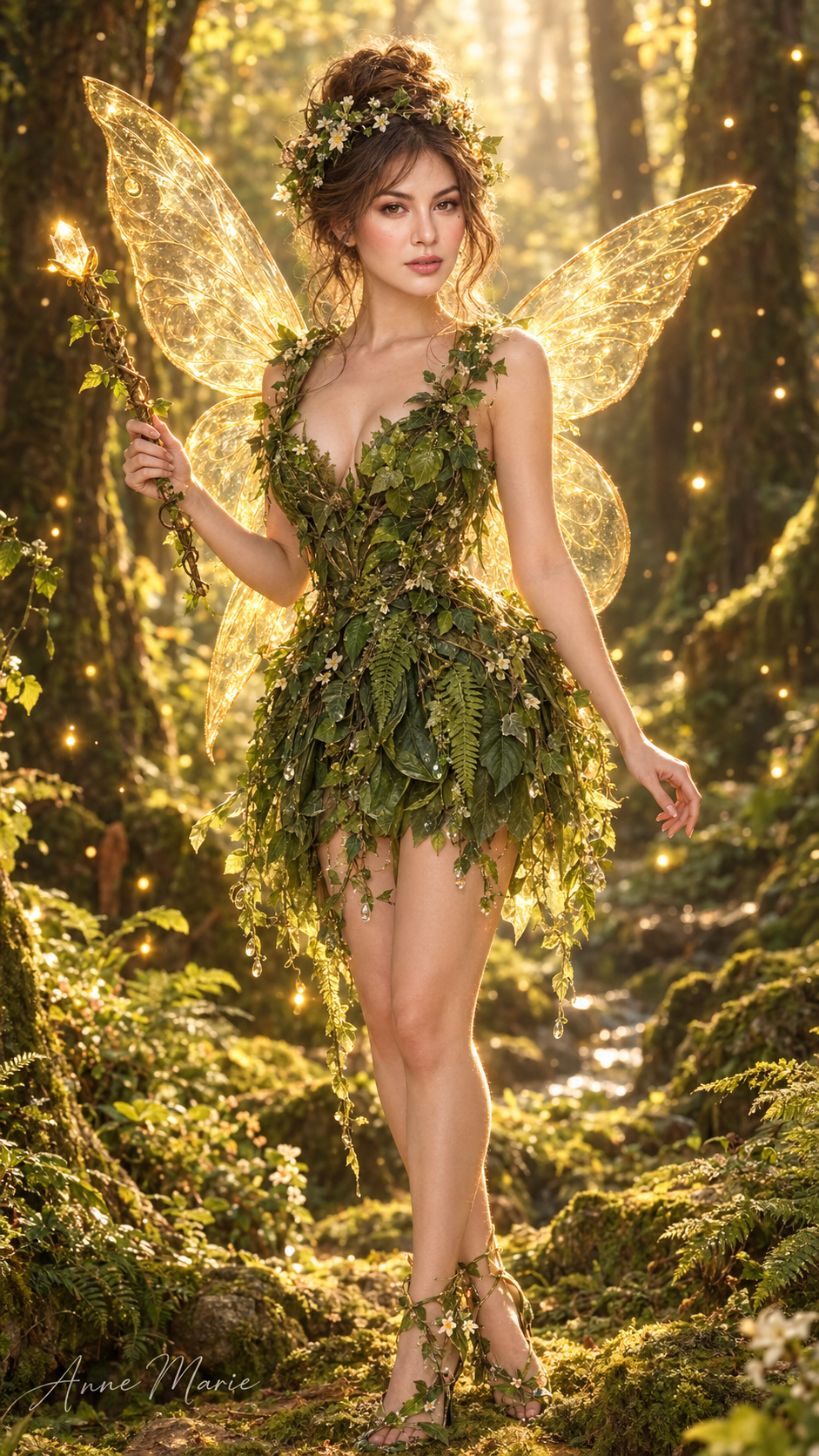
Woodland fairy
1. tasarm
Lon

Batuhan Demirci
Re
X
Emre
wine
Ercan
Halim
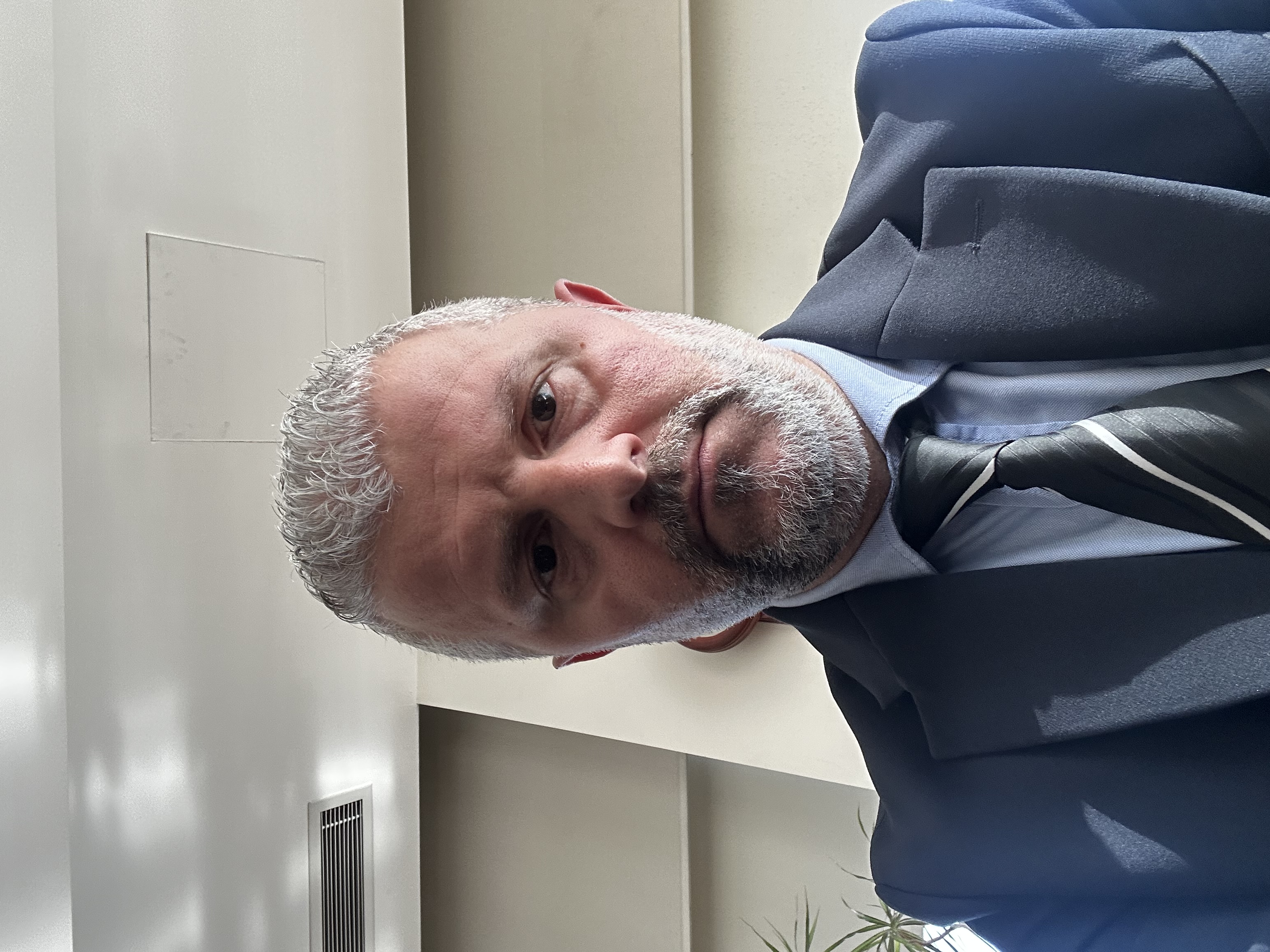
Aslan
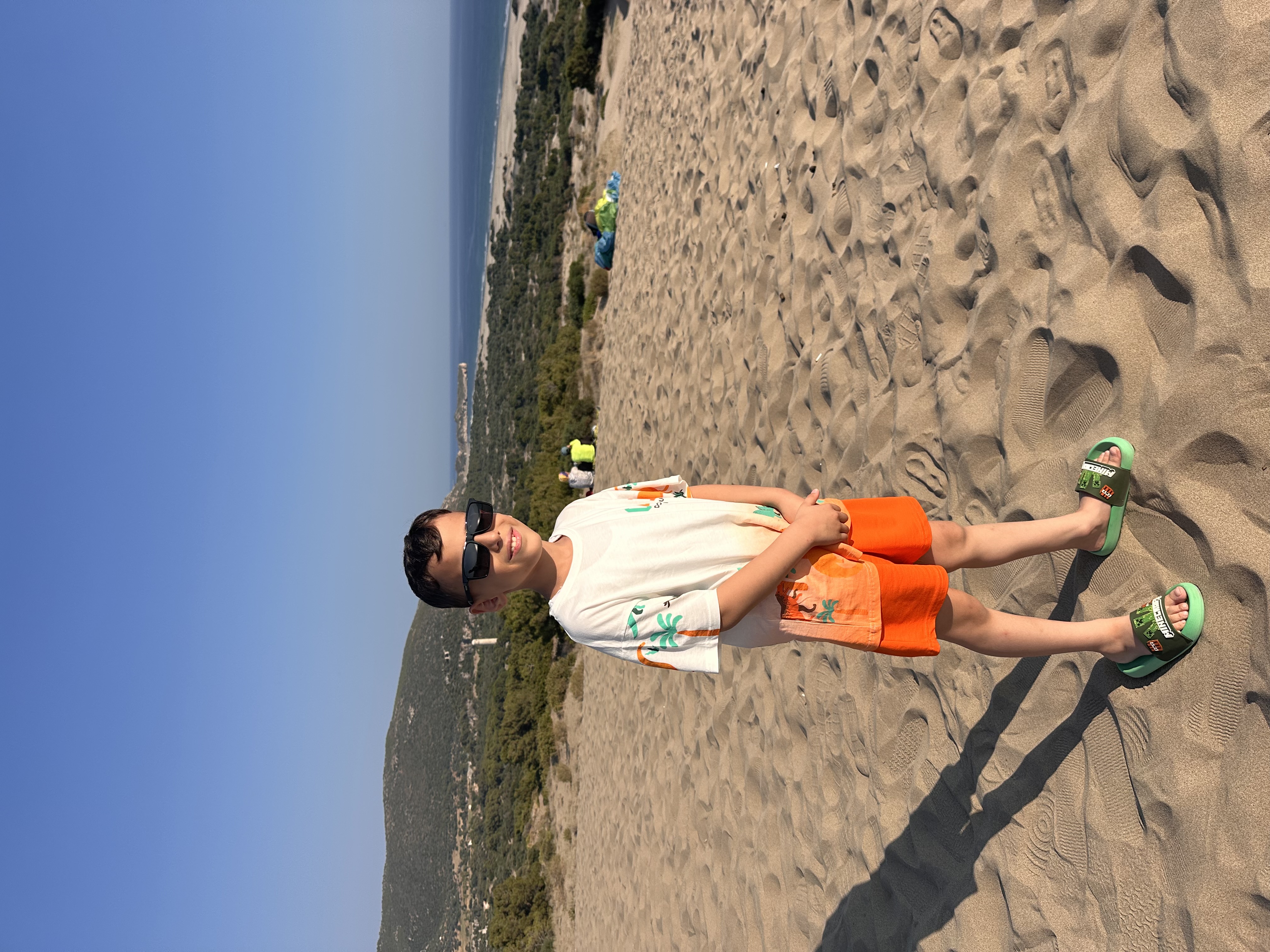
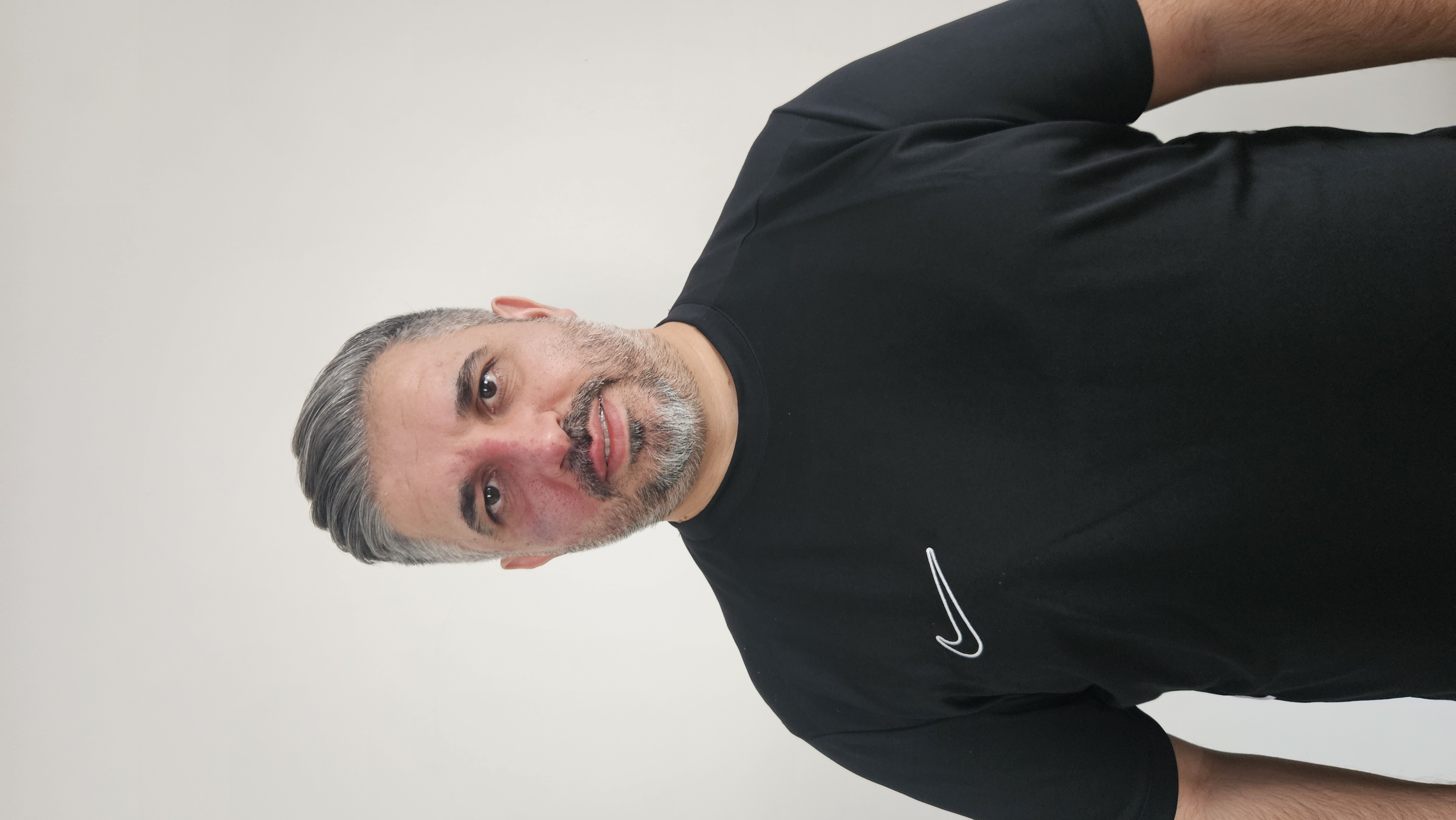
Ramazan

OHB
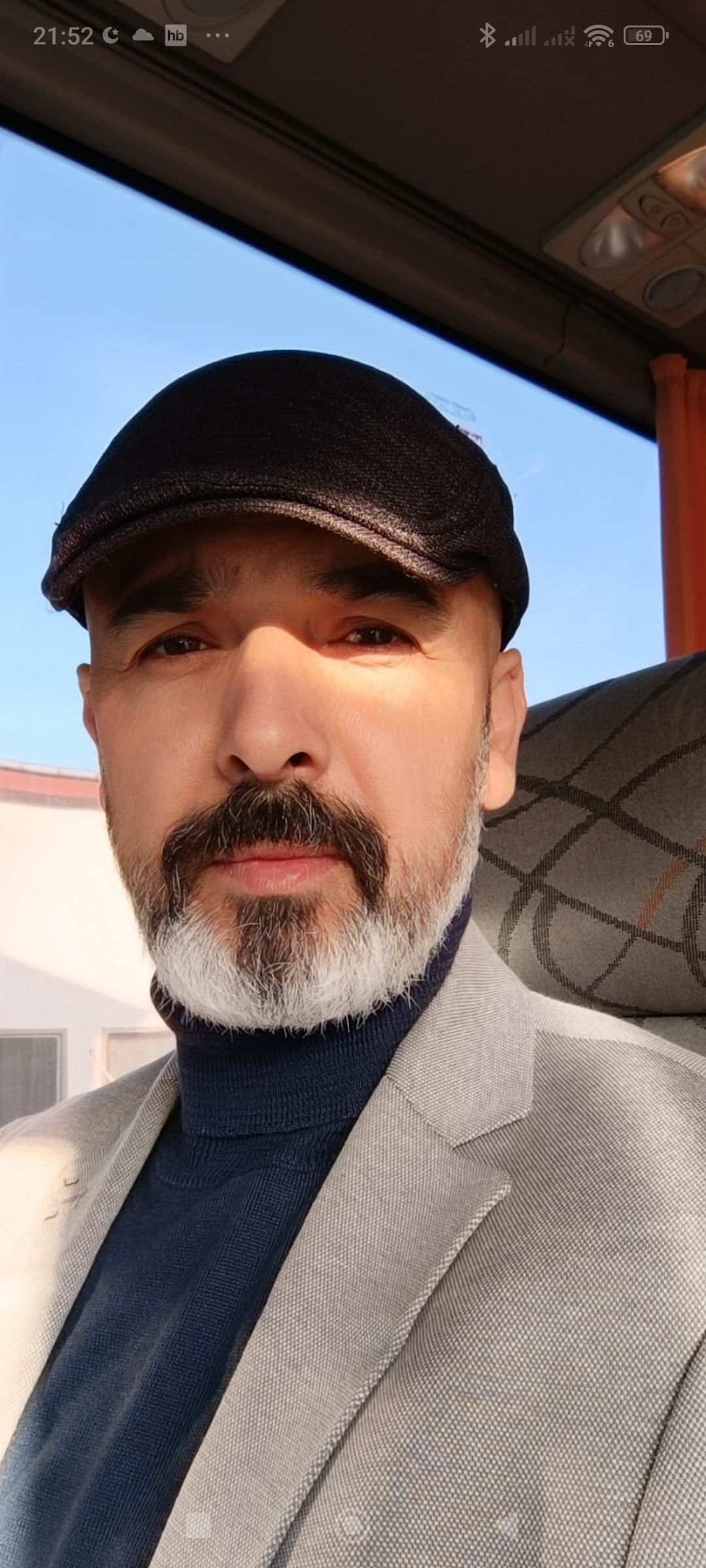
1.resim
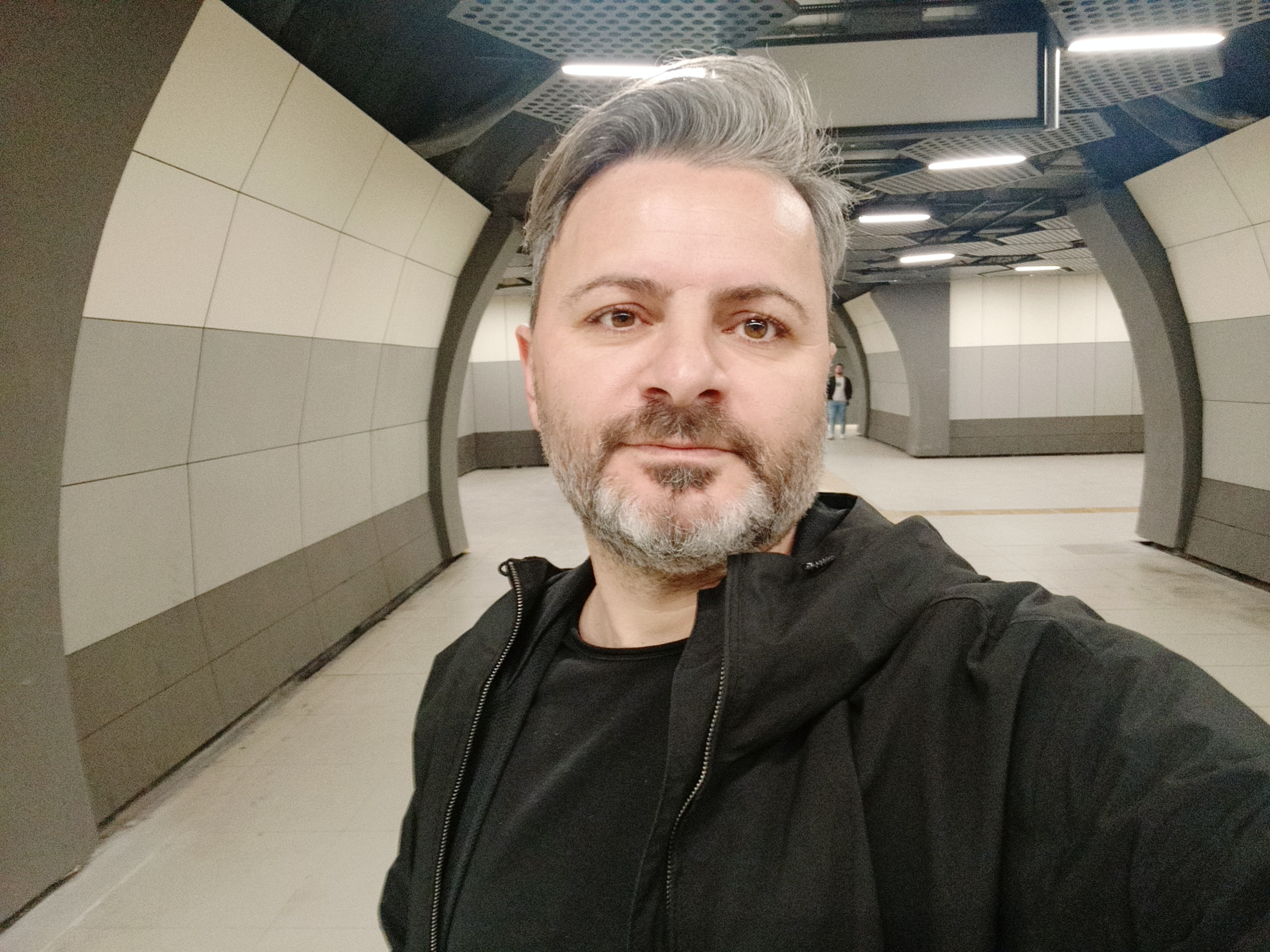
Errann
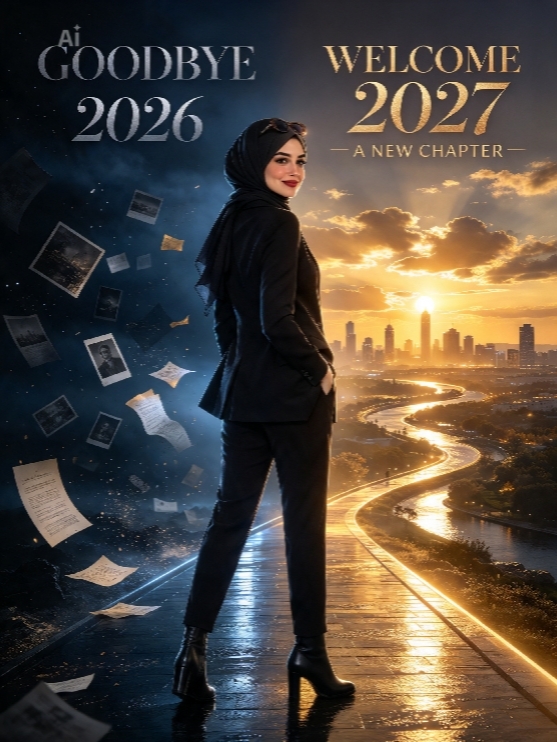
Wlc 2027
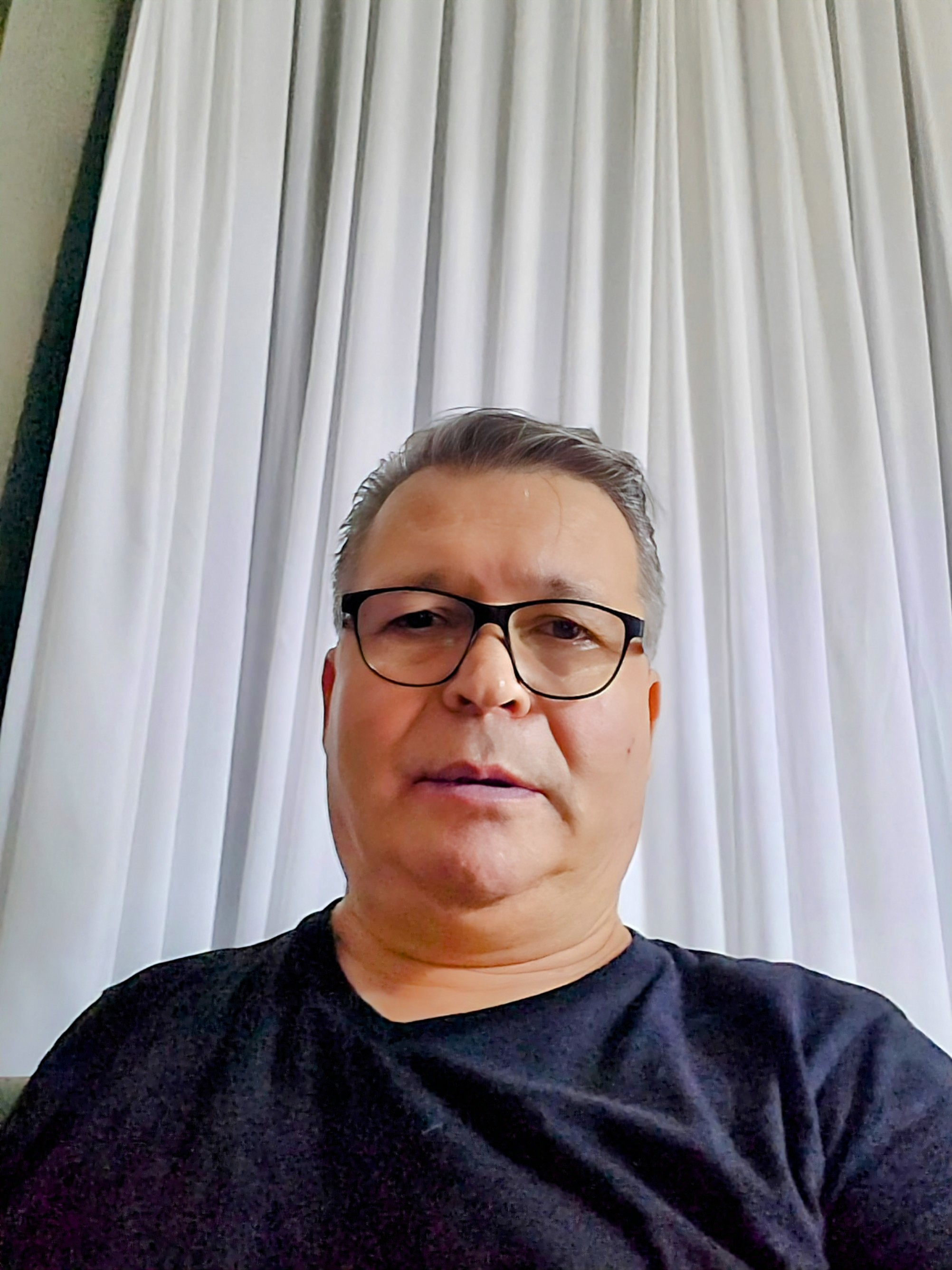
uur
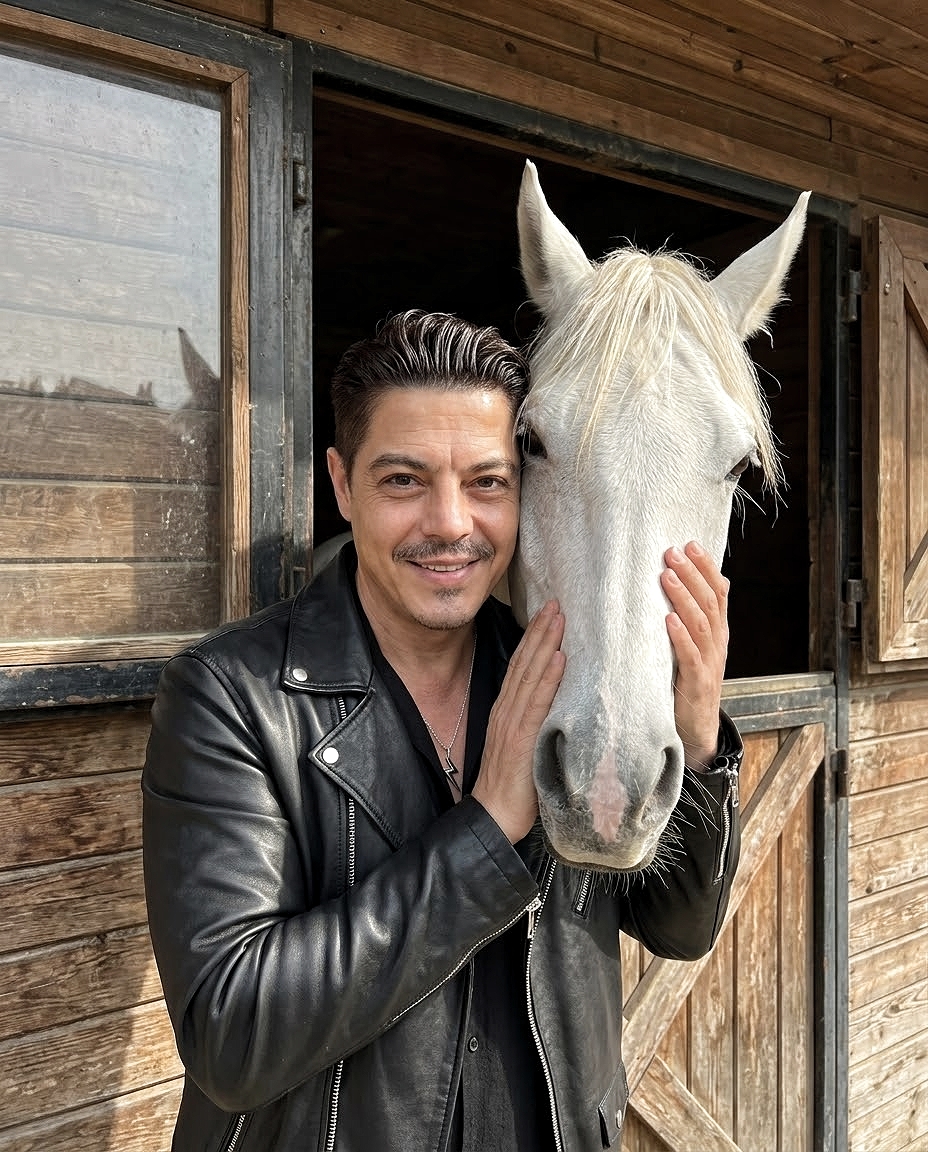
At Azl;)
What is an AI Prompt Library?
An AI prompt library is a curated collection of ready-to-use prompts designed to help users interact with AI models more effectively. With well-structured prompts, users can generate better results from AI tools such as image generators, chatbots, and writing assistants. Prompt libraries help save time, improve output quality, and simplify prompt engineering for beginners and professionals.
Why Quality Prompts Matter for AI Image Generation
🎯 Precision & Accuracy
Well-crafted prompts provide clear instructions to AI models, resulting in more accurate outputs that match your vision. Specific details reduce trial and error.
⚡ Time Efficiency
Ready-to-use prompts save hours of experimentation. Start with proven templates and customize them for your specific needs instantly.
📈 Consistent Results
Structured prompts ensure consistent output quality across multiple generations, essential for professional projects and client work.
🚀 Learning Acceleration
Studying expert prompts teaches you prompt engineering techniques, helping you create better prompts independently over time.
How to Use AI Prompts Effectively
Browse Prompt Templates
Explore our prompt library to find prompts tailored for different AI tasks. Browse through categories or use the search function to find prompts tailored to your specific project needs.
Copy the Prompt
Click the copy button and paste the prompt directly into your AI tool. Click the copy button to copy the prompt to your clipboard, ready to paste into your AI image generator.
Customize for Your Needs
Modify the prompt to suit your specific use case or creative idea. Replace specific elements (subjects, colors, styles) with your own requirements to create personalized results.
Advanced Prompt Engineering Tips
1. Be Specific and Detailed
Instead of "beautiful landscape", try "golden hour mountain landscape with snow-capped peaks, alpine lake reflection, dramatic clouds, photorealistic, 8K resolution"
2. Use Style References
Reference specific art styles, photographers, or movements: "in the style of Van Gogh", "Annie Leibovitz portrait lighting", "Art Nouveau composition"
3. Layer Your Descriptions
Structure prompts: Subject + Action + Environment + Style + Technical specs. This hierarchy helps AI understand priorities.
4. Control Lighting & Mood
Specify lighting: "soft natural light", "dramatic chiaroscuro", "neon cyberpunk glow". Lighting dramatically affects output mood.
5. Iterate and Refine
Start with a base prompt, then refine based on results. Small adjustments can produce significantly different outputs.
6. Use Negative Prompts
Exclude unwanted elements: "no blur", "without text overlay", "avoid oversaturation". This prevents common AI artifacts.
Real-World Applications of AI Prompts
Discover how professionals use AI prompts in their daily workflows
Photography Post-Processing
Professional photographers use prompts to quickly edit portraits, enhance landscapes, remove distractions, and create consistent styling across photo sessions without manual Photoshop work.
E-commerce Product Images
Online sellers generate professional product photos with clean backgrounds, consistent lighting, and lifestyle contexts. Perfect for Amazon, Shopify, and social media shops.
Graphic Design Projects
Designers rapidly prototype concepts, create mockups, generate design variations, and explore creative directions before committing to final client deliverables.
Social Media Content
Content creators produce eye-catching visuals for Instagram, Facebook, Pinterest, and TikTok. Create thumb-stopping content without hiring designers.
Marketing Materials
Marketing teams create ads, brochures, website graphics, email headers, and presentation visuals in-house, reducing agency dependencies.
Video Thumbnails & Assets
YouTubers and video creators generate custom thumbnails, channel art, intro/outro screens, and promotional materials that boost click-through rates.
 Continue with Google