When to use this page
Keep the prompt specific and retain the original image until the result has been checked.
Transform a source image toward the nose piercing filter look with Nose Piercing Filter. Describe the target style or character details, then check identity, pose, facial features, and background consistency.
 Modified
 Keep the prompt specific and retain the original image until the result has been checked.
Check faces, text, product details, edges, and any rights-sensitive content. The generated result is a draft until you approve it.
The default on this page is quiet and specific: a small silver nose stud on the subject's left nostril, integrated naturally with the skin so it reads as jewellery that was already there. Two fields sit above that default, and they are the difference between a piercing that belongs to a face and one floating beside it.
The first is the nose ring style field, whose hint offers a tiny gold stud, a silver hoop, a diamond pavé ring, and a gemstone stud. The second is the nose ring position: left nostril, right nostril, septum, or double nostril. Both matter because the built-in instruction names only one option, so an empty position box means accepting the left-nostril stud. If you want a hoop or a septum ring, name it in that field rather than in general wording, and use the third box, Other Ideas, for what the two short fields do not cover, such as a particular metal finish, a thin hoop, or an extra stud alongside the main one. There is also a mirroring trap, since front-facing cameras often flip the image, so the nostril you call left may be the other side in the file you upload.
Real nose jewellery is small, sits on the curve of the nostril, and casts a tight contact shadow where metal meets skin. The instruction asks for exactly that integration, which is why the failures are easy to name. Scale first: an oversized stud looks like clip art even when the metal renders well. Then geometry, because a ring must follow the angle the nostril turns at, and a stud seen from three-quarters should compress rather than stay a perfect circle. Then lighting, since a bright face carrying a shadowless piece of metal reads as an addition. Check at full zoom for the shadow under the jewellery.
Work from a portrait with the nose straight to camera and sharp; a profile in deep shadow gives the pass little to anchor to.
about the nose piercing filter
The built-in instruction places a small silver stud on the subject's left nostril. That is why the position field is worth filling in: the wording offers left nostril, right nostril, septum, and double nostril, so naming one of those is how you move off the default rather than fighting it.
Yes, through the style field. Its examples cover a tiny gold stud, a silver hoop, a diamond pavé ring, and a gemstone stud, which tells you the kind of phrasing it responds to. Name the metal and the shape together, since a bare colour word leaves the form for the pass to guess.
Because jewellery drawn without reference to the nostril tends to sit large. Ask for a specific scale in the Other Ideas box, for example a very small stud or a thin delicate hoop, and compare the piece against your nostril edge at full zoom rather than in the preview.
Treat it as a look test on your own face rather than an exact prediction. The metal colour, the size a piercer would use, and how the jewellery sits once it settles all belong to the real object; what this shows you quickly is placement and whether the style suits you at all.
Transform a source image toward the nose piercing filter look with Nose Piercing Filter. Describe the target style or character details, then check identity, pose, facial features, and background consistency.
Compare the result with the original, inspect the details that matter to your task, and keep the original until the output is approved.
Transform your images instantly using powerful AI Image Editor AI tools.
Try Nose Piercing Filter NowDiscover more AI-powered tools to enhance and transform your images.

Edit or remove visible text with AI Edit Text in Image while preserving the surrounding layout. Check lettering, alignment, background texture, and the final crop before publishing.
Try Now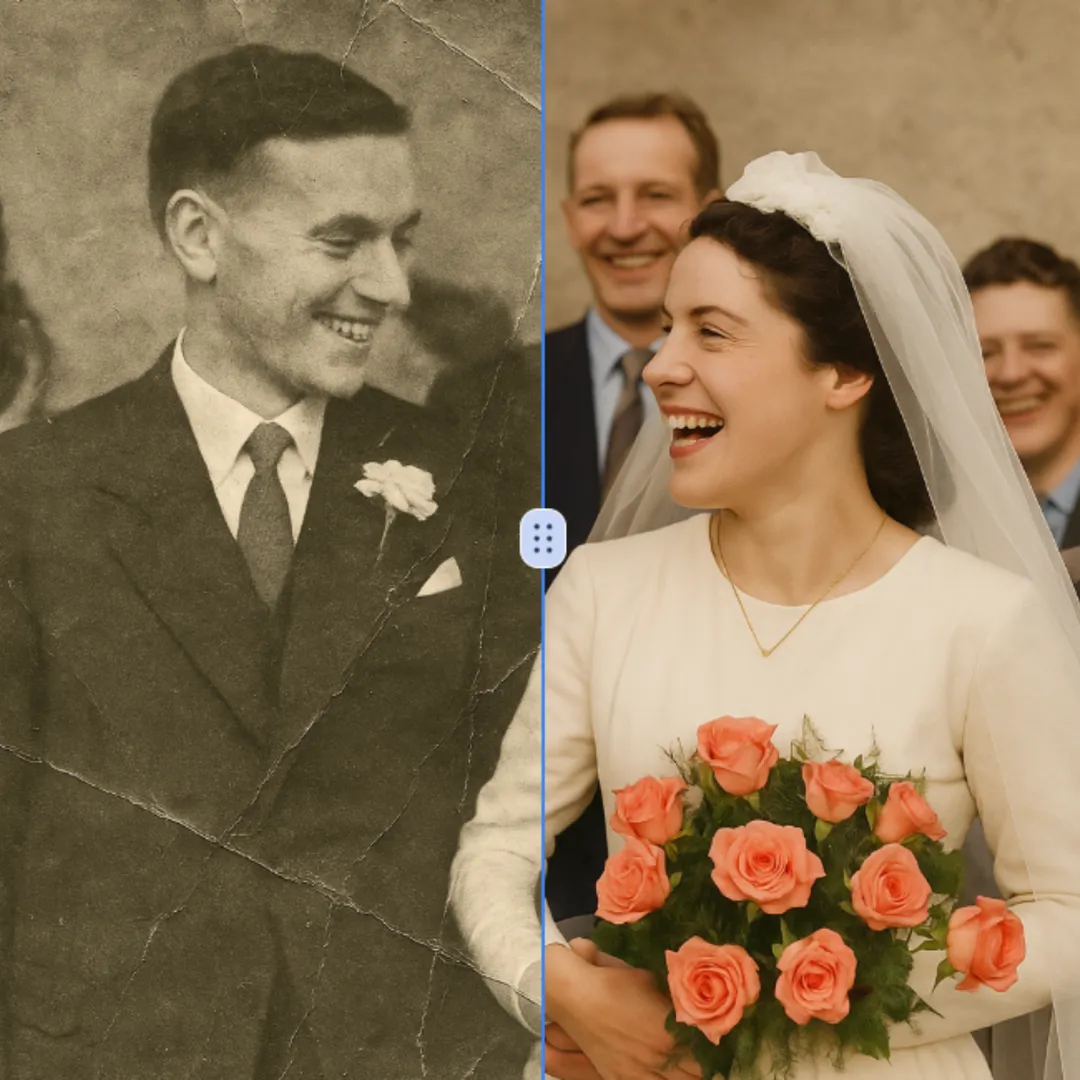
Improve visible image detail with AI Photo Restoration while keeping the original subject in view. Compare edges, faces, textures, and small text at the intended output size.
Try Now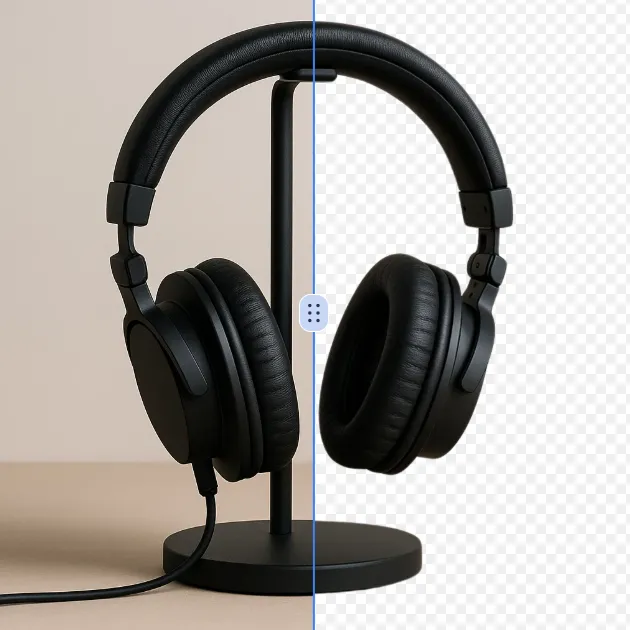
Remove a background from a photo or logo with AI Background Remover, then check subject edges, fine details, and transparency before using the cutout in a new design.
Try Now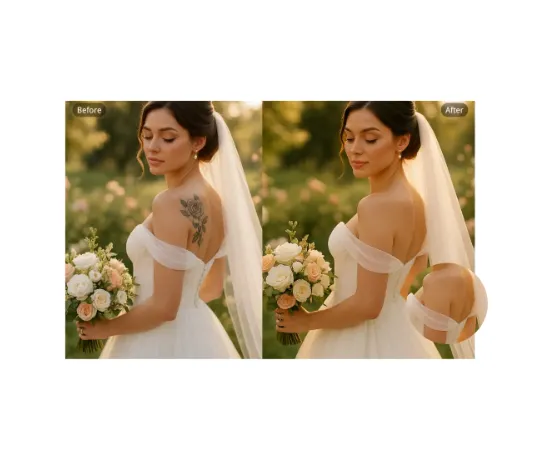
Use AI Remove Tattoo to target an unwanted overlay or localized detail in an image. Compare the edited area with the surrounding texture and correct visible seams before export.
Try NowUse Google to start creating and save your image. No card required.
 Continue with Google
 Remove the watermark, download HD images, and keep creating.
Credit Policy:
Secure checkout · Payment methods shown at checkout · Credits after confirmation