When to use this page
Keep the prompt specific and retain the original image until the result has been checked.
Edit or remove visible text with AI Edit Text in Image while preserving the surrounding layout. Check lettering, alignment, background texture, and the final crop before publishing.
 Original
  Modified
 Keep the prompt specific and retain the original image until the result has been checked.
Check faces, text, product details, edges, and any rights-sensitive content. The generated result is a draft until you approve it.
Retyping a word inside a picture is not the same job as typing it in a document. The replacement has to inherit typeface, weight, size, letter spacing, baseline, and colour from whatever sits beside it, and then sit on the same surface, whether that is paper grain, a painted wall, or a fabric print, without looking laid on top. The form above is built as a lookup, so it needs the exact wording you are replacing and the exact wording you want in its place.
The instruction reads as a search and replace: change the text that says one thing to another. That makes the Original text box a key, so enter it as it appears on screen, including capitalisation, punctuation, and spacing. The hint only says to enter the original text, which understates how literal you need to be. Keep the replacement compact, because a phrase much longer than the original has to shrink, wrap, or run into its neighbours. The Other Ideas box is for constraints a short string cannot carry, such as matching the heading size above it or changing only one of two identical captions.
Font style, colour, and size matching the surrounding text are written into the request, which is why this page suits small edits: a price on a menu, a date on a flyer, a name on a chart, one word in a headline. It is also why to be cautious with large ones. Dense body copy, very distinctive display faces, and lettering set at an angle each ask the pass to draw a lot of consistent type at once.
Work through the checklist this page gives you, in order. Lettering first: compare each glyph against the untouched word beside it. Alignment second: the new string should run on the same baseline rather than drifting up. Background texture third, since a gradient, wood grain, or noise should continue through the replaced area instead of turning flat. Then view it at the size you intend to publish, because lettering defects that vanish at thumbnail scale reappear in print.
about editing text inside a photo
The request keys off the wording you enter, so a string that does not match what is on screen leaves the pass guessing which lettering to change. Copy it exactly, and use the ideas box to say where it sits, for example the caption beneath the photo.
You can, but fit is the constraint. A wider replacement has to shrink, wrap, or overlap its neighbours, while the instruction is asking it to match the size of the surrounding text. Short rewrites give the cleanest results.
No. The uploaded file is pixels, so the lettering is redrawn rather than retyped, and there is no editable text object in the output. If you still hold the source design, edit that instead; rebuilding flattened type is less reliable than regenerating a layer.
Usually colour or light. Lettering in a photograph is rarely one flat tone, since it picks up the cast of the surface, sits in shadow, or has grain laid over it. Name that in the ideas box, then inspect the edges of the replacement at full zoom.
Edit or remove visible text with AI Edit Text in Image while preserving the surrounding layout. Check lettering, alignment, background texture, and the final crop before publishing.
Compare the result with the original, inspect the details that matter to your task, and keep the original until the output is approved.
Transform your images instantly using powerful AI Image Editor AI tools.
Try AI Edit Text in Image NowDiscover more AI-powered tools to enhance and transform your images.
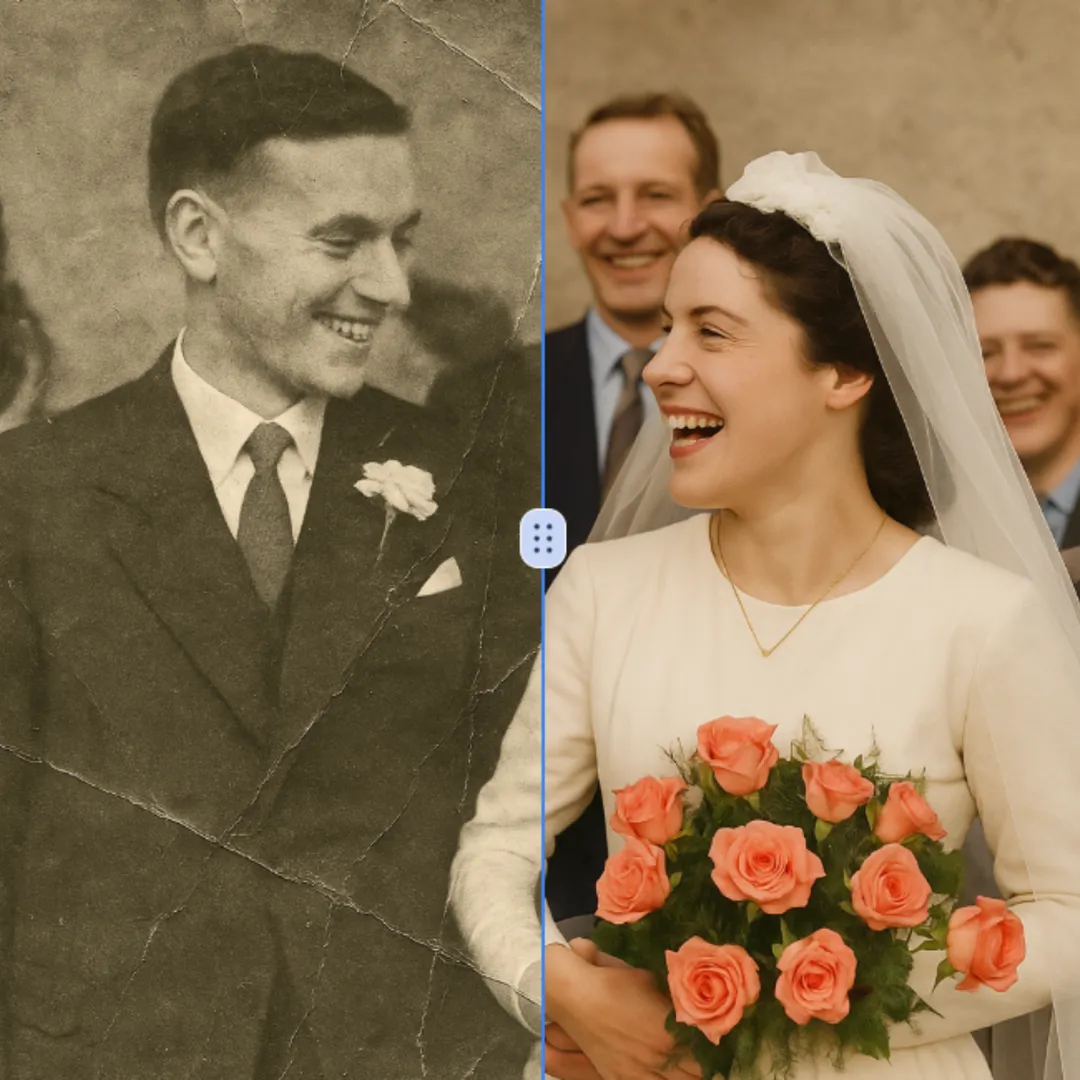
Improve visible image detail with AI Photo Restoration while keeping the original subject in view. Compare edges, faces, textures, and small text at the intended output size.
Try Now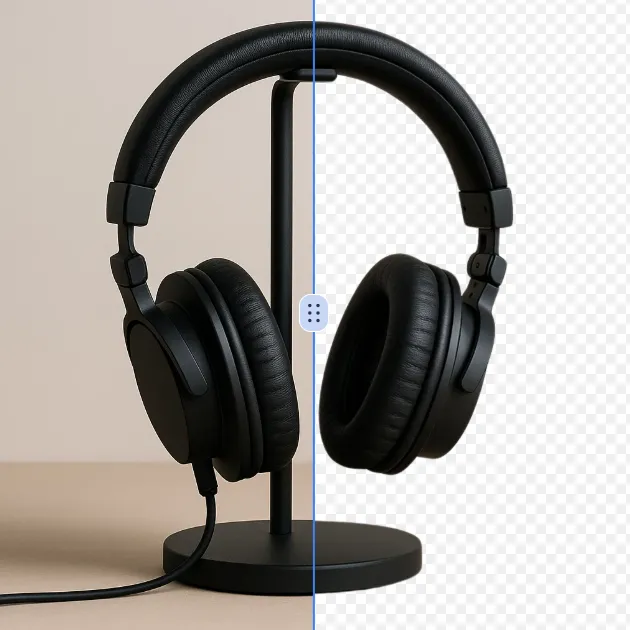
Remove a background from a photo or logo with AI Background Remover, then check subject edges, fine details, and transparency before using the cutout in a new design.
Try Now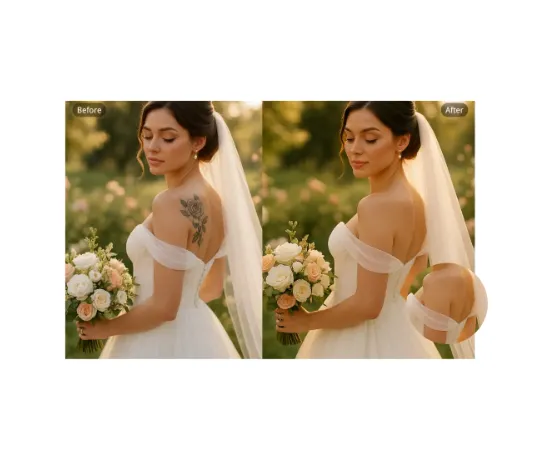
Use AI Remove Tattoo to target an unwanted overlay or localized detail in an image. Compare the edited area with the surrounding texture and correct visible seams before export.
Try NowUse Google to start creating and save your image. No card required.
 Continue with Google
 Remove the watermark, download HD images, and keep creating.
Credit Policy:
Secure checkout · Payment methods shown at checkout · Credits after confirmation