AI Watermark Remover

AI Watermark Remover is a free online tool that uses advanced AI to instantly remove watermarks from photos and videos. It's fast, secure, and requires no downloads, making it easy to achieve clean, professional-looking images without any hassle. Simply upload your file and get watermark-free results in seconds.

Original AI Watermark Remover image Original
Modified AI Watermark Remover image result Modified
💡 Please enter your description in English for better results Translate to English

What Is AI Watermark Remover?

AI Watermark Remover is an amazing online tool that automatically detects and removes watermarks from photos using artificial intelligence. This intelligent service works by identifying watermark elements in the uploaded pictures and removing them without letting you know that the image was processed. The images with text watermarks, logo overlays, or transparent watermark areas will be restored to their clean versions with this easy and fast tool.

The service runs in your web browser, which means no image will be uploaded to external servers for processing and total confidentiality is guaranteed. It works with the most popular image formats such as JPEG, PNG, and WEBP. Photographers, designers, and content creators are the ones who will benefit the most from this tool, as they typically need to remove unwanted watermarking from stock photos, social media pictures, or any other images that contain overlay elements they wish to get rid of.

How To Use AI Watermark Remover

AI Watermark Remover is a user-friendly tool requiring no technical expertise. Just follow the simple steps given below:

  1. Upload Your Watermarked Image: Go to the tool's interface and either drag and drop the image with the watermark overlay or click to select it from your computer. You don't need to be a member to use the service.

  2. Wait for the AI to Do Its Work: After the photo is uploaded, imagefk.com instantly identifies the watermark using state-of-the-art AI technology, removes it, and at the same time, restores the background where the watermark was originally located so that it looks natural.

  3. Preview and Download: Check the end product to make sure you are happy with it and then instantaneously download your image without the watermark - all within just ten seconds.

The whole procedure is intended to be speedy and easy to use, watermark removal is thus democratic for everyone, no matter the level of technical expertise.

FAQs (Frequently Asked Questions)

How does the ai watermark remover free tool work?

The ai watermark remover free tool works on the basis of cutting-edge artificial intelligence algorithms that have been trained to recognize and get rid of various kinds of watermarks on photographic images. When you submit a picture with a watermark, our AI manages to analyze the picture to separate the content of the actual photo from the watermark that overlays it. After that, it resorts to advanced inpainting techniques to fill in the areas where the watermark has been removed seamlessly using pixel data of the surroundings for the reconstruction of natural background elements. This technology is more precise than manual methods like cloning because it comprehends the context of the image and can reconstruct the underlying content intelligently. Besides, the processing occurs totally in your browser which guarantees both speedy performance and privacy because your images will not be sent to external servers for processing.

What types of watermarks can be removed with ai remove watermark technology?

The AI watermark remover can successfully deal with a variety of watermarks that are typically found in digital images. Some, among others, are text watermarks, logo overlays, transparent graphics, and semi-transparent watermark features. The algorithm deals with both kinds of watermarks—simple and complex ones; those that have multiple colors or gradients represented can also be handled—e.g., shading gradient and others. Moreover, the algorithm can also work with watermarks located in different positions; they might be at the corners, center, or on a large part of the photo. Nevertheless, it is wise to mention that the results can still vary depending upon the complexity, size, and opacity of the watermark. Highly complex watermarks that cover the underlying image content a lot might be harder to remove entirely, while simpler ones that are clear but have low opacity can be removed with high accuracy.

What image formats are supported for ai removing watermarks?

The ai to remove watermark tool is compatible with all the main image formats, namely JPEG, PNG, and WEBP files. These are the formats that are prevalent for digital pictures on different platforms and devices. You will not have any trouble uploading files from your smartphones, stock photo websites, or graphic design software as they can all go directly to our tool. The maximum file size could be a limitation depending on the capabilities of your browser, but in everyday practice, high-resolution images are allowed for sharing on the web as well as for printing. Besides, the tool is very careful so that the original quality and dimensions of your images are maintained throughout the watermark removal process; thus, your final result is the one that is ready for professional use.

Is my privacy protected when using this ai ease watermark remover?

Yes, indeed. Our watermark remover ai service guarantees that your privacy is absolutely protected. The whole processing is done in your web browser locally through client-side technology, which means that your images are not sent anywhere and are not uploaded to any external servers. We do not save, track, or collect any data on the images you work on with our tool. Once you close your browser tab or leave the page, your images are completely gone from our system. Thus our approach renders the service far more private than desktop applications that require registration and cloud-based tools that upload your files for processing. You can be sure that no privacy issues will arise while removing watermarks from your personal or sensitive photos.

How long does it take for ai to remove watermark from images?

The watermark removal is very fast usually it takes just a few seconds for the majority of images. The processing time will actually vary based on the image size, complexity of the watermark, and the speed of your device. Our advanced AI algorithms are always ready to take on the challenge of removing watermarks even from high-resolution pictures and complex watermarks. With all processing being done in your browser, you will instantly see the results without having to wait for the server to respond. This is far quicker than the traditional photo editing software that might take hours to install and the cloud-based services that rely on the internet speed and server availability. For the user who is processing more than one image, each file is treated separately so that good performance is kept throughout.

What if the watermark removal doesn't work perfectly?

In case the removal of the watermark initially did not give good results, then the options you have are plenty to get a better result. There is a field for entering text instructions in our tool where you can give very specific directions on how you want the photo to be processed. To illustrate, you could point out certain parts of the watermark that should be focused on or ask to change the way of the wiping out of the watermark to be more precise. The AI takes these commands into account and implements them while the watermark removal is taking place. Moreover, in the case of pictures with very complicated watermarks or those that are really fused with the background, the outcome might not be as good as expected. As our platform does not keep your pictures, you are allowed to try a lot of different ways by submitting the same picture again with the altered instructions. For optimum results, go for pictures with watermarks that are very clearly separated from the background content.

Start AI Watermark Remover with AI Image Editor Today

Transform your photos in seconds with our powerful AI Image Editor and online image editor tools

Edit Your First Image with ImageFk

More AI Image Editor Tools

Discover our collection of AI-powered Image tools to enhance your creativity

AI Blur Image

AI Blur Image

AI Blur Image is your go-to solution for effortlessly blurring image backgrounds online. Powered by advanced AI, it delivers professional-grade results with just one click – ideal for enhancing product shots, portraits, and creative designs. Fast, free, and user-friendly, it saves time while ensuring high-quality visuals for any project.

Try Now
AI Photo Restoration

AI Photo Restoration

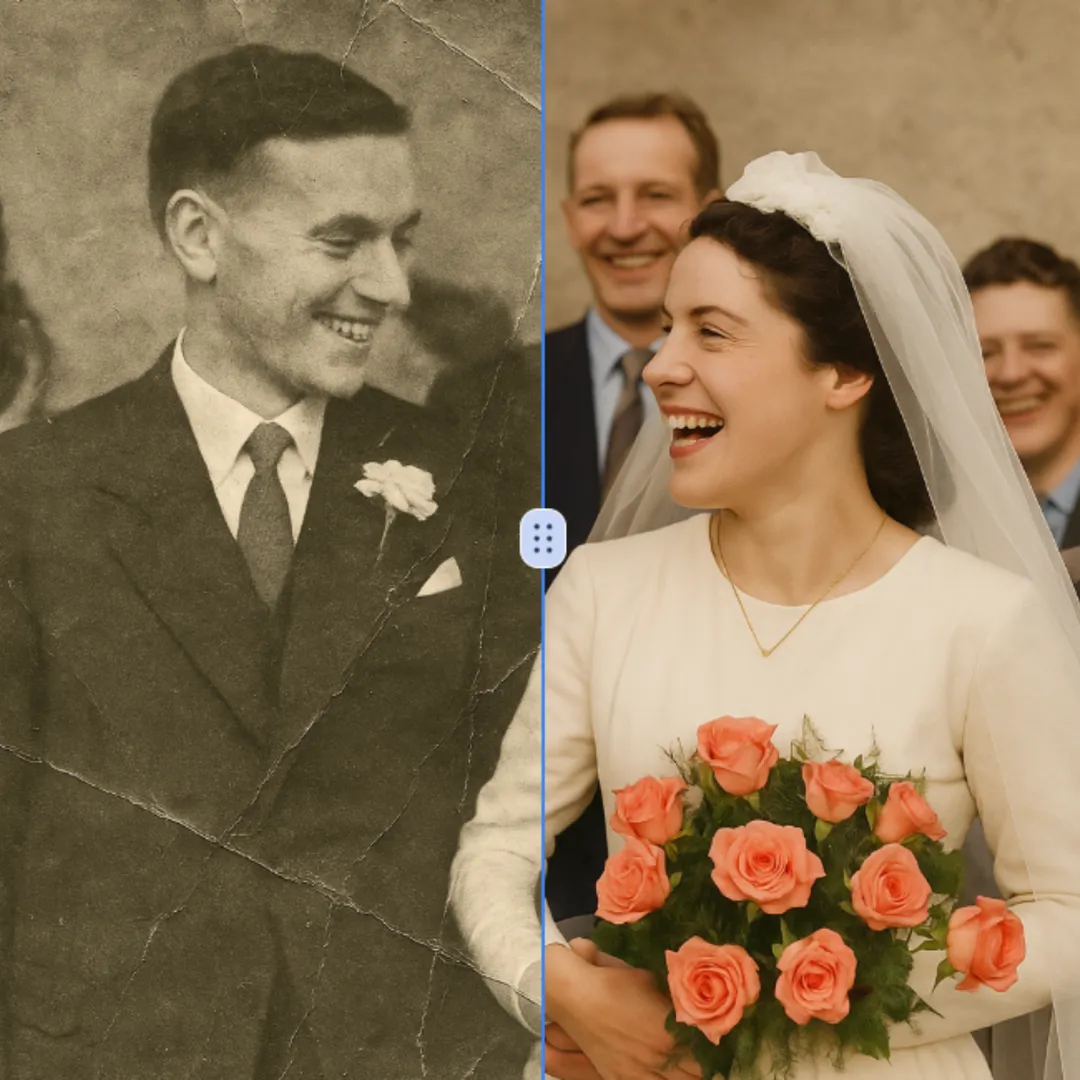
AI Photo Restoration is a free online service that uses advanced AI to restore old, damaged, and black-and-white photos. It delivers high-quality, accurate results quickly and securely. Easily revive your cherished memories without any cost or hassle, ensuring your photos look new again.

Try Now
Remove White Background From Image

Remove White Background From Image

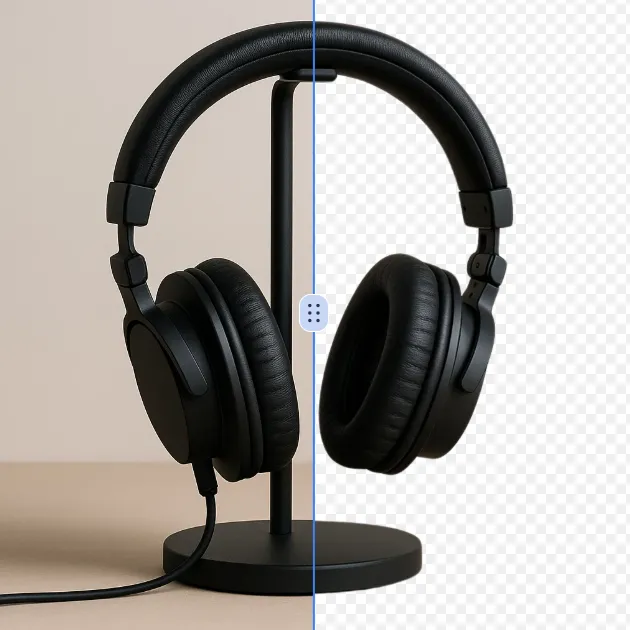
Effortlessly remove white backgrounds with AI precision. This free online tool delivers fast, accurate edits with secure processing. Enjoy seamless background removal on any device for professional images instantly—no downloads required.

Try Now
AI Unblur Image

AI Unblur Image

AI Unblur Image Tool uses advanced AI to instantly fix blurry photos, sharpen images, and improve overall quality—all for free online. No sign-up required; upload, process, and download enhanced photos in seconds. Perfect for restoring memories or professional use with ease and speed.

Try Now
AI Photo Color Correction

AI Photo Color Correction

Color Correction is a free AI tool that instantly enhances your photos by fixing dull colors, improving lighting, and restoring old images. With just one click, achieve professional-quality, vibrant results effortlessly. Perfect for quick photo edits with no expertise required!

Try Now
Add Shadow to Image

Add Shadow to Image

Transform your images with the Add Shadow to Image tool. This AI-powered solution lets you apply natural drop shadows, customize effects, and elevate designs effortlessly. Enjoy quick, user-friendly editing for standout visuals—free and instant results!

Try Now
AI Face Cut Out

AI Face Cut Out

Our AI Face Cut Out tool instantly transforms photos into high-quality big head cutouts. Ideal for creating custom materials like T-shirts, phone cases, and social media posts. Enjoy fast, free results with transparent PNGs—no skills needed!

Try Now
Nose Piercing Filter

Nose Piercing Filter

The Nose Piercing Filter lets you experiment with virtual nose piercings effortlessly. Upload a selfie, choose from realistic nose rings, studs, or septum styles, and instantly preview your look. Enjoy a risk-free, no-app-required experience to explore new styles without commitment.

Try Now
×

Unlock Premium AI Image Editing Features

Sign in with Google to access advanced editing tools, save your creations, and enjoy unlimited image enhancements.