When to use this page
Keep the prompt specific and retain the original image until the result has been checked.
Repair a photo by removing or replacing a selected object with AI Clone Stamp Tool. Keep the edit area focused, then inspect shadows, repeated patterns, perspective, and background continuity.
 Original
  Modified
 Keep the prompt specific and retain the original image until the result has been checked.
Check faces, text, product details, edges, and any rights-sensitive content. The generated result is a draft until you approve it.
The name is borrowed from a desktop brush, but nothing here samples pixels from a source point. You describe the thing in words, describe where the copy should land, and a second instance of it is rendered into your photo. The built-in instruction has two holes in it — the object and the target — and the two boxes on the panel drop straight into them.
The Object to clone field wants one thing, named the way it reads in the frame: the examples it offers are "single tree", "small cloud", "red ball". A plural or vague answer gives the pass too much latitude. The Specific Target Location field answers better to relative language than to measurements — "upper left corner", "next to the original", "far right side" — because it is placing the copy against things already in the picture. Naming a landmark in your own frame works the same way: "on the empty grass to the left of the bench". The third field, Other Ideas, is optional and is where the extra conditions go.
The request asks for two things and nothing besides: that the clone's lighting and scale match the original, and that it blends naturally into the scene. It says nothing about the copy casting its own shadow, about occlusion — a cloned tree in front of a fence should have the fence in front of part of it — and about perspective when the target sits much deeper in the scene than the source. Those are the reasons a clone can be lit correctly and still look pasted on, so check contact points, shadow direction, and relative size against the ground plane.
Use this on material you own or are permitted to edit. Cloning is duplication with no record of what was added, so it is the wrong tool for anything involving identifiable people, and a poor one for scenes that have to stay truthful.
Repair a photo by removing or replacing a selected object with AI Clone Stamp Tool. Keep the edit area focused, then inspect shadows, repeated patterns, perspective, and background continuity.
Compare the result with the original, inspect the details that matter to your task, and keep the original until the output is approved.
No. Both fields are text: the panel asks for a description rather than a brush, a lasso, or a source sample. Write the object as you would say it to someone who could see the picture.
Precise enough to be unambiguous, using things already in the frame as references. A corner, an edge, or a position relative to the original all read well; measurements and coordinates say nothing the frame can be matched against. Compare the copy and the original side by side for size afterwards.
Usually a scale or shadow problem rather than a lighting one. The instruction matches lighting and scale to the original, but it does not extend to a cast shadow, and a copy placed deeper into the scene should be smaller than its source. Mention those conditions in the Other Ideas field.
It will duplicate anything you can describe, which is exactly why that is worth thinking about first. Cloned faces of real people mislead, and animals rarely repeat convincingly in pose and coat. Stick to objects and scenery in images you have the right to alter.
Transform your images instantly using powerful AI Image Editor AI tools.
Try AI Clone Stamp Tool NowDiscover more AI-powered tools to enhance and transform your images.
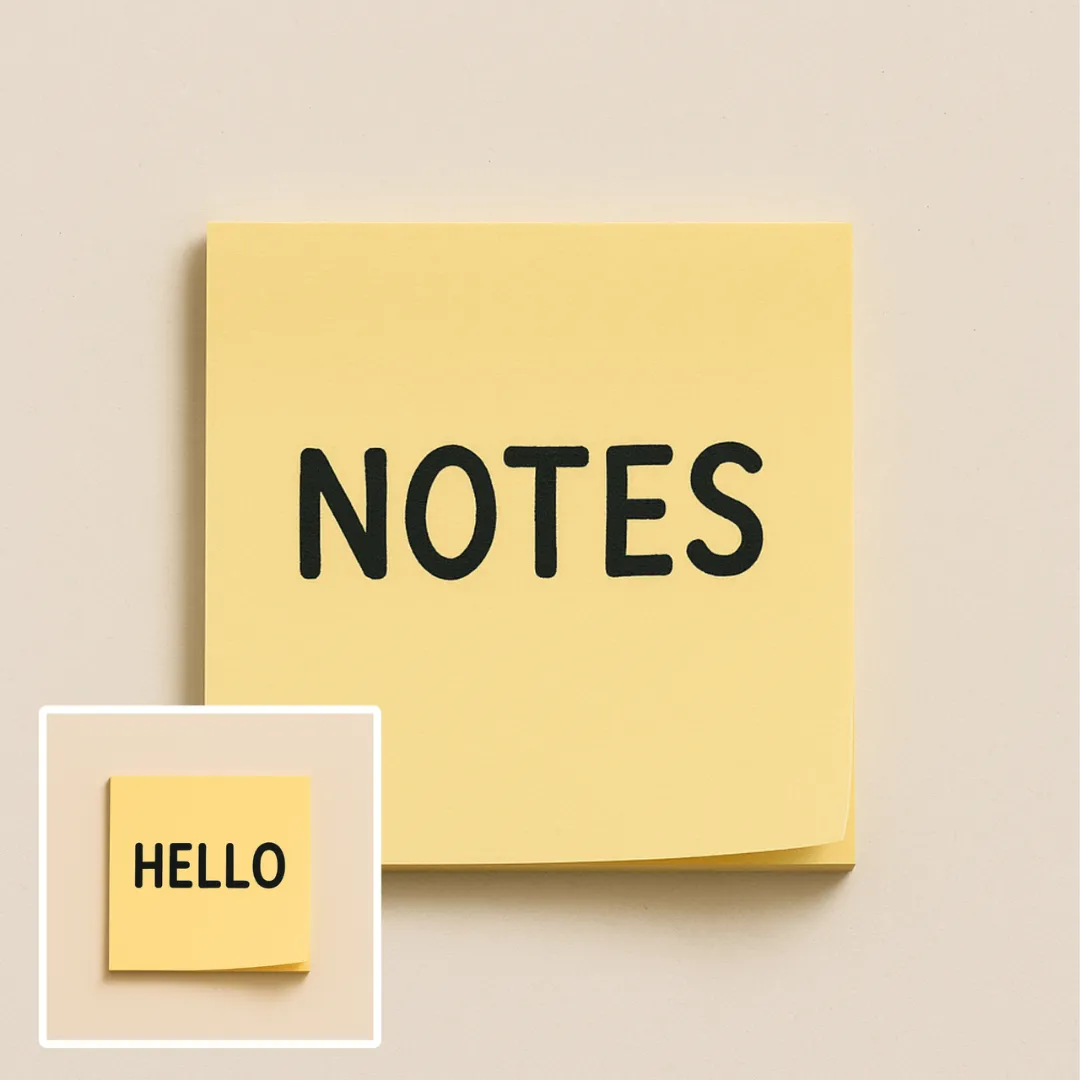
Edit or remove visible text with AI Edit Text in Image while preserving the surrounding layout. Check lettering, alignment, background texture, and the final crop before publishing.
Try Now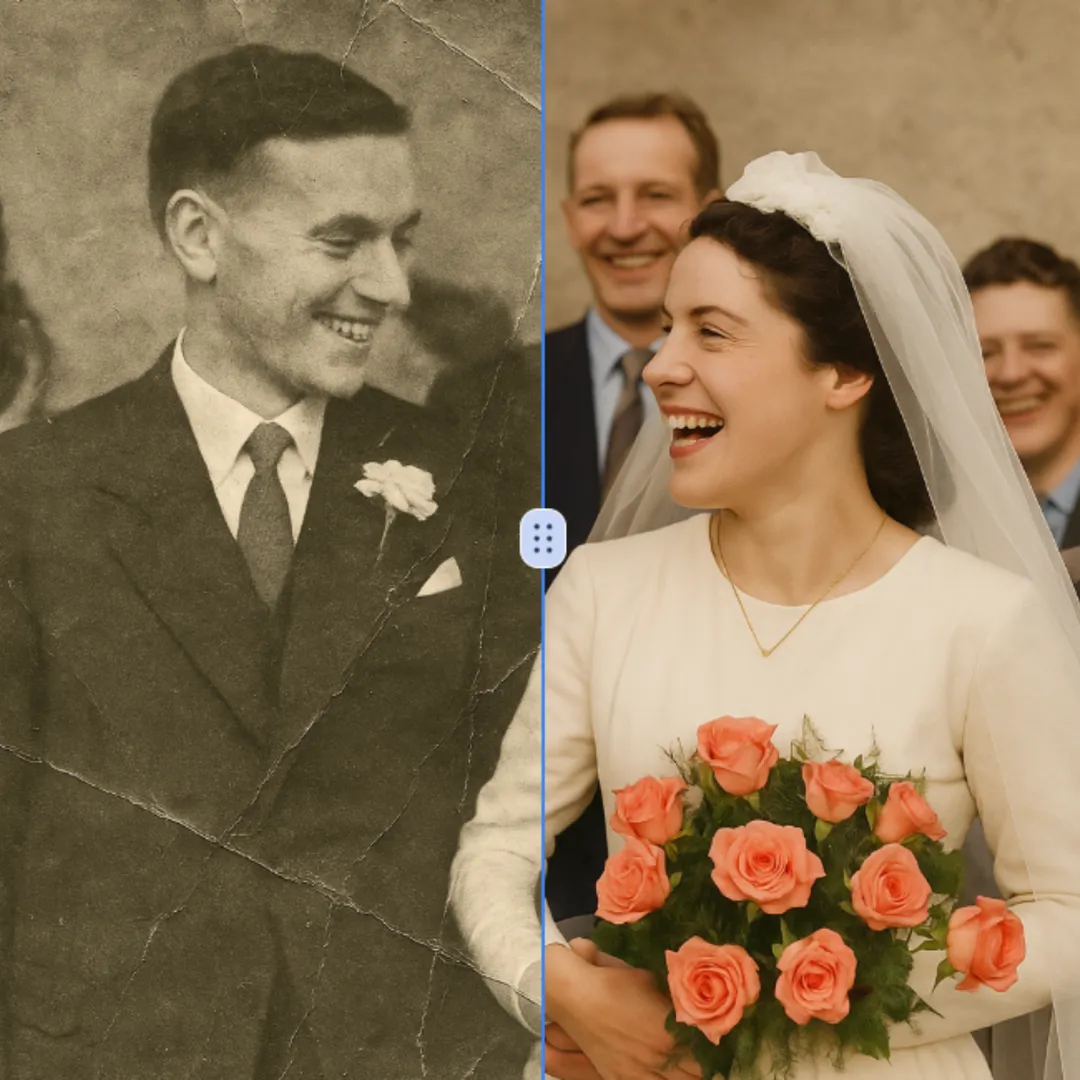
Improve visible image detail with AI Photo Restoration while keeping the original subject in view. Compare edges, faces, textures, and small text at the intended output size.
Try Now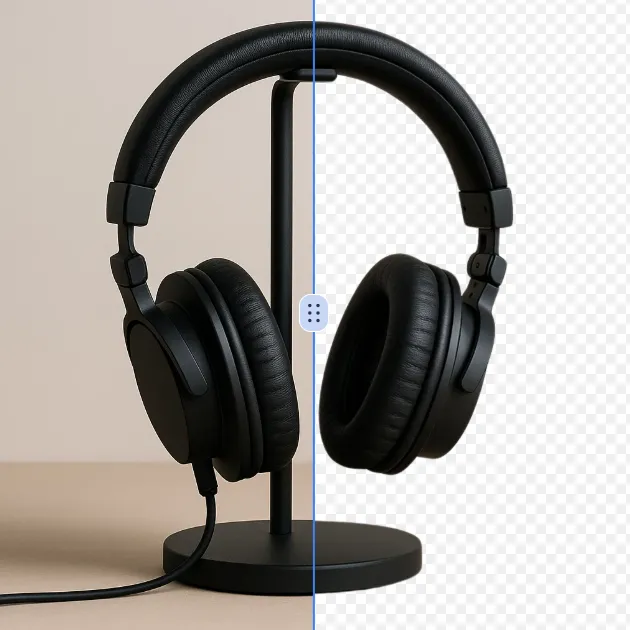
Remove a background from a photo or logo with AI Background Remover, then check subject edges, fine details, and transparency before using the cutout in a new design.
Try Now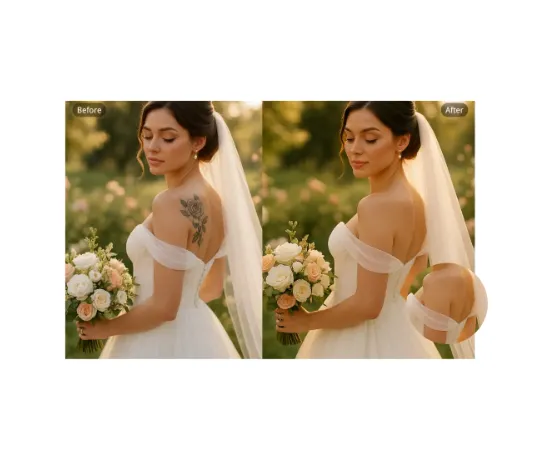
Use AI Remove Tattoo to target an unwanted overlay or localized detail in an image. Compare the edited area with the surrounding texture and correct visible seams before export.
Try NowUse Google to start creating and save your image. No card required.
 Continue with Google
 Remove the watermark, download HD images, and keep creating.
Credit Policy:
Secure checkout · Payment methods shown at checkout · Credits after confirmation