When to use this page
Keep the prompt specific and retain the original image until the result has been checked.
Create product photo variations from a real source image. Generate clean backgrounds, shadows, crops, or restrained lifestyle directions, then review every result before using it in a listing.
 Modified
 Keep the prompt specific and retain the original image until the result has been checked.
Check faces, text, product details, edges, and any rights-sensitive content. The generated result is a draft until you approve it.
Use a clear product image as the reference, then ask for one focused visual job such as a clean background, a natural shadow, or a restrained lifestyle scene. The result is a visual draft for review, not an automatic store listing.
Check the label, dimensions, product shape, material, colour, edges, and any generated props. Keep the original photo for accuracy-critical views and use generated lifestyle images as supporting creative.
Create product photo variations from a real source image. Generate clean backgrounds, shadows, crops, or restrained lifestyle directions, then review every result before using it in a listing.
Compare the result with the original, inspect the details that matter to your task, and keep the original until the output is approved.
No. It prepares downloadable image results. You still review and upload them through your own store or marketplace workflow.
Keep the original for factual product views. Generated scenes may change details that shoppers need to see accurately.
Name the product, the requested scene, and the details that must stay unchanged. One visual job per prompt is usually easier to review.
Transform your images instantly using powerful AI Image Editor AI tools.
Try AI Product Photo Kit NowDiscover more AI-powered tools to enhance and transform your images.
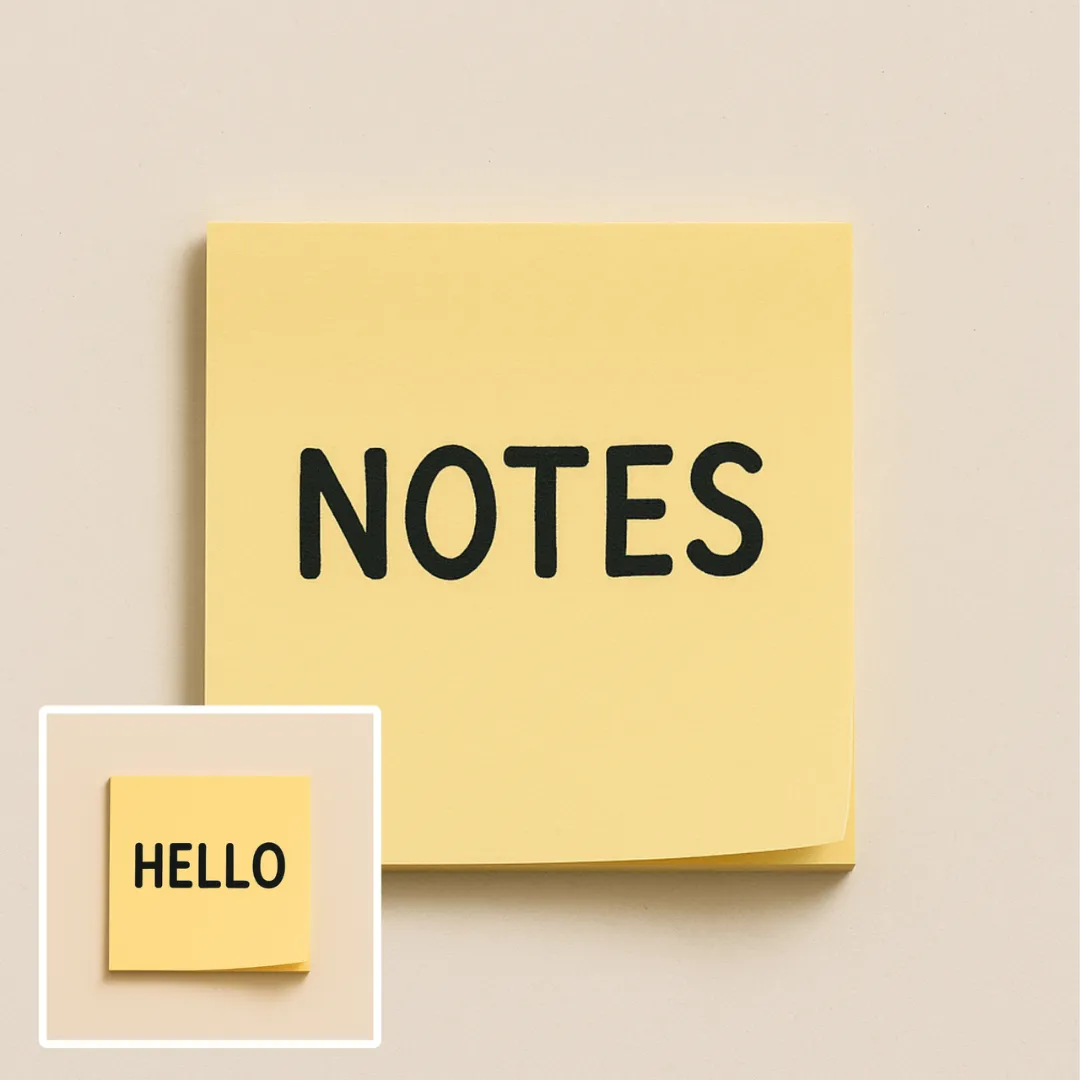
Edit or remove visible text with AI Edit Text in Image while preserving the surrounding layout. Check lettering, alignment, background texture, and the final crop before publishing.
Try Now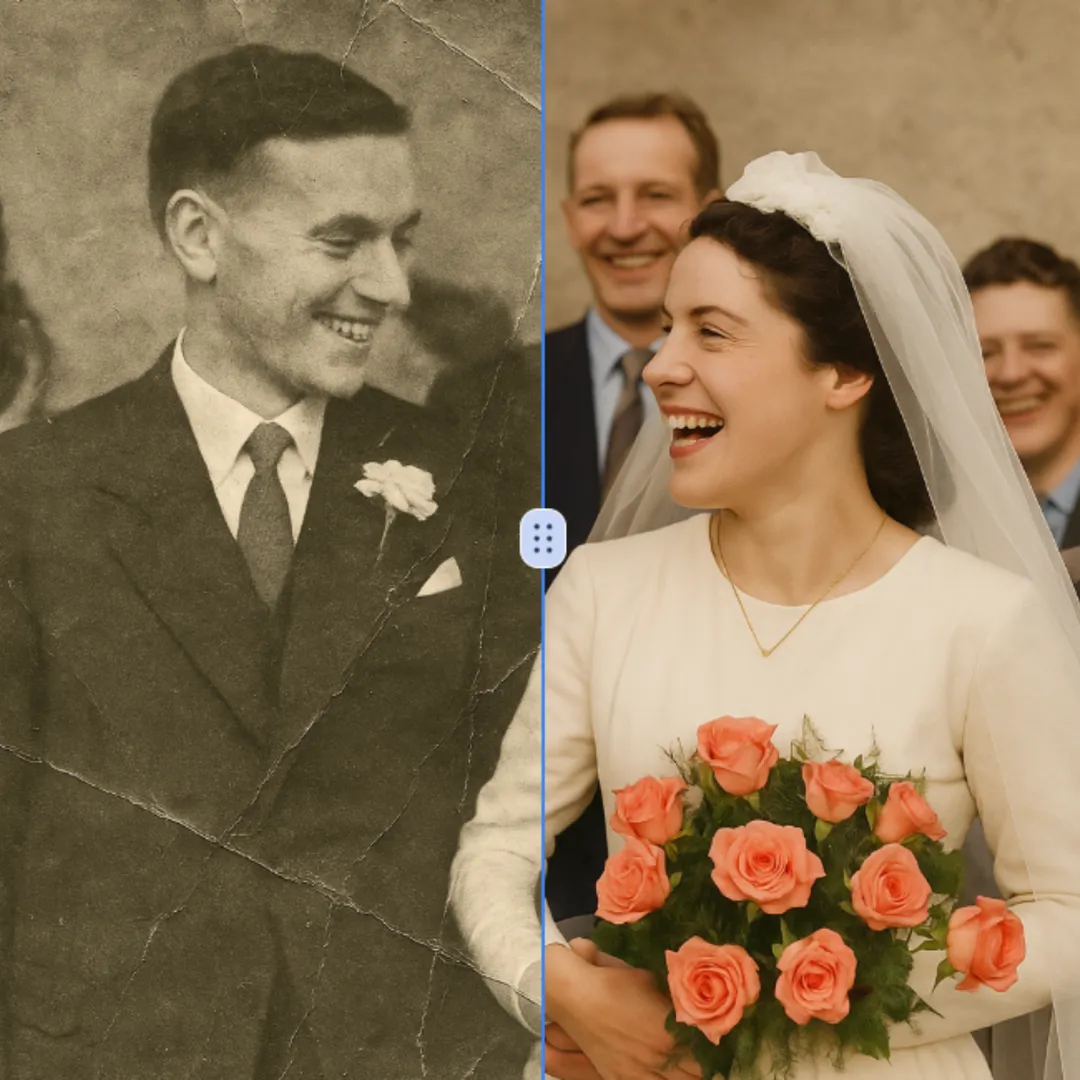
Improve visible image detail with AI Photo Restoration while keeping the original subject in view. Compare edges, faces, textures, and small text at the intended output size.
Try Now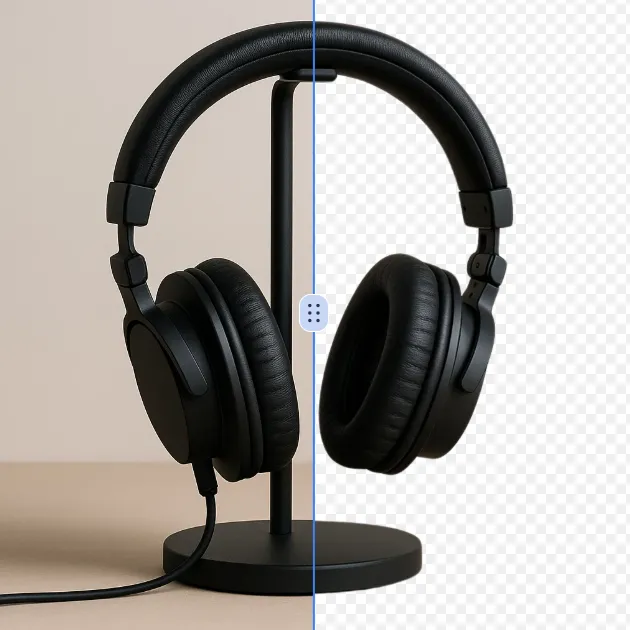
Remove a background from a photo or logo with AI Background Remover, then check subject edges, fine details, and transparency before using the cutout in a new design.
Try Now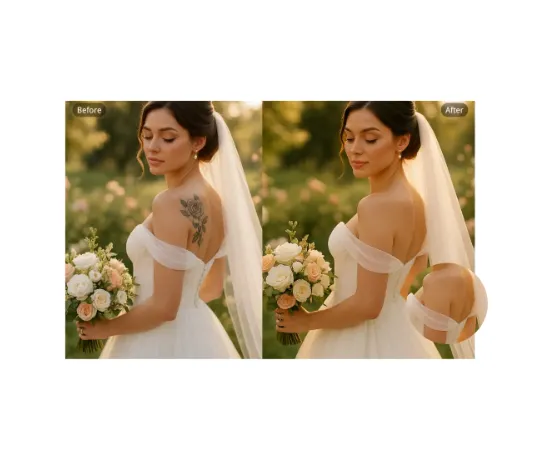
Use AI Remove Tattoo to target an unwanted overlay or localized detail in an image. Compare the edited area with the surrounding texture and correct visible seams before export.
Try NowUse Google to start creating and save your image. No card required.
 Continue with Google
 Remove the watermark, download HD images, and keep creating.
Credit Policy:
Secure checkout · Payment methods shown at checkout · Credits after confirmation