When to use this page
Use a clear source photo when you need a transparent cutout or a cleaner product image.
Remove a background from a product, portrait, or everyday photo and review the edges before downloading. Hair, transparent objects, shadows, and busy backgrounds may need another attempt.
 Original
  Modified
 Use a clear source photo when you need a transparent cutout or a cleaner product image.
Check faces, text, product details, edges, and any rights-sensitive content. The generated result is a draft until you approve it.
A removed background is judged in two places: the edge of the subject, and every object you decided to leave behind. The instruction above isolates the main subjects with clean, sharp edges on a transparent backdrop, and it is written in the plural, which makes a band shot, a person with a dog, or a set of products on a table the intended work rather than one lonely shape.
Anything read as a subject survives; everything else goes. That is a help in a group photo and a surprise in a room where a chair, a lamp, or a second figure is nearly as prominent as what you wanted. So read the result and settle which objects were kept before you worry about edge quality at all. Where a busy scene keeps competing with your subject, a tighter source crop is more reliable than a longer prompt.
A logo is mostly lettering, and lettering is full of holes: the enclosed counters in a, e, and o, the gap in a slashed zero, the space between characters in a spaced-out wordmark. Those are the first places a removal fills in rather than clears. On products, the cast shadow and the reflection both read as backdrop and drop away, which is normally right for a catalogue but leaves a bottle floating unless a shadow is rebuilt in your layout. Thin handles, bottle necks, and glossy rim highlights are the edges most likely to come away chipped.
Your uploaded file may hold no alpha channel at all, so judge the result on the preview rather than on assumption. Place it over a dark solid and a light solid and read the outline on both: a pale fringe visible against dark is leftover backdrop, a dark ring against light is a colour cast from the old setting. Then look at the fine detail the guidance names, meaning the subject edges and small parts, such as hair strands, fur, lace, and the gaps between fingers.
about removing a background
No. The subjects are isolated on transparency, so the ground and anything resting on it count as backdrop. If the item needs contact and a soft shadow to look placed rather than pasted, add that in the layout you drop the cutout into.
Stray hairs are partly transparent, and the instruction asks for clean, sharp edges, so soft areas get resolved as kept or removed rather than held at partial opacity. Expect a finer result from a sharp, well-lit source than from a soft one, and check against a dark backdrop.
Yes, and the lettering is the risky part. Read every enclosed space and every thin stroke, because those are where the old background tends to be refilled instead of cleared.
Re-crop so the object you care about fills more of the frame, then run it again with the prompt box naming what to keep. The optional prompt asks for the desired subject, style, composition, and important details, which is the closest this form gets to selecting layers.
Remove a background from a product, portrait, or everyday photo and review the edges before downloading. Hair, transparent objects, shadows, and busy backgrounds may need another attempt.
Compare the result with the original, inspect the details that matter to your task, and keep the original until the output is approved.
Transform your images instantly using powerful AI Image Editor AI tools.
Try AI Background Remover NowDiscover more AI-powered tools to enhance and transform your images.

Edit or remove visible text with AI Edit Text in Image while preserving the surrounding layout. Check lettering, alignment, background texture, and the final crop before publishing.
Try Now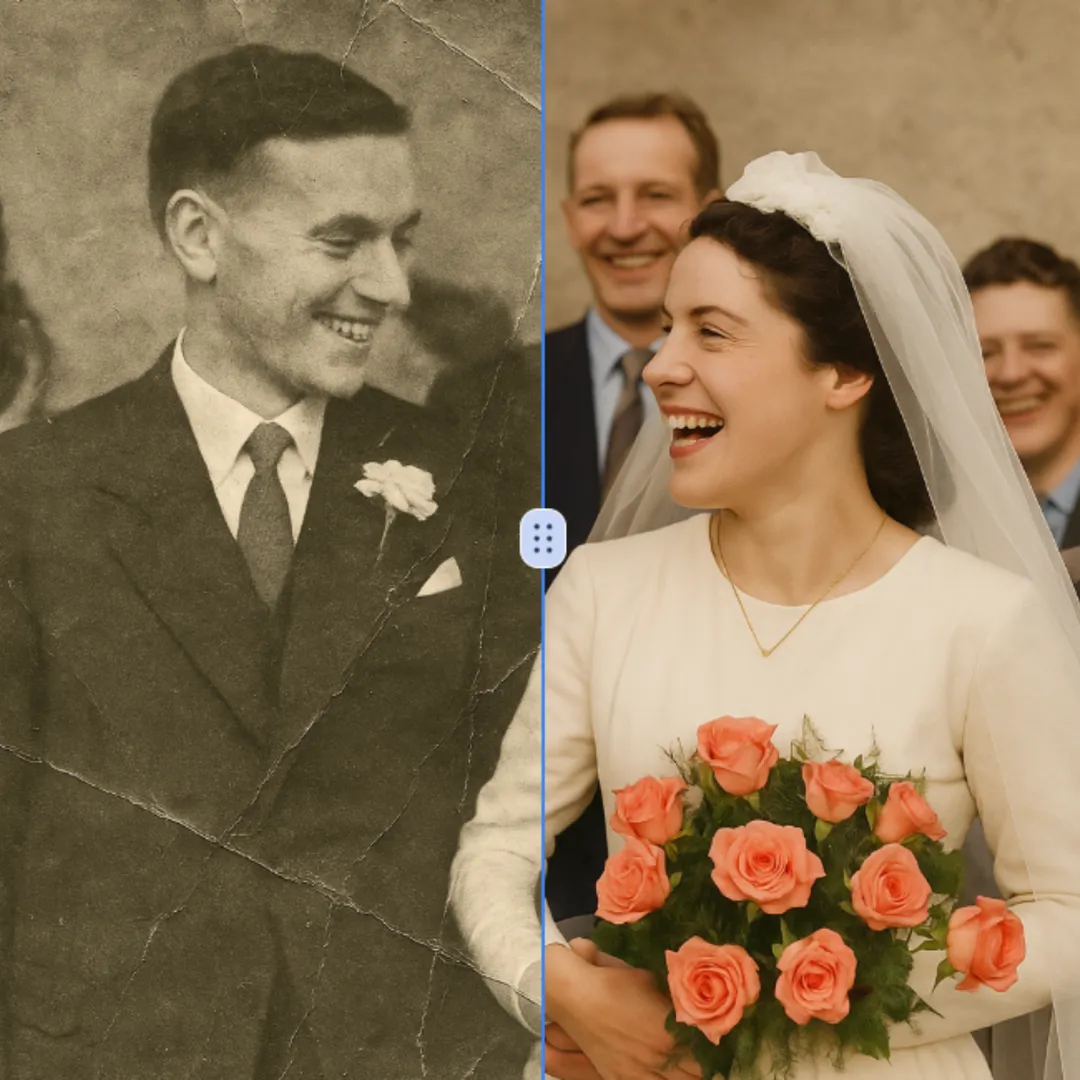
Improve visible image detail with AI Photo Restoration while keeping the original subject in view. Compare edges, faces, textures, and small text at the intended output size.
Try Now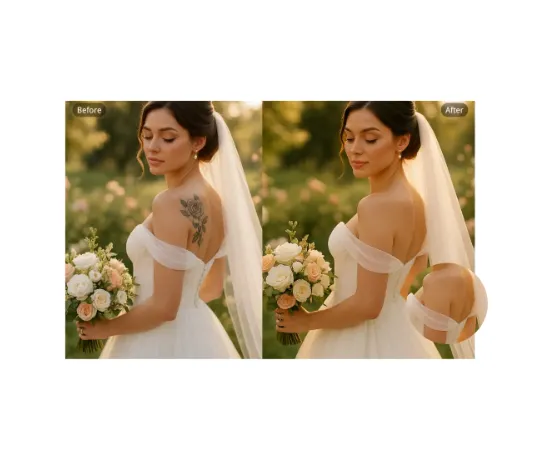
Use AI Remove Tattoo to target an unwanted overlay or localized detail in an image. Compare the edited area with the surrounding texture and correct visible seams before export.
Try NowUse Google to start creating and save your image. No card required.
 Continue with Google
 Remove the watermark, download HD images, and keep creating.
Credit Policy:
Secure checkout · Payment methods shown at checkout · Credits after confirmation