When to use this page
Use a clear source photo when you need a transparent cutout or a cleaner product image.
Remove a background from a product, portrait, or everyday photo and review the edges before downloading. Hair, transparent objects, shadows, and busy backgrounds may need another attempt.
 Original
  Modified
 Use a clear source photo when you need a transparent cutout or a cleaner product image.
Check faces, text, product details, edges, and any rights-sensitive content. The generated result is a draft until you approve it.
A logo has to survive being dropped on anything: a dark footer, a pale letterhead, a photograph. The instruction behind this page is written for exactly that job — take the original background off the logo, replace it with a standard transparent canvas, and leave every edge precisely defined so the mark reads cleanly on any backdrop you choose later.
A cutout of a person can lose a strand of hair and still read well. A wordmark cannot. The hard parts are thin strokes and hairline serifs, the counters — the enclosed bowls inside a, e, o, and g, which fill back in if the pass is heavy-handed — and letters set so tightly that two glyph edges almost touch. Diagonal strokes carry anti-aliasing that a split can misjudge, leaving the old background as a faint coat around the letterforms. Small source files are the worst case, because the edge detail you need was never in the file to begin with.
The prompt box asks for the desired subject, style, composition, and important details, and for logo artwork that is mostly a question of scope. "The icon only, not the wordmark." "Include the tagline in the cutout." "Keep the registered mark symbol with the logo." A lockup with several parts gives the pass a choice it was not told how to make, and an emblem sitting inside a boxed background of its own colour is the layout most often cropped wrong. Naming the piece you want kept costs a few words and saves a rerun.
Judge the file over near-black and near-white rather than on the preview. A pale fringe along the glyph edges only shows up on the dark side, and a knockout logo — white artwork on a dark ground — is the special case to watch: the mark itself is the light colour, so the relationship the pass normally uses to tell subject from backdrop is inverted. Place the file behind a sample of your real layout colours and confirm the counters are still open. Note that this stays a raster cutout, so check it enlarged at the size it will be used.
about logo background removal
It can, but this is the arrangement most likely to confuse a split, because the artwork is bright and the surrounding field is not. The result needs the same two-sided check as any other: look at it on light and dark grounds and confirm the shape of the mark survived rather than the shape of the ground.
That is the old background's anti-aliased edge still attached to the artwork, and it shows up worst against a third colour. Zoom to full size before exporting, and if one edge is affected, describe the mark and its colours in the prompt box so the pass is not trying to keep the halo as part of the logo.
No. The output is a pixel cutout with transparency, which is what the request asks for. If your source is a small screenshot, the edges will still soften when the mark is enlarged for print, so verify it at the largest size you intend to use.
A split keys most reliably on a plain ground, which is what a logo file usually provides. Over a busy backdrop the pass has to guess where the mark ends, so name the element to keep, describe its colours, and inspect every edge of the letterforms in the result.
Remove a background from a product, portrait, or everyday photo and review the edges before downloading. Hair, transparent objects, shadows, and busy backgrounds may need another attempt.
Compare the result with the original, inspect the details that matter to your task, and keep the original until the output is approved.
Transform your images instantly using powerful AI Image Editor AI tools.
Try Logo Background Remover NowDiscover more AI-powered tools to enhance and transform your images.
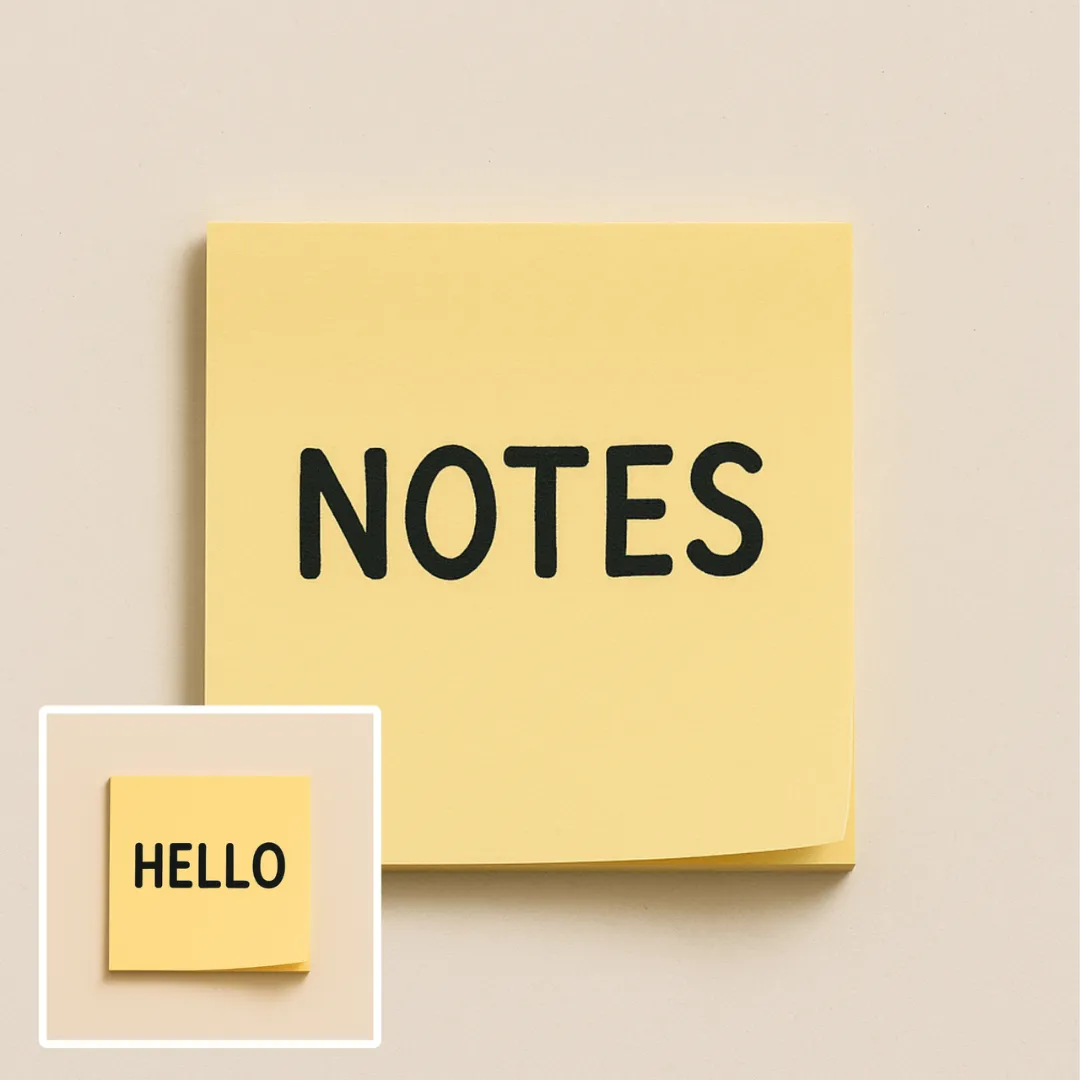
Edit or remove visible text with AI Edit Text in Image while preserving the surrounding layout. Check lettering, alignment, background texture, and the final crop before publishing.
Try Now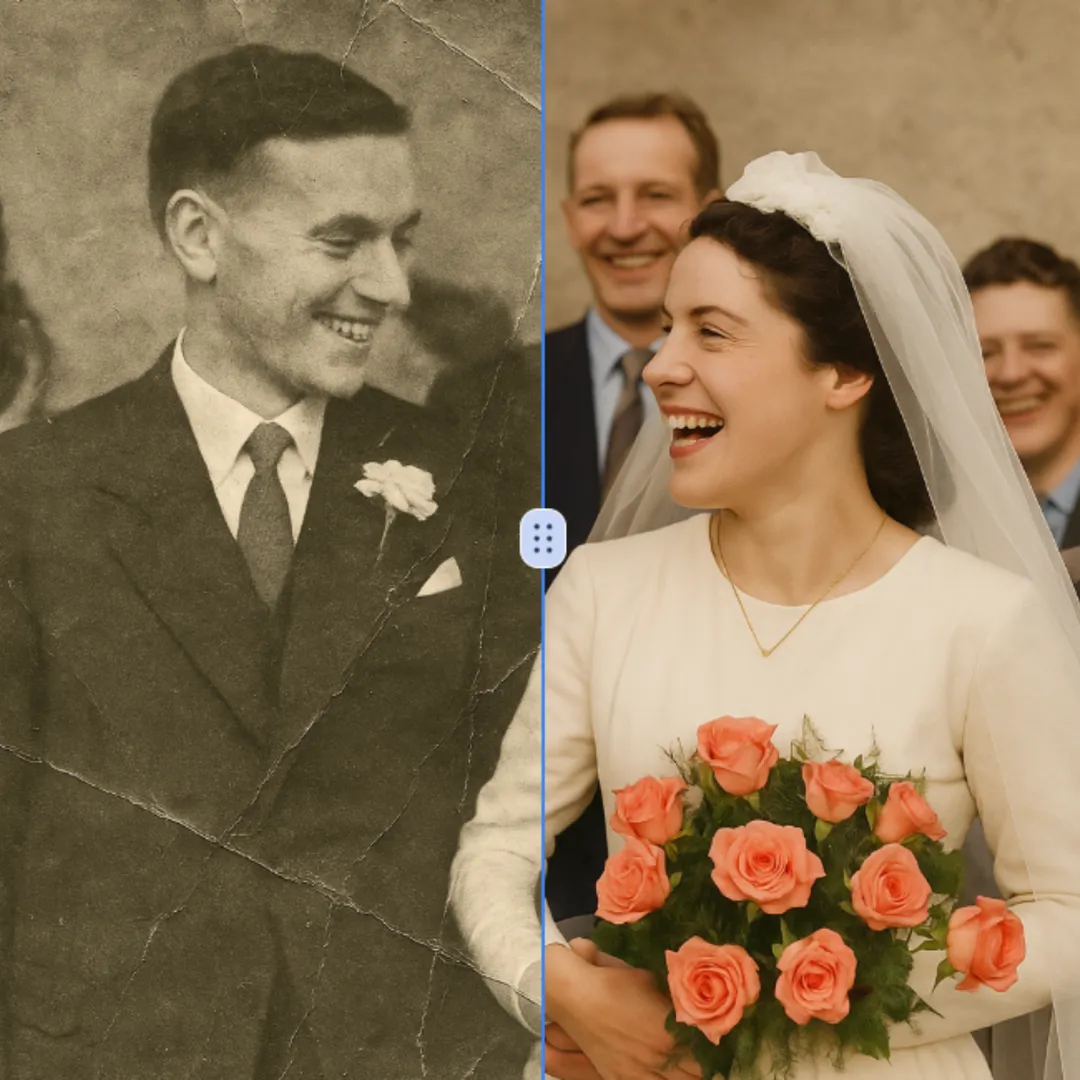
Improve visible image detail with AI Photo Restoration while keeping the original subject in view. Compare edges, faces, textures, and small text at the intended output size.
Try Now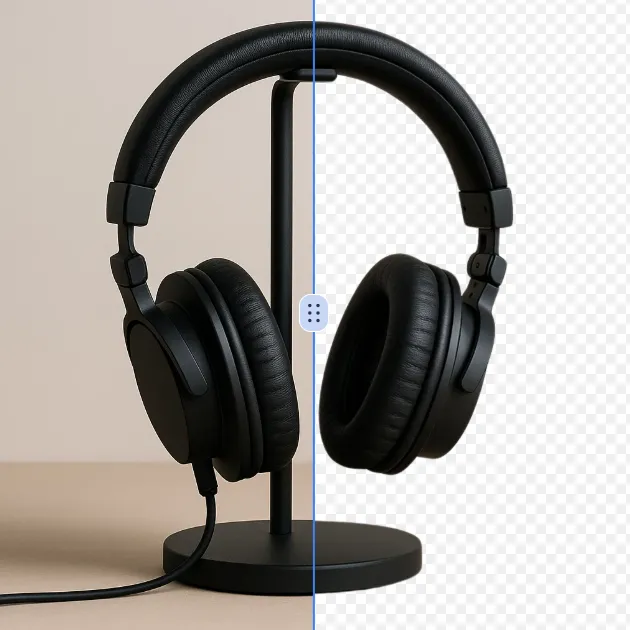
Remove a background from a photo or logo with AI Background Remover, then check subject edges, fine details, and transparency before using the cutout in a new design.
Try Now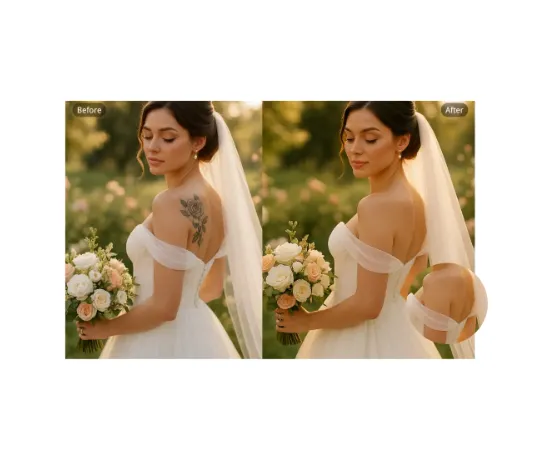
Use AI Remove Tattoo to target an unwanted overlay or localized detail in an image. Compare the edited area with the surrounding texture and correct visible seams before export.
Try NowUse Google to start creating and save your image. No card required.
 Continue with Google
 Remove the watermark, download HD images, and keep creating.
Credit Policy:
Secure checkout · Payment methods shown at checkout · Credits after confirmation