AI Unblur Image

AI Unblur Image Tool uses advanced AI to instantly fix blurry photos, sharpen images, and improve overall quality—all for free online. No sign-up required; upload, process, and download enhanced photos in seconds. Perfect for restoring memories or professional use with ease and speed.

Original AI Unblur Image image Original
Modified AI Unblur Image image result Modified
💡 Please enter your description in English for better results Translate to English

What Is AI Unblur Image?

AI Unblur Image is a tool for artificial intelligence-based image processing that works on the web and is aimed at the enhancement of blurry or low-quality images. This tool is very user-friendly and allows non-skilled users to take advantage of its photo clarity and sharpness improvement capabilities. It does not matter whether you have a photo that is slightly out-of-focus or an old and degraded picture, this AI-based solution can still restore the details and make your images look sharper and more defined.

The AI Unblur Image tool, with its user-friendly interface, brings professional-level image enhancement to the doorstep of everyone. Just upload your image, allow the AI to process it for you, and within seconds, download your enhanced photo. The tool functions directly in your web browser giving you complete privacy and convenience while at the same time providing you with results that are nothing short of impressive.

How To Use AI Unblur Image

Using the AI Unblur Image tool is a simple and technical-expertise-free task:

  1. Upload Your Image: Click on the upload area to choose and upload your blurry picture. The tool supports different formats, such as JPG, PNG, and WEBP.

  2. Process Your Image: After uploading your picture, click on the "Generate Images with AI Unblur Image" button. The advanced AI algorithm will automatically analyze your picture and improve its sharpness and clarity.

  3. Download Your Enhanced Image: You can download your sharpened image as soon as the processing is done. The improved photo will be richer in detail and of higher visual quality than the original one.

All these steps happen in a very short time and with great efficiency, letting you change your blurry images into clear, high-quality photos very fast.

FAQs (Frequently Asked Questions)

How does the AI unblur image technology work?

Our technology of unblurring images with AI makes use of the most advanced machine learning algorithms that have been trained for this task on millions of pairs of images to detect the signs of blur and to cleverly fill in what was missing. When you submit a blurred image, the system examines factors such as the type of motion blur, where it is out-of-focus, and the noise pattern. Then, it uses deep learning techniques to guess how the clear version should look like using the training data. The AI looks at the edges, the textures, and the tiny details that might have been lost in the blur and tries to bring them back in a realistic way. This procedure does not just make the image sharper but tries to recreate almost the same information that was taken away when the picture was captured, thus giving a more natural-looking enhancement than traditional sharpening methods.

Is unblurring images free with this tool?

Yes, the service of unblur image-free facility is there on our platform. Users have access to unblur their blurry images at no cost for the basic purpose. You are allowed to upload your image, render it through our AI algorithms, and download the better version at no cost. However, depending on the specific implementation of the website that hosts this tool, there may be restrictions in the form of watermarks on free versions, limited resolution outputs, or daily usage limits. For premium features, such as higher-resolution outputs or batch processing, some platforms may offer paid upgrades, but the core functionality of image unblurring remains free for all users.

Can I unblur multiple images at once?

At present, the standard implementation processes one image at a time to ensure the highest quality and the best performance. The processing of single images guarantees that the AI algorithms are always focused on one image, while some advanced implementations might allow for batch processing of several images to be carried out at one time. If you have to unblur several photographs, the usual practice would be to upload and process each one separately. This guarantees that each image has the necessary computing power devoted to it, and thus the best possible enhancement results are obtained. For users who often need to process many images, it might be a good idea to check whether the platform offers bulk processing options or API access to provide more efficient workflows.

What types of blur can this tool fix?

Our cloud-based service for unblurring images can adeptly repair several types of blur that are common in photography such as the motion blur due to the movement of the subject or the camera during exposure, defocus blur from incorrectly setting the focus, and general softness caused by the lens limit or atmospheric condition. The AI has been trained well to detect these varying blur patterns and adopt the corresponding restoration method. Moreover, it can solve noise reduction issues which are often a problem in low-light photography, where using higher ISO settings makes the picture very grainy. However, extremely lousy situations that entail very pixelated images or total data loss may not get much improvement. The effectiveness also depends on the resolution and quality of the original image.

How long does it take to unblur an image online?

Image unblurring processing time takes various factors into the account such as image size, complexity, current server load, and internet connection speed. In general, most of the standard-sized photos (less than 5MB) will be processed after a few seconds of downloading. Bigger images of higher resolution may need more time for processing, normally from 10 to 30 seconds. The AI requires sufficient time to thoroughly scrutinize the image and apply complicated algorithms to give the best results. There may be slight delays during peak times of usage due to the queue processing. Upon completion, your enhanced image will be made ready for you to download immediately. The whole process from upload to download usually takes less than a minute for an average photo.

Does the tool preserve image quality during enhancement?

Our AI unblur image free service's main point is to keep and even enhance the whole image quality in the course of the enhancement process. The highly developed algorithms are engineered to not just eliminate the blur but also to deliver the crucial details, colors, and textures of the originals. This time the AI method rather than simple sharpening filters takes the issue of noise up to creative ways. Besides, it is able to get rid of the blur in the natural ground without affecting the skin textures, hair strands, architectural and landscape features, noise or other unappealing visuals. Process the image carefully in order to ensure the color accuracy is achieved and the original tonal values respected. The resultant image will usually be clearer than the original and will only not differ from the original scene in that it has been made clearer.

Start AI Unblur Image with AI Image Editor Today

Transform your photos in seconds with our powerful AI Image Editor and online image editor tools

Edit Your First Image with ImageFk

More AI Image Editor Tools

Discover our collection of AI-powered Image tools to enhance your creativity

AI Edit Text in Image

AI Edit Text in Image

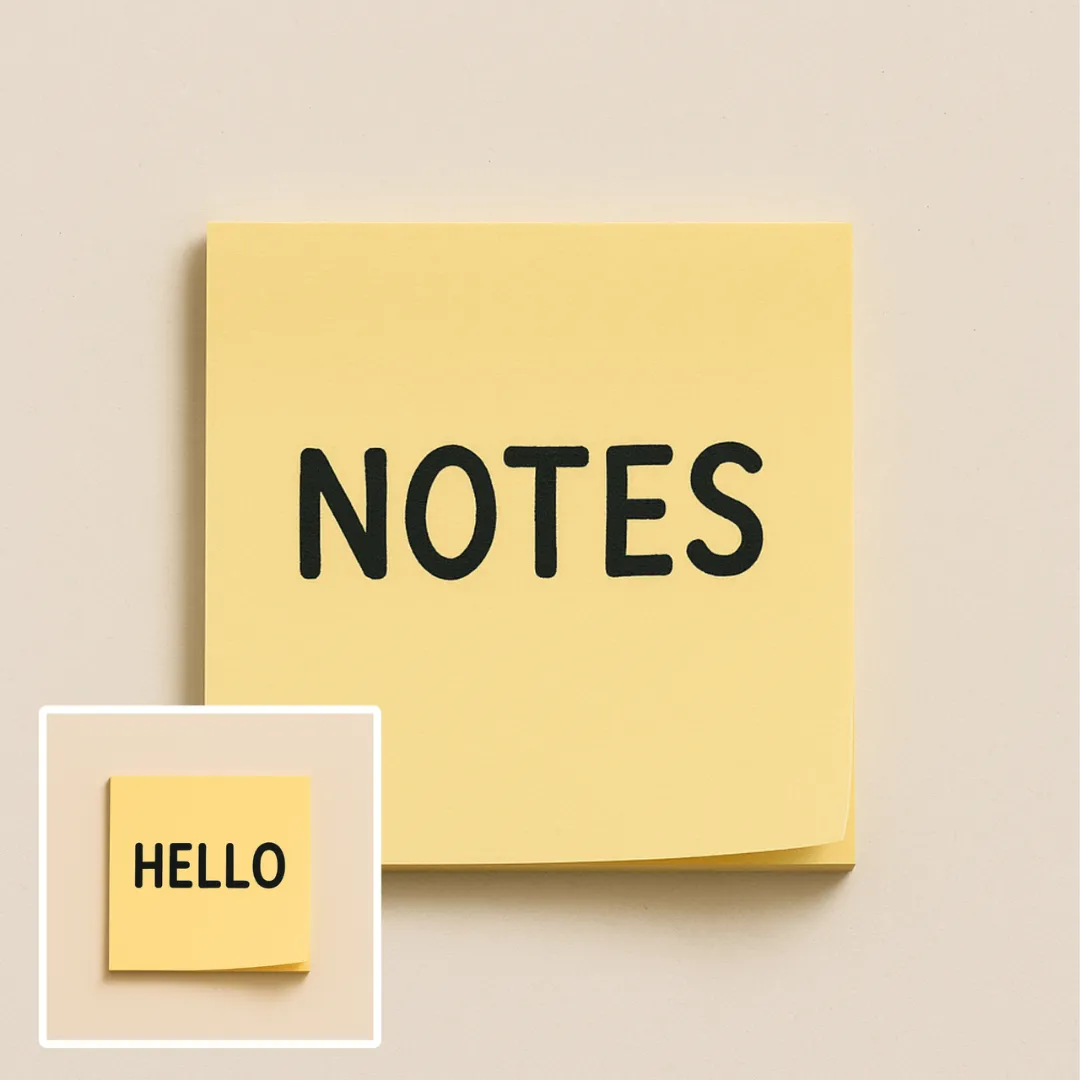
AI Edit Text in Image is a powerful online tool that lets you modify text in images effortlessly. Using advanced AI, you can remove unwanted text, replace words, or correct errors in seconds. Key features include instant processing, watermark-free downloads, and support for various image formats. Ideal for professionals and casual users, it ensures high-quality visual updates with ease. Start editing for free today!

Try Now
AI Blur Image

AI Blur Image

AI Blur Image is your go-to solution for effortlessly blurring image backgrounds online. Powered by advanced AI, it delivers professional-grade results with just one click – ideal for enhancing product shots, portraits, and creative designs. Fast, free, and user-friendly, it saves time while ensuring high-quality visuals for any project.

Try Now
Remove People from Photos

Remove People from Photos

Our AI Person Remover automatically identifies and deletes people from your images while seamlessly reconstructing the background. Using advanced artificial intelligence, this free online tool preserves photo quality and maintains natural-looking results. Perfect for cleaning up tourist photos, removing photobombers, or creating cleaner compositions without complex editing software.

Try Now
AI Unblur Image

AI Unblur Image

AI Unblur Image Tool uses advanced AI to instantly fix blurry photos, sharpen images, and improve overall quality—all for free online. No sign-up required; upload, process, and download enhanced photos in seconds. Perfect for restoring memories or professional use with ease and speed.

Try Now
AI Motion Blur

AI Motion Blur

Motion Blur is a free online tool that lets you apply professional motion blur effects to photos. With customizable filters, real-time previews, and high-resolution downloads, it enhances creativity for designers, marketers, and photographers. Achieve dynamic, artistic images effortlessly.

Try Now
AI PNG Maker

AI PNG Maker

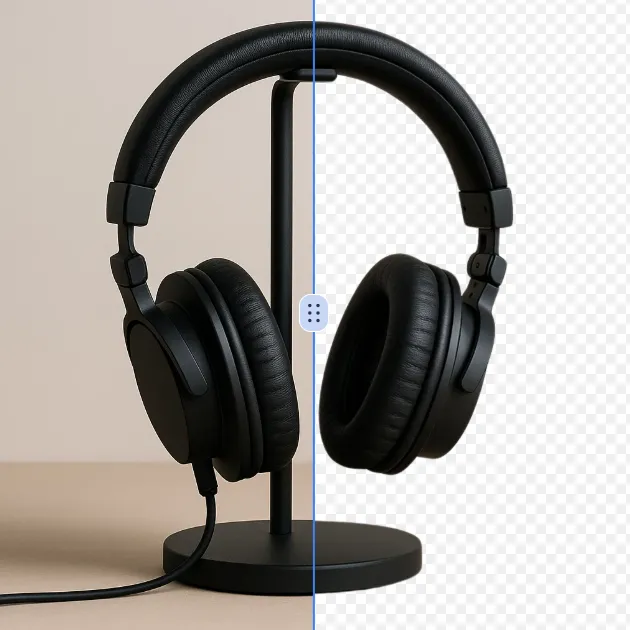
PNG Maker is your free online tool for effortless image transformation. Convert JPG or WebP files to PNG with transparent backgrounds instantly using AI technology. Create custom transparent images like arrows, Instagram logos, and hearts for social media, branding, or graphics projects. Enjoy fast, high-quality results with no design experience required—boost your visuals in seconds!

Try Now
AI Face Cut Out

AI Face Cut Out

Our AI Face Cut Out tool instantly transforms photos into high-quality big head cutouts. Ideal for creating custom materials like T-shirts, phone cases, and social media posts. Enjoy fast, free results with transparent PNGs—no skills needed!

Try Now
AI Wrinkle Remover

AI Wrinkle Remover

Wrinkle Remover is a free AI-powered tool that smooths facial lines and clothing creases with one click. Ideal for portraits, product photos, and creative projects, it preserves natural details for professional results. Enjoy an easy-to-use online editor to enhance images instantly—no downloads needed!

Try Now
×

Unlock Premium AI Image Editing Features

Sign in with Google to access advanced editing tools, save your creations, and enjoy unlimited image enhancements.