When to use this page
Use this route for concept exploration and creative variations; verify rights and important details before commercial use.
Transform the visual style of a source image with a focused prompt, then compare the result with the original. Faces, text, product labels, and small details may change during the transformation.
 Modified
 Use this route for concept exploration and creative variations; verify rights and important details before commercial use.
Check faces, text, product details, edges, and any rights-sensitive content. The generated result is a draft until you approve it.
A style request is easy to write and awkward to check, because the interesting question is not whether the picture now looks drawn. It is whether it is still your picture. This panel sends a specific default direction and leaves the steering to one optional field.
The instruction attached to this page asks for artistic style transfer into a vibrant anime illustration with clean linework and rich colours. That is a settled look rather than a neutral base, so a submission with an empty prompt box is a request for that drawing style, not a request for whatever you had in mind. Want something else and the prompt box is where you replace the default with your own target.
Four things settle whether a restyle worked, and they are what this tool's description tells you to check once the result comes back:
Put the original beside the output rather than scrolling between them; a mismatch in pose or palette is far easier to see in two images at once.
The hint on the field asks for subject, style, composition, and important details, and style is the slot doing the work here. Name a medium, a line weight, and a palette instead of an adjective: "gouache, soft edges, muted earth tones" gives the pass somewhere to go, while "artistic" does not. Keep the rights question in view too — restyle material you own or are clearly permitted to edit.
about AI style transfer
No, but it is what the built-in instruction asks for, so any other look has to come from your prompt. Describe the target medium, line quality, and colour treatment, and the pass has something concrete to move toward.
That is the main thing to verify, and identity and facial features head the check list above for exactly that reason. Simplified features and a shifted jaw are the common failure, so compare against the upload at full size before you keep the result.
Yes. The upload control accepts JPEG, JPG, PNG, and WEBP. Free preview exports carry an ImageFk watermark, and sign-in to ImageFk is through Google.
Always, since a restyled file is a reconstruction rather than an edit you can undo. Keeping the source also makes the four checks above possible instead of a matter of memory.
Transform the visual style of a source image with a focused prompt, then compare the result with the original. Faces, text, product labels, and small details may change during the transformation.
Compare the result with the original, inspect the details that matter to your task, and keep the original until the output is approved.
Transform your images instantly using powerful AI Image Editor AI tools.
Try AI Style Transfer NowDiscover more AI-powered tools to enhance and transform your images.
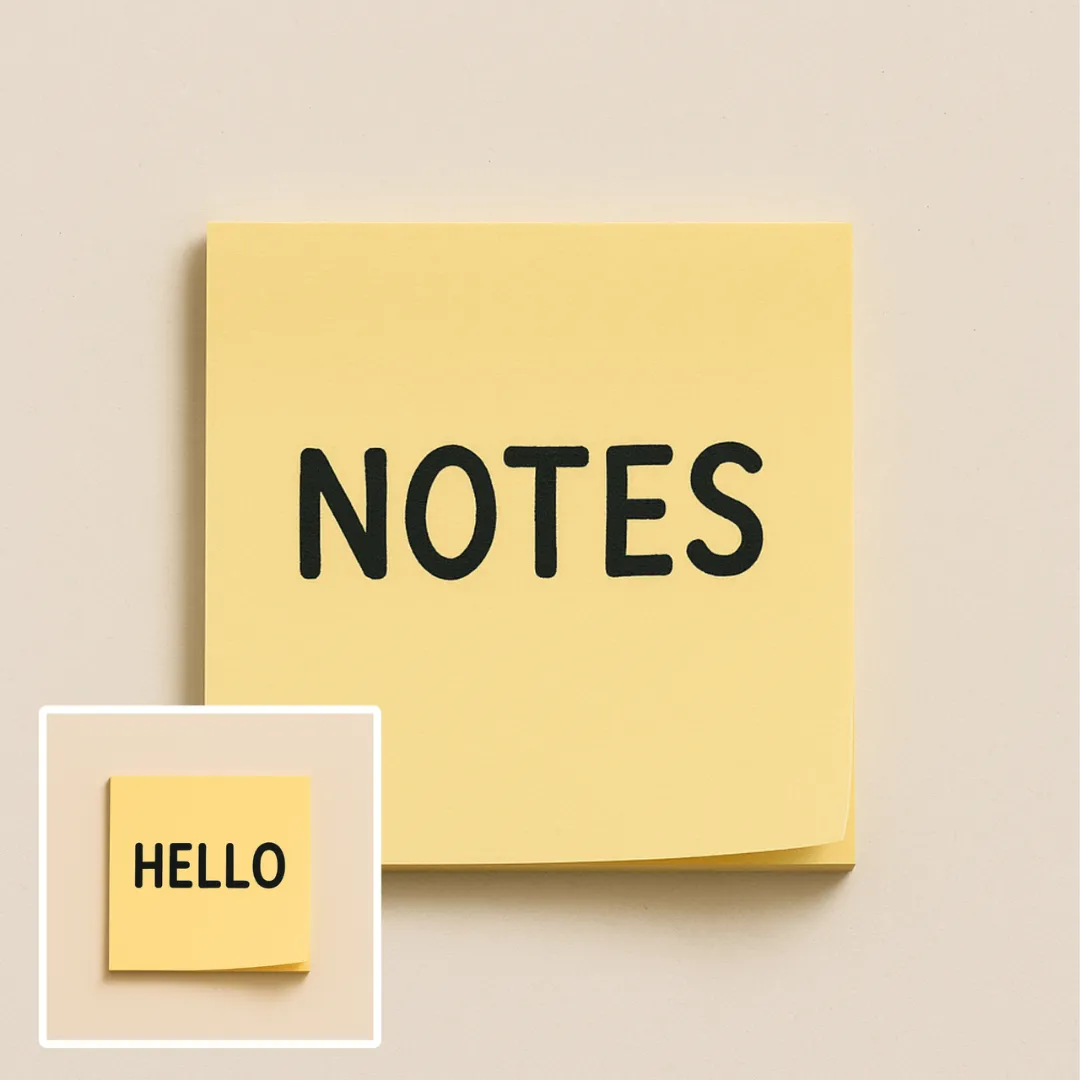
Edit or remove visible text with AI Edit Text in Image while preserving the surrounding layout. Check lettering, alignment, background texture, and the final crop before publishing.
Try Now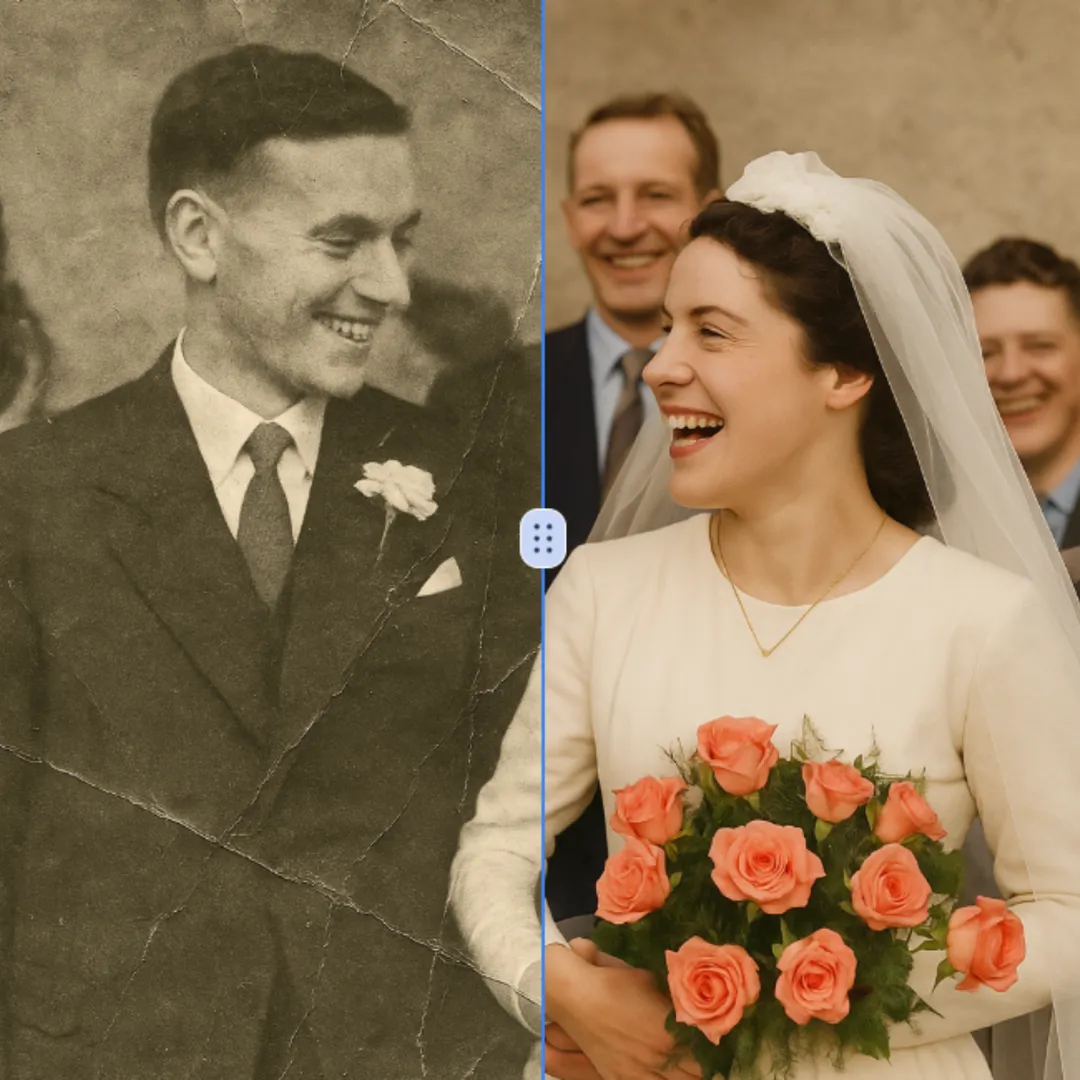
Improve visible image detail with AI Photo Restoration while keeping the original subject in view. Compare edges, faces, textures, and small text at the intended output size.
Try Now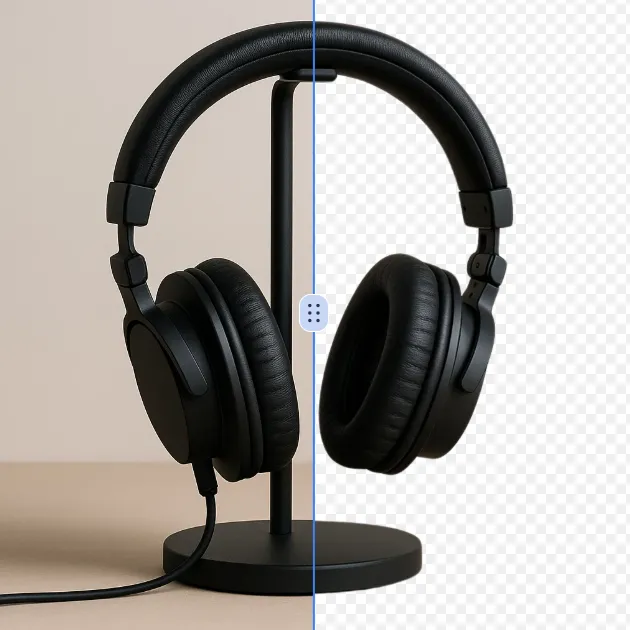
Remove a background from a photo or logo with AI Background Remover, then check subject edges, fine details, and transparency before using the cutout in a new design.
Try Now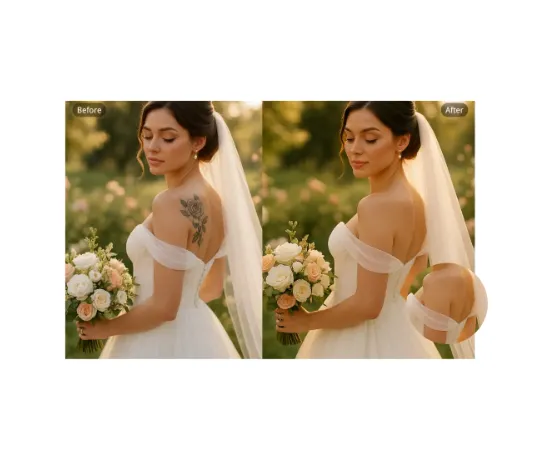
Use AI Remove Tattoo to target an unwanted overlay or localized detail in an image. Compare the edited area with the surrounding texture and correct visible seams before export.
Try NowUse Google to start creating and save your image. No card required.
 Continue with Google
 Remove the watermark, download HD images, and keep creating.
Credit Policy:
Secure checkout · Payment methods shown at checkout · Credits after confirmation