When to use this page
Keep the prompt specific and retain the original image until the result has been checked.
Build a focused creative concept with AI Action Figure Generator by describing the subject, style, props, composition, and intended format. Review key features and small details before sharing the result.
 Original
  Modified
 Keep the prompt specific and retain the original image until the result has been checked.
Check faces, text, product details, edges, and any rights-sensitive content. The generated result is a draft until you approve it.
This is not a colour grade. The standing brief asks for a photograph of a plastic object in carded packaging: light rolling off a clear bubble, printing on a backing card, and joints you can see articulating. Output lives or dies on product detail, which is a different skill check from the cartoon and doll pages in the same effects group. Two things sell the illusion — the finish on the plastic and the lettering on the card.
The default instruction commits to a 1/12 scale figure of a female character in a retro-style blister pack, made of durable plastic with a matte, uniform finish and razor-sharp paint application, with moulded joints listed at the elbows, knees, shoulders, and hips. That last clause is the clever part: named joint points are what separate a collectible render from a statue. The box is where you redirect any of it — the subject, the character, or the card.
The hint text supplied with the Other Ideas field is a worked model of how much detail helps. It names a deep-black card backing, a high-gloss crystal-clear bubble, three small props (a miniature laptop, a tiny USB drive, a headset), and a printed package title, CYBER SMITH. Copy that structure:
Read the printed text letter by letter at full zoom; generated card art tends to get confident and wrong. Check that the bubble highlight does not wipe out the figure behind it, that accessories stay separate rather than merging into one lump of plastic, and that scale reads — a figure beside a miniature laptop should look small, not same-sized.
about action figure mockups
The standing instruction describes a female character, so the Other Ideas box is where you state who the figure should be and what they are wearing. Describe the outfit as moulded plastic and hard-edged props, since fabric folds and fine jewellery are what give the cast away.
Printed lettering is generated as part of the image, so it can be spelled with real confidence and still be nonsense. Short capital titles fare better than sentences. If the wording has to be exact, treat this as the art pass and finish the lettering yourself in an editor.
The joints and the paint line. Moulded articulation at the elbows, knees, shoulders, and hips is the detail the brief asks for, and a figure that comes back as one smooth piece will look like a resin statue instead of a toy on a card.
Use it for photos you own or are permitted to edit, and think about the person in the frame before sharing a mockup that presents them as merchandise. Existing toy or character branding belongs to whoever owns it, and this page makes no claim on it.
Build a focused creative concept with AI Action Figure Generator by describing the subject, style, props, composition, and intended format. Review key features and small details before sharing the result.
Compare the result with the original, inspect the details that matter to your task, and keep the original until the output is approved.
Transform your images instantly using powerful AI Effects Filters AI tools.
Try AI Action Figure Generator NowDiscover more AI-powered tools to enhance and transform your images.
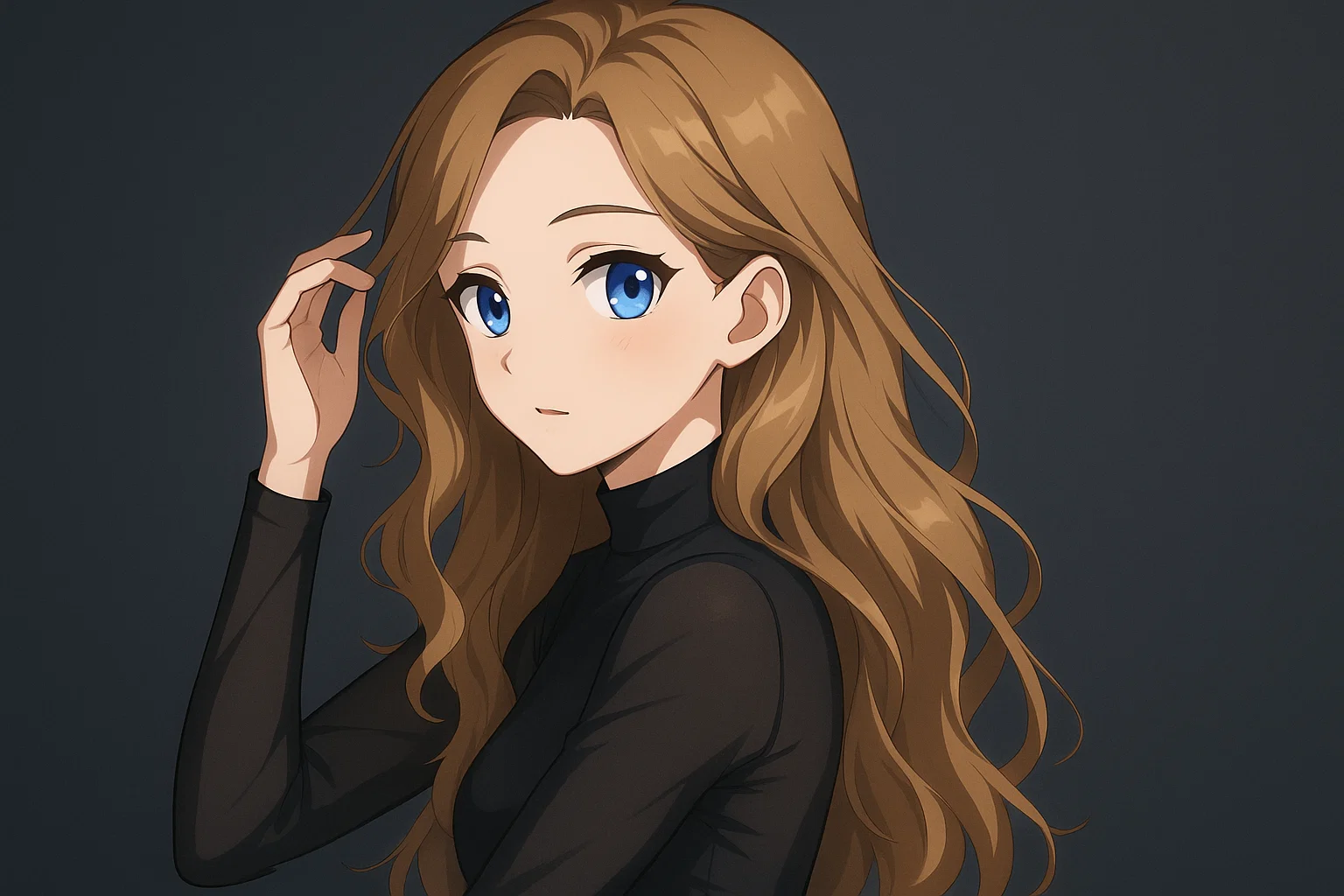
Transform a source image toward the ai photo to anime look with AI Photo to Anime. Describe the target style or character details, then check identity, pose, facial features, and background consistency.
Try Now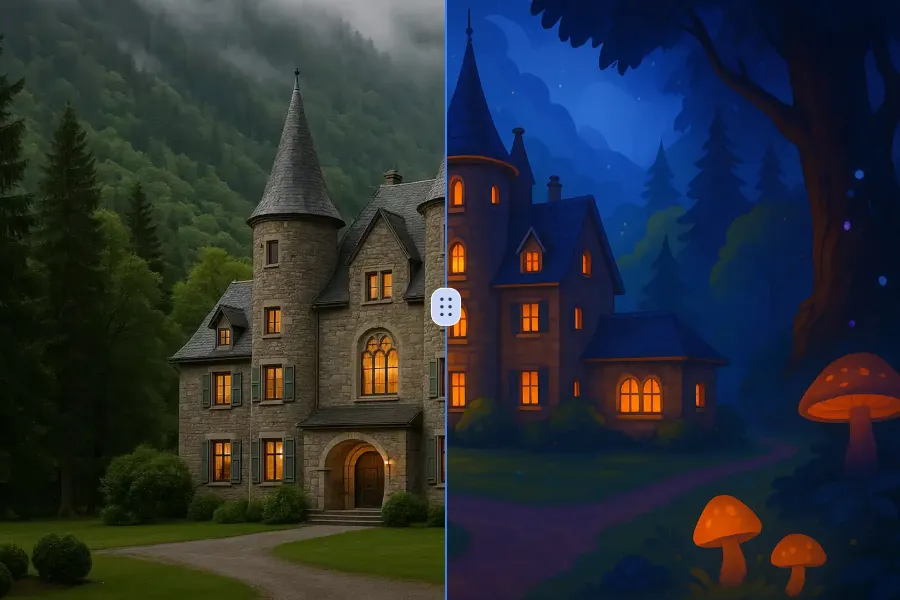
Transform a source image toward the ai photo to cartoon look with AI Photo to Cartoon. Describe the target style or character details, then check identity, pose, facial features, and background consistency.
Try Now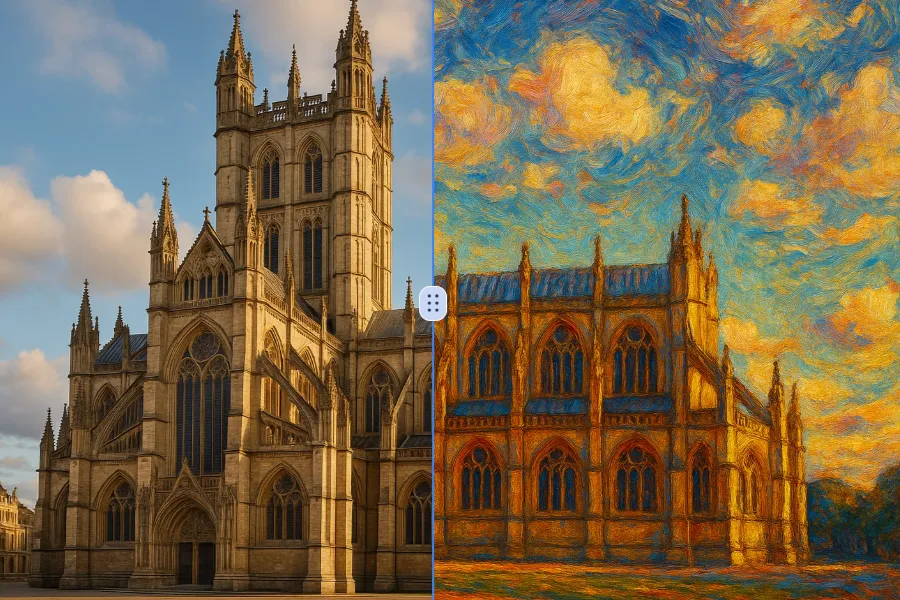
Transform a source image toward the photo to oil painting look with Photo to Oil Painting. Describe the target style or character details, then check identity, pose, facial features, and background consistency.
Try Now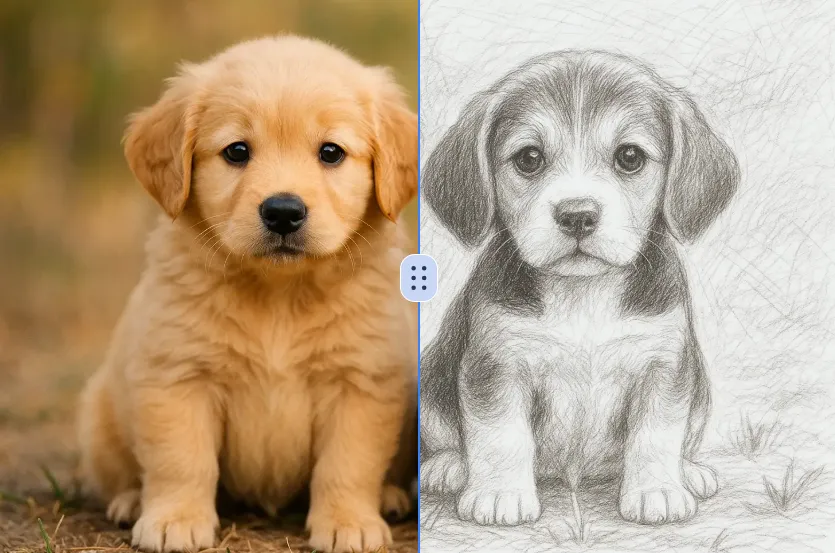
Transform a source image toward the ai photo to sketch look with AI Photo to Sketch. Describe the target style or character details, then check identity, pose, facial features, and background consistency.
Try NowUse Google to start creating and save your image. No card required.
 Continue with Google
 Remove the watermark, download HD images, and keep creating.
Credit Policy:
Secure checkout · Payment methods shown at checkout · Credits after confirmation