Original 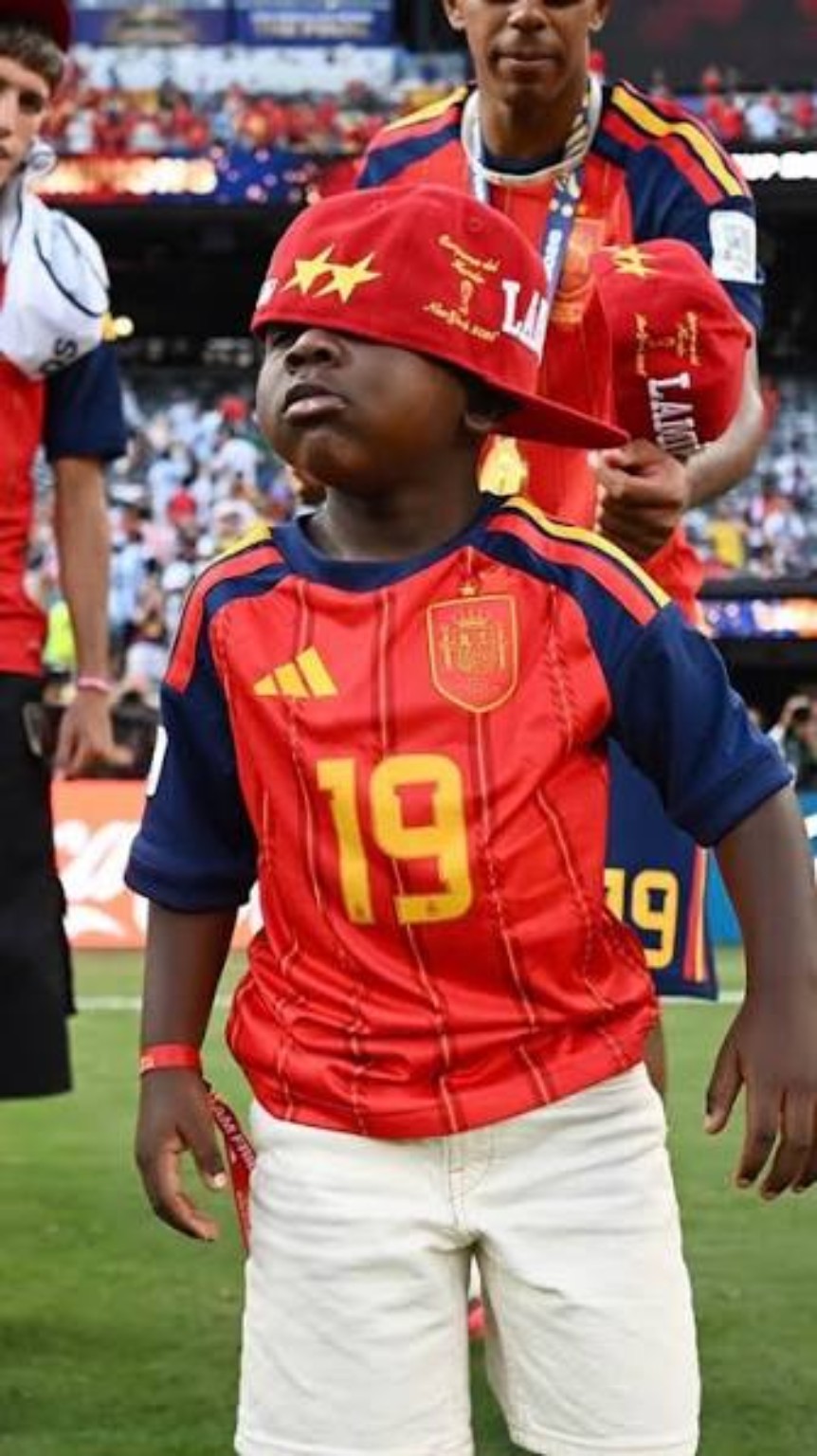
Modified 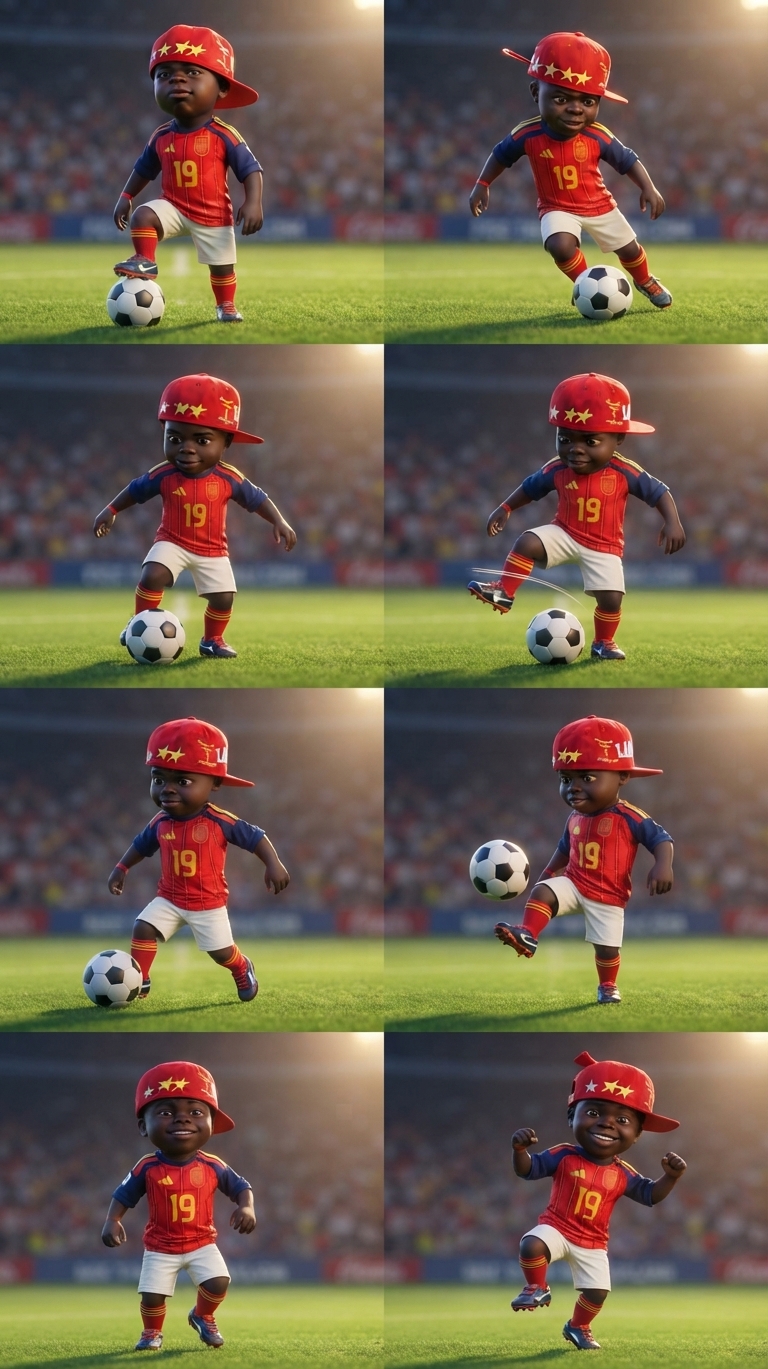
Example from ImageFk
Animate the character naturally and energetically on a football pitch. He starts standing confidently with one foot near the football, then begins dribbling the...
Create product photos and edit images with simple text prompts. Remove objects, change backgrounds, add shadows, or upscale a photo in your browser.

Real examples created using simple text prompts.
Real images featured as anonymous product examples. Try the same prompt in one click.
Need an example removed? Email [email protected] with your ImageFk UID and we will take it down.
View all examples Animate the character naturally and energetically on a football pitch. He starts standing confidently with one foot near the football, then begins dribbling the...
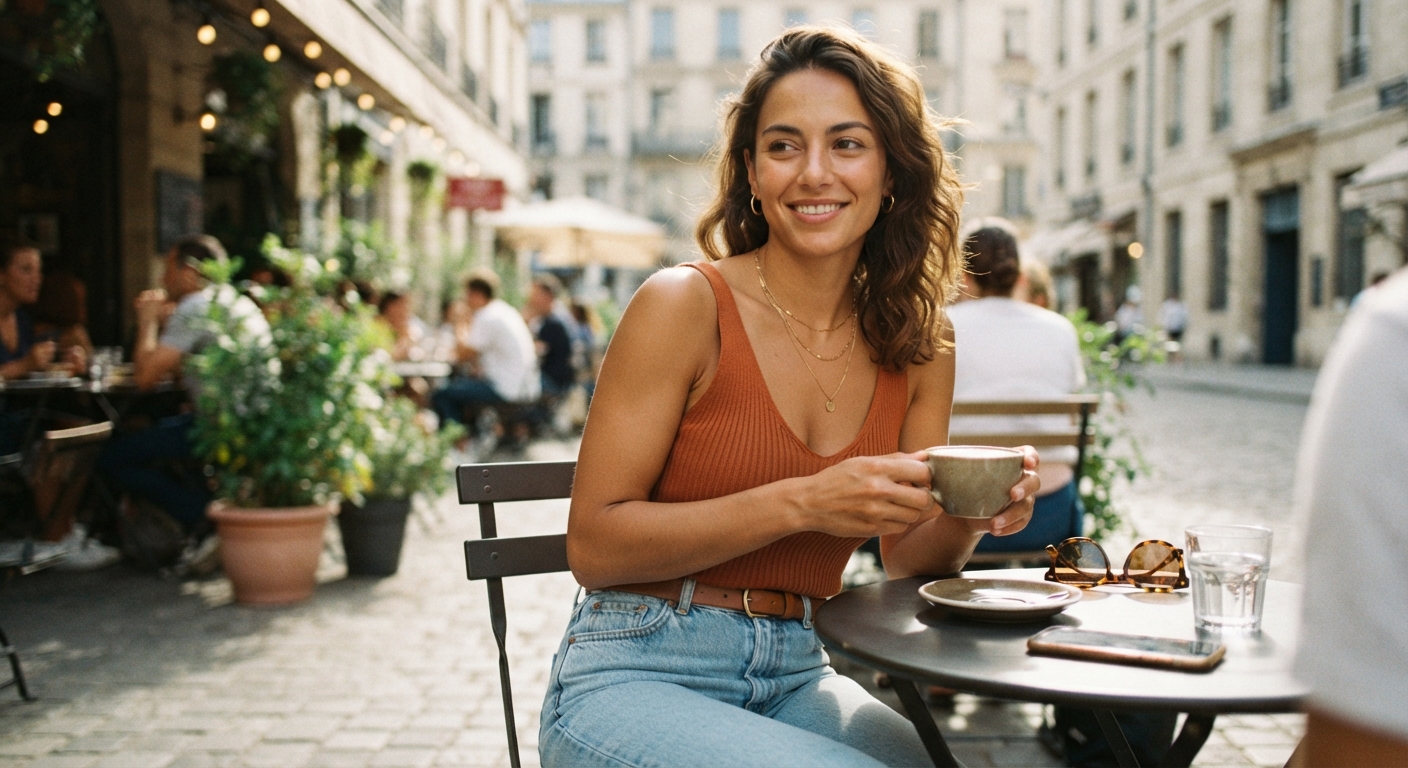
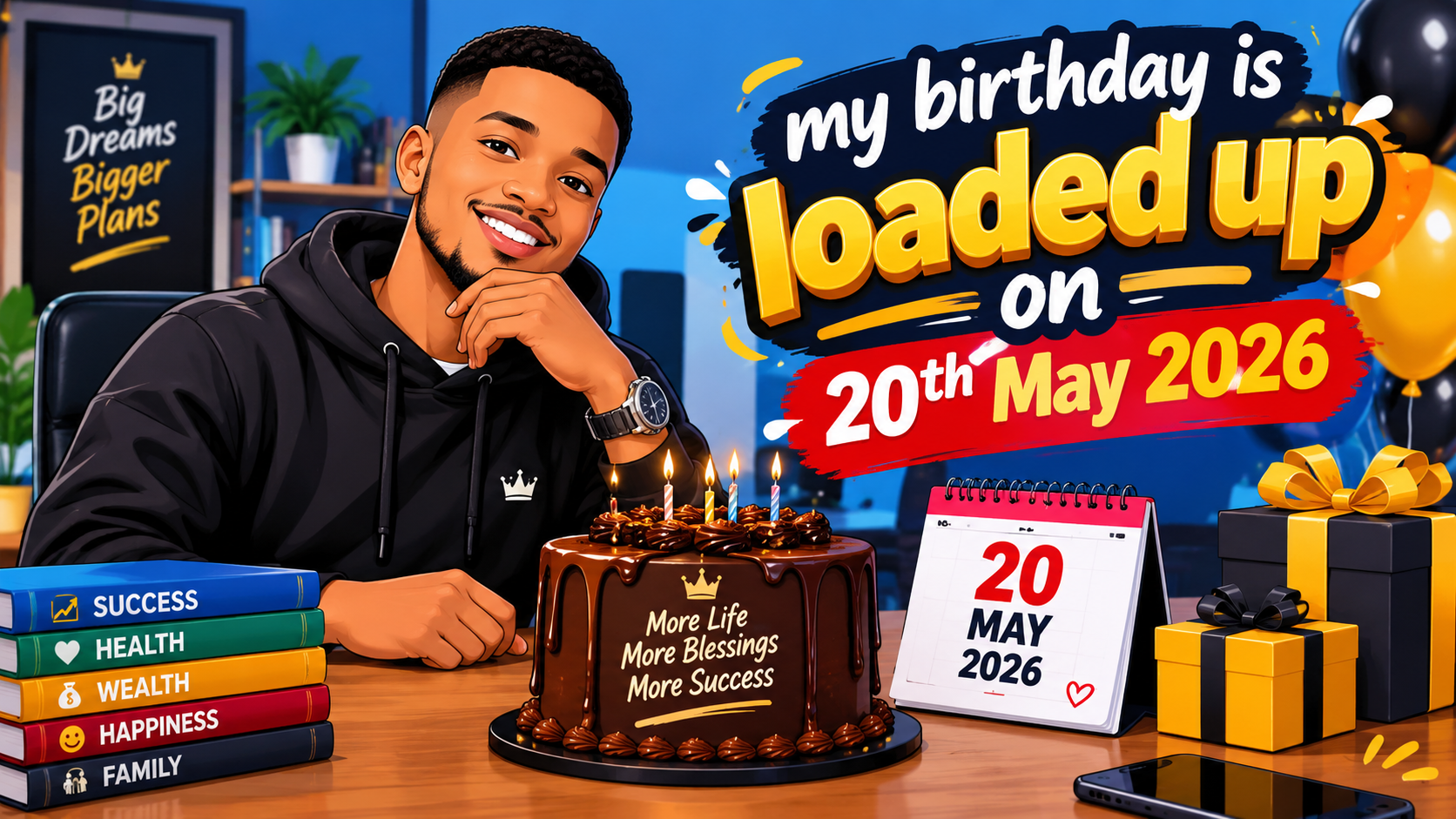
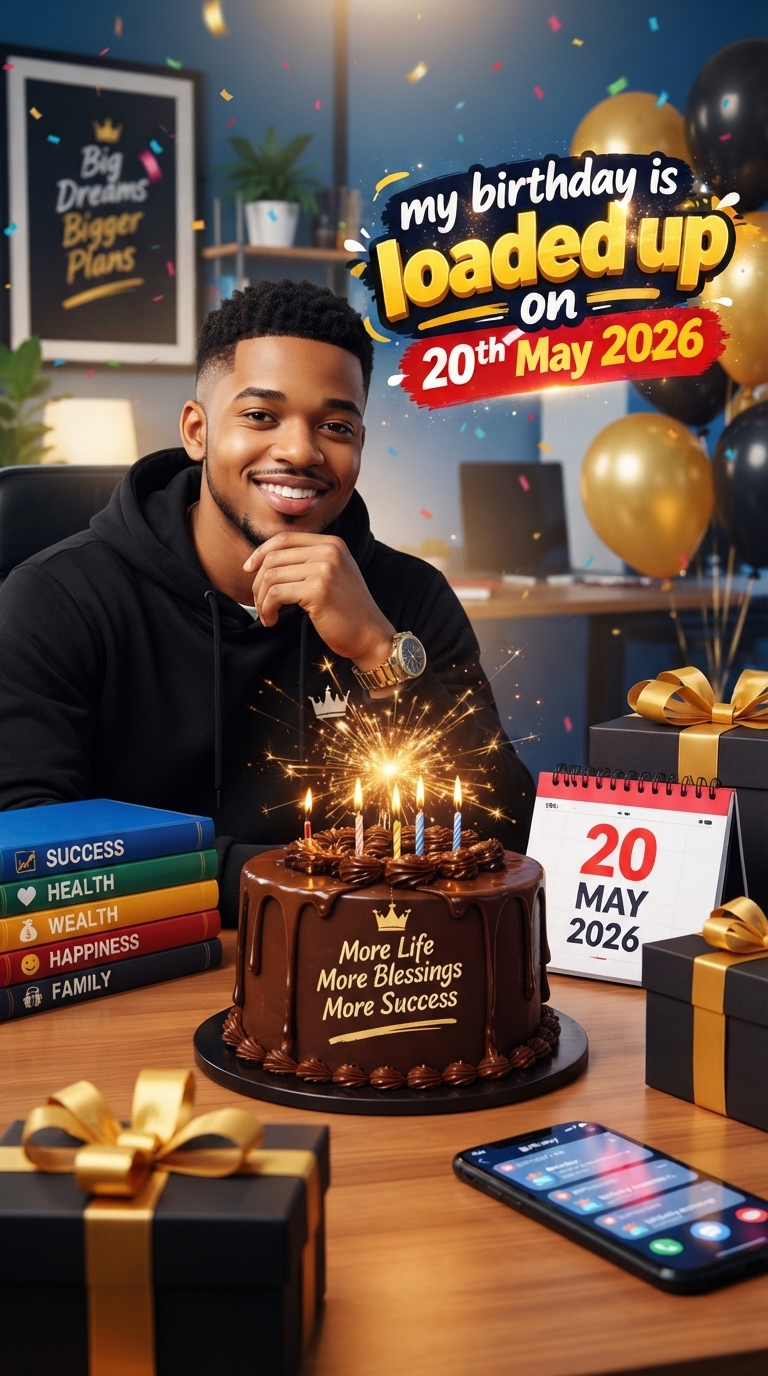
Scene 1 — 0–5 sec A young Black man in a stylish black hoodie sits confidently in a modern office, smiling at the camera as colorful balloons and small pieces...
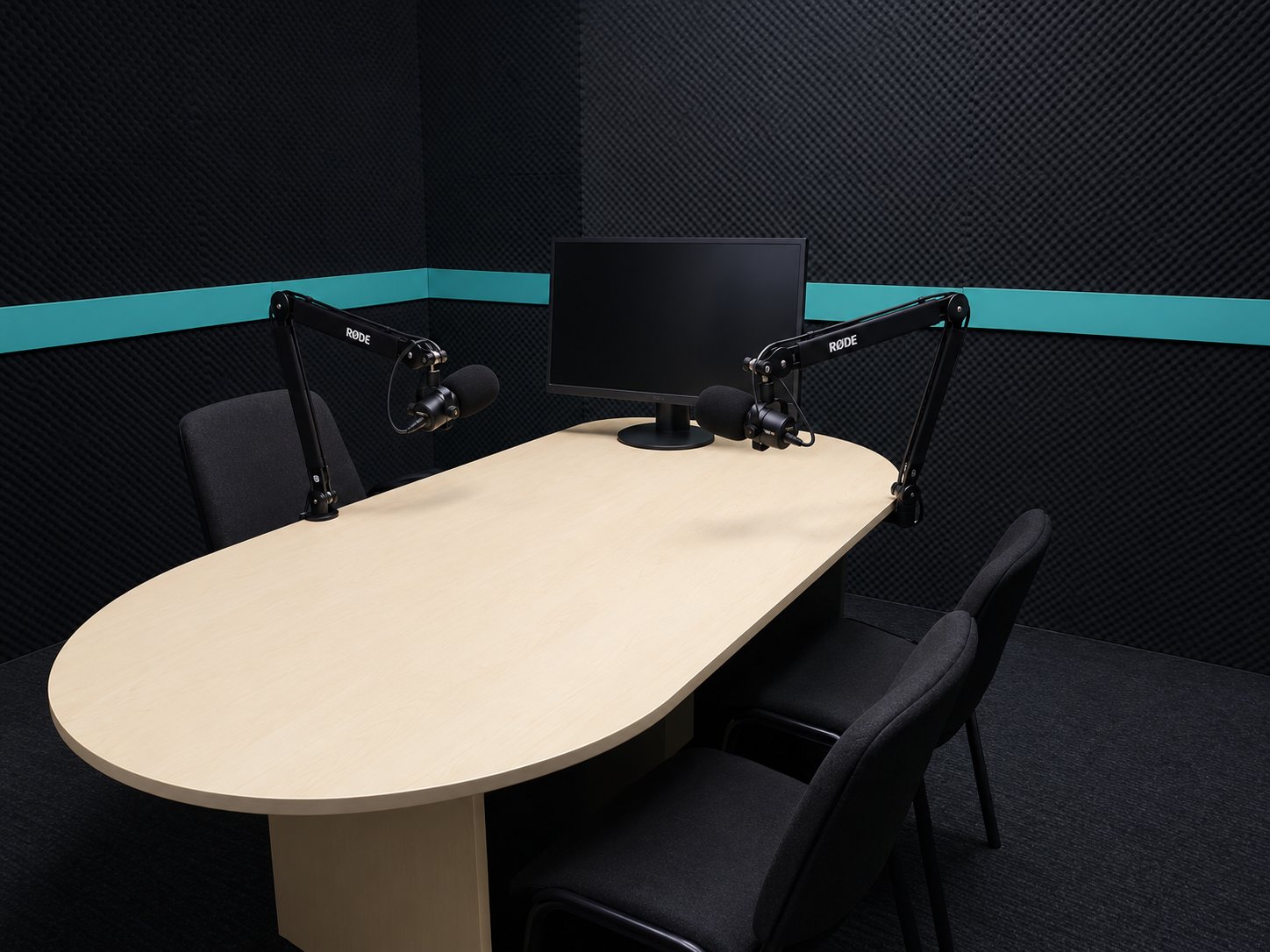
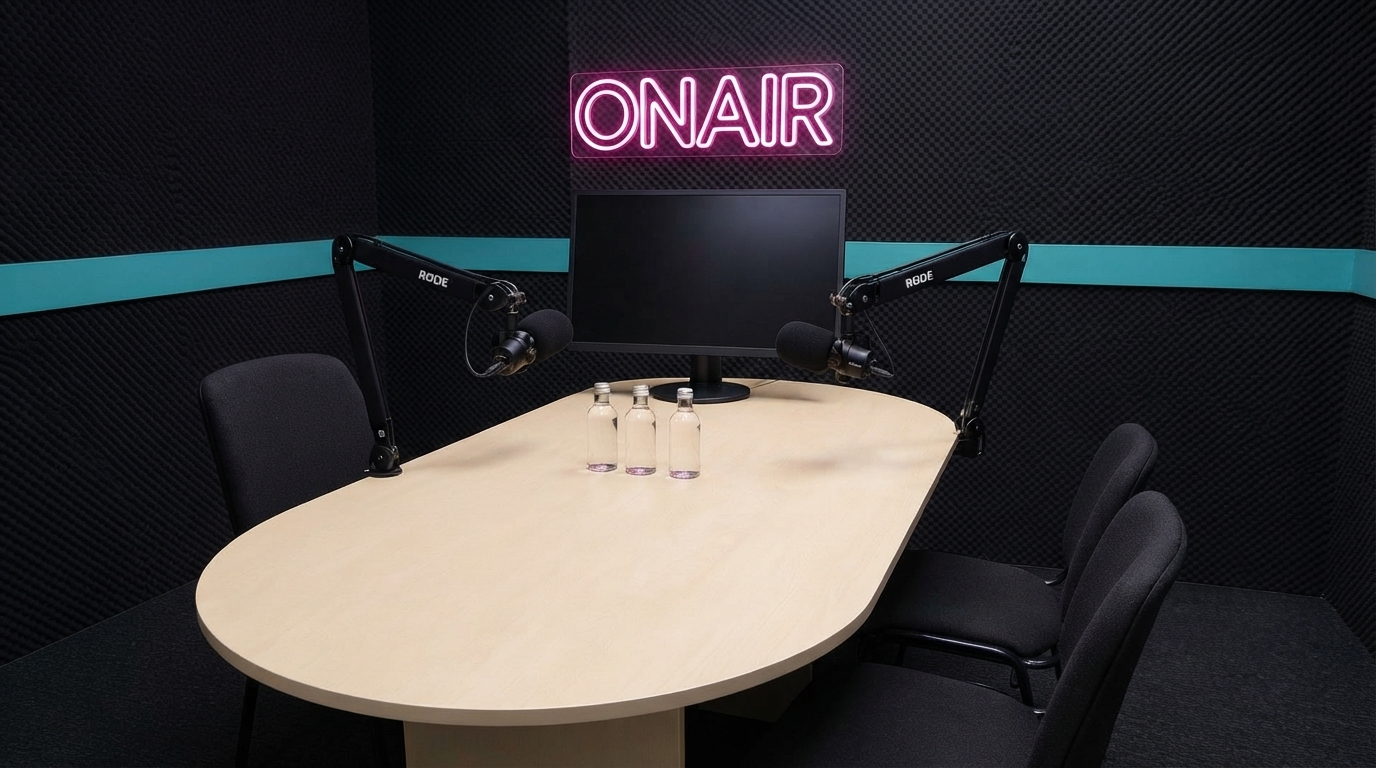
I want to put behind the screen an pink colour neon style ONAIR and at the other side of the table put 3 small water bottles one for each chair
Create professional product images for your online store. Change backgrounds, remove distractions, and generate high-converting product photos.
Try AI Image Editor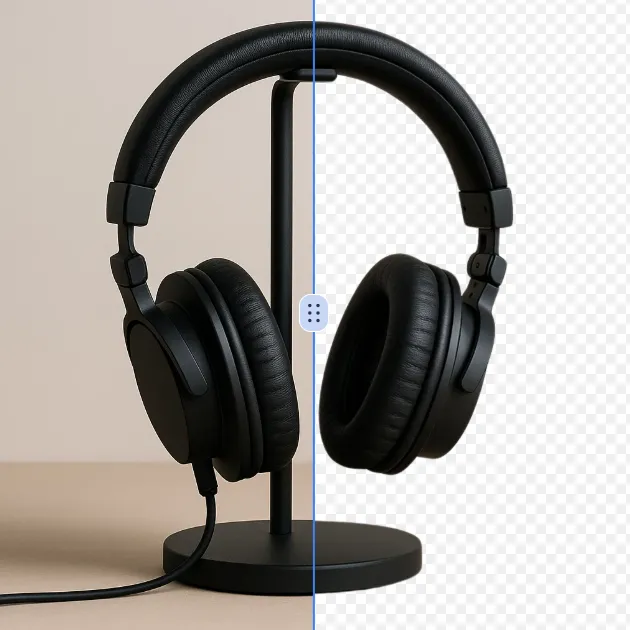
Remove a background from a photo or logo with AI Background Remover, then check subject edges, fine details, and transpa...
Try Tool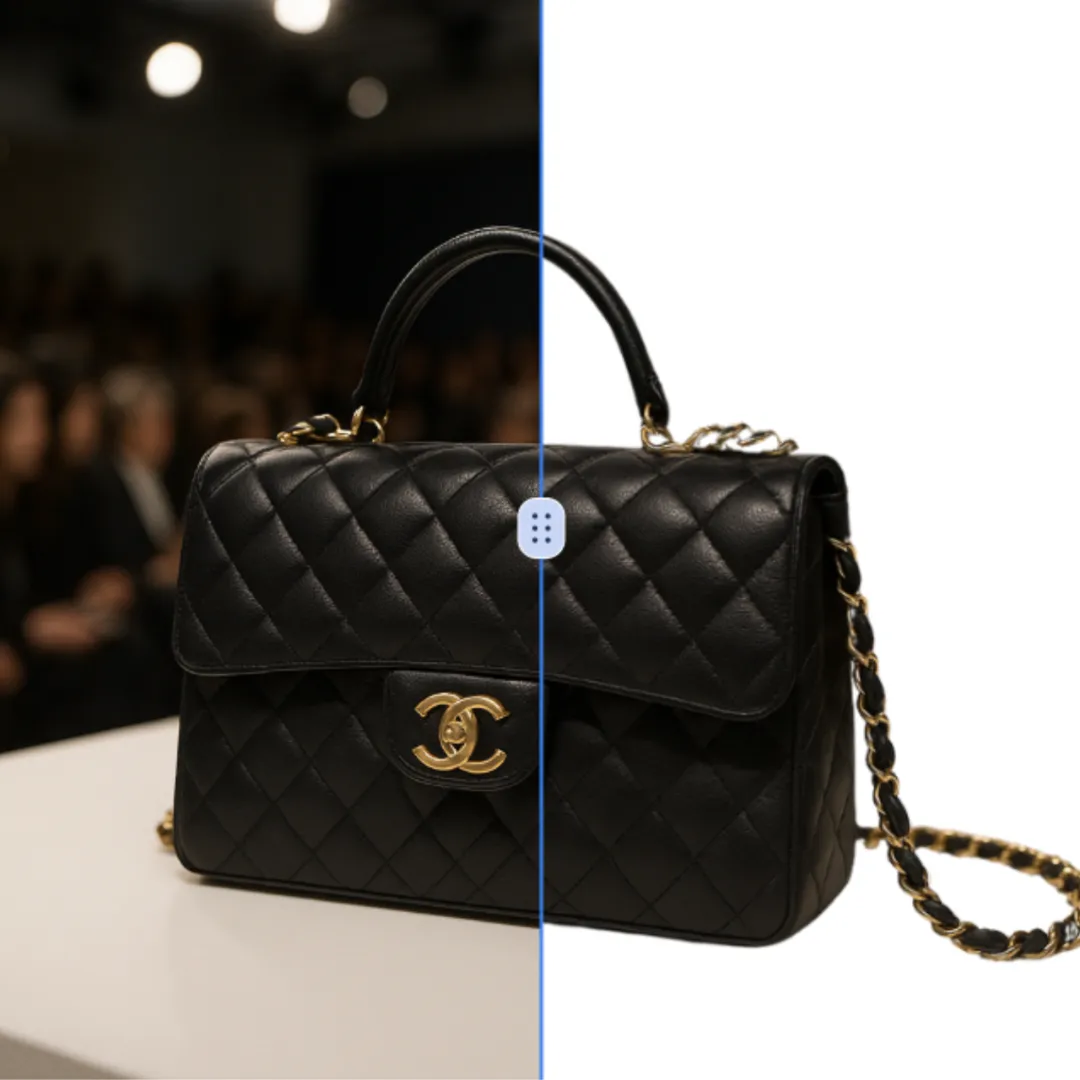
Use Add White Background to Photo to turn a suitable image or prompt into a focused visual result, then inspect the outp...
Try Tool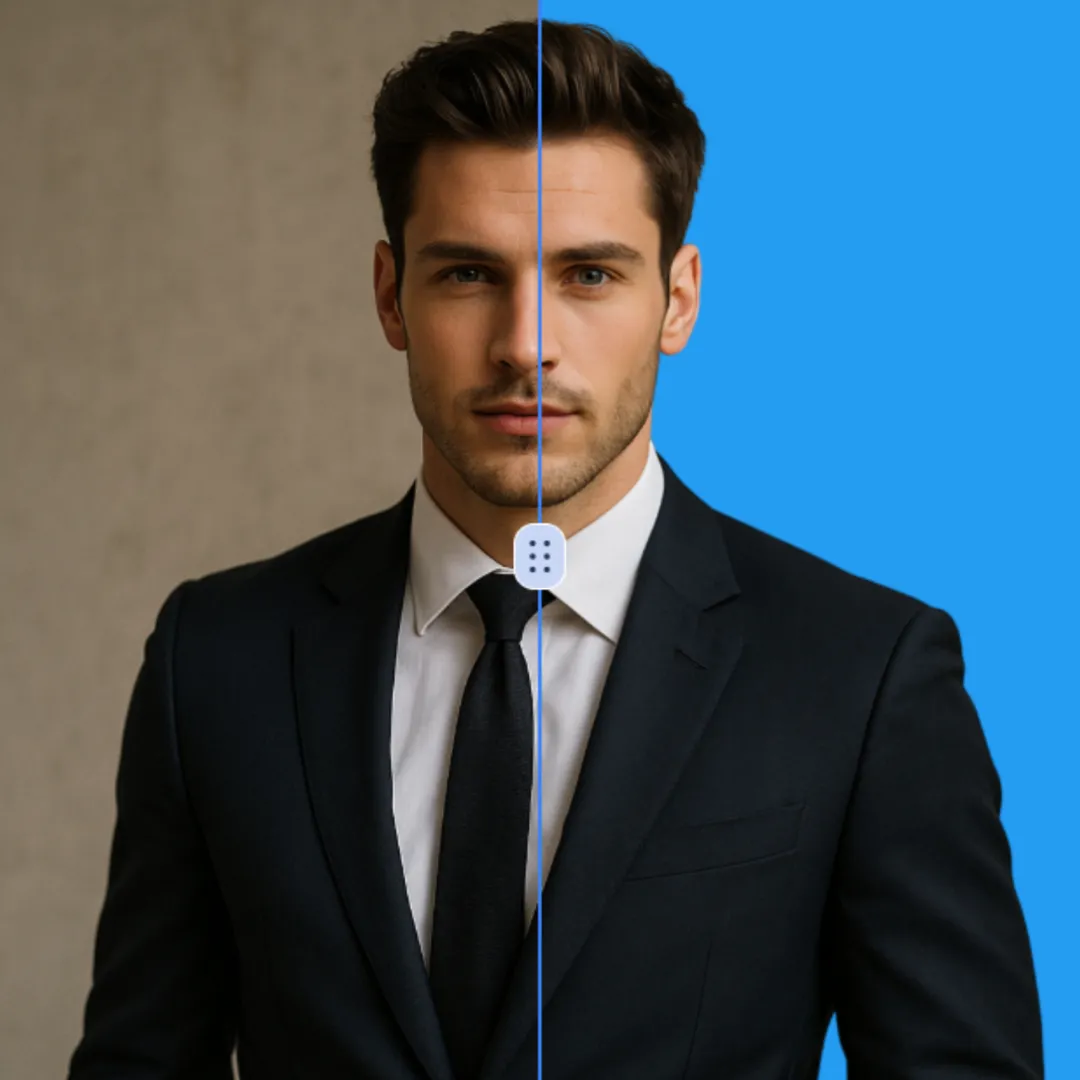
Use Change Background Color of Photo to turn a suitable image or prompt into a focused visual result, then inspect the o...
Try Tool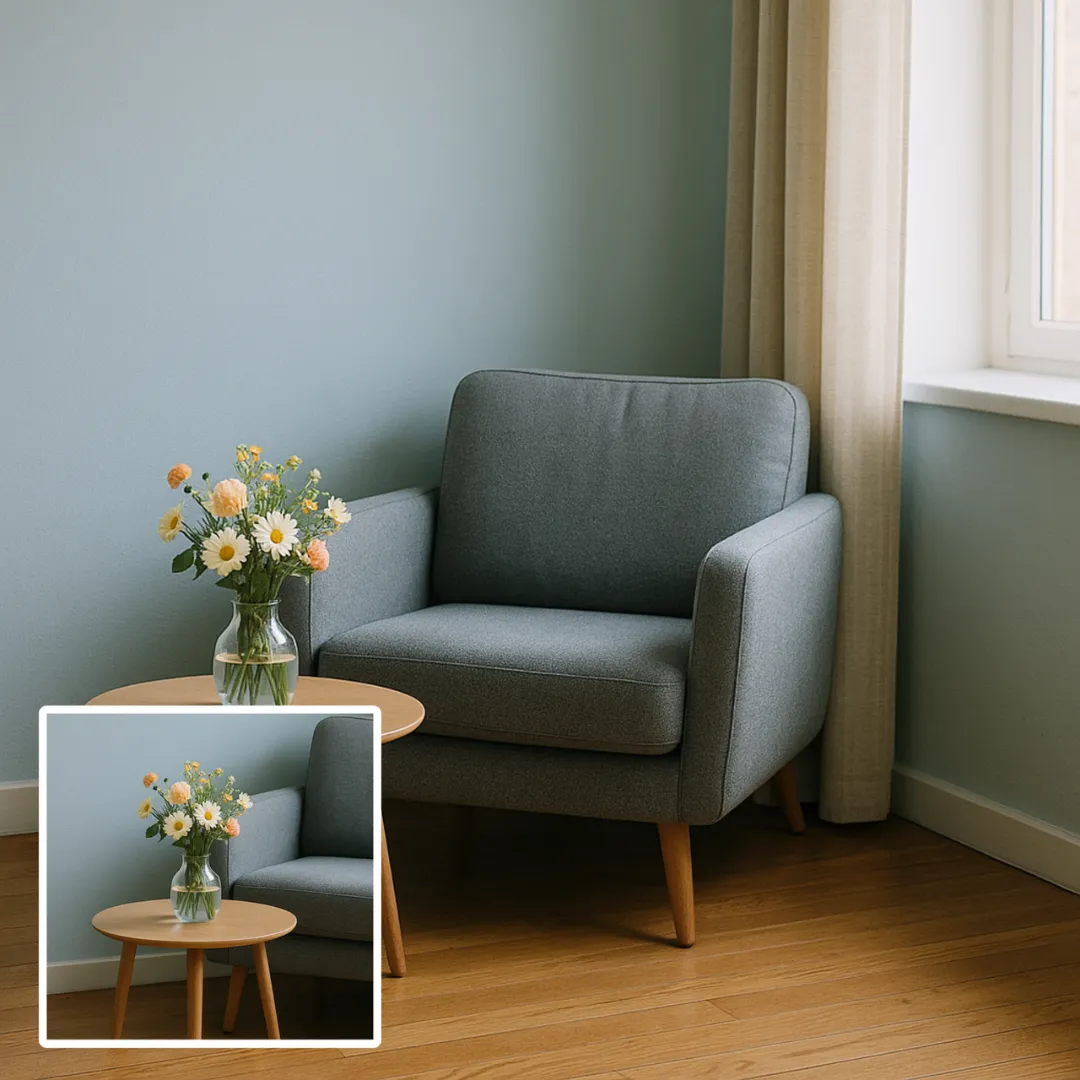
Preview the requested appearance change with AI Image Extender using a clear portrait. Compare facial features, hair or...
Try ToolExplore a curated AI prompt library featuring powerful Nano Banana prompts and creative templates. Discover inspiration, customize prompts, and improve your AI-generated images, content, and productivity.

Um homem com cabelos prateados desgrenhados e olhos azuis rasgados, veste uma jaqueta de couro escuro, é retratado em meio a energia elétrica azul e partículas...

Create an ultra-realistic 4K editorial male portrait featuring the man from the uploaded reference photo (use his face accurately). He is seated casually on a d...

Dramatic, ultra-realistic close-up in black and white with high-contrast cinematic lighting from the side, highlighting the contours of his face and beard, cast...

Using the uploaded image, generate a hand-painted narrative illustration in a mid-century Americana style based on Norman Rockwell. The scene should be construc...

A hyper-realistic 8k cinematic medium close-up shot captures a powerful male Spartan warrior, uploaded face as reference, standing on a high cliff edge overlook...

Without changing the face, create a glamorous beauty portrait of a light skinned moderately slim woman lying on a mirror surface against an olive green backgro...
Well-crafted prompts are the key to unlocking stunning AI-generated images. Our curated prompt library saves you hours of experimentation and helps you achieve professional results instantly.
Skip the trial and error. Start with proven prompts that work and customize them for your needs.
Expert-crafted prompts produce higher quality, more consistent AI image outputs.
Study professional prompts to understand prompt engineering techniques and improve your skills.
Discover new styles, techniques, and creative possibilities with our diverse prompt collection.
Real examples created using simple text prompts.
Prompt: remove the person standing behind the subject.
Prompt: change the background to a tropical sunset beach.
Prompt: convert this image into anime illustration style.
Prompt: improve lighting and create a professional portrait look.
Explore core editing capabilities — each tool has a dedicated page with examples and prompts.
Remove people, logos, wires, or clutter from a photo using a text prompt. The editor analyzes the surrounding image and can fill the cleared area naturally. It is useful for travel shots, real estate listings, and product photography where distractions hurt the composition. You can then upscale or change the background in a follow-up edit.
Try AI Object RemoverCreate clean cutouts and transparent backgrounds for Amazon, Shopify, and social storefronts. Replace a background with studio white, a lifestyle scene, or a seasonal theme using a follow-up prompt. For catalogs, reuse the same prompt and settings for repeatable single-image edits; the current editor does not process a whole catalog in one batch.
Try AI Background RemoverExtend image borders, fill missing regions, or widen compositions for Instagram, ads, and banners. AI generative fill understands lighting, perspective, and texture so expanded areas blend seamlessly. Use it when a crop is too tight, when you need a wider landscape, or when replacing a section with new content. Pair with our image extender for outpainting-style edits without leaving the browser.
Try AI Image ExtenderTurn low-resolution phone photos into sharp 4K assets for print, ads, and large displays. The AI photo upscaler enhances detail, reduces compression artifacts, and preserves natural skin tones. Ideal when client assets arrive too small, when legacy images need a quality boost, or when marketplace guidelines require minimum pixel dimensions. Choose higher resolution output in the generator for maximum clarity.
Try AI Photo UpscalerConvert portraits and scenes into anime, oil painting, watercolor, sketch, or cinematic looks with AI style transfer. Describe the target aesthetic in your prompt or browse our prompt library for proven templates. Content creators use style transfer for avatars, branded illustrations, and social posts that stand out. Unlike generic filters, text-based style transfer adapts to each photo's composition and lighting.
Try AI Style TransferKeep the same face, outfit, and art style when generating new poses, scenes, or story panels. Character consistency editing helps comic creators, brand mascots, and campaign series maintain visual identity across dozens of images. Upload a reference photo and describe the new scene — the AI preserves recognizable features while changing background, action, or mood. Essential for multi-image fusion workflows.
Try Character Consistency EditorUploaded images are processed securely and removed from servers after a short retention window. No public gallery without your consent.
Paid credit packs can provide clean, watermark-free downloads. Review the selected model and usage terms before client delivery.
Before using edited images in marketing, e-commerce, or client projects, review the selected model, source material, and current usage terms.
Edit photos in Chrome, Safari, or Firefox on desktop, tablet, or phone. No app install required.
Explore more: Nano Banana Prompt Library · AI Comic Creator
Export edited photos at 1K, 2K, or 4K resolution depending on your model and credit plan. Use Single Edit for one-shot changes like background removal or object cleanup. Switch to Multi Fusion when you need to combine multiple reference images for character consistency, product mockups, and complex creative prompts. The browser editor works on supported desktop and mobile devices.
Describe what you want to change and AI edits the image automatically.
Generate edited images through the selected AI model. Processing time varies with the model, prompt, image size, queue, and provider availability.
Generate square, portrait or landscape images.
Choose between fast generation or maximum quality.
Upload a photo from your device.
Explain what you want to change.
AI edits the image instantly.
Photographers, e-commerce sellers, designers, and content creators use ImageFK to edit photos faster — without learning Photoshop.
Photo editing without requiring Photoshop skills. Remove objects, enhance portraits, and create visual drafts with AI-powered tools.
Create professional product images for your online store. Change backgrounds, remove distractions, and generate high-converting product photos.
Speed up your workflow with AI assistance. Generate multiple variations, experiment with styles, and deliver projects faster to clients.
Create eye-catching visuals for social media, blogs, and marketing campaigns. No design experience needed - just describe what you want.
| Feature | AI Image Editor | Traditional Editor |
|---|---|---|
| Ease of Use | Text prompts | Manual tools |
| Editing Speed | Seconds | Minutes |
| Skill Required | No design skills | Professional knowledge |
| Cost Effectiveness | Flexible credit packs from $19.9/mo | Expensive monthly subscriptions |
| Learning Curve | Instant results from text prompts | Months of training required |
Sign in to create an image. Each generation uses the credits shown in the editor, and one-time or subscription plans may be available on the pricing page.
ImageFk combines prompt-based editing with several integrated image model modes. Choose the model and output settings that fit your task, then compare the result before downloading.
Some models support multiple reference images in one generation, while others do not. Select a model to see its current upload limit; the editor validates the limit before submission.
Select Nano Banana, GPT-Image, SeeDream, and other models from the generator dropdown. Fast models suit quick drafts; Pro and Max models deliver higher resolution output.
Multi Fusion lets you upload multiple reference images so the AI combines elements — useful for character consistency, product mockups, and complex creative edits.
Photoshop offers manual precision for professionals. ImageFK provides a text-guided workflow for users who want to describe an edit instead of working through layers and masks.
Upload a photo and transform it instantly with our AI image editor.
Try AI Image EditorUse Google to start creating and save your image. No card required.
 Continue with Google
 Remove the watermark, download HD images, and keep creating.
Credit Policy:
Secure checkout · Payment methods shown at checkout · Credits after confirmation