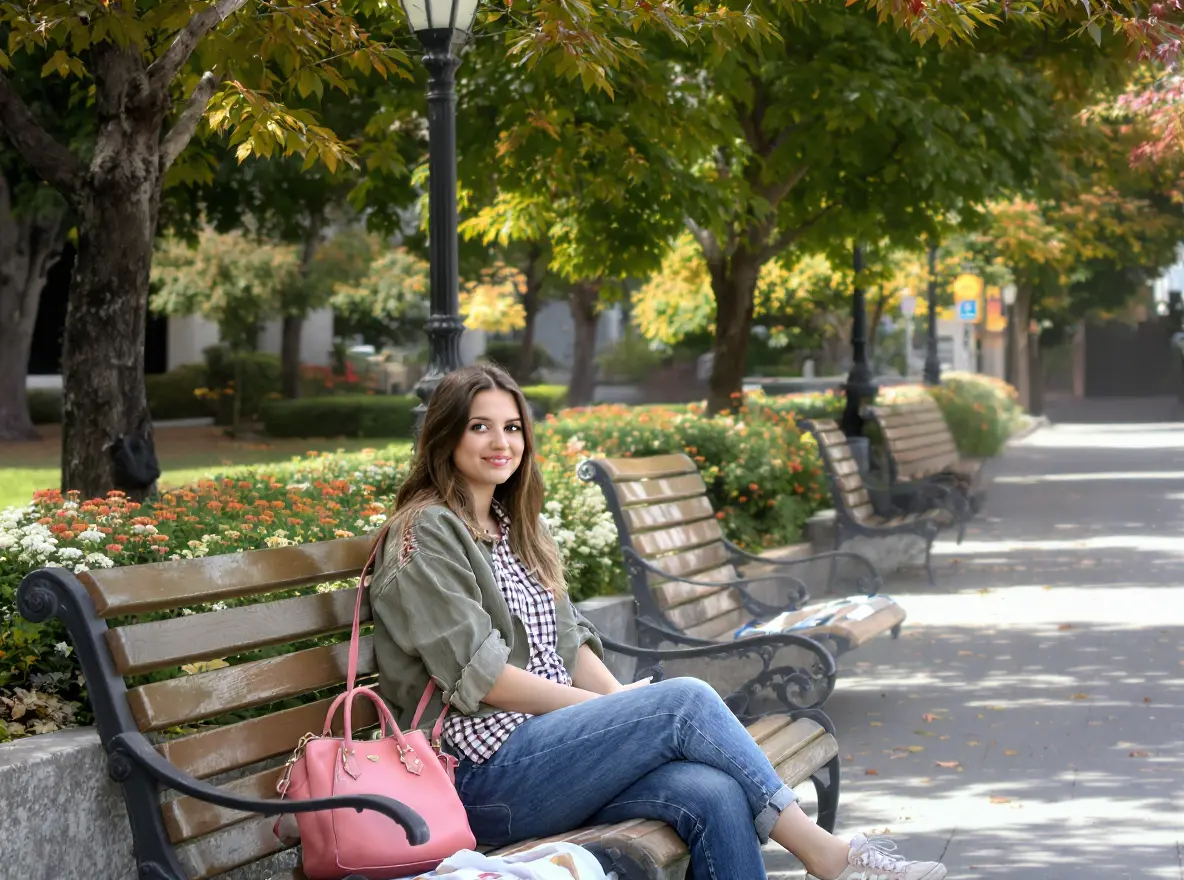
AI Object Remover
AI Object Remover is a powerful online tool that automatically eliminates unwanted elements from your photos. Using advanced AI technology, it instantly removes people, text, watermarks, and other distractions without requiring registration. Experience seamless photo editing with immediate results and professional-quality outcomes.
Original
Modified What Is AI Object Remover?
The AI Object Remover is an innovative software tool that uses artificial intelligence technology to take out the unwanted parts from your pictures without any fuss. The ai remove object from photo service leverages complex algorithms of machine learning to smartly pick out and delete the unwanted things while keeping the rest looking normal. This high-tech photo editing tool is easy to use and great for anyone who wants to work with images since it does not require any professional photo retouching skills.
To remove an object, the system first examines the picture you uploaded and then refers to contextual information to cover the empty spots with background elements that look realistic. This ai image object remover provides excellent access to photo editing for every user, right from casual photographers wanting to fix their holiday pictures to professionals needing quick solutions for client work.
How To Use AI Object Remover
Upload Photo to Remove Objects
First and foremost, uploading of your photo which has the unwanted elements that you want to erase has to be done. You can simply drag and drop your image file or navigate through your device to find it. The remove object from photo ai tool is capable of processing images in standard formats like JPG, PNG, and WebP. High-resolution images should be uploaded for better results while the object to be removed is clearly visible against the background. The uploading of images is done in a simple and secure manner, thus your images are processed without any delay.
Describe the Unwanted Object
Give a short and clear description of the object or element that you want to be taken out from your photo. One can say "remove person in background," "erase watermark," or "delete power lines," etc. The ai object removal system uses your description to pinpoint precisely and target the specified elements. Being specific while describing helps the AI with the accurate locating and removal of only the intended objects and thus the rest of your image remains intact.
Download Your Clean Photo Instantly
After the AI processing is done, you will get the chance to see the enhanced photo with the unwanted objects successfully removed. The system cleverly fills the areas that have been removed with suitable background content that merges with the environment naturally. You can download your clean, high-resolution photo instantly as soon as you are satisfied with the results. The entire process is free of cost, thus you can make your images better without any financial or complicated software skills.
FAQs (Frequently Asked Questions)
How accurate is the ai remove object from photo tool in detecting and removing specific objects?
The ai remove object from photo tool shows great accuracy in going after the prescribed objects and getting rid of them when supported with clear descriptions and quality source images. The accuracy of the system mainly depends on the degree to which the target object is distinct from its surroundings and the vagueness of your description. The AI finds it easier to spot and remove cleanly objects with well-defined edges and different colors from the background. The object remover ai learns all the time from the patterns it processes and gradually improves its accuracy. For best performance, high-quality photos should be used where the undesired object can be clearly seen and is not blended with the background.
Can this ai object removal tool handle complex backgrounds after removing objects?
Absolutely, the ai object removal tool can reconstruct complex backgrounds effectively after the removal of the unwanted objects. The system gets the surrounding pixels and patterns to help it to notice the key features of the content and then use that as the basis for filling the contextually appropriate gaps with background that will look like the real thing. No matter if it is natural, urban or intricate textures, the ai image object remover puts the gap with realistic background elements that blend seamlessly. Powerful inpainting algorithms make sure that trees, buildings, skies and other sophisticated elements of the background are reconstructed in a very natural way. However, if the pattern is too detailed or has too many repetitions, minor artifacts might be visible and these could need touch-up in professional cases. The technology works wonders with most common backgrounds found in everyday photography.
What image formats and sizes are supported by the remove object from photo ai service?
The remove object from photo ai service does support the basic image formats of JPEG, PNG, and WebP files with the best quality and the fastest processing happening. Along with that there are limitations on the size of the files with a common maximum limit already set depending on the implementation of 5MB to 20MB to guarantee smooth processing otherwise put otherwise the whole thing would end up consuming much time and resources. Image resolution is an adjustable parameter, however, bigger resolution images are generally preferred since they provide better removal and subsequent output quality. The system is aspect ratio-sensitive and no dimensional restrictions are imposed; thus it works well with both portrait and landscape orientations. Very large files may get automatically resized during processing to keep within performance limits. All formats that are supported retain quality during the ai object removal process and at the same time quick upload and download speeds are guaranteed.
How long does it take for the ai image object remover to process a photo usually?
Under normal conditions, the ai image object remover usually processes most photos in 30-60 seconds. Removal tasks that are simple and in which the object is clearly defined with an uncomplicated background will be processed faster, often completing in less than 30 seconds. Scenes that are complex with several objects or fine background details may require extra time for processing in order to get the best results. During times of heavy use, processing queues may cause wait times to be slightly longer. The remove object from photo ai system is set up in such a way that it combines efficiency with quality output standards. The users are usually able to get a few high-quality processed images in a minute. Through premium accounts, faster processing may be provided for time-sensitive editing requirements.
Is it possible to remove more than one object at the same time with this object remover ai tool?
The object remover ai tool indeed takes one photo at a time with multiple object removal through simultaneous processing or batch description methods. The user can write down several items in the description and separate them with commas or work through the removals one by one for more accuracy. The ai image object remover skillfully deals with the overlapping removal spaces and makes sure that the background is rebuilt uniformly across all the areas that have been edited. Complex removals of multiple objects may need longer processing time but are usually satisfactory. If you have many objects to remove, it helps to be specific about the location and the characteristics of each item for the best results. The system does not compromise on quality no matter how many objects are removed from your photo.
Does the ai object removal tool maintain image quality after object removal?
The ai object removal tool is designed in such a way that it maintains the overall quality of the image even while the specified objects are removed and the affected areas are reconstructed. The high-resolution outputs keep the sharpness and color fidelity intact all through the processing pipeline. The system uses sophisticated interpolation algorithms to guarantee that there are no visible lines between the original content and the areas filled by the AI. Compression artifacts are reduced through processing techniques that are very careful and that prioritize visual quality. The pictures that come out are usually of the same quality as or even better than the original uploads. There might be a very slight softening in the areas that have been reconstructed, especially in the case of complex textures, but this hardly ever affects the usability of the whole image. The photo's object removal ai service provides results of a professional standard that are good enough for digital sharing and printing purposes.
What happens if I'm not satisfied with the initial removal results from the ai remove object from photo tool?
When the ai remove object from photo tool's initial removal outcomes do not meet your expectations, there are quite a number of refinements you can make to the process that will lead to better results. You may make the original object description more precise or change the area boundaries that are being targeted. It is often the case that different processing results, which may happen to be closer to your expectations, are produced by slight changes in the phrasing of the description. Some applications have manual adjustment tools or refining brushes that allow for a very precise control of the removal boundaries. It is possible to get better results by re-uploading the same image with changed parameters. The object remover ai system is very receptive to iterative improvements and thus, it allows you to steadily enhance the quality of the output. If the problems persist, feedback submission will not only assist the developers but also the image object remover ai in the future since it is a similar case that they are going to face.
Start AI Object Remover with AI Image Editor Today
Transform your photos in seconds with our powerful AI Image Editor and online image editor tools
Edit Your First Image with ImageFkMore AI Image Editor Tools
Discover our collection of AI-powered Image tools to enhance your creativity
AI Tattoo Generator
AI Tattoo Generator transforms text descriptions into unique tattoo designs using advanced AI. This free tool lets you visualize tattoo ideas instantly without design experience. Generate custom artwork, explore styles, and bring your tattoo vision to life effortlessly. Perfect for finding inspiration before committing to permanent ink!
Try Now
AI Clipart Generator
AI Clipart Generator lets you create stunning clipart for any project. Simply input your idea, and AI generates custom clipart, photo-to-clipart conversions, or text-based designs. Enjoy free unlimited generation, instant downloads, and professional-quality results for social media, presentations, or personal projects.
Try Now
AI Pokemon Trainer Generator
Generate custom Pokémon trainers with ease using ImageFk's AI-powered tool. Perfect for fans and creators looking to personalize their Pokémon world with stunning, high-quality avatars.
Try Now
AI Medieval Art
AI Medieval Art is a free AI-powered generator that instantly produces high-quality medieval artwork, including knights, castles, and avatars. Ideal for storytellers, gamers, and creatives, it offers an effortless way to craft stunning visuals without any fees, enhancing your projects with authentic medieval flair.
Try Now
AI Coloring Page Generator
AI Coloring Page Generator instantly converts your text descriptions or uploaded photos into custom, printable coloring pages. Enjoy free generation without registration, download in high-quality PNG or PDF formats. Ideal for parents, teachers, and artists seeking personalized, creative activities effortlessly.
Try Now
Virtual Staging AI
Virtual Staging AI is a free AI-powered tool for effortless room design. Upload any room photo to instantly remove clutter, add realistic furniture, and experiment with diverse interior styles. It requires no design skills, offering quick visualization for homeowners, realtors, and decorators to enhance spaces virtually and make informed styling decisions.
Try Now
AI Sketch to Photo
Sketch to Photo is an innovative AI-powered tool that instantly converts your hand-drawn sketches into realistic digital photos. Experience multiple artistic filters, enhance image quality, and create professional-grade visuals effortlessly. Perfect for artists, designers, and hobbyists seeking quick, high-quality digital transformations from simple drawings.
Try Now
SpongeBob Meme Generator
The SpongeBob Meme Generator lets you create mocking memes easily using AI. Customize captions, pick from top templates, and download for free—ideal for viral posts. Boost your creativity with this user-friendly online tool.
Try Now
Continue with Google