Ghibli Style
Ghibli Style AI instantly converts your photos into beautiful Studio Ghibli-inspired art using advanced AI. Key features include one-click transformation, no account required, and high-quality results. Enjoy creating whimsical, dreamlike images for free—perfect for social media, gifts, or personal fun. Experience the magic of Ghibli with ease!
 Original
  Modified
 Key Features & Capabilities
Discover what makes this AI tool powerful and unique
Lightning Fast Processing
Generate high-quality results in seconds with our optimized AI models. No more waiting - create stunning images instantly.
Professional Quality Output
Achieve professional-grade results with advanced AI algorithms. Perfect for commercial use, marketing materials, and creative projects.
Customizable Parameters
Fine-tune every aspect of your generation with detailed controls. Adjust style, quality, resolution, and more to match your vision.
High Resolution Support
Generate images up to 4K resolution with exceptional detail and clarity. Perfect for print and digital media.
Multi-Platform Compatible
Works seamlessly on Windows, Mac, Linux, iOS, and Android. Access your creations from any device, anywhere.
Secure & Private
Your images are processed securely and automatically deleted after 2 hours. We prioritize your privacy and data protection.
How to Use This Tool
Simple steps to get started with AI-powered image generation
Configure Your Settings
Select your preferred model, adjust parameters like style, resolution, and quality according to your project requirements. Explore preset options for quick setup.
Upload or Describe
Either upload a source image or enter a detailed text prompt. Be specific about colors, lighting, composition, and desired artistic style for best results.
Generate & Preview
Click the generate button and watch the AI work its magic. Preview results in real-time and make adjustments if needed.
Download & Use
Once satisfied, download your high-resolution image instantly. Use it for personal projects, commercial work, social media, or any creative purpose.
Pro Tips for Best Results
- Be Specific: Detailed prompts produce better results. Include information about subject, environment, lighting, mood, and artistic style.
- Experiment: Try different parameter combinations to discover unique styles and effects. Save your favorite settings for future use.
- Use References: Reference specific art movements, photographers, or artistic styles (e.g., "impressionist style", "Annie Leibovitz lighting").
- Iterate: Generate multiple variations and select the best one. Small prompt changes can create dramatically different outputs.
- Quality Matters: For image uploads, start with high-quality source images for optimal transformation results.
Ghibli Style AI: Turn Photos into Ghibli Art in Seconds
Ghibli Style is an online AI tool that instantly transforms your everyday photos into enchanting artwork inspired by Studio Ghibli films. By leveraging advanced image processing, it applies the signature soft lighting, whimsical color palettes, and hand-painted textures seen in movies like My Neighbor Totoro and Spirited Away, all within seconds and without requiring an account.
What is Ghibli Style and How Does It Work?
If you’ve ever looked at a scene from a Studio Ghibli film and wished you could step inside that dreamy, hand-painted world, you’re not alone. That’s the exact sentiment that tools like the Ghibli Style AI converter tap into. At its core, this tool is a specialized AI image editing platform designed for one primary purpose: to perform an image transformation that grafts the beloved Ghibli aesthetic onto your own pictures.
But how does it actually work? You don’t need to be a digital artist or understand complex software. The process is built on what experts call image-to-image translation. When you upload a photo, the AI doesn’t just slap a filter on top of it. Instead, it analyzes the content of your image—the faces, the objects, the landscape—and rebuilds it.
It uses a model similar to diffusion-based approaches you might have heard of in other AI image processing contexts. It takes the "structure" of your photo and re-renders it with the visual language of Ghibli: soft watercolor skies, lush green fields with a painterly quality, and characters with that distinct, emotionally expressive style. This isn't just photo enhancement; it's a complete artistic reinterpretation. The platform ImageFK handles all the heavy lifting on their servers, so the process is fast, accurate, and requires no design skills whatsoever.
The Key Features That Define Ghibli Style
What makes using a dedicated Ghibli Style tool different from just asking a general text-to-image prompts tool to "make this look like an anime"? It comes down to specialized features designed for a specific outcome. Here’s what you can expect when you use this tool:
Instant One-Click Transformation
The most compelling feature is simplicity. You don't need to write paragraphs of prompt engineering to get the look right. You upload your image, and with a single click, the AI gets to work. It’s optimized specifically for this one task, which means it understands the nuances of the style—from the way light filters through leaves to the characteristic gloss in a character's eyes.
No Account, No Friction
Privacy is a major concern in the age of AI. Many services require you to sign up, handing over your email and agreeing to lengthy terms that might allow them to use your uploads for training. This tool operates directly in your browser with no account required. This online tool prioritizes your privacy, ensuring that your personal photos are used for the single purpose of creating your Ghibli art and aren't stored or repurposed without your consent. It’s a secure and fast way to experiment.
High-Quality, Shareable Results
The output isn't a grainy, low-resolution thumbnail. The AI is designed to produce high-quality results that are perfect for sharing. Whether you want a new profile picture that looks like a movie still, a unique piece of art to print and frame, or just a fun image to send to friends, the resolution and detail hold up. You get a genuine piece of image enhancement that turns a simple snapshot into something that looks like it could be concept art for a film.
When and Why You Need a Ghibli Style Converter
You might be wondering, "When would I actually use this?" The applications go far beyond just "trying it out for fun." Understanding the search intent here reveals that users are looking for specific outcomes that blend creativity, personalization, and social connection.
Reimagining Memories
Think about your favorite travel photos. A picture of a quiet street in your city is nice, but that same street rendered in the soft, nostalgic style of a Ghibli film becomes a memory with a dreamlike quality. It adds an emotional layer to your photos that standard filters can't achieve. It's perfect for turning a snapshot of your pet into a character from a whimsical adventure or seeing what your children would look like as protagonists in their own animated story.
Creating Unique Social Content
In a world saturated with content, standing out on social media is tough. Using this AI photo editing tool allows you to create visuals that are instantly recognizable and engaging. Whether it’s for a birthday post, a holiday card, or just to break the monotony of your feed, Ghibli style art has a universal appeal. It’s a conversation starter. It shows a level of creativity and an appreciation for artistry that a standard smartphone filter just doesn't convey.
A Gateway for Non-Designers
For bloggers, small business owners, or anyone who needs visuals but lacks professional design skills, this tool is a lifesaver. You can create unique headers for your website, engaging visuals for your social media stories, or even personalized gifts. You're not just editing a photo; you're creating art that carries the emotional weight and storytelling power of the films that inspired it.
Step-by-Step: Turning Your Photos into Ghibli Art
Using the tool on ImageFK is a straightforward process designed for efficiency. Here’s the typical workflow you’ll experience:
- Upload Your Image: Start by selecting the photo you want to transform. The platform accepts standard formats like JPEG, PNG, or WEBP. The tool works best with clear, well-lit images, but part of the magic is seeing how it interprets different inputs.
- Refine with a Prompt (Optional): While the core style is automatic, you have the option to add a text prompt. You might type "make the sky more dramatic" or "add more magical forest elements." Writing your prompt in English yields the best results, giving you a degree of control over the final image transformation.
- Generate: Click the "Generate Images with ImageFk" button. The AI-powered editing process begins, and you'll see a progress indicator. The AI image processing usually takes about 60 seconds—just enough time to get excited about the result.
- Download Your Art: Once the process is complete, you’re presented with your new Ghibli-style image. From there, you can download it directly to your device, ready to share or save.
AI Image Editing vs. Manual Editing: The Ghibli Approach
Why use an AI-powered tool instead of trying to achieve this look in Photoshop or another manual editor? The difference is night and day.
Manual editing to achieve a convincing Ghibli style would require hours of work. You’d need to be a skilled digital painter, adept at color grading, texture overlay, and character design. You’d have to manually paint in the soft lighting, adjust every shadow, and completely re-render the image. It’s a process that takes years to learn and hours to execute for a single image.
On the other hand, AI image editing like this tool democratizes the process. The AI has been trained on thousands of examples of what "Ghibli style" means. It understands the artistic rules subconsciously. It handles the heavy lifting in seconds, making what was once an expert-level task accessible to everyone. It’s not just about speed; it’s about accessibility. It’s the difference between having to build a house from scratch and being able to move into a beautifully designed home. The AI provides the structure and the artistry; you just provide the inspiration.
Frequently Asked Questions
What exactly is a Ghibli Style AI tool?
It's an online tool that uses artificial intelligence to analyze your uploaded photos and redraw them in the artistic style of Studio Ghibli. It applies the characteristic soft colors, hand-painted textures, and whimsical lighting to create a new piece of art from your original image.
Is it free to use the Ghibli Style tool on ImageFK?
Yes, the tool is designed to be accessible. You can enjoy creating whimsical, dreamlike images for free, making it perfect for social media fun, personal gifts, or just experimenting with AI photo editing.
Do you need an account to transform photos?
No. One of the key features of this Ghibli style converter is that it requires no account or sign-up. This approach enhances your privacy and makes the process faster and friction-free.
How long does the AI image processing take?
The AI is built for efficient and fast image processing. Typically, the transformation from upload to finished image takes about 60 seconds. The exact time can vary slightly depending on server load and image complexity.
What kind of photos work best with the Ghibli filter?
The tool works with a wide variety of images. Portraits with good lighting often yield stunning character art, while landscapes can become beautiful, painterly scenes. Because the AI is advanced, even complex photos are handled well, though simpler compositions with clear subjects often produce the most striking results.
Is it safe to upload my personal photos?
Your privacy is a priority. This is a browser-based editor that emphasizes secure handling of your data. Unlike some services that store your uploads, this tool processes your image and allows you to download the result without storing your personal photos on their servers for other purposes.
Can I control the output, or is it just automatic?
While the primary function is a one-click transformation, you do have the option to provide an optional text prompt. This allows you to give the AI additional guidance, such as specifying a mood or an element you'd like to see enhanced, blending automatic style transfer with user-directed creativity.
Why is the Ghibli art style so popular for AI generation?
The Ghibli style is beloved for its emotional depth, warmth, and nostalgic feel. It transforms ordinary moments into something magical and story-like. Applying this style to personal photos allows people to connect with their memories on a deeper, more artistic level, making the AI-powered transformation incredibly satisfying and shareable.
Frequently Asked Questions
Common questions about this AI tool answered
Start Ghibli Style with AI Today
Transform your images instantly using powerful AI Effects Filters AI tools.
Try Ghibli Style NowMore AI Effects Filters AI Tools
Discover more AI-powered tools to enhance and transform your images.
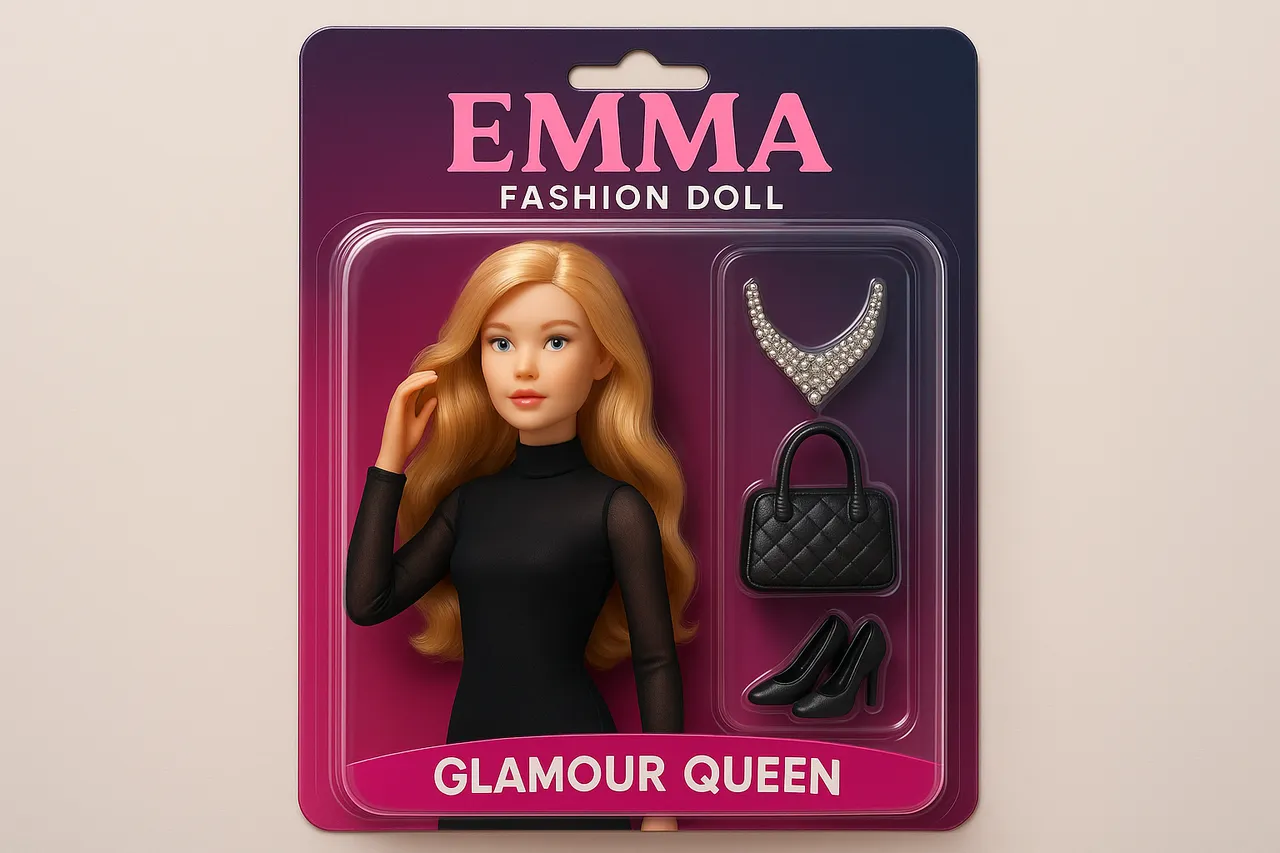
AI Doll Generator
AI Doll Generator lets you create personalized dolls, This online tool enables users to design custom dolls with unique features, perfect for creative projects, gifts, or entertainment. Ideal for content creators, parents, influencers, and doll lovers seeking quick, innovative design solutions without any cost.
Try Now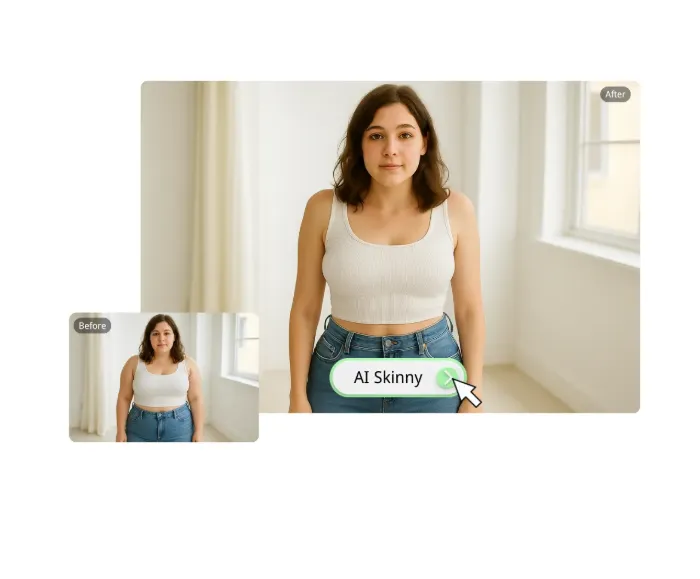
AI Skinny Filter
The Skinny Filter is a free AI-powered tool that smartly slims bodies in photos for natural-looking edits. It enhances selfies, portraits, and professional images with ease, delivering high-quality output instantly on any device. Enjoy effortless photo refinement and boost your confidence with seamless, realistic results.
Try Now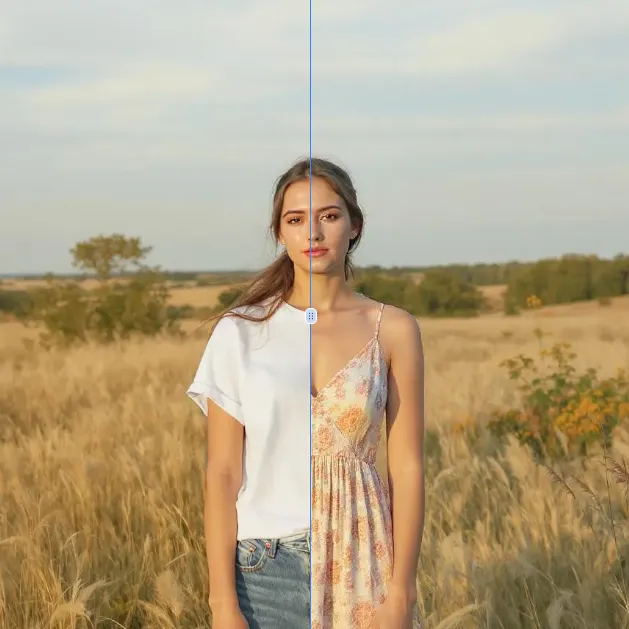
AI Clothes Remover
AI Clothes Remover is a free online tool that lets you instantly remove and replace clothing in photos. Experiment with styles, change outfits effortlessly, and get high-quality results without any fees or registration. Perfect for creative projects, it's the top AI clothing remover for quick, professional edits.
Try Now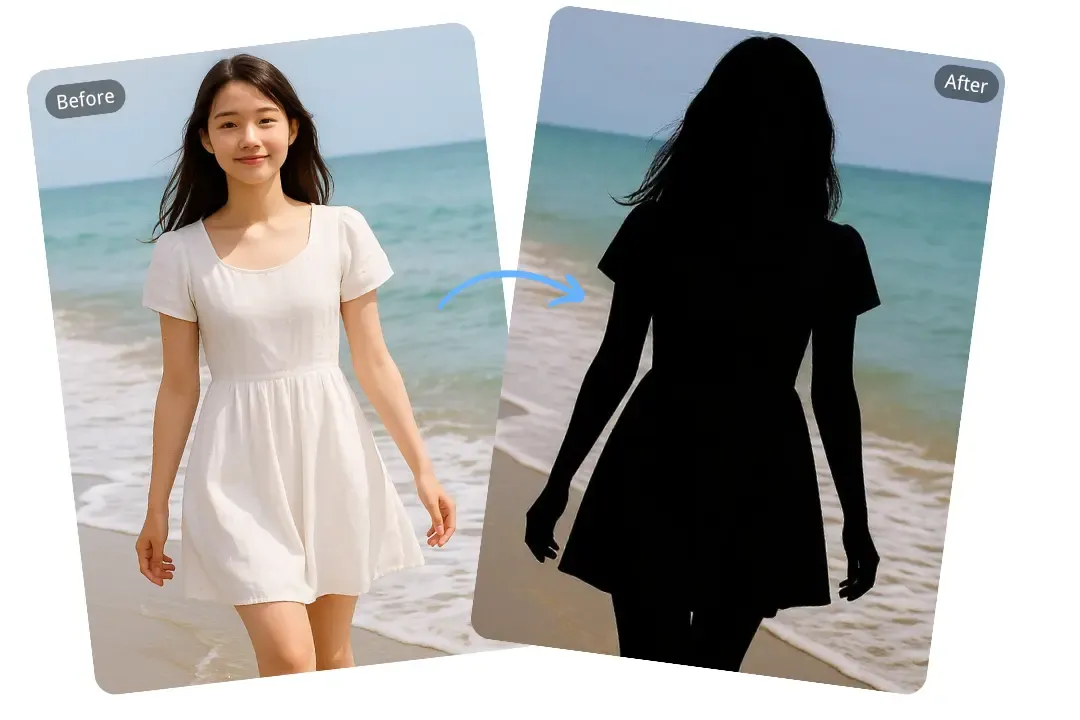
AI Silhouette Maker
Silhouette Maker uses advanced AI to convert any photo into a striking black-and-white silhouette. Simply upload your image, and the tool automatically generates a clean, artistic design. It's fast, free, and user-friendly—ideal for crafting custom art, enhancing profiles, or creating memorable gifts without any editing skills required.
Try Now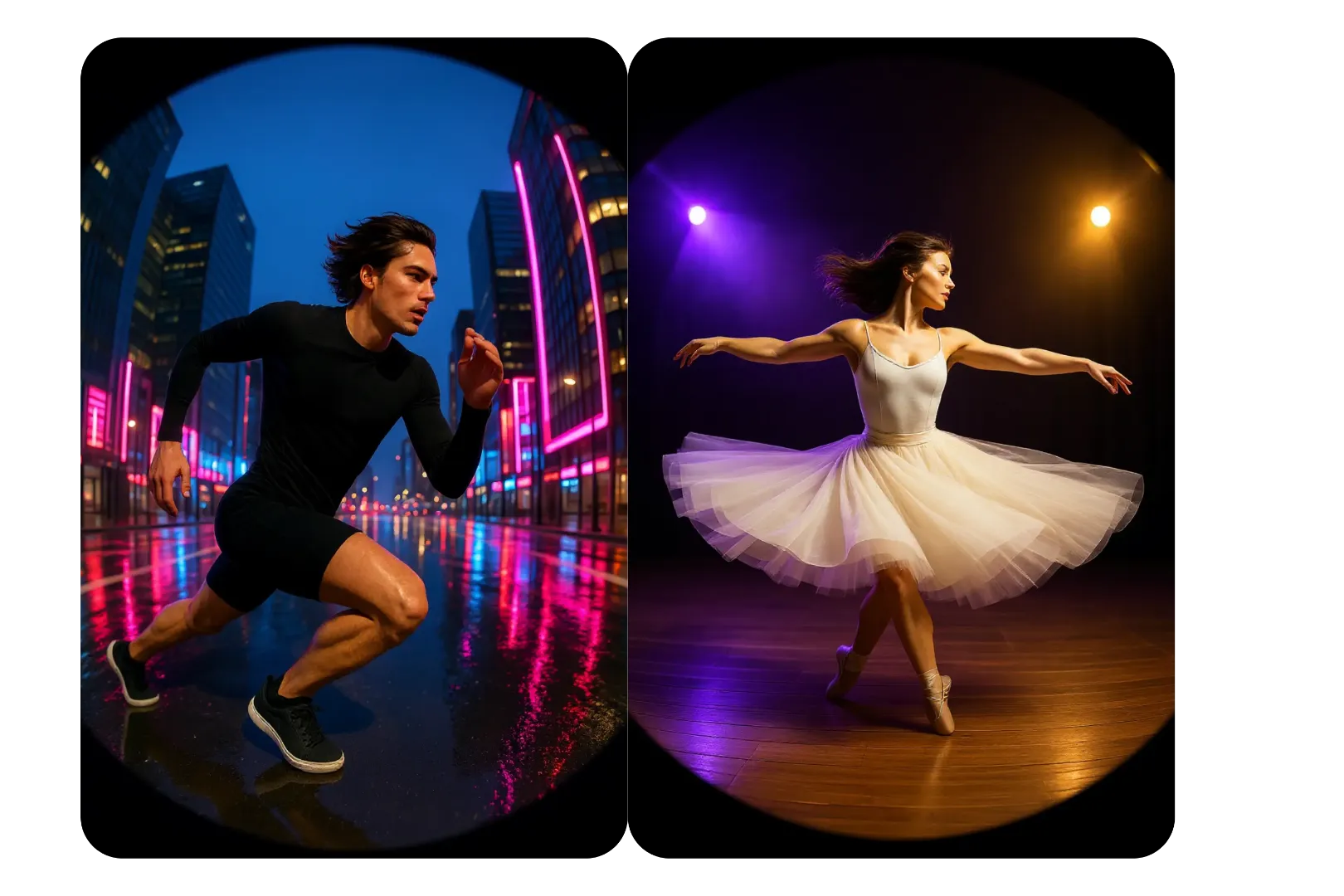
AI Fisheye Filter
Easily apply fisheye lens effects to any photo with our AI-powered online tool. Create eye-catching fisheye pfp, distorted visuals, and creative projects instantly—no downloads or skills required. Free, fast, and user-friendly for stunning results every time.
Try Now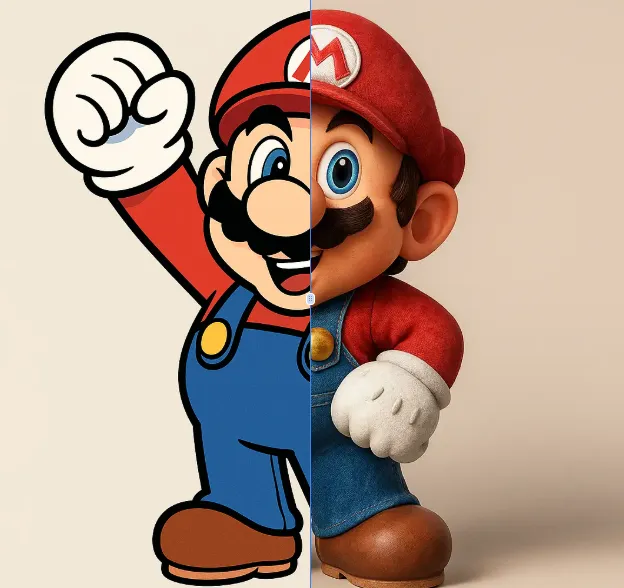
AI 2D To 3D Image Converter
AI 2D to 3D Image Converter is an innovative online tool that instantly converts your 2D images into detailed 3D models. Using advanced AI technology, it automatically generates realistic 3D models without any manual modeling. Perfect for designers, developers, and creators who need quick 3D assets. The tool is completely free, requires no downloads, and works directly in your browser - making 3D creation accessible to everyone regardless of experience level.
Try Now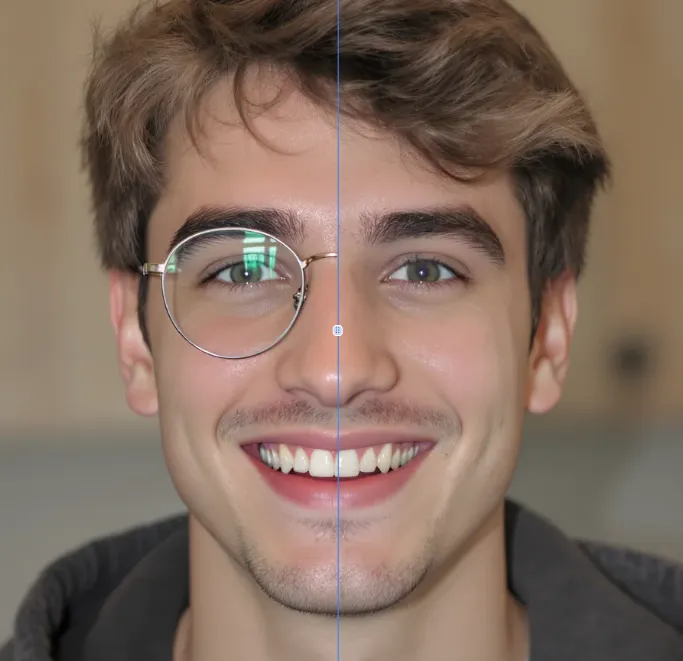
AI Object Remover
AI Object Remover is a powerful online tool that automatically eliminates unwanted elements from your photos. Using advanced AI technology, it instantly removes people, text, watermarks, and other distractions without requiring registration. Experience seamless photo editing with immediate results and professional-quality outcomes.
Try Now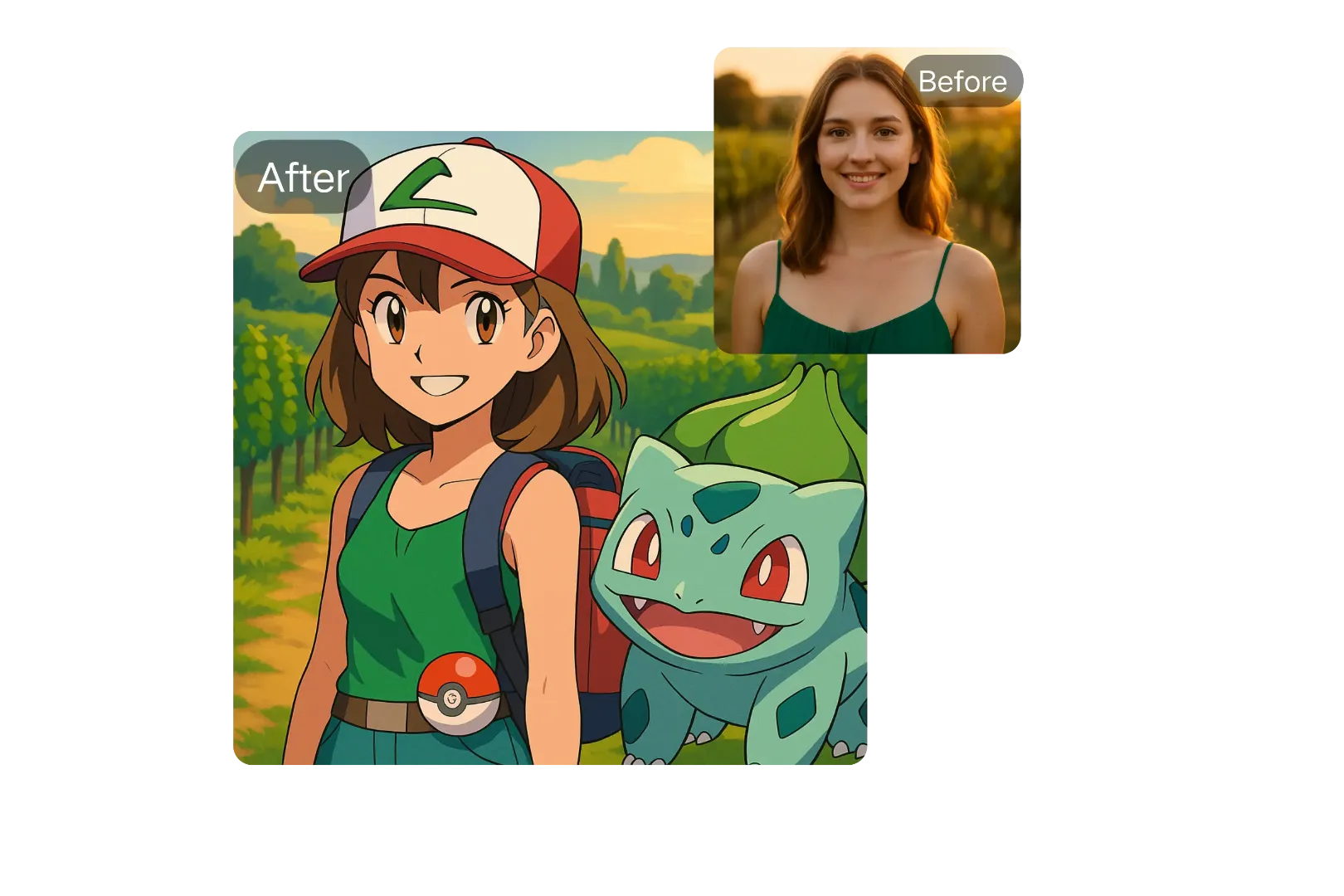
AI Pokemon Trainer Generator
Generate custom Pokémon trainers with ease using ImageFk's AI-powered tool. Perfect for fans and creators looking to personalize their Pokémon world with stunning, high-quality avatars.
Try Now Continue with Google