AI Clothes Remover
AI Clothes Remover is a free online tool that lets you instantly remove and replace clothing in photos. Experiment with styles, change outfits effortlessly, and get high-quality results without any fees or registration. Perfect for creative projects, it's the top AI clothing remover for quick, professional edits.
 Original
  Modified
 Guide
AI Clothes Remover – Instantly Change Outfits in Photos
AI Clothes Remover is a free online tool that uses generative AI to digitally remove and replace clothing in photos. By analyzing the subject's pose and the image's lighting, it creates a natural-looking edit where you can swap outfits, experiment with new styles, or simply visualize different looks without any design skills or software installation .
What is an AI Clothes Remover?
An AI Clothes Remover is a specialized image editing application that leverages deep learning models—often based on Generative Adversarial Networks (GANs) or diffusion techniques—to perform "inpainting" on specific areas of a photograph . When you upload a picture, the AI identifies the clothing items, removes them digitally, and then generates new pixels to fill that space. This process isn't just about erasure; it's about intelligent creation. The AI considers the person's posture, the surrounding environment, shadows, and skin tone to generate a new outfit that looks like it genuinely belongs in the original scene .
This technology moves far beyond traditional photo editing. Instead of spending hours with complex software learning how to use masks and layers, you simply provide a text description of the desired new outfit. The AI handles the complex rendering of textures like denim, silk, or leather, ensuring the final result is coherent and realistic .
How the AI Clothes Remover Tool Works
The process is designed to be simple, fast, and accessible to everyone. It typically follows a straightforward workflow within your browser:
- Upload Your Image: Start by uploading a clear photo of a person. The tool supports common formats like JPEG and PNG. For the best results, images with good natural lighting help the AI accurately analyze textures and shadows.
- Describe the New Style: In the text prompt box, describe the outfit you want to see. You can be as specific or as creative as you like, for example, "a red silk evening gown," "a futuristic cyberpunk jacket," or "a classic black tuxedo."
- Select Your Preferences: Many advanced tools, like the one on ImageFK, allow you to fine-tune the generation. You can often select a specific AI model (e.g., a "Pro" model for maximum quality or a "Fast" model for quick results) and choose the desired output resolution, such as 1K, 2K, or even 4K.
- Generate and Download: With a single click, the AI-powered editing begins. In about 30 to 60 seconds, the new image is ready, featuring the subject in the new, AI-generated attire. You can then download your high-quality result directly to your device.
Key Features of the AI Clothes Remover
This online tool distinguishes itself through a combination of powerful technology and user-centric design, making high-end AI image editing accessible to all.
- Free and Accessible: The core functionality is completely free to use with no registration required. It runs directly in your browser, meaning there is no software to download and no need for high-end computer hardware.
- High-Quality Unlike simple eraser tools that leave blurry patches, this AI clothes remover uses sophisticated algorithms to generate new images in up to 4K resolution. The results feature realistic fabric textures, accurate lighting, and proper shadows that blend seamlessly with the original photo .
- Multiple AI Models: To give users control over the balance between speed and quality, the tool offers a selection of AI models. You can choose a faster model for quick experimentation or a high-fidelity "Pro" model for projects where detail is paramount.
- Style Customization with Text Prompts: The heart of the creative process is the text-to-image prompt. This allows for infinite possibilities, from trying on virtual fashion to creating fantastical character concepts for cosplay or art projects.
- Secure Image Processing: Trust is critical when handling personal photos. The platform is designed with privacy in mind. Images are processed securely, and in line with best practices for fast image processing, they are not stored on servers longer than necessary to complete your edit, ensuring your data remains private.
When to Use an AI Clothes Remover
The application for this technology extends far beyond a simple party trick. It serves practical, creative, and professional needs, making it a versatile tool for image transformation.
Virtual Fashion and Online Shopping
One of the most practical uses is for virtual try-ons. Before committing to a purchase, you can see how a new style of clothing would look on you. Upload a selfie and use the AI clothes remover to "put on" clothes from different brands or experiment with colors and fits that you might be curious about. This bridges the gap between online shopping and the real-world experience of trying something on .
Content Creation for Social Media
For influencers, bloggers, or anyone active on social media, refreshing your look is a constant need. This tool allows you to create multiple outfit variations from a single photoshoot. You can instantly change your clothes to match different themes, seasons, or trends, keeping your feed dynamic and engaging without the expense of multiple wardrobe changes .
Creative Projects and Conceptual Art
Artists and designers can use this technology for mood boarding, conceptual design, and digital art. It's an excellent way to visualize characters for stories, games, or illustrations. By quickly swapping outfits on a base model photo, creators can explore different aesthetics and narratives with unprecedented speed.
Professional Headshots and Portfolios
Need a professional headshot but only have a casual photo? The AI clothes remover can help. You can transform a picture of yourself in a t-shirt into one where you're wearing a sharp business suit or a professional blazer. This is a cost-effective way to update your LinkedIn profile, company website, or personal portfolio without booking a new photography session .
The Technology Behind the Magic
The seamless results you see are powered by cutting-edge AI research. The core concept is known as "generative inpainting." When the AI removes the original clothing, it doesn't just leave a blank space. It analyzes millions of data points from its training to understand how a new garment should look on that specific body in that specific pose and lighting .
The AI pays close attention to "fabric physics." It understands that silk should drape differently than leather and that a heavy wool coat will cast different shadows than a light cotton t-shirt. By anchoring the new textures to the body's natural pose, the generated image maintains a realistic sense of depth and form, avoiding the flat, "sticker-like" look of older editing methods .
Privacy, Ethics, and Responsible Use
As with any powerful AI photo editing tool, it's essential to discuss responsible use. The goal of this technology is to empower creativity, enhance fashion exploration, and provide useful editing capabilities. It is intended for use on images you own or have explicit permission to edit.
Responsible platforms prioritize user safety and privacy. This is why features like automatic image deletion from servers after processing are so important. It's also crucial to use these tools ethically. Creating non-consensual explicit content is a violation of privacy and personal rights, and in many jurisdictions, it is illegal . Always use AI image generators to uplift and create, respecting the dignity and consent of everyone involved.
Frequently Asked Questions
Is the AI Clothes Remover really free to use?
Yes, the core functionality of the AI Clothes Remover on ImageFK is completely free. There are no hidden fees or subscription requirements to access the basic outfit-changing features. You can upload your images and generate new styles without paying anything.
How does the AI know what the new clothes should look like?
The AI relies on your text prompt. You describe the new outfit in detail—for example, "a vintage 1950s floral sundress"—and the AI combines that description with its understanding of human anatomy, lighting, and fabric textures from its training data to generate a realistic result .
What kind of images work best with this tool?
For the best results, use a clear photo where the person is well-lit and the full outfit is visible. Images with natural lighting help the AI accurately cast shadows and blend the new clothing seamlessly with the original background .
Is my privacy protected when I upload photos?
Absolutely. The platform is built with a privacy-first approach. Your images are processed through secure channels and are automatically deleted from the servers after your editing session is complete. They are not used for any other purpose or shared with third parties.
Do I need any photo editing experience to use this tool?
None at all. The tool is designed for everyone. If you can upload a photo and type a sentence, you can use this AI clothes remover. The AI handles all the complex editing work automatically.
Can I use this AI clothes remover on my phone?
Yes, since it's a browser-based online tool, you can access it from any device with an internet connection, including smartphones and tablets. The interface is designed to be responsive and easy to use on both desktop and mobile screens.
How is this different from just blurring out clothes in a photo?
Blurring or using a basic eraser destroys the image quality and leaves an obvious, unnatural mark. An AI clothes remover doesn't just remove; it generates. It creates a brand new, high-quality image of a garment that fits the person and scene perfectly, making the edit virtually undetectable .
What can I do if the first result isn't exactly what I wanted?
You can simply try again! Adjust your text prompt to be more specific about the style, color, or fabric. Experimenting with different descriptions is a great way to refine the output and get the perfect look you're aiming for.
Conclusion
The AI Clothes Remover on ImageFK represents a significant leap forward in accessible, creative image editing. By combining powerful generative AI with an intuitive, free-to-use interface, it puts professional-level photo enhancement tools into the hands of everyone. Whether you're looking to refresh your social media presence, experiment with new fashion ideas, or bring a creative concept to life, this AI clothes remover offers a fast, secure, and high-quality way to transform your photos with nothing more than your imagination.
Start AI Clothes Remover with AI Today
Transform your images instantly using powerful AI Effects Filters AI tools.
Try AI Clothes Remover NowMore AI Effects Filters AI Tools
Discover more AI-powered tools to enhance and transform your images.

AI Photo To Anime
AI Photo to Anime is a free online tool that instantly converts your photos into anime-style artwork using advanced AI technology. Simply upload any image, and our converter generates professional anime art in seconds. Enjoy seamless operation on mobile or desktop without registration. Perfect for creating unique avatars, social media content, or artistic projects with zero cost and maximum convenience.
Try Now
AI Photo To Cartoon
AI Photo to Cartoon is a free AI-powered tool that converts your photos or text descriptions into high-quality cartoon images effortlessly. It eliminates the need for design expertise, making it ideal for creating unique social media posts, personalized gifts, and engaging marketing materials. Enjoy fast, professional results that enhance your creativity and save time.
Try Now
Photo To Oil Painting
Photo to Oil Painting is a free AI tool that converts your photos into beautiful oil painting art online. It uses advanced AI to instantly transform any image, offering a fast, secure, and user-friendly experience. Perfect for artists, NFT creators, and hobbyists, it helps you create unique artwork effortlessly with just a few clicks.
Try Now
AI Photo To Sketch
AI Photo to Sketch is a free online tool that converts photos into realistic pencil sketches using advanced AI. It requires no drawing skills – simply upload your image, and get instant results. Perfect for creating art, gifts, or social media posts. Enjoy high-quality sketches with zero effort!
Try Now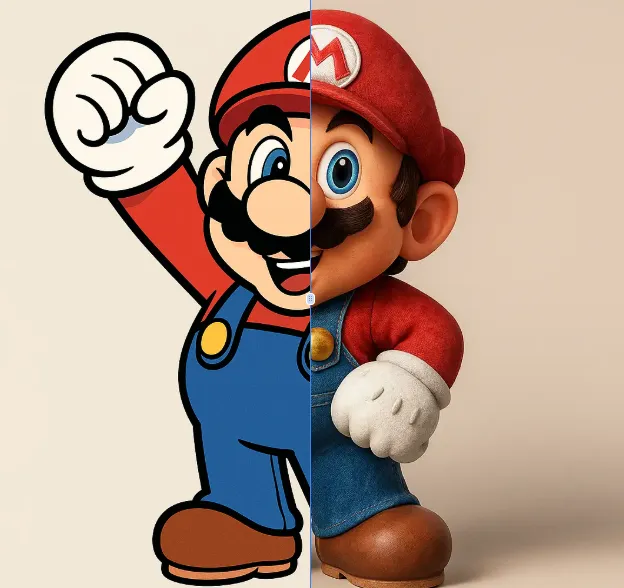
AI 2D To 3D Image Converter
AI 2D to 3D Image Converter is an innovative online tool that instantly converts your 2D images into detailed 3D models. Using advanced AI technology, it automatically generates realistic 3D models without any manual modeling. Perfect for designers, developers, and creators who need quick 3D assets. The tool is completely free, requires no downloads, and works directly in your browser - making 3D creation accessible to everyone regardless of experience level.
Try Now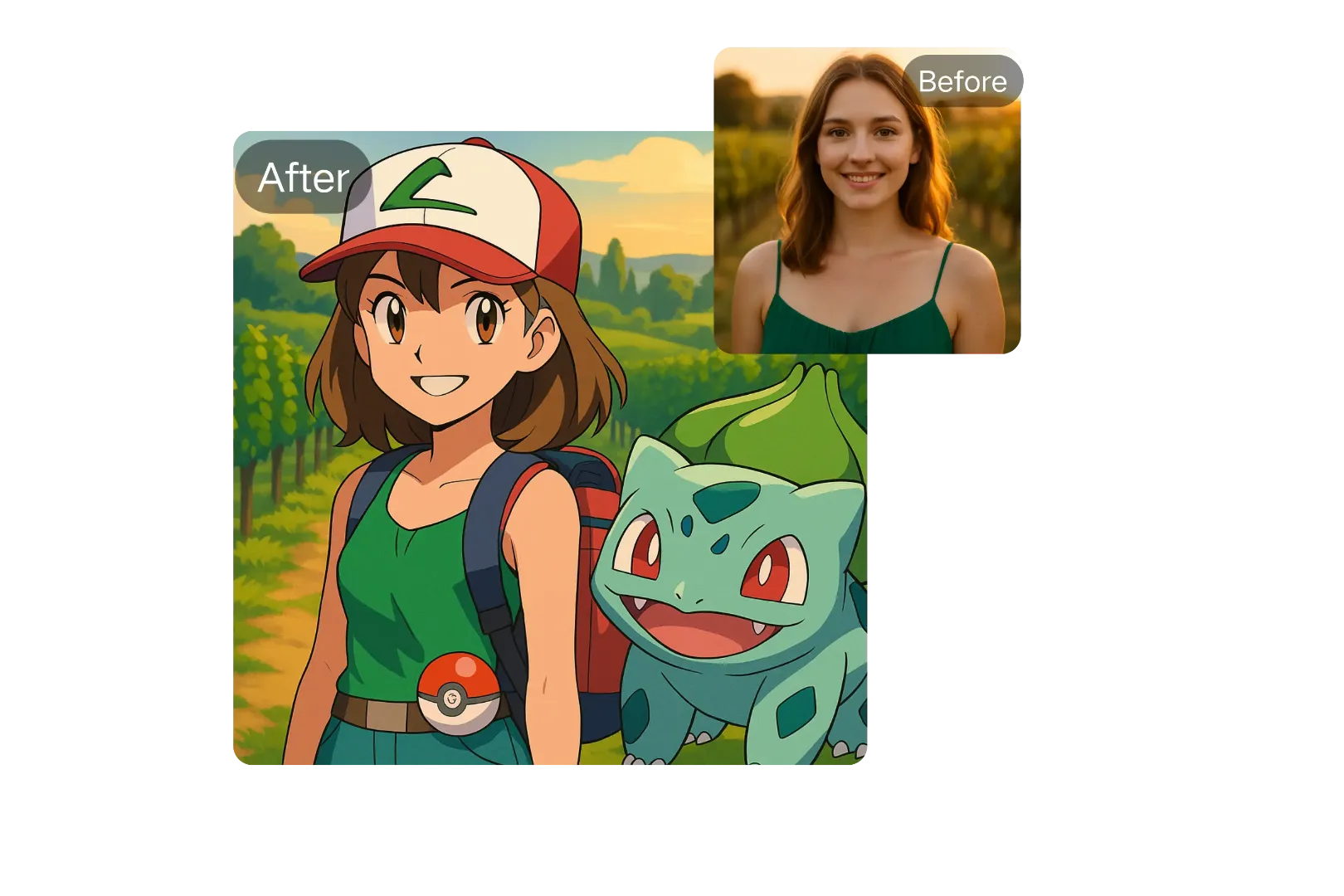
AI Pokemon Trainer Generator
Generate custom Pokémon trainers with ease using ImageFk's AI-powered tool. Perfect for fans and creators looking to personalize their Pokémon world with stunning, high-quality avatars.
Try Now Continue with Google