AI Image Editor Free Online
Edit photos with text prompts using our AI Image Editor. Upload any photo, describe your edits in plain English, and get professional results in seconds - no design skills needed.

AI Prompt Inspiration Gallery
A powerful AI prompt library featuring curated Nano Banana prompts and templates. Easily discover, customize, and optimize prompts to improve AI results, creativity, and productivity.
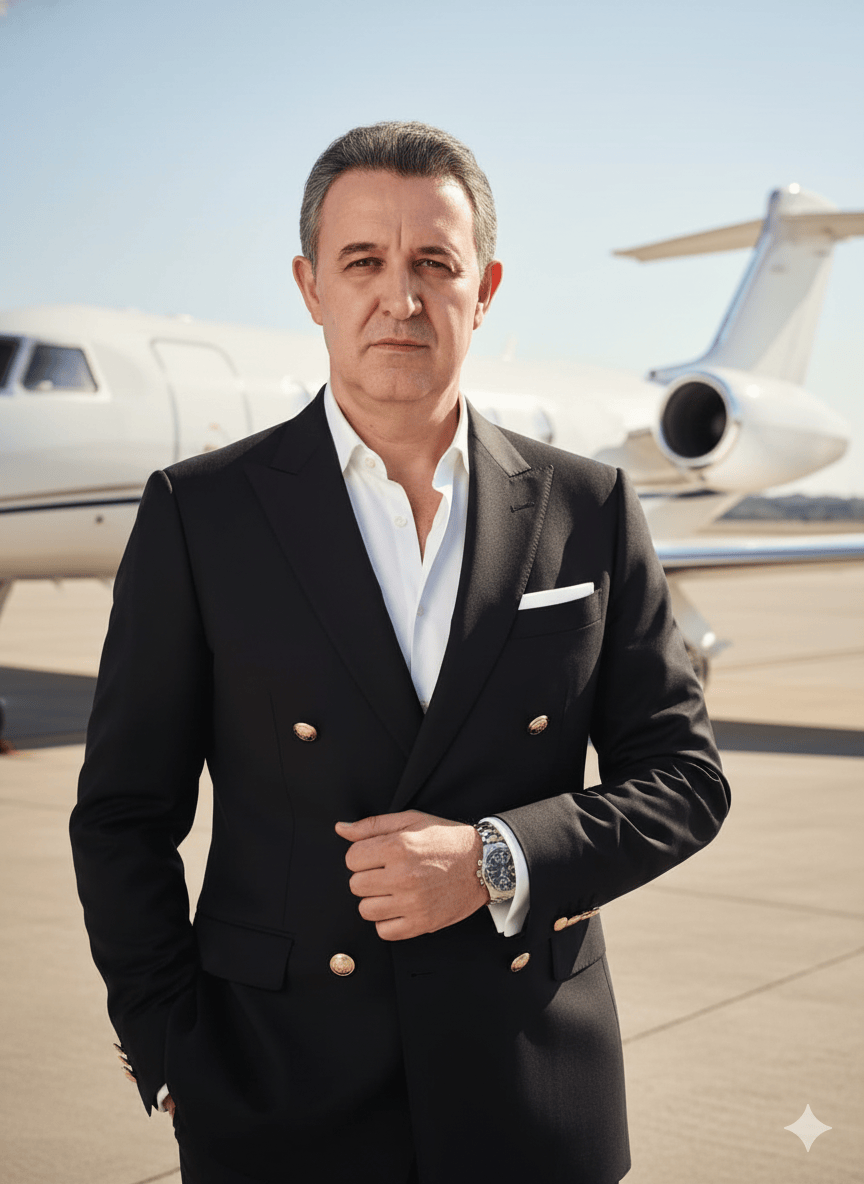
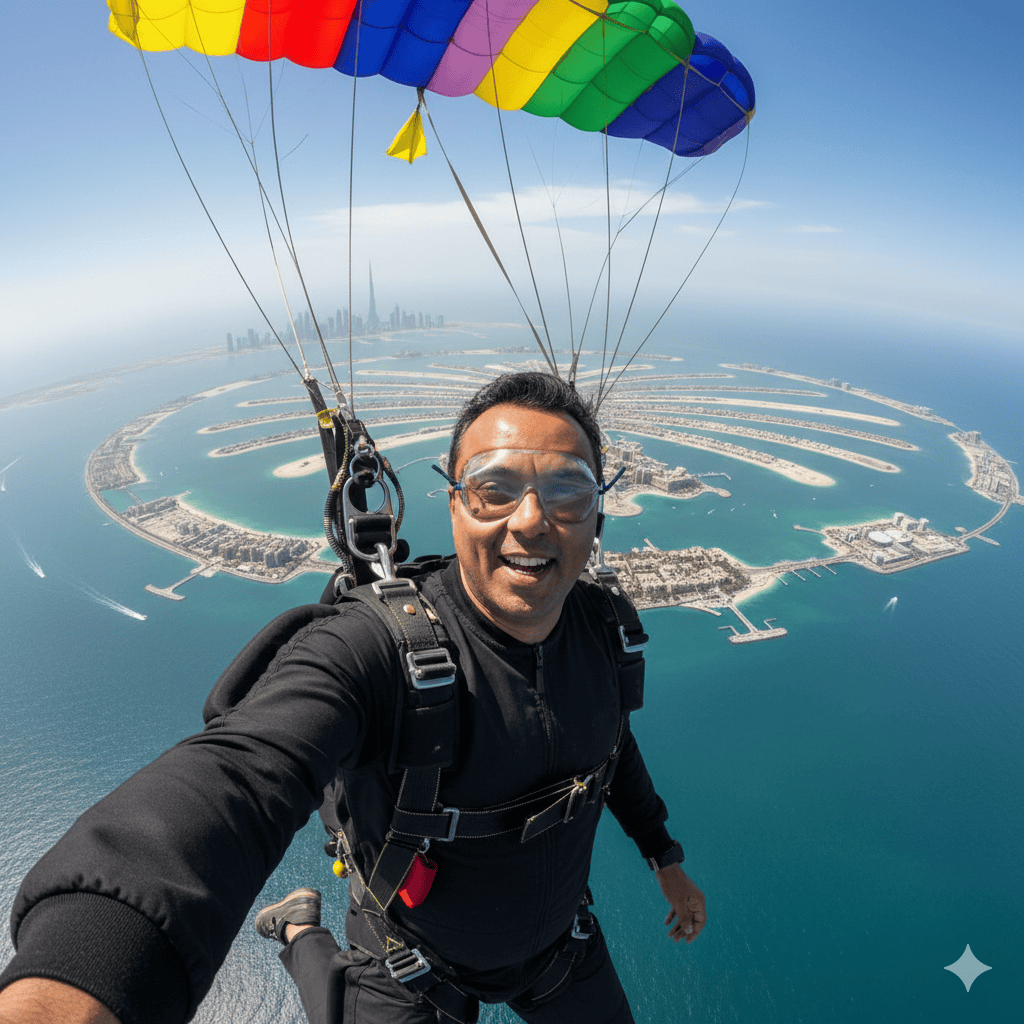
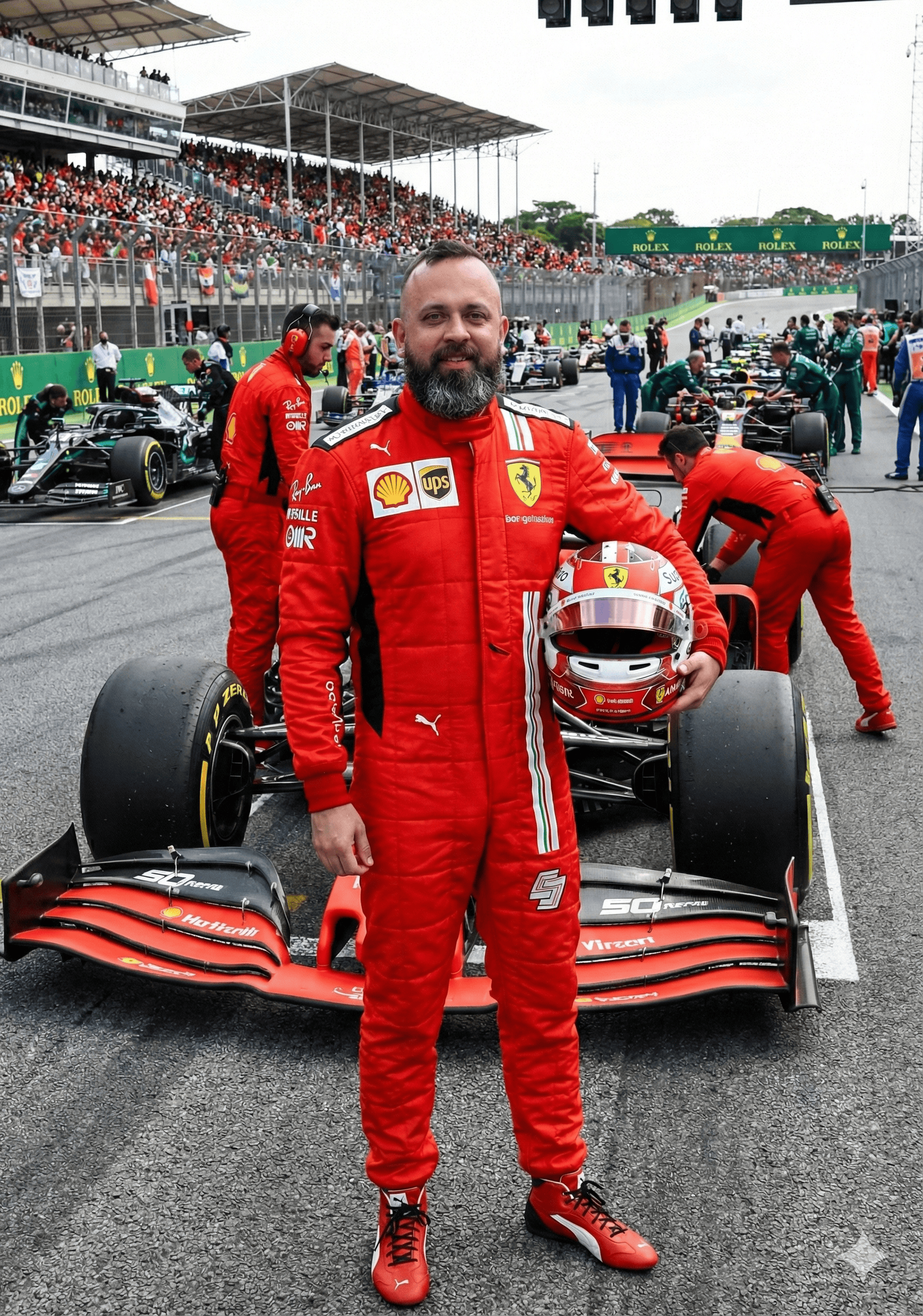
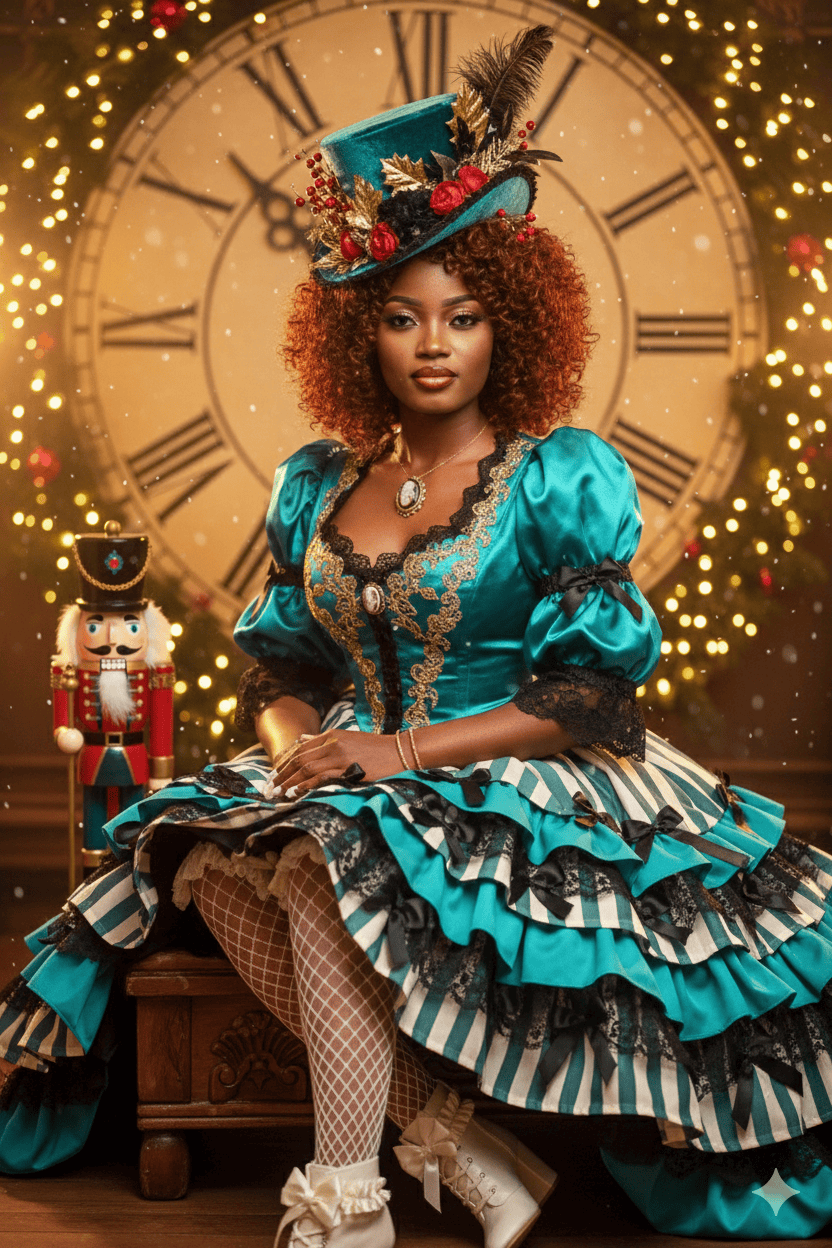
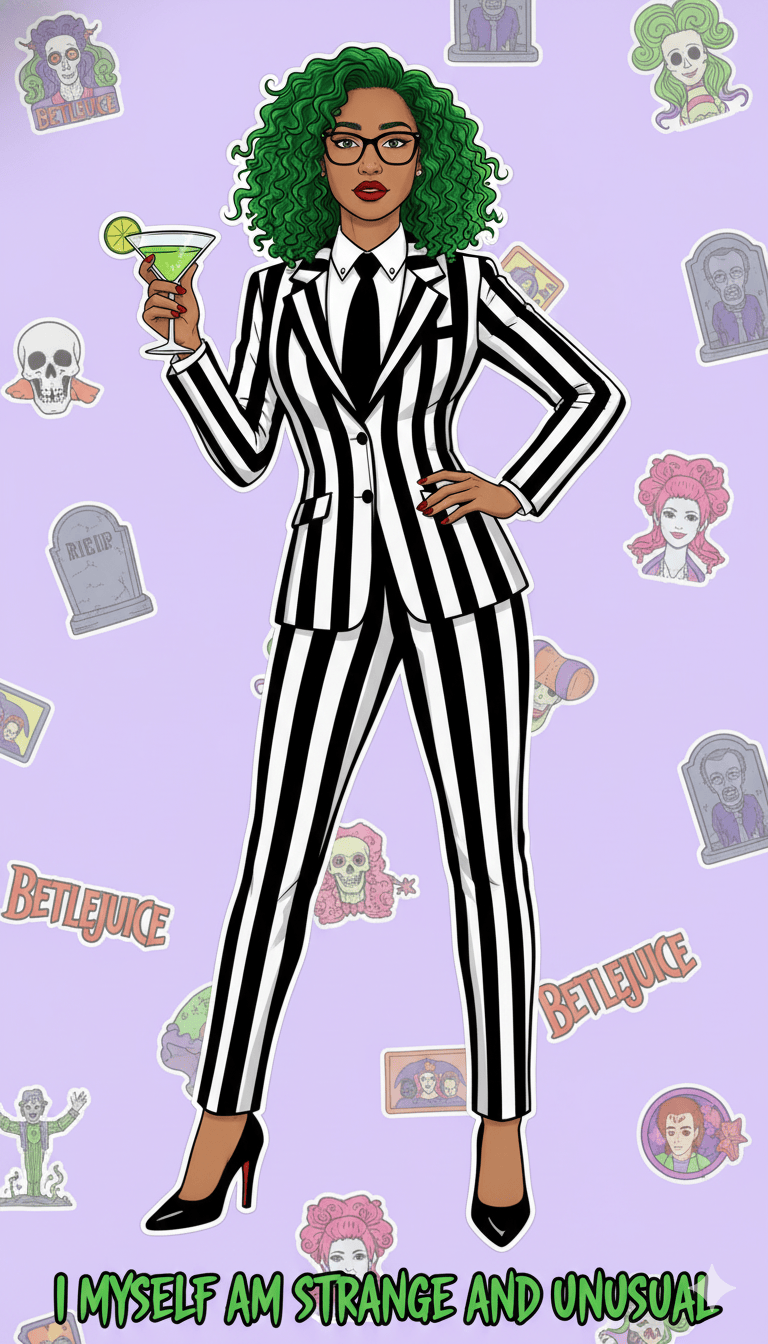
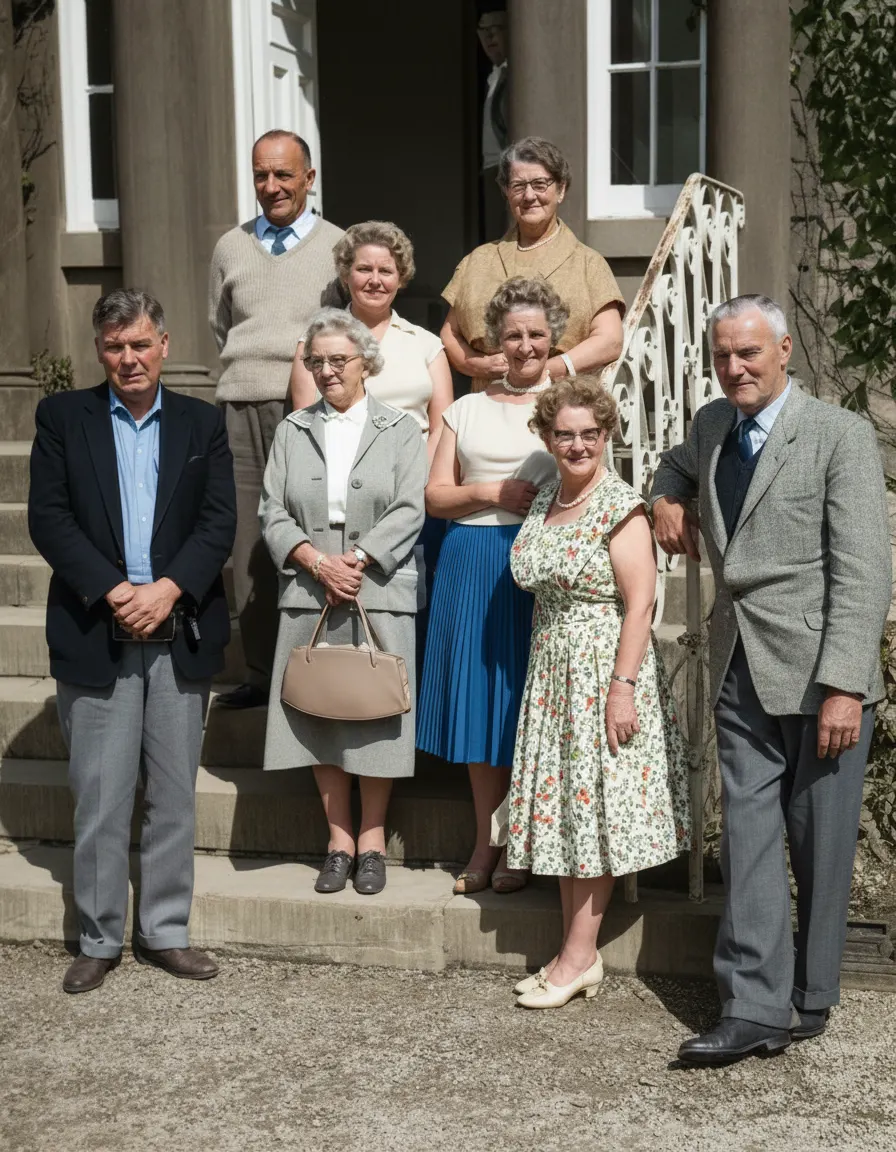
Powerful AI Image Editing Features
Text-Based Editing with AI Image Editor
Edit images using simple text prompts with our AI Image Editor without any design skills required. Our online image editor makes automatic image editing simple and intuitive.
Lightning Fast Image Processing
Generate edited images in seconds with our optimized AI models. Our AI photo editing tools deliver fast results with consistent quality.
Multiple Resolutions & Aspect Ratios
Choose from various aspect ratios including landscape, portrait, and square formats with our online image editor for all your social media and professional needs.
Quality Options - Fast & Max Models
Select between Fast and Max models for balanced speed or premium quality in our AI Image Editor. Our AI photo editing tools offer flexible options for every project.
How to Use Our AI Image Editor
Upload Your Image to AI Image Editor
Click the upload area or drag and drop your image file (JPEG, PNG, or WEBP) into our online image editor.
Describe Your Edit with Text Prompts
Type a detailed description of what you want to change in the image using our AI photo editing tools. Our automatic image editing technology understands natural language.
Generate & Download Edited Image
Click "Generate Images" and download your professionally edited result from our AI Image Editor.
AI Image Editor Prompt Writing Tips
Be Specific with Your Requests
Include details about colors, styles, and elements you want to modify for better results with our AI Image Editor. Our online image editor works best with clear instructions.
Mention Artistic Styles
Specify artistic styles like "realistic", "cinematic", "anime", or "painterly" when using our AI photo editing tools for automatic image editing.
Describe Actions and Movements
If adding or modifying objects, describe their position, size, and behavior for optimal results with our AI Image Editor.
Specify Quality Requirements
Mention quality attributes like "high resolution", "sharp", or "professional" when using our online image editor for the best output from our AI photo editing tools.
Frequently Asked Questions
Our AI Image Editor is a free online tool that allows you to edit, transform, and enhance photos using simple text prompts. Powered by advanced AI technology, it eliminates the need for complex design software or professional skills. As one of the best AI photo editing tools, our online image editor makes automatic image editing accessible to everyone.
Our AI Image Editor accepts JPEG, PNG, and WEBP image formats with a maximum file size of 10MB. For best results when using our online image editor, use high-resolution images. These AI photo editing tools work optimally with clear, well-lit photos.
AI Image Editing modifies existing images while preserving their core content, whereas Text-to-Image generation creates entirely new images from scratch. Our AI Image Editor maintains the original image's integrity while allowing precise modifications based on your text prompts. This makes our online image editor ideal for enhancing existing photos rather than creating new ones.
Our AI Image Editor works best with clear, high-resolution photos. Images with good lighting, distinct subjects, and minimal noise produce the best results. Complex artistic images or low-quality photos may require more specific prompts for optimal editing. Our AI photo editing tools perform exceptionally well with portrait, landscape, and product photography.
Most image transformations are completed in 5-15 seconds with our AI Image Editor. Complex edits or high-resolution outputs may take slightly longer. Our Fast model prioritizes speed while our Max model delivers premium quality with slightly longer processing times. These AI photo editing tools offer rapid results compared to traditional editing methods.
You have extensive control through detailed text prompts when using our AI Image Editor. You can specify changes to colors, styles, objects, backgrounds, lighting, and more. The more specific your description, the more precise the AI's modifications will be to match your vision. Our online image editor gives you professional-level control without requiring technical skills.
Yes, you can easily remove unwanted objects, people, or elements from your images using our AI Image Editor. Simply describe what you want to remove in your prompt, such as "Remove the person in the background" or "Delete the watermark from the corner." Our AI photo editing tools excel at object removal and content-aware filling.
Yes, we take your privacy seriously. All uploaded images are encrypted and automatically deleted from our servers after 2 hours. We never share or reuse your content without explicit permission. Our online image editor follows industry-standard security practices to protect your data.
Yes, images edited with our AI Image Editor can be used for commercial purposes. You retain full rights to your edited content. Our AI photo editing tools are suitable for business use, marketing materials, and professional projects.
For best results with our AI Image Editor, use high-quality images and provide detailed, specific prompts. Describe exactly what you want to change, including colors, styles, positioning, and quality preferences. Examples of good prompts include "Change the dress to red with a professional photoshoot style" or "Make the background a sunset beach scene with cinematic lighting." Our online image editor responds well to clear, descriptive instructions.
The Fast model in our AI Image Editor provides quick results with high consistency, ideal for simple edits and faster turnaround. The Max model offers premium 4K output quality with enhanced detail and more sophisticated processing, recommended for professional use and complex transformations. These AI photo editing tools give you flexibility to choose based on your needs.
Yes, you can transform your image into different artistic styles using our AI Image Editor. Specify styles like "oil painting," "watercolor," "anime," "cinematic," "vintage photo," or "3D render" in your prompt to achieve the desired artistic effect. Our AI photo editing tools support a wide range of creative transformations through our online image editor.
Start Editing Images with AI Image Editor Today
Transform your photos in seconds with our powerful AI Image Editor and online image editor tools
Edit Your First Image with AI Image Editor Continue with Google