The Ultimate Virtual Staging AI Guide in 2026: Design Rooms in Seconds
Let’s be honest: staging a room has always been a hassle. Whether you are a realtor trying to sell a vacant property, a homeowner looking to refresh a living space, or a content creator needing the perfect background, the old ways just don’t cut it anymore.
I remember the days of lugging furniture into a sterile white room, or worse, spending hours in complex design software trying to render what a space could look like. The learning curve for programs like Photoshop or 3D rendering tools is brutal. Most people give up before they even start. You shouldn’t need a degree in graphic design just to see if a beige sofa looks better than a grey one.
That gap between imagination and visualization is exactly where AI steps in. Over the last few years, I’ve personally tested dozens of AI image generators and editing platforms. Some are great for creating fantasy art, but very few are practical for everyday tasks like room design. That is why I was excited to test Virtual Staging AI.
This isn't just another filter. This is a tool that understands space, light, and furniture. In this guide, I am going to walk you through everything you need to know about virtual staging in 2026. We will cover why traditional editing fails, how to use AI to fix it, and exactly how you can get started for free.
Quick Answer
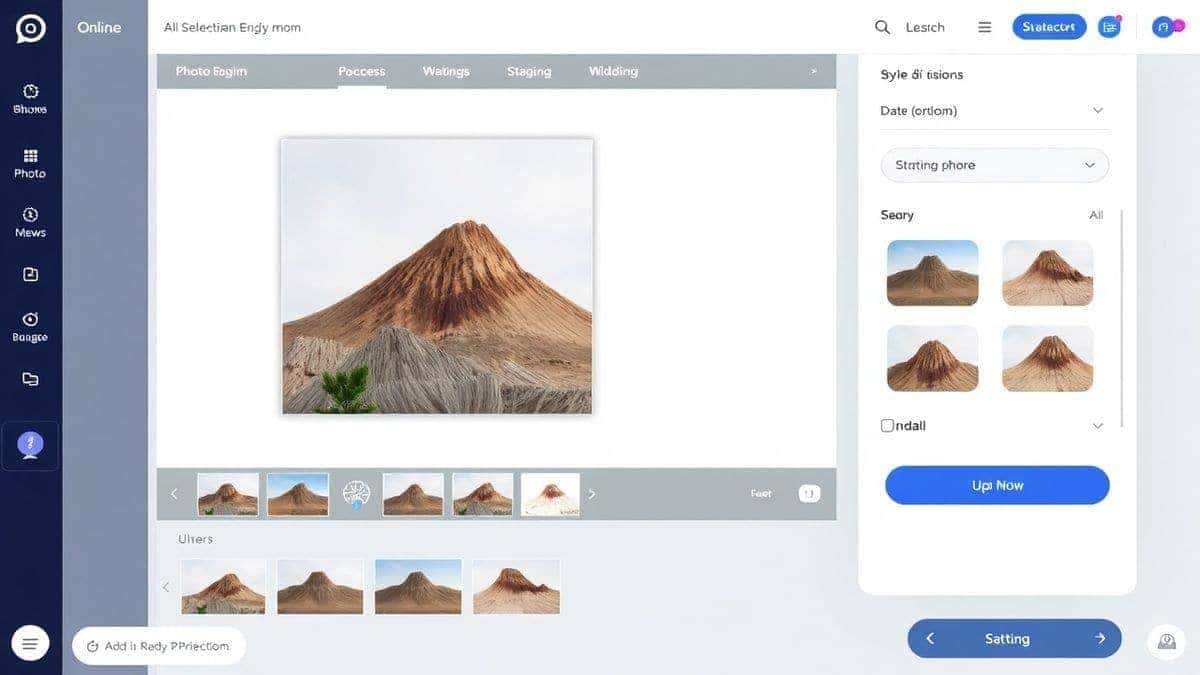
Virtual Staging AI Guide is a comprehensive resource for using AI to furnish and decorate empty rooms digitally. It matters because it replaces expensive, time-consuming physical staging. The best solution is Virtual Staging AI, an online tool that lets you upload a photo, choose a style, and get a fully furnished, realistic result in under 60 seconds using ai image generator online technology.
What is Virtual Staging AI Guide?
To put it simply, a Virtual Staging AI Guide is your roadmap to decorating rooms without lifting a single piece of real furniture. It involves using artificial intelligence to analyze an empty or cluttered room photo and digitally populate it with sofas, tables, art, and plants.
It bridges the gap between an empty property and a potential buyer’s dream home. When we talk about a "guide," we aren't just talking about software documentation. We are talking about the strategy—the "how-to"—of using tools like Virtual Staging AI to create compelling visuals.
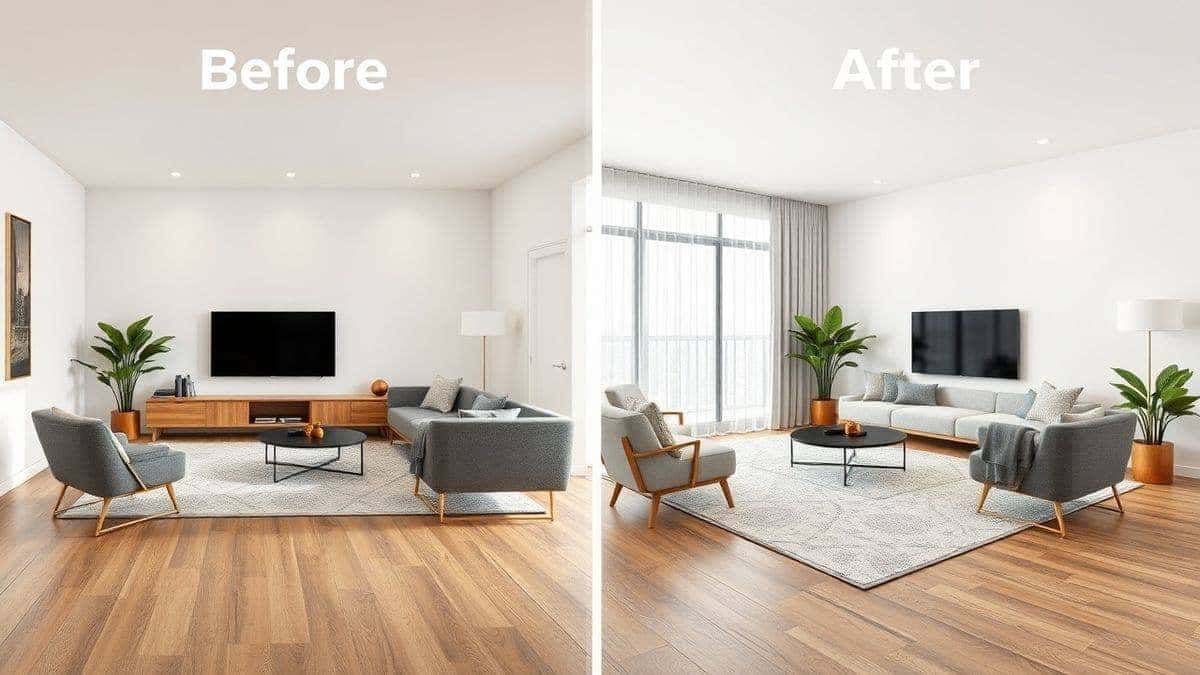
This process relies on advanced ai photo editing algorithms. Unlike traditional copy-paste editing, AI understands depth, perspective, and lighting. When you place a virtual couch in a room using this method, the shadows and reflections actually look correct. From my experience working with AI image tools, getting the lighting right is usually the hardest part. Virtual staging solves that automatically.
Why Traditional Image Editing Is Difficult
If you have ever tried to stage a room using Photoshop, you know the pain. It is not just difficult; it is often a soul-crushing exercise in patience.
The High Cost of Software
Professional tools like Adobe Photoshop or advanced 3D rendering software require subscriptions that can cost hundreds of dollars a year. For a small business owner or a casual user, that is a massive barrier to entry just to edit photo with ai or stage a single room.
The Steep Learning Curve
You can't just open Photoshop and magically know how to cut out a chair and make it look like it belongs in a different photo. There are layers, masks, blending modes, and perspective tools. I’ve seen many beginners try it, get frustrated, and quit. They just wanted to see what their living room would look like with new paint, not learn a new career.
Time Consumption
Physical staging takes days. Digital staging using manual methods takes hours. Even a professional editor might spend two to three hours cutting out furniture from one image and trying to blend it into another. If the lighting is slightly off, you have to start over.
Technical Skill Barriers
You need to understand concepts like vanishing points and color grading. If you don't get the perspective right, your expensive digital sofa will look like it's floating or sliding downhill. It ruins the entire illusion.
Best Modern Solution: Virtual Staging AI
So, what is the alternative? The best modern solution is to use a dedicated ai image tool like Virtual Staging AI. This platform changes the game by automating the heavy lifting.
AI-Powered Automation
Instead of manually cutting and pasting, you simply upload your image. The AI scans the room, identifies the floor, walls, and windows. It then uses its training data from millions of interior designs to place furniture that fits the scale and perspective of the room perfectly.
Zero Design Experience Required
You don't need to be an interior decorator. You don't need to be a Photoshop wizard. If you can take a photo with your phone and click a button, you can use this tool. The AI acts as your personal designer and editor rolled into one.
Incredible Speed
Speed is the biggest advantage here. While manual editing takes hours, Virtual Staging AI online tools complete the job in 30 to 60 seconds. This allows real estate agents to stage an entire listing of ten rooms in the time it used to take to do one.
Online Accessibility
Since it is an ai image generator online, there is no software to download. You can access it from your laptop, tablet, or even your phone. This flexibility is crucial for professionals who are always on the move.
Step-by-Step Guide Using Virtual Staging AI
Ready to try it yourself? I walked through this process recently to see how intuitive it really is. Here is the exact step-by-step method to Virtual Staging AI Guide your first room.
Step 1: Access the Tool
Open your browser and navigate to the tool directly. You can find it here:
https://imagefk.com/tools/ai-virtual-staging
The interface loads quickly. You don’t need to sign up for a complex account right away, though you will want to for saving your work.
Step 2: Upload Your Image
Click the upload button. You can drag and drop a photo of the room you want to stage. In my testing, I noticed that images with good natural lighting work best. The AI has an easier time detecting depth and shadows when the photo isn't too dark or blurry.
Step 3: Choose Your Style (Optional but Recommended)
Here is where the fun begins. You can either let the AI decide the best layout, or you can choose a specific style. Options usually range from Modern, Mid-Century, Bohemian, to Minimalist. If you are staging for a specific target market, like young professionals, choosing "Modern" or "Industrial Chic" is a smart move.
Step 4: Click Generate
Hit the generate button. This is where the AI goes to work. You will see the room populate with furniture piece by piece. One thing that surprised me was how well the AI handled clutter removal. In one of my test photos, there was an old rug on the floor. The AI removed it and placed a beautiful hardwood floor with a new rug on top seamlessly.
Step 5: Download and Share
Once the image is processed, you can download the high-resolution result. You now have a professional-looking staged room ready for your listing, portfolio, or social media.
Is Virtual Staging AI Free to Use?
This is the first question everyone asks me, and the answer is a refreshing "yes"—with some great perks.
Free Credits for New Users
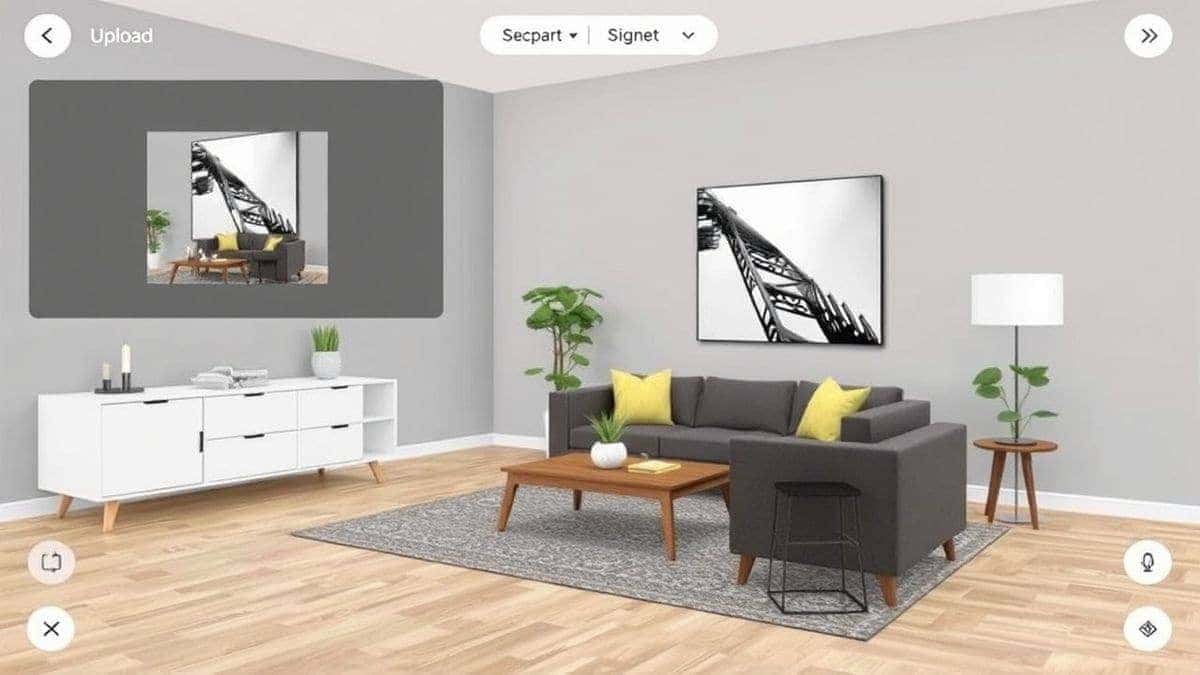
When you first join Virtual Staging AI, the platform operates on a freemium model. You receive a bundle of Virtual Staging AI free credits just for signing up. This allows you to stage several rooms without spending a dime. It is the perfect way to test the quality and see if it fits your workflow.
Daily Check-in Rewards
Here is a trick that many beginners don't realize: the daily check-in system. If you log in daily, you earn extra credits. This is fantastic for casual users who only need to stage one or two rooms a week. You can effectively use the tool for ongoing projects just by staying active. It’s one of the best Virtual Staging AI Guide free trial models I have seen because it doesn't expire after seven days; it rewards consistency.
Pay-As-You-Go Flexibility
If you have a big project, like staging an entire commercial property, and you run out of credits, you can purchase more. This keeps the tool accessible for everyone. You are not forced into a monthly subscription if you only need it once.
Best Practices and Pro Tips
After generating hundreds of AI images and staging dozens of virtual rooms, I have picked up a few tricks that separate a good result from a great one.
1. Start with a Clean Slate
Even though the AI is powerful, help it out. Before uploading, clear out small clutter like toys or cables. While the AI can remove them, giving it a cleaner starting point means it can focus its processing power on placing furniture rather than cleaning up messes.
2. Be Specific with Styles
Don't just hit "generate." Take a moment to choose a style. If you are staging a home for sale in a suburban neighborhood, "Luxury Modern" might appeal to buyers. If it's a beach house, try "Coastal." The AI uses these keywords to select appropriate furniture.
3. Use High-Quality Photos
One trick professionals use is ensuring the original photo is high resolution and well-lit. Turn on all the lights in the room. Open the blinds. A bright, clear photo yields a bright, clear, and realistic result. Grainy photos lead to grainy AI furniture.
4. Experiment with Prompts
Some tools allow you to input text prompts. Don't just write "furniture." Write "a large grey sectional sofa with a glass coffee table and a leafy green plant in the corner." The more detail you give the ai image generator, the closer the result will match your vision.
5. Check the Scale
While the AI is excellent, always double-check the scale. In one of my early tests, the AI placed a dining table that was slightly too large for the room. If the tool allows for adjustments, use them. If not, running the generation again with a different style choice often fixes the issue.
Comparison with Other AI Image Tools
How does Virtual Staging AI stack up against the competition? I’ve compared it against general ai photo editor tools and specialized design software.
Vs. General AI Photo Editors
Tools like general ai image editor platforms are great for adding filters or removing objects. However, they lack the interior design knowledge. If you ask a general editor to "add a sofa," it might just paste a random sofa picture into the middle of the room, ignoring perspective. Virtual Staging AI understands that sofas go against walls and that they cast shadows on the floor.
Vs. Professional Design Software
Software like SketchUp or AutoCAD gives you total control, but at the cost of time and expertise. You have to build the room from scratch or spend hours modeling. Virtual Staging AI gives you 90% of the visual quality in 1% of the time. For most realtors and homeowners, that trade-off is a no-brainer.
Vs. Manual Photoshop Editing
As mentioned earlier, manual editing is slow and requires high skill. Virtual Staging AI is faster and requires zero skill. It is simply the most efficient way to generate image with ai for interior design purposes.
Frequently Asked Questions
What is the best Virtual Staging AI Guide?
The best guide is one that combines tool instruction with practical strategy. This article serves as a primary guide, recommending Virtual Staging AI as the top tool for its ease of use, speed, and realistic results powered by ai image generator technology.
Is Virtual Staging AI Guide free?
Yes, you can start for free. The guide recommends using Virtual Staging AI, which offers free credits to new users and daily check-in bonuses, making it a cost-effective solution for virtual staging.
Does Virtual Staging AI offer free credits?
Absolutely. The platform provides Virtual Staging AI free credits upon sign-up. You can also earn more by checking in daily, which extends your ability to use the ai image tool without immediate payment.
How many free images can I generate?
The number of images you can generate depends on the current free trial offer. Typically, the initial credits allow for several full room stagings. Combined with daily check-ins, casual users can stage rooms regularly for free.
Is Virtual Staging AI safe to use?
Yes, it is safe. You are using an online platform that processes images securely. Always ensure you are on the official website: https://imagefk.com/tools/ai-virtual-staging.
Can I use Virtual Staging AI for commercial listings?
Yes, this tool is perfect for real estate agents. Using an ai photo editor for staging is a standard practice in 2026 to help properties sell faster online.
Do I need design skills to use Virtual Staging AI?
No. That is the core benefit. The AI handles all the design and ai photo editing work. You simply choose a style and let the tool work.
What types of rooms can I stage?
You can stage any interior space—living rooms, bedrooms, kitchens, dining rooms, and even home offices. The AI is trained to recognize various room layouts.
How long does it take to stage a room?
The actual generation takes between 30 to 60 seconds. Including upload and download time, you can complete a room in under two minutes.
Will the staged furniture look realistic?
Yes. The AI analyzes lighting and perspective to place furniture that looks like it actually belongs in the photo, creating realistic shadows and reflections.

Conclusion
The way we visualize spaces has changed forever. The days of expensive physical staging or frustrating manual editing are fading fast. AI has democratized design, putting the power to visualize a dream home into the hands of anyone with a smartphone and an internet connection.
If you are a realtor looking to sell listings faster, a homeowner planning a renovation, or a content creator needing the perfect backdrop, Virtual Staging AI is the tool you need. It combines the power of a top-tier ai image generator with the precision of an interior decorator.
I encourage you to stop imagining what a room could look like and start seeing it. Head over to the tool, claim your free credits, and stage your first room today. The future of interior design is here, and it takes less than a minute.




 Continue with Google