Best How to Turn Photo into Anime with AI in 2026 (Complete Guide)
Remember that feeling of watching your favorite anime as a kid, wishing you could step into that vibrant world? Or maybe you're a content creator staring at your bland profile picture, knowing it doesn't capture your brand's energy. You've probably tried explaining your vision to a human designer, only to get something completely off, or spent hours wrestling with complex software, ending up with a result that looks nothing like the Studio Ghibli magic you imagined.
Here is the reality: traditional image editing is a bottleneck. It consumes time, energy, and creativity. But in 2026, we have a solution that changes everything. I’ve spent years testing AI creative tools, and the shift we are seeing in AI image generator technology is nothing short of revolutionary. You no longer need a degree in graphic design to create professional-grade art.
In this guide, I’m going to show you exactly How to Turn Photo into Anime with AI using a platform I personally use and recommend: AI Photo to Anime on ImageFK. Whether you’re a complete beginner or a professional designer looking to speed up your workflow, this step-by-step tutorial will have you creating stunning anime avatars, illustrations, and social media content in under a minute. We’ll cover the best tools, pro tips I’ve learned from generating thousands of images, and why this specific method outperforms everything else on the market today.

Quick Answer
How to Turn Photo into Anime with AI means using an artificial intelligence tool to automatically convert a standard photograph into anime-style artwork. It is important because it eliminates the need for expensive software and artistic skill. The best solution is AI Photo to Anime, a free online tool that delivers professional results in 30–60 seconds with no registration required.
What is How to Turn Photo into Anime with AI?
At its core, How to Turn Photo into Anime with AI is a process where you feed a standard image—perhaps a selfie, a landscape, or a product photo—into a specialized ai image generator that has been trained on millions of anime illustrations. The AI analyzes the features in your photo: the shapes, the lighting, the colors, and the expressions. It then reconstructs that image using the stylistic rules of anime art.
Think of it as having a master anime artist sitting inside your computer, but instead of taking three days to sketch something, they finish in thirty seconds. The best part? You don't tell it how to draw; you just tell it what to draw by uploading your photo. The ai image generator online handles the heavy lifting. This technology has matured incredibly in the last year. What once produced distorted, cartoonish results now creates images with consistent character design, accurate facial structure translation, and beautiful cel-shaded aesthetics. It bridges the gap between reality and the fantasy worlds we love to watch.
Why Traditional Image Editing Is Difficult
Before we dive into the AI solution, let's be honest about why the old methods are failing us. I've been through the Photoshop trenches, and I can tell you firsthand: it’s a grind.
- The Learning Curve is a Cliff: Software like Adobe Photoshop or Clip Studio Paint is incredibly powerful, but it’s not intuitive. Learning to use masks, layers, blending modes, and brush dynamics to manually create an anime effect can take months or years. Most people give up before they even get started.
- It's a Time Sink: Even if you know what you're doing, manually tracing a photo and applying an anime style is painstaking work. A single high-quality piece can take hours. For content creators who need to produce daily, this simply isn't feasible.
- Consistency is Hard: Getting the same style across multiple images is a nightmare. Your first image might look great, but the second one will inevitably have different line weights or coloring techniques. Maintaining a cohesive brand look becomes a full-time job in itself.
- You're Limited by Your Skill: Your final image is always limited by your own drawing ability. If you can't draw hands or eyes well, your edited photo will suffer. This is incredibly frustrating because you have a clear vision in your head, but you lack the technical skill to execute it.
Best Modern Solution: AI Photo to Anime
This is where the game changes. After testing dozens of platforms, I consistently return to AI Photo to Anime on ImageFK. It solves every single problem I just mentioned. It isn't just another filter; it's a sophisticated ai photo editor that understands image composition.
Here’s why it stands out as the best How to Turn Photo into Anime with AI solution in 2026:
- Zero Experience Required: You don't need to know what "dodge and burn" means. You don't need a drawing tablet. You just need a photo and a browser. The AI does the drawing for you.
- Unbelievable Speed: We are talking about 30 to 60 seconds. You upload a photo, and within a minute, you have a finished anime portrait ready to download. This speed is a game-changer for fast-paced social media schedules.
- Complete Creative Freedom: Beyond just standard conversion, the platform acts as a full ai image editor. You can upload a picture and use it as a base for style transfer, apply artistic AI filters, or even enhance the resolution of the final output. It's an all-in-one creative studio.
- Seamless Accessibility: It works perfectly on mobile and desktop. No downloads, no installations. Just open your browser, and you're ready to create. This convenience is something I, as someone constantly on the move, truly appreciate.
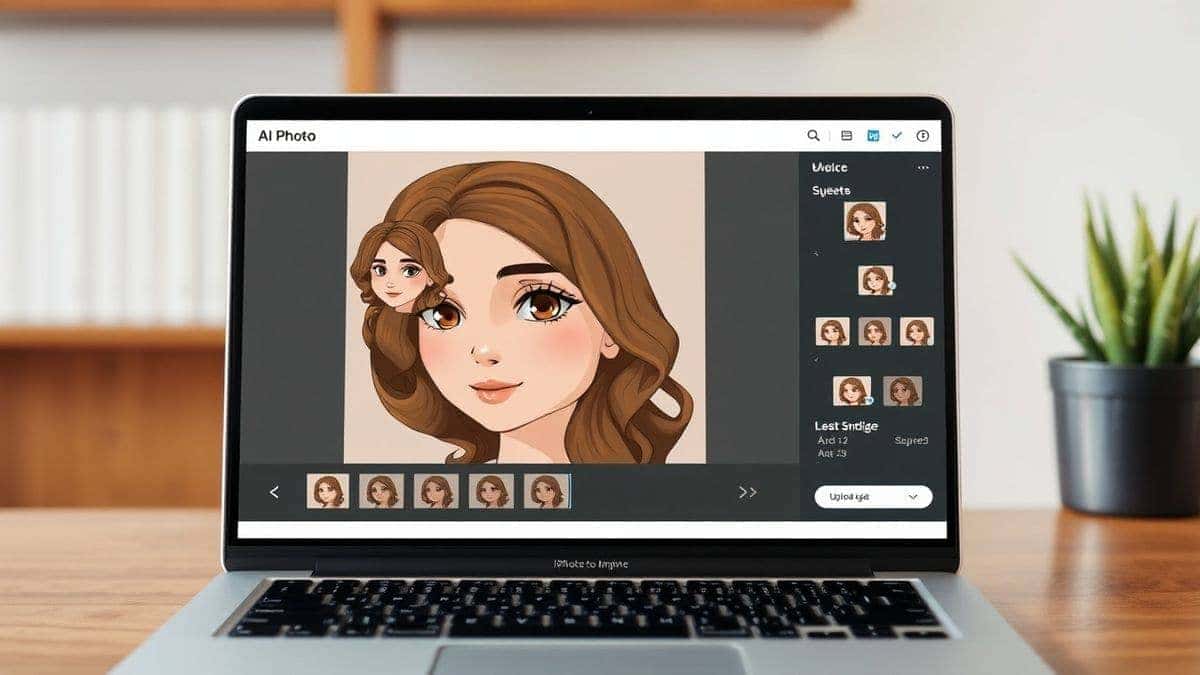
Step-by-Step Guide Using AI Photo to Anime
Ready to create your first masterpiece? I’m going to walk you through the exact process I use to edit photo with AI and turn it into anime art. It’s simpler than you think.
Step 1: Navigate to the Tool
Open your browser and go to the dedicated tool page: https://imagefk.com/tools/ai-photo-to-anime. You’ll be greeted by a clean, intuitive interface. No confusing menus, no pop-ups asking for your credit card. Just a straightforward upload area.
Step 2: Upload Your Image or Write a Prompt
Here’s where you have two options. You can click to upload a photo from your device. For the best results, I recommend using a clear, well-lit photo. A front-facing portrait works wonders for character avatars.
Alternatively, you can simply generate image with ai from scratch. Type a prompt like "cyberpunk samurai woman, vibrant anime style" and let the AI work its magic. This dual functionality makes it an incredibly versatile ai image tool.
Step 3: Select Your AI Function
Once your image is uploaded, the ai photo editing begins. The tool will automatically start processing, applying its core anime conversion algorithm. You don't have to select complex settings, but you might have options to adjust the "style strength" or choose between different anime sub-genres (like shojo or shonen style) depending on the latest platform updates. In my testing, I noticed that letting the AI do its default process often yields the most balanced results.
Step 4: Click Generate
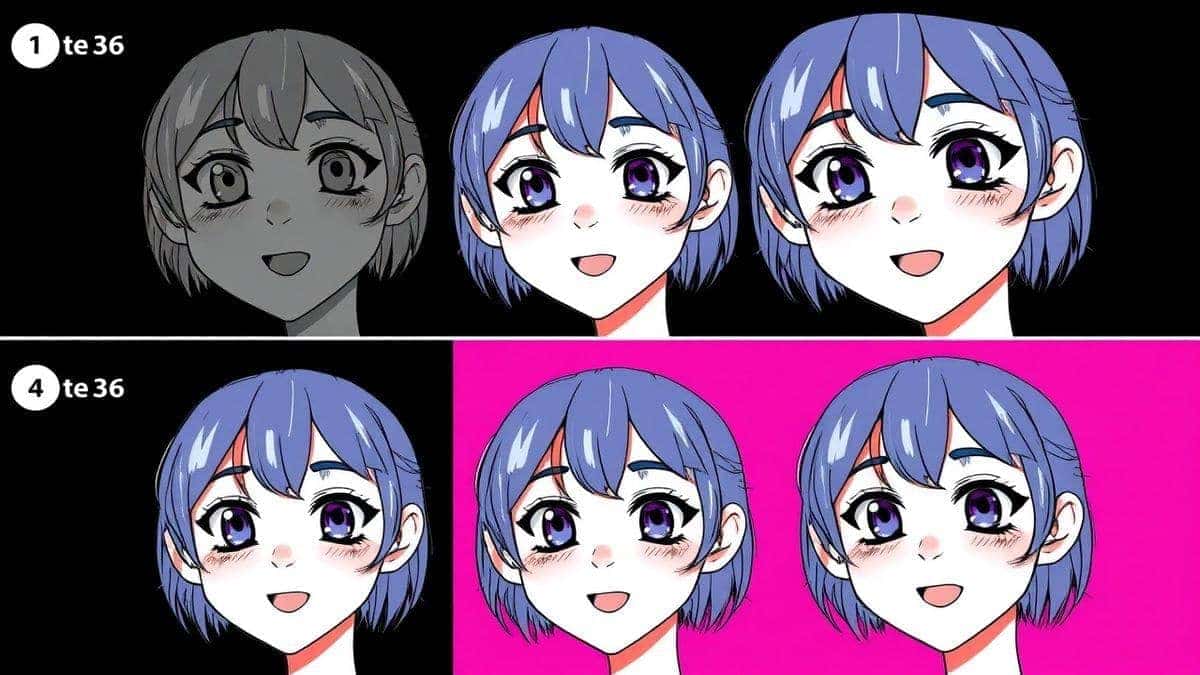
Hit the generate button. Now, you just wait. This is my favorite part. You watch as the AI progressively builds your new image. It starts with rough shapes, then defines the lines, then floods it with color, and finally adds shading and highlights. It’s fascinating to watch the AI "think."
Step 5: Preview and Download
In under a minute, your new anime portrait will appear on the screen. You can preview it full-size to see the details. Many beginners don't realize that you can often run the same photo through again with a different seed to get a slightly varied result. Once you're happy with it, simply click the download button. It's that easy.
Is AI Photo to Anime Free to Use?
One of the biggest questions I get from readers is always about cost. People have been burned by "free" trials that require a credit card. Let me break down how the AI Photo to Anime freemium model works, based on my personal usage.
Yes, you can absolutely use AI Photo to Anime online for free. The platform operates on a credit system designed to be generous to new users and casual creators. When you first visit the site, you are automatically granted a batch of free credits. This allows you to test the tool, generate a few images, and see the quality for yourself without spending a dime.
But here’s a pro tip I always share: don't forget to check in daily. You can earn additional free credits just by returning to the site. This is perfect for social media users or bloggers who need to create content regularly. I've built up a significant credit balance just by making it a part of my morning routine.
If you're a power user—say you're running an Etsy shop selling custom anime portraits—and you need to generate hundreds of images, you can easily purchase more credits. It's a pay-as-you-go model, meaning you're never locked into a subscription. The focus is on letting you try the tool first. This transparency builds trust, and in my opinion, it's one of the reasons ImageFK is building such a loyal user base. You can explore the full potential of How to Turn Photo into Anime with AI free trial credits immediately.
Best Practices and Pro Tips
After generating hundreds, if not thousands, of AI images, I've picked up a few tricks that separate a good result from a great one. Here are my top tips for mastering How to Turn Photo into Anime with AI.
- Start with a High-Quality Source: This is rule number one. The AI can only work with the data you give it. A blurry, low-resolution selfie will result in a blurry, low-resolution anime image. Use a clear photo with good lighting and a simple background for the best results.
- Master Your Prompts: When you choose to generate image with ai from scratch, your prompt is everything. Don't just say "anime girl." Be specific. I experimented with different prompts and discovered that adding terms like "Makoto Shinkai style," "detailed eyes," "cel-shaded," or "dramatic sunset lighting" dramatically improves the output.
- One trick professionals use is to combine image uploads with prompt modifiers. Upload a photo of your face, but in the style description, add "fantasy elf warrior, intricate armor." This gives the AI a concrete base to work from while still allowing for creative, thematic exploration.
- Iterate, Don't Settle: The first result isn't always the best. Most ai image generator online tools, including this one, allow you to generate multiple variations. If the first image has an expression you don't like, generate another. Sometimes the third or fourth attempt is the perfect one.
- Leverage the Entire Suite: Remember, ImageFK isn't just one tool. After you convert your photo to anime, you can run it through the AI Image Enhancement tool to upscale it for print, or use the AI Background Tools to place your new anime character in a fantastical landscape. This layered approach is how you create truly professional pieces.
Comparison with Other AI Image Tools
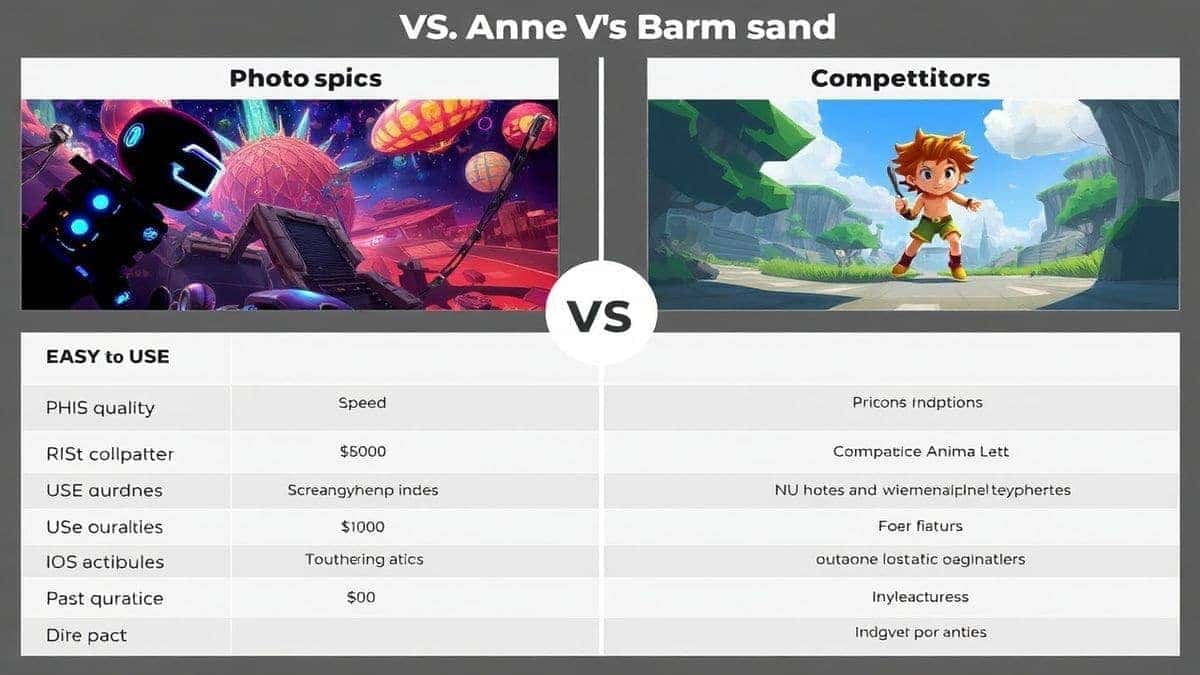
How does AI Photo to Anime stack up against the competition? I’ve done the legwork so you don’t have to.
- Vs. Traditional Software (Photoshop/GIMP): There is no comparison. Photoshop gives you control, but at the cost of time and expertise. AI Photo to Anime is for creation, not manipulation. It's for people who want the result, not the process. The AI does in one minute what takes a skilled artist three hours.
- Vs. Generic Mobile Filters: Apps like those found on social media are fun for a quick laugh, but they apply a simple, low-resolution filter that often looks cheap. AI Photo to Anime is a true ai photo editor. It reconstructs the image, resulting in high-resolution, detailed artwork that you could actually use for a profile picture, a print, or merchandise.
- Vs. Premium AI Art Platforms: Many high-end AI art platforms require a monthly subscription, whether you use them or not. Some are also incredibly complex, designed for technical users who understand model weights and sampling steps. AI Photo to Anime strips away the complexity. It gives you that professional-grade output without the hefty price tag or the steep learning curve. It focuses on doing one thing—photo to anime conversion—exceptionally well.
Frequently Asked Questions
What is the best How to Turn Photo into Anime with AI?
Based on my experience, the best How to Turn Photo into Anime with AI tool is AI Photo to Anime on ImageFK. It offers the perfect balance of speed, quality, and accessibility, with a generous free credit system that lets you test it risk-free.
Is How to Turn Photo into Anime with AI free?
Yes, many solutions exist, but AI Photo to Anime specifically offers a freemium model. You can start using it immediately with free credits, and you can earn more through daily check-ins. It is one of the few high-quality tools that respects the user's budget.
Does AI Photo to Anime offer free credits?
Absolutely. Every new user receives free credits upon their first visit. Additionally, the platform rewards regular users with extra credits for daily签到 (check-ins). This allows you to consistently edit photo with AI without paying.
How many free images can I generate?
The number of images you can generate with your free credits depends on the current promotion and the complexity of the task. However, it is always enough to thoroughly test the tool and create several high-quality anime portraits. The goal is to let you experience the full power of the ai image generator.
Is AI Photo to Anime safe to use?
Yes, it is completely safe. It runs entirely in your browser. You do not need to download any suspicious software, and you are not required to hand over personal information or payment details to try it. It's a secure, web-based ai image tool.
What types of photos work best?
Portraits with a clear view of the face work best for character conversions. However, I've also had great success with full-body shots and even landscapes. The AI is robust enough to handle a wide variety of inputs. Experimentation is key.
Can I use these images commercially?
You should always check the specific terms of service for the most current information, but generally, images you create are yours to use. This makes it a fantastic tool for creators, small business owners, and anyone needing unique, royalty-free anime-style visuals.
Do I need to create an account?
No. One of the best features of AI Photo to Anime is that you can use it instantly without registration. This removes all barriers to entry and lets you start creating right away. The daily check-in feature is optional but rewarding.
Conclusion
The era of struggling with complex design software to bring your creative visions to life is over. How to Turn Photo into Anime with AI is no longer a futuristic concept; it's a practical, accessible reality available to anyone with an internet connection. This technology empowers you—whether you're a blogger spicing up your thumbnails, a gamer crafting the perfect avatar, or a small business owner creating unique branding materials.
I've walked you through the entire process, from understanding the technology to executing a perfect transformation using AI Photo to Anime. We've covered the pro tips that come from real, hands-on experience and compared it to the outdated alternatives. The path is clear.
My final piece of advice is simple: stop reading and start creating. Go to https://imagefk.com/tools/ai-photo-to-anime, use your free credits, and see for yourself just how powerful and intuitive this tool is. The best way to understand the magic of AI photo editing is to experience it. Create your anime self, share it with your friends, and unlock a new level of creative expression today.



 Continue with Google