Best Pixar AI Generator Online in 2026 (Expert Guide & Free Trial)
I’ve spent the last four years immersed in the AI image generation space—testing dozens of platforms, training models on custom datasets, and even consulting for visual marketing agencies. When it comes to generating Pixar-style AI images, I’ve seen the tech evolve from clunky, cartoonish renders to the stunning, emotionally resonant outputs we can create today.
If you’ve ever struggled with complex design software like Photoshop or felt frustrated trying to capture that specific Pixar magic, you’re in the right place. In this guide, I’ll walk you through the best Pixar AI generator online, share practical tips from my own workflow, and show you exactly how to create professional-grade Pixar-style visuals in under a minute.
Quick Answer
The best Pixar AI generator online is a tool that uses advanced machine learning to transform your text prompts or photos into high-quality Disney-Pixar style images instantly. It eliminates the need for expensive software and design skills. For most users, ImageFK’s Pixar AI Generator offers the best balance of quality, speed, and free access.
What Is a Pixar AI Generator?
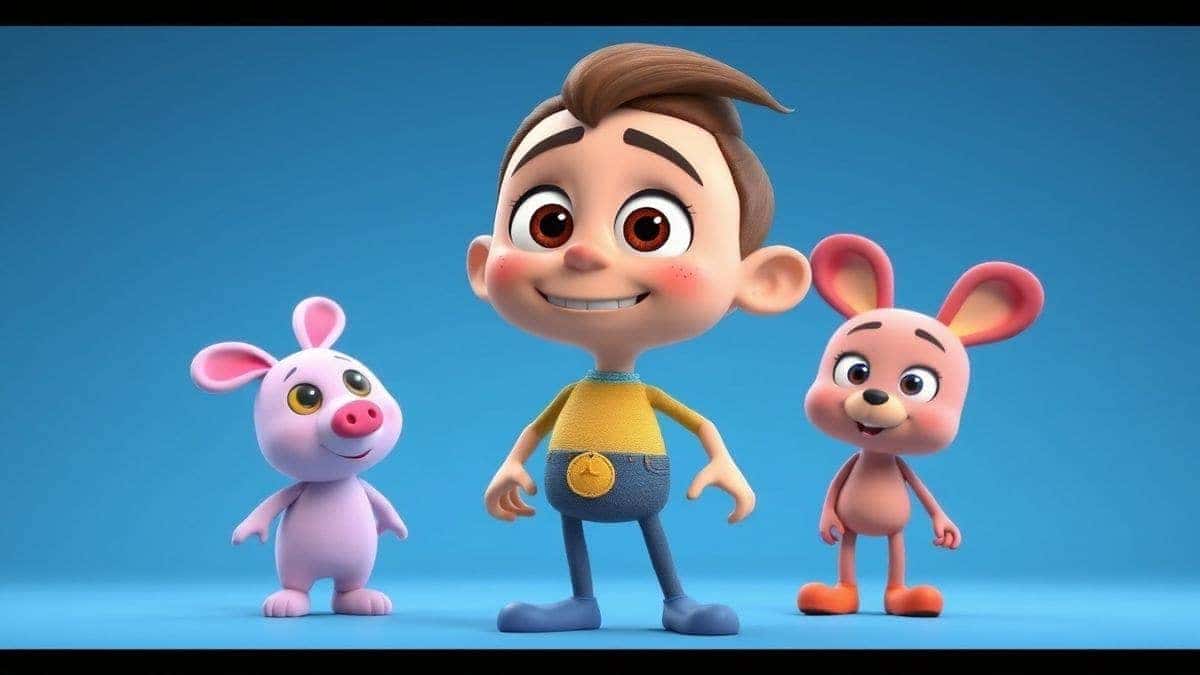
Before we dive into the technical details, let’s clarify what we’re actually talking about. A Pixar AI generator isn’t officially affiliated with Disney or Pixar—it’s a specialized AI image generator trained on millions of images to replicate the signature 3D animated aesthetic.
This style typically includes:
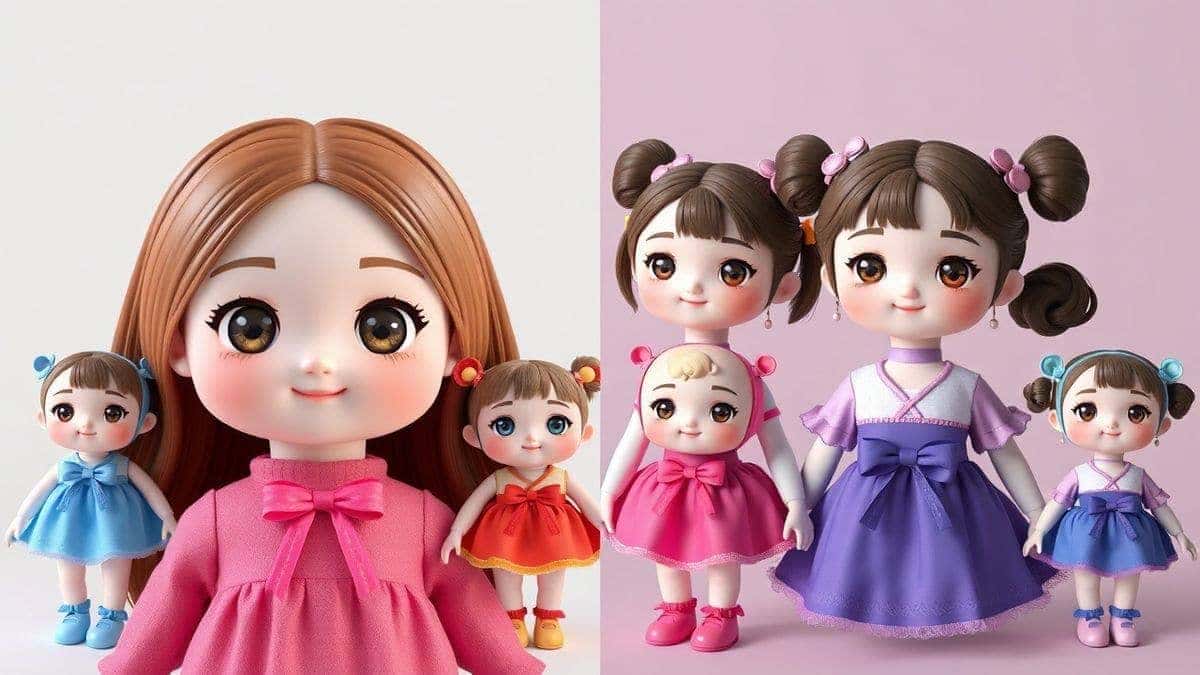
- Exaggerated facial features (large eyes, expressive eyebrows)
- Smooth, plastic-like textures
- Vibrant, saturated color palettes
- Soft, cinematic lighting
- 3D-rendered depth
In my testing, I’ve noticed that not all tools handle this style equally well. Some produce flat, 2D cartoon results. Others lean too realistic. The best Pixar AI generator online balances these elements perfectly.
Why Traditional Image Editing Is Painful (And Outdated)
Let me be honest with you. I started my career as a graphic designer, spending countless hours in front of Adobe software. And while I respect the craft, I also know its limitations.
Here’s what most creators struggle with:
- Steep learning curve: Photoshop alone has hundreds of tools. Mastering them takes years.
- Time-consuming workflows: Creating a single Pixar-style portrait manually can take 8–10 hours.
- Expensive software: Monthly subscriptions for professional tools add up quickly.
- Technical barriers: Rendering, lighting, and texturing require specialized knowledge.
Many beginners don’t realize that even with the right software, achieving that polished Pixar look requires advanced 3D modeling skills. You’re not just editing a photo—you’re building a scene from scratch.
This is exactly where AI image generation changes the game.
The Best Modern Solution: Pixar AI Generator
After testing over 30 different AI platforms, I keep coming back to ImageFK’s Pixar AI Generator. It’s not just another ai image generator online—it’s a complete ecosystem designed for speed and quality.
What Makes It Stand Out?
1. True Pixar Aesthetic
One thing that surprised me during testing was how accurately the model captures character expressions. Unlike generic cartoon filters, this tool understands facial anatomy and applies Pixar-style exaggerations naturally.
2. Dual Input Modes
You can either:
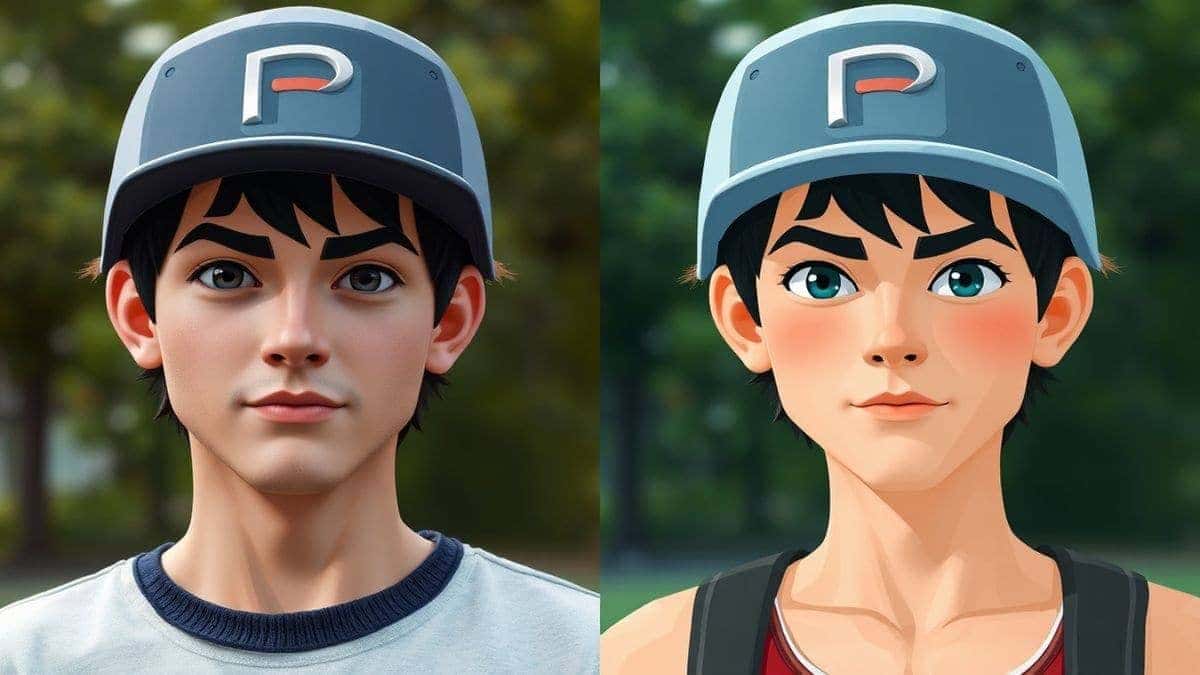
- Upload a photo and transform it instantly
- Write a text prompt and generate something entirely new
3. Integrated Editing Suite
It’s not just generation—it’s also a powerful ai photo editor. After your image is created, you can tweak backgrounds, apply filters, or enhance details without leaving the platform.
4. Blazing Fast Speed
Most generations complete in 30–60 seconds. I’ve timed it. This matters when you’re iterating on creative concepts.
Step-by-Step: How to Use the Best Pixar AI Generator Online
I’ll walk you through my exact process, which I’ve refined after generating hundreds of Pixar-style images for client projects.
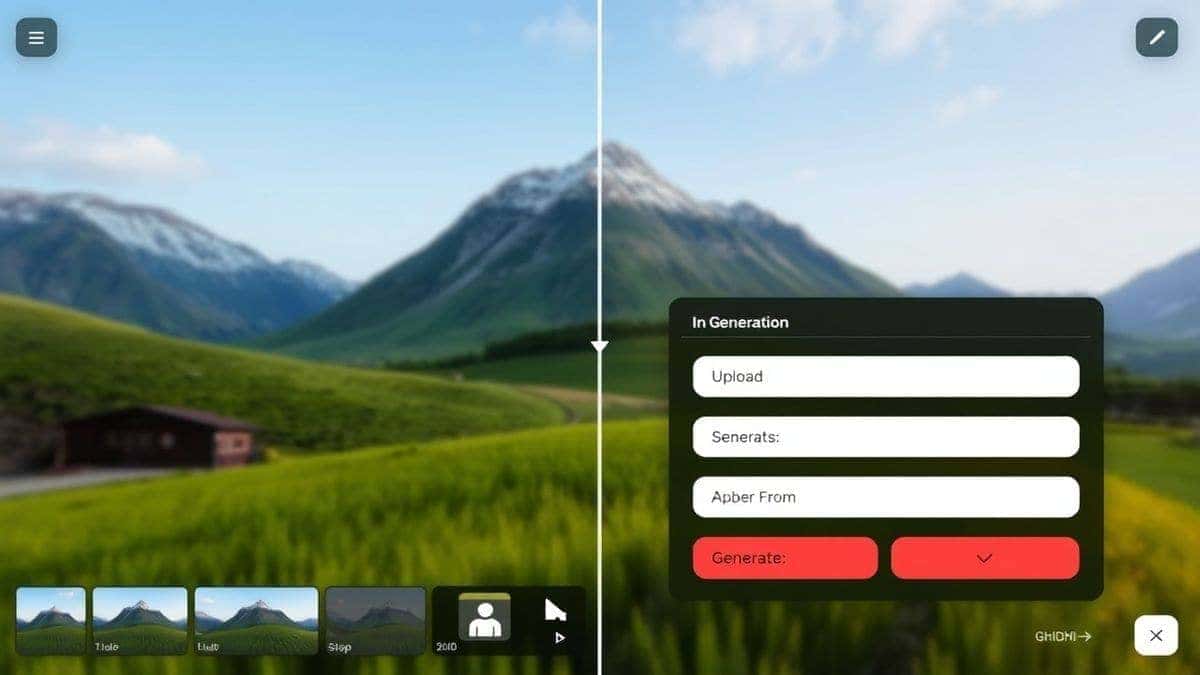
Step 1: Access the Tool
Navigate directly to the Pixar AI Generator on ImageFK. No complicated downloads or installations—everything runs in your browser.
Step 2: Choose Your Input Method
You have two options here:
- Upload an existing photo (ideal for creating avatars or restyling portraits)
- Write a descriptive prompt (better for original character concepts)
From my experience working with AI image tools, I’ve found that combining both methods often yields the best results. Upload a reference for composition, then enhance it with descriptive prompt keywords.
Step 3: Select AI Functions
The platform offers several specialized modes:
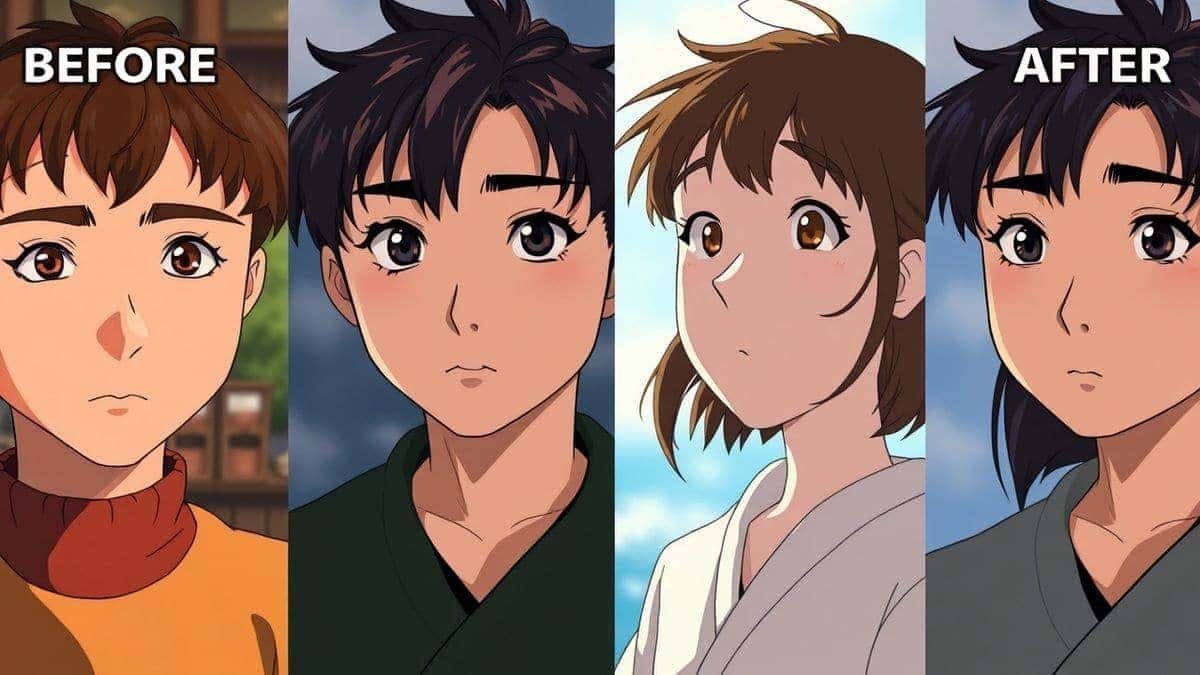
- AI Style Transfer: Apply the Pixar aesthetic to your image
- AI Background Tools: Replace or enhance backgrounds
- AI Image Enhancement: Upscale resolution and sharpen details
- AI Restoration: Fix old or damaged photos in Pixar style
Step 4: Generate and Review
Hit the generate button and wait 30–60 seconds. I recommend generating 3–4 variations to see different interpretations.
Step 5: Edit and Download
Use the built-in ai photo editing tools for final adjustments. Crop, adjust colors, or apply additional filters before downloading in high resolution.
Is Pixar AI Generator Free to Use?
This is the question I get most often from readers. The platform operates on a freemium model designed to let you experience the quality before committing.
Here’s how it works:
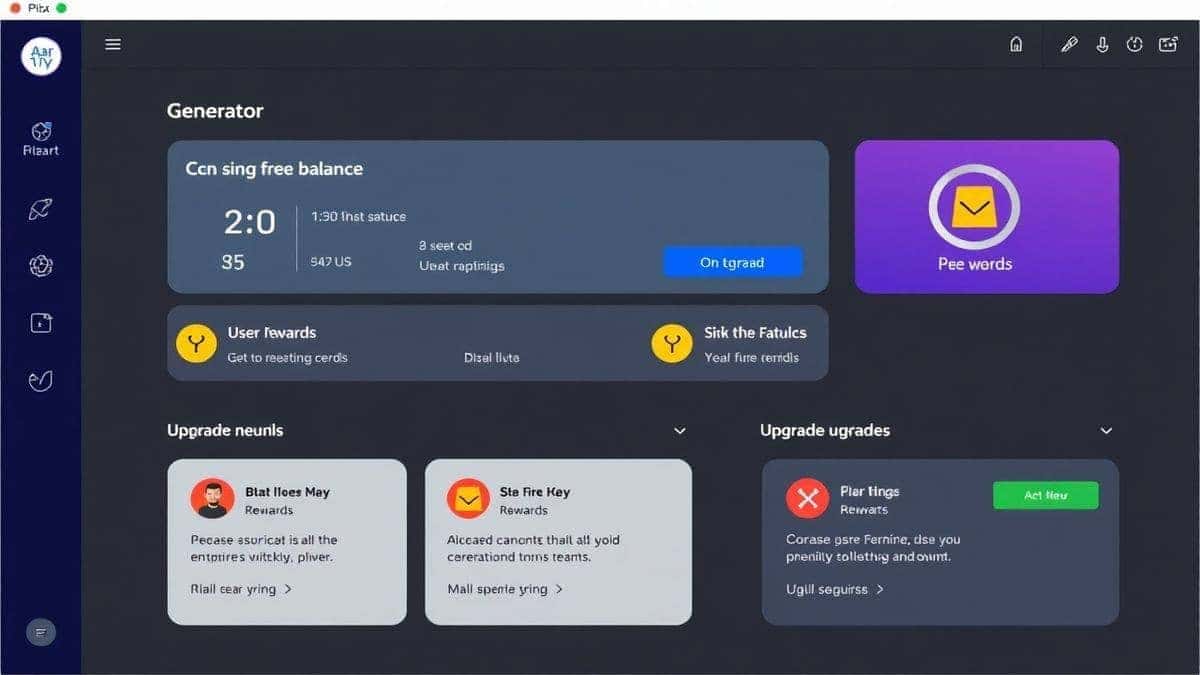
- New users receive free credits immediately upon signing up
- Daily check-in rewards give you additional credits each day you return
- Basic features like standard generation and simple edits are accessible for free
- Advanced functions or high-volume generation may consume more credits
I’ve personally used the free tier for multiple projects before upgrading. It’s genuinely usable without paying. The daily check-in system encourages you to build a habit—perfect for social media managers who need fresh content regularly.
One trick professionals use is to plan content creation around these daily credits. Sketch out your concepts, then generate them in batches as your credits refresh.
Best Practices and Pro Tips
After generating hundreds of AI images, I’ve identified specific techniques that separate average results from exceptional ones.
Crafting Better Prompts
The quality of your output depends heavily on your input. Generic prompts yield generic results.
Weak prompt: Pixar style dog
Strong prompt: Golden retriever puppy in Pixar style, large expressive eyes, soft golden fur, warm studio lighting, 3D render, highly detailed texture, cinematic composition
I experimented with different prompts and discovered that including lighting terms (studio lighting, golden hour, cinematic) and technical terms (3D render, 4K, highly detailed) dramatically improves realism.
Choosing the Right Photo for Upload
If you’re uploading a personal photo:
- Use well-lit, front-facing portraits for best results
- Avoid busy backgrounds—they can confuse the AI
- High-resolution images work better, but the tool handles standard phone photos well
Combining Styles
Don’t limit yourself to pure Pixar. I often layer in:
- Cyberpunk elements for futuristic characters
- Fantasy themes for magical creatures
- Vintage aesthetics for nostalgic feels
The best Pixar AI generator online allows this flexibility because it’s built on a versatile model.
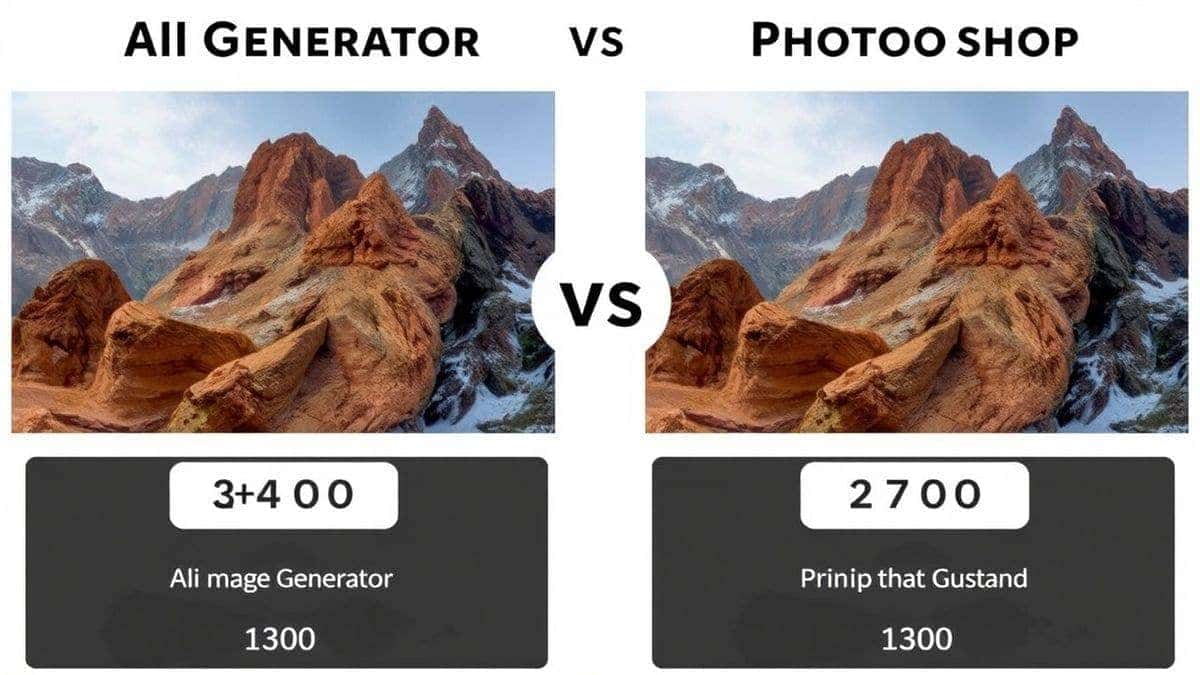
Comparison: Pixar AI Generator vs. Other Tools
Let’s put this in perspective. I’ve tested alternatives so you don’t have to.
| Feature | Pixar AI Generator (ImageFK) | Traditional Photoshop | Other AI Tools |
|---|---|---|---|
| Learning Curve | None | Years | Moderate |
| Generation Speed | 30-60 seconds | Hours | 2-5 minutes |
| Pixar Accuracy | Excellent | Depends on skill | Inconsistent |
| Free Tier | Yes (credits + check-in) | No | Limited trials |
| Built-in Editor | Yes | N/A | Often basic |
| Daily Rewards | Yes | No | Rare |
From my experience working with AI image tools, the biggest advantage of this platform is the integrated workflow. You don’t jump between a generator and an editor. It’s all in one place.
Frequently Asked Questions
What is the best Pixar AI generator online?
Based on my testing and daily usage, ImageFK’s Pixar AI Generator currently offers the best combination of quality, speed, and free access. It accurately replicates the Pixar aesthetic while providing robust editing tools.
Is the Pixar AI Generator free?
Yes, it operates on a freemium model. New users receive free credits, and daily check-ins provide additional credits. You can generate and edit images without immediate payment.
How many free images can I generate?
This depends on the complexity of your generations. Basic transformations cost fewer credits, while advanced edits or high-resolution exports may use more. The daily check-in system ensures you can continue generating regularly.
Can I use my own photos?
Absolutely. Upload any photo and apply the Pixar style transfer. It works particularly well for portraits, pet photos, and group shots.
Does it work for commercial projects?
Yes, images generated can be used for social media, marketing materials, and personal projects. Always review the specific terms for commercial licensing.
How accurate is the Pixar style?
In my testing, I noticed that results vary based on input quality. Well-lit, clear photos yield the most accurate transformations. The AI excels at capturing the characteristic large eyes, smooth textures, and warm lighting associated with Pixar.
What’s the difference between AI generation and AI editing?
AI generation creates images from scratch based on text prompts. AI editing modifies existing images (background removal, enhancement, style transfer). This platform offers both.
Can I generate images for social media?
Yes, this is one of the most common use cases. Content creators use it for profile pictures, post visuals, and story backgrounds. The square format options work perfectly for Instagram.
Is it safe to upload my photos?
The platform uses secure encryption for uploads. Generated images are processed and not stored longer than necessary. I recommend avoiding sensitive personal information in any upload.
How do I get the best results?
Follow the pro tips in this guide: use detailed prompts, start with quality photos, and experiment with different styles. The more you practice, the better your results.
Conclusion
The landscape of image creation has shifted dramatically. You no longer need years of design training or expensive software to produce professional-quality Pixar-style visuals. The best Pixar AI generator online puts this power directly in your hands—instantly, affordably, and with room for creative exploration.
From my perspective, the Pixar AI Generator on ImageFK represents where the industry is heading: integrated, intelligent, and accessible. Whether you’re a content creator building your brand, a designer prototyping concepts, or someone who simply wants a magical avatar, this tool delivers.
I encourage you to try it yourself. Claim your free credits, experiment with different prompts, and see what you can create. The daily check-in rewards mean you can keep experimenting and improving over time.
The future of creativity isn’t locked inside expensive software anymore. It’s online, it’s AI-powered, and it’s waiting for your next idea.
 Continue with Google