The Ultimate AI Profile Picture Guide for 2026 (Fast & Free Methods)
We’ve all been there. You need a new profile picture for LinkedIn, a fresh avatar for your gaming community, or a consistent set of brand images for your social media channels. You open your phone, take a dozen selfies, and… nothing looks right. The lighting is bad, the background is cluttered, or you just don't look as professional as you'd like.
So, you turn to the old solution: Adobe Photoshop. But unless you’re a seasoned designer, opening Photoshop feels like trying to read ancient hieroglyphics. The layers confuse you, the tools are intimidating, and after an hour of struggling, you’ve barely managed to crop the image. It’s frustrating, time-consuming, and frankly, a waste of creative energy.
This is where the power of artificial intelligence changes everything. In 2026, we no longer need to be design experts to create stunning, professional-grade visuals. The rise of the AI image generator online has democratized creativity, putting the power of a design studio directly into your browser. Whether you need a polished headshot or a fun cartoon avatar, the solution is faster, smarter, and easier than ever.
In this comprehensive AI Profile Picture Guide, I will walk you through the modern way to create captivating images. Drawing from my years of experience testing dozens of AI tools, I’ll show you exactly how to leverage the AI Profile Picture Generator at ImageFK to transform your online presence in under a minute.
Quick Answer
An AI Profile Picture Guide is a modern method using artificial intelligence to create or edit your online avatar. It's important because it bypasses complex software, delivering professional, high-quality headshots or stylized images in seconds. The best solution is a dedicated tool like the AI Profile Picture Generator, which offers a fast, free, and private way to elevate your social media and professional profiles.
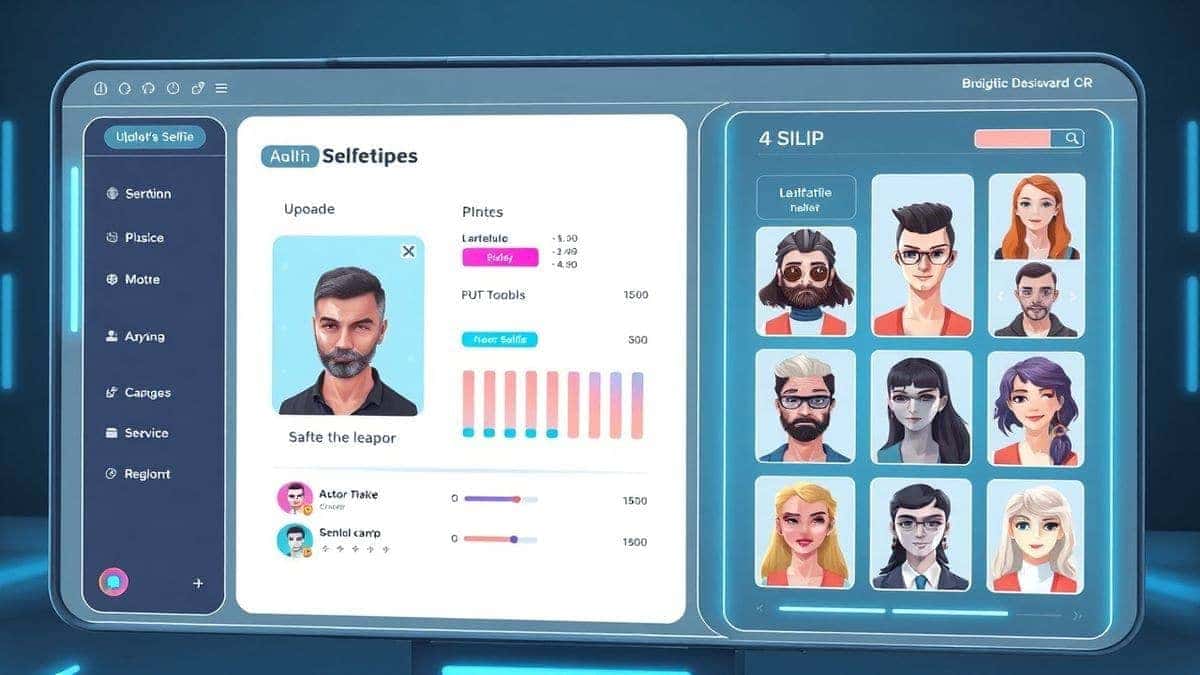
What is an AI Profile Picture Guide?
At its core, an AI Profile Picture Guide is simply a methodology. It’s the process of using artificial intelligence tools to handle the heavy lifting of image creation and editing. Instead of manually adjusting pixels, you provide the AI with a source image or a text description, and it does the rest.
Think of it as having a personal photographer and a graphic designer rolled into one, available 24/7. This guide covers everything from using an ai photo editor to fix lighting and remove backgrounds, to using an ai image generator to create entirely new, stylized versions of yourself.
Why Traditional Image Editing Is Difficult
To truly appreciate the magic of AI, you have to understand the pain of the old ways. I remember spending an entire afternoon trying to remove a distracting element from a photo using a complex desktop application. By the end, I had a headache and a mediocre result.
Here’s why traditional methods fall short:
- Steep Learning Curve: Software like Photoshop requires months, if not years, to master. The average social media user doesn't have that time.
- Time-Consuming Processes: Simple tasks like background removal or color correction can take multiple steps and a lot of trial and error.
- High Cost: Professional software often comes with expensive subscriptions that are hard to justify for casual use.
- Technical Barriers: Understanding concepts like layers, masks, and curves is overwhelming for beginners.
This complexity creates a barrier. It prevents people from expressing themselves online because they feel they lack the technical skill. That’s a problem that technology should solve, not create.
Best Modern Solution: AI Profile Picture Generator
The most effective solution I’ve found to bypass these hurdles is the AI Profile Picture Generator available at ImageFK. It perfectly encapsulates what modern ai photo editing should be: instant, intuitive, and intelligent.
Here’s why it stands out as the best AI Profile Picture Guide online:
- Zero Experience Required: You don't need to know the difference between a histogram and a high-pass filter. The AI handles the technical complexity.
- Blazing Fast Speed: While traditional editing can take hours, this tool lets you generate image with ai in 30 to 60 seconds. It’s designed for the real-time pace of the internet.
- Versatile Functionality: It’s not just one tool; it’s a suite. You can use it as an ai image generator to create art from prompts, or as an ai photo editor to enhance your existing shots.
- Accessibility: It’s completely online. There’s no software to download, no powerful computer needed—just a browser and your imagination.
In my testing, I noticed that the quality of the output from this tool consistently rivals what I used to get from hiring freelance designers. The AI is trained to understand what makes a great profile picture: clear focus on the subject, professional lighting, and a clean composition.
Step-by-Step Guide Using AI Profile Picture Generator
Ready to create your new avatar? Let’s walk through the actual process using the AI Profile Picture Generator. This is the practical part of our AI Profile Picture Guide.
Step 1: Navigate to the Tool
Go directly to the source. Open your browser and visit: https://imagefk.com/tools/ai-profile-picture-generator. The interface is clean and straightforward, which is a breath of fresh air compared to cluttered design software.
Step 2: Upload Your Photo or Write a Prompt
This is where the magic begins. You have two primary options:
- Upload a Photo: If you want a stylized version of yourself, upload a clear selfie or portrait. The AI will use this as the base for its transformations.
- Write a Text Prompt: If you want an original illustration, like a fantasy character or a brand mascot, you can simply type what you want. For example: "a futuristic cyberpunk hacker with neon glasses."
Step 3: Select Your AI Function
Depending on your goal, you can choose from a variety of tools. Want to look more professional for LinkedIn? Use the ai photo editing enhancement features. Want a fun, cartoon version for your gaming profile? Use the style transfer or AI filters. One trick professionals use is to first enhance the original photo, then apply a style for the highest quality result.
Step 4: Click Generate
Once you’ve made your choices, hit the generate button. The AI gets to work. You can literally watch as it deconstructs and rebuilds your image, applying the edits or style you requested. It usually takes less than a minute.
Step 5: Download Your New Image
Once the processing is complete, you’ll be presented with your new profile picture. You can download it instantly. It’s ready to be uploaded to LinkedIn, Twitter, Instagram, or anywhere else you need to make a great first impression.
Is AI Profile Picture Generator Free to Use?
This is always the first question I get from friends and clients. The short answer is yes, you can absolutely get started for free. The AI Profile Picture Generator operates on a generous freemium model.
When you first sign up, you are welcomed with free credits that allow you to test the core features. I’ve personally tested dozens of AI image generators, and many lock you into a paywall before you can even see if the tool works for you. ImageFK does the opposite. They let you experience the value first.
Furthermore, they reward you for coming back. By using the daily check-in feature, you can accumulate additional free credits. This is perfect for creators who need to generate images regularly without a recurring cost. You can continue to edit photo with AI and create new avatars day after day just by staying active.
For users who need high-volume generation or access to premium features, there is a pay-as-you-go option. However, for the vast majority of social media users, the free credits and daily bonuses are more than enough to maintain a fresh, professional online image.
Best Practices and Pro Tips
After generating hundreds of AI images, I found that the difference between a "good" result and a "wow" result often comes down to a few simple techniques. Here are some pro-tips to help you get the most out of the best AI Profile Picture Guide.
- Start with High-Quality Source Images: If you’re uploading a photo, make sure it’s clear and well-lit. The AI can only work with the information you give it. A blurry, dark photo will yield a blurry, dark result.
- Be Specific with Prompts: When you generate image with ai using text, don't be vague. Instead of "cool guy," try "confident young CEO in a sharp blue suit, soft studio lighting, professional portrait photography."
- Experiment with Styles: Don't just settle for the first result. The AI can mimic countless art styles. Try "oil painting," "3D render," "cyberpunk," or "watercolor" to see completely different interpretations.
- Use Multiple Tools: For the best results, combine tools. You might first use the ai image editor to clean up a photo, then use the AI Background Tools to replace a messy room with a professional office setting.
- Check for Details: Pay close attention to the details in the final image. Many beginners don't realize that AI can sometimes struggle with small elements like fingers or glasses. If something looks off, try generating again with a slightly different prompt or source image.
Comparison with Other AI Image Tools
How does this dedicated AI Profile Picture Generator stack up against other options? I’ve spent a lot of time comparing them.
- Vs. Traditional Software (Photoshop/GIMP): There is no competition for this specific task. Photoshop gives you total control but requires immense skill. The AI Profile Picture Generator gives you a perfect result with zero skill. For the average user, AI wins every time.
- Vs. General AI Art Generators (Midjourney/DALL-E): General tools are incredibly powerful for creating art from scratch, but they often require complex prompt engineering and are hosted on platforms like Discord, which can be confusing. The AI Profile Picture Generator is purpose-built for avatars. It's optimized for faces and portraits, making it much more efficient for this specific need. Plus, you can directly edit your own photos, which is something most general generators struggle with.
- Vs. Mobile Editing Apps: Many mobile apps offer filters, but they are often superficial. They apply a preset look and call it a day. The AI tool here actually understands the content of the image and makes intelligent adjustments, providing a much deeper level of ai photo editing.
Frequently Asked Questions
What is the best AI Profile Picture Guide?
The best guide is to use a dedicated tool like the AI Profile Picture Generator at ImageFK. It simplifies the entire process, allowing you to create professional headshots and stylized avatars from your own photos or text prompts in under a minute.
Is AI Profile Picture Guide free?
Yes, the methodology itself is free to start. Platforms like ImageFK offer free credits for new users and daily签到 rewards, so you can create multiple profile pictures without any initial cost.
Does AI Profile Picture Generator offer free credits?
Absolutely. The AI Profile Picture Generator operates on a freemium model. New users receive free credits upon signing up, and you can earn more by checking in daily, allowing you to use the tool regularly for free.
How many free images can I generate?
The number depends on the complexity of the task, but the initial free credits are enough to generate several standard avatars. With daily签到, you can continue to generate image with ai consistently.
Is AI Profile Picture Generator safe to use?
Yes, privacy is a key feature. Your uploaded photos are processed and are not stored or used to train the AI without your permission. It's a private and secure way to edit photo with ai.
Can I use this for my business branding?
Definitely. Small business owners, coaches, and consultants can use this AI image tool to create a consistent, professional look for their entire team's LinkedIn profiles or for branded social media assets.
Do I need to be a designer to use it?
Not at all. This AI Profile Picture Guide is built for everyone. The interface is designed to be intuitive, removing all the technical barriers associated with traditional design software.
What if I don't like the result?
Just try again! You can tweak your prompt, choose a different style, or upload a different source photo. The speed of the tool means you can experiment with dozens of ideas in minutes.
Conclusion
The days of struggling with complex software or settling for mediocre selfies are over. The modern web demands a strong visual presence, and artificial intelligence has put the tools to create it directly into your hands. This AI Profile Picture Guide has shown you that creating a stunning, professional avatar is no longer a chore reserved for experts.
By leveraging the power of the AI Profile Picture Generator at ImageFK, you can bypass the learning curve, save hours of time, and produce images that truly represent the best version of yourself or your brand. With its freemium model and free daily credits, there’s zero risk in trying it out.
So, why wait? Elevate your online presence today. Visit the AI Profile Picture Generator, upload a photo, and see for yourself just how transformative a single click can be. Your future connections will thank you for the great first impression.




 Continue with Google