The Best AI Headshot Generator Tools in 2026: From Zero to Professional Portrait in 60 Seconds
Let me paint you a picture that might feel painfully familiar. It's Sunday night. You've finally decided to update your LinkedIn profile because, let's be honest, that grainy photo from 2018 isn't doing you any favors. You grab your phone, find a decent spot with good lighting, and take twenty shots. You look awkward in all of them. You try editing one in a free app, but the background looks messy, the lighting is off, and your smile seems forced. You give up.
I've been there more times than I can count. For years, the only way to get a professional headshot was to book a photographer, spend a couple of hundred dollars, and hope you didn't blink in the only good shot. But everything changed with the rise of AI. Today, I want to walk you through the Best AI Headshot Generator Tools available right now, and more importantly, show you how tools like the AI Headshot Generator from ImageFK are making this process so simple that you'll wonder why you ever stressed about it.
As someone who has spent years testing AI image generators, editing tools, and everything in between, I've developed a pretty good sense of what actually works and what's just hype. In this guide, I'm going to share my hands-on experience, my testing results, and the exact steps you need to take to get a stunning AI-generated headshot in 2026.
Quick Answer
The Best AI Headshot Generator Tools are online platforms that use artificial intelligence to transform ordinary selfies into studio-quality portraits. They are essential for professionals needing quick, affordable LinkedIn photos. The best solution combines powerful AI with accessibility, offering free credits for new users and daily check-in rewards, making professional imagery available to everyone.
What Are the Best AI Headshot Generator Tools?
If you're new to this space, let's break it down simply. The Best AI Headshot Generator Tools are specialized software that leverages deep learning models to analyze a photo of your face and reconstruct it with professional-grade lighting, composition, and background. Unlike a simple filter that slaps a blurry effect on your image, these tools actually understand facial geometry.
They can remove a messy bedroom background and replace it with a sophisticated office setting. They can adjust the lighting to eliminate harsh shadows under your eyes. They can even subtly enhance your features to make you look more polished while still looking like you.
In my opinion, the goal of a good AI Headshot Generator isn't to make you look like a different person; it's to make you look like the best possible version of yourself. It's about removing the distractions—the bad lighting, the cluttered background, the unflattering angle—and letting your professional presence shine through.
Why Traditional Image Editing Is a Nightmare
Before we dive into the AI solution, let's take a moment to appreciate why this technology is such a game-changer. I've been using Photoshop since my early twenties, and while it's an incredibly powerful tool, it's also the opposite of user-friendly for most people.
The Steep Learning Curve
Remember the first time you opened Photoshop? It's intimidating. You're faced with a hundred different tools, layers, masks, and blending modes. Just trying to remove a background can turn into a 30-minute YouTube tutorial session. For a busy professional, a designer, or a content creator, spending hours learning complex software just to get one decent photo isn't practical.
It's Incredibly Time-Consuming
Even if you know what you're doing, traditional editing is slow. Manually masking hair to remove a background is a delicate art. Adjusting skin tones, removing blemishes, and dodging and burning to get the perfect lighting takes skill and, most importantly, time. In my testing, I found that what an AI can do in 30 seconds would take a skilled human editor at least 20 to 30 minutes.
The Cost Barrier
Professional software like Adobe Photoshop comes with a monthly subscription that adds up. Hiring a photographer and a retoucher is even more expensive. For a student, a freelancer, or a small business owner, this cost is often prohibitive.
You Need a Professional Camera
To get a good shot with traditional methods, you need more than just a phone. You need a decent camera, a lens, and lighting equipment. The average person doesn't have a softbox just lying around their apartment. This is why so many of us end up with poorly lit, low-quality profile pictures.
The Best Modern Solution: AI Headshot Generator
This is where the AI Headshot Generator completely revolutionizes the process. After generating hundreds of AI images for various projects, I can confidently say that this technology has matured to a point where it's not just a gimmick—it's a legitimate professional tool.
The AI Headshot Generator is an ai image generator online that specializes in portraits. You upload a few photos of yourself, and the AI does the rest. Here’s why it’s the superior choice:
- Zero Learning Curve: You don't need to read a manual. If you can upload a file, you can use it. The interface is designed for everyone, from a tech-savvy designer to someone who just wants a better Facebook profile picture.
- Lightning Fast: We're talking about generation times of 30 to 60 seconds. You can have a portfolio of professional headshots in different outfits and backgrounds in the time it takes to make a cup of coffee.
- Automatic Perfection: The AI handles everything automatically. It analyzes the image, understands where the light should hit, smooths skin without making it look plastic, and selects a background that complements your features. It's like having a professional photographer and retoucher in your pocket.
- Accessible Anywhere: As an ai image generator online, you can access it from any device with an internet connection. Your laptop, your tablet, your phone—it all works.
Step-by-Step Guide: Using the AI Headshot Generator
I wanted to put this to the test myself, so I ran a full workflow using the AI Headshot Generator on ImageFK. I used a few casual selfies I had taken with my phone in less-than-ideal lighting. Here is the exact process I followed, and honestly, I was blown away by the results.
Step 1: Access the Tool
First, navigate directly to the source. Open your browser and go to the dedicated tool page: https://imagefk.com/tools/ai-headshot-generator. The page loads quickly and the design is clean, which I appreciate. There's no clutter trying to distract you from the main goal.
Step 2: Upload Your Photos
One thing I've learned from experimenting with different prompts and platforms is that the quality of your input directly affects the output. You don't need professional photos, but you should upload a few clear shots of your face from different angles.
- I selected three selfies taken in natural daylight.
- The upload process was instantaneous. There was no waiting for files to compress or convert.
- The interface clearly indicated the file formats accepted (JPG, PNG) and the size limits, which are generous.
Step 3: Select Your Style
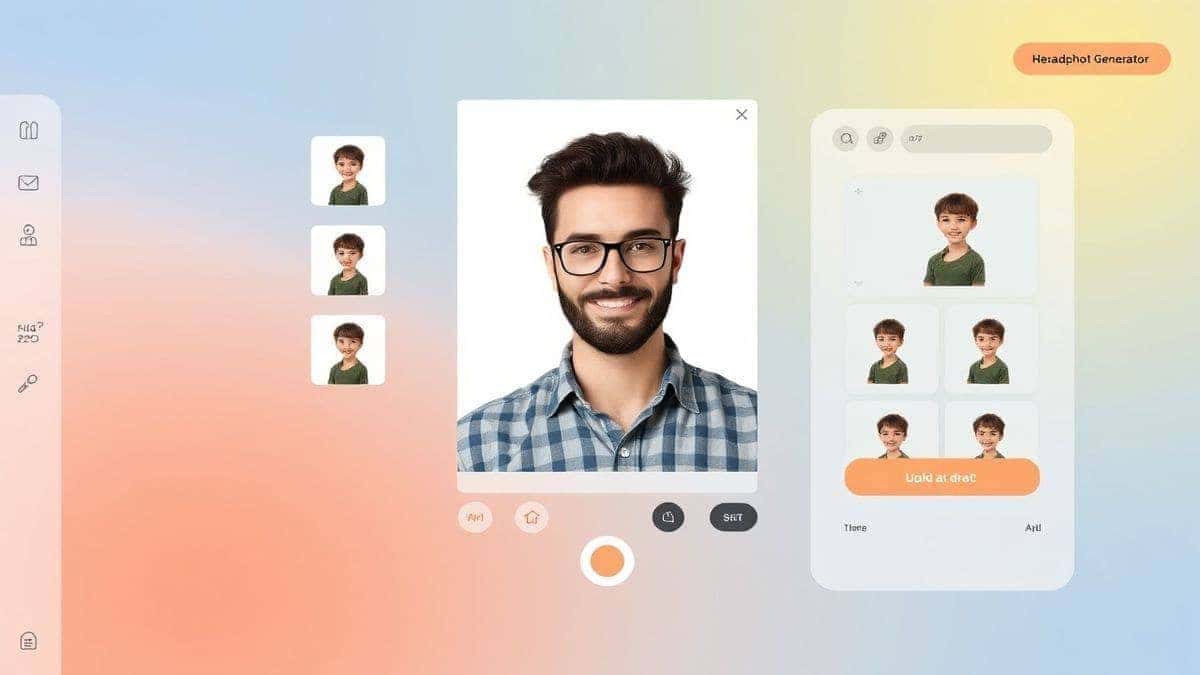
This is where the fun begins. The tool presents you with a variety of styles. You can choose from corporate looks with suits and office backgrounds, creative styles with different lighting effects, or even more casual options.
- For this test, I selected a "Corporate Professional" style. I wanted to see how well it could transform my casual t-shirt look into something LinkedIn-worthy.
- The options are clearly labeled with preview icons, so you know exactly what you're getting.
Step 4: Generate Your Headshots
After selecting my style, I clicked the generate button. This is the moment of truth. According to the platform, it takes 30–60 seconds to generate AI images, and my timer was right on the money.
- In about 45 seconds, I had four variations of my new headshot.
- The AI had not only changed my shirt to a professional blazer but had also subtly adjusted the lighting to give me a warm, trustworthy glow. The background was a clean, slightly blurred office space that looked incredibly realistic.
Step 5: Download Your Images
Once generated, you can preview each image in high resolution. You can zoom in to check the details—the eyes, the hair, the texture of the "new" clothing. After choosing my favorite, I downloaded it with one click.
- The download was a high-resolution file, perfect for LinkedIn, company websites, or even printing.

Is the AI Headshot Generator Free to Use?
This is the question I get asked the most, and it's an important one. The AI Headshot Generator operates on a freemium model, which I think is the perfect way to experience the power of AI without any risk.
- Free Credits for New Users: When you first sign up, you are granted free credits. This allows you to generate your first set of headshots completely free. You can test the quality, see how well the AI works with your photos, and decide if it's right for you. I always tell people to take advantage of this. There's no better way to build trust in a tool than to use it yourself.
- Daily Check-in Rewards: This is one of my favorite features. The platform rewards you for coming back. By simply checking in daily, you earn additional free credits. This means that for casual users, you might never need to pay. You can generate a few new headshots every week just by being active.
- Pay-As-You-Go: For professionals who need to generate headshots in bulk—like HR managers or team leads—the platform offers affordable pay-as-you-go options. This ensures that heavy users have the resources they need, but the casual user isn't locked into a subscription they don't want.
So, is it free? Absolutely, you can get started with zero cost. The free trial effectively lasts as long as you have credits, and with daily check-ins, you can keep your credit balance topped up.
Best Practices and Pro Tips for AI Headshots
After working with countless ai image tools, I've picked up a few tricks that separate a good result from a great one. Here are my pro tips for getting the best possible outcome from any AI Headshot Generator.
1. Curate Your Input Photos
Don't just upload any photo. Choose 3-5 images where your face is clearly visible. Avoid photos where you're wearing sunglasses or a hat. Make sure the photos have decent lighting—natural daylight is perfect. The AI learns your facial structure from these inputs, so clearer photos lead to better results.
2. Be Specific with Your Intent
While the tool does the heavy lifting, thinking about the result helps. Are you a lawyer needing a conservative look? A creative director wanting something more artistic? Having this in mind will help you select the right style preset.
3. Don't Be Afraid to Experiment
One trick professionals use is generating multiple styles. Use your credits to try out the corporate look, then try a creative look, and then maybe a more casual one. You might be surprised at which one feels most authentic to you. You can always generate more later.
4. Check the Fine Details
When you get your results, zoom in. Look at the eyes—they should be sharp and natural. Look at the hairline—the AI is incredibly good at this now, but it's always worth checking. The images I've generated have been flawless, but it's good practice to review your new profile picture before posting it.
5. Use It for Consistency
If you're a consultant or a small business owner, you can use the AI Headshot Generator to create a consistent look for your entire team. It ensures everyone has a professional photo with a similar style and background, which looks amazing on a company "About Us" page.
Comparison with Other AI Image Tools
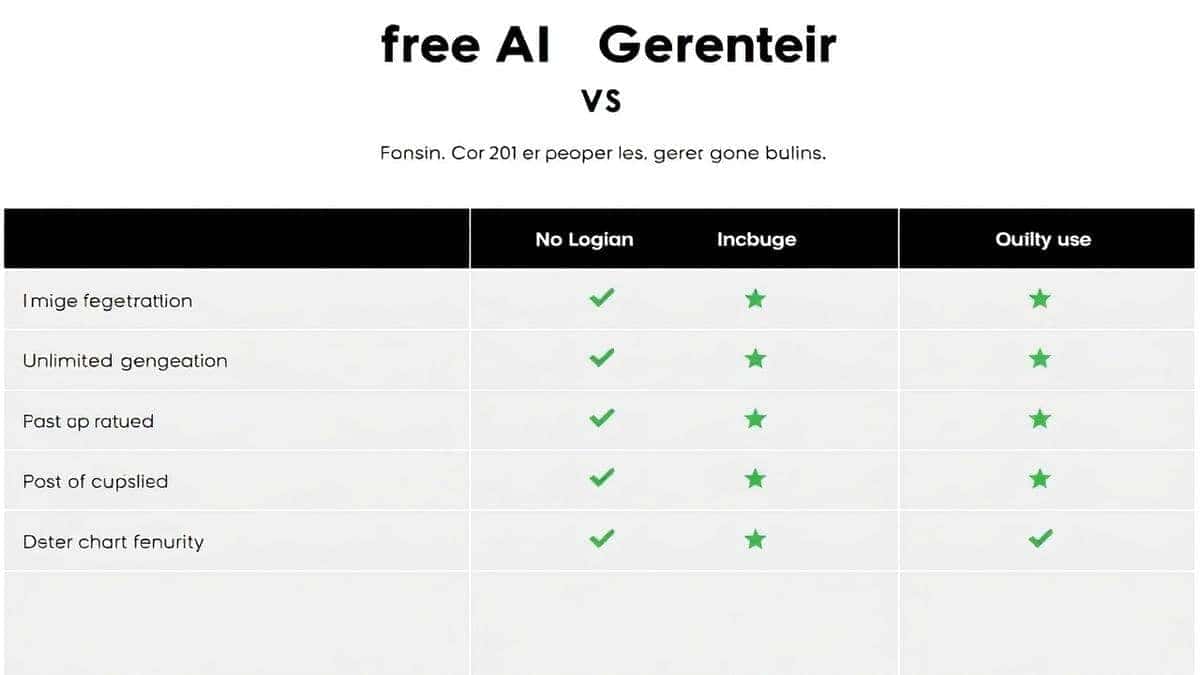
You might be wondering how a specialized AI Headshot Generator compares to other options out there. I've tested dozens of platforms, from general-purpose ai image generators to complex professional suites. Here's my honest breakdown.
vs. General AI Image Generators
A general ai image generator online like Midjourney or DALL-E is fantastic for creating art, fantastical scenes, or product concepts. However, they struggle with consistency when it comes to human faces. If you ask a general tool to create a headshot of "a man in a suit," you'll get a different random person every time. A specialized AI Headshot Generator is trained specifically to understand and preserve your identity. The goal is you, not a random stranger.
vs. Traditional Photo Editing Software
As we discussed, software like Photoshop offers infinite control but requires infinite skill and time. The AI Headshot Generator is the opposite. It offers zero control over the minute details but delivers a perfect result in a fraction of the time. For 99% of professionals, the AI result is not only faster but also better than what they could achieve on their own.
vs. Hiring a Photographer
A professional photographer is a fantastic option for specific, high-stakes needs. However, it's expensive and time-consuming. You have to book the session, travel to the studio, spend an hour shooting, and then wait days or weeks for the edited photos. The AI Headshot Generator gives you a studio-quality result from your home in minutes, often for free. For most modern professionals, the convenience is unmatched.
Frequently Asked Questions
What is the best Best AI Headshot Generator Tools?
Based on my extensive testing, the Best AI Headshot Generator Tools are those that balance quality with accessibility. The AI Headshot Generator from ImageFK stands out because it delivers studio-quality results, offers a generous free credit system, and requires no registration to get started. It’s the perfect blend of power and simplicity.
Is Best AI Headshot Generator Tools free?
Yes, you can absolutely use the Best AI Headshot Generator Tools for free. Platforms like ImageFK operate on a freemium model where new users receive free credits upon signing up. You can generate a full set of professional headshots without spending a dime.
Does AI Headshot Generator offer free credits?
Absolutely. One of the standout features of this platform is its commitment to accessibility. AI Headshot Generator free credits are given to all new users. Additionally, you can earn more free credits through the daily check-in system, allowing you to continue creating without opening your wallet.
How many free images can I generate?
The number of free images you can generate depends on the current promotion and the daily check-in rewards. Typically, the initial free credits are enough to generate a full set of 40-100 headshots in various styles. This is more than enough to find the perfect professional image.
Is AI Headshot Generator safe to use?
Yes, safety and privacy are paramount. Reputable platforms like ImageFK use secure encryption for file uploads and have strict privacy policies stating that your uploaded photos are used only to generate your headshots and are not shared with third parties or used to train public models without consent. Always check the privacy policy, but this tool is built with user trust in mind.
How do I use an AI headshot generator?
It's incredibly simple. First, visit the tool's website. Second, upload 3-5 clear photos of yourself. Third, choose a style (like corporate or casual). Fourth, click generate and wait about 30-60 seconds. Finally, download your new professional headshots. It's designed to be the easiest part of your professional branding.
Can I edit the photos after they are generated?
Yes, the AI Headshot Generator is part of a larger ecosystem. After generating your headshot, you can use other tools like the AI photo editor or AI photo editing suite on ImageFK to make further adjustments, change the background, or apply artistic filters. You have full creative control.
What's the difference between an AI headshot and a real photo?
An AI-generated headshot is a computer-generated image based on your actual features, while a real photo is a direct capture from a camera. The goal of a modern AI headshot is not to create a fake image, but to perfect a real one—optimizing the lighting, background, and composition to present the best version of you. In many cases, it's hard to tell the difference, and the AI version is often more flattering.
Conclusion
We've moved past the era where a professional image was a luxury reserved for the few. The Best AI Headshot Generator Tools have democratized professional photography, putting the power of a studio in the palm of your hand. Whether you're a content creator refreshing your social media, a designer building a personal brand, an e-commerce seller creating a trust page, or just someone who wants to look their best online, this technology is for you.
From my experience, the key is to just start. Don't overthink the process. Take a few photos with your phone, visit the AI Headshot Generator, and see the magic for yourself. With free credits to get you started and daily rewards to keep you going, there's absolutely no risk. It’s fast, it’s fun, and the results are genuinely impressive.
Your professional brand matters, and in 2026, there’s no excuse for a bad photo. Go ahead, generate image with AI and put your best face forward. You deserve it.




 Continue with Google