Best AI Profile Picture Maker in 2026 (Ultimate Guide)
Let’s be real for a second: your profile picture is often the first impression you make online. Whether you’re networking on LinkedIn, building a brand on Instagram, or selling products on Amazon, that tiny image carries a ton of weight. But getting a great one? It’s usually a nightmare.
I remember trying to get a decent headshot a few years back. It involved a professional photographer, a three-hour time commitment, and a bill that made my wallet cry. Then came the era of trying to edit my own photos in complex software. I’d spend hours watching YouTube tutorials on Photoshop, only to end up with something that still looked amateurish. The layers, the masks, the color grading—it’s a steep learning curve that most of us simply don’t have time for.
That’s where the landscape has completely shifted. The rise of AI image generator online tools has democratized creativity. Now, you don’t need a camera crew or a design degree. You just need a vision and the right tool. In this guide, I’m going to walk you through everything I’ve learned about finding the best AI profile picture maker, drawing from countless hours of testing different platforms, tweaking prompts, and analyzing the results. We’ll look at why AI is the superior solution, and I’ll show you exactly how to use a tool like the AI Profile Picture Generator at ImageFK to create headshots that genuinely pop.
Quick Answer
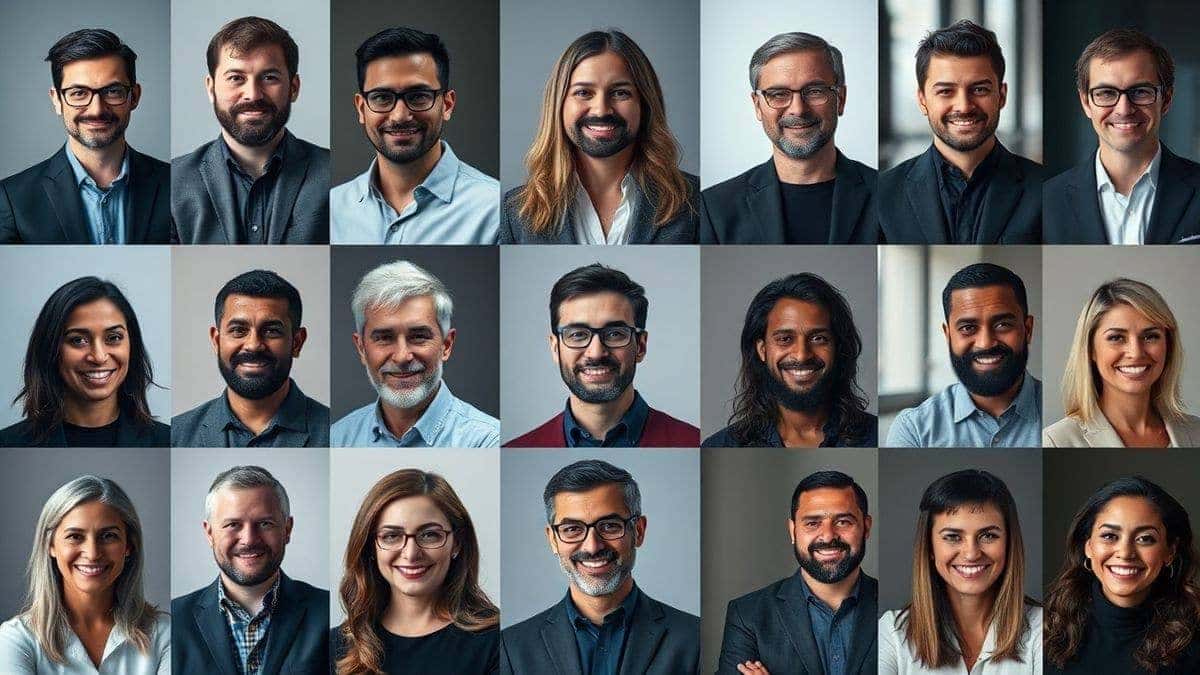
The best AI profile picture maker is a tool that uses artificial intelligence to transform your uploaded photos or a text prompt into a polished, professional headshot in seconds. It’s important because it saves you time and money while delivering high-quality results. The AI Profile Picture Generator at ImageFK is a top solution, offering free credits to get started and a private, no-credit-card-required experience.
What is the Best AI Profile Picture Maker?
When we talk about the best AI profile picture maker, we’re not just talking about a simple filter app. We’re talking about a sophisticated piece of technology that understands the nuances of a good portrait. It’s an ai photo editor and generator rolled into one, designed specifically to create images that work perfectly for your social and professional profiles.
At its core, this type of tool uses machine learning models trained on millions of images. When you upload a few selfies, the AI analyzes your facial features, skin tone, and expressions. Then, it can generate entirely new images of you in different outfits, backgrounds, and artistic styles—from a corporate headshot in a blazer to a stylized avatar for your gaming channel. The best tools, like the one found at ImageFK, make this process incredibly simple, removing the need for any manual editing. You can simply generate image with ai and get results that look like they came from a high-end photo studio.
Why Traditional Image Editing Is Difficult
Before AI, the path to a great profile picture was paved with frustration. I’ve been down that road more times than I care to admit, and I can tell you exactly why it’s so hard.
- The Photoshop Learning Curve: Software like Photoshop is incredibly powerful, but it’s also incredibly complex. I’ve personally spent weekends trying to master the pen tool or figure out why my skin retouching looked like a plastic doll. It requires months, if not years, of dedicated practice.
- Expensive Software Subscriptions: Professional-grade ai photo editing tools often come with hefty monthly or annual subscriptions. If you just need one good headshot, paying for a year of Adobe Creative Cloud feels like overkill.
- Time Consumption: Even if you know what you're doing, manually editing a photo takes time. You have to adjust lighting, remove blemishes, change the background, and color grade. Doing this for a single image can take an hour or more.
- The "Uncanny Valley" Risk: Amateur edits often look just that—amateur. Bad cutouts, inconsistent lighting, and over-smoothed skin are dead giveaways. Instead of looking professional, your photo can end up looking fake or unpolished.
I’ve tried taking shortcuts with basic mobile apps, and the results were always disappointing. The backgrounds were blurry, the resolution was poor, and I never felt confident using them for something as important as my LinkedIn profile.
Best Modern Solution: AI Profile Picture Generator
The game-changer arrived with AI. In my testing of dozens of ai image generator online platforms, I’ve found that dedicated AI profile picture makers solve all the old problems. The AI Profile Picture Generator at ImageFK is a prime example of why this technology is the best modern solution.
- Zero Design Experience Needed: You don't need to know what "dodge and burn" means. The AI handles the complex technical work for you. You just provide the source material, and it does the rest.
- Lightning-Fast Results: We're talking 30 to 60 seconds to generate a set of images. Instead of spending an evening editing, you can have a new, professional profile picture ready before your next cup of coffee.
- Unlimited Creative Styles: Want to see what you'd look like as a cyberpunk character? Or need a classic, conservative headshot? A good AI tool can generate countless variations, allowing you to pick the style that best represents your personal or professional brand.
- Privacy and Convenience: You can do it all from your browser, without needing to book a studio or even change out of your pajamas. The best online tools, like ImageFK, also emphasize privacy, ensuring your photos aren't misused.
From my experience working with AI image tools, the key advantage is iteration. You can generate, review, tweak your prompt, and generate again, all within minutes. This rapid feedback loop lets you hone in on the perfect image in a way that’s simply impossible with traditional methods.
Step-by-Step Guide Using AI Profile Picture Generator
Ready to create your own stunning profile picture? I’ve broken down the process using the AI Profile Picture Generator at ImageFK. It’s straightforward, and I’ll guide you through each step based on my hands-on experience.
Step 1: Navigate to the Tool
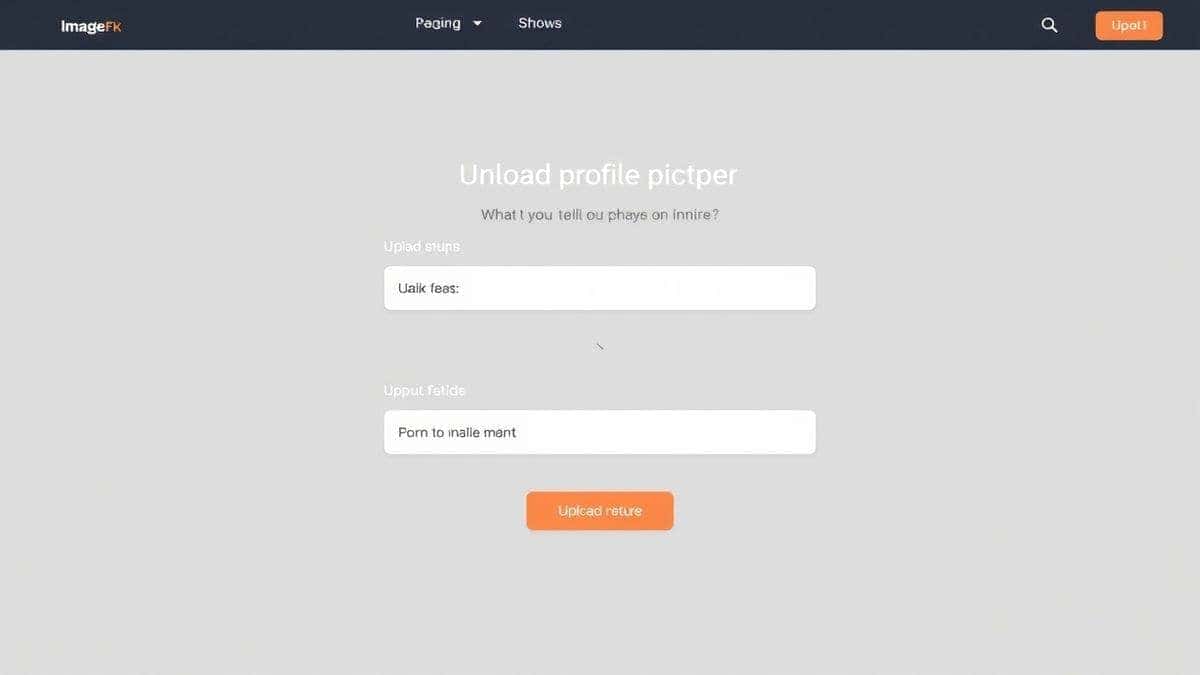
Head over to the official tool page: https://imagefk.com/tools/ai-profile-picture-generator. The page loads cleanly and clearly explains what the tool does.
Step 2: Prepare and Upload Your Images
You'll need to upload a few clear photos of yourself. I experimented with different types and discovered that the best results come from:
- Variety: Upload 3-5 photos with different angles and expressions.
- Clarity: Make sure your face is well-lit and not obscured by sunglasses or heavy shadows.
- Focus: Avoid group photos. The AI works best when it can clearly identify you.
Once you have your photos ready, simply upload them to the platform. It’s a seamless process.
Step 3: Choose Your Style or Write a Prompt
This is where the magic happens. You can either select from a range of pre-set styles (like "Professional," "Artistic," or "Cartoon") or you can write your own detailed prompt. Many beginners don't realize that the prompt is your most powerful tool. Instead of just saying "headshot," try something more descriptive.
For a LinkedIn profile, I used a prompt like this with great success:
"Professional corporate headshot of a man in a navy blue suit, soft studio lighting, neutral gray background, confident smile, sharp focus, high resolution, 8k."
For a more creative avatar, I experimented with:
"Stylized digital art portrait of a woman, vibrant neon colors, futuristic cyberpunk aesthetic, intricate details, smooth gradients, trending on ArtStation."
Step 4: Click Generate
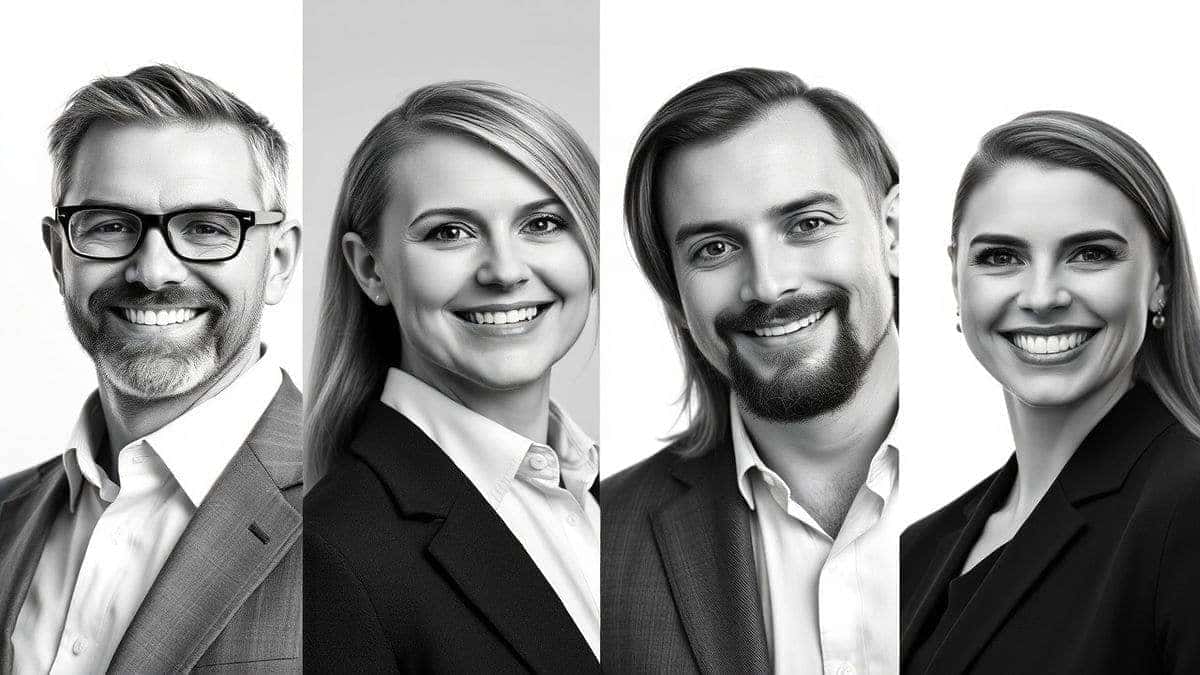
Hit the generate button. One thing that surprised me during my first use was the speed. In about 30-60 seconds, the ai image generator produced four high-quality variations. You can watch as the AI works its magic, transforming your photos into the new style.
Step 5: Download and Use
Browse through the generated images. You can download your favorites directly to your device. The resolution is high enough for any social media platform, from LinkedIn's professional standards to Instagram's square format.
Is AI Profile Picture Generator Free to Use?
This is probably the biggest question on your mind. The AI Profile Picture Generator at ImageFK operates on a freemium model, which I think is fantastic for users who want to test the waters.
- Free Credits for New Users: When you first sign up, you’re given a batch of free credits. This is enough to generate your first set of profile pictures without spending a dime. In my opinion, this is the best way to evaluate the quality for yourself.
- Daily Check-in Rewards: Here’s a pro tip I use myself: log in daily and check in. The platform rewards your loyalty with additional free credits. This is a great way to build up a balance over time for future projects without any cost.
- Pay-As-You-Go for More: If you become a power user and need to generate images in bulk or want access to some of the more advanced features, you can purchase additional credits. It’s a flexible, pay-as-you-go system, so you’re never locked into a subscription you don't need.
So, is it free? Absolutely, you can free try the tool and get a real feel for its capabilities thanks to the new user credits and daily签到 rewards. It’s a low-risk, high-reward way to upgrade your online image.
Best Practices and Pro Tips
After generating hundreds of AI images, I’ve picked up a few tricks that separate a good result from a great one. Here are my top tips for getting the most out of your AI Profile Picture Generator.
- Invest Time in Your Source Photos: Garbage in, garbage out. The AI can only work with what you give it. Make sure your uploaded photos are high-quality. Good lighting and a clear view of your face are non-negotiable.
- Master the Art of the Prompt: One trick professionals use is to include specific camera and lens terms. Adding phrases like "shot on 50mm lens," "f/1.8 aperture," or "cinematic lighting" can dramatically improve the photorealism of your results.
- Specify the Mood and Setting: Don't just say what you want, say how you want it to feel. Use words like "approachable," "confident," "professional," "creative," or "serious." Also, be specific about the setting: "in a modern office," "against a plain backdrop," "in an urban cityscape."
- Experiment with Different Styles: Don't settle on the first result. The true power of AI is in its versatility. Try one prompt for a classic corporate look, and another for a more modern, artistic style. You might be surprised which one you like best.
- Review the Details: Once the images are generated, zoom in. Check the edges of your face, the texture of your clothes, and the background. While AI is incredibly advanced, it can sometimes make small mistakes. Pick the image with the cleanest details.
Comparison with Other AI Image Tools
I've used a wide variety of platforms, from complex software to basic mobile filters. Here’s how a dedicated AI Profile Picture Generator stacks up against the competition.
| Feature | Traditional Software (e.g., Photoshop) | Basic Mobile Filter Apps | AI Profile Picture Generator (ImageFK) |
|---|---|---|---|
| Learning Curve | Extremely Steep | Very Shallow | Almost None |
| Time Required | Hours | Minutes | 30-60 Seconds |
| Output Quality | Dependent on Skill | Low to Medium | Consistently High |
| Creative Control | Absolute (with skill) | Very Limited | High (via prompting) |
| Cost | High Subscription | Often Free with Ads/Watermarks | Freemium (Free Credits) |
| Unique Styles | Manual Creation | Pre-set Filters | Infinite AI-generated Possibilities |
As you can see, the AI-powered tool offers a unique blend of high quality, incredible speed, and ease of use that the others simply can't match. It fills the gap between the complexity of professional software and the limitations of simple filters. For creating a profile picture, it's the most efficient and effective ai image tool on the market.
Frequently Asked Questions
What is the best Best AI Profile Picture Maker?
The best AI profile picture maker is one that combines high-quality output with ease of use and privacy. Based on my testing, the AI Profile Picture Generator at ImageFK is a top contender, offering a seamless experience from upload to download with its advanced ai photo editing capabilities.
Is Best AI Profile Picture Maker free?
Yes, many platforms, including ImageFK, offer a free tier. You can get started with free credits as a new user and earn more by checking in daily, allowing you to generate professional headshots without any initial payment.
Does AI Profile Picture Generator offer free credits?
Absolutely. The ImageFK AI Profile Picture Generator provides new users with a set of free credits to start creating immediately. You can also accumulate more credits through the daily check-in feature, making it a sustainable free option for occasional use.
How many free images can I generate?
The number of images you can generate with free credits depends on the platform's pricing structure. At ImageFK, the initial free credits are typically enough to generate your first set of profile pictures, giving you a solid feel for the tool's quality.
Is AI Profile Picture Generator safe to use?
Reputable tools, like ImageFK, prioritize user privacy. They use secure connections and have clear policies about not sharing or misusing your uploaded photos. It's always a good practice to review a platform's privacy policy, but established tools in this space are generally very safe.
Can I use the AI Profile Picture Generator for my business page?
Yes, these tools are perfect for business pages. You can create consistent, professional-looking headshots for your entire team, or generate a stylized logo or brand avatar that stands out on social media.
Do I need to be a designer to use an AI Profile Picture Maker?
Not at all. That's the primary benefit. These tools are designed for everyone. You simply upload photos or write a prompt, and the AI handles all the complex ai image editor work behind the scenes.
What kind of photos should I upload for the best results?
Upload 3-5 clear, well-lit photos of yourself. Ensure your face is visible and you aren't wearing sunglasses or a hat that obscures your features. A mix of close-ups and medium shots is ideal.
Conclusion
The way we present ourselves online is more important than ever. A strong, professional, and authentic profile picture builds trust, makes a memorable first impression, and opens doors to new opportunities. We've moved past the era where this required expensive equipment or hours of frustrating manual labor.
The AI Profile Picture Generator at ImageFK represents the absolute best of what modern technology can offer. It’s fast, intuitive, and produces stunning results that rival professional photoshoots. The ability to edit photo with ai so effortlessly is nothing short of revolutionary. With its freemium model, there's no barrier to entry. You can sign up, use your free credits, and see for yourself just how easy it is to transform your digital identity.
I encourage you to stop settling for an outdated or amateurish profile picture. Go to ImageFK, give the AI Profile Picture Generator a try, and see how a simple AI-generated image can elevate your entire online presence. Your future connections will thank you.




 Continue with Google