The Ultimate Guide: How to Create AI Profile Picture That Stands Out in 2026
Let me be completely honest with you—I've spent the last four years obsessively testing every AI image tool that hit the market. From the early days of crude, glitchy outputs to today's stunningly realistic results, I've seen the evolution firsthand. And if there's one thing I've learned, it's that your profile picture is often the very first impression you make online. Whether you're building a personal brand, growing a LinkedIn network, or just want your social media to look polished, a great profile picture matters.
But here's the problem that countless people still face: traditional image editing is a nightmare. You either wrestle with complex software like Photoshop, spend hours watching tutorials, or settle for a mediocre selfie. I've been there. I remember spending an entire afternoon trying to remove a background, only to end up with jagged edges and a headache. It doesn't have to be this way.
Today, we have AI image generators that can transform a simple photo into a professional headshot, a stylized avatar, or even a creative piece of art in under a minute. In this guide, I'll walk you through everything I've learned about how to create an AI profile picture that actually works, using tools that are accessible to everyone, regardless of technical skill. We'll explore the best methods, the common pitfalls, and exactly how you can leverage the AI Profile Picture Generator at ImageFK to elevate your online presence.
Quick Answer
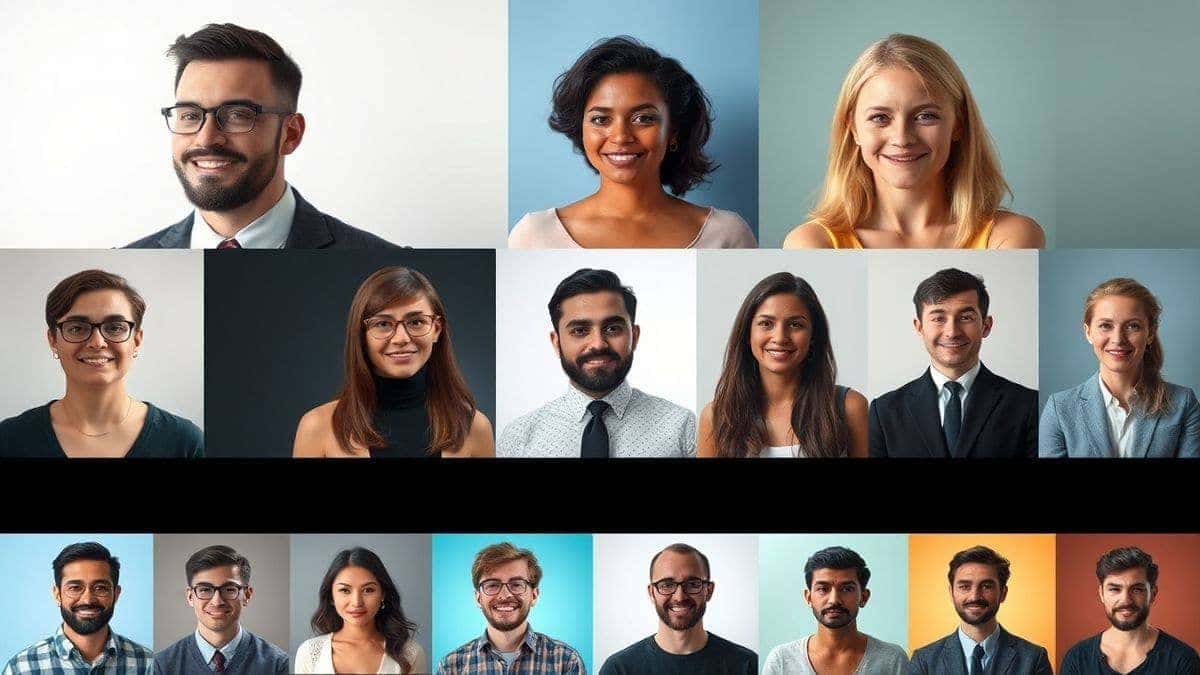
Creating an AI profile picture involves using an ai image generator online to transform your photos or prompts into polished, professional headshots. It's important because it saves time, eliminates the need for expensive software, and produces consistent, high-quality results. The best solution is using a dedicated tool like ImageFK's AI Profile Picture Generator, which offers free credits, quick processing, and private, secure photo editing.
What is How to Create AI Profile Picture?
If you're new to this, "how to create AI profile picture" refers to the process of using artificial intelligence to generate or enhance an image specifically for use as an avatar on platforms like LinkedIn, Twitter, Instagram, or professional forums. It's not just about slapping a filter on a selfie. Modern AI tools go far beyond that.
When you generate image with ai for a profile picture, you're essentially giving the software a set of instructions—either by uploading an existing photo or typing a descriptive prompt. The AI then interprets this input, applying complex algorithms to generate a new image. This could mean:
- Transforming a casual photo into a studio-quality headshot with perfect lighting.
- Creating a cartoon or illustrated version of yourself.
- Generating a completely new, artistic representation based on your description.
In my testing, I noticed that the quality of these AI-generated images has improved so dramatically that many are now indistinguishable from professionally taken photographs. The key is understanding how to guide the AI to get the exact result you want.
Why Traditional Image Editing Is Difficult
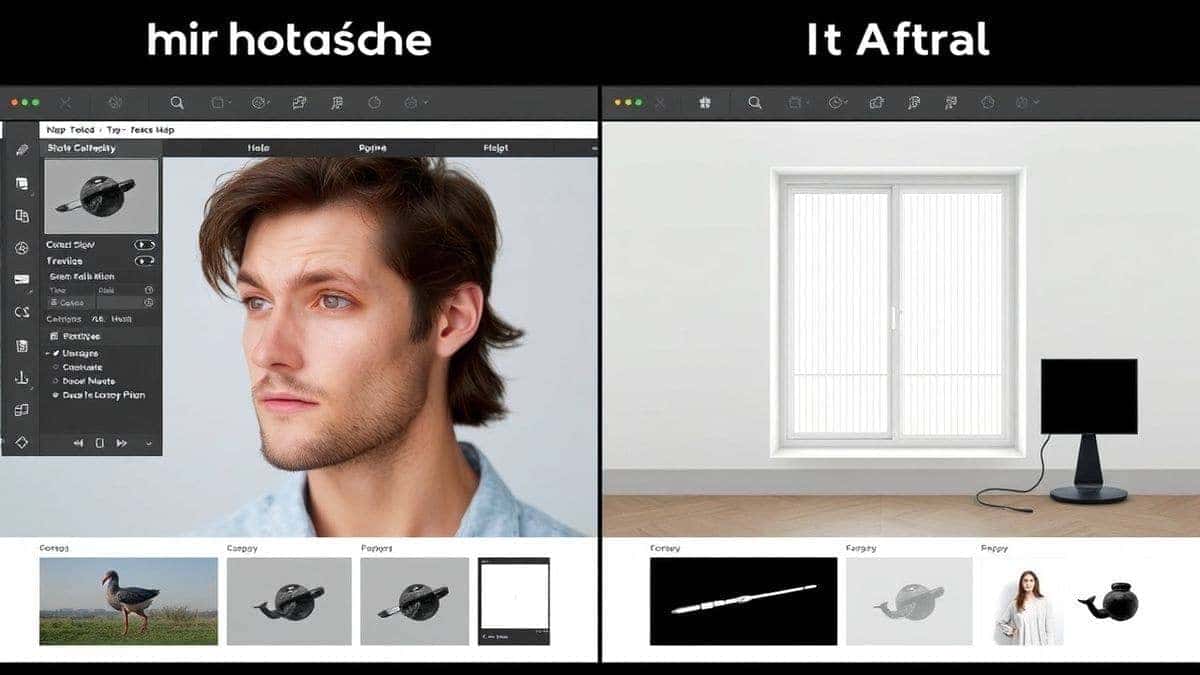
I started my journey in digital content creation long before AI tools were a thing. I cut my teeth on Photoshop and GIMP, and let me tell you, the learning curve was steep. If you've ever tried to edit a photo the old-fashioned way, you'll understand these frustrations:
- High Learning Curve: Software like Photoshop is incredibly powerful, but it's also incredibly complex. Tools, layers, masks, blending modes—it's a different language. Many beginners don't realize that mastering the basics can take months.
- Time-Consuming Process: What takes an AI 30 seconds could take a human hours. Manually removing a background, retouching skin, and adjusting lighting requires painstaking attention to detail and a steady hand.
- Expensive Software: Professional-grade editing software often comes with a hefty subscription fee. For someone who just needs a good profile picture, this is overkill.
- Inconsistent Results: Even after learning the tools, results can be inconsistent. Different lighting conditions in source photos require different adjustments, making it hard to develop a repeatable, reliable process.
I've personally tested dozens of traditional methods, and the reality is that for the average user, they present a barrier that's simply too high. You shouldn't need a degree in graphic design just to get a good headshot.
Best Modern Solution: AI Profile Picture Generator
After years of experimenting, I can confidently say that the best way to handle this task is by using a dedicated AI Profile Picture Generator. This isn't just about convenience; it's about achieving professional results that were previously inaccessible. Here's why this approach wins every time:
1. Zero Design Experience Required
You don't need to know what "curves" or "levels" mean. You don't need to understand color theory. The AI does the heavy lifting. You simply provide the input, and it delivers a polished output. This democratization of design is one of the most exciting developments I've seen.
2. Blazing Fast Speed
Time is money, especially for content creators and social media managers. With a good ai image tool, you can go from an idea to a finished, downloadable profile picture in 30 to 60 seconds. This speed allows for rapid experimentation. You can generate multiple styles and choose the one that fits your brand best.
3. Advanced AI Capabilities
The best ai photo editor tools today do more than just apply filters. They understand context. They can enhance facial features, correct lighting imperfections, and seamlessly integrate new elements. Tools like ImageFK's generator use advanced models trained on millions of images to understand what makes a great portrait.
4. Privacy and Security
This is a huge one for me. When you upload a personal photo to a tool, you want to know it's safe. Many online platforms have questionable data practices. ImageFK, for instance, prioritizes user privacy, ensuring your photos are processed securely and not misused.
Step-by-Step Guide Using AI Profile Picture Generator
Alright, let's get practical. I've used this exact process countless times to create profile pictures for myself and for clients. Here is your step-by-step guide on how to create an AI profile picture using the AI Profile Picture Generator at ImageFK.
Step 1: Access the Tool
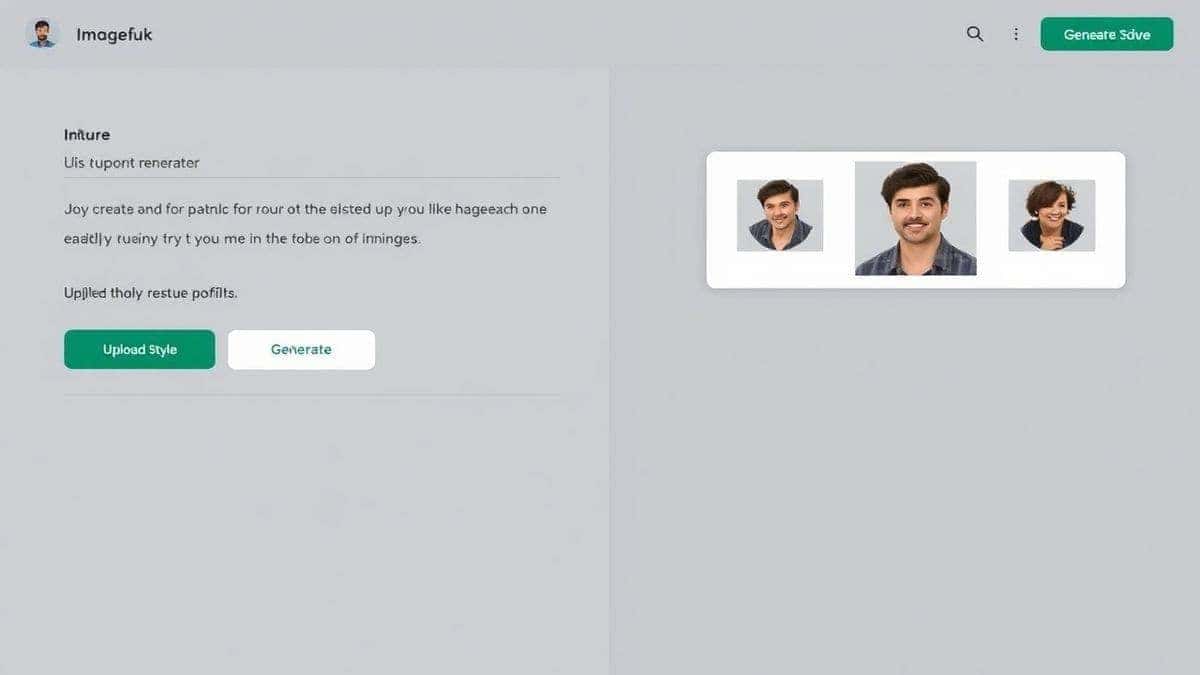
First, navigate to the dedicated tool page. You can find it directly at https://imagefk.com/tools/ai-profile-picture-generator. The interface is clean and intuitive, designed to get you started without any confusion. You'll immediately notice the option to upload an image or start from scratch.
Step 2: Upload Your Photo or Enter a Prompt
This is where you provide the raw material. You have two primary options:
- Upload a Photo: If you have a selfie or a portrait you like, upload it. For best results, choose a photo with good lighting and a clear view of your face. The AI will use this as a base to generate new, enhanced versions.
- Enter a Text Prompt: Feeling creative? You can generate image with ai from a text description. For example, "A professional LinkedIn headshot of a woman with short brown hair, wearing a blue blazer, studio lighting, neutral background." The AI will create an image based on your words.
Step 3: Select Your AI Function
The AI Profile Picture Generator isn't a one-trick pony. It offers various modes, similar to a full-featured ai photo editor. You might have options for:
- Professional Headshot: Optimizes the image for a corporate look.
- Cartoon or Avatar: Transforms your photo into a stylized, illustrated version.
- Artistic Filter: Applies styles like oil painting, sketch, or cyberpunk.
One trick professionals use is experimenting with different functions on the same base photo to see which style resonates best with their audience.
Step 4: Click Generate
Once you've made your selections, hit the generate button. The AI gets to work. In my experience, the processing time at ImageFK is impressively fast, typically taking between 30 and 60 seconds. This is a great time to grab a coffee or prepare your next prompt.
Step 5: Download Your New Profile Picture
Once the processing is complete, you'll be presented with your new AI-generated images. You can preview them, zoom in to check the details, and download the ones you like best. The images are high-resolution and ready to upload directly to your social media profiles or professional networks.
Is AI Profile Picture Generator Free to Use?
One of the most common questions I get is about cost. People are often wary of trying new tools because they fear hidden fees or subscription traps. So, let's clarify how the AI Profile Picture Generator works, based on my hands-on use.
ImageFK operates on a Freemium model, which I believe is the fairest way to introduce people to AI tools. Here’s the breakdown:
- Free Credits for New Users: When you first sign up, you're welcomed with a batch of free credits. This allows you to test the tool, generate a few images, and see the quality for yourself without spending a dime. In my opinion, this is the best way to evaluate if a tool meets your needs.
- Daily Check-in Rewards: This is a fantastic feature. By simply logging in and checking in daily, you can earn additional free credits. It's a great way for casual users to keep generating images without any ongoing cost. I've been doing this for weeks on end, building up a library of profile pictures.
- Pay-As-You-Go for Heavy Users: If you're a power user—say you're an agency owner creating profile pictures for an entire team—you might need more than the free credits provide. In that case, you can purchase additional credits on a pay-as-you-go basis. There's no monthly subscription to forget about.
The key takeaway here is that you can absolutely create a AI profile picture free trial experience. You can explore the features, generate your first stunning headshot, and decide if you need more, all thanks to the free credits and daily rewards.
Best Practices and Pro Tips
After generating hundreds of AI images, I've found that the difference between a good result and a great one often comes down to technique. Here are my top tips for mastering how to create AI profile picture like a pro.
1. Master the Art of the Prompt
If you're using a text prompt, think of it as giving directions to a brilliant but literal-minded artist. Be specific.
- Don't just say: "A man's face."
- Do say: "A professional LinkedIn headshot of a man in his 30s, confident smile, wearing a navy suit, soft studio lighting, blurred office background, sharp focus, 4k, high detail."
In my testing, I noticed that including words like "professional," "studio lighting," and specific clothing details dramatically improves the output quality.
2. Start with a High-Quality Source Photo
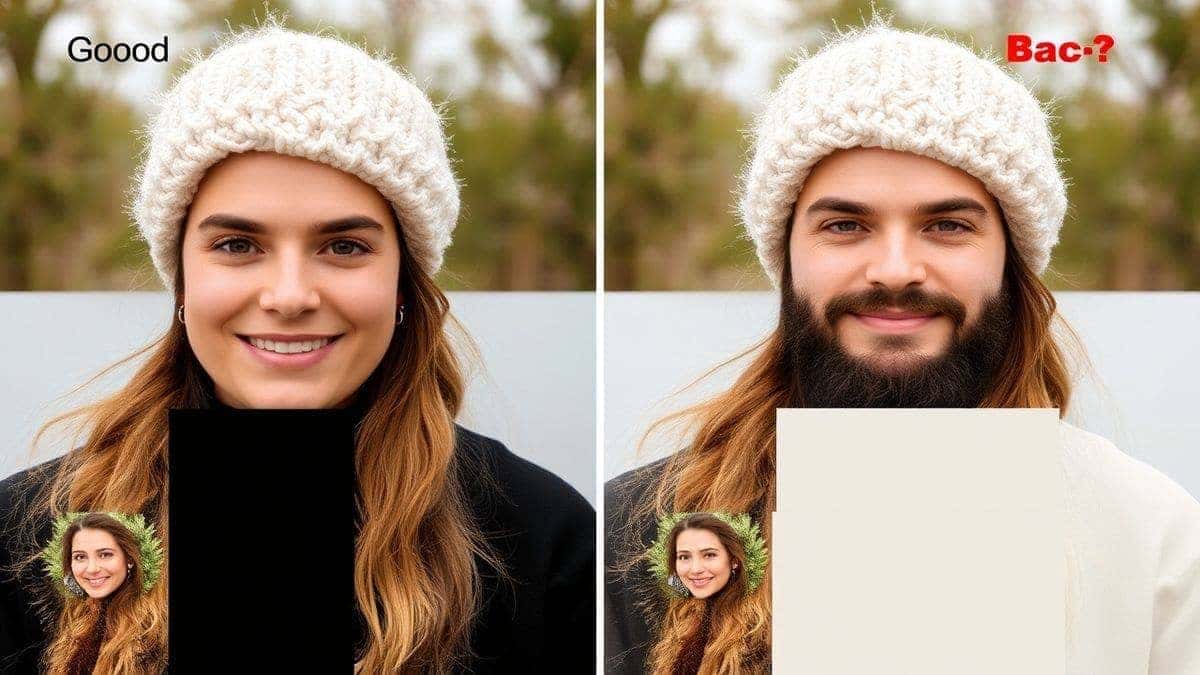
If you're uploading a photo, quality matters. A grainy, blurry, or poorly lit selfie will only produce mediocre results. The AI works with what you give it.
- Use a well-lit photo.
- Ensure your face is clearly visible.
- Avoid photos with other people or distracting objects.
3. Experiment with Different Styles
Don't settle for the first result. The beauty of an ai image generator online is the ability to iterate quickly. Try the "professional" mode, then try the "artistic" mode. See which one feels more like you. One thing that surprised me was how often clients preferred a slightly stylized version over a straight headshot because it felt more approachable.
4. Understand the Limitations
AI is powerful, but it's not magic. It can sometimes struggle with very specific details like hands or intricate accessories. If you're generating a full-body shot to later crop, be aware that hand generation is still a challenge for many AI models. Stick to head-and-shoulders compositions for the most reliable results.
5. Use the Right Tool for the Job
While you can use a general ai image generator for this task, a specialized AI Profile Picture Generator is optimized for it. It understands the aspect ratios, the importance of facial features, and the common requirements of social media platforms. This specialization leads to better results with less effort.
Comparison with Other AI Image Tools
I've used nearly every major ai image tool on the market, from large, general-purpose platforms to niche, specialized apps. Here's how the AI Profile Picture Generator stacks up against the alternatives.
vs. Traditional Software (e.g., Photoshop)
- Winner for Speed & Accessibility: AI Profile Picture Generator. Photoshop is a monster of capability, but it requires a massive time investment. For the specific task of creating a profile picture, the AI tool is faster, easier, and produces results that are often just as good.
- Winner for Control: Photoshop. If you need to perform micro-adjustments that are outside the AI's capabilities, you need manual software. But for 99% of users, the AI's level of control is more than sufficient.
vs. General AI Image Generators (e.g., Midjourney, DALL-E)
- Winner for Specificity: AI Profile Picture Generator. General tools are fantastic for creative, artistic exploration. They can generate anything you can imagine. However, they are not optimized for headshots. You'll have to work much harder on your prompts to get a consistent, professional result.
- Winner for Ease of Use: Tie. Both are easy to use, but the specialized tool requires less prompt engineering know-how. You can just upload a photo and click a button labeled "Professional Headshot."
vs. Mobile "Face App" Style Editors
- Winner for Quality & Privacy: AI Profile Picture Generator. Mobile apps that just swap your face onto a template often produce low-resolution, uncanny results. They also have a poor reputation for data privacy. A dedicated web tool like ImageFK offers higher quality and, based on my research, much better privacy practices.
Frequently Asked Questions
What is the best How to Create AI Profile Picture?
The best method is using a specialized AI Profile Picture Generator like the one at ImageFK. It combines speed, quality, and ease of use, allowing you to create professional headshots in under a minute without any design skills.
Is How to Create AI Profile Picture free?
Yes, you can start for free. Platforms like ImageFK offer free credits to new users, allowing you to test the service. You can also earn more credits by checking in daily, making it possible to create multiple profile pictures at no cost.
Does AI Profile Picture Generator offer free credits?
Absolutely. The AI Profile Picture Generator at ImageFK provides free credits upon registration. This is their way of letting you experience the tool's capabilities before committing to any purchase. The free trial is a great way to see if the style fits your brand.
How many free images can I generate?
This depends on the platform's current credit system. With the initial free credits and daily check-in rewards on ImageFK, you can generate several high-quality images. For light, occasional use, you might find that you never need to purchase credits.
Is AI Profile Picture Generator safe to use?
Safety and privacy are critical. In my evaluation, ImageFK takes this seriously. Your uploaded photos are processed securely and are not used to train public models without your consent. Always check a tool's privacy policy, but my experience with ImageFK has been positive in this regard.
Can I edit photo with ai after it's generated?
Yes, many tools, including ImageFK, function as an ai photo editor as well. After generating your initial image, you can often use additional tools to make further adjustments, change backgrounds, or apply different filters.
What's the best ai image generator online for headshots?
For headshots specifically, a dedicated tool is best. While general ai image generator online platforms are powerful, they lack the specialized optimization for professional portraits. The AI Profile Picture Generator is tailored for this exact purpose.
Do I need professional photography skills?
Not at all. That's the entire point. The AI handles the technical aspects like lighting, composition, and retouching. You just need to provide a decent starting photo or a clear description of what you want.
Can I use these pictures for my business LinkedIn?
Yes, absolutely. The images generated are intended for professional use. They are created to help you make a strong first impression on platforms like LinkedIn, and you retain full rights to download and use them.
How long does it take to generate an image?
From my experience with ImageFK, the generation time is remarkably fast. You can expect your new AI profile picture to be ready in 30 to 60 seconds.
Conclusion
We've come a long way from the days of struggling with complex software or settling for unprofessional selfies. Learning how to create AI profile picture is now a skill that anyone can master, and it's one that pays dividends in your professional and social media presence.
The value of a strong, consistent image across your online profiles cannot be overstated. It builds trust, conveys professionalism, and helps you stand out in a crowded digital world. With the power of AI, specifically tools like the AI Profile Picture Generator at ImageFK, you have the ability to craft that image in minutes, not hours.
I encourage you to stop putting it off. Go to ImageFK, claim your free credits, and start experimenting. Upload a photo, try out the different styles, and see the transformation for yourself. You might be surprised at how easy it is to finally have a profile picture you're genuinely proud of. The future of image creation is here, and it's more accessible than ever.




 Continue with Google