AI Young Filter
Young Filter uses advanced AI to transform your photos with a youthful touch. Key features include instant wrinkle removal, skin rejuvenation, and vibrant glow enhancement. It’s free, user-friendly, and delivers professional-grade results in seconds—perfect for sharing refreshed selfies or exploring a younger you effortlessly.
 Original
  Modified
 Key Features & Capabilities
Discover what makes this AI tool powerful and unique
Lightning Fast Processing
Generate high-quality results in seconds with our optimized AI models. No more waiting - create stunning images instantly.
Professional Quality Output
Achieve professional-grade results with advanced AI algorithms. Perfect for commercial use, marketing materials, and creative projects.
Customizable Parameters
Fine-tune every aspect of your generation with detailed controls. Adjust style, quality, resolution, and more to match your vision.
High Resolution Support
Generate images up to 4K resolution with exceptional detail and clarity. Perfect for print and digital media.
Multi-Platform Compatible
Works seamlessly on Windows, Mac, Linux, iOS, and Android. Access your creations from any device, anywhere.
Secure & Private
Your images are processed securely and automatically deleted after 2 hours. We prioritize your privacy and data protection.
How to Use This Tool
Simple steps to get started with AI-powered image generation
Configure Your Settings
Select your preferred model, adjust parameters like style, resolution, and quality according to your project requirements. Explore preset options for quick setup.
Upload or Describe
Either upload a source image or enter a detailed text prompt. Be specific about colors, lighting, composition, and desired artistic style for best results.
Generate & Preview
Click the generate button and watch the AI work its magic. Preview results in real-time and make adjustments if needed.
Download & Use
Once satisfied, download your high-resolution image instantly. Use it for personal projects, commercial work, social media, or any creative purpose.
Pro Tips for Best Results
- Be Specific: Detailed prompts produce better results. Include information about subject, environment, lighting, mood, and artistic style.
- Experiment: Try different parameter combinations to discover unique styles and effects. Save your favorite settings for future use.
- Use References: Reference specific art movements, photographers, or artistic styles (e.g., "impressionist style", "Annie Leibovitz lighting").
- Iterate: Generate multiple variations and select the best one. Small prompt changes can create dramatically different outputs.
- Quality Matters: For image uploads, start with high-quality source images for optimal transformation results.
What Is AI Young Filter?
AI Young Filter is a browser-based photo editing tool that uses artificial intelligence to instantly rejuvenate faces in your images. By analyzing facial features and applying subtle enhancements, it smooths skin, reduces the appearance of wrinkles, and adds a natural, healthy glow. The result is a refreshed version of yourself, created in seconds without any manual editing or design experience.
Understanding the AI Young Filter: Your Free Age Rejuvenation Tool
We all have that one photo where we look a bit tired, or maybe we’re just curious to see a digitally enhanced, more youthful version of ourselves. Traditionally, achieving this look required expensive software and hours of manual work. The AI Young Filter changes that entirely. It’s a free, online tool designed to make professional-grade age reversal accessible to everyone. Whether you want to smooth out your skin for a profile picture or simply have fun exploring a different look, this tool delivers high-quality results instantly.
This isn't about creating a fake version of you. The underlying AI image processing technology works to enhance your natural features. It gently removes imperfections, reduces the appearance of fine lines, and restores a vibrant, healthy look to your skin. The entire process is automated, fast, and secure, all running directly in your web browser.
How the AI Young Filter Technology Works
You might be wondering what happens behind the scenes when you upload a photo. The magic lies in advanced AI photo editing algorithms. Here’s a simplified breakdown of the process:
-
Facial Analysis: When you upload an image, the AI first locates and maps the key facial features—eyes, nose, mouth, and skin areas. It identifies different textures, like the smoothness of the skin versus the texture of hair or background.
-
Feature Identification: The system then pinpoints areas typically associated with aging, such as fine lines around the eyes (crow's feet), forehead wrinkles, and skin texture irregularities.
-
Intelligent Enhancement: Using a model trained on thousands of before-and-after images, the AI applies subtle, targeted adjustments. It smooths skin texture by reducing the appearance of wrinkles and blemishes while carefully preserving important details like skin pores and natural contours. This ensures the result looks like you, just with a rejuvenated glow.
-
Final Rendering: The AI blends these enhancements seamlessly, adjusts the skin tone for vibrancy, and outputs a final, high-resolution image. This whole fast image processing cycle typically completes in under a minute.
Key Features of the AI-Powered Photo Editor
The AI Young Filter tool is built around a few core capabilities that make it both powerful and easy to use.
Instant Wrinkle Removal
This is the core function. The AI intelligently targets and softens the appearance of wrinkles and fine lines. It’s not a blunt blur tool; it's a precise image transformation that leaves your skin looking smooth and natural.
Natural Skin Rejuvenation
Beyond just removing wrinkles, the tool works on overall skin health. It improves skin tone evenness, reduces the look of blemishes or dark spots, and adds a subtle vibrancy. This skin rejuvenation process is what gives your face that refreshed, well-rested look.
Vibrant Glow Enhancement
A youthful look is often associated with a healthy glow. The AI subtly enhances the light reflection on your skin, adding a touch of radiance without making it look shiny or artificial. This glow enhancement is a key differentiator from simple smoothing filters.
Free and Browser-Based
One of the most significant features is that it’s completely free. There’s no software to download or install. It’s a true online tool that works on any device with a modern web browser, making professional AI-powered editing available to everyone, regardless of their technical skill level.
When and Why to Use an AI Young Filter
The applications for this tool go beyond simple curiosity. Understanding the real-world use cases helps demonstrate its value.
Perfecting Social Media Profiles
Your profile picture is often the first impression you make online. Using the AI Young Filter on a selfie can help you put your best foot forward, ensuring you look vibrant and approachable. It’s perfect for updating your LinkedIn, Instagram, or Facebook profile.
Breathing New Life into Old Photos
Have you scanned old family photos? The people in them may look much older than you remember them. This tool allows you to gently rejuvenate their faces in these treasured memories, providing a unique way to connect with the past and see your loved ones in a new light.
A Fun and Creative Exploration
Sometimes, it's just for fun. You might wonder what you would have looked like ten years ago, or you might be curious how a subtle, non-invasive "digital touch-up" would look. The tool provides an instant, risk-free way to explore this.
Quick Fix for "Tired Days"
We all have days where we look more tired than we feel. If you have a photo you love except for some under-eye shadows or a lack of vibrancy, this tool acts as a quick fix. It enhances the photo in seconds, saving you from discarding an otherwise great shot.
A Step-by-Step Guide to Using the Tool
Using the AI Young Filter on ImageFK is designed to be incredibly straightforward. You don't need to be a tech expert or a professional designer. Here’s the typical workflow:
- Navigate to the Tool: Go to the AI Young Filter page on the ImageFK website.
- Upload Your Image: Click the upload area and select a photo from your device. The tool supports common formats like JPEG and PNG. The interface is clean and intuitive, clearly stating what file types are accepted.
- (Optional) Use a Text Prompt: For more control, you can use a text-to-image prompt to guide the AI. For example, you could type "natural skin rejuvenation, subtle wrinkle reduction, keep facial hair" to refine the output. This feature is great for those who want more specific results.
- Generate: Click the generate button. The AI image processing begins immediately. You’ll see a progress indicator while the AI works its magic.
- Download: In about a minute, your new image will be ready. You can then preview the result and download it to your device, ready to share.
AI Auto-Editing vs. Manual Photo Retouching
Why choose an AI-powered tool like this over manual methods? The advantages are clear.
- Speed: Manual editing in software like Photoshop can take 30 minutes to an hour for a professional-quality retouch. AI does it in under 60 seconds.
- Skill Level: Manual editing requires years of practice to master complex tools like layers, masks, and frequency separation. AI requires no design skills.
- Consistency: AI applies consistent, predictable enhancements. Manual results can vary greatly depending on the editor's skill and time investment.
- **Access
Frequently Asked Questions
Common questions about this AI tool answered
Start AI Young Filter with AI Today
Transform your images instantly using powerful AI Effects Filters AI tools.
Try AI Young Filter NowMore AI Effects Filters AI Tools
Discover more AI-powered tools to enhance and transform your images.
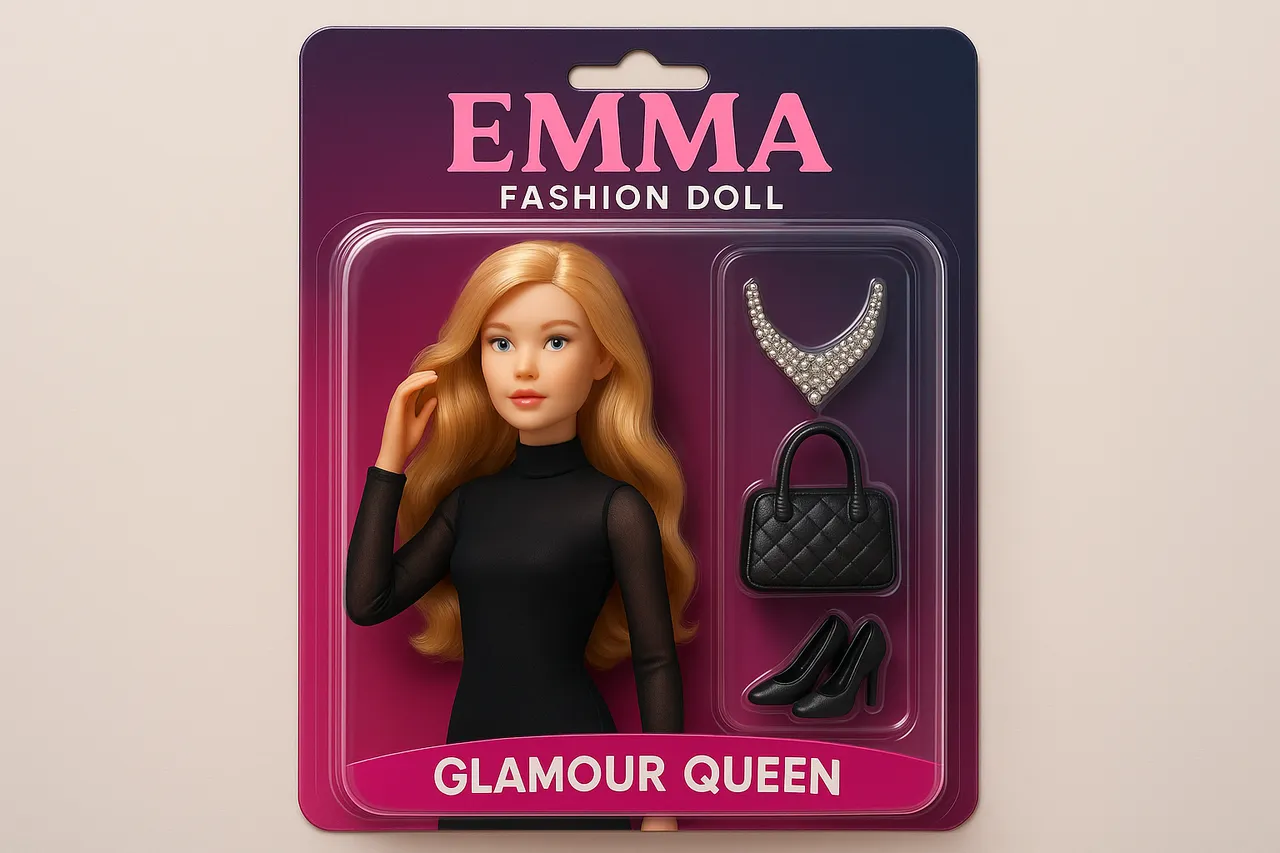
AI Doll Generator
AI Doll Generator lets you create personalized dolls, This online tool enables users to design custom dolls with unique features, perfect for creative projects, gifts, or entertainment. Ideal for content creators, parents, influencers, and doll lovers seeking quick, innovative design solutions without any cost.
Try Now
AI Photo To Cartoon
AI Photo to Cartoon is a free AI-powered tool that converts your photos or text descriptions into high-quality cartoon images effortlessly. It eliminates the need for design expertise, making it ideal for creating unique social media posts, personalized gifts, and engaging marketing materials. Enjoy fast, professional results that enhance your creativity and save time.
Try Now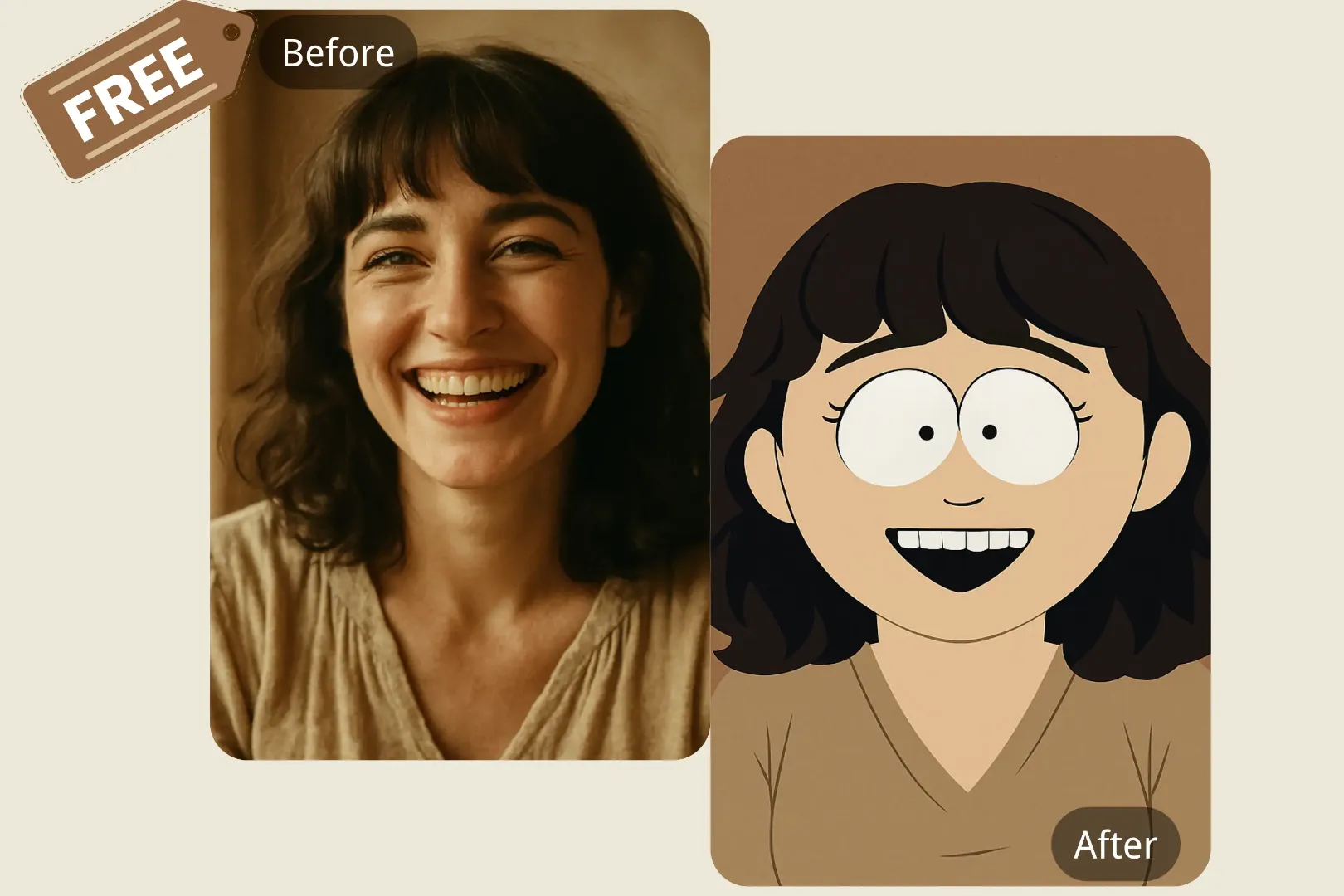
South Park Character Creator
South Park Character Creator lets you easily generate custom South Park avatars from photos or descriptions. Key features include instant conversion, free access. Enjoy creating unique characters for fun, gaming, or sharing online with this user-friendly tool.
Try Now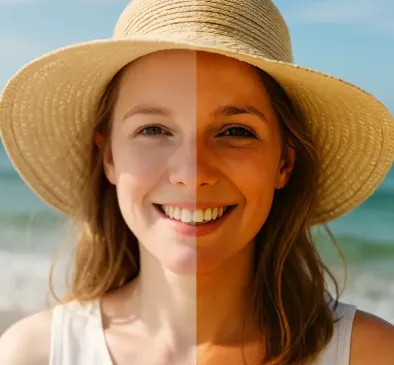
AI Change Skin Color
Change Skin Color is a free AI-powered tool that lets you modify skin tones in any photo effortlessly. Upload your image, describe your desired look, and download the professionally edited result in seconds. Ideal for enhancing portraits, adjusting group shots, or exploring creative ideas without any advanced editing skills. Experience seamless, high-quality transformations that look authentic every time.
Try Now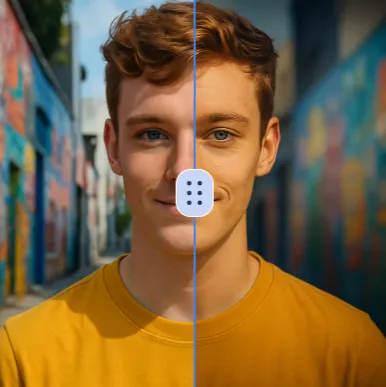
AI Vignette Effect
Vignette Effect is a user-friendly online tool that lets you apply stunning vignette effects to photos in seconds. Highlight key areas, add depth, and improve visual appeal effortlessly. Perfect for social media, portfolios, or personal projects—no download required. Start enhancing your images today!
Try Now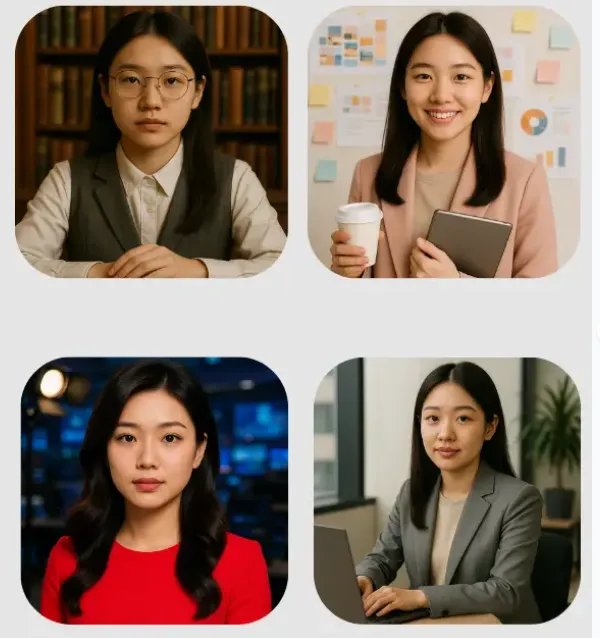
AI Headshot Generator
AI Headshot Generator transforms ordinary photos into professional headshots instantly. No registration needed - simply upload your picture and get LinkedIn-ready portraits. Our advanced AI technology automatically enhances lighting, removes backgrounds, and perfects facial features to create custom, professional-quality headshots in seconds, completely free.
Try Now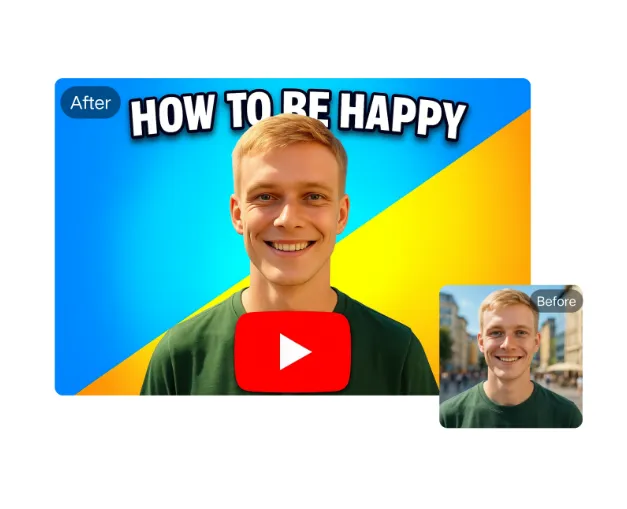
AI YouTube Thumbnail Maker
AI YouTube Thumbnail Maker helps creators design professional thumbnails instantly. Our AI analyzes trends to suggest optimal designs. Key features: free templates, text overlay, one-click download. Stand out in search results and attract more viewers effortlessly. Perfect for beginners and experts alike.
Try Now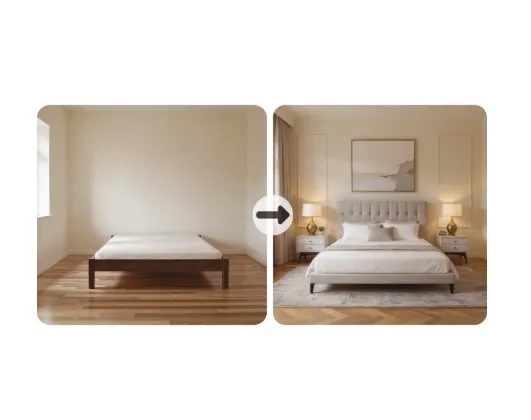
Virtual Staging AI
Virtual Staging AI is a free AI-powered tool for effortless room design. Upload any room photo to instantly remove clutter, add realistic furniture, and experiment with diverse interior styles. It requires no design skills, offering quick visualization for homeowners, realtors, and decorators to enhance spaces virtually and make informed styling decisions.
Try Now Continue with Google