Simpsons Character Generator
Simpsons Character Generator lets you create personalized Simpsons-style characters using AI. Simply upload a photo or describe your vision to instantly transform it into the beloved Springfield aesthetic. Perfect for social media sharing, creating memorable gifts, or just having fun. No design skills needed—generate your unique character in seconds and enjoy the iconic look!
 Original
  Modified
 Key Features & Capabilities
Discover what makes this AI tool powerful and unique
Lightning Fast Processing
Generate high-quality results in seconds with our optimized AI models. No more waiting - create stunning images instantly.
Professional Quality Output
Achieve professional-grade results with advanced AI algorithms. Perfect for commercial use, marketing materials, and creative projects.
Customizable Parameters
Fine-tune every aspect of your generation with detailed controls. Adjust style, quality, resolution, and more to match your vision.
High Resolution Support
Generate images up to 4K resolution with exceptional detail and clarity. Perfect for print and digital media.
Multi-Platform Compatible
Works seamlessly on Windows, Mac, Linux, iOS, and Android. Access your creations from any device, anywhere.
Secure & Private
Your images are processed securely and automatically deleted after 2 hours. We prioritize your privacy and data protection.
How to Use This Tool
Simple steps to get started with AI-powered image generation
Configure Your Settings
Select your preferred model, adjust parameters like style, resolution, and quality according to your project requirements. Explore preset options for quick setup.
Upload or Describe
Either upload a source image or enter a detailed text prompt. Be specific about colors, lighting, composition, and desired artistic style for best results.
Generate & Preview
Click the generate button and watch the AI work its magic. Preview results in real-time and make adjustments if needed.
Download & Use
Once satisfied, download your high-resolution image instantly. Use it for personal projects, commercial work, social media, or any creative purpose.
Pro Tips for Best Results
- Be Specific: Detailed prompts produce better results. Include information about subject, environment, lighting, mood, and artistic style.
- Experiment: Try different parameter combinations to discover unique styles and effects. Save your favorite settings for future use.
- Use References: Reference specific art movements, photographers, or artistic styles (e.g., "impressionist style", "Annie Leibovitz lighting").
- Iterate: Generate multiple variations and select the best one. Small prompt changes can create dramatically different outputs.
- Quality Matters: For image uploads, start with high-quality source images for optimal transformation results.
Free AI Simpsons Character Generator - Create Your Own Instantly
Ever wondered what you, your friends, or even your pet would look like as residents of Springfield? The Simpsons Character Generator is a browser-based AI tool that instantly transforms your photos or ideas into digital art styled after the iconic animated series. By using advanced AI image processing, it analyzes facial features or text descriptions and redraws them with the signature yellow skin, oversized eyes, and unique overbite that define the show's aesthetic. It delivers high-quality results in about a minute, with no need for any design software or experience.
What is the Simpsons Character Generator?
This isn't just another photo filter; it's a specialized application of AI image editing designed to capture the essence of a specific art style. The Simpsons Character Generator takes either a portrait photo or a creative text prompt and applies a complex AI model trained on thousands of images from the show. The result is a unique, personalized character that fits seamlessly into the world of Homer, Marge, and the rest of the gang. Whether you are looking to create a profile picture, a gift, or just a fun digital keepsake, this online tool makes the process fast, accurate, and accessible to everyone.
How the AI Character Generator Works
The technology behind this tool might seem complex, but the user experience is designed to be incredibly straightforward. It leverages a process known as image-to-image translation, guided by machine learning models trained on the specific visual language of The Simpsons. Here’s a breakdown of what happens behind the scenes.
From Upload to Springfield: The AI Image Processing Pipeline
- Input: You start by either uploading a clear photo (JPEG, PNG, or WEBP) or typing a description into a text prompt. The tool provides a "Translate to English" feature for prompts, ensuring the AI understands your idea accurately.
- Analysis: The AI model analyzes your input. For photos, it detects key facial landmarks—the position of your eyes, nose, mouth, and the shape of your face. For text prompts, it interprets your description to build a character from scratch.
- Transformation: The core AI processing begins. The model doesn't just overlay a filter; it redraws the image, applying the characteristic features of the show: the round eyes, the unique hair shapes, the skin tone, and the simplified yet expressive linework.
- Refinement: Depending on the model you select (like the high-quality "Pro" option or the balanced "Max"), the system performs additional passes to refine details, ensuring the final output is crisp and true to the source material.
- **** Within seconds, your new Simpsons-style avatar is ready to download and share.
This entire AI-powered editing workflow happens directly in your browser, making it a fast and efficient alternative to complex manual illustration.
Key Features of the ImageFK Simpsons Generator
The tool offers several options to customize your creation and get the exact result you're looking for. Understanding these features can help you achieve the best possible outcome.
Flexible Input: Upload vs. Prompt
You have two primary ways to create your character. The upload image option is perfect for creating a caricature-like likeness of a real person. The AI will strive to capture their expression and key features. Alternatively, the text-to-image prompt is ideal for generating entirely new, fictional characters. For example, you could type "a Simpsons-style character who is a futuristic astronaut with a pet robot" and let the AI build that vision from the ground up. For best results, it's recommended to write your prompt in English.
Model Selection and Image Quality
To give you control over speed and quality, the generator features several AI models, each with a different "credit" cost.
- Fast: This is the quickest option, perfect for experimentation or when you need a result immediately. It prioritizes speed.
- Max: A balanced mode that offers a good compromise between processing time and the detail in the final image.
- Nano Banana2: This is the latest model, optimized for creative generation and capable of producing images from 1K to 4K resolution.
- Pro: The highest quality setting. It takes a bit longer to process but delivers the most detailed, accurate, and visually appealing results, making it ideal for prints or high-resolution sharing.
You can also choose the final image size (1K, 2K, or 4K) and aspect ratio (like 1:1, 16:9, or 9:16), giving you flexibility for where you intend to use the image, whether it's for social media stories or a desktop wallpaper.
When to Use an AI Character Generator
This tool is more than just a novelty; it has a variety of practical and creative applications. The ease of use and speed of AI image processing open up many possibilities.
Perfect for Social Media and Digital Expression
In an age of digital identity, a unique avatar helps you stand out. A Simpsons-style character is instantly recognizable and conveys a sense of humor and personality. Use it as your profile picture across platforms, create a custom header for your Twitter or Discord, or generate a series of characters to tell a story in your Instagram stories. Because the tool is browser-based, you can create and share directly from any device.
Creating Memorable and Personalized Gifts
Looking for a unique and thoughtful gift? Imagine a family portrait reimagined in the Springfield style, or a picture of a friend's pet as a quirky cartoon character. These images can be printed on mugs, t-shirts, or framed as wall art. It’s a personal, creative, and affordable way to celebrate a birthday, holiday, or special occasion. The high-resolution output ensures the printed result looks professional.
A Complete Guide to Using the Tool
Ready to create your own Simpsons avatar? Follow these simple steps to go from an idea to a shareable image in under a minute.
- Navigate to the Tool: Go to the Simpsons Character Generator page on ImageFK.
- Choose Your Input: Decide whether you want to upload a photo or use a text prompt.
- For a photo: Click the upload area and select a clear image of a face. The AI works best with well-lit, front-facing photos.
- For a prompt: Type your idea into the text box. Be descriptive! For example, instead of "a man," try "a friendly, overweight Simpsons character wearing a blue suit and a red bow tie."
- Select Your Settings: Choose your preferred AI model (Fast, Max, Nano Banana2, or Pro) and the desired image size and aspect ratio. If you're new to this, starting with the "Max" model and a 1:1 square is a great way to get a high-quality result quickly.
- Generate: Click the "Generate Images with ImageFk" button. You'll see a status indicator that says "AI is creating your image..."
- Review and Download: In about 60 seconds, your new character will appear. You can then download it directly to your device, ready to be shared and enjoyed.
The Advantages of AI-Powered Editing Over Manual Creation
For decades, getting a custom caricature or character portrait meant either having significant artistic skill yourself or paying a professional illustrator. This process could be expensive and time-consuming, often taking days or weeks. The Simpsons Character Generator revolutionizes this process.
It democratizes creativity by removing the technical barriers. You don't need to understand drawing, color theory, or digital painting software. The AI handles the complex image transformation, applying a consistent, high-quality style instantly. This makes the process not only faster and more efficient but also allows for unlimited experimentation. You can try dozens of variations, tweak your prompts, and generate multiple versions of a character without any additional cost in time or effort beyond the simple click of a button. It’s a powerful example of how AI is making creative expression accessible to everyone.
Frequently Asked Questions
How accurate is the Simpsons Character Generator?
The accuracy depends on the input quality and the model used. For photos, a clear, well-lit image with a frontal face will yield the best likeness, with the AI capturing your expression and key features. The "Pro" model provides the highest fidelity and detail, ensuring the final character closely matches the iconic animation style.
Is it safe to upload my photos to an online tool?
Your privacy is a key consideration with any AI photo editing tool. Reputable platforms, like ImageFK, process images securely and often have clear policies on data usage. The platform emphasizes secure image processing and does not use your uploaded photos for any purpose other than generating your result. It's always a good practice to review the privacy policy of any online tool you use.
What are the typical use cases for an AI character generator?
People use this tool for a wide range of purposes, including creating unique social media profile pictures, designing personalized gifts like custom t-shirts or mugs, developing characters for fan art or storytelling, and simply having fun with friends and family by creating cartoon versions of each other.
Can I use this tool for commercial projects?
The terms of service can vary, so it's important to check the specific license on the ImageFK website. Generally, tools like this are intended for personal, non-commercial use, such as social media or gifts. For commercial inquiries, you should refer to the platform's official guidelines.
Do I need any design skills to use the Simpsons Character Generator?
None at all. The entire purpose of this AI-powered tool is to eliminate the need for technical or artistic skills. The interface is straightforward, and the AI handles all the complex image processing. You simply provide the input and download the result.
What's the difference between the AI models like "Fast" and "Pro"?
The different models offer a trade-off between processing speed and output quality. The "Fast" model is for quick results, while "Pro" takes slightly longer but uses more advanced computation to produce images with greater detail, better adherence to the style, and higher resolution. "Max" and "Nano Banana2" sit in between, offering balanced options for different needs.
In conclusion, the Simpsons Character Generator on ImageFK represents a perfect blend of advanced AI technology and accessible, fun creativity. It takes the complex process of digital illustration and simplifies it into a fast, intuitive online tool. Whether you're a long-time fan of the show or just looking for a new way to express yourself online, this generator offers a unique and engaging way to step into the colorful world of Springfield. With its focus on privacy, quality, and ease of use, it stands out as a premier choice for anyone wanting to create their own instantly recognizable animated character.
Frequently Asked Questions
Common questions about this AI tool answered
Start Simpsons Character Generator with AI Today
Transform your images instantly using powerful AI Effects Filters AI tools.
Try Simpsons Character Generator NowMore AI Effects Filters AI Tools
Discover more AI-powered tools to enhance and transform your images.
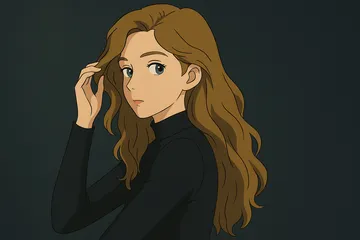
Ghibli Style
Ghibli Style AI instantly converts your photos into beautiful Studio Ghibli-inspired art using advanced AI. Key features include one-click transformation, no account required, and high-quality results. Enjoy creating whimsical, dreamlike images for free—perfect for social media, gifts, or personal fun. Experience the magic of Ghibli with ease!
Try Now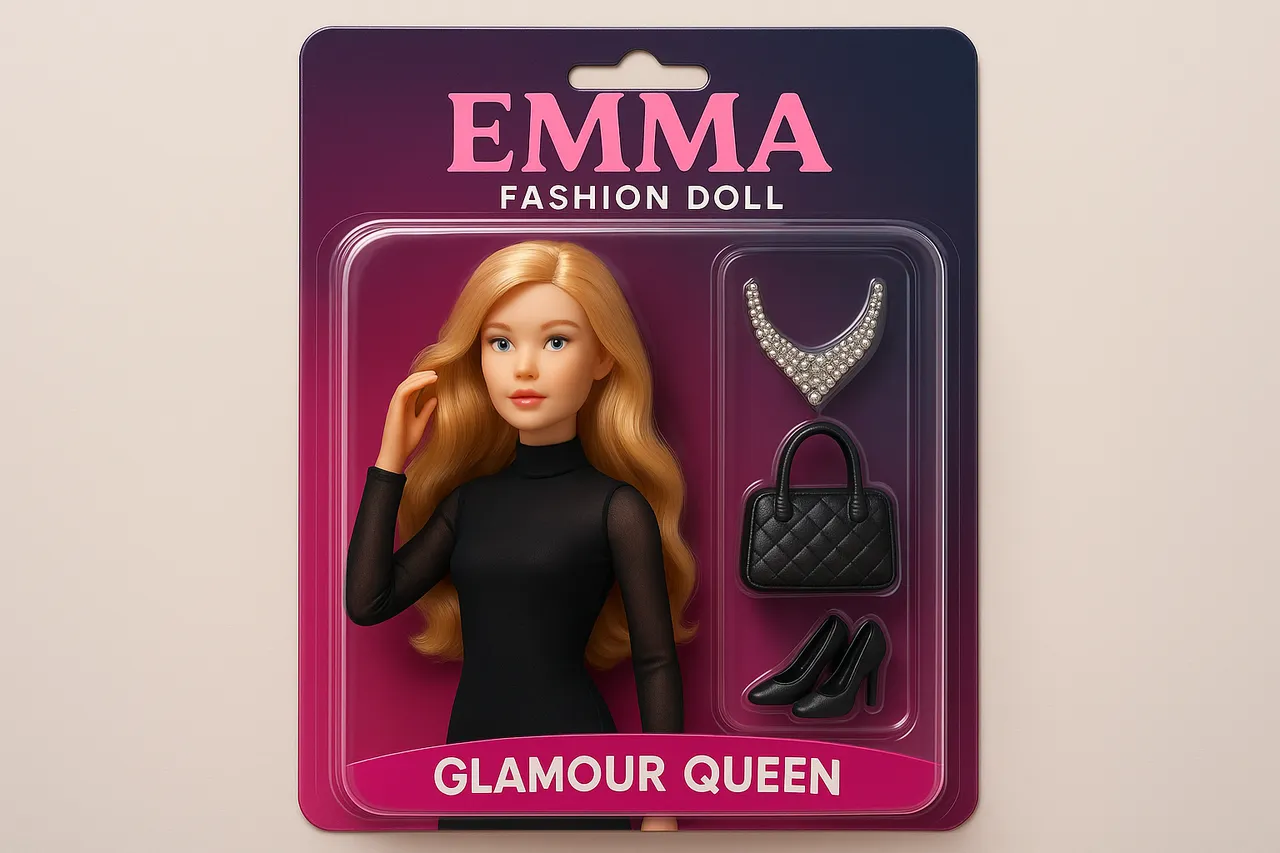
AI Doll Generator
AI Doll Generator lets you create personalized dolls, This online tool enables users to design custom dolls with unique features, perfect for creative projects, gifts, or entertainment. Ideal for content creators, parents, influencers, and doll lovers seeking quick, innovative design solutions without any cost.
Try Now
AI Photo To Sketch
AI Photo to Sketch is a free online tool that converts photos into realistic pencil sketches using advanced AI. It requires no drawing skills – simply upload your image, and get instant results. Perfect for creating art, gifts, or social media posts. Enjoy high-quality sketches with zero effort!
Try Now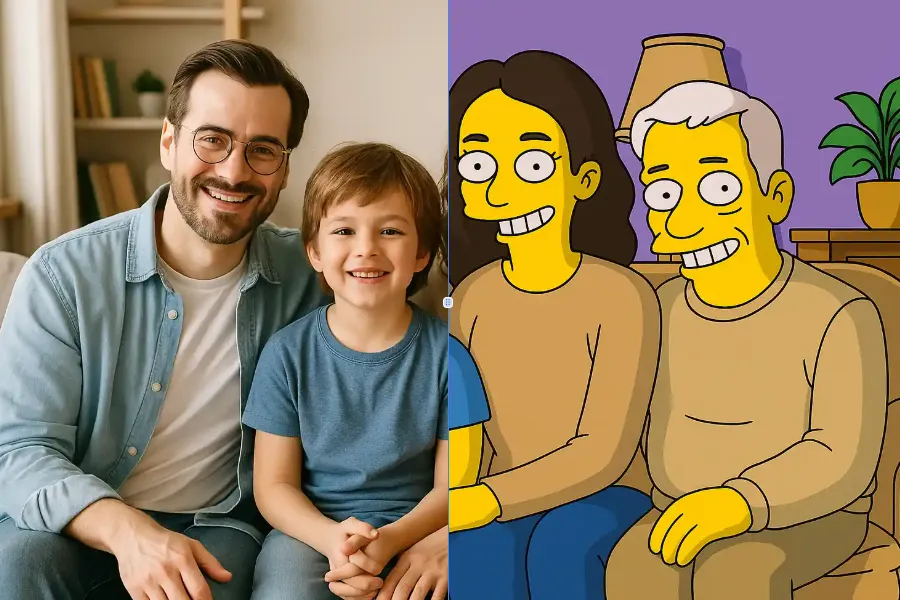
Simpsons Character Generator
Simpsons Character Generator lets you create personalized Simpsons-style characters using AI. Simply upload a photo or describe your vision to instantly transform it into the beloved Springfield aesthetic. Perfect for social media sharing, creating memorable gifts, or just having fun. No design skills needed—generate your unique character in seconds and enjoy the iconic look!
Try Now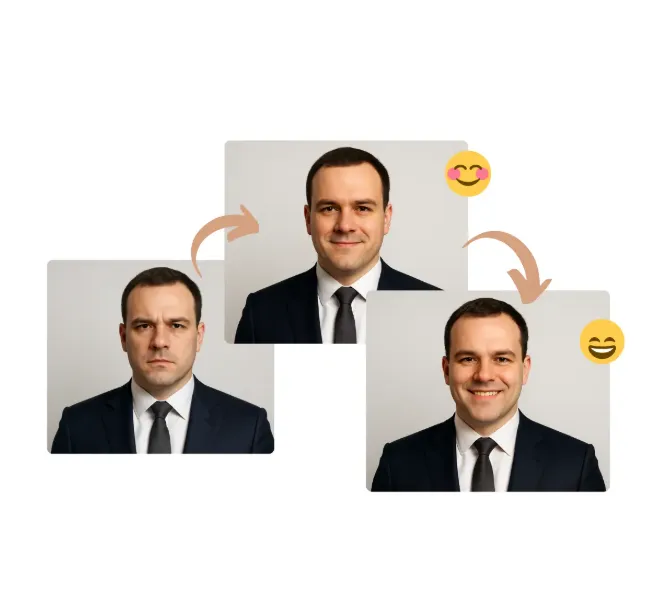
AI Smile Filter
AI Smile Filter lets you add natural, realistic smiles to any photo effortlessly. Perfect for professional LinkedIn headshots, personal family albums, or marketing materials, it ensures simple, secure, and instant image enhancement. Enjoy free access to lifelike smile generation and easy sharing options.
Try Now
AI Braces Filter
Experience the AI Braces Filter: a free online tool that lets you visualize how braces would look on your teeth. Using advanced AI, it provides realistic virtual try-ons without any downloads or apps. Perfect for exploring options before committing, it helps you make confident decisions about orthodontic treatment easily.
Try Now
AI Clipart Generator
AI Clipart Generator lets you create stunning clipart for any project. Simply input your idea, and AI generates custom clipart, photo-to-clipart conversions, or text-based designs. Enjoy free unlimited generation, instant downloads, and professional-quality results for social media, presentations, or personal projects.
Try Now
SpongeBob Meme Generator
The SpongeBob Meme Generator lets you create mocking memes easily using AI. Customize captions, pick from top templates, and download for free—ideal for viral posts. Boost your creativity with this user-friendly online tool.
Try Now Continue with Google