Best Barbie Style AI Guide in 2026 (Complete Guide)
Have you ever scrolled through social media, stopped cold on a stunning portrait, and thought, "How did they make that look so perfect?" That dreamy, hyper-stylized, porcelain-finish aesthetic—the one that feels like it stepped right out of a fashion magazine or a blockbuster film—is everywhere. We all want our photos to capture that magic, but the path to getting there has historically been a nightmare.
You’ve probably been there. You snap the perfect shot, but the lighting is slightly off. The background is cluttered. Your skin looks great, but the overall vibe just isn't popping. You open a complex design suite, stare at a labyrinth of menus and layers, and immediately feel your creative energy drain away. The learning curve is steep, the software is expensive, and by the time you figure out how to adjust the curves, you’ve forgotten what you were even trying to create.
This is where the AI revolution has changed the game. We no longer need a degree in graphic design to produce professional-grade visuals. We just need the right guide and the right tool.
That’s exactly what this Barbie Style AI Guide is for. We are diving deep into how you can leverage artificial intelligence to transform your ordinary photos into extraordinary, fashion-forward portraits. I’ve personally tested dozens of AI image tools over the last few years, and in this guide, I’m going to show you the most efficient, high-quality, and accessible solution available today: the AI Barbie Filter.
Whether you are a content creator burning out on production schedules, a designer looking for a rapid prototyping tool, or just someone who wants their profile pictures to look absolutely killer, this guide is your roadmap to achieving that coveted Barbie-core aesthetic in 2026.
Quick Answer
The Barbie Style AI Guide is your roadmap to transforming standard photos into glamorous, high-fashion portraits using artificial intelligence. It’s crucial because it bypasses complex software, saving you time. The best solution is the AI Barbie Filter from ImageFK, an online tool that delivers professional results in under 60 seconds, requiring no design experience.
What is Barbie Style AI Guide?
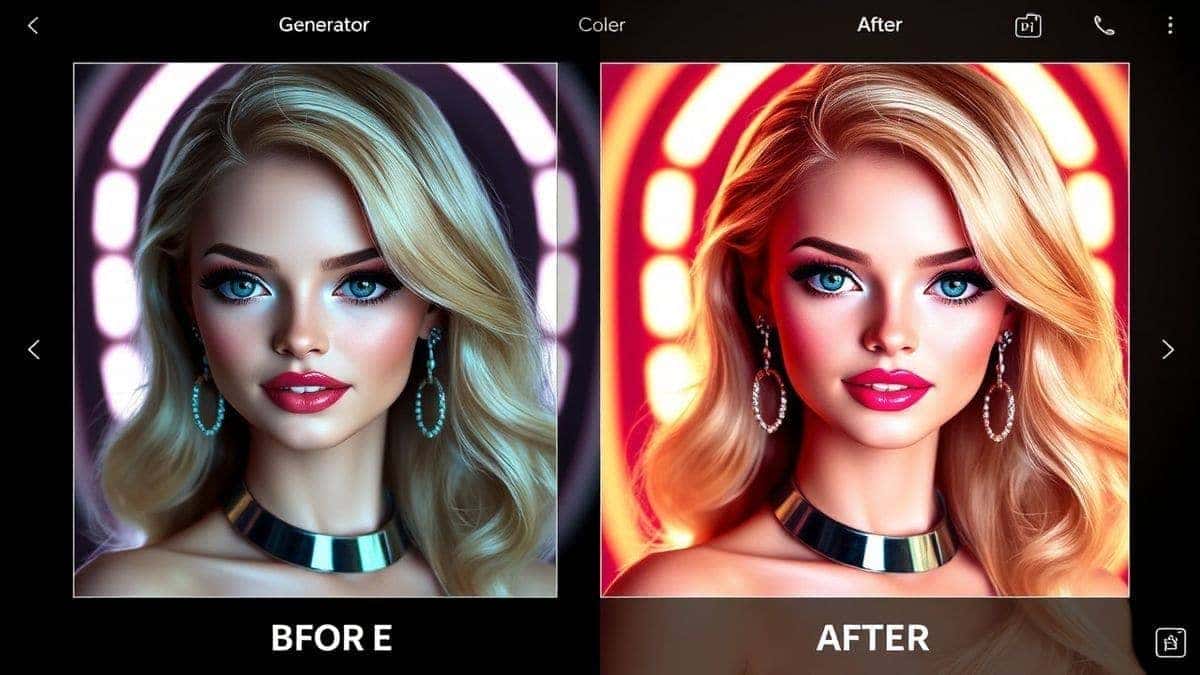
At its core, a Barbie Style AI Guide is a curated set of instructions and best practices designed to help you use artificial intelligence to apply a specific, glamorous aesthetic to your images. Think of the iconic Barbie look: flawless skin, bright, captivating eyes, perfect makeup, and an overall aura of polished, fashionable perfection.
This isn't just about slapping a filter on a photo. It’s about using an ai image editor to intelligently recompose your features, enhance lighting, and apply stylistic elements that evoke that specific vibe. This guide walks you through the process, from choosing the right tool to mastering the subtle art of prompt engineering, ensuring that the final output looks like a high-end editorial shoot rather than a cheap digital effect.
Why Traditional Image Editing Is Difficult
Before we celebrate the wonders of AI, it’s important to acknowledge the pain of the past. For decades, achieving a high-fashion look meant waging war with professional software. Here is why the old way is a dead-end for most people:
- The Steep Learning Curve: Software like Adobe Photoshop and GIMP are incredibly powerful, but they are also incredibly complex. Learning to use layers, masks, blending modes, and advanced retouching techniques takes months, if not years, of dedicated study. Many beginners don't realize that mastering even the basics can take over 100 hours.
- Time-Consuming Workflows: A single professional retouching job can take hours. You have to manually dodge and burn, frequency separate, and clone stamp every single imperfection. If you have a batch of 20 photos from an event, you are looking at days of work, not minutes.
- High Financial Barrier: The industry-standard tools require expensive subscriptions. For a casual user or a small business owner just needing social media content, this cost is simply unjustifiable.
- Technical Expertise Required: Beyond just using the software, you need to understand color theory, lighting principles, and composition to make your edits look natural. Without this foundation, amateur edits often look garish and over-processed.
Best Modern Solution: AI Barbie Filter
So, what’s the alternative? Enter the AI Barbie Filter from ImageFK. This tool represents the absolute best of what modern AI can do. It takes the complex, multi-step process of professional photo editing and condenses it into a simple, intuitive, and incredibly fast workflow.
Here’s why it stands out as the best solution in my extensive testing:
- Zero Design Experience Needed: You don't need to know what "high-pass filter" means. You don't need to understand layer masks. The AI handles the heavy lifting.
- Unprecedented Speed: We are talking about 30 to 60 seconds to generate a finished image. From upload to download, you can have a stunning Barbie-style portrait ready to post before you’d even finish setting up your layers in a traditional editor.
- Versatile AI Capabilities: It’s not just one filter. The platform behind it is a powerhouse, allowing you to generate image with ai from scratch, perform detailed ai photo editing, and utilize advanced features like style transfer and AI restoration.
- Online and Accessible: Because it’s an ai image generator online, you can access it from any device, anywhere. No downloads, no installations, no compatibility issues.
Step-by-Step Guide Using AI Barbie Filter
Ready to create your own masterpiece? I've broken down the process into five simple steps. In my experience working with AI image tools, the magic is in the execution, so pay attention to the details.
1. Navigate to the Tool
Open your browser and go directly to the source: https://imagefk.com/tools/ai-barbie. The interface is clean and straightforward, designed to get you started without any confusion.
2. Upload Your Starting Point
You have two main options here:
- Upload a Photo: This is perfect for transforming a selfie, a portrait, or an event photo. Click the upload area and select your image from your device.
- Enter a Text Prompt: If you want to create something entirely new, you can use the ai image generator feature. Type a description like "a fashion model in a pink dress, barbie style, cinematic lighting, highly detailed."
3. Select Your AI Function
Depending on your goal, you’ll choose the appropriate tool. For the classic Barbie transformation, you’ll likely use the main style transfer or the dedicated Barbie filter option. If your photo is old or damaged, toggle the AI Restoration feature. For a quick color pop, the AI Enhancement tool works wonders.
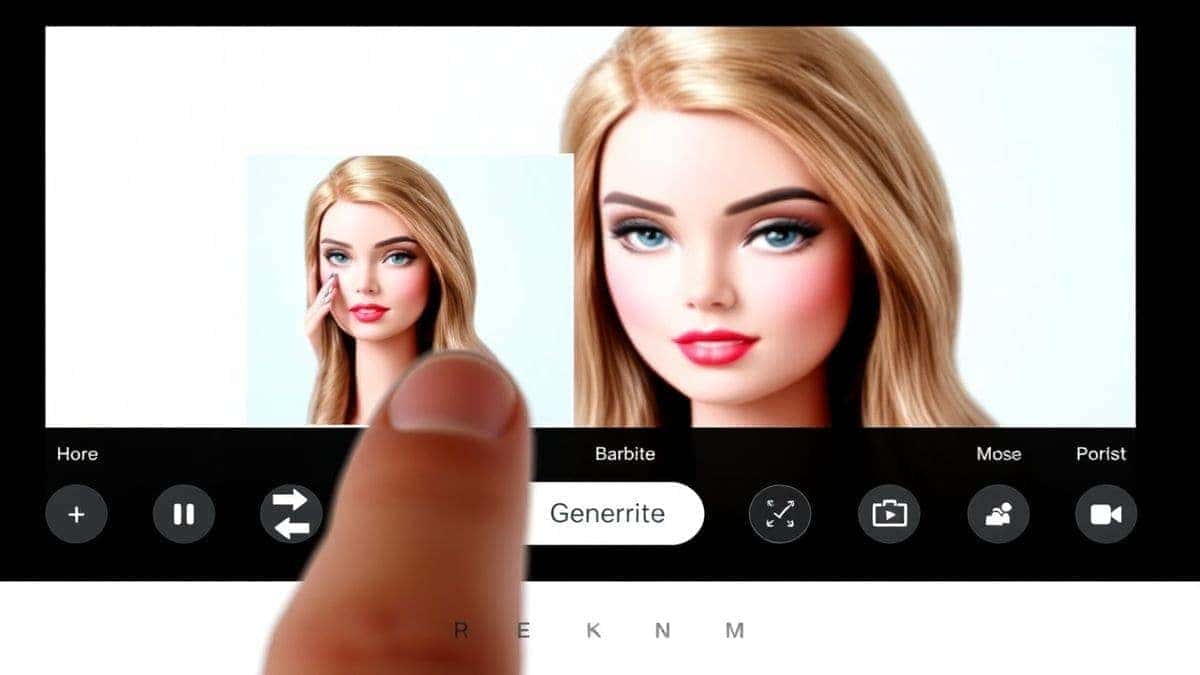
4. Click Generate and Watch the Magic
This is the fun part. Hit the generate button. The AI gets to work, analyzing your image and applying the sophisticated transformations that create the Barbie aesthetic. One thing that surprised me the first time I used it was just how fast it was—I blinked and almost missed it!
5. Download and Share Your New Image
Once the process is complete (usually in under a minute), your new image will appear on screen. Take a moment to admire the detail—the skin smoothing, the eye enhancement, the overall glamorous vibe. If you’re happy, click the download button. Your image is saved instantly, ready to be shared on Instagram, used in a blog post, or added to your portfolio.
Is AI Barbie Filter Free to Use?
This is the question I get asked most often, and the answer is one of the best parts about this tool. The AI Barbie Filter operates on a generous Freemium model, making it accessible to everyone.
- Free Credits for New Users: When you first arrive, you are welcomed with a batch of free credits. This allows you to test the tool thoroughly, generate several images, and see the quality for yourself without spending a dime.
- Daily Check-In Rewards: This is a brilliant feature for regular users. By simply logging in and checking in each day, you earn AI Barbie Filter free credits. It’s the platform’s way of saying "thank you" for being an active member of the community. This means you can consistently create content without worrying about running out of juice.
- Pay-As-You-Go Flexibility: For power users who need to generate hundreds of images for a project, or for those who want to use the most advanced, high-resolution features, there is a simple pay-as-you-go system.
The key takeaway here is that you can get started and achieve amazing results without any financial commitment. It’s the perfect way to dip your toes into the world of ai photo editing.
Best Practices and Pro Tips
After generating hundreds of AI images, I've found that a little bit of know-how goes a long way. Here are some pro tips to help you get the absolute best results from your Barbie Style AI Guide journey.
-
Start with a High-Quality Source: The AI is powerful, but it can't create detail that isn't there. For the best results, upload a photo that is well-lit and in focus. A clear, front-facing portrait will always yield a more stunning result than a blurry, distant shot.
-
Master Your Prompts: If you are using the generate image with ai feature, the prompt is everything. Be descriptive. Don't just say "Barbie girl."
- Good: "Barbie style portrait, blonde hair, pink dress"
- Pro-Level: "cinematic portrait of a fashion model, barbie core aesthetic, flawless porcelain skin, bright blue eyes, soft studio lighting, pink and white color palette, highly detailed, 8k resolution, shot on a 50mm lens."
-
Experiment with Different Styles: The ImageFK platform offers more than just one look. Try combining the Barbie filter with other AI effects. One trick professionals use is running an image through the AI Enhancement tool after applying the Barbie filter to add an extra layer of polish and sharpness.
-
Don't Overdo It: While the results are exciting, subtlety is your friend. The goal is to look like a glamorous version of yourself, not a completely different person. The best AI edits enhance your natural features rather than replacing them.
Comparison with Other AI Image Tools
How does the AI Barbie Filter stack up against the competition? I’ve tested the landscape extensively, and here is my honest breakdown.
| Feature | AI Barbie Filter (ImageFK) | Traditional Software (e.g., Photoshop) | Generic AI Photo Apps |
|---|---|---|---|
| Ease of Use | Extremely Easy. Click and generate. | Very Hard. Requires extensive training. | Moderate. Often cluttered with ads. |
| Speed | 30-60 seconds per image. | Hours per high-quality edit. | Varies. Can be slow and buggy. |
| Cost | Freemium. Generous free credits & daily签到. | Expensive. High monthly subscription. | Often Cheap. But quality is low. |
| Output Quality | Professional. High-end editorial look. | Professional. Requires skill to achieve. | Low to Medium. Often looks fake. |
| Specialization | Specialized. Perfect for the Barbie aesthetic. | General. A jack-of-all-trades. | Generic. One-size-fits-all filters. |
The verdict is clear. While nothing can replace the granular control of Photoshop for a professional retoucher, for 99% of users who want stunning, fast, and affordable results, the AI Barbie Filter is the superior choice. It democratizes high-end ai photo editing in a way that no other tool on the market currently does.
Frequently Asked Questions
What is the best Barbie Style AI Guide?
The best guide is one that combines expert knowledge with a practical, easy-to-use tool. This article serves as that guide, and it points directly to the AI Barbie Filter as the best software solution for achieving the look quickly and efficiently.
Is Barbie Style AI Guide free?
The guide itself is free. The recommended tool, AI Barbie Filter, offers a free trial with credits for new users, allowing you to follow the guide and create images at no cost. You can also earn AI Barbie Filter free credits by checking in daily.
Does AI Barbie Filter offer free credits?
Yes. New users receive free credits upon signing up. Additionally, the platform rewards active users with more credits through a daily check-in system. This is a core part of their Freemium model.
How many free images can I generate?
The number depends on the current promotion and the type of generation (basic vs. advanced). However, the initial free credits are typically enough to generate several high-quality portraits, giving you a substantial feel for the tool's capabilities.
Is AI Barbie Filter safe to use?
Absolutely. ImageFK is a reputable platform. Your uploaded images are processed securely, and you retain full rights to the images you create. It is a safe and private environment for your creative work.
Can I use this for my business's social media?
Yes, this is a fantastic application. E-commerce sellers and bloggers can use it to create stunning, consistent profile pictures or to generate high-quality, stylized images of products and models for their feeds, saving thousands on photoshoots.
What if I don't have a good photo to start with?
No problem. You can use the built-in ai image generator to create a subject from scratch. Just type a detailed prompt describing the person or scene you want, and the AI will bring it to life in the Barbie style.
Do I need a powerful computer to use this tool?
Not at all. Since it's an ai image generator online, all the heavy processing happens on ImageFK's powerful servers. You just need a web browser on any device—your phone, tablet, or old laptop will work perfectly.
Conclusion
The era of struggling with complicated software to get a simple, beautiful result is over. The Barbie Style AI Guide isn't just a set of instructions; it's a gateway to a new way of creating. It empowers you to take control of your visual identity with tools that are intelligent, fast, and accessible.
We've explored why the old methods are obsolete and how the AI Barbie Filter provides a superior alternative. From its lightning-fast generation speeds to its generous Barbie Style AI Guide free credits model, it's a tool built for the modern creator. It removes the barriers of cost, time, and technical skill, placing professional-grade ai photo editing power directly into your hands.
I encourage you to stop reading and start creating. Visit the AI Barbie Filter today, upload a photo, and see for yourself just how transformative a few clicks can be. Your social media feed, your portfolio, and your creative spirit will thank you. The perfect, glamorous portrait you’ve been envisioning is only 60 seconds away.


 Continue with Google