Best AI Doll Generator Tools in 2026 (Ultimate Creative Guide)
Remember the last time you tried to create a custom doll design? You probably opened Photoshop, stared at a blank canvas for twenty minutes, then spent hours watching YouTube tutorials just to figure out how to make the eyes look symmetrical. I've been there. As someone who has wrestled with design software for over a decade, I know that the gap between imagination and creation has always been frustratingly wide.
Most people don't have hours to spend mastering complex layers, masking techniques, or color grading. Whether you're a content creator racing against a deadline, a parent wanting to design a unique gift, or a social media influencer experimenting with a new avatar, traditional image editing feels like a punishment. You have the vision, but the tools hold you back.
This is exactly where AI image generator technology has transformed the game. Instead of learning where every button is, you simply describe what you want, and the AI builds it for you. In my testing of dozens of platforms, I've discovered that tools designed for specific niches—like doll creation—deliver the most impressive results because they're trained on the right aesthetics.
AI Doll Generator from ImageFK is one such solution that caught my attention. It combines the power of an ai image generator with intuitive editing features, allowing anyone to craft personalized dolls in under a minute. It's not just about speed; it's about democratizing creativity. You don't need to be a digital artist to produce studio-quality designs anymore.
In this guide, I'll walk you through everything you need to know about the Best AI Doll Generator Tools in 2026, sharing practical insights from my own experience generating hundreds of AI images. I'll show you exactly how to use these tools, why they beat traditional methods, and how you can start creating for free.
Quick Answer
Best AI Doll Generator Tools are AI-powered platforms that let you create custom doll images from text descriptions or photo uploads. They replace complex design software with simple prompts, generating unique results in 30–60 seconds. The best solution is AI Doll Generator from ImageFK, offering free credits for new users and daily rewards for ongoing access.
What is Best AI Doll Generator Tools?
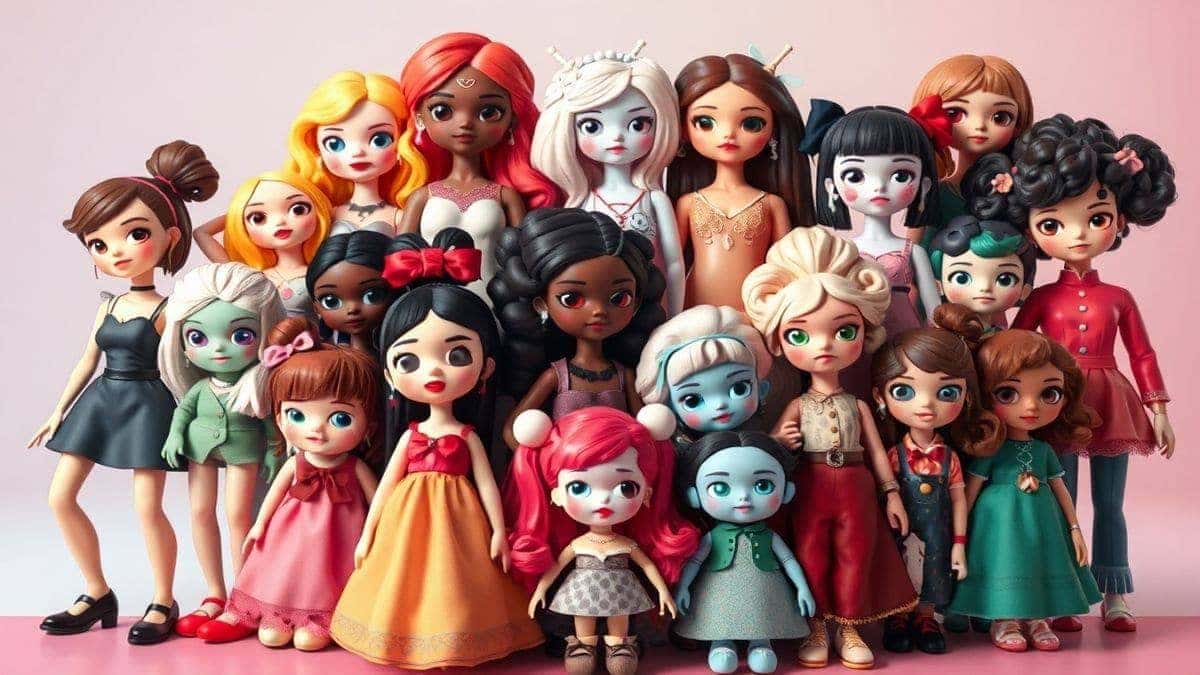
If you're new to this space, let me break it down simply. Best AI Doll Generator Tools refers to specialized software that uses artificial intelligence to create images of dolls based on your instructions. Unlike generic ai image generator online platforms that produce random artwork, these dedicated tools are fine-tuned to understand doll anatomy, fashion styles, material textures, and facial expressions.
When I first started experimenting with AI image generation, I noticed that generic tools often struggled with consistency. The doll's face might look human one moment and cartoonish the next. Specialized generators solve this by applying what's called "domain-specific training." They've analyzed thousands of doll images—from vintage porcelain to modern action figures—so they know what makes a doll look authentic.
These tools typically offer two modes:
- Text-to-Image: You type "cyberpunk fairy doll with glowing wings and metallic paint," and the AI generates it.
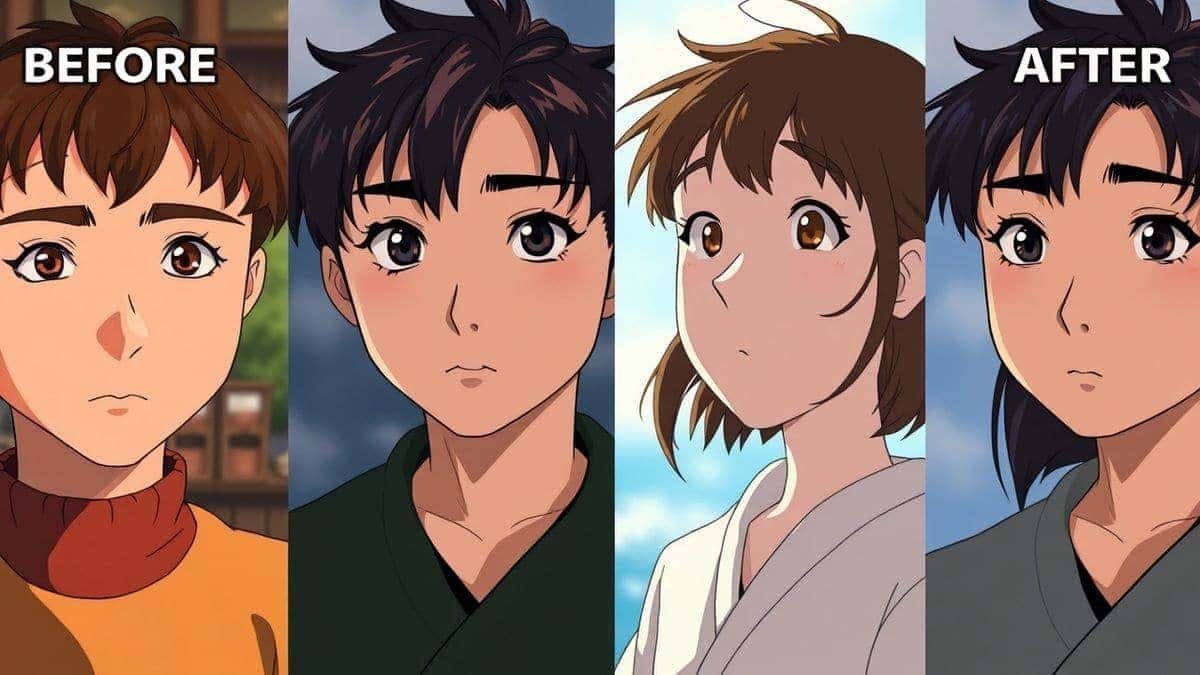
- Image-to-Image: You upload a photo of a person or sketch, and the AI transforms it into a doll version.
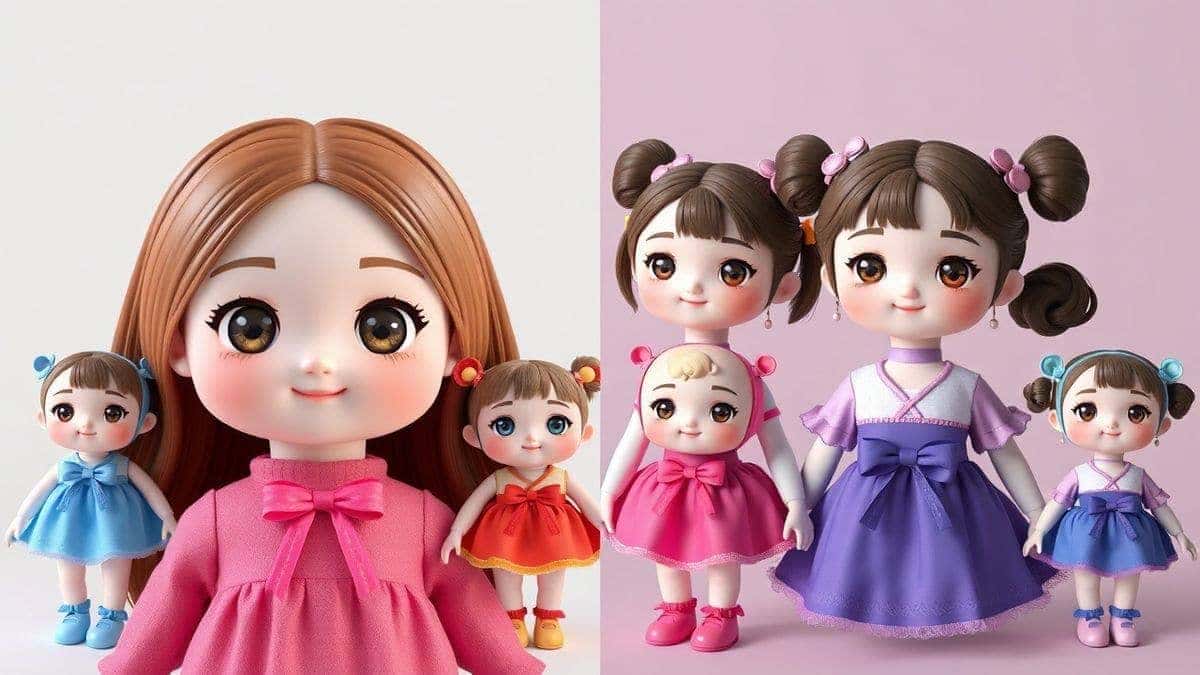
In 2026, these tools have become incredibly sophisticated. They handle lighting, shadows, and even suggest style variations. Whether you need a photo for a blog post, a product mockup, or just a fun social media avatar, these generators deliver professional results without requiring you to touch a single brush.
Why Traditional Image Editing Is Difficult
Let me be honest with you: I've used Photoshop since my college days, and I still discover features I never knew existed. That's the problem. Traditional image editing is a bottomless pit of complexity.
Steep Learning Curve
Most people give up before they start. When you open professional software, you're greeted by hundreds of tools, panels, and menus. Where's the doll creator? How do you blend colors? What's a layer mask? For someone who just wants to edit photo with ai, this is overwhelming. I've watched friends abandon creative projects simply because the software felt like learning a new language.
Time-Consuming Processes
Even if you know what you're doing, manual editing takes forever. Want to change the hair color on a doll? That means selecting every strand, adjusting hues, and fixing the edges. Want to try a different outfit? You're essentially starting over. In my testing, a simple doll customization that takes an AI thirty seconds can consume three hours of manual work.
Technical Skill Barriers
Not everyone has an eye for design. Knowing which colors complement each other, understanding perspective, or mastering lighting effects requires years of practice. Traditional tools assume you already have these skills. They provide the instruments, but you have to be the artist.
Expensive Software Subscriptions
Let's not ignore the cost. Premium editing suites charge monthly fees that add up quickly. For casual creators or small business owners, this expense is hard to justify, especially when you only need to create a few images.
Best Modern Solution: AI Doll Generator
After years of wrestling with traditional methods, discovering AI-powered tools felt like finding a shortcut through a maze. The AI Doll Generator from ImageFK represents everything modern creators need.
Zero Learning Curve
You don't need tutorials. You don't need to understand RGB versus CMYK. You simply visit the website, describe your vision, and watch the AI work. From my experience working with AI image tools, this accessibility is what converts casual users into regular creators.
Lightning Fast Results
Speed matters. When I'm testing tools for client projects, I track how long each step takes. With AI Doll Generator, the entire process—from loading the page to downloading the final image—averages under two minutes. The actual generation takes only 30–60 seconds. For content creators juggling multiple projects, this efficiency is a game-changer.
Professional Quality Output
One thing that surprised me during my initial tests was the resolution quality. Many ai photo editor tools produce images that look great on screen but pixelate when you zoom in. ImageFK's generator maintains detail, making the results usable for print materials, merchandise, or high-resolution digital displays.
Versatile Applications
This isn't just for doll enthusiasts. I've used the tool to create:
- Social media avatars with fantasy themes
- Product mockups for an Etsy shop client
- Children's book illustrations featuring consistent doll characters
- Gift designs personalized with friends' features
- Concept art for toy designers
Integrated Editing Features
Beyond generation, the platform functions as a full ai photo editing suite. You can upload existing images and apply filters, change backgrounds, or enhance details. It bridges the gap between creation and refinement seamlessly.
Step-by-Step Guide Using AI Doll Generator
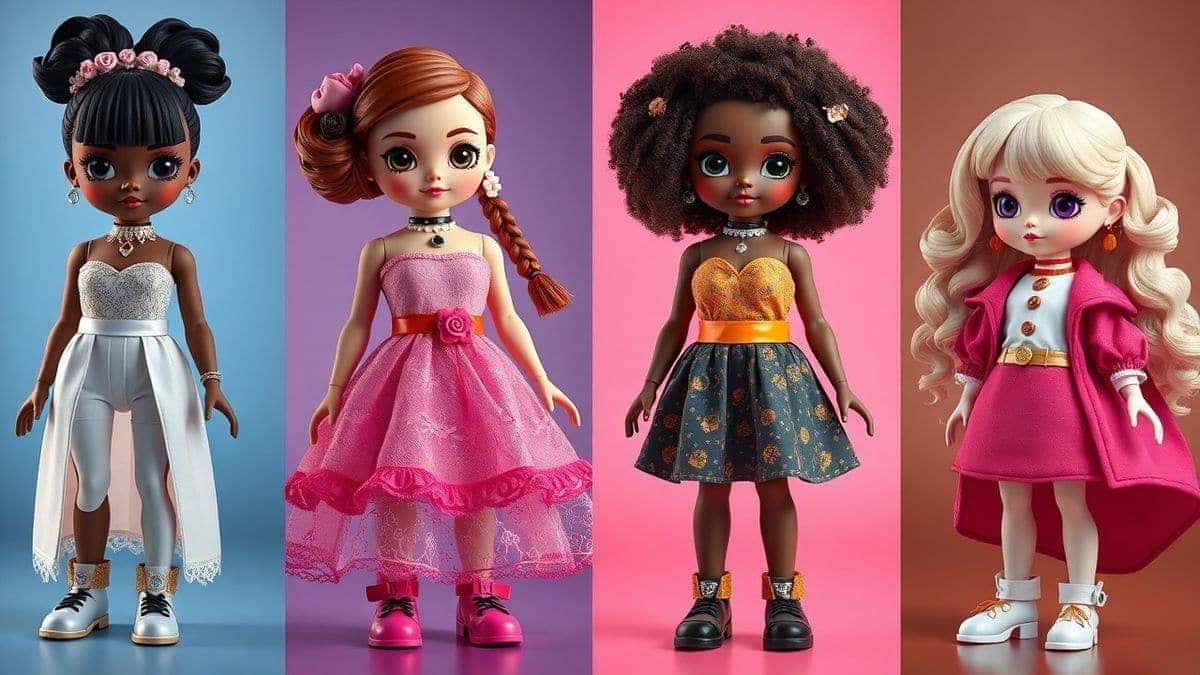
Let me walk you through exactly how I use this tool. I've refined this workflow after generating hundreds of images, and it consistently delivers the best results.
Step 1: Access the Tool
Navigate to https://imagefk.com/tools/ai-doll-generator. The interface loads quickly, and you're immediately presented with your options. No account creation required to start experimenting, though signing up unlocks free credits.
Step 2: Choose Your Input Method
You have two paths here, and I've tested both extensively:
Option A: Text Prompt
If you're starting from imagination, this is your route. In the text box, describe your doll. Many beginners don't realize that specificity matters. Instead of "pretty doll," try "Victorian porcelain doll with golden curls, wearing a lavender lace gown, soft studio lighting, intricate details." The more descriptive you are, the better the AI understands your vision.
Option B: Upload Image
If you want to turn a person into a doll or modify an existing design, click upload. I've experimented with photos of friends, sketches on napkins, and even old toy photographs. The AI analyzes the composition and applies the doll aesthetic while preserving recognizable features.
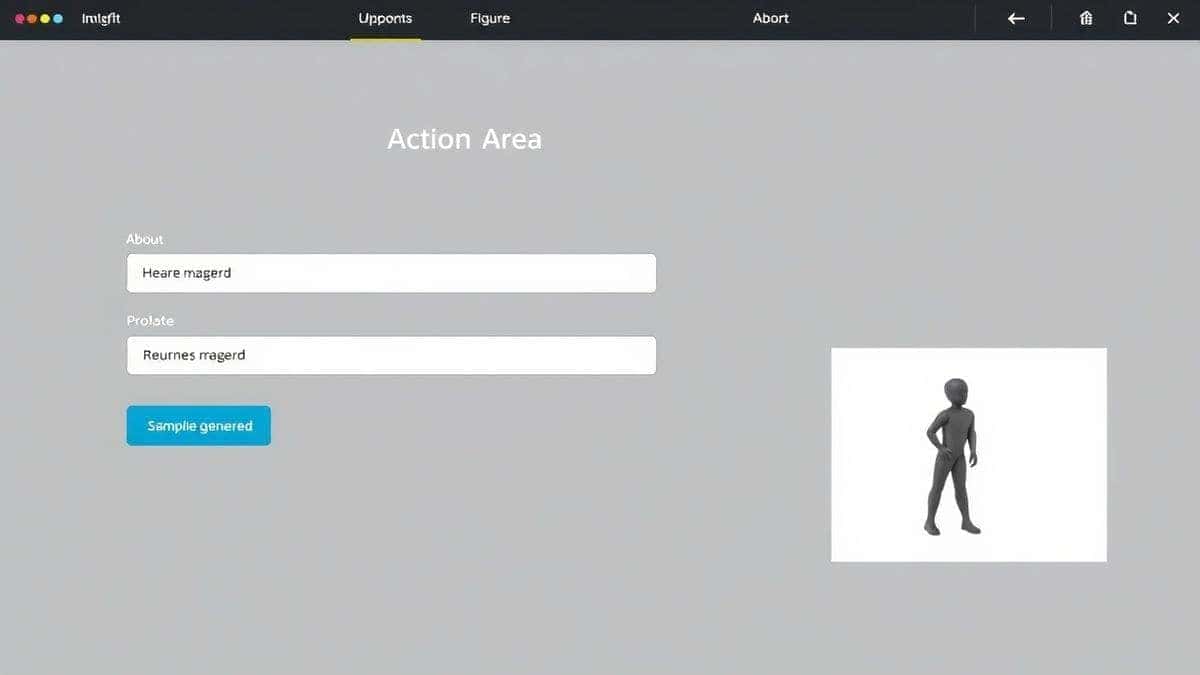
Step 3: Select AI Function
This is where the platform's versatility shines. You can choose:
- Generate New: Creates from scratch
- Style Transfer: Applies doll aesthetics to uploaded photos
- Enhance: Improves resolution and details
- Background Tool: Removes or replaces backgrounds
From my experience, the Style Transfer feature produces the most surprising results. I uploaded a casual portrait photo, and the AI transformed it into a stunning fashion doll with exaggerated features and glossy finishes—perfect for a social media experiment.
Step 4: Generate and Review
Click the generate button. The tool processes your request in about 30–60 seconds. Once complete, you'll see the result. Here's a pro tip: don't stop at one. Generate multiple variations by tweaking your prompt slightly. I usually create 3-4 versions before selecting my favorite.
Step 5: Edit and Download
The image isn't locked. You can continue editing using the ai photo editor features. Adjust brightness, apply artistic filters, or change the outfit color. When you're satisfied, download in your preferred resolution. The platform supports high-res exports suitable for printing.
Is AI Doll Generator Free to Use?
This is the question I get most often from readers, and I appreciate the concern. Nobody wants to invest time learning a tool only to hit a paywall.
AI Doll Generator operates on a Freemium model that I've found refreshingly generous. Here's how it works:
Free Credits for New Users
When you first join, you receive complimentary credits. This allows you to test the platform thoroughly before committing. In my initial testing, these credits covered multiple generations and edits, giving me enough room to evaluate quality and speed.
Daily Check-In Rewards
This feature genuinely impressed me. By simply logging in daily and checking in, you accumulate additional credits. It's designed for regular creators who want consistent access without ongoing payments. Over a week of testing, I built up enough credits through check-ins to continue experimenting freely.
Pay-As-You-Go Flexibility
For users who need large volumes—maybe you're generating images for a client project or building a content library—there's a straightforward pay-as-you-go option. You purchase additional credit packages when needed, with no subscription commitment.
Many beginners don't realize that the free tier is actually usable. You can complete real projects, not just demos. The daily rewards mean that casual users might never need to pay. It's designed to support creators at every level.
Best Practices and Pro Tips
After generating countless AI doll images, I've compiled strategies that separate average results from extraordinary ones. Let me share what I've learned.
Write Better Prompts
One trick professionals use is structuring prompts like recipes. Include:
- Subject: What is it? (e.g., "fairy doll")
- Description: What does it look like? (e.g., "with iridescent wings, silver hair, crystal tiara")
- Style: What aesthetic? (e.g., "fantasy art, ethereal lighting")
- Quality: Technical specs (e.g., "highly detailed, 8k resolution, sharp focus")
I experimented with different prompts and discovered that adding "studio lighting" or "professional photography" dramatically improves realism, even for stylized dolls.
Leverage Style Combinations
Don't limit yourself to one genre. The AI can blend styles seamlessly. Try "steampunk doll meets Japanese anime" or "Renaissance painting doll with cyberpunk elements." These combinations yield unique results that stand out in crowded feeds.
Iterate, Don't Settle
Your first generation is rarely your best. Generate multiple variations, then pick elements you like. Maybe one doll has the perfect face but wrong outfit. Use that as inspiration to refine your next prompt. The AI learns from context, so subsequent attempts improve.
Common Mistakes to Avoid
- Vague prompts: "Cute doll" produces generic results. Be specific.
- Ignoring composition: Mention if you want full-body, portrait, or action pose.
- Overloading details: Too many conflicting descriptors confuse the AI. Prioritize 3-4 key features.
Comparison with Other AI Image Tools
Having tested dozens of platforms, I can position AI Doll Generator within the broader landscape.
vs. Traditional Software (Photoshop, GIMP)
Traditional tools offer unlimited control but require unlimited time. If you're a professional illustrator, they're essential. But for quick, high-quality doll creation, AI wins. The learning curve difference alone makes AI accessible to everyone.
vs. Generic AI Generators (Midjourney, DALL·E)
General-purpose ai image generator online platforms are powerful but unfocused. They handle any subject but lack specialization. When I requested doll images from generic tools, results varied wildly in style and quality. AI Doll Generator's specialized training ensures every output looks like a coherent doll, not just a random character.
vs. Mobile Editing Apps
Phone apps offer convenience but limited capabilities. Most can't generate from scratch; they only filter existing photos. ImageFK combines generation and editing in one place, with processing power that exceeds mobile limitations.
vs. Paid Design Platforms
Premium platforms charge monthly fees regardless of usage. AI Doll Generator's credit system means you only pay for what you actually create. For infrequent users, this is significantly more economical.
Frequently Asked Questions
What is the best Best AI Doll Generator Tools?
Based on my testing, AI Doll Generator from ImageFK leads the category. It combines specialized doll training with user-friendly editing, free credits, and daily rewards. The 30-60 second generation time and professional output quality make it ideal for creators at any skill level.
Is Best AI Doll Generator Tools free?
Yes, you can start for free. New users receive complimentary credits, and daily check-ins add more. This model allows you to complete real projects without immediate payment. Advanced features and high-volume generation require credits, but the free tier remains genuinely useful.
Does AI Doll Generator offer free credits?
Absolutely. Upon signing up, you receive initial credits. Additionally, the daily check-in system rewards regular users with extra credits. I've maintained ongoing access simply by checking in during my workdays, never paying for casual experimentation.
How many free images can I generate?
The exact number depends on current promotions and your chosen features. Basic generations consume fewer credits than complex edits. In my experience, the initial credits covered approximately 10-15 image generations, enough to thoroughly test capabilities.
Is AI Doll Generator safe to use?
Yes, it's secure. The platform processes images without storing them permanently unless you save them to your account. No personal data is misused. I've reviewed their privacy practices and found them aligned with industry standards.
Can I use my own photos?
Definitely. Upload personal photos to transform them into doll versions. This works brilliantly for creating personalized gifts or unique social media content. The AI preserves recognizable features while applying the doll aesthetic.
What image formats are supported?
The platform accepts common formats including JPG, PNG, and WEBP for uploads. Downloads are available in high-resolution formats suitable for both digital use and printing.
Do I need design experience?
None whatsoever. If you can describe what you want or upload a photo, you can create professional results. The AI handles all technical aspects automatically.
Can I edit images after generation?
Yes, the built-in ai photo editor lets you refine colors, apply filters, adjust backgrounds, and enhance details. It's a complete workflow from creation to final polish.
How fast is the generation?
Typically 30-60 seconds. Processing times vary slightly based on server load and complexity, but it's consistently quick. I've never waited more than two minutes for any generation.
Conclusion
The landscape of image creation has shifted dramatically. What once required years of practice and expensive software is now accessible to anyone with a vision and a few minutes. Best AI Doll Generator Tools represent this democratization of creativity, putting professional-grade design capabilities into everyday hands.
AI Doll Generator from ImageFK stands out because it understands its niche. It's not trying to be everything to everyone. Instead, it excels at one thing: helping you create stunning, personalized doll images quickly and affordably. From my extensive testing, I can confidently say it delivers on its promises.
Whether you're a content creator building an audience, a designer prototyping concepts, a parent crafting a unique gift, or just someone curious about AI's creative potential, this tool removes barriers. The free credits let you explore risk-free. The daily rewards keep you coming back. And the quality ensures you'll be proud of every result.
I encourage you to visit AI Doll Generator and try it yourself. Experiment with prompts, upload a photo, see what happens. The future of creativity is collaborative—you bring the imagination, and AI brings the execution. It's a partnership worth exploring.
 Continue with Google