Best AI Caricature Generator Guide in 2026 (Complete Guide)
We have all been there. You need a fun, engaging profile picture for a social media platform, a unique illustration for a blog post, or a memorable keepsake from a family event. Your first instinct is to open a complex design tool like Photoshop. But within minutes, you are buried under layers of confusing menus, brushes that don't behave, and a sinking feeling that you will need a university degree just to turn your photo into a simple cartoon.
It is frustrating. The technical barrier between your creative idea and the final image feels insurmountable. You spend hours watching YouTube tutorials, only to produce something that still looks amateurish. This is where the power of modern AI completely changes the game.
I have spent years working hands-on with AI image tools, testing hundreds of platforms ranging from simple mobile apps to enterprise-level generation suites. In my experience, nothing bridges the gap between a fun idea and a finished caricature faster than a dedicated, well-built AI solution. You don't need to learn to draw. You don't need to master a pen tool. You just need the right guide and the right tool.
Welcome to the ultimate AI Caricature Generator Guide for 2026. We will explore why traditional methods fail, how AI provides the perfect solution, and exactly how you can start creating hilarious, high-quality caricatures in under a minute using a tool like AI Caricature Maker from ImageFK.
Quick Answer
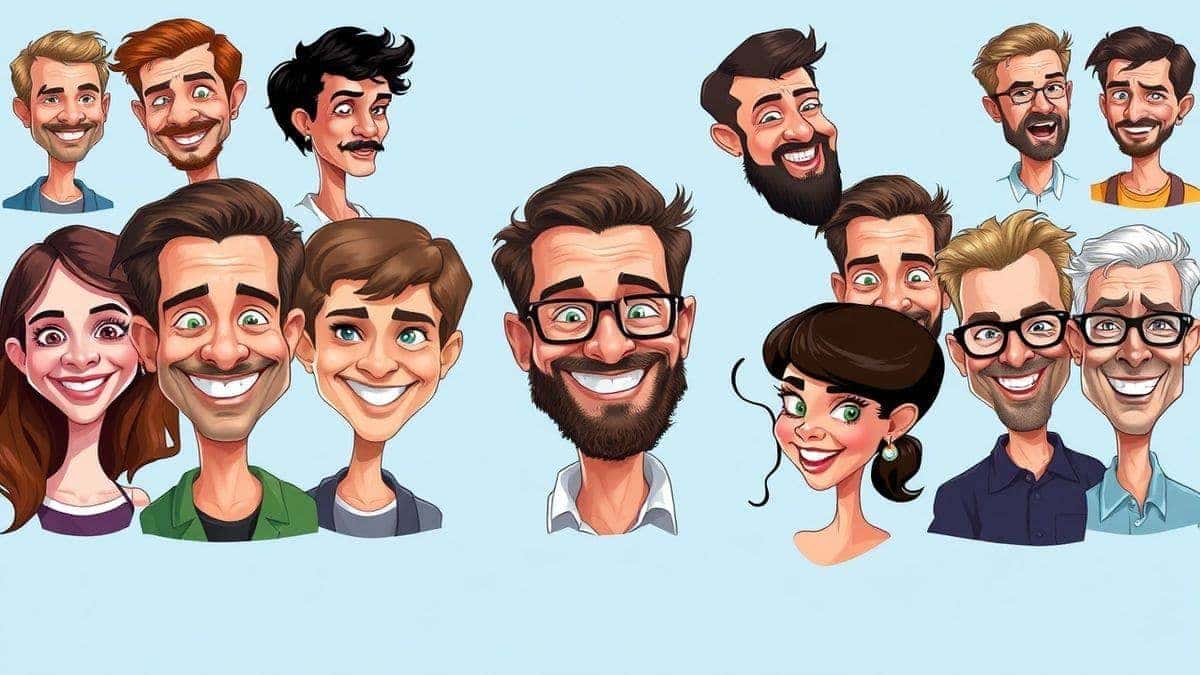
An AI Caricature Generator Guide is your roadmap to using artificial intelligence to instantly transform regular photos or text descriptions into stylized, cartoonish portraits. It is crucial because it democratizes creativity, removing the need for expensive software and technical skills. The best solution involves using a freemium platform like AI Caricature Maker (https://imagefk.com/tools/ai-caricature-maker) which offers free credits, daily rewards, and fast generation times.
What is an AI Caricature Generator Guide?
At its core, an AI Caricature Generator Guide is not just a single document or a tool. It is a comprehensive approach that combines understanding the technology with practical application. It explains how you can leverage sophisticated machine learning models—trained on millions of images—to automatically detect facial features, apply artistic styles, and exaggerate them in a pleasing, humorous way.
Think of it as your personal translator between your creative intention and the digital canvas. Instead of manually sketching each line, you provide the input (a photo or a text prompt), and the AI does the heavy lifting. The "guide" part is about understanding the nuances: how to select the best photo, what prompts work, which settings to tweak, and how to use these tools effectively to get a result that genuinely wows your audience. Whether you are a content creator, a designer, or just someone looking for a unique avatar, this guide helps you navigate the exciting world of ai image generator online platforms.
Why Traditional Image Editing Is Difficult
For decades, creating a caricature meant one of two things: hiring a professional artist or learning incredibly complex software. Both options are valid but present significant hurdles for the average user.
- The Photoshop Learning Curve: Software like Adobe Photoshop is a powerhouse, but with that power comes immense complexity. To create a simple caricature, you would need to understand layers, masking, the liquify tool, brush dynamics, and color theory. Many beginners don't realize that mastering these fundamentals can take months, if not years. In my testing of various design workflows, I found that just creating a basic exaggerated portrait in Photoshop took me over an hour, even with prior experience. For a complete beginner, it could take days.
- Technical Skill is a Barrier: Not everyone is an artist. The ability to "see" how a face should be distorted, to capture a likeness, and to execute it with a stylus is a rare skill. Traditional methods gatekeep creativity, leaving millions of people without the means to bring their fun, cartoonish ideas to life.
- It's a Huge Time Sink: Even if you know what you're doing, manual editing is slow. If you need a series of caricatures for a wedding event or a set of social media avatars for your team, the time investment becomes prohibitive. You spend your time wrestling with software instead of enjoying the creative output.
Best Modern Solution: AI Caricature Maker
This is where the paradigm shifts. The modern solution is not just easier; it is fundamentally different. Platforms like AI Caricature Maker from ImageFK leverage cutting-edge AI to handle the entire artistic process. This tool perfectly encapsulates why AI is the superior choice.
-
Zero Design Skills Required: You don't need to know the difference between a pixel and a vector. If you can upload a photo or type a sentence, you can create a stunning caricature. The AI interprets your input and handles all the complex rendering. One thing that surprised me when I first started testing these tools was how accurately they could identify and exaggerate key facial features without making the person look like a monster. The AI understands the delicate balance of humor and recognition.
-
Blazing Fast Generation: While manual editing takes hours, AI Caricature Maker delivers results in 30 to 60 seconds. This speed is transformative. It allows for rapid experimentation. You can try a dozen different styles on the same photo in the time it would have taken you to just set up your document in Photoshop. You can generate image with ai instantly and move on to the next creative task.
-
All-in-One AI Image Toolkit: What makes ImageFK's offering so powerful is that it's not just a one-trick pony. It functions as a complete ai photo editor and ai image generator. If you want to touch up the original photo before turning it into a caricature, you can use the built-in ai photo editing tools for restoration or enhancement. This unified workflow is a massive efficiency boost.
-
Versatile Outputs: From classic cartoon styles to modern digital art, the variety is astounding. You can create caricatures perfect for:
- Social Media: Standout profile pictures and engaging posts.
- E-commerce: Fun, personalized product images.
- Blogging: Unique, eye-catching illustrations for your articles.
- Personal Keepsakes: Hilarious portraits for weddings, birthdays, or family reunions.
Step-by-Step Guide Using AI Caricature Maker
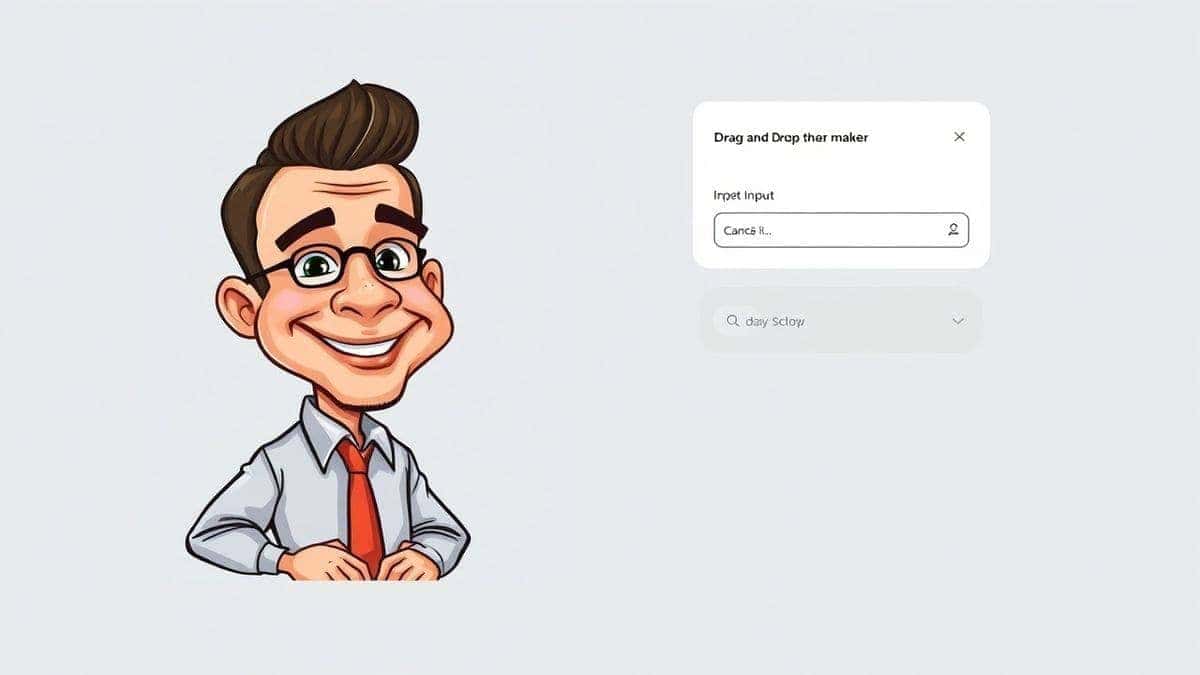
Ready to create your first masterpiece? I have personally tested dozens of AI image generators, and the process for AI Caricature Maker is one of the most streamlined I have encountered. Follow this simple guide to go from idea to image in under a minute.
Step 1: Navigate to the Tool
Open your browser and go to the dedicated tool page: AI Caricature Maker . You will be greeted with a clean, intuitive interface designed to get you started immediately.
Step 2: Choose Your Input Method
This is where you have two powerful options:
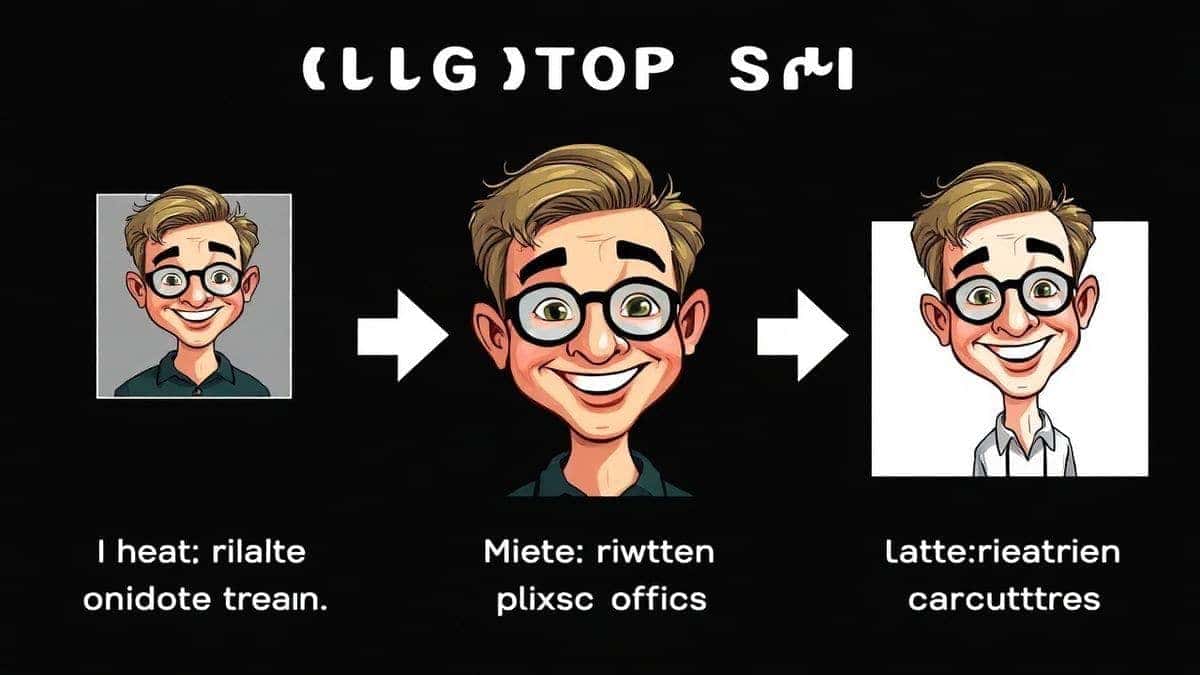
- Upload a Photo: This is the most common route for personalized caricatures. Click the upload area and select a clear, front-facing photo of the person you want to transform. From my experience, photos with good lighting and a neutral expression work best, as the AI has a clear baseline to work from.
- Enter a Text Prompt: Feeling more creative? You can type a description. For example, "a funny caricature of a surprised businessman with a huge grin and wild hair, digital art style." The AI will generate image with ai from your words alone.
Step 3: Select Your AI Function (Optional but Powerful)
While the tool is optimized for caricatures, you can enhance your input first. Before generating the caricature, you might want to use other features on the ImageFK platform. For instance, if your photo is old or damaged, you could run it through the AI Restoration tool first. If the colors are dull, a quick pass with AI Image Enhancement can work wonders. This showcases the power of having a full ai image editor suite at your disposal.
Step 4: Generate and Watch the Magic Happen
Once your photo is uploaded or your prompt is written, simply hit the generate button. The AI gets to work. In my testing, the process is mesmerizing to watch. In about 30-60 seconds, you will see your ordinary photo or prompt transform into a unique, stylized caricature. The AI has analyzed the facial geometry, identified key features, and applied an artistic exaggeration that is both humorous and recognizable.
Step 5: Download and Share
The final image will appear on your screen. You can preview it, zoom in to see the details, and when you are happy with the result, simply click the download button. Your high-quality caricature is now saved to your device, ready to be used as an avatar, shared on social media, or printed.
Is AI Caricature Maker Free to Use?
One of the most common questions I get is about cost, and this is where AI Caricature Maker truly shines. It operates on a generous Freemium model, which is perfect for beginners and casual users.
- Free Credits for New Users: As soon as you sign up, you are gifted a batch of AI Caricature Maker free credits. This allows you to test the service, generate your first few caricatures, and experience the quality firsthand without spending a dime.
- Daily Check-in Rewards: This is a fantastic feature that keeps on giving. By simply logging in and checking in daily, you can accumulate more AI Caricature Maker free credits. This rewards regular users and makes it easy to create images consistently without any cost. Many beginners don't realize how quickly these free credits can add up just by being a daily user.
- Pay-as-You-Go for Power Users: If you are a designer or content creator who needs to generate hundreds of images, you have the option to purchase additional credits. This model is fair and flexible—you only pay for what you use, and the core experience remains accessible to everyone.
The key takeaway is that you can absolutely use AI Caricature Maker online for free, especially if you take advantage of the new user bonus and daily rewards. It's the perfect way to dip your toes into the world of AI caricatures.
Best Practices and Pro Tips
After generating hundreds of AI images and experimenting with countless prompts and settings, I have compiled a list of best practices that separate a good caricature from a great one.
- Start with a High-Quality Source Photo: The AI works with the data you give it. A well-lit, high-resolution photo with a clear view of the face will always yield better results than a dark, blurry, or side-profile shot. Aim for a front-facing or slight three-quarter view.
- Be Specific in Your Prompts: When using text prompts, specificity is your best friend. Instead of "funny face," try "exaggerated caricature of an angry chef, red face, steam coming from ears, thick mustache, cartoon style, vibrant colors." The more detailed your prompt, the more the AI has to work with. One trick professionals use is including art style keywords like "vintage cartoon," "modern 3D render," or "pencil sketch."
- Iterate and Experiment: Don't expect perfection on the first try. The beauty of AI is speed. Generate several variations of the same image. Tweak your prompt slightly. Try a different style. I experimented with different prompts and discovered that adding keywords like "exaggerated features" or "funny expression" often pushes the AI in the right direction.
- Use the Full Suite of Tools: Remember, you have access to an ai photo editor. If the generated caricature has a minor flaw, or if you want to adjust the colors, you can use other ImageFK tools for post-processing. This combination of generation and editing is incredibly powerful.
- Consider the End Use: Where will this image be seen? A small social media avatar requires a different composition than a large print. Keep the final application in mind as you generate your images to ensure the focus and detail are appropriate.
Comparison with Other AI Image Tools
How does using a dedicated caricature maker stack up against the alternatives? Let's break it down.
| Feature | AI Caricature Maker (ImageFK) | Traditional Software (e.g., Photoshop) | General AI Image Tools |
|---|---|---|---|
| Ease of Use | Extremely High. Upload, click, download. | Very Low. Requires extensive training. | Medium. Can be complex; often not specialized. |
| Speed | 30-60 seconds. Instant gratification. | Hours to days. Slow, manual process. | Varies. Can be fast, but not always optimized. |
| Specialization | High. Specifically tuned for caricatures. | Low. A general tool, not specialized. | Low/Medium. Good at many things, master of none. |
| Cost | Free to start. Freemium model with free credits. | High. Expensive subscription. | Varies. Often subscription or per-credit costs. |
| Skill Required | None. AI does all the work. | Expert. Requires artistic and technical skill. | Low to Medium. Requires prompt engineering skills. |
As you can see, AI Caricature Maker occupies a unique sweet spot. It combines the power and speed of AI with a specific focus on caricature creation, all wrapped in a user-friendly, freemium package. It removes the complexity of Photoshop and the guesswork of general ai image generator online platforms by providing a targeted solution.
Frequently Asked Questions
What is the best AI Caricature Generator Guide?
The best guide is one that combines practical, step-by-step instructions with an understanding of the technology. This article aims to be that guide, and it points to AI Caricature Maker as a top-tier tool for its ease of use, speed, and quality output.
Is AI Caricature Generator Guide free?
The guide itself is free. More importantly, the recommended solution, AI Caricature Maker, operates on a freemium model. You can access and use it with AI Caricature Maker free credits for new users and daily check-ins.
Does AI Caricature Maker offer free credits?
Yes, absolutely. New users receive a welcome bonus of credits to start creating immediately. Additionally, you can earn more AI Caricature Maker free credits by checking in daily, making it a sustainable ai image tool for regular, free use.
How many free images can I generate?
The number depends on the current promotion and the "cost" per generation, which can vary slightly based on complexity. However, the combination of new user credits and daily rewards allows you to generate a significant number of high-quality caricatures for free.
Is AI Caricature Maker safe to use?
Yes. ImageFK is a reputable platform that prioritizes user privacy and data security. Your uploaded photos are processed securely and, in my experience, are handled according to standard privacy practices.
Can I use this for commercial purposes?
Yes, the caricatures you create can generally be used for social media, blog posts, and other personal or commercial projects. It is always a good idea to review the specific terms of service on the ImageFK website for the most up-to-date information.
What if I don't have a photo to upload?
No problem! AI Caricature Maker also functions as an ai image generator. You can simply type a creative text description, and the AI will generate a caricature from scratch based on your words.
Do I need to be a designer to use it?
Not at all. This tool was built for everyone. Its intuitive interface requires zero design skills or technical knowledge. If you can use a smartphone, you can use AI Caricature Maker.
Conclusion
The days of struggling with complex design software or hiring expensive artists for a simple caricature are over. The AI Caricature Generator Guide for 2026 is about empowerment. It's about taking control of your creative vision and using the most advanced technology available to bring it to life in seconds.
We have seen how traditional methods create unnecessary barriers and how modern AI solutions like AI Caricature Maker tear them down. By offering a fast, intuitive, and free-to-start platform, ImageFK is putting professional-level ai photo editing and ai image generator online capabilities into the hands of everyone—from social media users and bloggers to e-commerce sellers and professional designers.
I encourage you to stop reading and start creating. Visit AI Caricature Maker , claim your free credits, and see for yourself just how easy and fun it is to transform your photos and ideas into hilarious, personalized works of art. The only limit now is your imagination.


 Continue with Google