AI Wrinkle Remover
Wrinkle Remover is a free AI-powered tool that smooths facial lines and clothing creases with one click. Ideal for portraits, product photos, and creative projects, it preserves natural details for professional results. Enjoy an easy-to-use online editor to enhance images instantly—no downloads needed!
 Original
  Modified
 Guide
Free AI Wrinkle Remover – Smooth Faces & Clothes Instantly
An AI Wrinkle Remover is a smart online tool that uses artificial intelligence to automatically detect and smooth away wrinkles from photos. Whether it's fine lines on a portrait or unsightly creases in clothing, this technology delivers clean, professional-looking images with a single click, all without needing complex editing software.
What Is an AI Wrinkle Remover and Why Do You Need One?
In the world of digital imagery, first impressions are everything. A great photo can be let down by temporary imperfections—a crumpled shirt from a long day or natural laugh lines around the eyes. This is where an AI Wrinkle Remover comes into play. It’s a specialized type of AI image editing tool designed to perform photo enhancement by intelligently processing the image to remove these distractions.
Unlike traditional manual editing, which requires painstaking work with a clone stamp or healing brush in software like Photoshop, an AI-powered tool understands the context of the image. It distinguishes between a facial feature that should remain and a temporary wrinkle that should be removed. The result is fast, accurate, and retains the natural texture of skin or fabric, making it an efficient solution for anyone looking to perfect their visuals.
How Does an AI Wrinkle Remover Work?
The magic happens behind the scenes through sophisticated AI image processing. When you upload a photo to a browser-based editor like the one at ImageFK, the AI model gets to work.
First, it analyzes the image to understand its structure—identifying faces, clothing, and backgrounds. It uses complex algorithms trained on thousands of images to distinguish between permanent features (like eyes, nose, and fabric weave) and temporary imperfections (like creases and fine lines). Once identified, the AI fills in the area with pixels that match the surrounding texture, effectively "smoothing" it away. This entire process is a form of image transformation that takes just seconds, guided by text-to-image prompts or automatic detection, providing high-quality results without requiring any design skills.
Key Features of a Professional AI Wrinkle Remover
A top-tier tool offers more than just a single function. Here’s what makes a tool like ImageFK’s Wrinkle Remover stand out:
- One-Click Simplicity: Upload your image and let the AI do the work. No manual selection or complex sliders are needed for basic smoothing.
- Dual Functionality: It effectively handles both facial wrinkles and clothing creases, making it versatile for various projects.
- Preserves Natural Detail: The best AI tools smooth imperfections without making the skin look plastic or the fabric appear blurry. They maintain a natural, realistic look.
- Fast and Secure Processing: As an online tool, it processes images quickly. Reputable platforms also prioritize user privacy, often processing images temporarily and deleting them after the session, ensuring your data remains secure.
- Browser-Based Accessibility: Being a browser-based editor means there's nothing to download or install. It works on any device—PC, tablet, or Mac—directly from your browser.
When Should You Use an AI Wrinkle Remover?
The applications for this technology are incredibly broad, catering to both personal and professional needs. Here are some common scenarios where an AI Wrinkle Remover proves invaluable.
Perfecting Portrait Photography
Whether you're a professional photographer or just someone who wants a great profile picture, portraits often pick up fine lines and temporary wrinkles that aren't flattering. Using an AI Wrinkle Remover allows you to soften these areas gently. It’s perfect for:
- Senior portraits: Offering a subtle, respectful retouch.
- Family photos: Ensuring everyone looks their best.
- Professional headshots: Creating a polished and approachable image for LinkedIn or company websites.
Enhancing E-Commerce and Product Photos
For online sellers, the quality of a product image can make or break a sale. A wrinkled garment in a product photo looks unprofessional and can suggest poor quality. Instead of spending time steaming every item before a photoshoot, sellers can use an AI photo editing tool to quickly remove creases from clothing in post-production. This image processing step saves time and ensures your product catalog always looks pristine.
Creative and Content Creation Projects
Social media influencers, bloggers, and content creators constantly need high-quality visuals. An AI Wrinkle Remover is a quick fix in a busy workflow. It can be used to clean up a background, smooth out a tablecloth in a flat lay, or perfect a selfie before posting. It's about achieving a professional finish with minimal effort.
The Complete Workflow: How to Use the Tool
Using a tool like the AI Wrinkle Remover on ImageFK is incredibly straightforward, embodying the best of modern AI image editing.
- Upload Your Image: Start by uploading your photo. The platform typically accepts common formats like JPEG, PNG, or WEBP. You can often select multiple images to process in a batch.
- Describe Your Edit (Optional but Powerful): While the tool has an "auto" mode for instant wrinkle removal, you can also use a text box to provide specific text-to-image prompts. For example, you could type "smooth the creases in the shirt" or "soften fine lines on the face" for more controlled results.
- Select Your Settings: Depending on the tool, you might have options to choose the aspect ratio (like 1:1 for social media or 3:4 for portraits) or the AI model's speed and quality. You can often select a "Pro" model for the best quality or a "Fast" model for quicker results.
- Generate and Review: Click the generate button. The AI will process your image, and in about 60 seconds, you'll see the transformed result. This fast image processing allows for quick iteration if you want to try different prompts.
- Download: Once you're happy with the result, download your enhanced, wrinkle-free image to your device.
AI Auto-Editing vs. Manual Editing: Why Go Digital?
The shift from manual to AI-powered editing represents a massive leap in accessibility and efficiency.
| Feature | AI-Powered Wrinkle Removal | Manual Editing (e.g., Photoshop) |
|---|---|---|
| Skill Level | No design skills required | Requires significant training and practice |
| Time | Seconds to minutes | Minutes to hours, depending on complexity |
| Process | Automated detection and removal | Manual selection, cloning, and healing |
| Consistency | Highly consistent across multiple images | Can vary based on skill and fatigue |
| Cost | Often free or low-cost | Expensive software subscriptions |
| Accessibility | Online, from any device | Tied to a single powerful computer |
As the table shows, for the specific task of wrinkle removal, AI offers a solution that is not only faster and easier but also more accessible to everyone. It democratizes photo enhancement, allowing anyone to achieve professional-looking results.
Privacy and Security: Your Images Are Safe
When using any online tool, it's natural to have concerns about privacy. Trustworthy platforms like ImageFK take this seriously. When you upload an image for AI image processing, it's typically handled in a secure environment. Reputable services automatically delete your images from their servers after processing, often within 24 hours. They do not use your personal photos for training their models without explicit consent. This commitment to data protection is a key component of building trust with users, ensuring that your creative projects and personal memories remain confidential.
Frequently Asked Questions
What is an AI Wrinkle Remover and how does it work?
An AI Wrinkle Remover is a software tool that uses artificial intelligence to identify and eliminate wrinkles from digital photos. It works by analyzing the image, distinguishing between permanent features and temporary creases or lines, and then intelligently filling in the wrinkled area with realistic, smooth textures that match the surrounding skin or fabric.
Can an AI Wrinkle Remover handle both face and clothes?
Yes, high-quality tools like the one on ImageFK are designed to handle both. The AI is trained to recognize the different textures of skin and fabric. It can gently smooth facial lines while preserving skin pores and texture, and it can remove clothing creases without blurring the pattern or weave of the garment.
Is it safe to upload my personal photos to an online tool?
It is safe when you use a reputable service. Look for platforms that explicitly state their privacy policy. Most trustworthy online tools, including ImageFK, ensure your data is secure by automatically deleting uploaded images from their servers after processing. This means your photos aren't stored or used for any other purpose.
Do I need any design skills to use this tool?
None at all. This is the primary advantage of AI image editing. Tools like the AI Wrinkle Remover are built for everyone. With a simple upload and a single click, the AI does all the complex work for you, providing professional results without any need for design experience.
Why choose an online AI tool over professional software like Photoshop?
For the specific task of wrinkle removal, an online AI tool is faster, easier, and more cost-effective. Photoshop offers immense control but has a steep learning curve and requires a subscription. An AI tool provides instant, high-quality results with zero learning curve and is often free or very low-cost, making it perfect for quick edits.
How long does it take to remove wrinkles with AI?
The process is incredibly fast. After you upload your image, the fast image processing AI typically takes only about 60 seconds to analyze and generate the final, enhanced photo. This allows you to edit multiple images in a very short amount of time.
In conclusion, the AI Wrinkle Remover is more than just a novelty; it's a practical, powerful tool for anyone who works with images. By automating a tedious task, it frees you up to focus on your creative vision, ensuring every photo you present is the best it can be. Whether you're perfecting a portrait, polishing a product shot, or creating content for social media, this technology delivers accurate, professional results instantly.
Start AI Wrinkle Remover with AI Today
Transform your images instantly using powerful AI Image Editor AI tools.
Try AI Wrinkle Remover NowMore AI Image Editor AI Tools
Discover more AI-powered tools to enhance and transform your images.

AI Edit Text In Image
AI Edit Text in Image is a powerful online tool that lets you modify text in images effortlessly. Using advanced AI, you can remove unwanted text, replace words, or correct errors in seconds. Key features include instant processing, watermark-free downloads, and support for various image formats. Ideal for professionals and casual users, it ensures high-quality visual updates with ease. Start editing for free today!
Try Now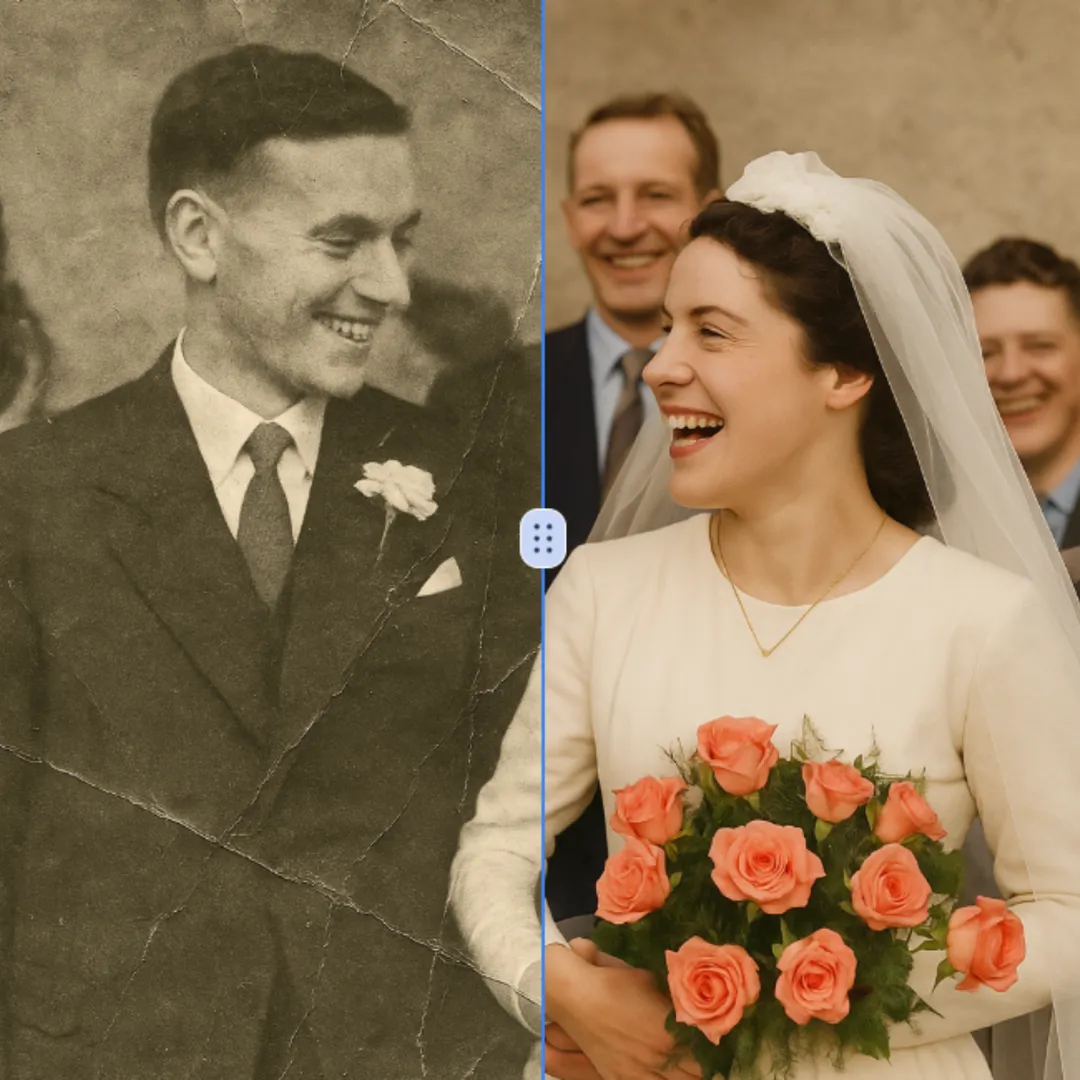
AI Photo Restoration
AI Photo Restoration is a free online service that uses advanced AI to restore old, damaged, and black-and-white photos. It delivers high-quality, accurate results quickly and securely. Easily revive your cherished memories without any cost or hassle, ensuring your photos look new again.
Try Now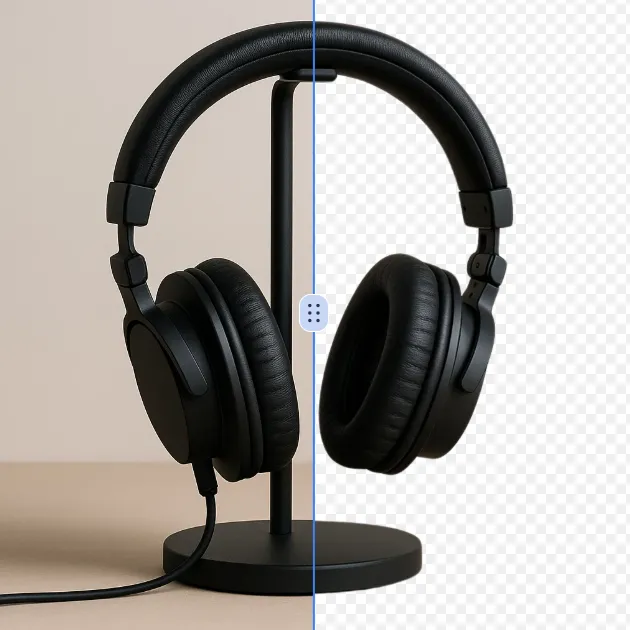
AI Background Remover
AI Background Remover is a free online tool that uses advanced AI to remove image backgrounds automatically. It delivers high-quality transparent backgrounds instantly, requires no editing skills, and is ideal for professionals and beginners alike. Save time and enhance your images effortlessly with this powerful, user-friendly solution.
Try Now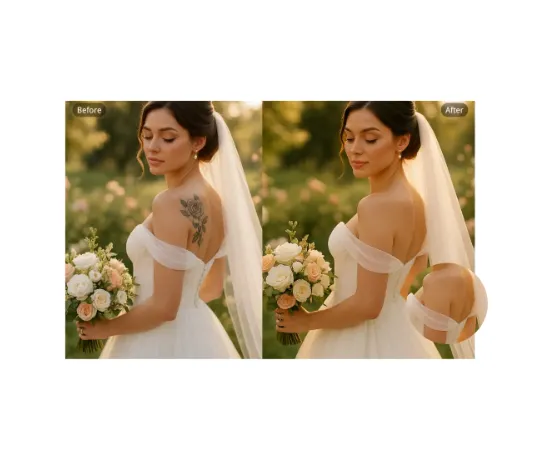
AI Remove Tattoo
Our AI Tattoo Remover lets you effortlessly erase unwanted tattoos from any photo. Using advanced technology, it precisely removes ink while restoring natural skin tones. Ideal for professional headshots, wedding albums, or social media posts. Enjoy realistic, distraction-free results in seconds—completely free and no login required.
Try Now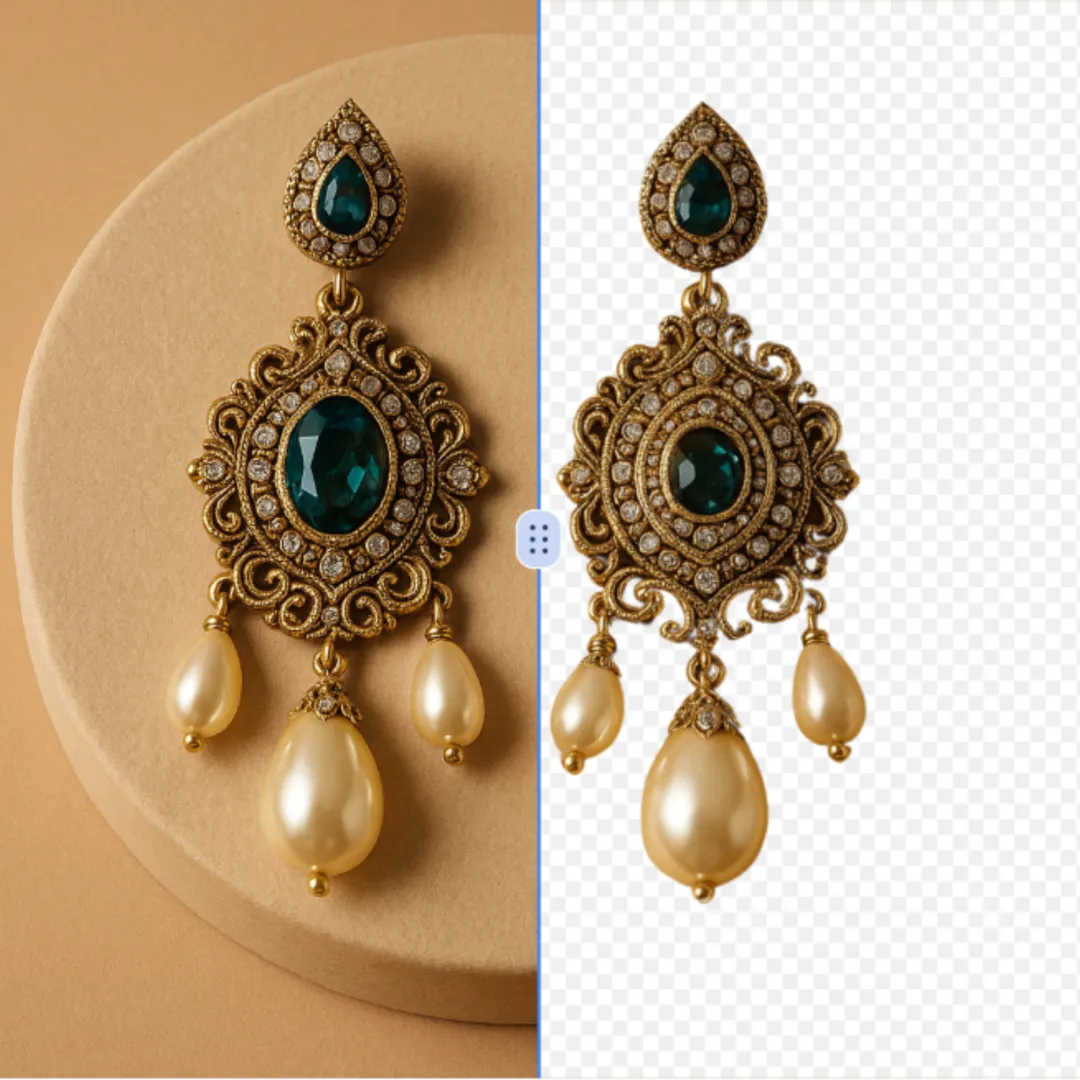
AI Cut Out Image
AI Cut Out Image is an intuitive online tool that automatically removes backgrounds from any image using advanced AI technology. It delivers high-quality transparent PNGs quickly, ideal for enhancing product photos, creating social media content, and design work. Experience effortless editing with no downloads or expertise needed—just upload and get perfect results in seconds.
Try Now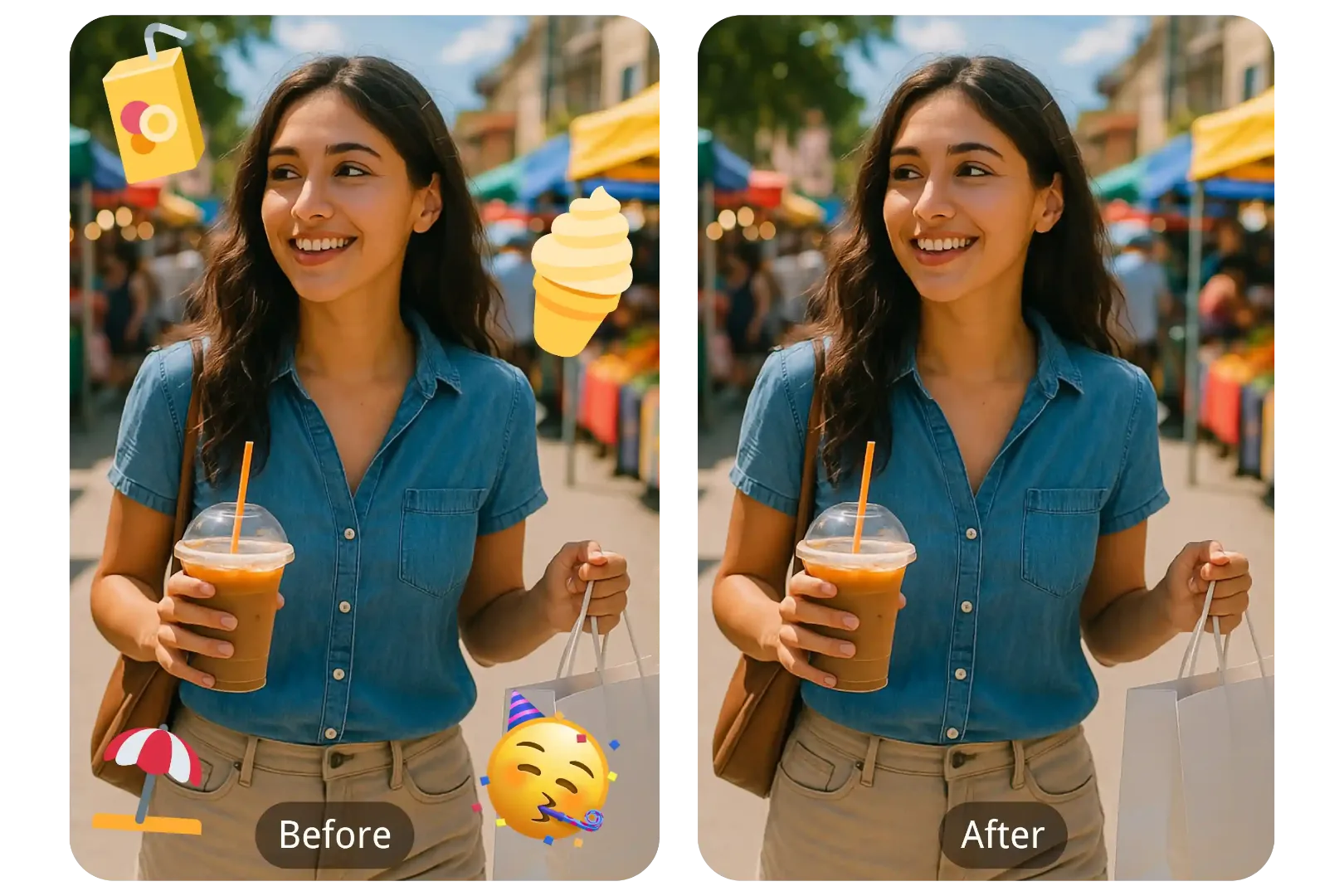
AI Emoji Remover
Emoji Remover is a free AI tool that quickly removes face emojis, stickers, and unwanted objects from photos. It restores your images instantly and securely, making it easy to clean up pictures without any hassle. Get professional results with this powerful, user-friendly tool.
Try Now Continue with Google