AI Minecraft Filter
Minecraft Filter is a free AI-powered tool that converts photos into authentic Minecraft pixel art. Easily design unique avatars, memorable gifts, and creative builds. Enhance your Minecraft experience with quick, high-quality conversions that capture every detail. Ideal for players and creators seeking personalized content.
 Original
  Modified
 Minecraft Filter: Free AI Pixel Art Generator & Photo Converter
The AI Minecraft Filter is a specialized online tool that instantly transforms your ordinary photos into authentic, block-style pixel art inspired by the iconic look of Minecraft. Using advanced AI image processing, it automatically rebuilds portraits, landscapes, and objects with the game’s signature square aesthetics, delivering high-quality results directly in your browser without requiring any design skills .
What Is an AI Minecraft Filter and How Does It Work?
At its core, an AI Minecraft Filter analyzes the shapes, colors, and details in your uploaded image and intelligently reconstructs them using a block-based pixel grid. Unlike simple photo filters that just lower the resolution, this AI-powered editing technology studies the content—whether it’s a face, a pet, or a scenic view—and generates a new image that maintains the original’s character while adopting the retro, game-like appearance.
These tools are built on machine learning models trained on countless examples of pixel art and Minecraft’s distinct visual style. When you use a browser-based editor like the one on ImageFK, the process is seamless: the AI identifies edges, simplifies color palettes to mimic in-game blocks, and ensures the final output looks like it was built block-by-block in a creative mode session. This approach to image transformation makes professional-looking results accessible to everyone.
Key Features of the AI Minecraft Filter
Modern AI Minecraft Filter tools, including the one available on ImageFK, come packed with features designed for speed, accuracy, and creativity. These features ensure that whether you're a seasoned player or a casual fan, you can create something unique.
Authentic Pixel Art Conversion
The primary function is to convert images into genuine pixel art. The AI doesn’t just pixelate your photo; it intelligently renders it to match the aesthetic of Minecraft, complete with the characteristic blocky textures and limited, vibrant color schemes that feel native to the game world .
AI-Powered Customization with Text Prompts
Many advanced tools now allow you to guide the AI further. You can provide a simple text-to-image prompt to add creative twists. For instance, you could upload a photo of a friend and add the prompt "wearing a diamond armor" or "in a Nether landscape." The AI combines the photo reference with your prompt to generate a truly personalized piece of art.
Fast and Efficient Processing
Built for convenience, these online tools are designed for fast image processing. Typically, in about 60 seconds, the AI completes its work, allowing for quick iteration. You can try different prompts or re-upload photos without long waits, making the creative process fluid and enjoyable.
Browser-Based and User-Friendly
You don't need to install heavy software or learn complex editing suites. As a browser-based editor, everything runs on ImageFK’s servers. This means you can access the tool from any device—be it a PC, tablet, or even a phone—and get high-quality results without draining your device's resources.
When and Why to Use an AI Minecraft Filter
Understanding the search intent behind "AI Minecraft Filter" reveals a variety of creative and practical use cases. This tool isn't just a gimmick; it solves real problems for the Minecraft community and beyond.
Creating Unique Avatars and Profile Pictures
In the gaming world, your avatar is your identity. Players are constantly searching for ways to stand out on forums, Discord servers, and multiplayer platforms. An AI Minecraft Filter lets you turn a selfie into a custom, game-accurate avatar. It’s a perfect way to represent yourself in a community that appreciates the game's unique style.
Designing Memorable and Personalized Gifts
Imagine giving a friend a framed piece of "pixel art" that features their own face or a cherished memory, rendered in the style of their favorite game. These tools make it easy to design such thoughtful, one-of-a-kind gifts. It adds a personal touch that store-bought merchandise simply can't match.
Inspiring Creative Builds in Minecraft
For builders, these AI tools are a fantastic source of inspiration and planning. You can convert a complex real-world building or a fantasy concept into pixel art. This 2D block representation can then serve as a blueprint or a facade guide for massive 3D builds in your survival or creative world. It bridges the gap between imagination and in-game construction.
Enhancing Content for Social Media
Content creators on platforms like YouTube, TikTok, and Instagram can use these filters to generate eye-catching thumbnails, channel art, or meme-worthy images. The distinct visual style grabs attention and immediately signals a connection to gaming culture, helping content stand out in crowded feeds .
How to Use the AI Minecraft Filter on ImageFK: A Step-by-Step Guide
Creating your own Minecraft-style art is a straightforward process. Here’s how you can use the AI-powered tool on ImageFK to achieve accurate and impressive results.
- Prepare Your Image: Start by selecting a clear photo. Portraits work great for character art, while landscapes with distinct features (like mountains or forests) yield amazing scenery conversions. The tool accepts standard formats like JPEG, PNG, or WEBP.
- Upload to the Tool: Navigate to the AI Minecraft Filter on ImageFK and upload your chosen image. The interface is designed to be intuitive, so you can simply drag and drop or click to browse your files.
- Craft Your Prompt (Optional but Recommended): For the best results, use the "Other Ideas" section to enter a prompt. Since the AI is optimized for English, describe what you want. For example:
- "A knight holding a sword, pixel art style"
- "Sunset over a pixelated ocean with a boat"
- "Friendly creeper in a flower forest" This step allows you to move beyond a simple filter and co-create with the AI.
- Generate and Wait: Click the generate button. The AI image processing will begin, and you'll see a status indicator. The tool is working its magic, and in about 60 seconds, your new image will be ready.
- Download and Share: Once the process is complete, you can preview your photo enhancement. If you're happy with it, download it directly to your device. From there, you can use it as an avatar, share it with friends, or use it as inspiration for your next Minecraft build.
The Advantages of AI-Powered Editing vs. Manual Creation
Creating pixel art manually, especially detailed portraits or landscapes, is a time-consuming skill that requires patience and an eye for detail. Here’s why an AI image editing approach is superior for most users:
- Speed: What takes hours or days to build block-by-block in a game or design pixel-by-pixel in an editor can be done by AI in under a minute. This efficient process democratizes creativity.
- Accessibility: You don't need to be an expert artist. The tool handles the complex work of color quantization and spatial arrangement, making professional-looking image transformation accessible to everyone, regardless of skill level.
- Consistency: The AI applies a consistent logic to every part of the image, ensuring that the level of detail and the "blockiness" are uniform throughout. This is difficult to achieve when manually converting complex photos.
- Experimentation: Because the process is so fast and secure, you can experiment freely. Try different photos and various prompts without any commitment. This encourages creativity and leads to unexpected, delightful results.
Frequently Asked Questions
What exactly is an AI Minecraft Filter?
An AI Minecraft Filter is a digital tool that uses artificial intelligence to automatically convert standard photos and images into blocky, pixelated artwork that mimics the visual style of the video game Minecraft. It intelligently rebuilds your images with square blocks, creating a unique, game-like aesthetic without manual editing .
How do I turn a photo of myself into pixel art using an AI Minecraft Filter?
To turn a selfie into pixel art, you simply upload a clear portrait photo to a tool like the one on ImageFK. You can then let the AI work automatically or add a descriptive prompt (like "Minecraft character face") to guide the style. The AI will process the image and generate a block-style version of your face in under a minute.
Is it safe to upload my photos to an online AI Minecraft Filter?
Reputable platforms, like ImageFK, prioritize user privacy and data security. While you should always check a site's privacy policy, most modern tools process images securely and often delete them from their servers after a short period to ensure your information remains private. This focus on secure processing builds trustworthiness.
Can I use an AI Minecraft Filter for free?
Yes, many online tools, including the one featured on ImageFK, offer free access to their AI Minecraft Filter. This allows you to experiment with the technology and create pixel art without any upfront cost, making it a great option for casual users and creators alike.
What are some good prompts to use with an AI Minecraft Filter?
For best results, be specific and descriptive. Instead of just "man," try "adventurer with a pickaxe and torch." Instead of "house," try "medieval castle on a hill with a dragon flying overhead." The more detail you provide, the better the AI can tailor the image transformation to your vision.
Do I need special software or skills to use an AI Minecraft Filter?
No special skills or software are required. These are online tools designed for ease of use. As long as you have a web browser and an internet connection, you can upload a photo and have the AI generate your pixel art. It's a perfect example of AI-powered editing that removes technical barriers.
Start AI Minecraft Filter with AI Today
Transform your images instantly using powerful AI Effects Filters AI tools.
Try AI Minecraft Filter NowMore AI Effects Filters AI Tools
Discover more AI-powered tools to enhance and transform your images.
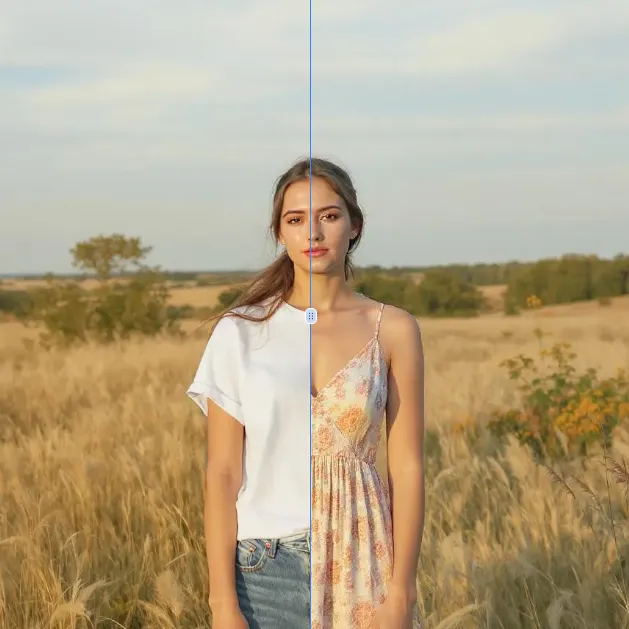
AI Clothes Remover
AI Clothes Remover is a free online tool that lets you instantly remove and replace clothing in photos. Experiment with styles, change outfits effortlessly, and get high-quality results without any fees or registration. Perfect for creative projects, it's the top AI clothing remover for quick, professional edits.
Try Now
AI Photo To Cartoon
AI Photo to Cartoon is a free AI-powered tool that converts your photos or text descriptions into high-quality cartoon images effortlessly. It eliminates the need for design expertise, making it ideal for creating unique social media posts, personalized gifts, and engaging marketing materials. Enjoy fast, professional results that enhance your creativity and save time.
Try Now
AI Photo To Anime
AI Photo to Anime is a free online tool that instantly converts your photos into anime-style artwork using advanced AI technology. Simply upload any image, and our converter generates professional anime art in seconds. Enjoy seamless operation on mobile or desktop without registration. Perfect for creating unique avatars, social media content, or artistic projects with zero cost and maximum convenience.
Try Now
Photo To Oil Painting
Photo to Oil Painting is a free AI tool that converts your photos into beautiful oil painting art online. It uses advanced AI to instantly transform any image, offering a fast, secure, and user-friendly experience. Perfect for artists, NFT creators, and hobbyists, it helps you create unique artwork effortlessly with just a few clicks.
Try Now
AI Photo To Sketch
AI Photo to Sketch is a free online tool that converts photos into realistic pencil sketches using advanced AI. It requires no drawing skills – simply upload your image, and get instant results. Perfect for creating art, gifts, or social media posts. Enjoy high-quality sketches with zero effort!
Try Now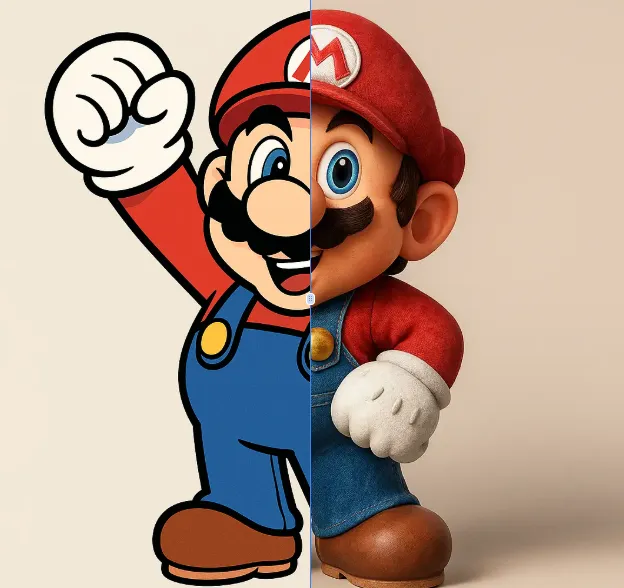
AI 2D To 3D Image Converter
AI 2D to 3D Image Converter is an innovative online tool that instantly converts your 2D images into detailed 3D models. Using advanced AI technology, it automatically generates realistic 3D models without any manual modeling. Perfect for designers, developers, and creators who need quick 3D assets. The tool is completely free, requires no downloads, and works directly in your browser - making 3D creation accessible to everyone regardless of experience level.
Try Now Continue with Google