When to use this page
Keep the prompt specific and retain the original image until the result has been checked.
Preview the requested appearance change with AI Coloring Page Generator using a clear portrait. Compare facial features, hair or clothing edges, lighting, and proportions before keeping the edited result.
 Modified
 Keep the prompt specific and retain the original image until the result has been checked.
Check faces, text, product details, edges, and any rights-sensitive content. The generated result is a draft until you approve it.
A colouring page fails for one of two reasons: the outlines are too faint to follow once printed, or grey has been left in where the paper should have stayed white. The instruction this panel sends is written in outline terms to avoid both — crisp, bold black lines, no shading, no grayscale — with the subject taken from a box you fill in.
Your Subject text is dropped straight into the line-art request, then paired with the subject and scene description the pass reads off the upload. The hint examples — whimsical forest, vintage car, underwater world — show what fits: a scene or object you could point at, not a mood. Keep it short and put anything else in the Other Ideas box, such as a leaf border, one large central shape, or fewer background details for younger colourers.
Anything you did not photograph or draw is the awkward part. A cartoon character, a brand mascot, or another artist's illustration arrives with its resemblance intact, and reducing it to outlines transfers nothing. This page is written for material you own or are clearly permitted to edit.
Look for continuous, closed shapes, because a broken contour becomes a colour leak. Check that the line weight stays visible when the sheet is copied again for a group, and that the interiors are genuinely white — a soft grey wash where a shadow used to be is exactly what makes colouring muddy. Faces, fingers, lace, and fur are where shading creeps back in. If the source photo is busy, the fix is a shorter Other Ideas note asking for one central subject and a simplified background, not another run of the same request.
Preview the requested appearance change with AI Coloring Page Generator using a clear portrait. Compare facial features, hair or clothing edges, lighting, and proportions before keeping the edited result.
Compare the result with the original, inspect the details that matter to your task, and keep the original until the output is approved.
Grey usually arrives from shading already modelled into the source photo: a dusk sky, a dark fabric, a hard side-light. The instruction asks for no shading and no grayscale, but it is still reading structure from your picture, so a heavily lit photo gives it less clean ground to work with. Try an evenly lit source and add a note asking for a flat white background.
The thing a child would point at. Vintage car works; a nostalgic feeling about the 1950s does not, because the request needs a drawable noun. The hint on the field is the practical test — if your text could be the title printed on the page, it belongs there.
The line-art pass will do it. Whether you may print or distribute it is a separate matter that belongs to whoever holds the character, so for classroom sets stick to your own photographs, your own drawings, or material with a licence that permits edits.
The request asks for a coloring page, or line art, in black and white outline, so what comes back is an outline picture rather than a laid-out sheet. The arrangement work, margins, one image per page, trimming, happens in your document tools. Judge it on paper rather than on screen, since zooming in makes thin lines look perfectly adequate.
Transform your images instantly using powerful AI Effects Filters AI tools.
Try AI Coloring Page Generator NowDiscover more AI-powered tools to enhance and transform your images.
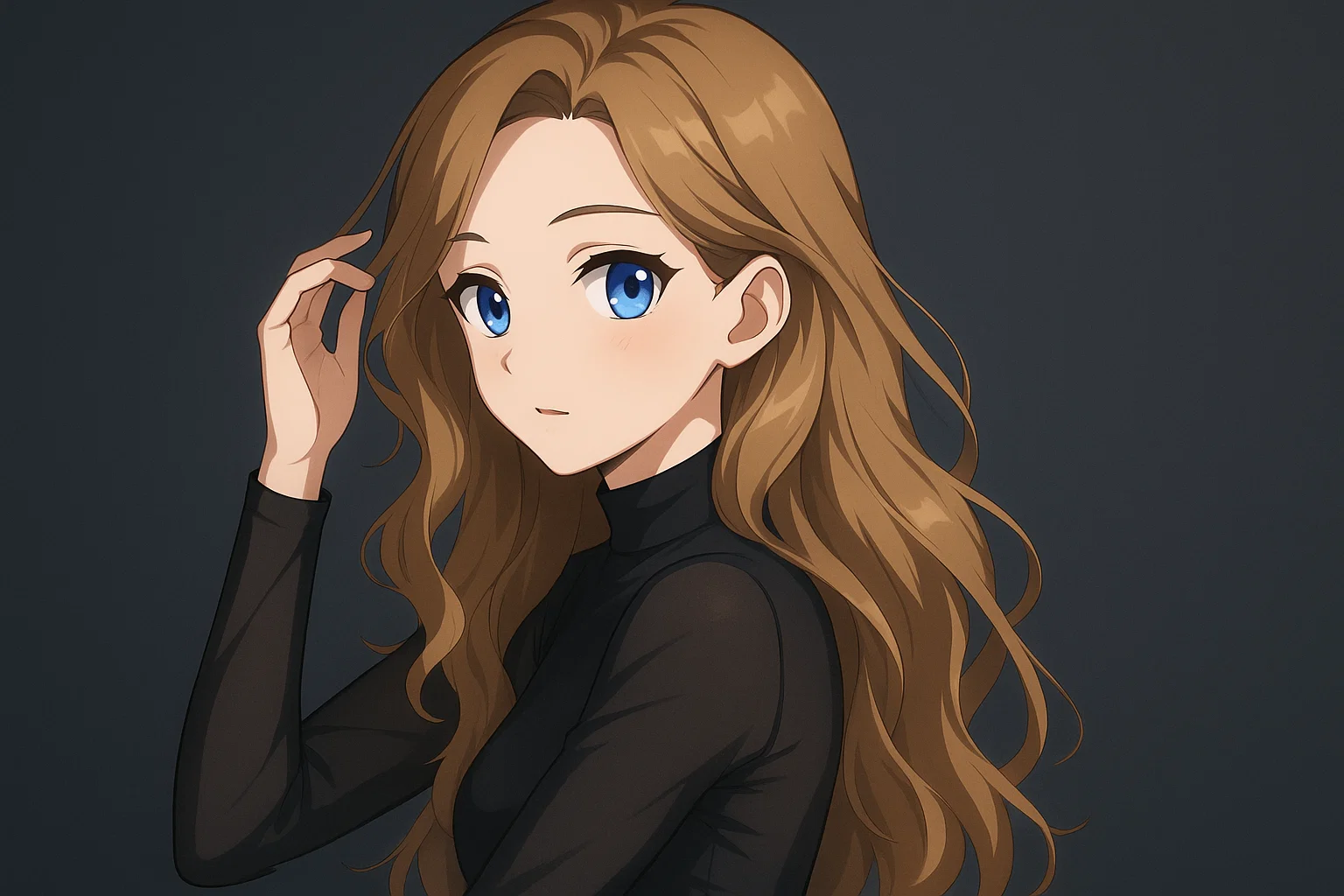
Transform a source image toward the ai photo to anime look with AI Photo to Anime. Describe the target style or character details, then check identity, pose, facial features, and background consistency.
Try Now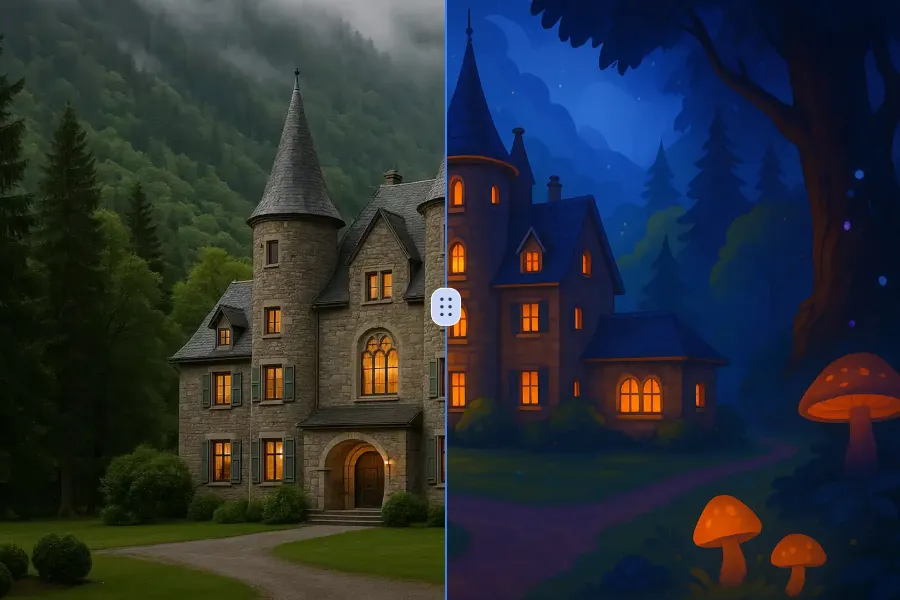
Transform a source image toward the ai photo to cartoon look with AI Photo to Cartoon. Describe the target style or character details, then check identity, pose, facial features, and background consistency.
Try Now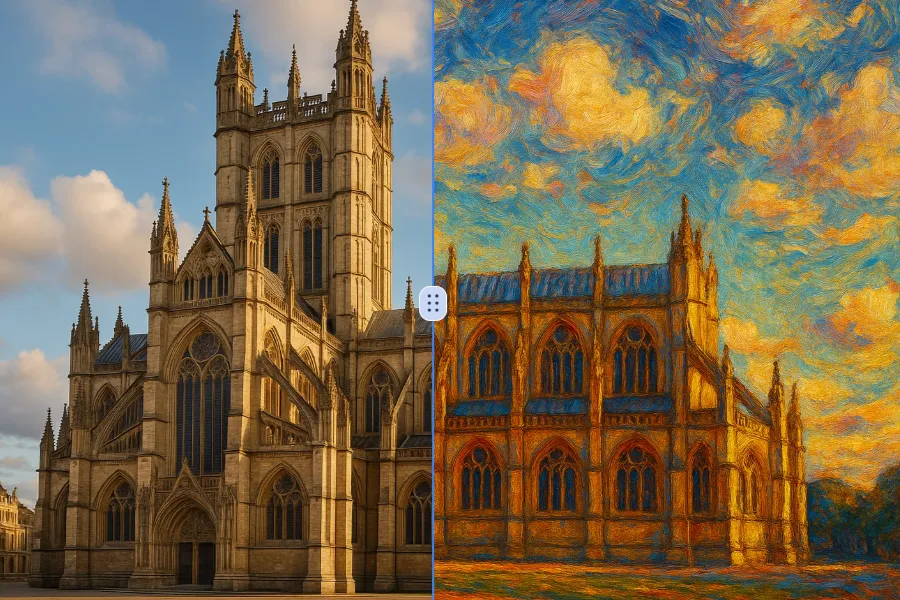
Transform a source image toward the photo to oil painting look with Photo to Oil Painting. Describe the target style or character details, then check identity, pose, facial features, and background consistency.
Try Now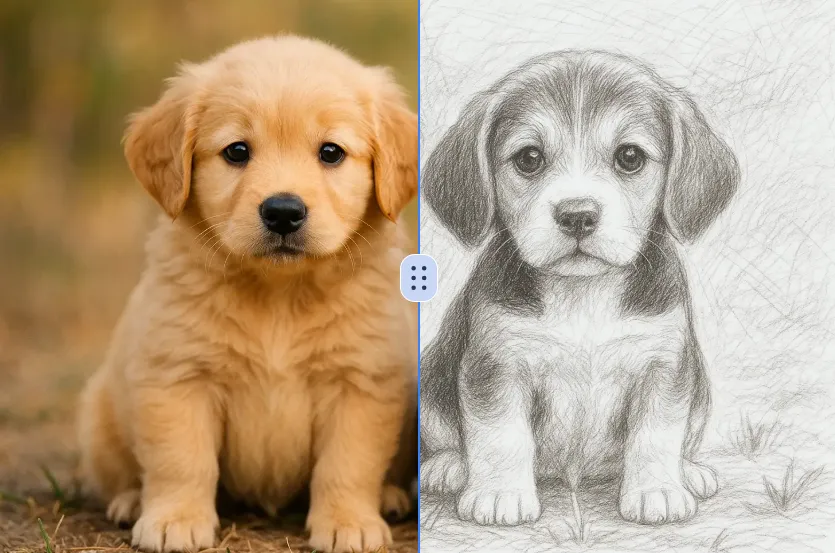
Transform a source image toward the ai photo to sketch look with AI Photo to Sketch. Describe the target style or character details, then check identity, pose, facial features, and background consistency.
Try NowUse Google to start creating and save your image. No card required.
 Continue with Google
 Remove the watermark, download HD images, and keep creating.
Credit Policy:
Secure checkout · Payment methods shown at checkout · Credits after confirmation