When to use this page
Keep the prompt specific and retain the original image until the result has been checked.
Create a clean cutout with AI PNG Maker for transparent-image workflows. Review hair, fingers, product edges, and the exported canvas before placing the subject elsewhere.
 Modifiée
 Keep the prompt specific and retain the original image until the result has been checked.
Check faces, text, product details, edges, and any rights-sensitive content. The generated result is a draft until you approve it.
A cutout is only as good as the alpha channel that carries it. This pass removes the background and places the main subject — the person or the object the frame is about — on transparency, producing a clean, sharp cutout ready to be used as a PNG file. Everything downstream in a design depends on that edge holding, so the review is worth doing before the file goes anywhere.
Uploads take JPEG, JPG, PNG, and WEBP, and a JPEG cannot store an alpha channel at all. That is not a problem — it means the transparency here is created rather than recovered — but it does mean the edge the pass has to follow is a compressed one, with JPEG ringing along high-contrast boundaries carried into the decision. Photos saved straight from a camera are the easiest case; images re-saved through chat apps or screenshots are where the fringe appears.
The prompt box asks for the subject, style, composition, and important details, and the built-in request is phrased around one main subject. When the frame holds two people, or a product with a detached accessory, or a glass bottle against a bright window, say what must survive and what counts as background. Then test the file honestly: a checkerboard behind a preview is only a display convention, so place the exported image over both a dark and a light surface before committing it to the layout.
about transparent cutouts
That is the semi-transparent fringe between the strands and the old backdrop being treated as subject. It shows on dark surfaces and hides on light ones, which is exactly why both tests are worth running before the file is used.
The request is written around the main subject, so a frame with several equally prominent figures needs help. Name what should stay in the prompt box and check the space between them, since overlapping shoulders and hands are where a two-subject cutout goes wrong.
Nothing is being restored from the original file, so a JPEG is accepted and worked on as-is. What you inherit is its compression: blocky tone steps along a high-contrast edge become the edge the cutout follows, so start from the largest, cleanest source you have.
Yes — that is the point of putting the subject on transparency instead of a substituted colour. Keep the original photo, since the isolated subject is a reconstruction of its boundary rather than a recovery of what the backdrop was hiding.
Create a clean cutout with AI PNG Maker for transparent-image workflows. Review hair, fingers, product edges, and the exported canvas before placing the subject elsewhere.
Compare the result with the original, inspect the details that matter to your task, and keep the original until the output is approved.
Transformez vos images instantanément à l'aide de puissants outils d'IA pour AI Image Editor.
Essayez AI PNG Maker maintenantDécouvrez plus d'outils alimentés par l'IA pour améliorer et transformer vos images.
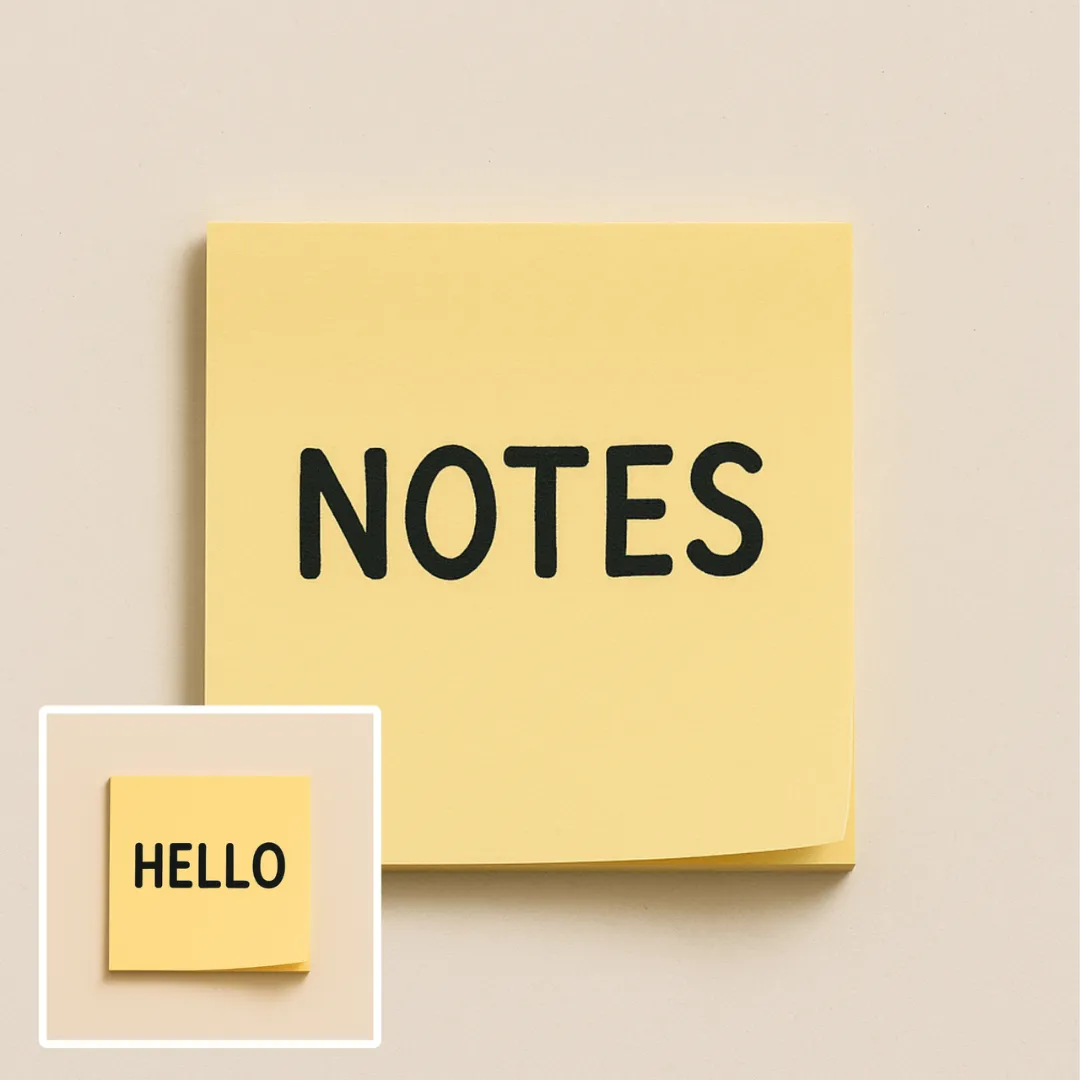
Edit or remove visible text with AI Edit Text in Image while preserving the surrounding layout. Check lettering, alignment, background texture, and the final crop before publishing.
Essayer maintenant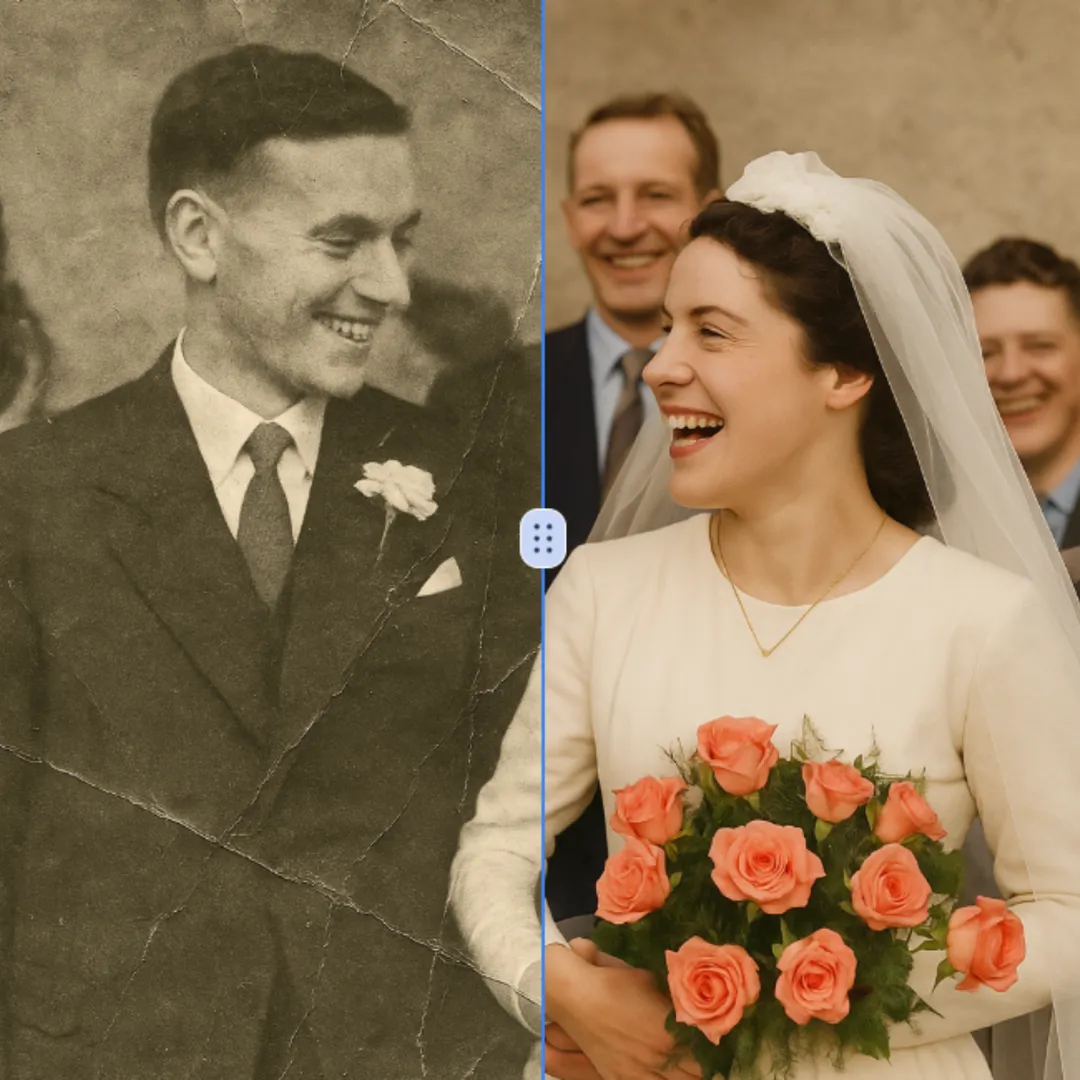
Improve visible image detail with AI Photo Restoration while keeping the original subject in view. Compare edges, faces, textures, and small text at the intended output size.
Essayer maintenant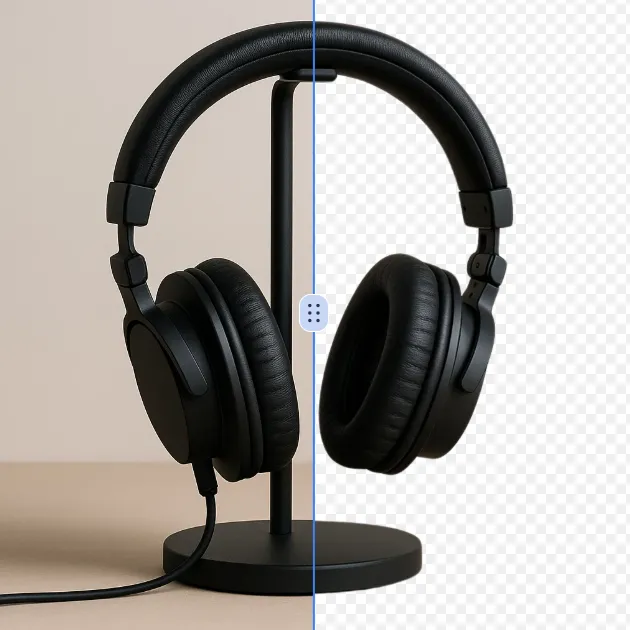
Remove a background from a photo or logo with AI Background Remover, then check subject edges, fine details, and transparency before using the cutout in a new design.
Essayer maintenant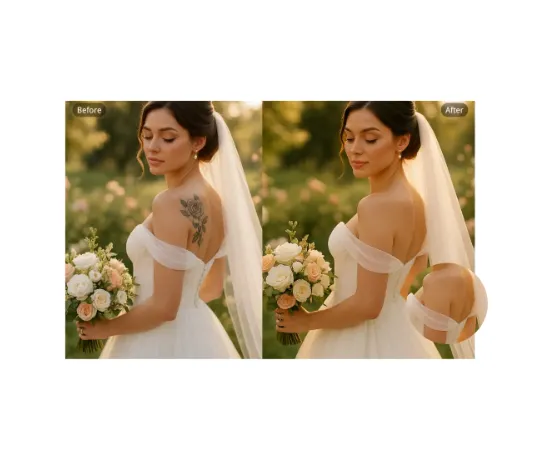
Use AI Remove Tattoo to target an unwanted overlay or localized detail in an image. Compare the edited area with the surrounding texture and correct visible seams before export.
Essayer maintenantConnectez-vous avec Google pour accéder aux outils d’édition avancés et sauvegarder vos créations. Les générations utilisent les crédits indiqués dans l’éditeur.
 Continuer avec Google
 Remove the watermark, download HD images, and keep creating.
Politique de crédits :
Checkout sécurisé · Moyens de paiement affichés au checkout · Crédits après confirmation