When to use this page
Start with the cleanest source available and compare the output at 100% before replacing the original.
Upscale a low-resolution image for a clearer preview, product asset, or social post. Check small text, faces, and fine edges after processing because enlargement cannot recreate every missing detail.
 Modifiée
 Start with the cleanest source available and compare the output at 100% before replacing the original.
Check faces, text, product details, edges, and any rights-sensitive content. The generated result is a draft until you approve it.
Two of the requests in the built-in instruction are not about size at all: reduce noise, and preserve natural skin tones and textures. That makes this page the enlargement pass to reach for when the file is noisy or compressed rather than merely small, since the clean-up and the enlargement are asked for in the same run.
Higher resolution on a noisy file mostly means larger noise, so the instruction pairs the two: upscale, then reduce what grain and compression block are sitting on top of the picture. Where the source is a low-quality JPEG that has been re-saved a few times, look at the flat areas — a sky, a wall, a shadow — for the mottled blocks that a detail pass can turn into a smeared wash. Where the source has genuine grain, decide whether you want it removed or kept, and say so in the prompt.
The instruction names skin tones specifically, and skin is where an image upscaler over-corrects in full view. Judge it on the areas where you know what should be there: the edge of an iris, individual hairs, a stubbled jaw, a freckle pattern. If those have gone smooth and the surrounding colour has shifted warmer or flatter, the pass has traded a person for a finish. Compare against the upload at the size you intend to use, checking edges, faces, textures, and small text there rather than in the preview.
Nothing here repositions your subject, so the framing you upload is the framing you get back, and the work is confined to how the pixels read. Upload JPEG, JPG, PNG, or WEBP, keep the original file unaltered, and treat the enlarged output as a derivative you will want to check at full zoom before it goes anywhere.
Upscale a low-resolution image for a clearer preview, product asset, or social post. Check small text, faces, and fine edges after processing because enlargement cannot recreate every missing detail.
Compare the result with the original, inspect the details that matter to your task, and keep the original until the output is approved.
Both enlarge while keeping the subject in view, and the instructions differ. This one explicitly asks for noise reduction and for skin tones and textures to be preserved; the photo upscaler page is worded around sharpness and fine detail. Pick by what is wrong with your file.
It is asked to reduce noise as part of the pass, so mild compression artefacts are the best case. Deep blockiness in a heavily re-saved file can come back smoothed rather than resolved, which is why flat areas are the place to look.
Yes, in the prompt. The field is optional and its hint invites a description of subject, style, composition, and important details, so naming the grain as something to preserve is how you stop the clean-up from erasing it.
Free preview exports on ImageFk carry an ImageFk watermark, and sign-in is through Google. Your upload is not stamped; the preview we generate is.
Transformez vos images instantanément à l'aide de puissants outils d'IA pour AI Image Editor.
Essayez AI Image Upscaler maintenantDécouvrez plus d'outils alimentés par l'IA pour améliorer et transformer vos images.

Edit or remove visible text with AI Edit Text in Image while preserving the surrounding layout. Check lettering, alignment, background texture, and the final crop before publishing.
Essayer maintenant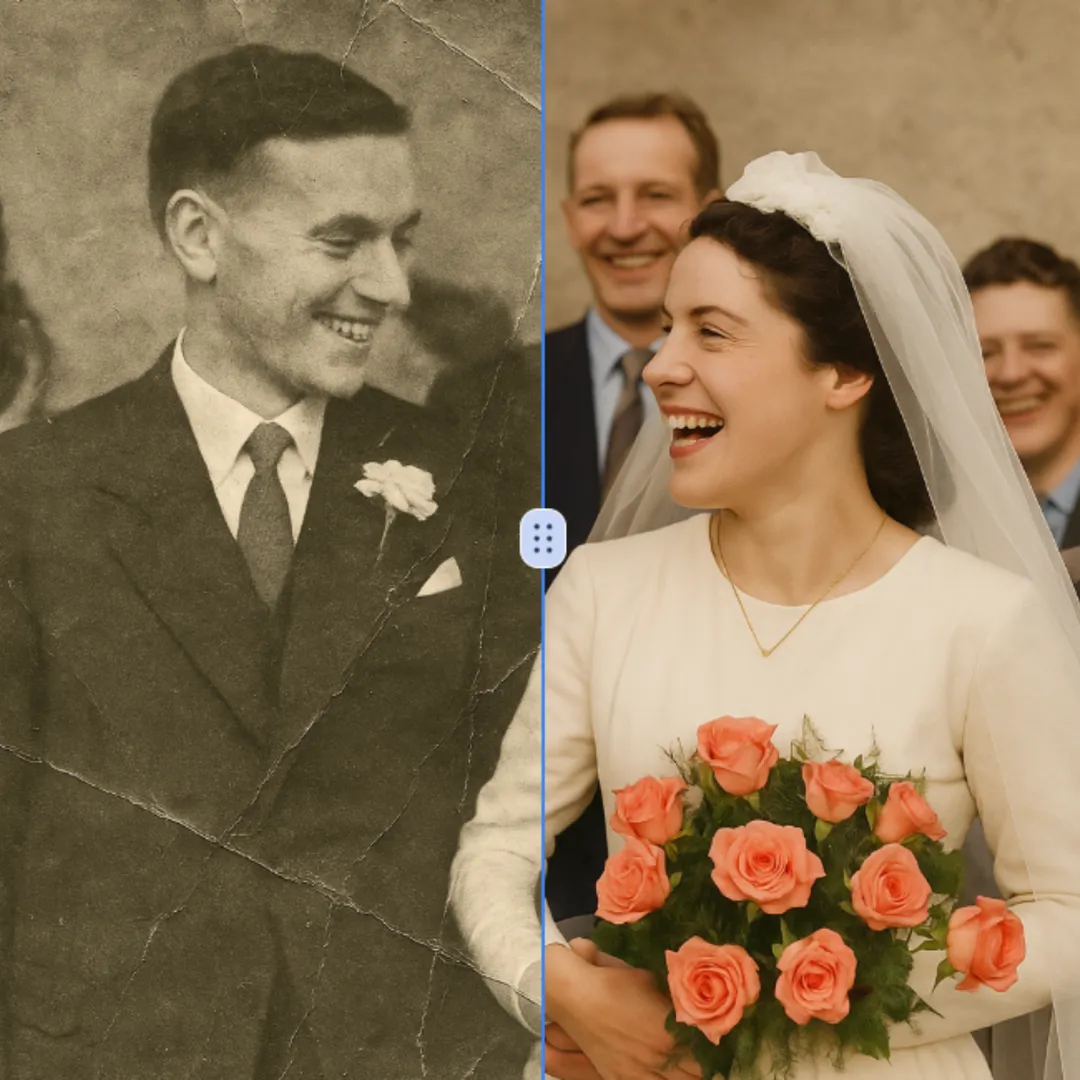
Improve visible image detail with AI Photo Restoration while keeping the original subject in view. Compare edges, faces, textures, and small text at the intended output size.
Essayer maintenant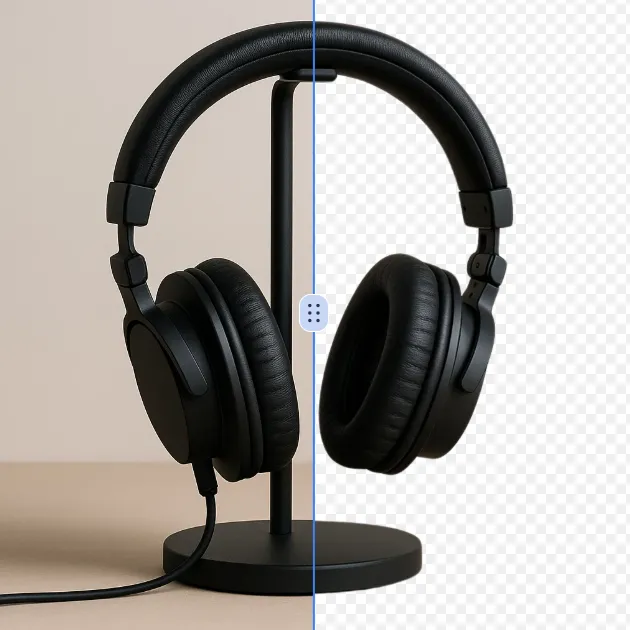
Remove a background from a photo or logo with AI Background Remover, then check subject edges, fine details, and transparency before using the cutout in a new design.
Essayer maintenant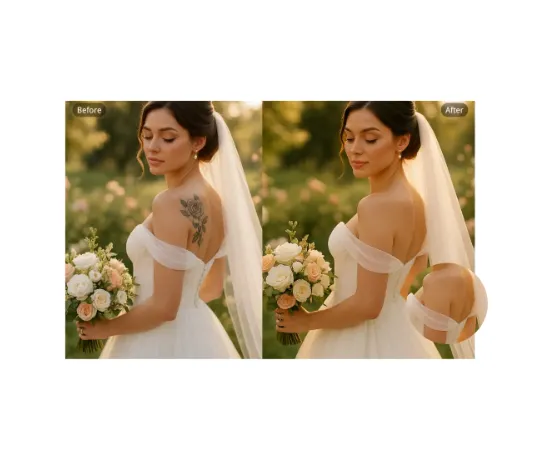
Use AI Remove Tattoo to target an unwanted overlay or localized detail in an image. Compare the edited area with the surrounding texture and correct visible seams before export.
Essayer maintenantConnectez-vous avec Google pour accéder aux outils d’édition avancés et sauvegarder vos créations. Les générations utilisent les crédits indiqués dans l’éditeur.
 Continuer avec Google
 Remove the watermark, download HD images, and keep creating.
Politique de crédits :
Checkout sécurisé · Moyens de paiement affichés au checkout · Crédits après confirmation