AI Character Consistency Editor
Keep characters consistent across AI edits. Preserve face, outfit, and style when generating new scenes and poses.
Modifiée Guide
What Is this tool?
Keep characters consistent across AI edits. Preserve face, outfit, and style when generating new scenes and poses.
Upload a JPEG, PNG, or WEBP photo, describe the change in plain English, and the this tool applies the edit in seconds. No Photoshop skills, no desktop install, and no subscription required to start.
Also known as a character consistency editor, consistent AI character tool, this page is optimized for quick results on desktop and mobile. Choose Nano Banana, GPT-Image, or other models from the generator dropdown to match speed and quality needs.
Uploaded images are processed securely and removed from servers after a short retention window.
How to Use this tool Online
- Open the generator — Scroll to the editor at the top of this AI Character Consistency Editor page.
- Upload your photo — Click upload or paste an image (Ctrl+V). Supported formats: JPEG, PNG, WEBP up to 10MB.
- Write your prompt — Describe the edit clearly, e.g. what to remove, replace, upscale, or restyle.
- Pick a model — Select Fast for quick drafts or Pro/Max for higher resolution output.
- Generate and download — Click Generate, preview the result, then download your edited image.
Tip: Start with a specific prompt, then refine wording if the first result needs adjustment.
Key Features of this tool
- Text-based editing — The this tool understands natural language prompts instead of manual brush tools.
- Multiple AI models — Switch between Nano Banana, GPT-Image, SeeDream, and other engines.
- Resolution options — Export at 1K, 2K, or 4K depending on your credit plan and model.
- Single and multi-image modes — Edit one photo or fuse multiple references in Multi Fusion mode.
- Commercial use — Paid credits include commercial licensing for marketing and client work.
- Privacy-first — Secure processing with automatic deletion policies on uploaded files.
Best Use Cases
The this tool helps when you need consistent character appearance across multiple AI edits without hiring a retoucher. Common jobs include comic series, brand mascots, storyboard characters, and multi-scene marketing campaigns.
Because ImageFK runs in the browser, remote teams and solo creators can produce consistent visuals from any device.
Why Use ImageFK for this tool?
ImageFK combines multiple AI models — Nano Banana, GPT-Image, SeeDream, and more — in one free AI photo editor online. Unlike single-purpose apps, you can chain edits: remove a background, upscale to 4K, then apply style transfer without switching websites.
Credits never expire on paid plans, commercial licensing is included, and uploaded files are auto-deleted per our privacy policy. The this tool is built for creators who need consistent character appearance across multiple AI edits on deadline — from e-commerce catalogs to social campaigns.
Tips for Better Results
Use clear, specific prompts and keep the original file until you confirm the export meets your platform requirements.
If a result is close but not perfect, tweak one detail in the prompt and regenerate rather than stacking many changes at once.
Browse the ImageFK prompt library for copy-ready examples that work well with the this tool.
E-commerce sellers bookmark the AI Character Consistency Editor to polish product photos before listing on marketplaces.
Content creators use ImageFK when they need consistent character appearance across multiple AI edits without opening a full desktop suite.
Marketers regenerate variations quickly — useful for A/B testing ad creatives and social posts.
The AI Character Consistency Editor pairs with other ImageFK tools such as background removal, upscaling, and style transfer for multi-step workflows.
Photographers on tight deadlines use text prompts instead of manual masking to deliver client proofs faster.
Social media managers resize and enhance assets for Instagram, TikTok, and Pinterest from a single browser tab.
Small business owners without a design team rely on the AI Character Consistency Editor for professional visuals at a fraction of agency cost.
Upload JPEG or PNG files up to 10MB, pick 1K/2K/4K output when your plan supports it, and download results in seconds.
Multi Fusion mode on ImageFK helps when you need character consistency or product references across several source images.
If results need refinement, adjust one detail in your prompt and regenerate — iterative editing is faster than starting over in Photoshop.
Frequently Asked Questions
Is AI Character Consistency Editor free to use?
Yes. ImageFK offers free credits to test the AI Character Consistency Editor. Paid credit packs unlock higher resolution, watermark-free downloads, and commercial licensing.
Do I need to sign up?
You can try editing immediately. Creating an account helps save history and manage credits across devices.
Are my uploaded photos private?
Yes. Images are processed securely and automatically removed from servers after a short retention period per our privacy policy.
Which image formats are supported?
Upload JPEG, PNG, or WEBP files up to 10MB. Download results in high-quality PNG or JPEG.
Can I use edited images commercially?
Commercial usage is included with paid credit packages. Check the pricing page for license details.
How is this different from Photoshop?
Photoshop offers manual precision but requires training. The AI Character Consistency Editor focuses on consistent character appearance across multiple AI edits through simple text prompts — faster for everyday edits.
Commencez avec AI Character Consistency Editor dès aujourd'hui
Transformez vos images instantanément à l'aide de puissants outils d'IA pour AI Image Editor.
Essayez AI Character Consistency Editor maintenantPlus d'outils d'IA pour AI Image Editor
Découvrez plus d'outils alimentés par l'IA pour améliorer et transformer vos images.
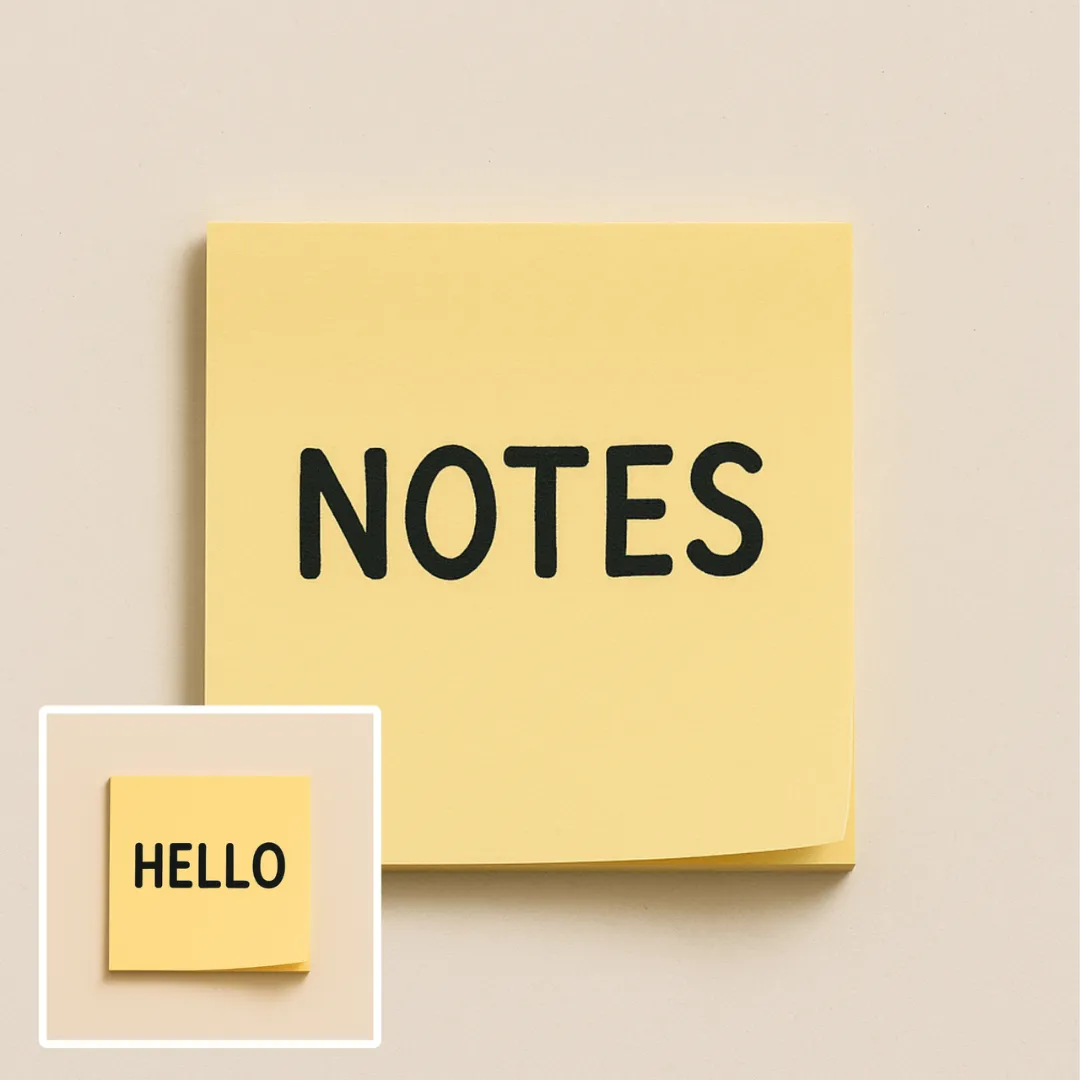
Édition Texte Dans L'image Par IA
L'édition de texte dans les images par IA est un outil en ligne puissant qui vous permet de modifier le texte dans les images sans effort. Grâce à une IA avancée, vous pouvez supprimer le texte indésirable, remplacer des mots ou corriger des erreurs en quelques secondes. Les fonctionnalités clés incluent un traitement instantané, des téléchargements sans watermarks et un support pour divers formats d'images. Idéal pour les professionnels et les utilisateurs occasionnels, il garantit des mises à jour visuelles de haute qualité avec facilité. Commencez à éditer dès aujourd'hui !
Essayer maintenant
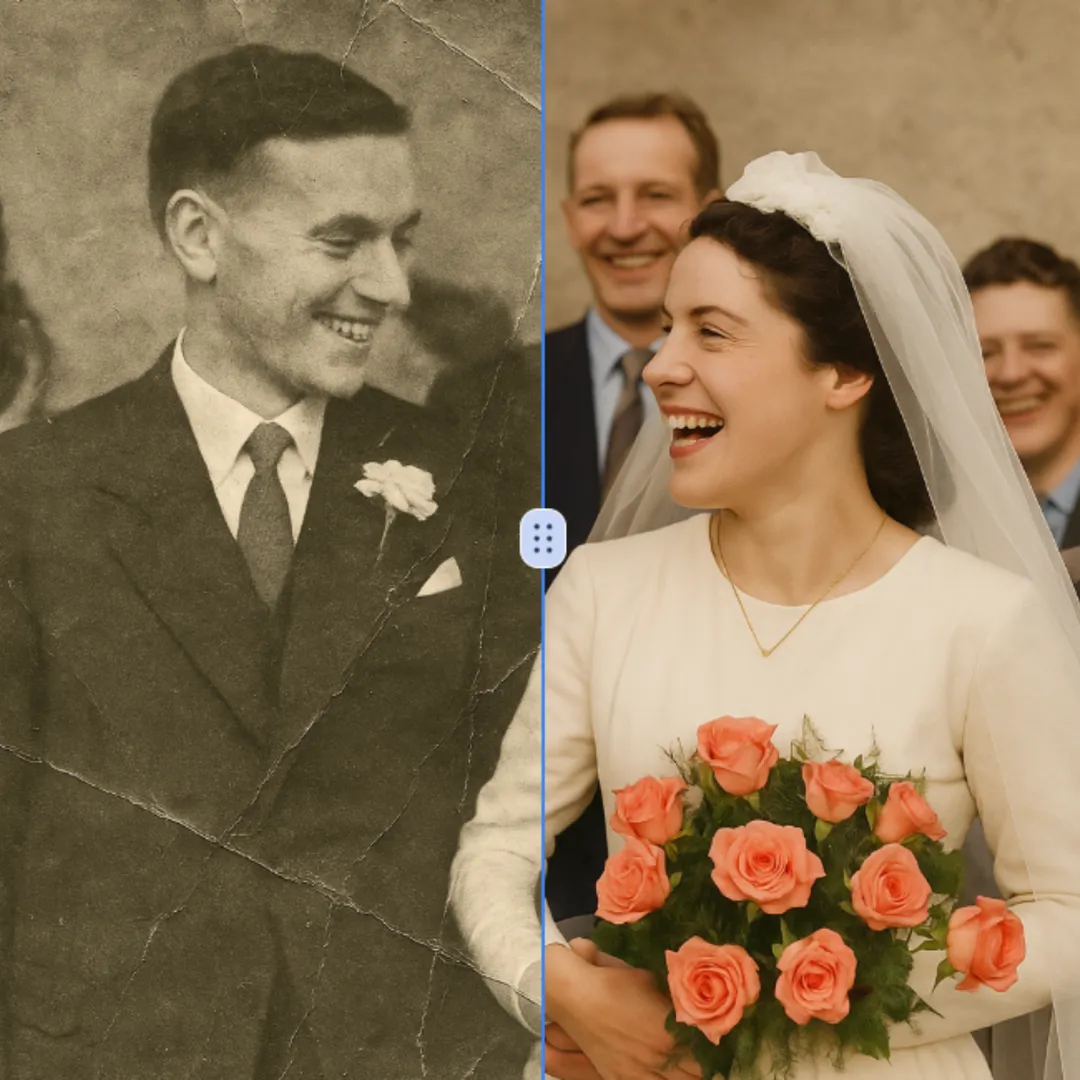
Restauration Photo Par IA
La restauration photo par IA est un service en ligne gratuit qui utilise une intelligence artificielle avancée pour restaurer des photos anciennes, endommagées et en noir et blanc. Il fournit des résultats de haute qualité et précis rapidement et de manière sécurisée. Révivez facilement vos souvenirs précieux sans aucun coût ou contrainte, garantissant que vos photos ressemblent à de nouvelles.
Essayer maintenant
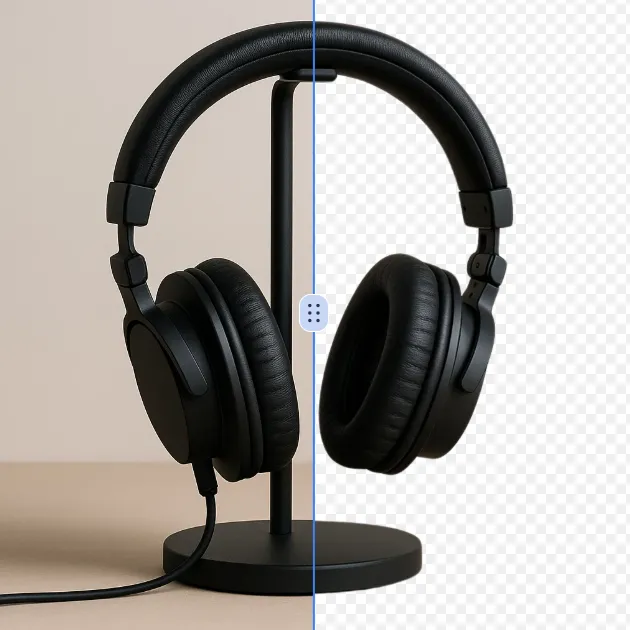
Suppresseur D'arrière-plan IA
Le Retourneur de Fond AI est un outil en ligne gratuit qui utilise une intelligence artificielle avancée pour supprimer automatiquement les arrière-plans des images. Il fournit des arrière-plans transparents de haute qualité instantanément, ne nécessite pas de compétences en édition et est parfait pour les professionnels et les débutants. Économisez du temps et améliorez vos images sans effort avec cette solution puissante et conviviale.
Essayer maintenant
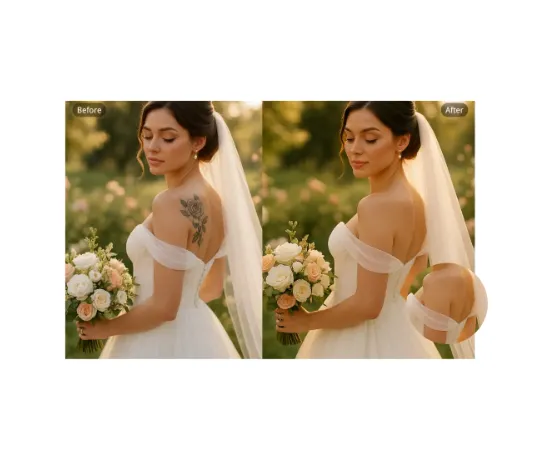
Suppression Tatouage Par IA
Notre technologie d'élimination de tatouages intelligente vous permet d'effacer sans effort les tatouages indésirables sur toute photo. Grâce à des technologies avancées, elle enlève précisément l'encre tout en restaurant les tons de peau naturels. Idéale pour les portraits professionnels, les albums de mariage ou les publications sur les réseaux sociaux. Profitez de résultats réalistes et sans distractions en quelques secondes — entièrement gratuit et sans nécessité de connexion.
Essayer maintenant
Découpe IA
Outil en ligne AI Cut Out Image, intuitif, qui supprime automatiquement les arrière-plans de toute image grâce à une technologie d'intelligence artificielle avancée. Il fournit rapidement des PNG transparents de haute qualité, parfait pour améliorer les photos de produits, créer du contenu pour les réseaux sociaux et du travail de design. Expérimentez une édition sans effort, sans téléchargement ni expertise requise — juste téléversez et obtenez des résultats parfaits en quelques secondes.
Essayer maintenant
Suppresseur D'Emojis IA
Emoji Remover est un outil gratuit d'intelligence artificielle qui supprime rapidement les emojis de visage, les autocollants et les objets indésirables des photos. Il restaure vos images instantanément et de manière sécurisée, rendant le nettoyage des photos facile sans effort. Obtenez des résultats professionnels avec cet outil puissant et convivial.
Essayer maintenant