When to use this page
Keep the prompt specific and retain the original image until the result has been checked.
Apply a focused visual effect with AI Low Poly to change the mood or perspective of a photo. Check the subject outline, lighting, and edges so the effect supports the composition.
 Original
  Bearbeitet
 Keep the prompt specific and retain the original image until the result has been checked.
Check faces, text, product details, edges, and any rights-sensitive content. The generated result is a draft until you approve it.
Low poly is a reduction rather than a coating. The request sent from this panel asks for the entire scene — characters, objects, background — built from a minimal number of flat, visible triangles with sharp angular edges, each facet carrying a solid colour or a barely graded tone, and no smooth curves or intricate texture left anywhere. The target is a minimalist geometric model with a modern or retro video game feel, not a photograph with a mosaic laid over it.
That distinction is the whole quality question, and the instruction is blunt about it: simplified, faceted, devoid of smooth curves and fine texture, with form defined by the fill of each polygon. A result that looks like a soft blur with lines across it has failed the brief. The optional prompt box, whose hint asks for the subject, style, composition, and important details, is where to settle the scale of the reduction — chunky obvious facets or fine, almost painterly ones — and whether the faces in the image need to stay identifiable. It is also where the colour logic goes: "large flat facets, three tones per face", "hard shadows with no gradient".
Soft-focus portraits, fine hair, lace, and busy fabric patterns are the losing cases: everything the source image says about texture is what the request throws away, so those subjects come back generic.
Eyes and mouths first: the smallest features, and the ones you recognise a person by, and a facet can flatten them into suggestion. Then hands, which collapse into mittens when every finger becomes a set of flat planes. Then the boundary between subject and background, where a crisp edge turns into a ragged line of colour. Any lettering becomes shapes rather than letters, so check signage and logos deliberately. Then decide whether the overall angularity reads as a style choice or a jagged accident, and set the two files side by side at full size — the effect is easier to judge against what it replaced than alone.
about the low poly effect
Treat that as the thing to verify rather than the thing to assume. The request asks for minimal detail across the whole scene, and identity in a portrait depends on exactly the small gradations around the eyes, nose, and mouth that get flattened. If recognisability matters more than the style, say so in the prompt box and compare two attempts.
There is no density control on the panel, so it is described in words — chunky, large facets versus fine faceting — and then judged in the output. Two runs written at opposite ends of that phrasing is the practical way to find the level you want, since the instruction only promises a minimal number of polygons, not a specific count.
They get rebuilt as polygons, which means letterforms are invented rather than preserved. A logo can come back as a similar shape in similar colours with unreadable characters inside it. If the frame contains a word you need, this style is a poor choice for it.
The sora-image model, with the low-poly instruction described above written into the request and anything you add in the prompt box going alongside it. Nothing on this page changes the model itself, so the way to steer the result is the wording you supply.
Apply a focused visual effect with AI Low Poly to change the mood or perspective of a photo. Check the subject outline, lighting, and edges so the effect supports the composition.
Compare the result with the original, inspect the details that matter to your task, and keep the original until the output is approved.
Verwandle deine Bilder sofort mit leistungsstarken AI Effects Filters KI-Tools.
Jetzt AI Low Poly ausprobierenEntdecke weitere KI-gestützte Tools, um deine Bilder zu verbessern und zu transformieren.
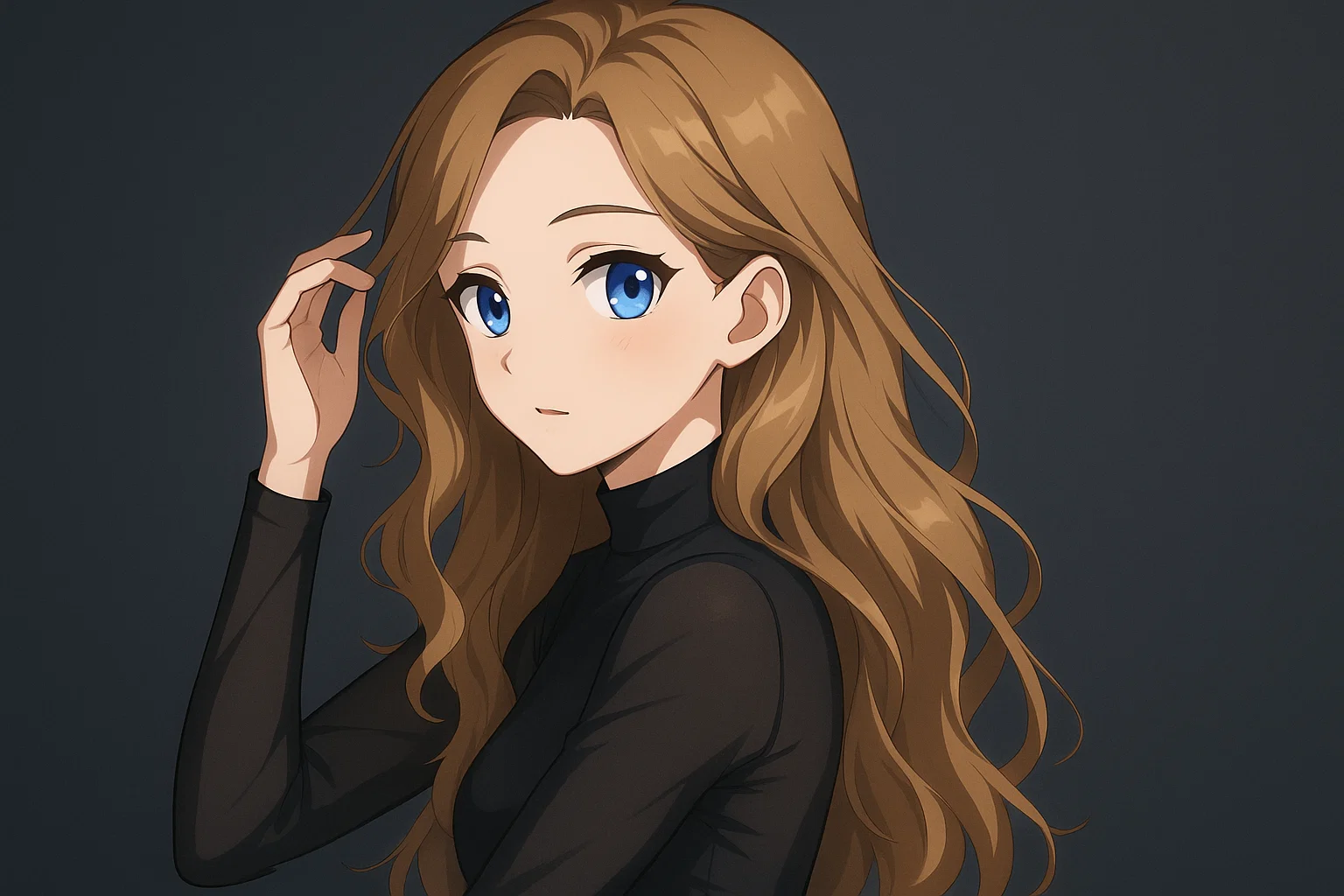
Transform a source image toward the ai photo to anime look with AI Photo to Anime. Describe the target style or character details, then check identity, pose, facial features, and background consistency.
Jetzt testen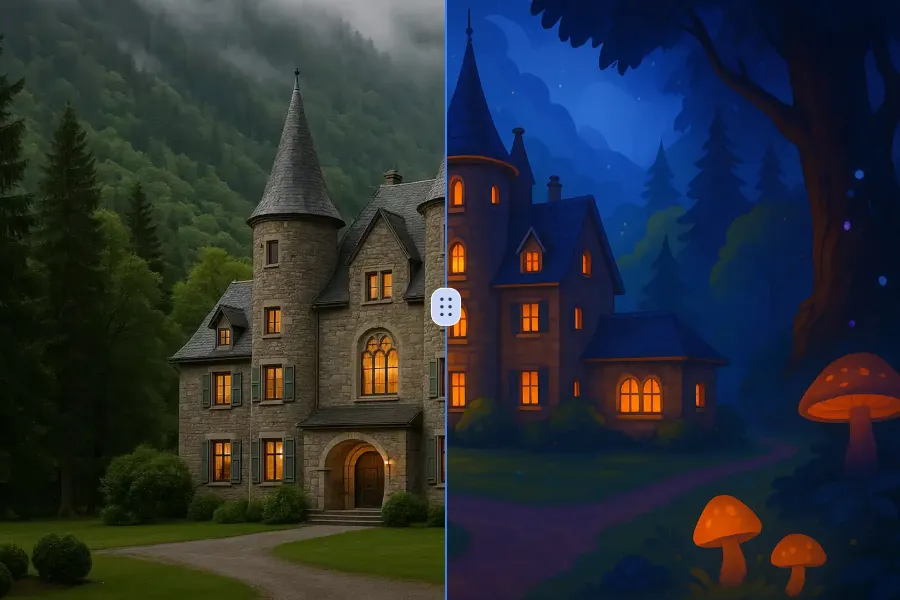
Transform a source image toward the ai photo to cartoon look with AI Photo to Cartoon. Describe the target style or character details, then check identity, pose, facial features, and background consistency.
Jetzt testen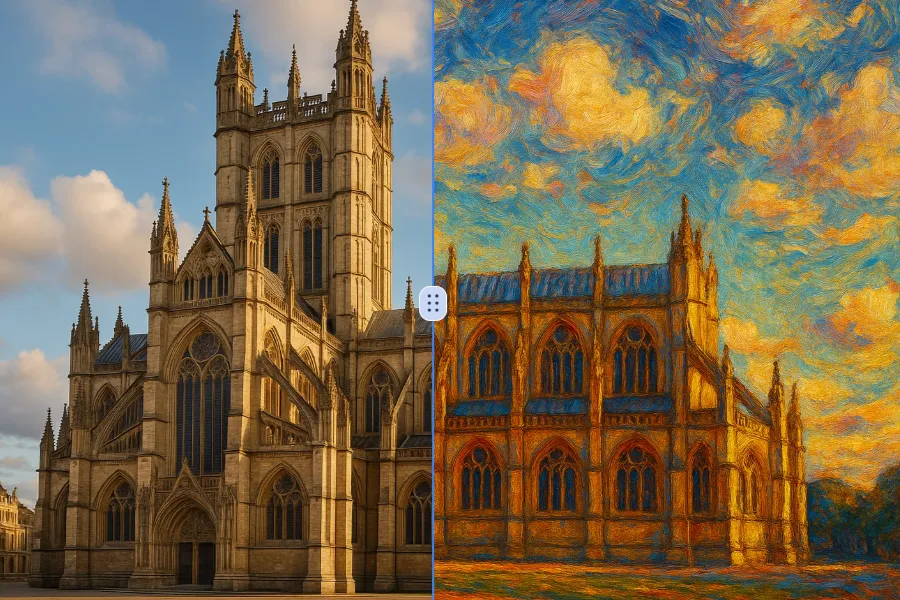
Transform a source image toward the photo to oil painting look with Photo to Oil Painting. Describe the target style or character details, then check identity, pose, facial features, and background consistency.
Jetzt testen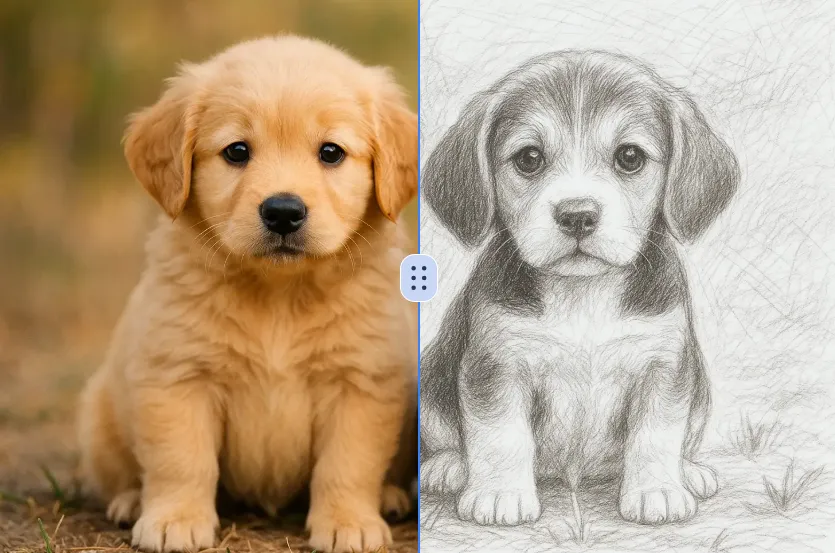
Transform a source image toward the ai photo to sketch look with AI Photo to Sketch. Describe the target style or character details, then check identity, pose, facial features, and background consistency.
Jetzt testenMelde dich mit Google an, um erweiterte Bearbeitungswerkzeuge zu nutzen und deine Kreationen zu speichern. Die Generierung verbraucht Credits gemäß dem Editor.
 Weiter mit Google
 Remove the watermark, download HD images, and keep creating.
Credit-Richtlinie:
Sicherer Checkout · Zahlungsmethoden im Checkout · Credits nach Bestätigung