When to use this page
Keep the prompt specific and retain the original image until the result has been checked.
Use AI Emoji Remover to target an unwanted overlay or localized detail in an image. Compare the edited area with the surrounding texture and correct visible seams before export.
 Bearbeitet
 Keep the prompt specific and retain the original image until the result has been checked.
Check faces, text, product details, edges, and any rights-sensitive content. The generated result is a draft until you approve it.
An emoji is the worst kind of thing to remove, because it is opaque. A watermark at least lets the picture through; a sticker dropped over a face or a chest leaves the pass with nothing underneath to sample. The instruction sent from this page is to take every emoji and sticker out and then generate new content in the gap that blends with the texture, skin, or background it sits on.
The instruction names what it has to blend into, and those three cases behave very differently. Flat background — a wall, a sky, a plain card — closes up almost seamlessly. Texture — fabric weave, grass, wood grain, hair — tends to come back slightly averaged, and you can usually see where the rectangle was. Skin is the middle case: tone and shading continue well, but a mole, a piercing, or the line of a jaw that the sticker hid is invented, not recovered.
Anything involving a real person's face deserves care — work only with images you own or have permission to edit, and remember that a covered feature is being guessed at, not revealed.
Run the cursor over the outline of where the sticker sat. The giveaways are a square of smoother texture in a busy area, a hard edge where shading should have continued through, and a tone step against the surrounding skin. If the emoji overlapped hair, fingers, a thin diagonal, or text, expect to run the pass again with those specifics named in the prompt box, since the field is there to describe the subject and the details that matter.
Use AI Emoji Remover to target an unwanted overlay or localized detail in an image. Compare the edited area with the surrounding texture and correct visible seams before export.
Compare the result with the original, inspect the details that matter to your task, and keep the original until the output is approved.
No. The overlay blocked that information completely, so the area is reconstructed from what surrounds it. Results are convincing on plain surfaces and on skin shading; facial features hidden by a large sticker will be plausible rather than accurate.
Repeating detail is the hardest fill, because the pass has less reference material to borrow and it loses the alignment of the repeat. Naming the pattern in the prompt — "checked shirt fabric", "brick wall" — gives the fill something structured to continue instead of an average.
The request is scoped to emoji and sticker overlays, so it will usually leave the text alone. Where a sticker sits on top of letters, those letters have to be regenerated, and that is the least reliable part of the result. Check any text at full zoom before relying on the file.
You can leave it empty and the built-in instruction still covers every overlay in the frame. Use it when the fill matters more than the removal — describing what should be there, such as "plain grey concrete" or "the sleeve of a black jacket", narrows what gets generated.
Verwandle deine Bilder sofort mit leistungsstarken AI Image Editor KI-Tools.
Jetzt How to Remove Unwanted Objects from a Photo ausprobierenEntdecke weitere KI-gestützte Tools, um deine Bilder zu verbessern und zu transformieren.

Edit or remove visible text with AI Edit Text in Image while preserving the surrounding layout. Check lettering, alignment, background texture, and the final crop before publishing.
Jetzt testen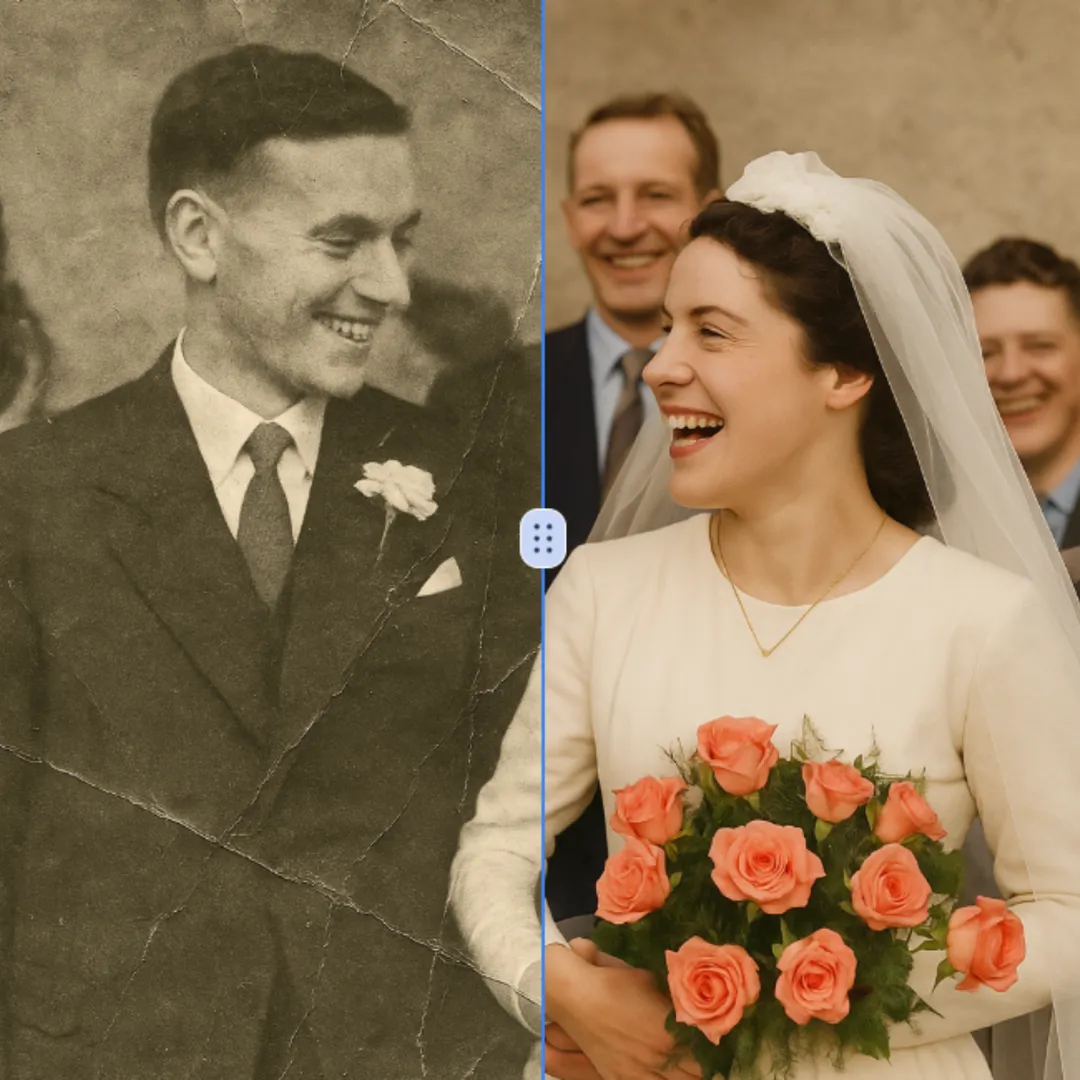
Improve visible image detail with AI Photo Restoration while keeping the original subject in view. Compare edges, faces, textures, and small text at the intended output size.
Jetzt testen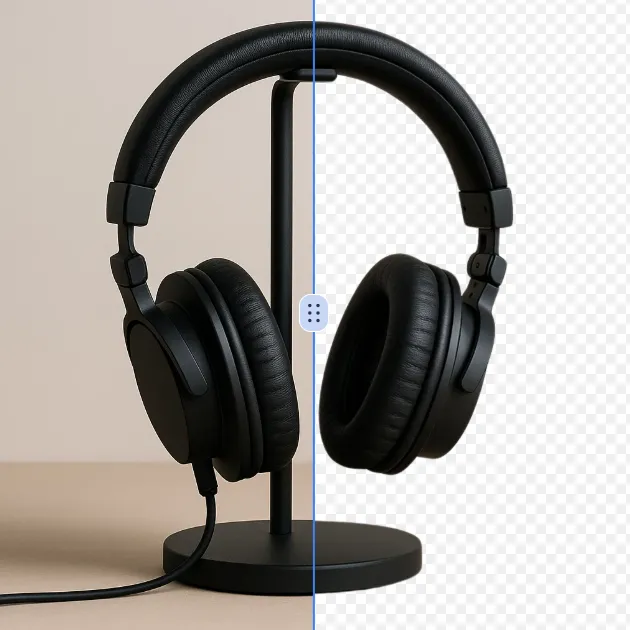
Remove a background from a photo or logo with AI Background Remover, then check subject edges, fine details, and transparency before using the cutout in a new design.
Jetzt testen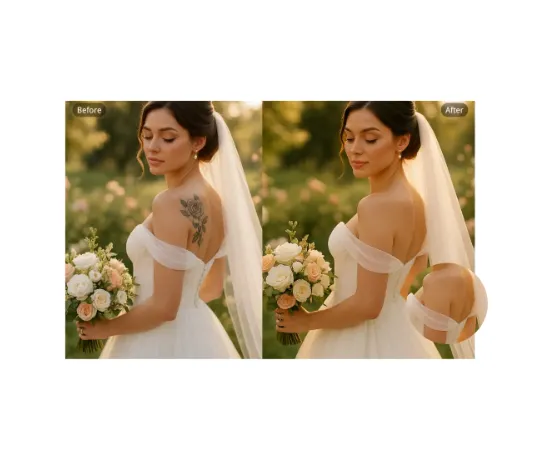
Use AI Remove Tattoo to target an unwanted overlay or localized detail in an image. Compare the edited area with the surrounding texture and correct visible seams before export.
Jetzt testenMelde dich mit Google an, um erweiterte Bearbeitungswerkzeuge zu nutzen und deine Kreationen zu speichern. Die Generierung verbraucht Credits gemäß dem Editor.
 Weiter mit Google
 Remove the watermark, download HD images, and keep creating.
Sicherer Checkout · Zahlungsmethoden im Checkout · Credits nach Bestätigung