When to use this page
Keep the prompt specific and retain the original image until the result has been checked.
Preview the requested appearance change with AI Outfit Generator using a clear portrait. Compare facial features, hair or clothing edges, lighting, and proportions before keeping the edited result.
 Original
  Bearbeitet
 Keep the prompt specific and retain the original image until the result has been checked.
Check faces, text, product details, edges, and any rights-sensitive content. The generated result is a draft until you approve it.
Most outfit tools want a picture of the garment. This one wants a picture of you and a single line about what you should be wearing. The Clothes field takes a phrase such as “elegant black evening dress”, and the built-in instruction carries the rest of the brief: a full-body shot, natural lighting, realistic fabric textures, and an outfit that integrates with the body and pose already in your upload rather than sitting on top of it like a pasted layer.
The one-line field decides the outfit, so describe the garment rather than a mood. Cut, colour, fabric and one distinctive detail give the render something to hold: “tailored navy wool suit, two button, patch pockets” behaves very differently from “smart business look”. The optional Other Ideas box is where the non-clothing notes belong, such as how the pose should sit, the kind of room behind you, or whether the shoes need to match. Splitting the two keeps the outfit line unambiguous.
The instruction asks for a full-body shot, which matters if your source is a head-and-shoulders selfie. Everything below the original crop has to be invented, including legs, arms, hands and footwear. That is where the slips usually appear, not in the dress itself. A source photo that already shows the body gives the render far less to guess at, so a wider crop tends to produce a steadier result and fewer odd joints.
about AI outfit generation
The request is written around the person, the pose and the outfit, but the full-body framing means the background and the crop can still be redrawn as part of the job. If you need the clothing region altered and nothing else moved, a manual cut-out edit in an image editor is a closer fit than a generated outfit.
Frequently because they were not in the upload. When the frame widens past a cropped selfie, the hands are drawn from the instruction rather than from your photograph. Source images where the arms and hands are already visible reduce it, as does asking in the optional box for a pose that keeps them out of frame.
Matte, structured materials such as cotton, wool and denim hold their shape well. Satin, sequins and sheer panels depend on a realistic light response, which is the part most likely to look like plastic. Inspect the fabric at full size instead of judging it from the preview thumbnail.
That is the natural shape of this workflow: keep the same portrait, change only the Clothes line, and set the results side by side. Because the body and the lighting stay constant, the differences you see are the outfits rather than the source.
Preview the requested appearance change with AI Outfit Generator using a clear portrait. Compare facial features, hair or clothing edges, lighting, and proportions before keeping the edited result.
Compare the result with the original, inspect the details that matter to your task, and keep the original until the output is approved.
Verwandle deine Bilder sofort mit leistungsstarken AI Effects Filters KI-Tools.
Jetzt AI Outfit Generator ausprobierenEntdecke weitere KI-gestützte Tools, um deine Bilder zu verbessern und zu transformieren.
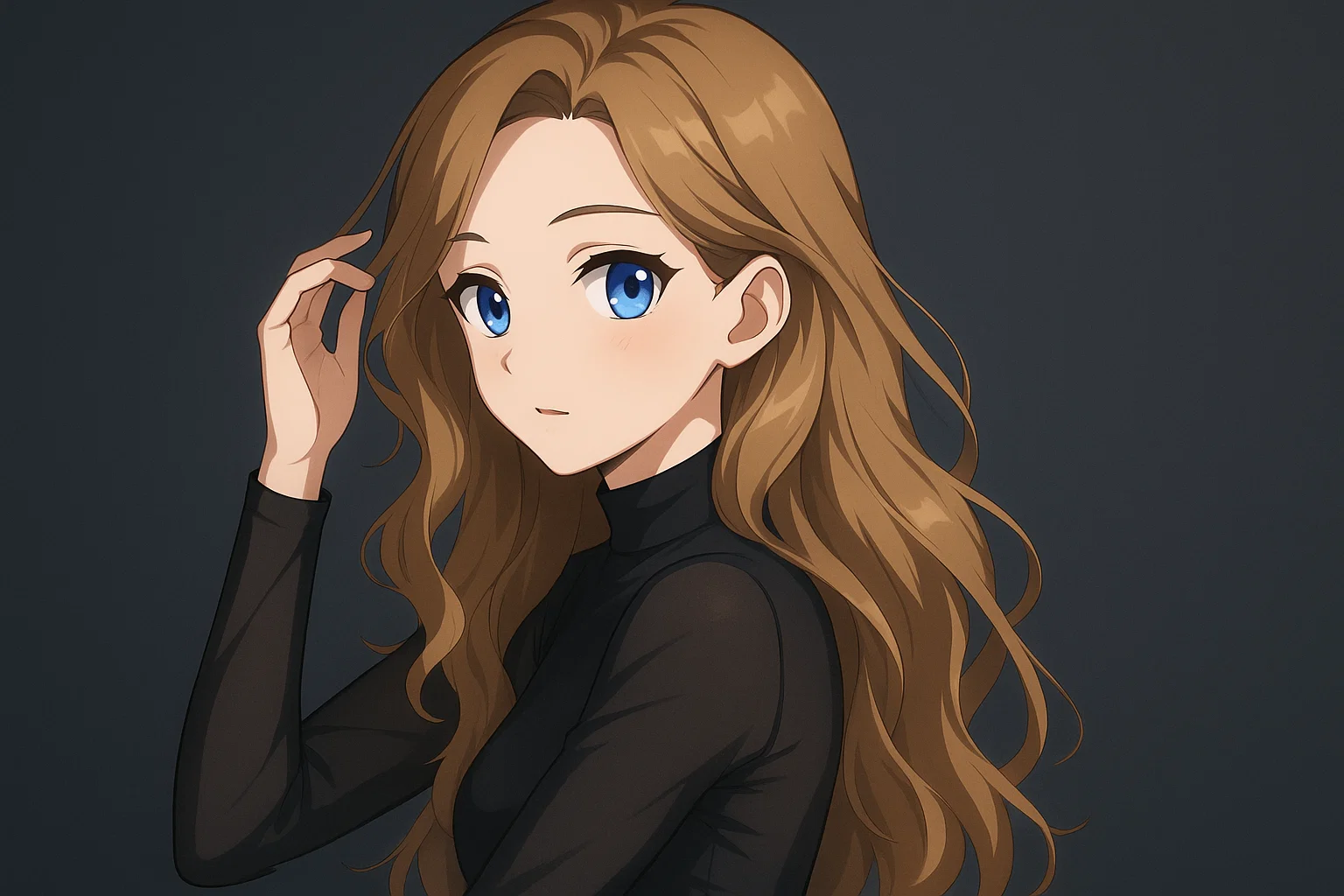
Transform a source image toward the ai photo to anime look with AI Photo to Anime. Describe the target style or character details, then check identity, pose, facial features, and background consistency.
Jetzt testen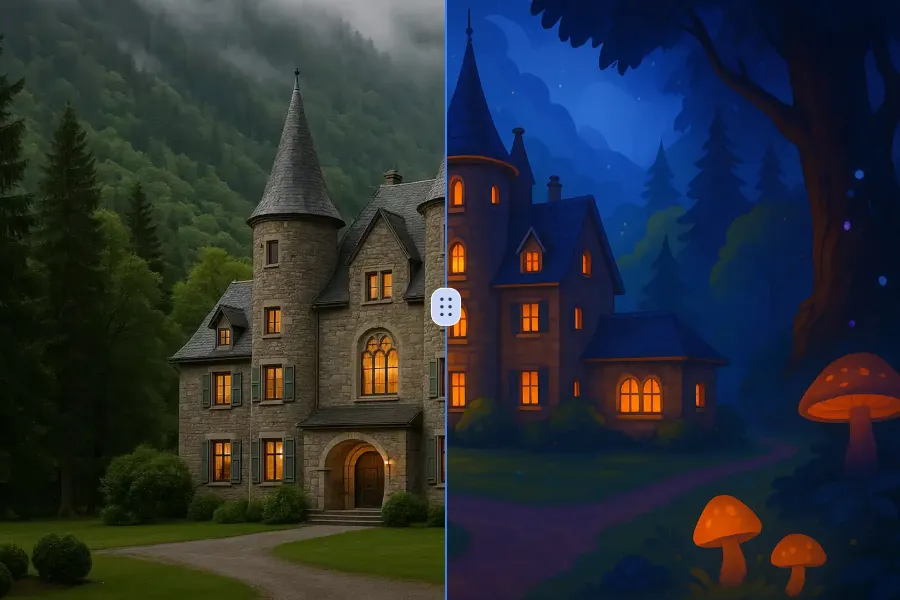
Transform a source image toward the ai photo to cartoon look with AI Photo to Cartoon. Describe the target style or character details, then check identity, pose, facial features, and background consistency.
Jetzt testen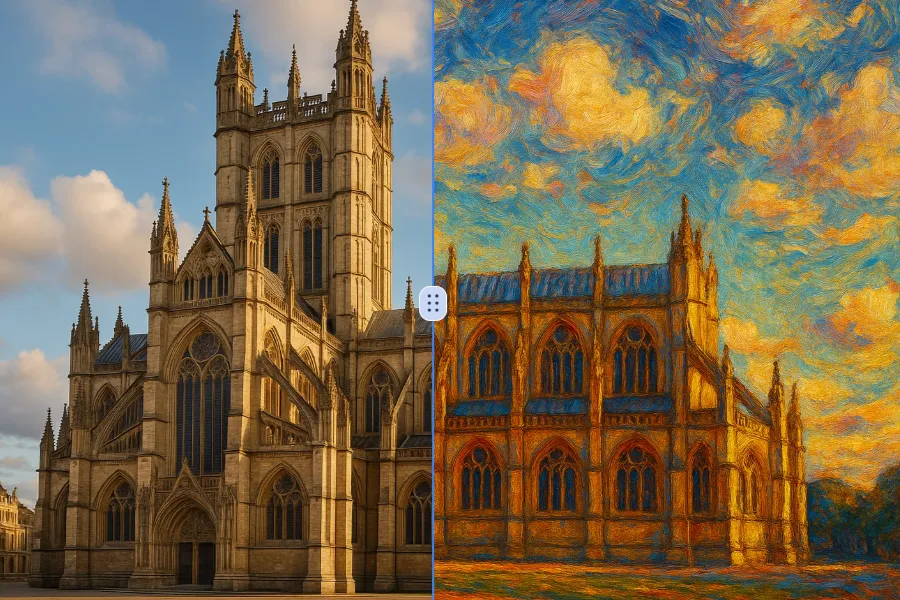
Transform a source image toward the photo to oil painting look with Photo to Oil Painting. Describe the target style or character details, then check identity, pose, facial features, and background consistency.
Jetzt testen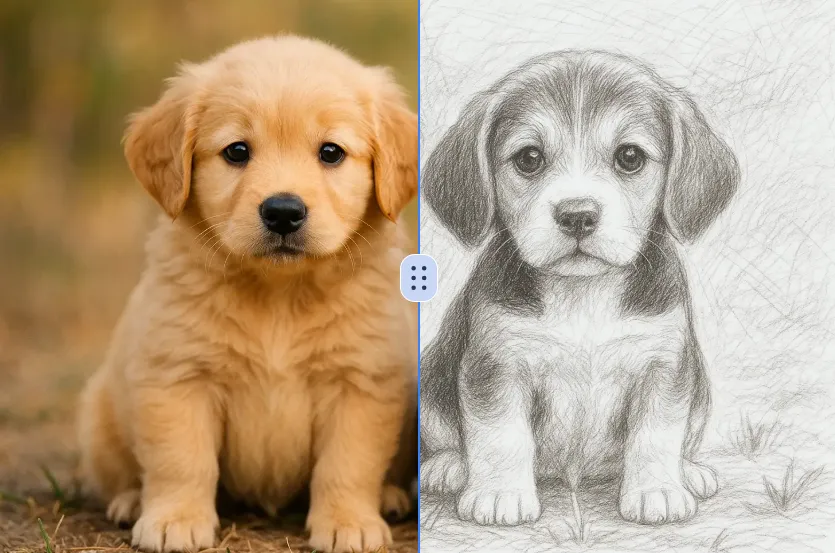
Transform a source image toward the ai photo to sketch look with AI Photo to Sketch. Describe the target style or character details, then check identity, pose, facial features, and background consistency.
Jetzt testenMelde dich mit Google an, um erweiterte Bearbeitungswerkzeuge zu nutzen und deine Kreationen zu speichern. Die Generierung verbraucht Credits gemäß dem Editor.
 Weiter mit Google
 Remove the watermark, download HD images, and keep creating.
Credit-Richtlinie:
Sicherer Checkout · Zahlungsmethoden im Checkout · Credits nach Bestätigung