When to use this page
Keep the prompt specific and retain the original image until the result has been checked.
Transform a source image toward the ai buzz cut filter look with AI Buzz Cut Filter. Describe the target style or character details, then check identity, pose, facial features, and background consistency.
 Bearbeitet
 Keep the prompt specific and retain the original image until the result has been checked.
Check faces, text, product details, edges, and any rights-sensitive content. The generated result is a draft until you approve it.
Despite the page name, the instruction is not fixed to one haircut. It applies whatever the hairstyle field asks for, colours it with whatever the colour field asks for, and then has to make the result sit on the head already in the photo, with realistic texture, volume, and highlights following the natural shape of the skull. For a buzz cut, that final clause is the whole difficulty.
The Target Hairstyle hint lists buzz cut, long wavy, short bob, and slicked back, so the field does the work of a general hair swap and the page title is simply its most popular entry. What you type drops into the instruction where the hairstyle placeholder sits, and the Hair Color field fills the colour slot with natural brown, vibrant red, and platinum blonde as its examples. Because both are free text, phrasing matters more than the title: "short military buzz cut, one guard length, clean fade at the neck" gives the pass a shape, while "buzz cut" leaves length, fade, and hairline to guess. Sideburn length and the shape of the hairline belong in Other Ideas.
Very short hair hides nothing. The scalp becomes part of the image, so the outline of the skull, any unevenness in it, and the pattern of the hairline all show in the result. The instruction asks the new style to follow the natural shape of the head, and that is exactly what to inspect: does the crop sit evenly over the crown, does the fade track around the temple and behind the ear, does the hairline read as a hairline rather than a painted edge. The ear is the other tell: cropping hair moves the boundary between hair and skin, and a slightly enlarged or repositioned ear is easy to miss in a preview. Start from a photo with the head turned only a little from the camera and the temples visible.
Hair colour is not only an aesthetic choice, because it changes the contrast around the face. A platinum crop against pale skin flattens the features; a dark, saturated colour can shade the forehead and make the eyes read differently. The instruction asks for highlights as well as volume, so check that the new colour takes the light the way the rest of the photograph does; a vivid red that ignores the room's lighting reads as a wig at a glance.
about the AI buzz cut filter
No. The built-in instruction takes its hairstyle from the field, and that field's own examples include long wavy hair, a short bob, and a slicked back style alongside the buzz cut. The title reflects the most common use, not a limit on the workflow.
Nothing forces it, but leaving it empty means the colour is whatever the pass assumes. If you are testing a cut on your existing hair, write your current shade into the field in plain words, which keeps the result about length rather than turning it into an unintended colour change.
Because a short cut exposes the head shape, and the instruction has to render skin where hair used to be. Look for uneven tone across the crown and a hairline that stops abruptly. Both are worth restating in Other Ideas, for example an even skin tone at the crown and a soft, natural hairline.
The pass works from the image you upload, so the angle you get is the angle you supply. A single front-facing portrait has no side or back view for it to reveal. If you need to judge the crop around the ears and at the nape, start from a photo already taken at that angle.
Transform a source image toward the ai buzz cut filter look with AI Buzz Cut Filter. Describe the target style or character details, then check identity, pose, facial features, and background consistency.
Compare the result with the original, inspect the details that matter to your task, and keep the original until the output is approved.
Verwandle deine Bilder sofort mit leistungsstarken AI Effects Filters KI-Tools.
Jetzt AI Buzz Cut Filter ausprobierenEntdecke weitere KI-gestützte Tools, um deine Bilder zu verbessern und zu transformieren.
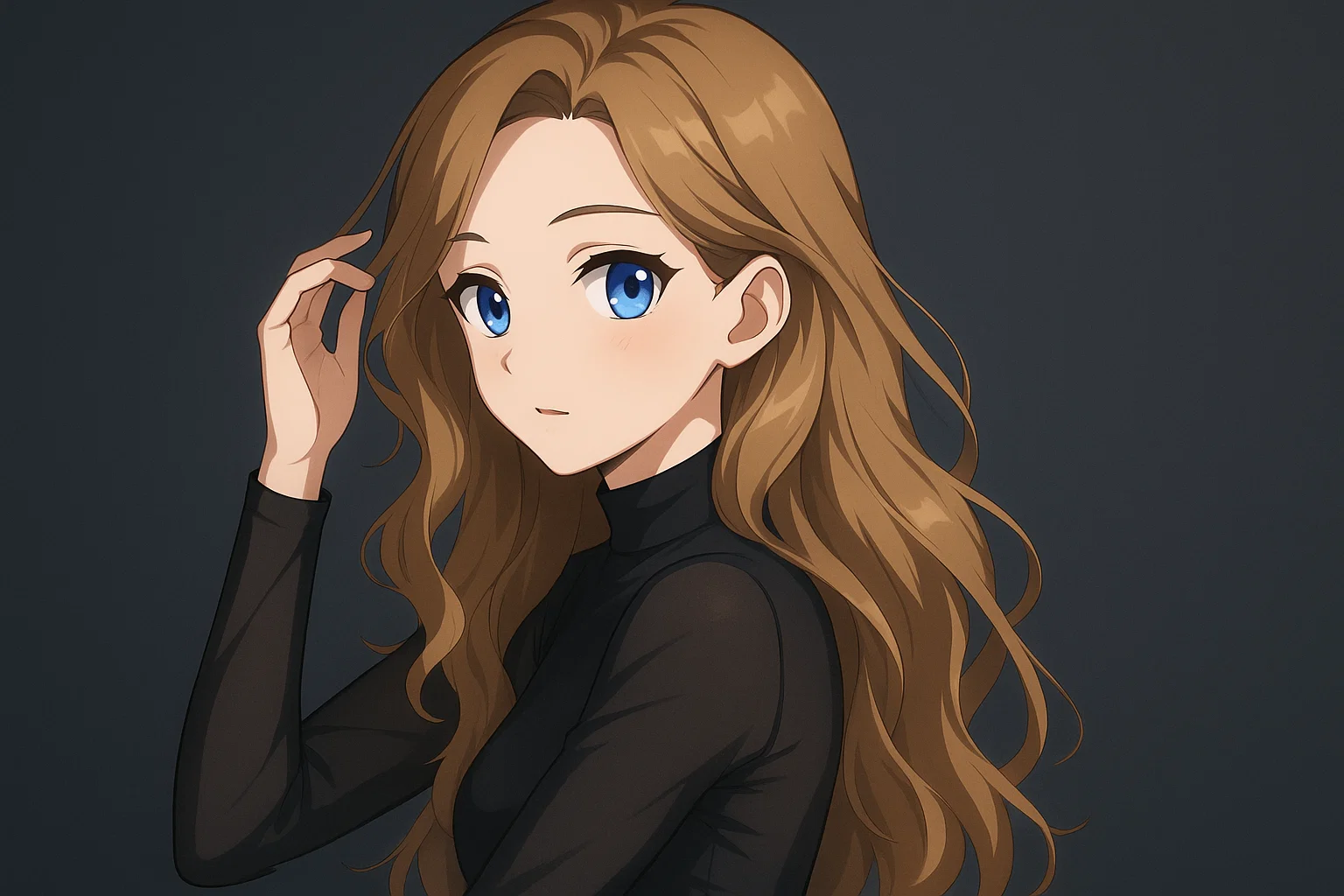
Transform a source image toward the ai photo to anime look with AI Photo to Anime. Describe the target style or character details, then check identity, pose, facial features, and background consistency.
Jetzt testen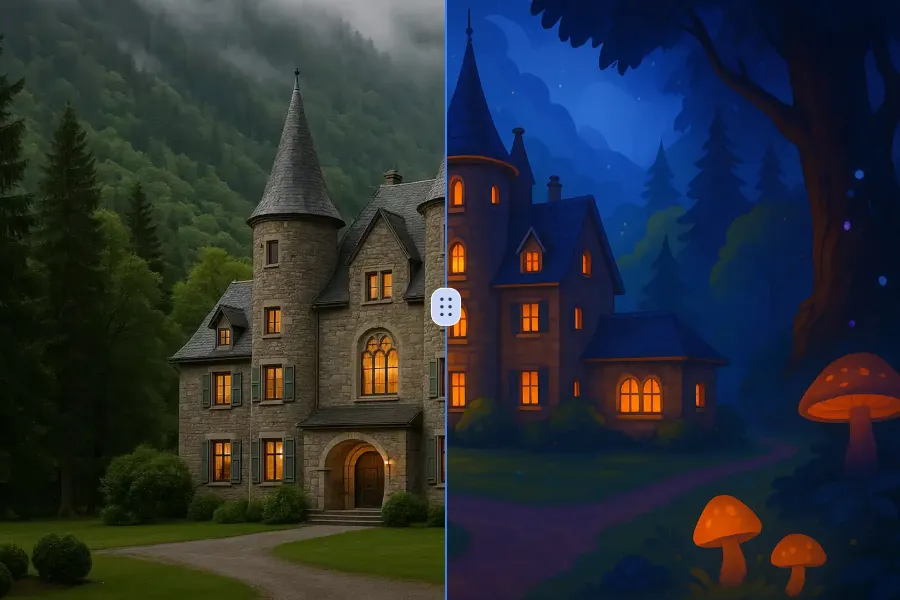
Transform a source image toward the ai photo to cartoon look with AI Photo to Cartoon. Describe the target style or character details, then check identity, pose, facial features, and background consistency.
Jetzt testen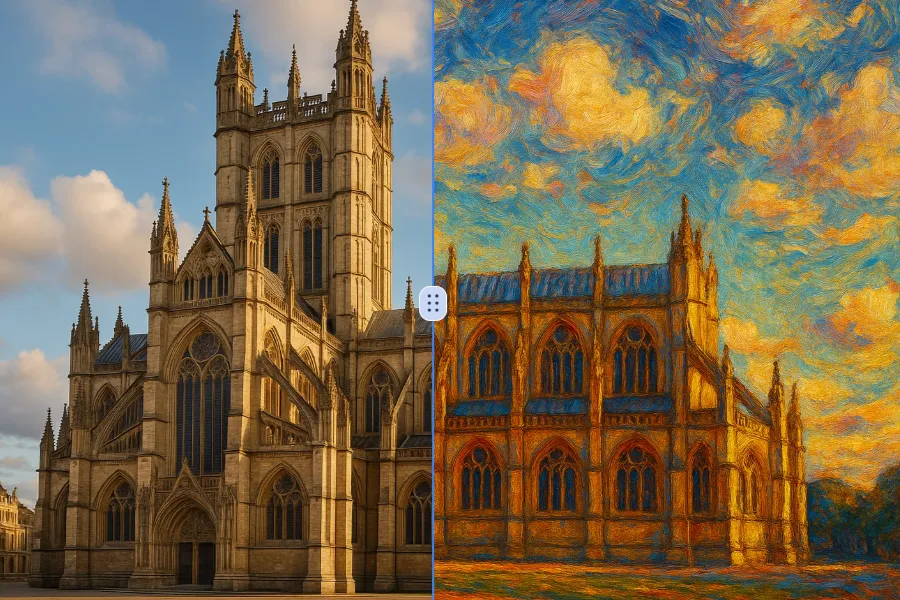
Transform a source image toward the photo to oil painting look with Photo to Oil Painting. Describe the target style or character details, then check identity, pose, facial features, and background consistency.
Jetzt testen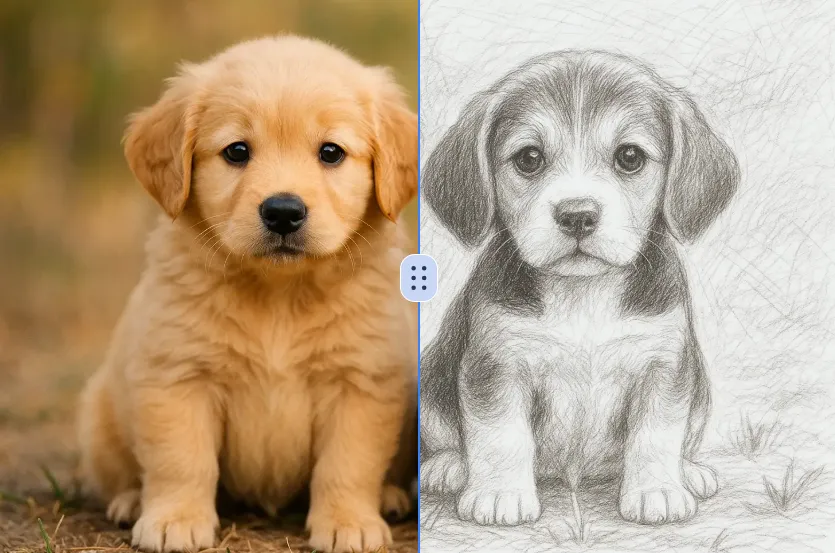
Transform a source image toward the ai photo to sketch look with AI Photo to Sketch. Describe the target style or character details, then check identity, pose, facial features, and background consistency.
Jetzt testenMelde dich mit Google an, um erweiterte Bearbeitungswerkzeuge zu nutzen und deine Kreationen zu speichern. Die Generierung verbraucht Credits gemäß dem Editor.
 Weiter mit Google
 Remove the watermark, download HD images, and keep creating.
Credit-Richtlinie:
Sicherer Checkout · Zahlungsmethoden im Checkout · Credits nach Bestätigung