When to use this page
Keep the prompt specific and retain the original image until the result has been checked.
Transform a source image toward the ai smile filter look with AI Smile Filter. Describe the target style or character details, then check identity, pose, facial features, and background consistency.
 Originale
  Modifiée
 Keep the prompt specific and retain the original image until the result has been checked.
Check faces, text, product details, edges, and any rights-sensitive content. The generated result is a draft until you approve it.
A real smile is not a mouth. It reaches the cheeks and the eyes at the same time, and that is precisely what this instruction asks for: corners of the mouth turned up widely, teeth showing, a prominent lift in the cheeks, and visible crinkling around the eyes. The brief is a whole-face expression change rather than a curve drawn onto the lips, which is why the result either reads as happiness or as something painted on.
The wording targets the faces of all characters in the uploaded image, so a group photograph gets edited end to end and the person on the edge is changed as readily as the one in the centre. That is convenient for a formal group where nobody smiled, and wrong for a portrait where one face should stay serious. There is no per-face selector on the form, so scope has to be handled by cropping to the faces you want changed before uploading.
The built-in instruction refers to mirroring the exuberance shown in a reference image, and the form gives you no place to attach that reference — only an optional prompt box whose hint asks for subject, style, composition, and important details. Your words have to carry the description instead: "closed-mouth smile, no teeth" or "quiet, slight smile, head tilted", which is a useful correction because the preset on its own aims at hearty laughter. It also asks for the change to blend with the original facial structure and lighting of the photograph, so front-lit faces with the mouth clearly visible behave far better than profiles or faces half in shadow.
Zoom into the mouth and look for teeth that do not line up with the jaw, or a smile stretched wider than the person's own. Then check the cheek lift: a widened mouth without raised cheeks is the classic fake. Finally the eye corners, since the crinkling the preset names is what sells the expression — and where an unsmiling eye above a grinning mouth reads as uncanny. An edited expression is still somebody's face, so run this on images of yourself or on photographs you have permission to change and republish.
about the smile filter
Ask for it in the prompt box. The standing instruction describes a broad smile that reveals teeth, so a closed-mouth version needs to be stated plainly and confirmed at full zoom.
The instruction applies to every face in the uploaded image. Upload a crop of the person you want edited, or accept that the whole frame moves together.
Blending with the original facial structure and lighting is part of the brief, and it works best on front-lit faces. Strong side light, heavy shadow, or a turned profile gives the pass less to blend into.
Treat it as a portrait edit of a real person rather than a cosmetic filter. Use it on your own images or on photographs of people who have agreed to the change, and keep the altered result where its meaning is obvious. Publishing an invented expression on somebody else's face is the one use this page cannot make safe for you.
Transform a source image toward the ai smile filter look with AI Smile Filter. Describe the target style or character details, then check identity, pose, facial features, and background consistency.
Compare the result with the original, inspect the details that matter to your task, and keep the original until the output is approved.
Transformez vos images instantanément à l'aide de puissants outils d'IA pour AI Effects Filters.
Essayez AI Smile Filter maintenantDécouvrez plus d'outils alimentés par l'IA pour améliorer et transformer vos images.
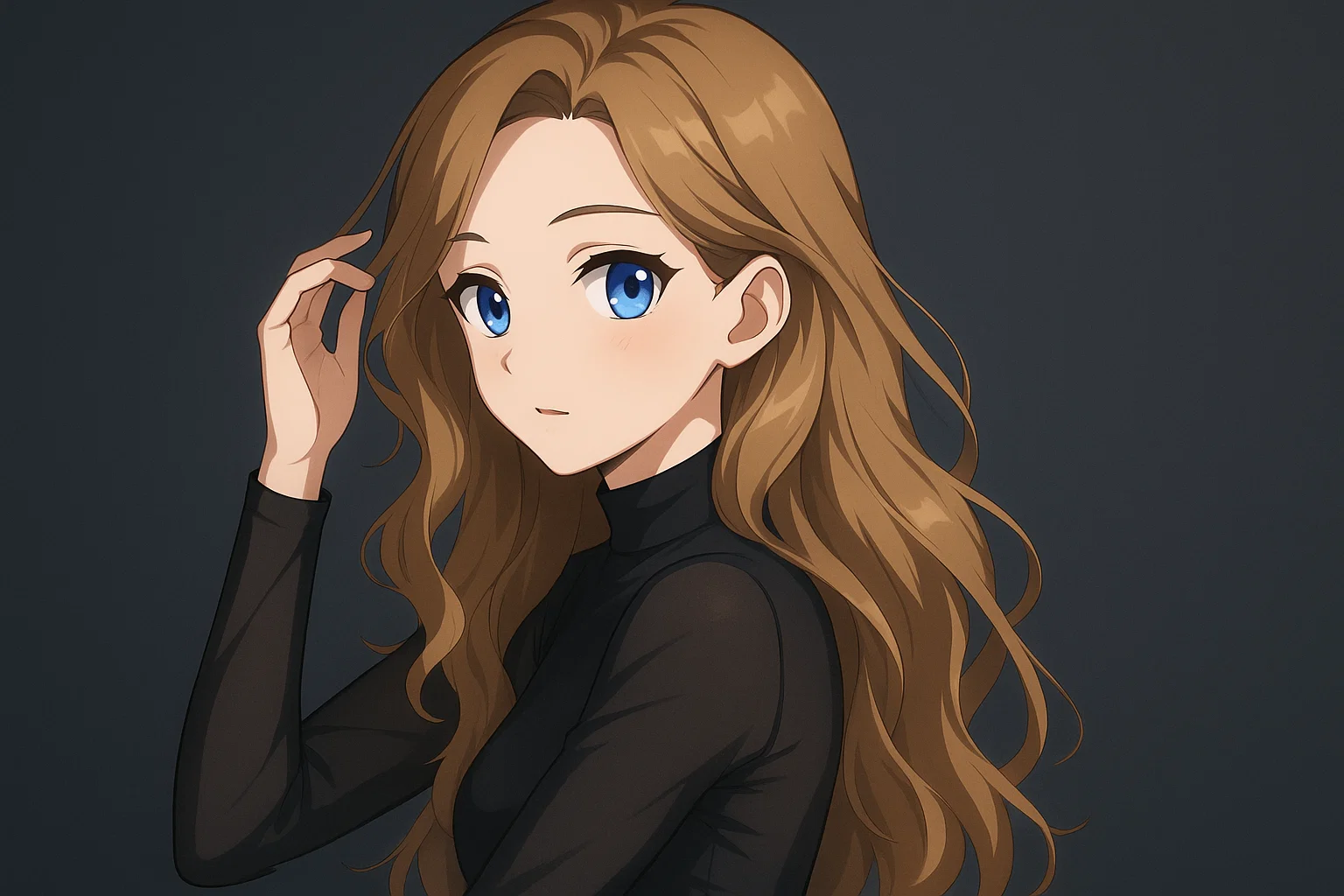
Transform a source image toward the ai photo to anime look with AI Photo to Anime. Describe the target style or character details, then check identity, pose, facial features, and background consistency.
Essayer maintenant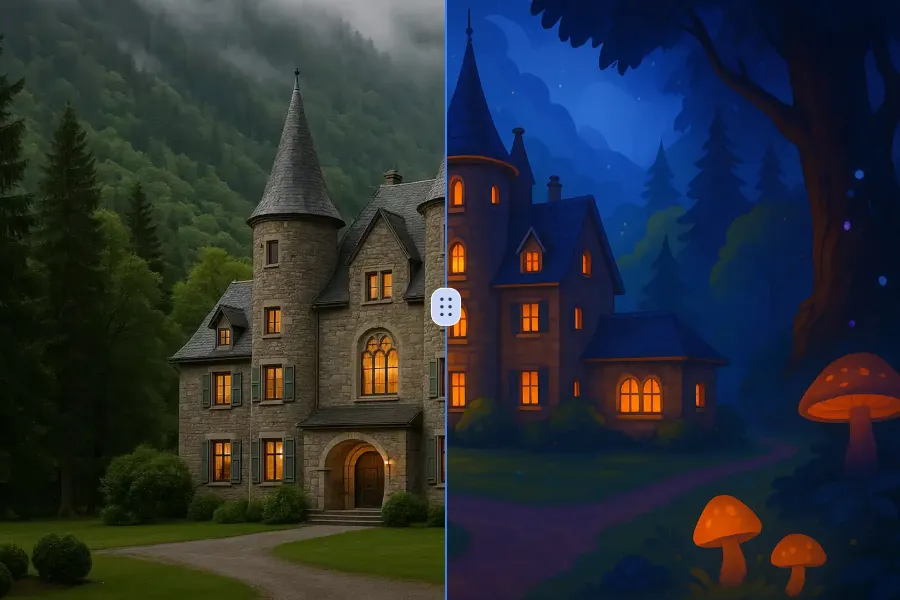
Transform a source image toward the ai photo to cartoon look with AI Photo to Cartoon. Describe the target style or character details, then check identity, pose, facial features, and background consistency.
Essayer maintenant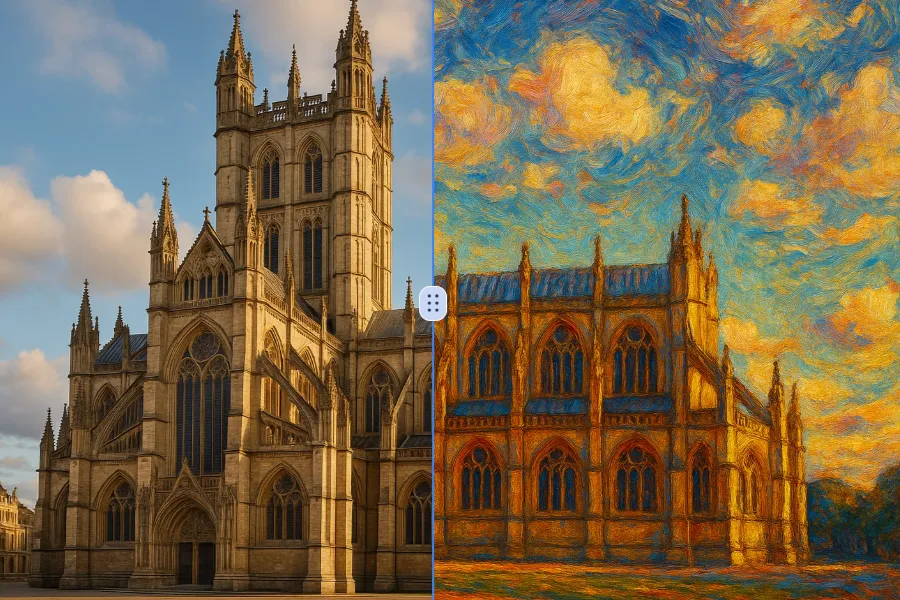
Transform a source image toward the photo to oil painting look with Photo to Oil Painting. Describe the target style or character details, then check identity, pose, facial features, and background consistency.
Essayer maintenant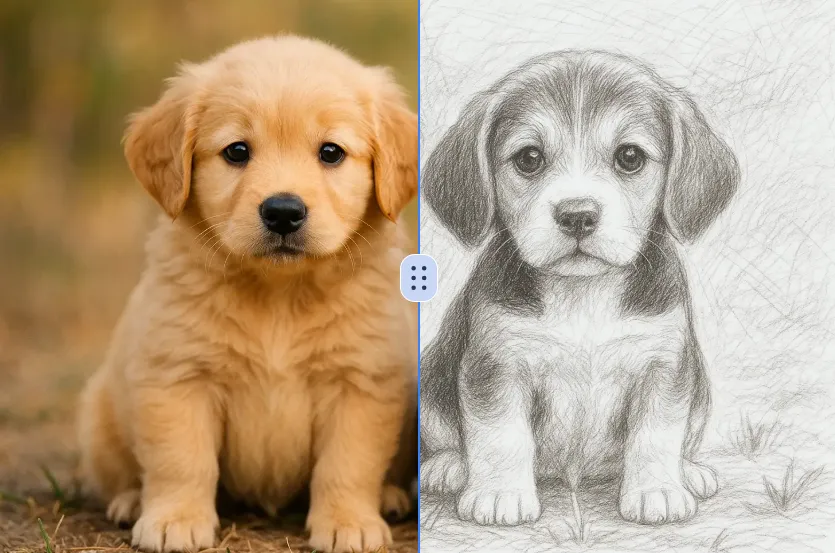
Transform a source image toward the ai photo to sketch look with AI Photo to Sketch. Describe the target style or character details, then check identity, pose, facial features, and background consistency.
Essayer maintenantConnectez-vous avec Google pour accéder à des outils d'édition avancés, sauvegarder vos créations et profiter d'améliorations d'image illimitées.
 Continuer avec Google
 Remove the watermark, download HD images, and keep creating.
Politique de crédits :
Checkout sécurisé · Moyens de paiement affichés au checkout · Crédits après confirmation