When to use this page
Keep the prompt specific and retain the original image until the result has been checked.
Use AI Caricature Maker to turn a suitable image or prompt into a focused visual result, then inspect the output and refine the details before download.
 Originale
  Modifiée
 Keep the prompt specific and retain the original image until the result has been checked.
Check faces, text, product details, edges, and any rights-sensitive content. The generated result is a draft until you approve it.
Nothing about the standing instruction on this page is gentle. It asks for an extreme, humorous, dynamically exaggerated caricature that radically amplifies the most distinctive features, and then names the targets: enormous wide-set eyes with expressive pupils, a colossal ear-to-ear grin showing vibrant teeth, comically oversized protruding ears, and hair pushed into a voluminous, wild, textured mass. A restrained portrait is not what this pass is set up to produce, so any restraint has to come from your side of the exchange.
The Other Ideas box is the only brake available, and it works best when it is specific about a single feature. Asking for smaller ears, a gentler grin, or a normal-sized head does more than asking for something "subtle", because the standing brief keeps pushing in the other direction. If the result still overshoots, name the feature you want held at its real proportions and rerun with that one change rather than rewriting the whole prompt.
That field feeds a placeholder in the middle of the instruction, and its example values are 3D cartoon, 2D cartoon, anime, watercolor painting, comic book style, and pop art. The exaggeration stays whatever you choose; what changes is the surface. The brief also asks for clean bold outlines, a rich slightly glossy palette, and soft well-defined shadows and highlights for volume, which sit naturally with the cartoon and comic options and need arguing for with watercolour, where hard outlines and gloss are the wrong vocabulary.
A good caricature flatters by being accurate about the wrong thing. Before sharing, check the grin and teeth closely — teeth are a standing request here and a usual weak point in generated faces — then check the ears and hands, and ask the plainer question: does this read as affectionate rather than pointed. Use material you own or are permitted to edit, and consider the person in the photograph before circulating an exaggerated version of their face.
about exaggerated portraits
Yes, in the Other Ideas box, and by naming features rather than adjectives. The built-in instruction asks for radical amplification of eyes, grin, ears, and hair, so state which one should stay close to the photograph and keep the rest of the humour.
Choose according to where the result will be used. Comic book style and 2D cartoon keep the bold outline the brief wants; 3D cartoon adds the glossy volume; pop art flattens it into poster colour; watercolour painting asks the instruction to give up its own outline language, so describe the softness you want in the second box too.
Recognition usually survives, because the instruction amplifies distinctive features rather than replacing them. Check the eyes, the shape of the grin, and the hairline against the original at full size before assuming the likeness landed.
It is a common use, and the social judgement belongs to you: an affectionate exaggeration of a friend is a different thing from one of a colleague or a stranger. Work from a photo you own or may edit, and if the subject is a real person, a joke portrait lands better when they are in on it.
Use AI Caricature Maker to turn a suitable image or prompt into a focused visual result, then inspect the output and refine the details before download.
Compare the result with the original, inspect the details that matter to your task, and keep the original until the output is approved.
Transformez vos images instantanément à l'aide de puissants outils d'IA pour AI Effects Filters.
Essayez AI Caricature Maker maintenantDécouvrez plus d'outils alimentés par l'IA pour améliorer et transformer vos images.
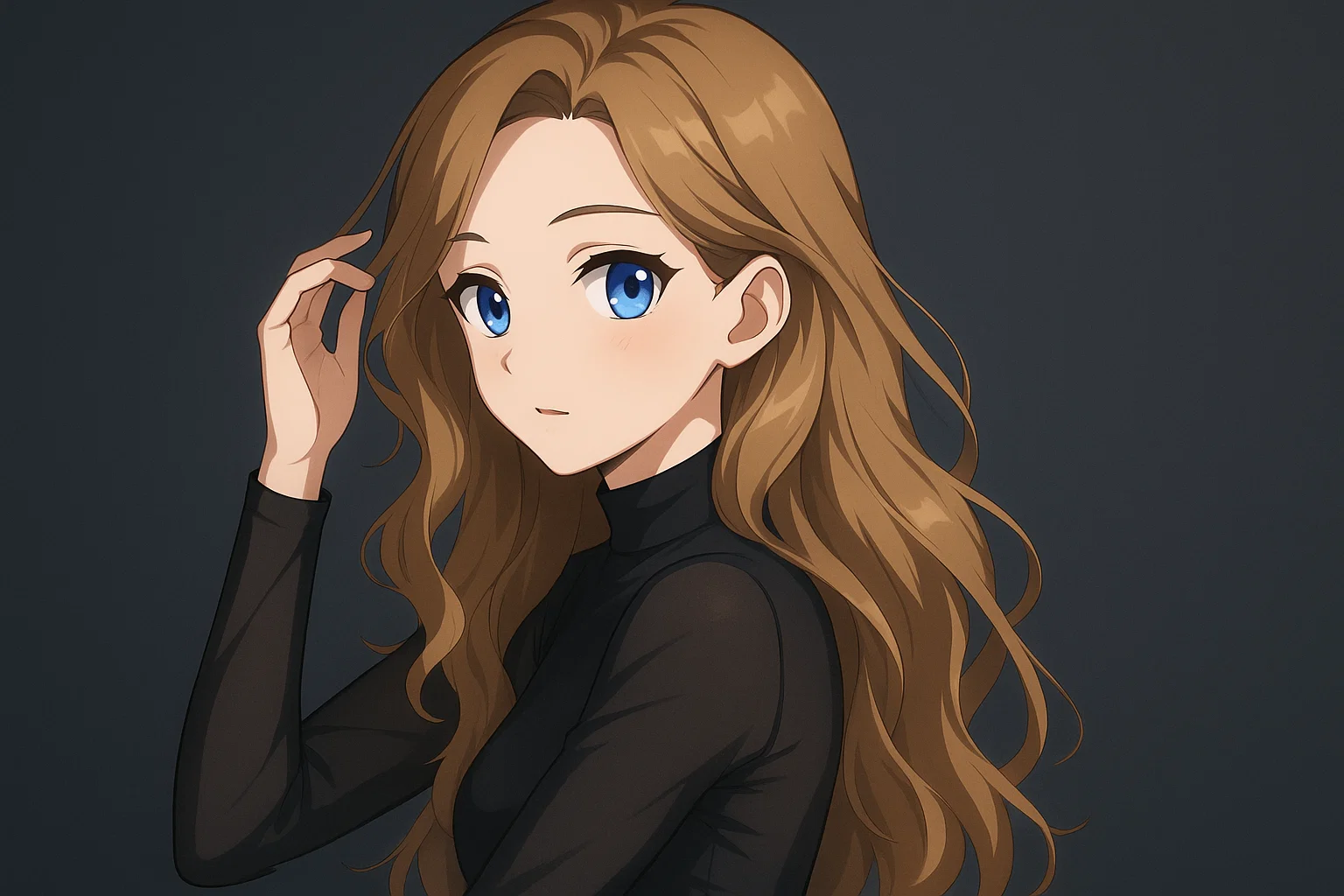
Transform a source image toward the ai photo to anime look with AI Photo to Anime. Describe the target style or character details, then check identity, pose, facial features, and background consistency.
Essayer maintenant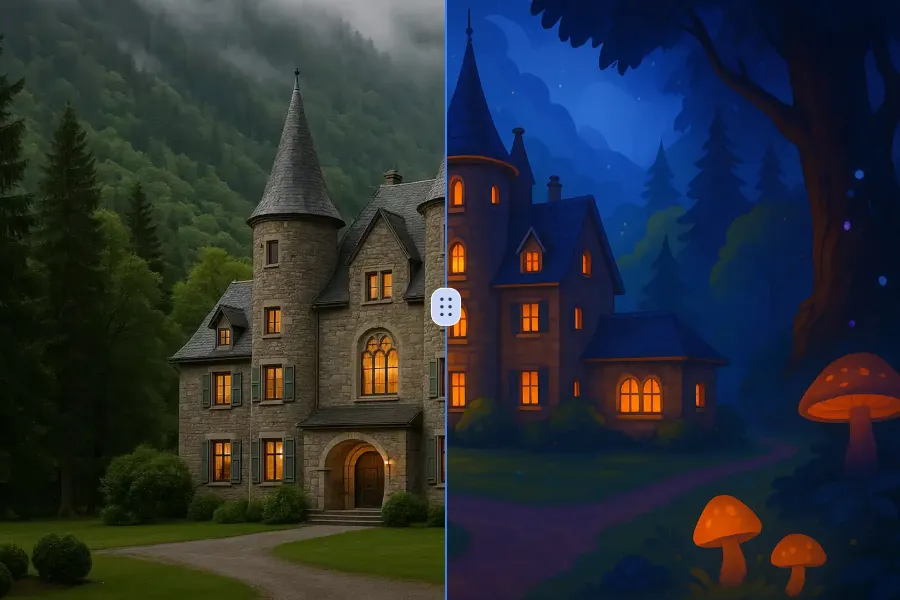
Transform a source image toward the ai photo to cartoon look with AI Photo to Cartoon. Describe the target style or character details, then check identity, pose, facial features, and background consistency.
Essayer maintenant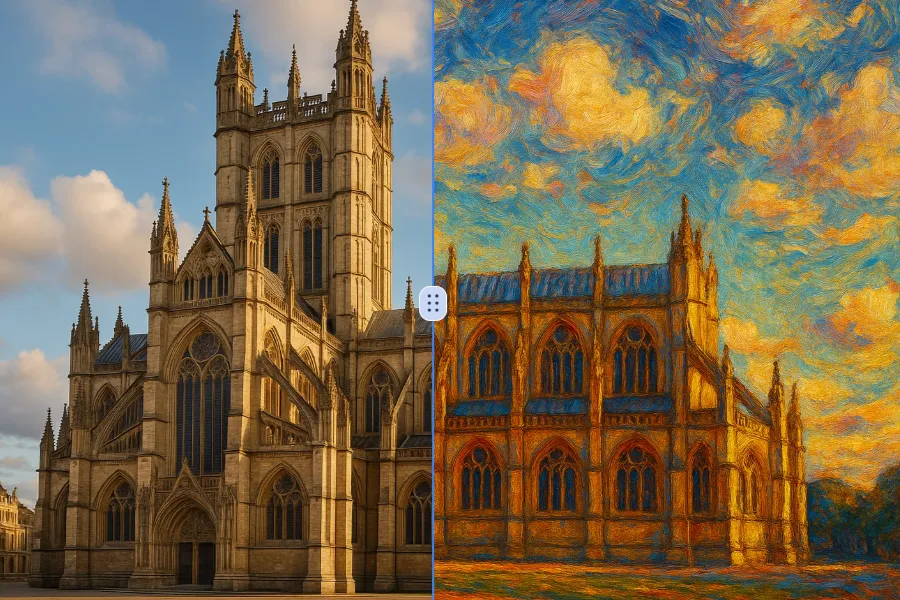
Transform a source image toward the photo to oil painting look with Photo to Oil Painting. Describe the target style or character details, then check identity, pose, facial features, and background consistency.
Essayer maintenant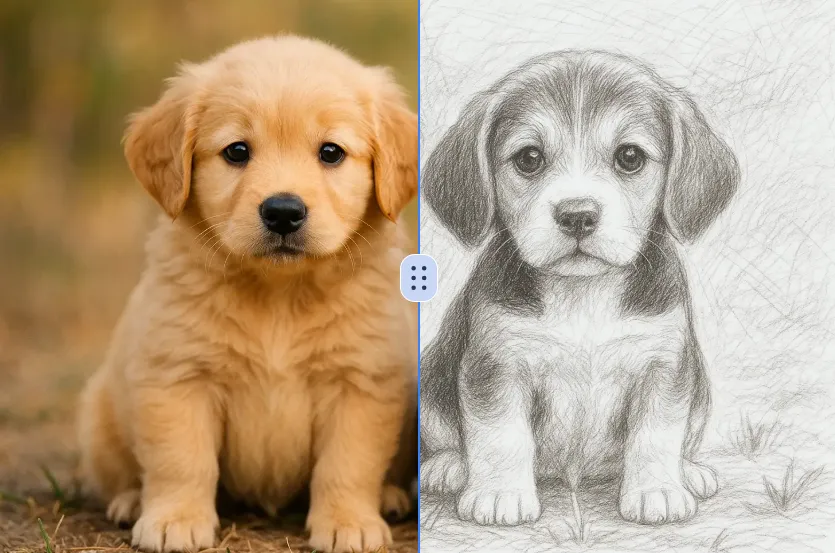
Transform a source image toward the ai photo to sketch look with AI Photo to Sketch. Describe the target style or character details, then check identity, pose, facial features, and background consistency.
Essayer maintenantConnectez-vous avec Google pour accéder à des outils d'édition avancés, sauvegarder vos créations et profiter d'améliorations d'image illimitées.
 Continuer avec Google
 Remove the watermark, download HD images, and keep creating.
Politique de crédits :
Checkout sécurisé · Moyens de paiement affichés au checkout · Crédits après confirmation