Transferencia de estilo IA
Transforma imágenes con transferencia de estilo por IA. Describe el estilo objetivo y verifica identidad, postura, rasgos faciales y coherencia del fondo.
 Modificada
 Transferencia de Estilo con IA: Guía Completa La transferencia de estilo con IA es una tecnología que permite separar el contenido de una imagen de su estética visual, aplicando luego las características artísticas de un estilo de referencia sobre el contenido original. Este proceso utiliza modelos de deep learning, especialmente redes neuronales convolucionales (CNN), para generar nuevas obras que combinan la estructura de una foto con la paleta de colores, texturas y trazos de un estilo artístico específico. ## Características principales - Conservación del contenido: La estructura original de la imagen (formas, composiciones, objetos) se mantiene reconocible.
- Adopción del estilo: Colores, pinceladas, texturas y patrones visuales del estilo objetivo se replican fielmente.
- Versatilidad de estilos: Se pueden aplicar estilos como anime, acuarela, óleo, cyberpunk, pixel art, entre otros.
- Procesamiento automatizado: La IA genera resultados después del procesamiento o minutos, sin necesidad de habilidades manuales de dibujo.
- Integración con flujos creativos: Compatible con herramientas de diseño, marketing y producción de contenido visual. ## Parámetros clave Los ajustes disponibles dependen de la plataforma utilizada. Los más comunes incluyen: - Peso del estilo (style weight): Controla la intensidad con la que se aplica el estilo artístico respecto al contenido original.
- Peso del contenido (content weight): Determina cuánto se preserva la estructura visual de la imagen fuente.
- Resolución de salida: Define la calidad y dimensiones de la imagen generada.
- Seed o semilla: Valor numérico que influye en la aleatoriedad del resultado, útil para regenerar variaciones.
- Iteraciones o pasos de refinamiento: Cantidad de ciclos de procesamiento que afectan la nitidez y detalle final. ## Guía para escribir prompts efectivos Un buen prompt debe ser claro, específico y descriptivo. Ejemplo aplicado al contexto: > "Aplica transferencia de estilo artístico a esta fotografía, conviértela en una ilustración vibrante de estilo anime con líneas limpias y colores ricos." Para obtener mejores resultados:
- Especifica el estilo deseado con precisión (ej. "anime", "acuarela japonesa", "arte pop").
- Describe detalles visuales clave (líneas limpias, colores vibrantes, alto contraste).
- Indica el nivel de abstracción o fidelidad al original.
- Usa adjetivos técnicos si la plataforma los admite (ej. "high detail", "sharp edges"). ## Cómo usarlo 1. Selecciona la imagen de entrada: Sube la fotografía o dibujo que deseas transformar.
- Elige o describe el estilo objetivo: Usa un preset o redacta un prompt detallado.
- Ajusta los parámetros según la plataforma disponible.
- Genera y revisa el resultado inicial.
- Refina modificando peso de estilo, resolución o seed hasta lograr la imagen deseada. ## Casos de uso - Marketing visual: Crear imágenes atractivas para redes sociales con estilos consistentes.
- Ilustración y diseño: Transformar bocetos o fotos en arte finalizado rápidamente.
- Entretenimiento: Generar avatares, fondos o assets para videojuegos y animaciones.
- Educación: Visualizar conceptos artísticos o históricos mediante reinterpretaciones estilizadas.
- Personalización de productos: Diseñar camisetas, pósters o accesorios con estilos únicos. ## Lista de verificación de calidad - [ ] El contenido original es reconocible y no distorsionado.
- [ ] El estilo artístico se aplica de forma coherente en toda la imagen.
- [ ] Los colores y texturas reflejan fielmente el estilo deseado.
- [ ] No hay artefactos visuales excesivos (ruido, bordes difusos, repetición).
- [ ] La resolución es adecuada para el propósito final (web, impresión, etc.).
- [ ] El prompt o configuración elegida produce resultados consistentes al regenerar. ## Preguntas frecuentes ¿Qué es la transferencia de estilo IA? Es un proceso automatizado que aplica las características visuales de un estilo artístico a otra imagen, preservando su contenido estructural. ¿Puedo usar cualquier imagen como entrada? Sí, pero imágenes con alto contraste y bien compuestas suelen dar mejores resultados. ¿Es necesario tener conocimientos técnicos? No. Las plataformas modernas ofrecen interfaces intuitivas, aunque ajustar parámetros puede requerir práctica. ¿Los resultados son únicos cada vez? Depende del seed. Con la misma configuración y seed, los resultados pueden ser idénticos; con diferente seed, varían. ¿Puedo combinar múltiples estilos? Algunas plataformas lo permiten mediante pesos mixtos o prompts descriptivos que especifican fusión estilística. ¿Hay límites de uso? Las opciones disponibles dependen de la página; consulta los términos del servicio para conocer restricciones específicas. La transferencia de estilo con IA democratiza la creación artística, permitiendo que cualquier persona transforme sus imágenes con efectos profesionales. Dominar sus parámetros y prompts optimiza significativamente la calidad final.
Comienza con Transferencia de estilo IA hoy con IA
Transforma tus imágenes al instante usando potentes herramientas de IA para AI Image Editor.
Prueba Transferencia de estilo IA AhoraMás Herramientas de IA para AI Image Editor
Descubre más herramientas impulsadas por IA para mejorar y transformar tus imágenes.
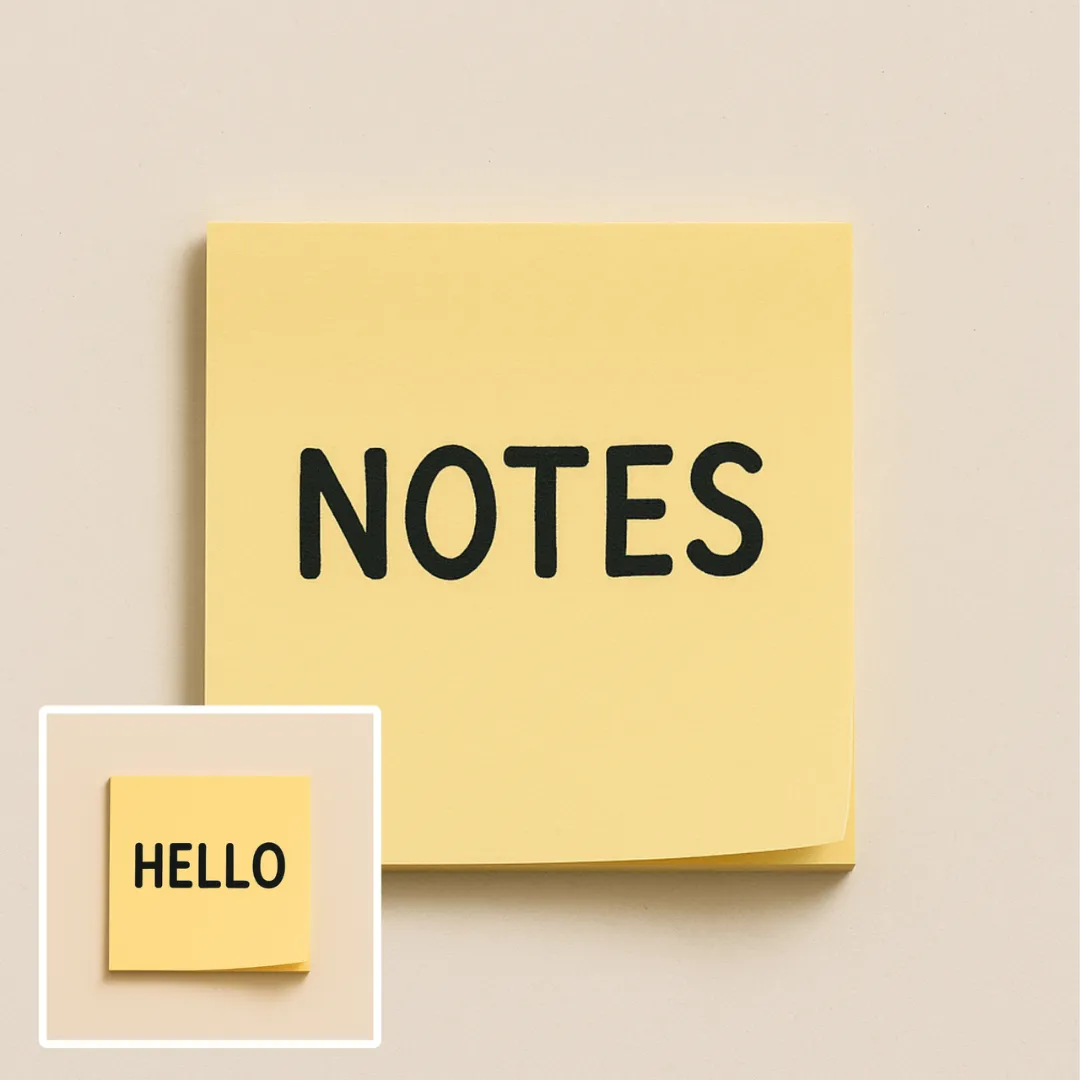
Edición texto en imagen con IA
Edita o elimina texto visible con AI Edit Text in Image conservando el diseño circundante. Verifica tipografía, alineación, textura del fondo y el recorte final antes de publicar.
Probar Ahora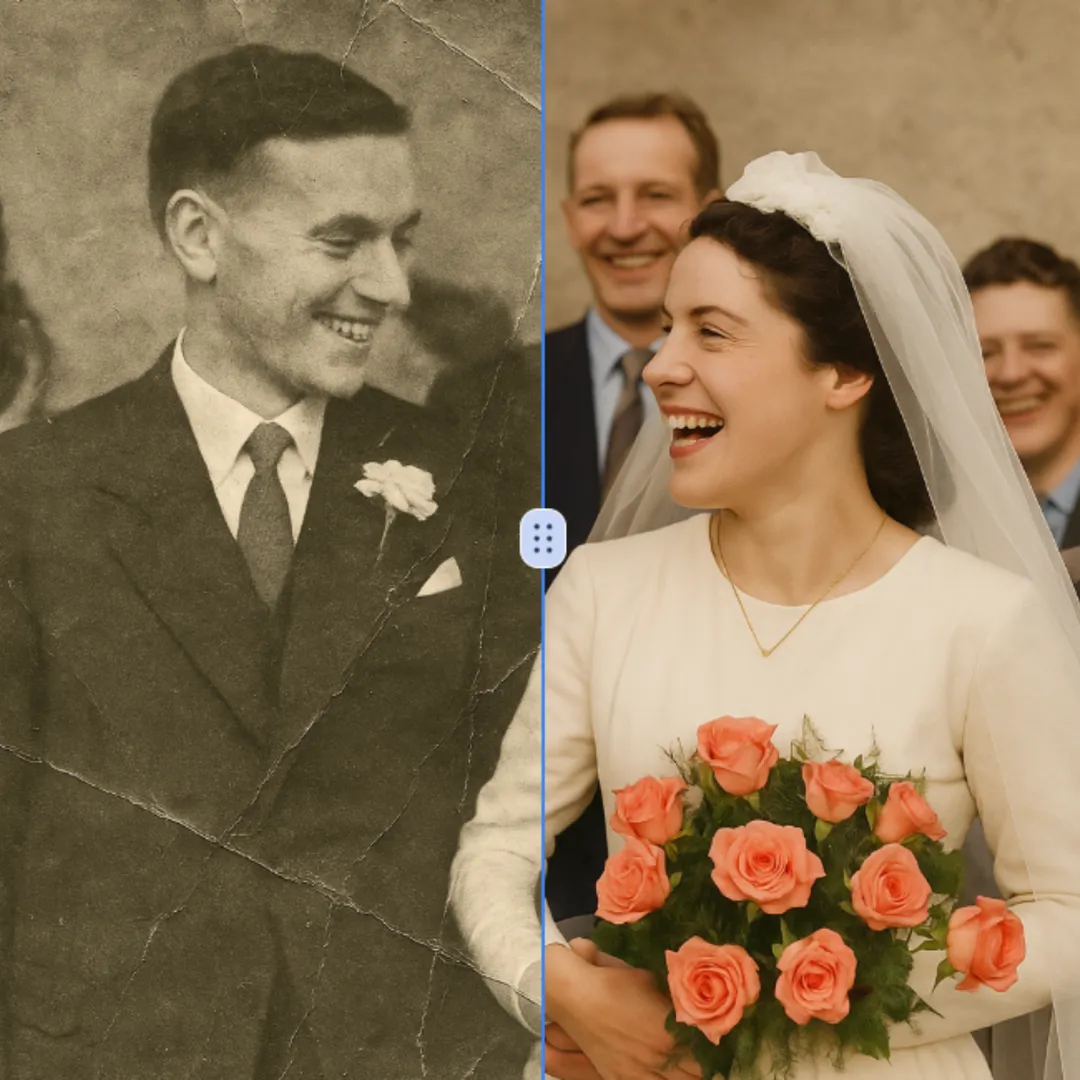
Restauración Fotos con IA
Mejora los detalles visibles de la imagen con AI Photo Restoration manteniendo el sujeto original a la vista. Compara bordes, rostros, texturas y texto pequeño en el tamaño de salida previsto.
Probar Ahora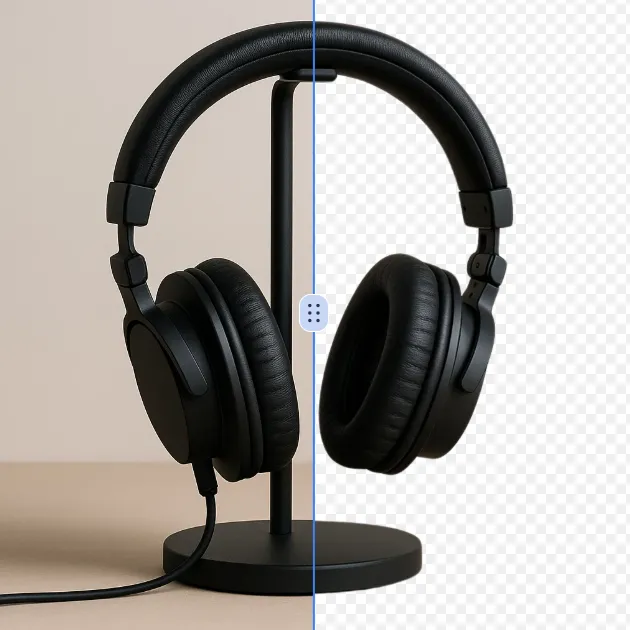
Eliminador Fondo con IA
Elimina el fondo de una foto o logotipo con elRemovedor de fondos por IA, y verifica los bordes, los detalles finos y la transparencia antes de usar el recorte en un nuevo diseño.
Probar Ahora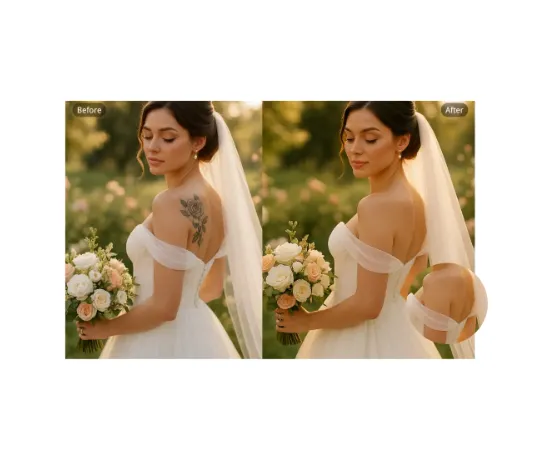
Eliminación Tatuajes con IA
Usa AI Remove Tattoo para eliminar superposiciones no deseadas o detalles localizados en una imagen. Compara el área editada con la textura circundante y corrige las costuras visibles antes de exportar.
Probar Ahora Continuar con Google