When to use this page
Keep the prompt specific and retain the original image until the result has been checked.
Apply a focused visual effect with AI Fisheye Filter to change the mood or perspective of a photo. Check the subject outline, lighting, and edges so the effect supports the composition.
 Original
  Bearbeitet
 Keep the prompt specific and retain the original image until the result has been checked.
Check faces, text, product details, edges, and any rights-sensitive content. The generated result is a draft until you approve it.
A fisheye is a trade: you give up straight lines to get a room that feels like it is wrapping around the viewer. The request here asks for that trade explicitly — strong barrel distortion, straight lines bowing outwards hardest near the edges, the centre of the image left relatively undistorted while the periphery bulges until the scene reads as though it is being seen through a convex glass sphere.
The geography matters more than the strength. The instruction keeps the middle of the frame close to normal and pushes the exaggeration outward, which is why a central subject survives almost unmarked while one near the border stretches. It also asks for exaggerated perspective and an immersive, almost panoramic view — the part that makes a small room feel larger and a face held close to the camera feel comic. The only input is the optional prompt box, whose hint asks for the subject, style, composition, and important details; the useful sentences are about placement and degree: "subject centred, mild wide-angle bulge", "hard curvature, keep the horizon readable", "keep the sign at the top legible".
Flat still lifes with no lines and no off-centre subjects are the weak case: nothing bends visibly, so the effect reads as a soft blur rather than a lens.
Take the edge faces first. Foreheads, chins, and ears near a corner elongate, which is fine when deliberate and unflattering when it is not. Then anything with words on it — a headline, a shop sign, a label. The warp does not merely curve letters, it redraws them, so short words can come back as plausible nonsense you only notice after export. Then the geometry, a horizon or a grout line, to see whether the curve reads as a lens or as a smudge; corners are where a generated distortion tends to go soft and lose structure. Compare with the original at full zoom rather than deciding from the preview tile.
about the fisheye filter
Try. The instruction asks for a pronounced effect, so a gentle result has to be requested in the prompt box in words about degree rather than about style: "slight barrel distortion only at the outer edge", "keep the centre and most of the frame straight". Compare two runs at different wording, because there is no strength control on this panel to set instead.
Because the lettering is being redrawn at an angle it never had, and generated text gets invented rather than bent. Check any words near the top or bottom border at full zoom before you keep the frame. Where the words matter, this effect is the wrong tool for the picture.
No. The request applies a fisheye lens look to the image you upload; nothing is added beyond the sides of your existing frame. The almost panoramic quality it aims for comes from exaggerating perspective inside the borders you started with, not from widening them.
Depends where it sits. A face near the centre stays close to normal because the instruction holds the middle of the image relatively undistorted, and a face near a corner takes the full bulge. If you want a warped portrait for the comic effect, put the head off-centre in the source photo; if you do not, say so in the prompt box and check the result before exporting.
Apply a focused visual effect with AI Fisheye Filter to change the mood or perspective of a photo. Check the subject outline, lighting, and edges so the effect supports the composition.
Compare the result with the original, inspect the details that matter to your task, and keep the original until the output is approved.
Verwandle deine Bilder sofort mit leistungsstarken AI Effects Filters KI-Tools.
Jetzt How to Turn a Photo into Art with AI ausprobierenEntdecke weitere KI-gestützte Tools, um deine Bilder zu verbessern und zu transformieren.
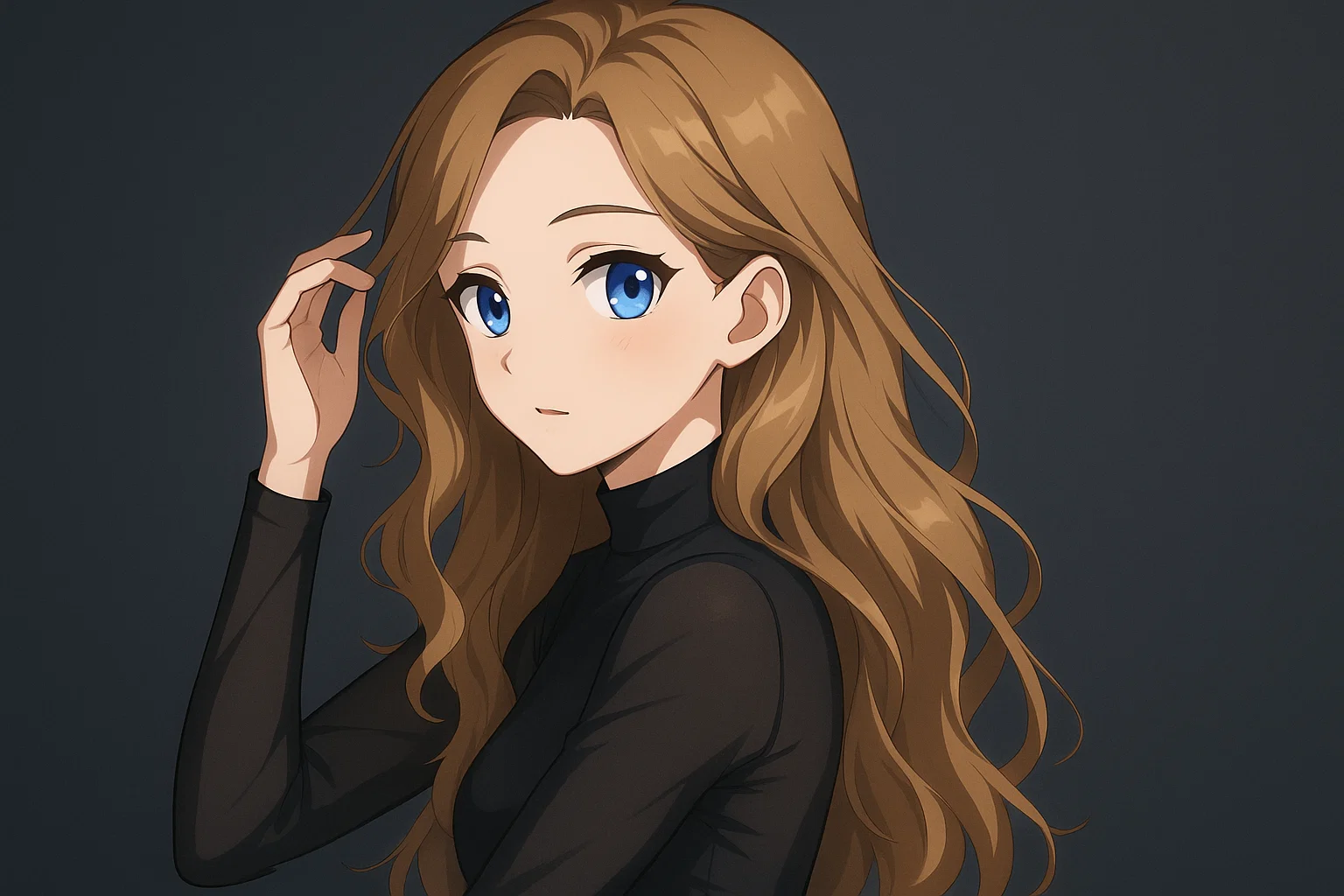
Transform a source image toward the ai photo to anime look with AI Photo to Anime. Describe the target style or character details, then check identity, pose, facial features, and background consistency.
Jetzt testen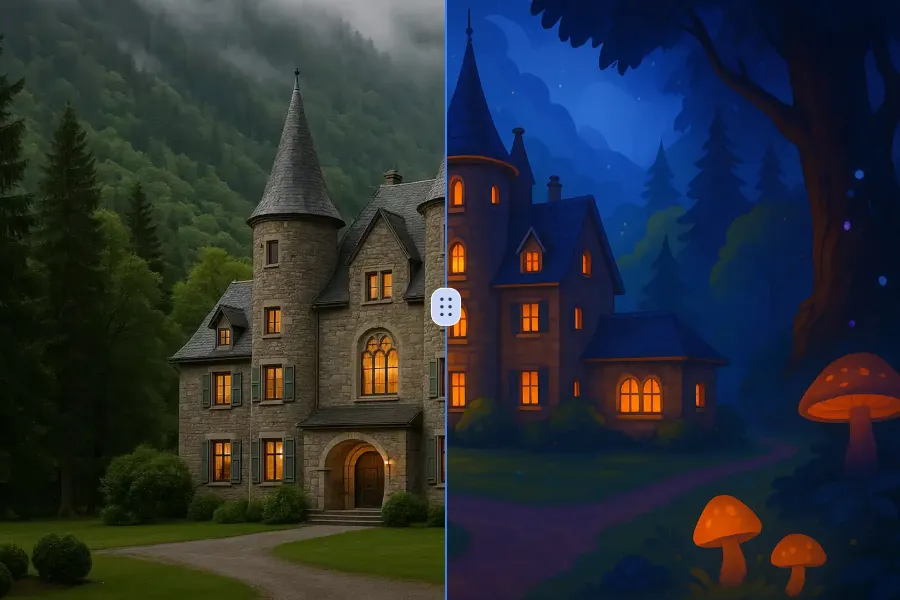
Transform a source image toward the ai photo to cartoon look with AI Photo to Cartoon. Describe the target style or character details, then check identity, pose, facial features, and background consistency.
Jetzt testen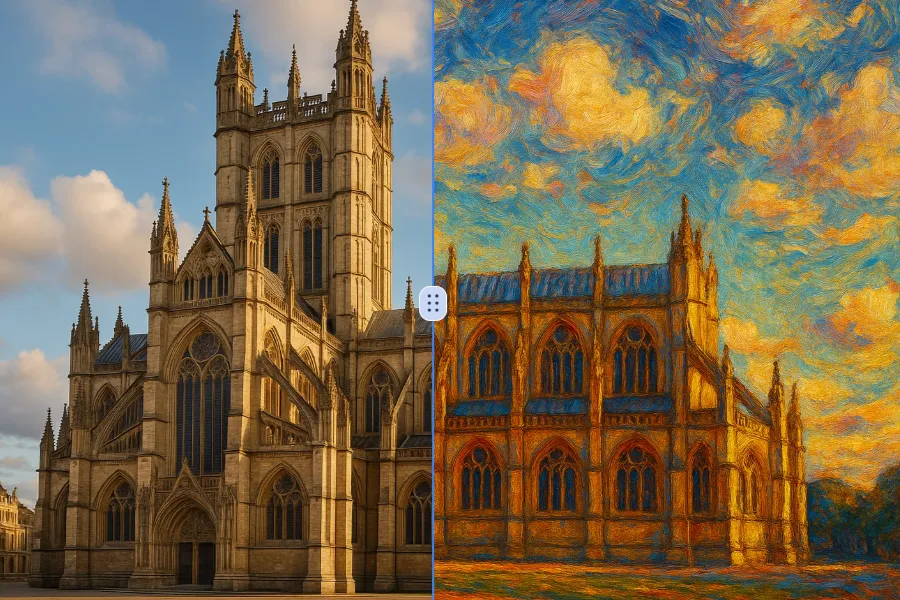
Transform a source image toward the photo to oil painting look with Photo to Oil Painting. Describe the target style or character details, then check identity, pose, facial features, and background consistency.
Jetzt testen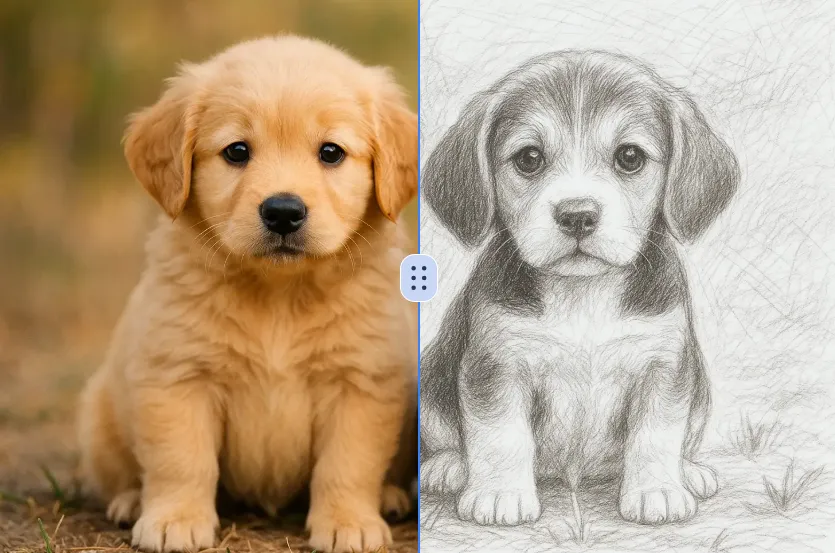
Transform a source image toward the ai photo to sketch look with AI Photo to Sketch. Describe the target style or character details, then check identity, pose, facial features, and background consistency.
Jetzt testenMelde dich mit Google an, um erweiterte Bearbeitungswerkzeuge zu nutzen und deine Kreationen zu speichern. Die Generierung verbraucht Credits gemäß dem Editor.
 Weiter mit Google
 Remove the watermark, download HD images, and keep creating.
Sicherer Checkout · Zahlungsmethoden im Checkout · Credits nach Bestätigung