When to use this page
Use this route for concept exploration and creative variations; verify rights and important details before commercial use.
Transform the visual style of a source image with a focused prompt, then compare the result with the original. Faces, text, product labels, and small details may change during the transformation.
 Original
  Bearbeitet
 Use this route for concept exploration and creative variations; verify rights and important details before commercial use.
Check faces, text, product details, edges, and any rights-sensitive content. The generated result is a draft until you approve it.
Chibi is a proportions deal before it is a colour choice. The built-in instruction commits you to an oversized head, a small simplified body with stubby limbs, and large sparkling eyes — and then, in a clause that gets overlooked, asks for the intricate details of clothing and accessories to be simplified as well, made more cartoonish and adorable. The first part is why people come to this page. The second is why a carefully chosen outfit can come back as a flat shape with buttons.
Head size drives everything else in the frame. With a body this brief describes, limbs shorten to stubs and detail leaves the hands before almost anywhere else, so pose information that lived in the arms has to be carried by the head tilt and the face instead. That is worth knowing when you pick the source photo. A shot where the personality sits in a hand gesture or a stance gives the pass less to work with than one where the expression is doing the talking.
The instruction names clothing and accessories as things to simplify, so expect these to change:
Pick the one item that makes the subject identifiable and name it in the prompt box, which asks for subject, style, composition, and important details. One named prop survives far more reliably than a described wardrobe.
Chibi art gets used as avatars, stickers, and small chat images, where a thumbnail is the real test. Check that the eye highlights stay as separate shapes rather than turning into one pale smear, that the bright cheerful colours keep the figure apart from the background, and that the head and body still read as two masses when the image is small.
about chibi style from photos
The standing instruction asks for an oversized head on a small, simplified body with stubby limbs, which is the defining chibi ratio rather than a mild adjustment. If you want something closer to a normal cartoon proportion, say so explicitly in the box instead of relying on the default.
Details of clothing and accessories are simplified by request, so distinctive items are the first casualties. Name the one or two that matter in the prompt box. Thin dark frames against dark hair and small printed patterns are the common failures.
No. That page asks for a set of the same character acting out several emotions and gestures, while this one asks for a single chibi translation with a joyful, innocent demeanour. Use chibi for one portrait, the sticker page for a range of expressions.
The instruction addresses the character in the uploaded image, so a two-subject photo is a busier job than the wording prepares it for. Check both faces and the space between them at full size, and describe who should be larger in the frame if the pairing matters.
Transform the visual style of a source image with a focused prompt, then compare the result with the original. Faces, text, product labels, and small details may change during the transformation.
Compare the result with the original, inspect the details that matter to your task, and keep the original until the output is approved.
Verwandle deine Bilder sofort mit leistungsstarken AI Effects Filters KI-Tools.
Jetzt How to Edit a Photo with AI Using Text Prompts ausprobierenEntdecke weitere KI-gestützte Tools, um deine Bilder zu verbessern und zu transformieren.
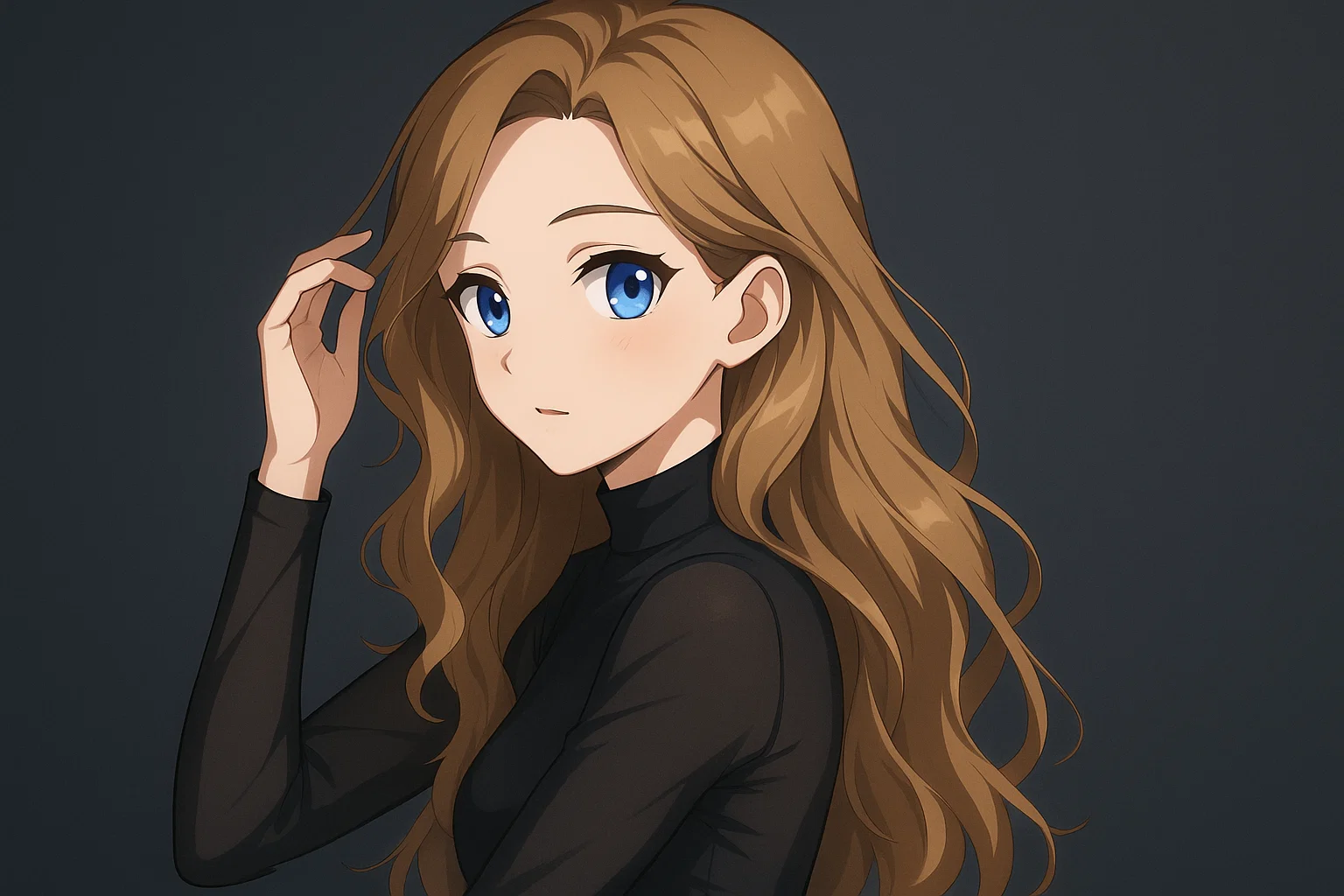
Transform a source image toward the ai photo to anime look with AI Photo to Anime. Describe the target style or character details, then check identity, pose, facial features, and background consistency.
Jetzt testen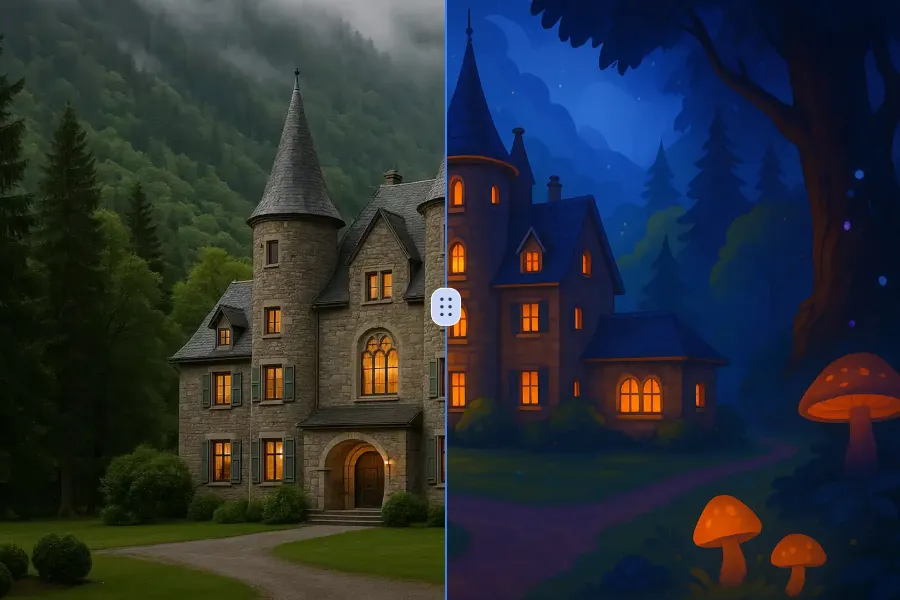
Transform a source image toward the ai photo to cartoon look with AI Photo to Cartoon. Describe the target style or character details, then check identity, pose, facial features, and background consistency.
Jetzt testen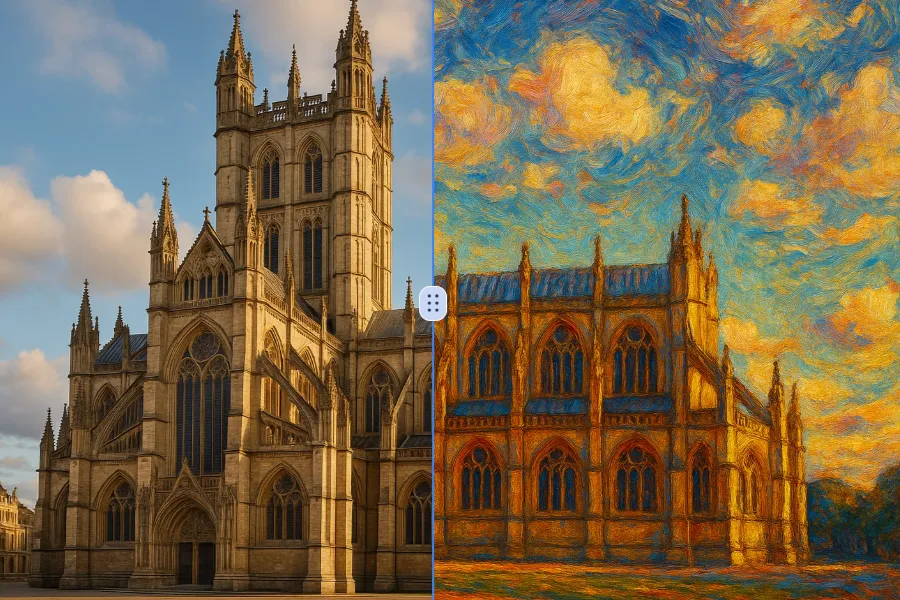
Transform a source image toward the photo to oil painting look with Photo to Oil Painting. Describe the target style or character details, then check identity, pose, facial features, and background consistency.
Jetzt testen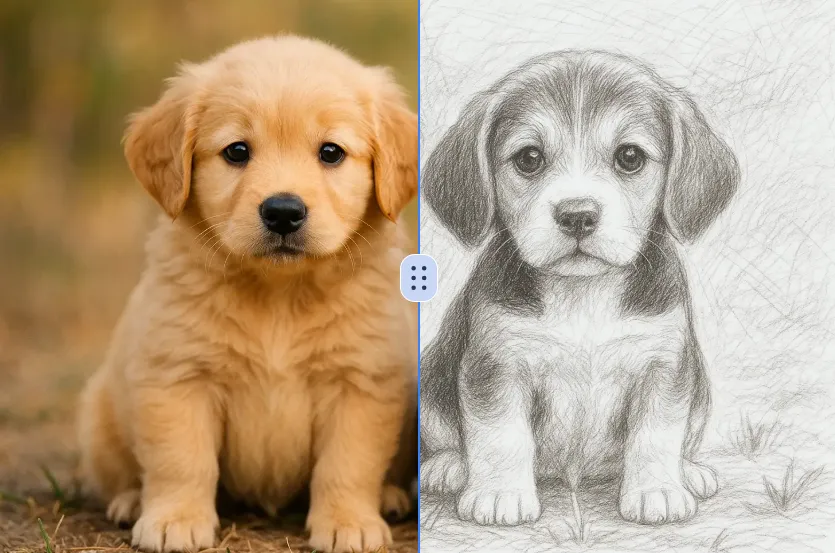
Transform a source image toward the ai photo to sketch look with AI Photo to Sketch. Describe the target style or character details, then check identity, pose, facial features, and background consistency.
Jetzt testenMelde dich mit Google an, um erweiterte Bearbeitungswerkzeuge zu nutzen und deine Kreationen zu speichern. Die Generierung verbraucht Credits gemäß dem Editor.
 Weiter mit Google
 Remove the watermark, download HD images, and keep creating.
Sicherer Checkout · Zahlungsmethoden im Checkout · Credits nach Bestätigung