When to use this page
Keep the prompt specific and retain the original image until the result has been checked.
Test a furnished room concept with Virtual Staging AI while keeping the room structure visible. Specify the design direction, then review perspective, scale, shadows, and door or window geometry.
 編集後
編集後 Keep the prompt specific and retain the original image until the result has been checked.
Check faces, text, product details, edges, and any rights-sensitive content. The generated result is a draft until you approve it.
Empty-room photographs are hard to sell because of the distance a viewer has to imagine, not because of the room. Furniture closes that gap, but only while the walls, window positions, and floor line stay precisely where the camera put them — the moment a staged frame moves a doorway, the picture is of a different property. The instruction above pins that condition explicitly.
The Redesign Style field takes a decorating direction, with Scandinavian, Mid-Century Modern, or Industrial offered as examples, and the instruction asks the pass for a matched key furniture list around it — a sectional sofa, coffee table, area rug, and wall art are the pieces it names. Other Ideas is where you constrain that list: a room that has to work for children, a desk facing the window, no dark sofa, keep the floor visible in the foreground. The room type itself is read from your photograph, which is why a vacant living room, a bedroom, and a kitchen each get furnished differently.
Original dimensions, walls, windows, and fixed lighting stay as photographed, with a photorealistic result in the manner of professional real estate photography using natural light. After generation, your job is to verify exactly that claim:
It is a concept of a room, not a photograph of furniture that exists. Check whether the portal or brochure you publish on requires staged frames to be labelled, and keep the unstaged original beside it.
about AI virtual staging
The Redesign Style field is where the scheme comes from, so leaving it empty gives you whatever the pass considers safe. One recognised direction is enough — the hint examples are — and it does more for a coherent result than a long paragraph of preferences, which is what Other Ideas is for.
Scale is inferred from perspective, and a tilted or wide-angle phone shot gives the pass a floor that recedes differently from the real one. Compare the sofa against fixed things you know: a door, a radiator, the height of the skirting. A level photograph taken near chest height keeps that geometry easier to read.
It adds furniture to a space that already exists; it does not straighten a crooked frame or brighten a dim one. Clear the bin bag and the taped-up window before staging, because the instruction is built to leave the room's fixed parts alone, including the parts you would rather it did not.
The instruction rules that out in terms, and the reason you still compare both images is that a frame with a repositioned window is a frame of a different room. Perspective, scale, shadows, and door or window geometry are the four things worth reviewing, which is the review list this page is built around.
Test a furnished room concept with Virtual Staging AI while keeping the room structure visible. Specify the design direction, then review perspective, scale, shadows, and door or window geometry.
Compare the result with the original, inspect the details that matter to your task, and keep the original until the output is approved.
画像を強化・変換するための、AIを搭載したツールをさらに見つけましょう。
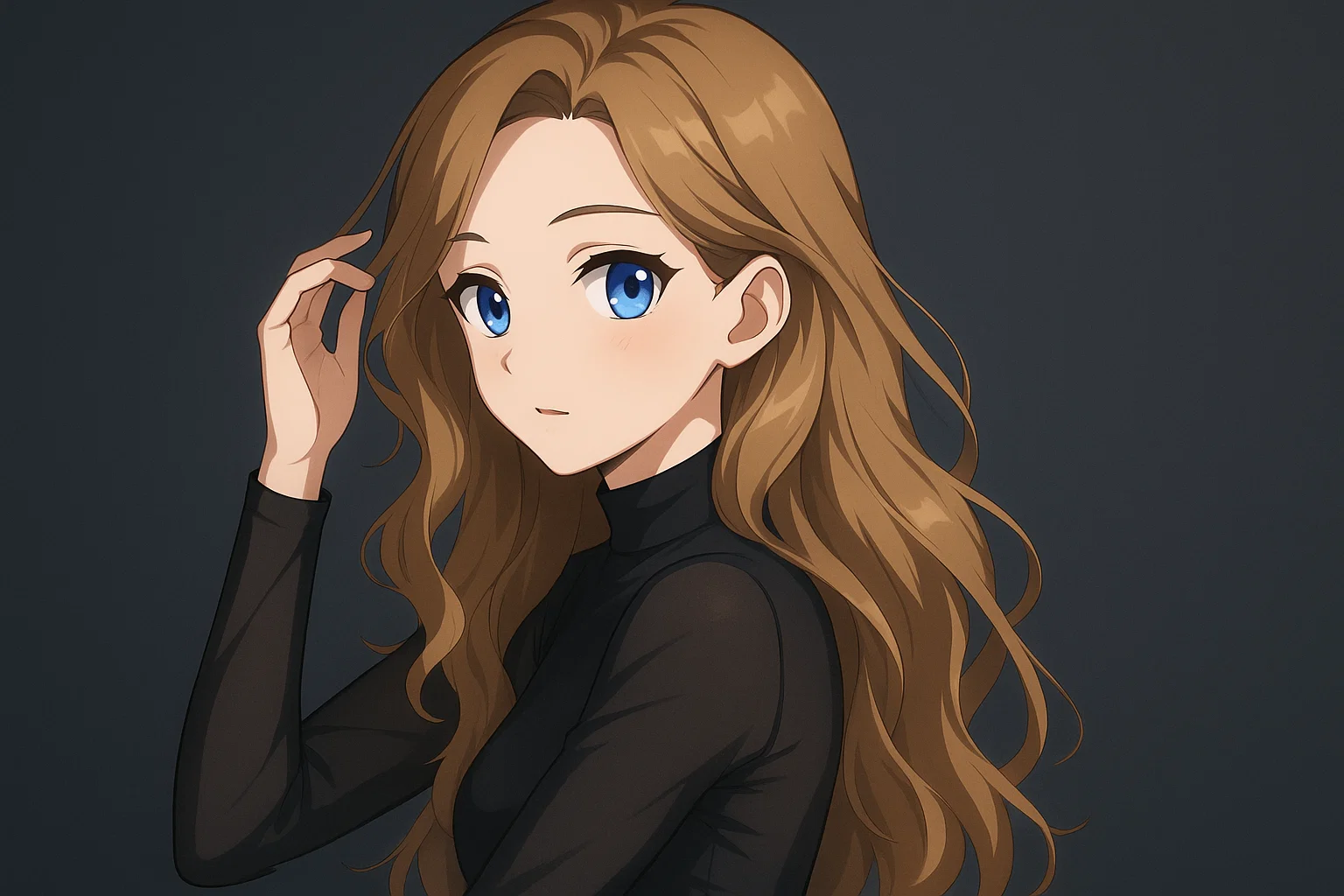
Transform a source image toward the ai photo to anime look with AI Photo to Anime. Describe the target style or character details, then check identity, pose, facial features, and background consistency.
今すぐ試す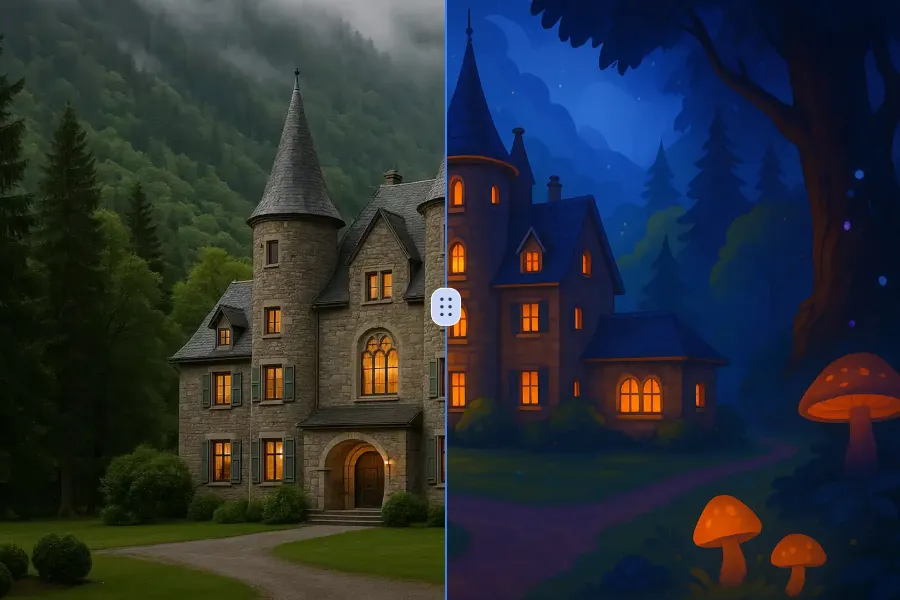
Transform a source image toward the ai photo to cartoon look with AI Photo to Cartoon. Describe the target style or character details, then check identity, pose, facial features, and background consistency.
今すぐ試す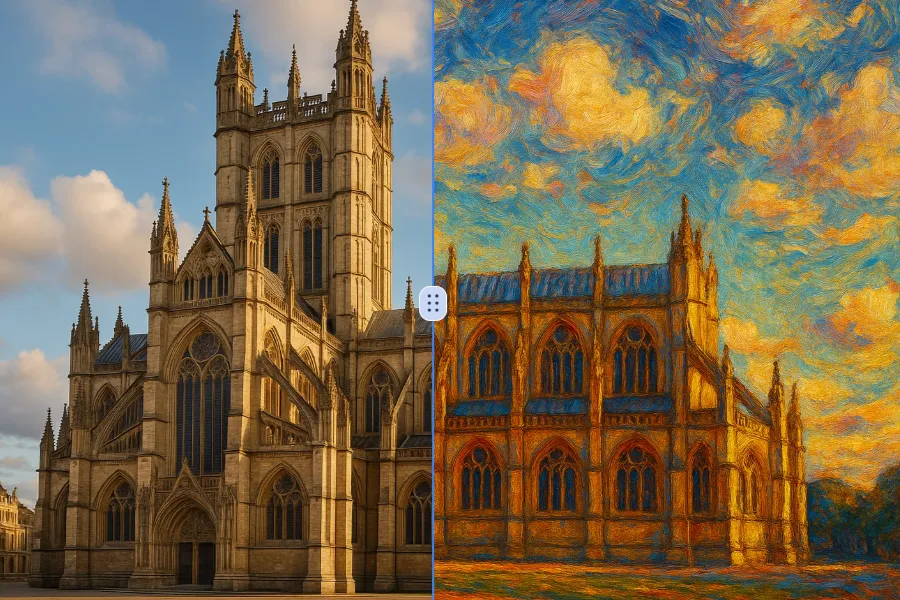
Transform a source image toward the photo to oil painting look with Photo to Oil Painting. Describe the target style or character details, then check identity, pose, facial features, and background consistency.
今すぐ試す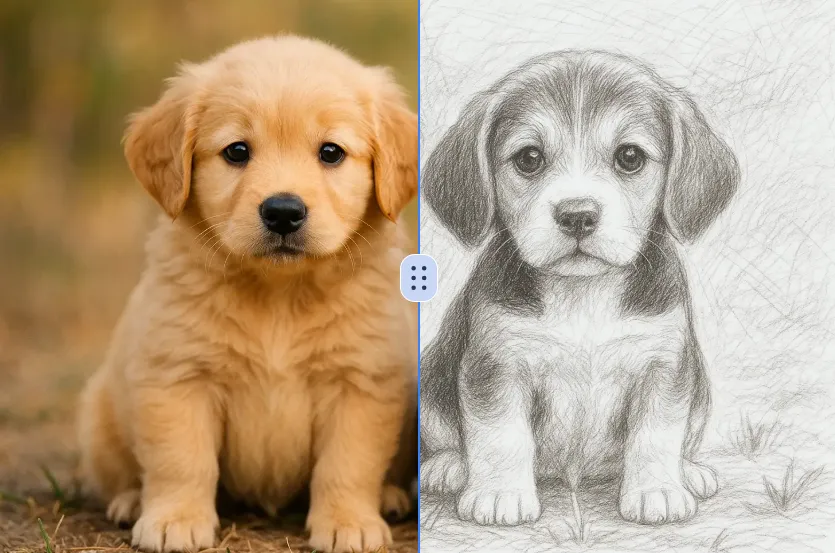
Transform a source image toward the ai photo to sketch look with AI Photo to Sketch. Describe the target style or character details, then check identity, pose, facial features, and background consistency.
今すぐ試すRemove the watermark, download HD images, and keep creating.
クレジットポリシー:
安全なチェックアウト · 利用可能な決済方法を表示 · 確認後にクレジット追加
 Googleで続ける