AI Style Transfer
Transform photos with AI style transfer. Convert portraits and scenes into anime, oil painting, watercolor, or sketch styles.
معدّل دليل
What Is this tool?
Transform photos with this tool. Convert portraits and scenes into anime, oil painting, watercolor, or sketch styles.
Upload a JPEG, PNG, or WEBP photo, describe the change in plain English, and the AI Style Transfer applies the edit in seconds. No Photoshop skills, no desktop install, and no subscription required to start.
Also known as a AI style transfer, photo to art converter, artistic filter online, this page is optimized for quick results on desktop and mobile. Choose Nano Banana, GPT-Image, or other models from the generator dropdown to match speed and quality needs.
Uploaded images are processed securely and removed from servers after a short retention window.
How to Use AI Style Transfer Online
- Open the generator — Scroll to the editor at the top of this this tool page.
- Upload your photo — Click upload or paste an image (Ctrl+V). Supported formats: JPEG, PNG, WEBP up to 10MB.
- Write your prompt — Describe the edit clearly, e.g. what to remove, replace, upscale, or restyle.
- Pick a model — Select Fast for quick drafts or Pro/Max for higher resolution output.
- Generate and download — Click Generate, preview the result, then download your edited image.
Tip: Start with a specific prompt, then refine wording if the first result needs adjustment.
Key Features of this tool
- Text-based editing — The this tool understands natural language prompts instead of manual brush tools.
- Multiple AI models — Switch between Nano Banana, GPT-Image, SeeDream, and other engines.
- Resolution options — Export at 1K, 2K, or 4K depending on your credit plan and model.
- Single and multi-image modes — Edit one photo or fuse multiple references in Multi Fusion mode.
- Commercial use — Paid credits include commercial licensing for marketing and client work.
- Privacy-first — Secure processing with automatic deletion policies on uploaded files.
Best Use Cases
The this tool helps when you need artistic style transformations from photos to anime, oil painting, or sketch without hiring a retoucher. Common jobs include anime avatars, oil-painting portraits, branded illustration styles, and creative social content.
Because ImageFK runs in the browser, remote teams and solo creators can produce consistent visuals from any device.
Why Use ImageFK for this tool?
ImageFK combines multiple AI models — Nano Banana, GPT-Image, SeeDream, and more — in one free AI photo editor online. Unlike single-purpose apps, you can chain edits: remove a background, upscale to 4K, then apply style transfer without switching websites.
Credits never expire on paid plans, commercial licensing is included, and uploaded files are auto-deleted per our privacy policy. The this tool is built for creators who need artistic style transformations from photos to anime, oil painting, or sketch on deadline — from e-commerce catalogs to social campaigns.
Tips for Better Results
Mention the target style explicitly (anime, watercolor, cinematic) and keep faces centered for portrait conversions.
If a result is close but not perfect, tweak one detail in the prompt and regenerate rather than stacking many changes at once.
Browse the ImageFK prompt library for copy-ready examples that work well with the this tool.
E-commerce sellers bookmark the AI Style Transfer to polish product photos before listing on marketplaces.
Content creators use ImageFK when they need artistic style transformations from photos to anime, oil painting, or sketch without opening a full desktop suite.
Marketers regenerate variations quickly — useful for A/B testing ad creatives and social posts.
The AI Style Transfer pairs with other ImageFK tools such as background removal, upscaling, and style transfer for multi-step workflows.
Photographers on tight deadlines use text prompts instead of manual masking to deliver client proofs faster.
Social media managers resize and enhance assets for Instagram, TikTok, and Pinterest from a single browser tab.
Small business owners without a design team rely on the AI Style Transfer for professional visuals at a fraction of agency cost.
Upload JPEG or PNG files up to 10MB, pick 1K/2K/4K output when your plan supports it, and download results in seconds.
Multi Fusion mode on ImageFK helps when you need character consistency or product references across several source images.
If results need refinement, adjust one detail in your prompt and regenerate — iterative editing is faster than starting over in Photoshop.
Frequently Asked Questions
Is AI Style Transfer free to use?
Yes. ImageFK offers free credits to test the AI Style Transfer. Paid credit packs unlock higher resolution, watermark-free downloads, and commercial licensing.
Do I need to sign up?
You can try editing immediately. Creating an account helps save history and manage credits across devices.
Are my uploaded photos private?
Yes. Images are processed securely and automatically removed from servers after a short retention period per our privacy policy.
Which image formats are supported?
Upload JPEG, PNG, or WEBP files up to 10MB. Download results in high-quality PNG or JPEG.
Can I use edited images commercially?
Commercial usage is included with paid credit packages. Check the pricing page for license details.
How is this different from Photoshop?
Photoshop offers manual precision but requires training. The AI Style Transfer focuses on artistic style transformations from photos to anime, oil painting, or sketch through simple text prompts — faster for everyday edits.
ابدأ باستخدام AI Style Transfer اليوم
حوّل صورك فورًا باستخدام أدوات AI Image Editor القوية للذكاء الاصطناعي.
جرّب AI Style Transfer الآنالمزيد من أدوات AI Image Editor للذكاء الاصطناعي
اكتشف المزيد من الأدوات المدعومة بالذكاء الاصطناعي لتحسين وتحويل صورك.
تحرير النص في الصورة بواسطة الذكاء الاصطناعي
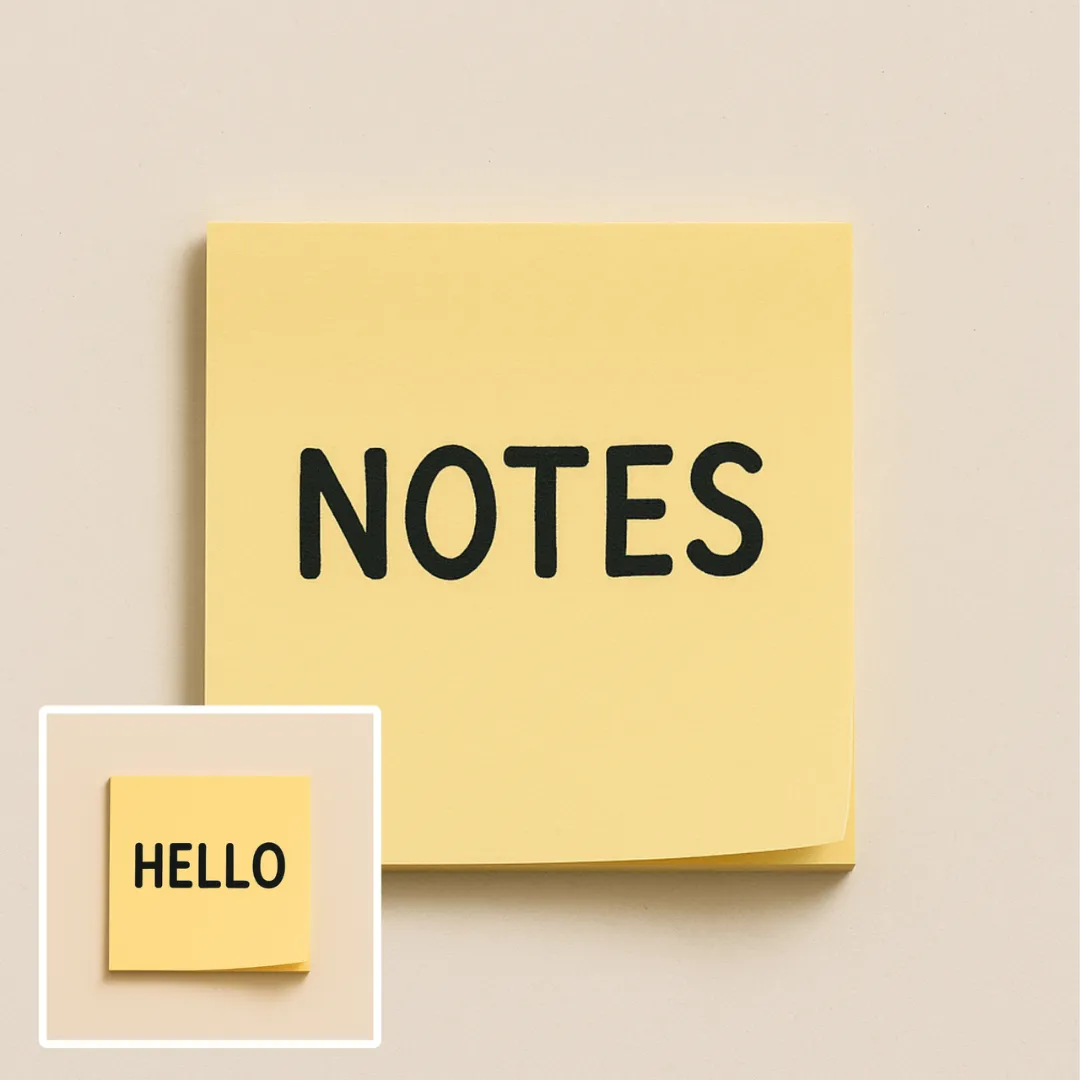
تعد تعديل النصوص في الصور باستخدام الذكاء الاصطناعي أداة إلكترونية قوية تتيح لك تعديل النصوص في الصور بسهولة. باستخدام تقنيات ذكاء اصطناعي متقدمة، يمكنك إزالة النصوص غير المرغوب فيها، استبدال الكلمات، أو تصحيح الأخطاء في ثوانٍ. تشمل الميزات الرئيسية المعالجة الفورية، تنزيلات خالية من البطاقات المائية، ودعم لعدة تنسيقات الصور. مثالية للمحترفين والمستخدمين العاديين، فهي تضمن تحديثات بصريات عالية الجودة بسهولة. ابدأ في التعديل مجانًا اليوم!
جرّب الآن
ترميم الصور بالذكاء الاصطناعي
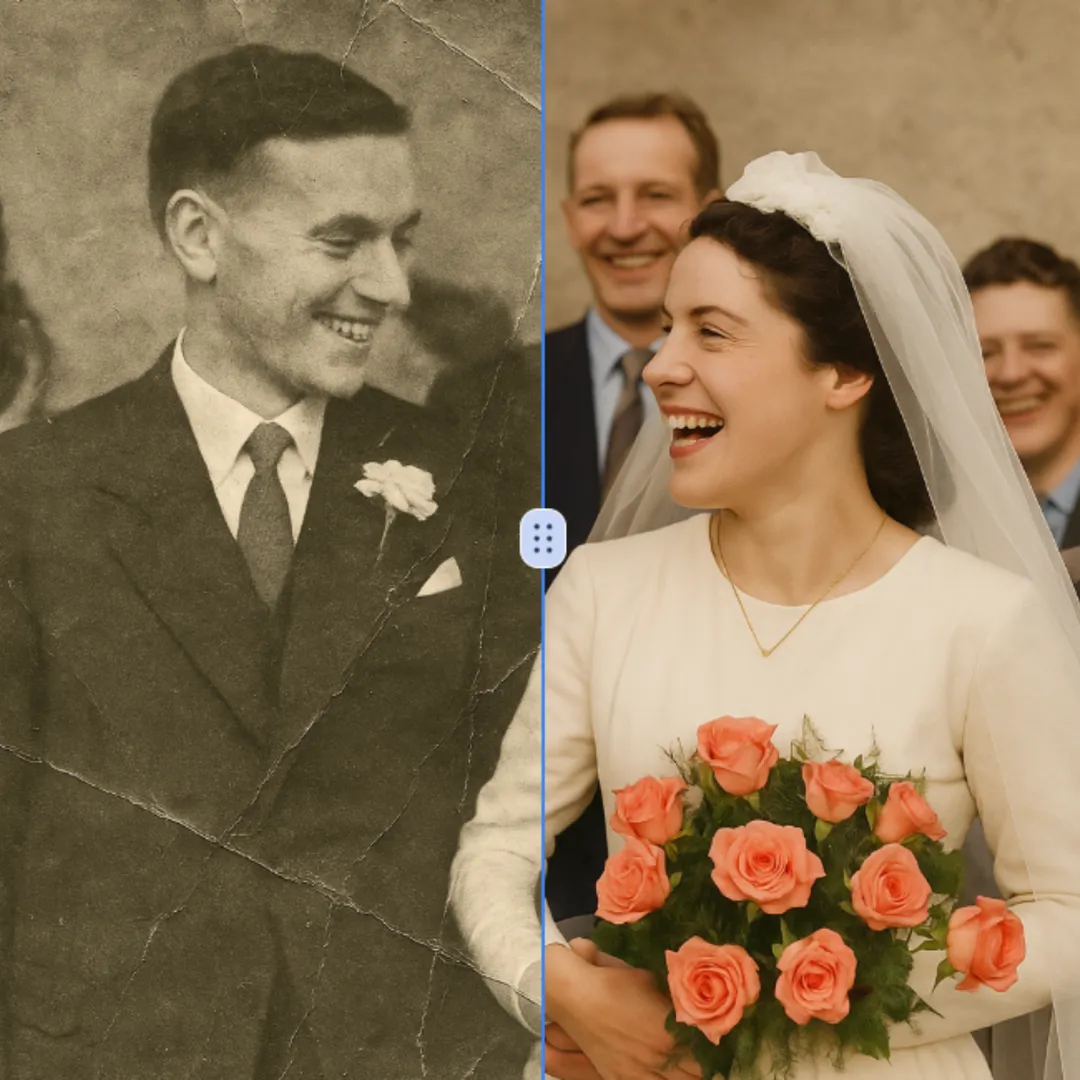
خدمة تعافي الصور بالذكاء الاصطناعي هي خدمة مجانية على الإنترنت تستخدم تقنيات ذكاء اصطناعي متقدمة لتعافي الصور القديمة التالفة والملونة بالأبيض والأسود. توفر نتائج عالية الجودة ودقيقة بسرعة وأمان. احيي ذكرياتك المقدسة بسهولة وبلا تكلفة أو معاناة، مع ضمان أن صورك تبدو جديدة مرة أخرى.
جرّب الآن
أداة إزالة الخلفية بالذكاء الاصطناعي
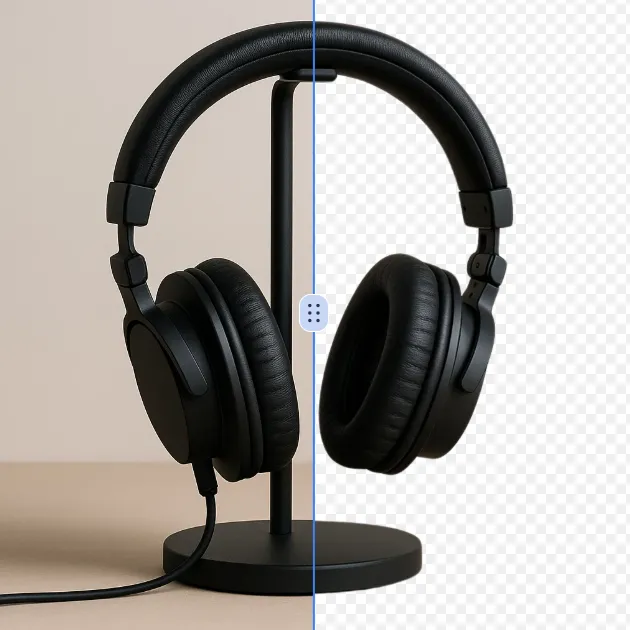
أداة إزالة الخلفيات باستخدام الذكاء الاصطناعي هي أداة مجانية على الإنترنت تستخدم تقنيات ذكاء اصطناعي متقدمة لإزالة الخلفيات للصور تلقائيًا. توفر خلفية شفافة عالية الجودة فورًا، ولا تتطلب مهارات تعديل، وهي مثالية للخبراء والبدأين على حد سواء. احفظ وقتك وزد من جودة الصور بسهولة باستخدام هذا الحل القوي وسهل الاستخدام.
جرّب الآن
إزالة الوشم بالذكاء الاصطناعي
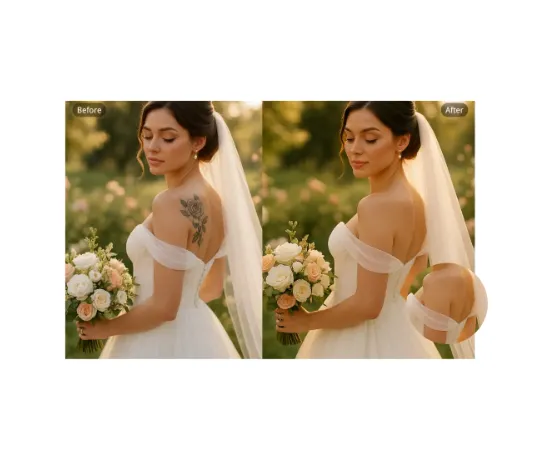
مزيل الأوشام الذكي لدينا يتيح لك مسح الأوشام غير المرغوب فيها من أي صورة بسهولة تامة. باستخدام تقنية متقدمة، يقوم بتعديل الدمغ الدقيق مع استعادة ألوان البشرة الطبيعية. مثالي لصور الفوتوشوب الاحترافية، أو المجموعات الزفافية، أو منشورات وسائل التواصل الاجتماعي. استمتع بنتائج واقعية وخالية من الانتباه خلال ثوانٍ فقط — مجاني تمامًا ولا حاجة للتسجيل.
جرّب الآن
قص الصور بالذكاء الاصطناعي
أداة AI Cut Out Image هي أداة إلكترونية بديهية تزيل الخلفيات تلقائيًا من أي صورة باستخدام تقنية الذكاء الاصطناعي المتقدمة. توفر صور PNG شفافة عالية الجودة بسرعة، مثالية لتحسين صور المنتجات، إنشاء محتوى وسائل التواصل الاجتماعي، والعمل التصميمي. استمتع بتحرير بسيط دون الحاجة لتحميل أو خبرة—فقط انزل الصورة والحصول على نتائج مثالية في ثوانٍ.
جرّب الآن
أداة إزالة الرموز التعبيرية بالذكاء الاصطناعي
أداة مسح الإيموجيز مجانية تستخدم الذكاء الاصطناعي لسحب الرموز الوجهية، والإطارات، والأشياء غير المطلوبة من الصور بسرعة. تقوم بإعادة تعيين صورك فوراً وأماناً، مما يجعل من السهل تنظيف الصور بدون أي معاناة. الحصول على نتائج احترافية باستخدام هذه الأداة القوية وسهلة الاستخدام.
جرّب الآن