When to use this page
Keep the prompt specific and retain the original image until the result has been checked.
Create a purpose-specific portrait with AI Yearbook Photo by guiding the subject, pose, clothing, background, and crop. Check likeness, expression, lighting, and platform dimensions before use.
 修改后
修改后 Keep the prompt specific and retain the original image until the result has been checked.
Check faces, text, product details, edges, and any rights-sensitive content. The generated result is a draft until you approve it.
The instruction is built around one very particular image: the school studio portrait, shot against a seamless backdrop under flat light, printed with the colour drift of whatever era it claims. Everything on the panel serves that look, and the era pulls more strings than the fields do.
The wording asks for a classic high school yearbook portrait in a specific era, photorealistic but slightly dated in aesthetic, with a colour cast that defaults to whatever that decade implies. It then asks for a hairstyle popular in the same decade. So the era works in three places: print tint, cut of hair, and period feel. Move the decade and all three move together, which is why an incoherent result usually has one anachronistic element rather than several.
Clothing fills the outfit, and its hint examples are all period-friendly: a dark blazer, a striped mock neck shirt, a denim jacket. Color fills the smoothly gradient studio backdrop, with light blue, muted gray, and soft peach as its starting points. Style fills the hairstyle slot, offered as feathered, teased, or side-swept bangs. The gap is that the decade has no field, though the instruction leans on it three times. That is the job of the fourth box, Other Ideas: write the era there in plain words, for example a late 1970s yearbook portrait with warm faded print tones, then match your clothing and hair entries to it. Leave the era out and the pass picks one, colour cast included.
The instruction asks for lighting that is uniformly flat, bright, and from the front. That single choice separates a yearbook portrait from a modern one, because it removes the modelling shadows contemporary edits lean on: the face reads wide and even, with a soft shadow behind the head on the backdrop rather than hollows under the cheekbones. Three things to check. That the light is genuinely frontal, since a side-lit source fights the effect. That the gradient backdrop stays smooth and has fully replaced your original background, with no trace behind the shoulders. And that the expression matches the wording, serious yet subtly friendly and looking into the camera, because a candid glance makes it an ordinary portrait again.
about AI yearbook photos
There is no era field, so the decade goes in Other Ideas, phrased as a style rather than a mood. A named period such as early 1990s gives the instruction something concrete for both the print colour cast and the hairstyle slot; something like vintage or retro leaves it to guess, and the clothing and hair entries then have nothing to line up with.
That is intended rather than a fault. The instruction asks for a colour cast defaulting to the decade, and faded magenta, warm yellow, or a cool blue shift are how period school prints read. If the cast overwhelms the face, name a milder version in Other Ideas, for example a subtle warm fade rather than strong colour drift.
Unlike some portrait tools on this site, this wording is about styling and says nothing explicit about keeping identity, so treat likeness as something to verify rather than something promised. Compare the eyes, nose, and jaw against your original at full size, particularly if the hairstyle you asked for changes the shape of the head.
The instruction describes one subject in a studio frame, looking directly at the camera, so a group source is not what it is written for. The dependable workflow is to restyle single portraits one at a time and assemble any class-photo layout yourself, where you control the crops and the backdrop continuity.
Create a purpose-specific portrait with AI Yearbook Photo by guiding the subject, pose, clothing, background, and crop. Check likeness, expression, lighting, and platform dimensions before use.
Compare the result with the original, inspect the details that matter to your task, and keep the original until the output is approved.
利用强大的AI Effects Filters AI工具,即刻转换您的图像。
立即体验How to Edit a Photo with AI Using Text Prompts探索更多由AI驱动的工具,以增强和转换您的图像。
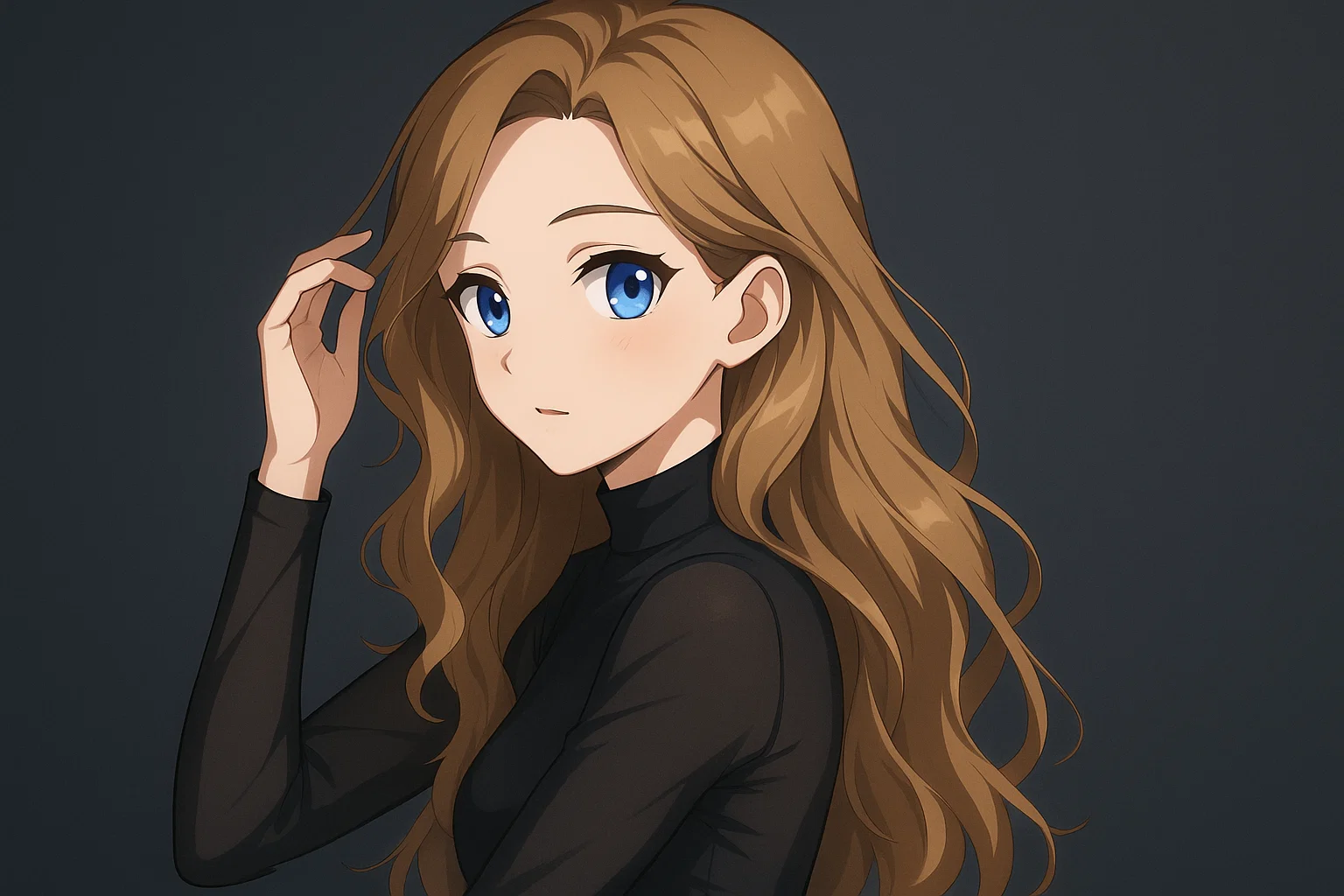
Transform a source image toward the ai photo to anime look with AI Photo to Anime. Describe the target style or character details, then check identity, pose, facial features, and background consistency.
立即尝试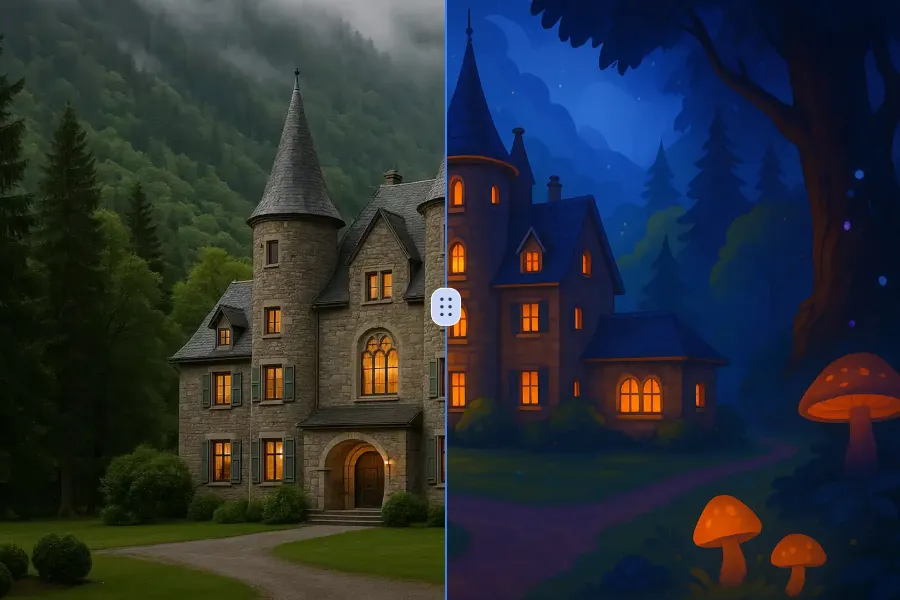
Transform a source image toward the ai photo to cartoon look with AI Photo to Cartoon. Describe the target style or character details, then check identity, pose, facial features, and background consistency.
立即尝试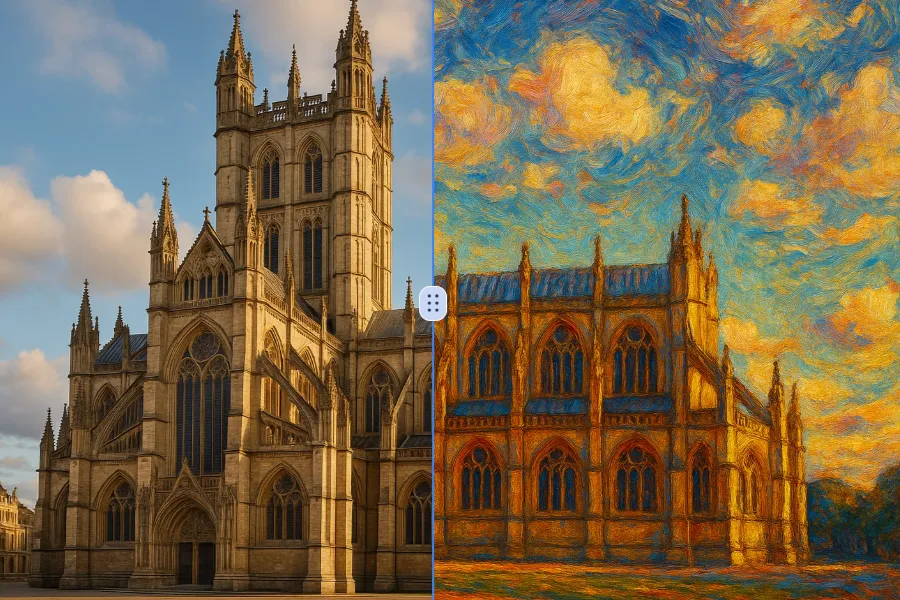
Transform a source image toward the photo to oil painting look with Photo to Oil Painting. Describe the target style or character details, then check identity, pose, facial features, and background consistency.
立即尝试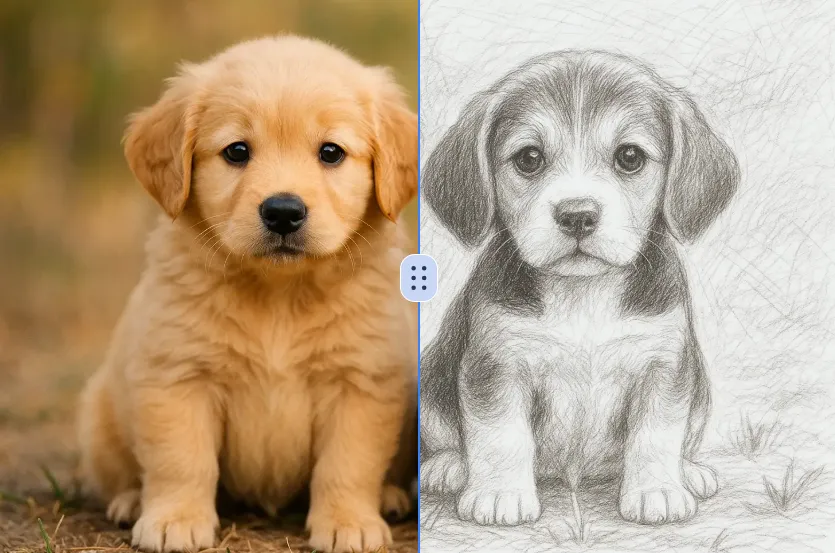
Transform a source image toward the ai photo to sketch look with AI Photo to Sketch. Describe the target style or character details, then check identity, pose, facial features, and background consistency.
立即尝试Remove the watermark, download HD images, and keep creating.
安全结账 · 以结账页显示的支付方式为准 · 付款确认后到账
 继续使用Google