When to use this page
Keep the prompt specific and retain the original image until the result has been checked.
Transform a sketch into a more finished image with a focused prompt. Keep the important structure visible and review proportions, labels, and technical details before use.
 修改后
修改后 Keep the prompt specific and retain the original image until the result has been checked.
Check faces, text, product details, edges, and any rights-sensitive content. The generated result is a draft until you approve it.
Upload a rough sketch, wireframe, or concept drawing and describe the material, style, setting, and level of finish you want. Use the sketch as the structural guide.
Sketch-to-image generation is useful for product concepts, illustrations, game ideas, and visual exploration. It is not a replacement for precise technical drawings or final production specifications.
Transform a sketch into a more finished image with a focused prompt. Keep the important structure visible and review proportions, labels, and technical details before use.
Compare the result with the original, inspect the details that matter to your task, and keep the original until the output is approved.
Yes, if the main shapes and relationships are readable. Add a short written explanation for ambiguous areas.
Not always. The sketch guides the composition, while generated details can change. Review geometry and proportions before treating the result as final.
Yes, as an ideation workflow. Check technical details, labels, dimensions, and rights before publication or production.
利用强大的AI Image Editor AI工具,即刻转换您的图像。
立即体验How to Edit a Photo with AI Using Text Prompts探索更多由AI驱动的工具,以增强和转换您的图像。
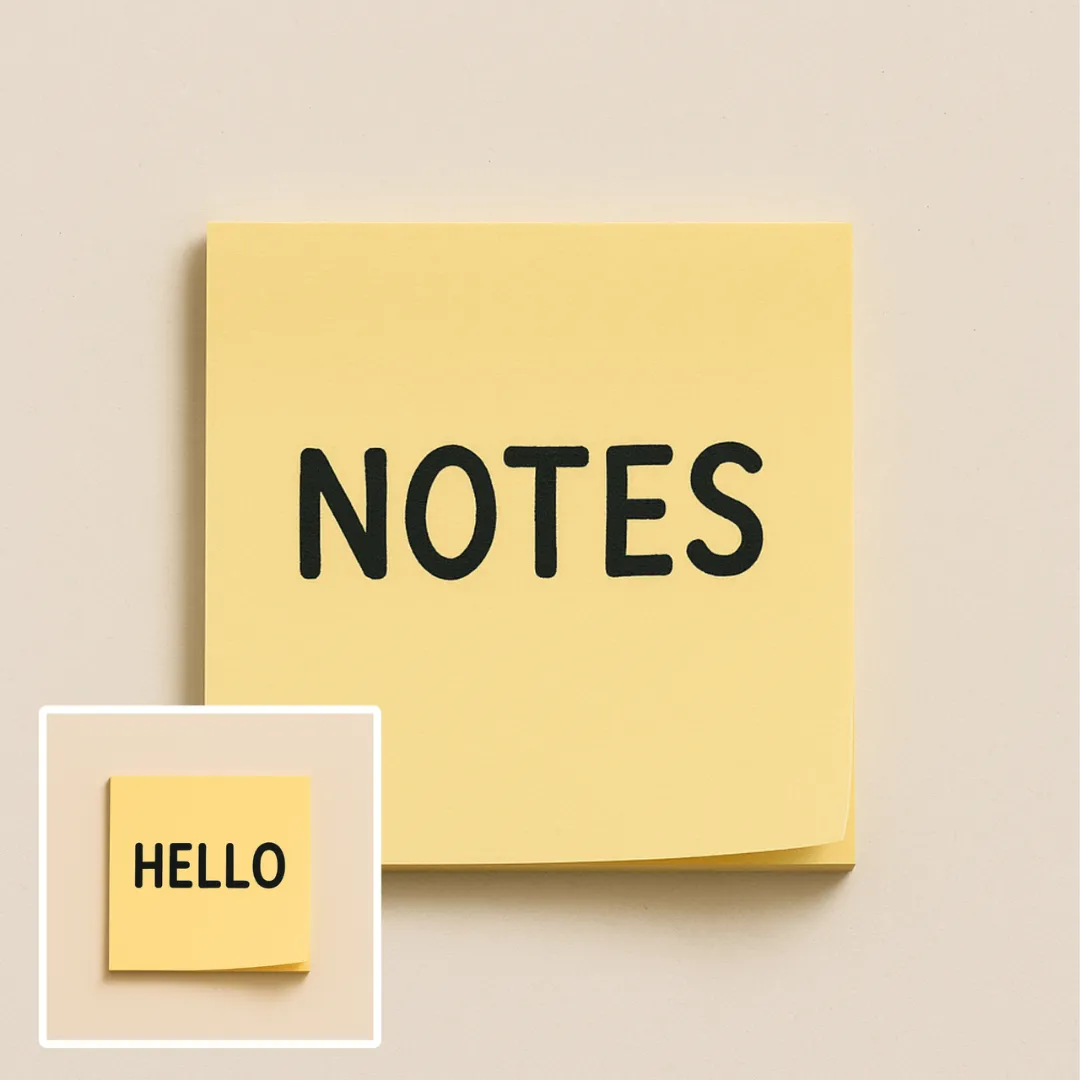
Edit or remove visible text with AI Edit Text in Image while preserving the surrounding layout. Check lettering, alignment, background texture, and the final crop before publishing.
立即尝试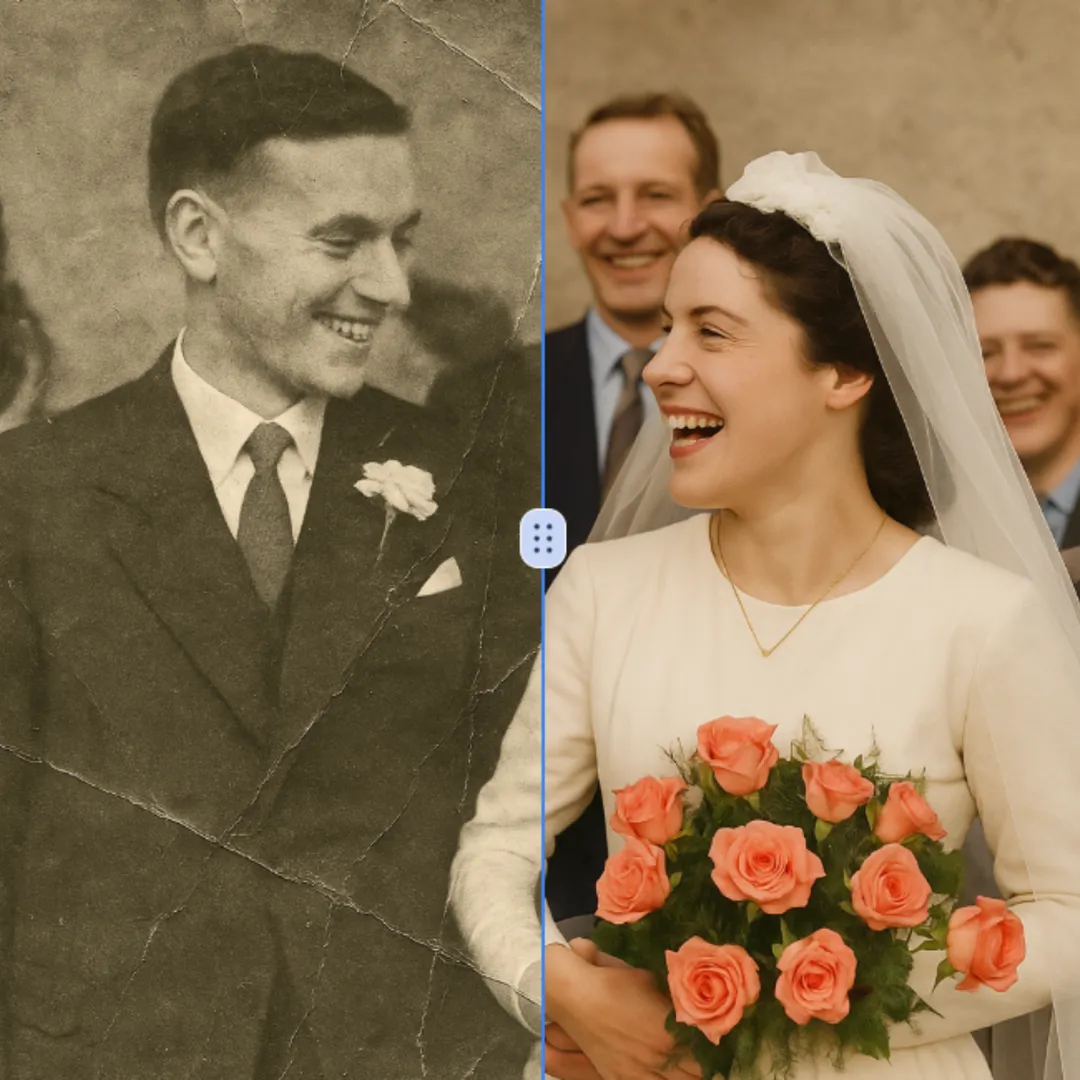
Improve visible image detail with AI Photo Restoration while keeping the original subject in view. Compare edges, faces, textures, and small text at the intended output size.
立即尝试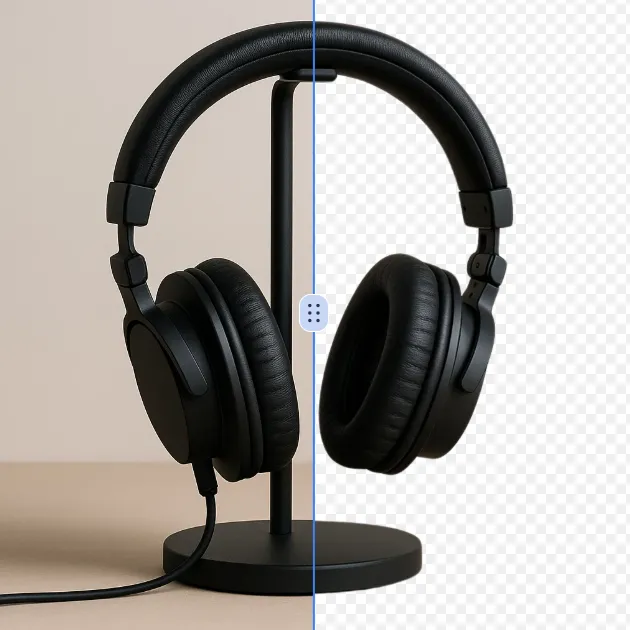
Remove a background from a photo or logo with AI Background Remover, then check subject edges, fine details, and transparency before using the cutout in a new design.
立即尝试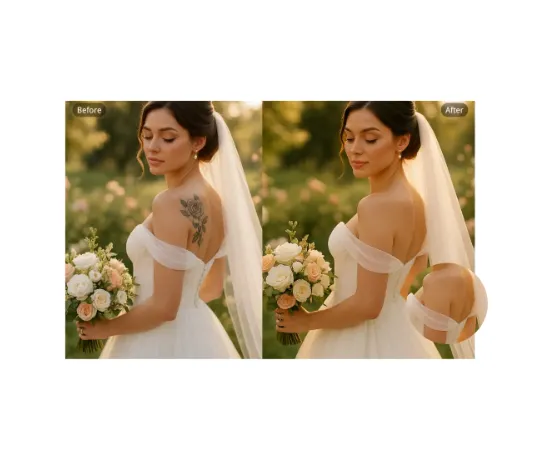
Use AI Remove Tattoo to target an unwanted overlay or localized detail in an image. Compare the edited area with the surrounding texture and correct visible seams before export.
立即尝试Remove the watermark, download HD images, and keep creating.
安全结账 · 以结账页显示的支付方式为准 · 付款确认后到账
 继续使用Google