When to use this page
Keep the prompt specific and retain the original image until the result has been checked.
Build a focused creative concept with AI Tattoo Generator by describing the subject, style, props, composition, and intended format. Review key features and small details before sharing the result.
 Измененное
 Keep the prompt specific and retain the original image until the result has been checked.
Check faces, text, product details, edges, and any rights-sensitive content. The generated result is a draft until you approve it.
The built-in instruction here is not written around your upload. It asks for a tattoo design — the subject you name, in the style you name, with clean linework and precise shading, high contrast, professional tattoo artwork, and isolated on a plain white background with no background elements. What comes back is a flash sheet, not skin, which is a different job from most of the other pages in this category.
The Subject box names what is drawn, with hints like “Tiger, Samurai Mask, Sunflower, Compass”, and the Style box names how, with hints like “Dotwork, Traditional, Line Art, Japanese”. Those two entries set the entire image, so treat them the way you would brief an artist: one subject, one style tradition. Anything the fields cannot express — colour limits, orientation, an extra element, the intended scale — belongs in the optional Other Ideas box, where “black and grey only, vertical composition, small enough for an ankle” has room.
Each style in the hint implies a different hand. Traditional wants bold outlines and solid fill. Dotwork replaces line weight with stippled density, so a result built from ordinary smooth shading has not honoured the word. Line Art strips shading back to contours, which means a design that looks unfinished may be correct. Japanese carries its own conventions around waves, wind bars and cloud fills. Compare the sheet against the tradition you asked for before deciding the design worked.
Nothing here is placed on a body, so the design has to be judged without the curve it will eventually sit on. Two tests matter. Read the composition at small size: artwork that still reads at thumbnail scale generally reads once inked, while a dense sheet turns to mud at a few centimetres. And check the contrast, because the instruction's high-contrast ask is what survives ink spreading over years. Where the design is one piece of a larger set, judge the individual elements rather than the sheet as a whole.
about AI tattoo designs
No. The built-in instruction asks explicitly for an isolated design on a plain white background with no background elements, so you receive the artwork rather than a mock-up on skin. Placement, size and how the design wraps a limb stay with your artist.
It is generated from your two words, so specificity in the Subject box is what makes it yours, and Other Ideas carries the details that a single noun cannot — a date treatment, a small object, a combination of two animals. Generic subjects produce generic sheets.
That is the sensible use: something to react to rather than a finished commission. Artists adjust line weight, negative space and how a design follows muscle, and a generated sheet has not been considered for any of that. Bring it as a starting point and expect it to change.
Because the instruction does not ask for text at all, so any wording in the result is the model improvising. Check every character, keep wording very short, and plan on having real lettering drawn by hand.
Build a focused creative concept with AI Tattoo Generator by describing the subject, style, props, composition, and intended format. Review key features and small details before sharing the result.
Compare the result with the original, inspect the details that matter to your task, and keep the original until the output is approved.
Мгновенно преобразуйте свои изображения с помощью мощных инструментов ИИ для AI Effects Filters.
Попробовать How to Remove Unwanted Objects from a Photo сейчасОткройте для себя больше инструментов на базе ИИ для улучшения и преобразования ваших изображений.
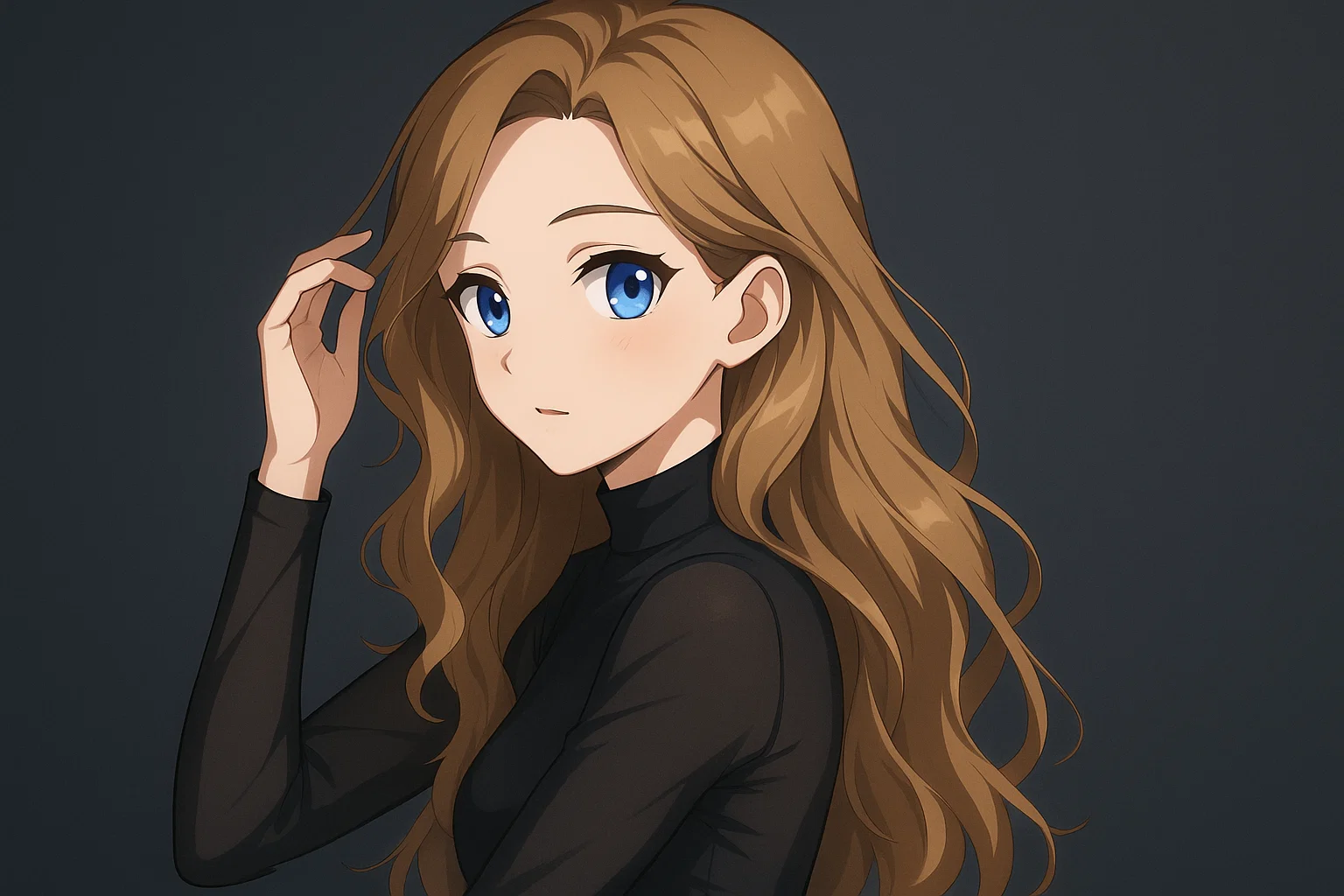
Transform a source image toward the ai photo to anime look with AI Photo to Anime. Describe the target style or character details, then check identity, pose, facial features, and background consistency.
Попробовать сейчас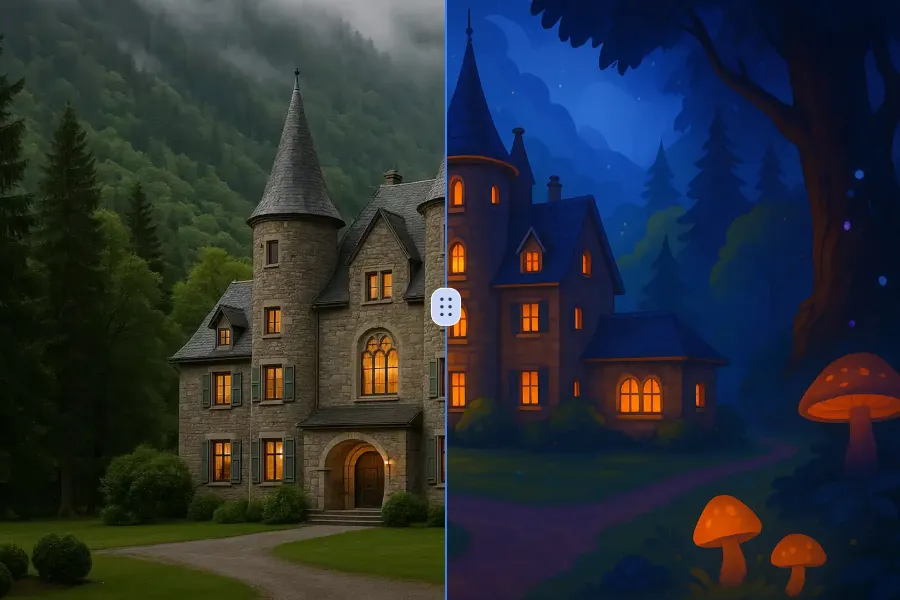
Transform a source image toward the ai photo to cartoon look with AI Photo to Cartoon. Describe the target style or character details, then check identity, pose, facial features, and background consistency.
Попробовать сейчас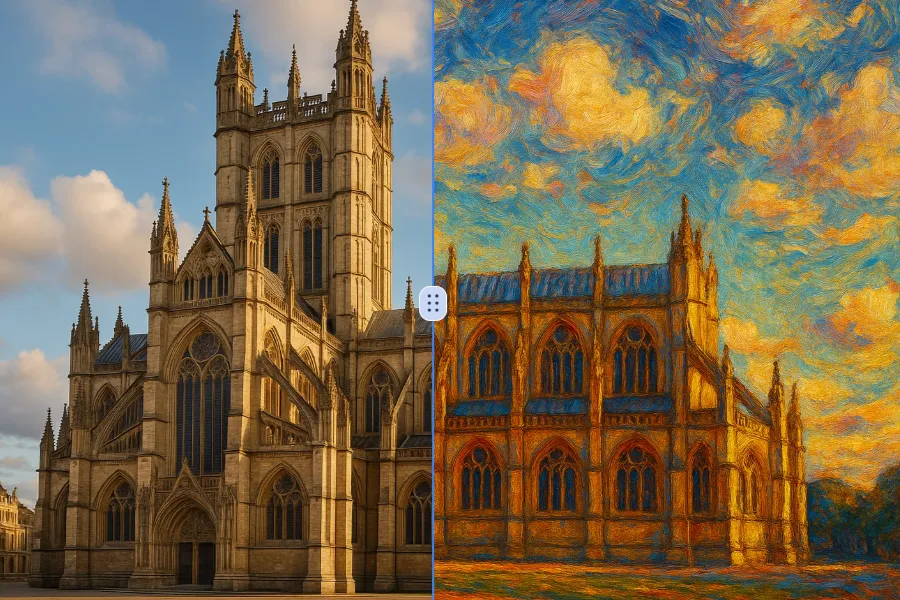
Transform a source image toward the photo to oil painting look with Photo to Oil Painting. Describe the target style or character details, then check identity, pose, facial features, and background consistency.
Попробовать сейчас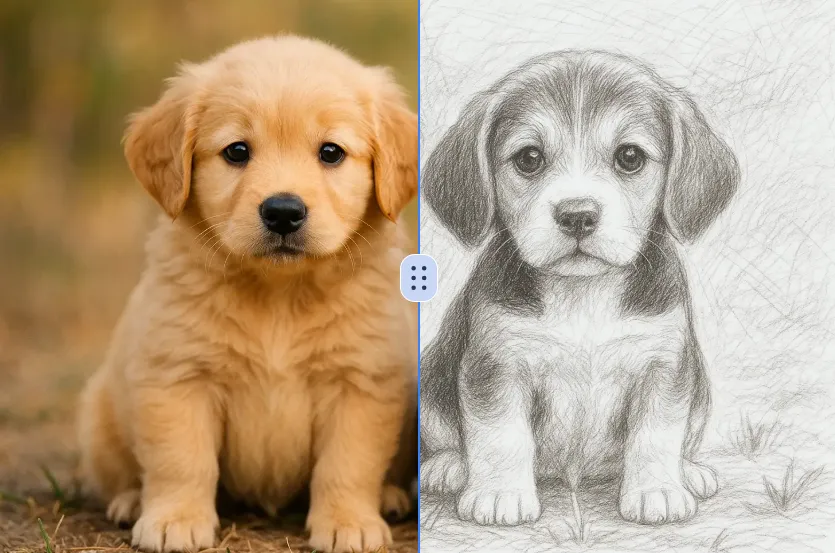
Transform a source image toward the ai photo to sketch look with AI Photo to Sketch. Describe the target style or character details, then check identity, pose, facial features, and background consistency.
Попробовать сейчасВойдите через Google, чтобы получить доступ к расширенным инструментам редактирования и сохранять свои работы. Генерации используют кредиты, показанные в редакторе.
 Продолжить с Google
 Remove the watermark, download HD images, and keep creating.
Защищенный checkout · Способы оплаты указаны при оформлении · Кредиты после подтверждения