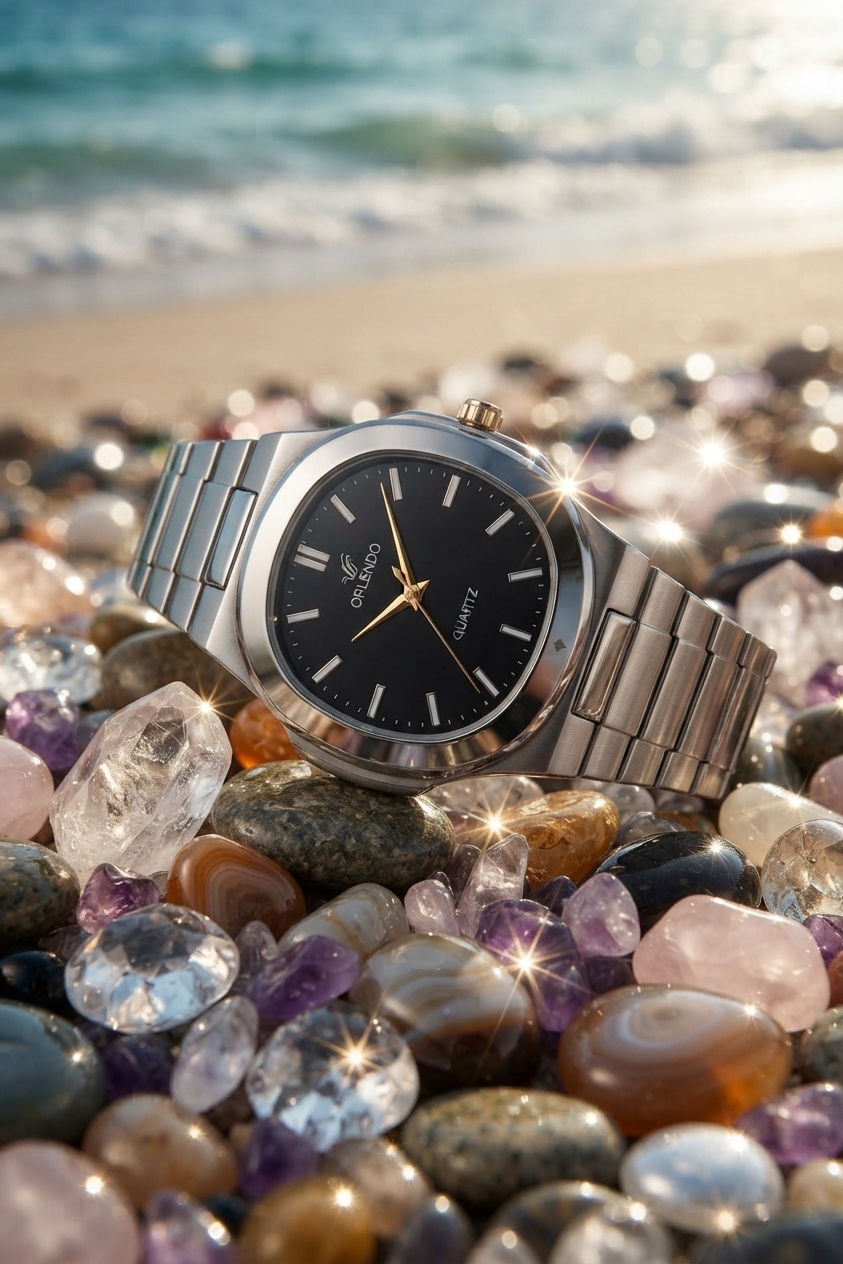
Example from ImageFk
I need you to create a professional image of an Orlendo watch for me to display in my shop. Ideally, it should be taken by a beach and on top of sparkling stone...
Edite fotos usando comandos de texto simples. Envie uma imagem, descreva a edição e nosso editor de imagens com IA a transformará em segundos.

Imagens reais como exemplos anônimos do produto. Experimente o mesmo prompt com um clique.
I need you to create a professional image of an Orlendo watch for me to display in my shop. Ideally, it should be taken by a beach and on top of sparkling stone...
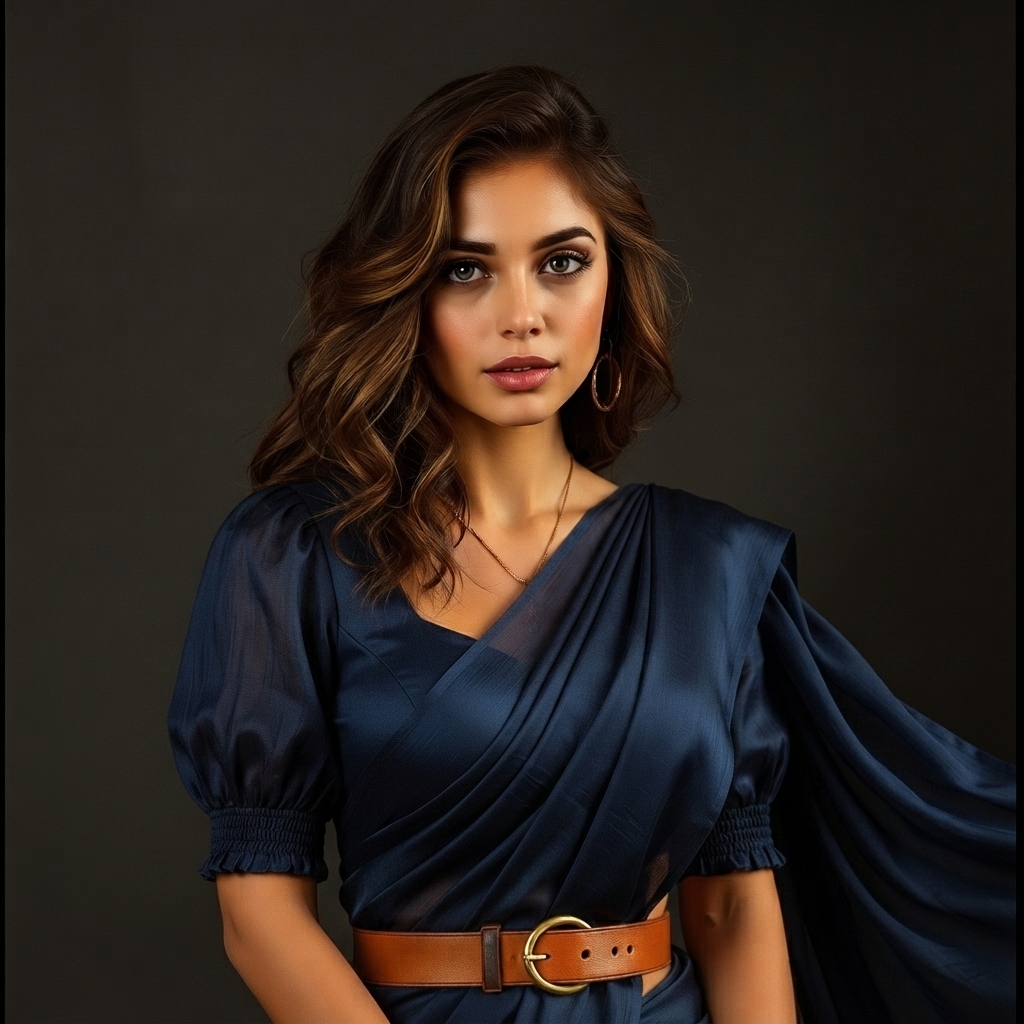
Change the clothing color to navy blue while keeping the fabric texture and folds realistic.saree me kro is ko
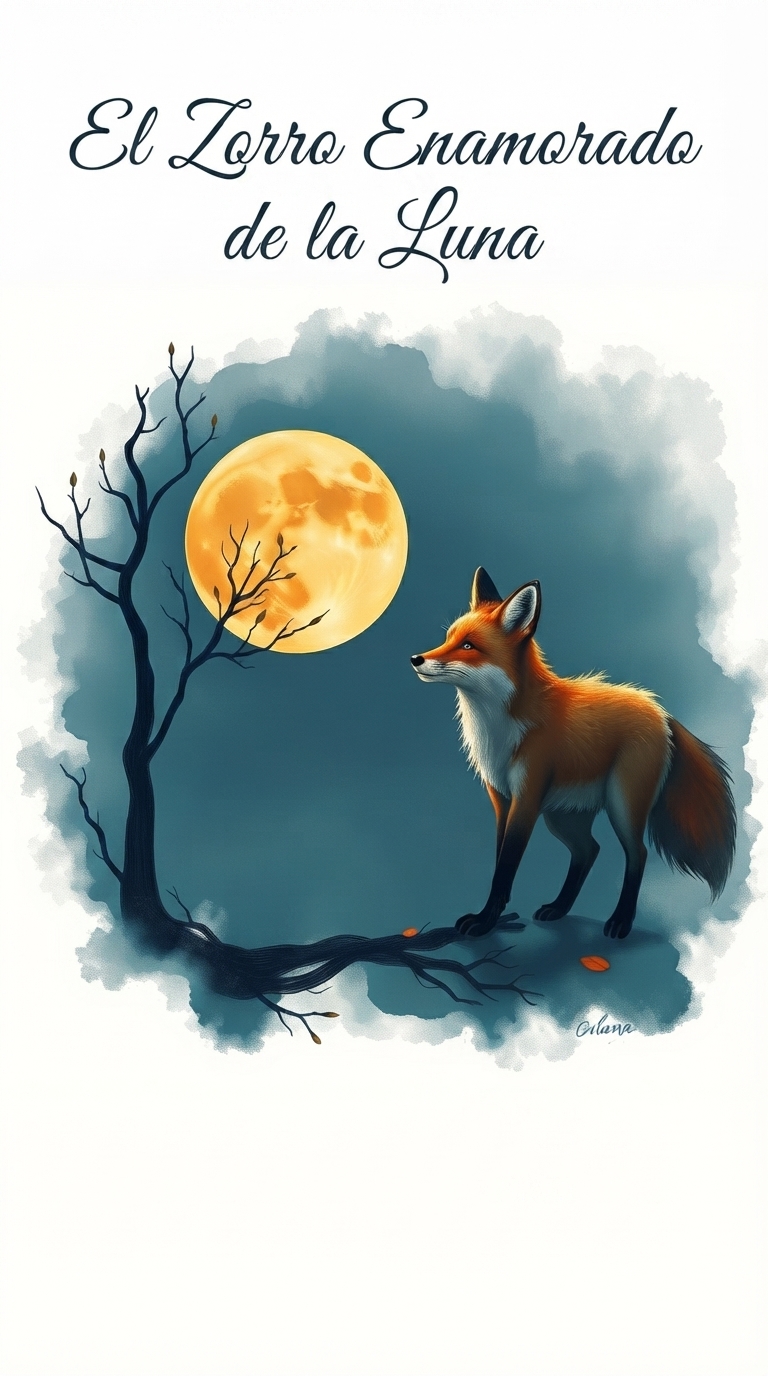
agregar un título en la parte superior que diga : El Zorro Enamorado de la Luna
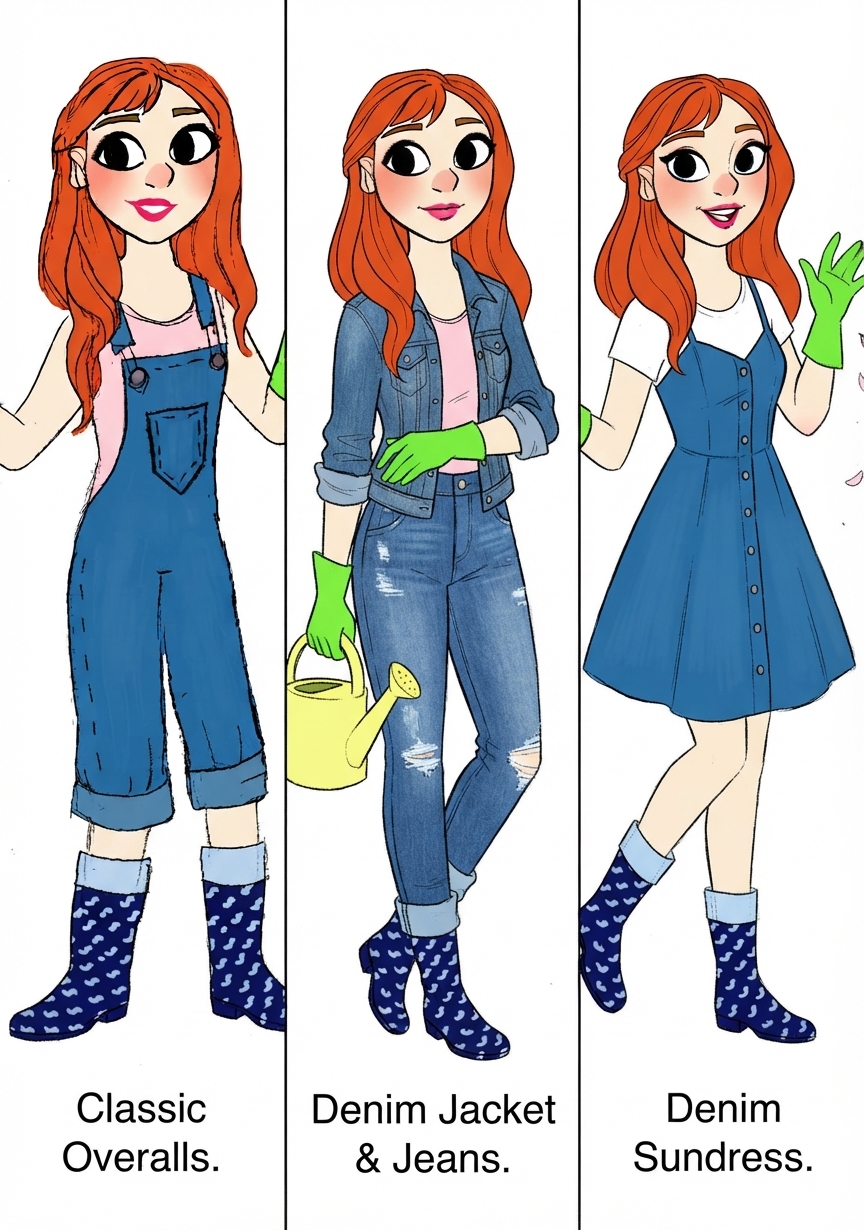
Explore uma biblioteca selecionada de comandos de IA com poderosos comandos Nano Banana e modelos criativos. Encontre inspiração, personalize comandos e melhore suas imagens, conteúdo e produtividade gerados por IA.

Create an image using the uploaded image as a reference, without facial alterations, ensuring all facial details are preserved. A striking portrait of a person...

Hyper-realistic black studio scene. A man (face and hairstyle 100% exactly as uploaded photo) wearingthe outfit from image 2, he is sitting on a 3D Spotify Musi...

Urban street style portrait of a young man wearing a vibrant mustard yellow hoodie with the hood up. He is in a low angle shot, looking off to the right. The ba...

A cinematic portrait of a man (use the uploaded picture as reference for the face) sitting confidently on a round black beanbag chair against a dark gradient ba...

Cinematic dusk portrait of a woman, [INSERT YOUR FACE REFERENCE HERE], with long sleek straight jet-black hair with subtle reddish-brown undertones, center-part...

A high-end indoor portrait of a confident man sitting beside a large window, facing directly toward the camera with an intense, thoughtful expression. Dark back...
Prompts bem elaborados são a chave para desbloquear imagens impressionantes geradas por IA. Nossa biblioteca de prompts selecionada economiza horas de experimentação e ajuda você a obter resultados profissionais instantaneamente.
Pule a tentativa e erro. Comece com prompts testados que funcionam e personalize-os para suas necessidades.
Prompts criados por especialistas produzem saídas de imagem de IA de maior qualidade e mais consistentes.
Estude prompts profissionais para entender as técnicas de engenharia de prompts e melhorar suas habilidades.
Descubra novos estilos, técnicas e possibilidades criativas com nossa diversificada coleção de prompts.
Exemplos reais criados com comandos de texto simples.
Comando: remova a pessoa atrás do assunto principal.
Comando: mude o fundo para uma praia tropical ao pôr do sol.
Comando: converta esta imagem para o estilo de ilustração anime.
Comando: melhore a iluminação e crie um visual de retrato profissional.
Explore capacidades de edição — cada ferramenta tem página dedicada com exemplos e prompts.
Remova pessoas, logos, fios ou bagunça com prompts de texto. A IA analisa o contexto e preenche naturalmente. Ideal para viagens, imóveis e fotos de produtos.
Experimentar removedor de objetos IACrie recortes limpos e fundos transparentes para Amazon, Shopify e lojas sociais. A IA detecta bordas em cabelo, pelo e vidro com alta precisão.
Experimentar removedor de fundo IAEstenda bordas, preencha regiões faltantes ou amplie composições para Instagram, anúncios e banners.
Experimentar extensor de imagens IATransforme fotos de baixa resolução em assets 4K nítidos para impressão, anúncios e telas grandes.
Experimentar upscaler de fotos IAConverta retratos e cenas em anime, óleo, aquarela, esboço ou look cinematográfico.
Experimentar transferência de estilo IAMantenha o mesmo rosto, roupa e estilo artístico em novas poses ou cenas. Envie foto de referência e descreva a nova cena.
Experimentar editor de consistência de personagensImagens enviadas são processadas com segurança e removidas do servidor após curto período. Sem galeria pública sem consentimento.
Testes gratuitos podem ter limites; pacotes pagos oferecem downloads limpos sem marca d'água.
Use imagens editadas para marketing, e-commerce e projetos de clientes ao comprar créditos.
Edite fotos no Chrome, Safari ou Firefox em desktop, tablet ou celular. Sem instalar app.
Explore mais: Biblioteca de prompts Nano Banana · Criador de quadrinhos IA
Exporte fotos editadas em 1K, 2K ou 4K conforme modelo e plano de créditos. Edição única para mudanças rápidas; Multi Fusão combina várias imagens de referência. Editor de fotos IA gratuito no navegador.
Descreva o que deseja alterar e a IA edita a imagem automaticamente.
Gere imagens editadas em segundos usando modelos de IA otimizados.
Gere imagens quadradas, verticais ou horizontais.
Escolha entre geração rápida ou qualidade máxima.
Envie uma foto do seu dispositivo.
Explique o que você quer mudar.
A IA edita a imagem instantaneamente.
Descubra como a edição de imagens com IA pode ser usada para fotografia, e-commerce, design e criação de conteúdo.
Edição profissional de fotos sem habilidades de Photoshop. Remova objetos, aprimore retratos e crie visuais impressionantes em segundos usando ferramentas alimentadas por IA.
Crie imagens de produtos profissionais para sua loja online. Altere fundos, remova distrações e gere fotos de produtos de alta conversão.
Acelere seu fluxo de trabalho com assistência de IA. Gere múltiplas variações, experimente estilos e entregue projetos mais rapidamente aos clientes.
Crie visuais atraentes para mídias sociais, blogs e campanhas de marketing. Sem experiência em design - apenas descreva o que você quer.
| Recurso | Editor de Imagens com IA | Editor Tradicional |
|---|---|---|
| Facilidade de Uso | Comandos de texto | Ferramentas manuais |
| Velocidade de Edição | Segundos | Minutos |
| Habilidade Necessária | Sem habilidades de design | Conhecimento profissional |
| Cost Effectiveness | Pay-per-use credits, no subscription | Expensive monthly subscriptions |
| Learning Curve | Instant results from text prompts | Months of training required |
Um editor de imagens com IA permite que os usuários modifiquem e melhorem fotos usando comandos em linguagem natural. Em vez de ajustar manualmente camadas ou ferramentas, você simplesmente descreve a alteração e a IA edita a imagem automaticamente.
Envie sua foto, descreva as alterações desejadas em texto, e o modelo de IA analisa sua solicitação e gera uma nova imagem editada automaticamente em segundos.
O Editor de Imagens com IA suporta os formatos de imagem JPEG, PNG e WEBP. Cada imagem pode ter até 10 MB.
A maioria das edições é concluída em 30 a 60 segundos, dependendo da complexidade do comando e do modelo selecionado.
Sim. Você pode remover objetos, pessoas ou texto indesejados de suas imagens descrevendo o que deve ser removido em seu comando.
Sim. Você pode substituir o fundo por uma cena completamente nova, como uma praia, horizonte de cidade, paisagem natural ou fundo de estúdio.
Nenhuma experiência em design é necessária. O editor de IA funciona com comandos de texto simples, tornando fácil para qualquer pessoa editar imagens rapidamente.
Sim. As imagens enviadas são processadas com segurança e são automaticamente removidas do sistema após um curto período.
Sim. As imagens geradas ou editadas usando o Editor de Imagens com IA podem ser usadas em projetos comerciais, como materiais de marketing ou imagens de produtos.
Comandos claros e descritivos produzem os melhores resultados. Por exemplo: "remova a pessoa ao fundo", "mude o fundo para uma praia ao pôr do sol" ou "converta esta imagem para o estilo anime".
Sim! Você pode experimentar nosso editor de imagens com IA gratuitamente e ver a qualidade dos resultados antes de comprar créditos. Sem assinatura necessária - pague apenas pelo que você usa.
O ImageFk oferece os mais recentes modelos de IA, incluindo Nano Banana e GPT-Image, proporcionando qualidade e precisão superiores. Nosso sistema de pagamento por crédito significa que você não desperdiça dinheiro em assinaturas não utilizadas, e nossa interface intuitiva torna a edição profissional acessível a todos.
Atualmente, processamos uma imagem de cada vez para garantir a máxima qualidade. No entanto, nosso processamento rápido significa que você pode editar várias imagens em rápida sucessão. Recursos de edição em lote estão chegando em breve!
Select Nano Banana, GPT-Image, SeeDream, and other models from the generator dropdown. Fast models suit quick drafts; Pro and Max models deliver higher resolution output.
Multi Fusion lets you upload multiple reference images so the AI combines elements — useful for character consistency, product mockups, and complex creative edits.
Photoshop offers manual precision for professionals. ImageFK focuses on speed: describe edits in text and get results in seconds without learning layers and masks.
Envie uma foto e transforme-a instantaneamente com nosso editor de imagens com IA.
Experimente o Editor de Imagens com IAFaça login com o Google para acessar ferramentas de edição avançadas, salvar suas criações e desfrutar de melhorias de imagem ilimitadas.
 Continuar com Google
 Remove the watermark, download HD images, and keep creating.
Política de créditos:
Checkout Creem seguro · Pagamento com cartão · Créditos após confirmação